Flux 2 Klein Image Editor
Fast lightweight Flux 2 (4B). Accepts reference images.


Edit: "replace the background with a vibrant sunset beach with palm trees and golden hour lighting"
About Flux 2 Klein
Flux 2 Klein is the small (4-billion parameter) tier of BFL's next-generation Flux 2 family. "Klein" means "small" in German — and that's exactly the trade-off: much lower compute cost than higher-tier Flux models with around 80% of the output quality on most edits. Where Klein really shines is when you need to run dozens of variations cheaply and don't need top-tier fidelity.
Heads up
Don't expect Klein to handle complex multi-clause prompts. If you need precision, jump to Pro or Max.
Best use cases for Flux 2 Klein
Where this model produces meaningfully better output than alternatives.
Batch processing and variants
Generating 20 versions of the same edit at low per-call cost. Total spend stays reasonable.
Quick design iteration
Mood-boarding stage where speed and volume matter more than pixel-perfect output.
Reference-guided composition
Klein accepts multiple reference images and composes them — useful for moodboard-style workflows.
Cost-sensitive applications
Embedding edits in a SaaS where margins matter. Klein's low cost preserves your unit economics.
Pre-vis and concepting
Concept art for film/games where quantity of ideas matters more than each one being a final asset.
Tips for great results with Flux 2 Klein
Practical tricks based on how this specific model was trained.
1. Lean on reference images
Why: Klein's multi-image input is a feature you don't pay extra for. Use it instead of trying to describe style in words.
2. Generate first, refine with Pro/Max
Why: Cost-effective pipeline: explore wide with Klein, polish narrow with a premium model.
3. Keep prompts simple
Why: Smaller model = better with concise prompts. Save the verbose ones for Pro tier.
Interior editing example
Same model, different task — adding a new element to an existing scene.
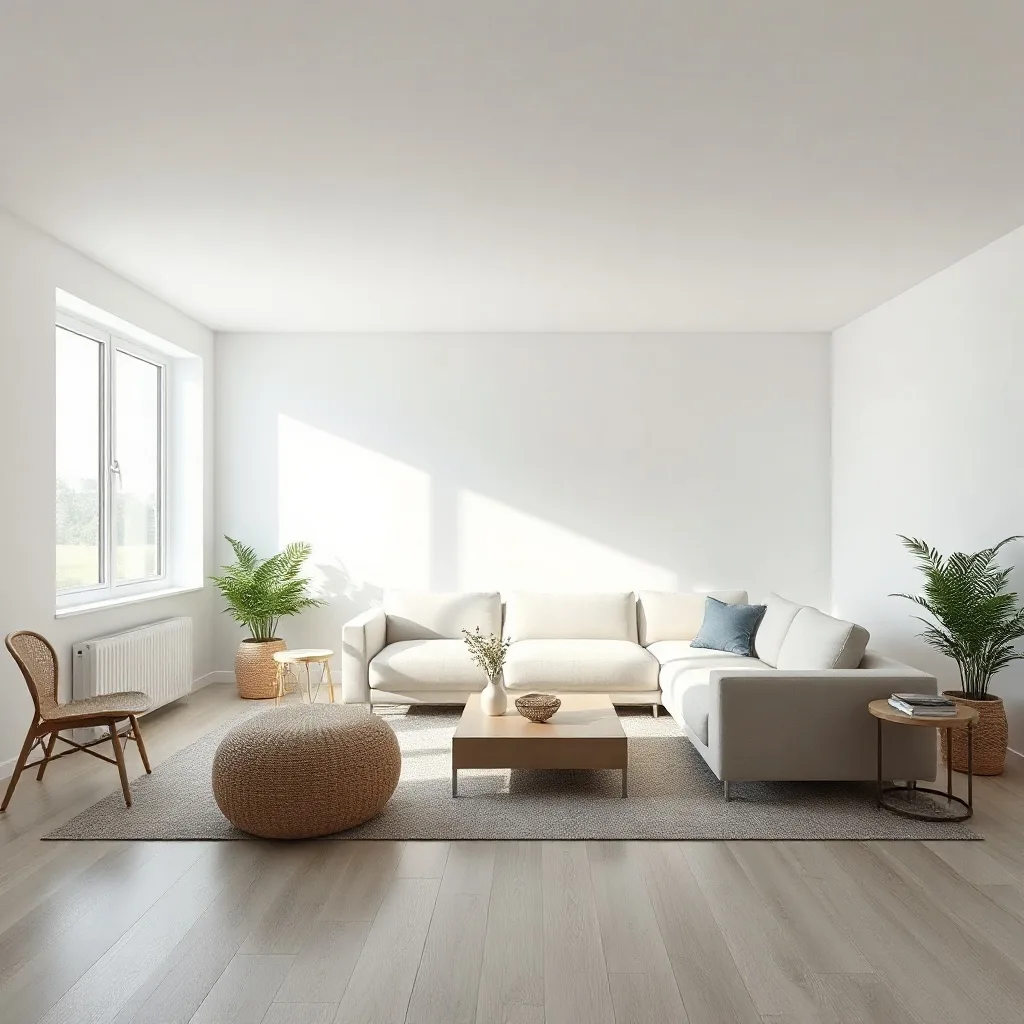

Edit: "add a tall floor-to-ceiling stone fireplace with a roaring warm fire to the wall behind the sofa"
How Flux 2 Klein compares
Quick comparison against the closest alternatives.
| Model | Maker | Tier | Best for |
|---|---|---|---|
| Flux 2 Klein | Black Forest Labs | Standard | Batch processing and variants |
| Flux Kontext Pro | Black Forest Labs | Recommended | Portrait edits without losing identity |
| Qwen Image Edit | Alibaba | Standard | Editing or adding text in images |
| SeedEdit | ByteDance | Standard | Surgical local edits |
Try Flux 2 Klein on your own image
Upload any photo, describe what to change, and Flux 2 Klein handles the rest.
Open editor →FAQ
What is Flux 2 Klein and who made it?
Flux 2 Klein was built by Black Forest Labs, released in 2025 (4B parameters). Flux 2 Klein is the small (4-billion parameter) tier of BFL's next-generation Flux 2 family. "Klein" means "small" in German — and that's exactly the trade-off: much lower compute cost than higher-tier Flux models with around 80% of the output quality on most edits. Where Klein really shines is when you need to run dozens of variations cheaply and don't need top-tier fidelity.
How does pricing work on renza?
Pay-as-you-go credits — no subscription, no monthly minimums. Credits never expire. New accounts get free credits to try things out. Each model has its own credit cost based on what it costs us to run; check the editor for current pricing on this model.
What kind of edits does Flux 2 Klein handle well?
Generating 20 versions of the same edit at low per-call cost. Total spend stays reasonable. Mood-boarding stage where speed and volume matter more than pixel-perfect output. Klein accepts multiple reference images and composes them — useful for moodboard-style workflows. Limitation: Don't expect Klein to handle complex multi-clause prompts. If you need precision, jump to Pro or Max.
How does Flux 2 Klein compare to other editors?
Flux 2 Klein is most often compared to Flux Kontext Pro, Qwen Image Edit, SeedEdit. The right pick depends on your specific use case — see "Best use cases" above for guidance, or open the editor and try them side by side on your own image.
Can I use the output commercially?
Yes. Generations made on renza are yours to use commercially. Standard FAL terms apply to the underlying models — none of the editors in this list restrict commercial use.
Is there a free trial?
Yes — new accounts get free credits at signup, enough to try a few different models. No credit card required.