Flux 2 Pro Image Editor
BFL's next-gen Pro model. Photorealism, up to 9 reference images.
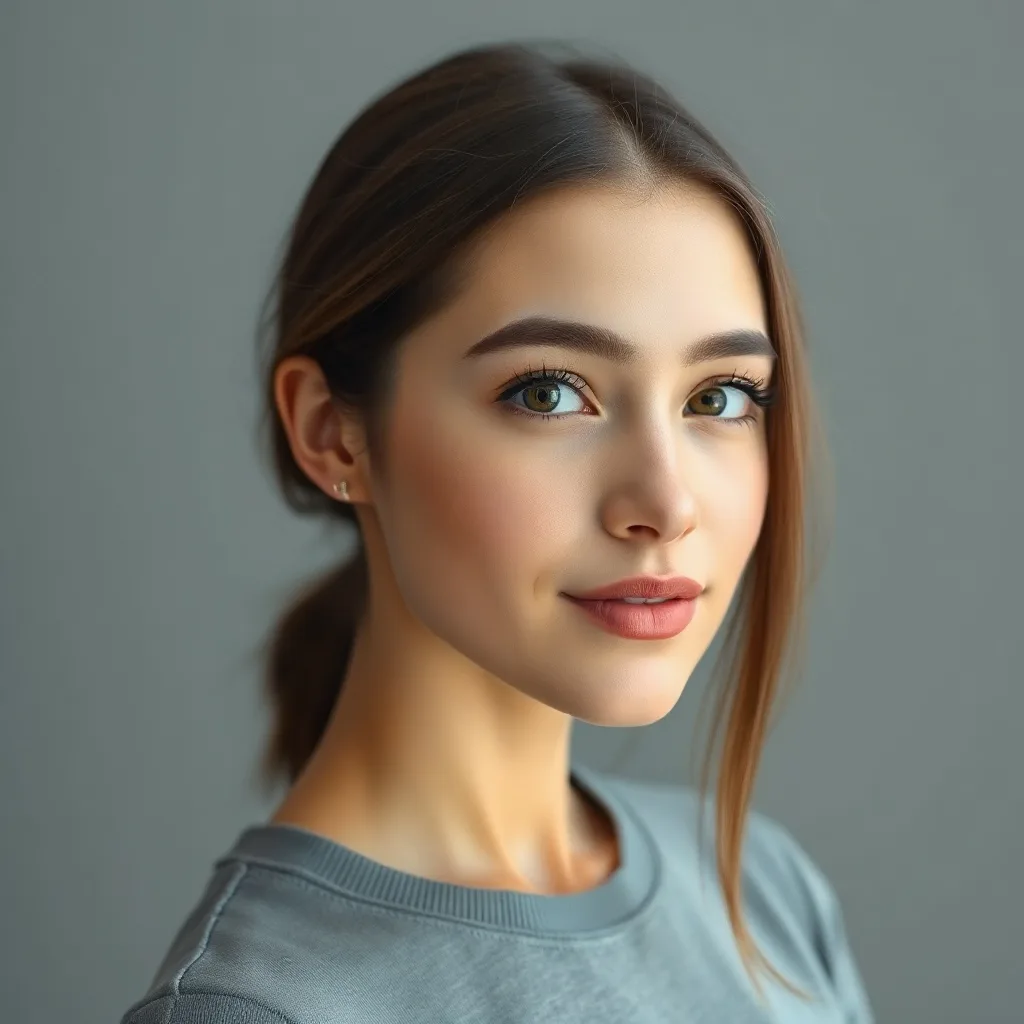

Edit: "replace the background with a vibrant sunset beach with palm trees and golden hour lighting"
About Flux 2 Pro
Flux 2 Pro is BFL's standard-tier next-gen model. It's not just an incremental upgrade over Flux 1 / Kontext — the architecture supports up to 9 simultaneous reference images at once, plus stronger photorealism and better consistency on hard subjects (hands, faces in profile, complex reflections). For projects where you have a clear visual reference library, Flux 2 Pro lets you compose them directly into the output.
Heads up
If you only have one input image, the reference-image advantage disappears. Flux Kontext Pro is cheaper for single-image edits.
Best use cases for Flux 2 Pro
Where this model produces meaningfully better output than alternatives.
Multi-reference composition
Pass your subject + 3-8 style/element references → Flux 2 weaves them into a coherent output.
Brand-consistent generation at scale
Keep a "reference set" of brand assets and pass them with every edit for visual consistency.
Photorealistic portraits with edits
Skin texture, hand anatomy, and complex shadows are noticeably better than Flux 1.
Product compositing
Place a product into 5 different scenes by passing scene references + the product.
Character sheets and design
Same character in multiple poses/outfits by passing pose references.
Tips for great results with Flux 2 Pro
Practical tricks based on how this specific model was trained.
1. Reference index your descriptions
Why: Flux 2 Pro can parse "reference N" syntax. Way more precise than trying to describe the look in words.
2. Pass 3-5 refs, not 9
Why: Too many refs dilute attention. Be selective — each ref should contribute a distinct element.
3. Use it for series, not one-offs
Why: The reference-image system pays off when you reuse the same refs across many edits.
Interior editing example
Same model, different task — adding a new element to an existing scene.
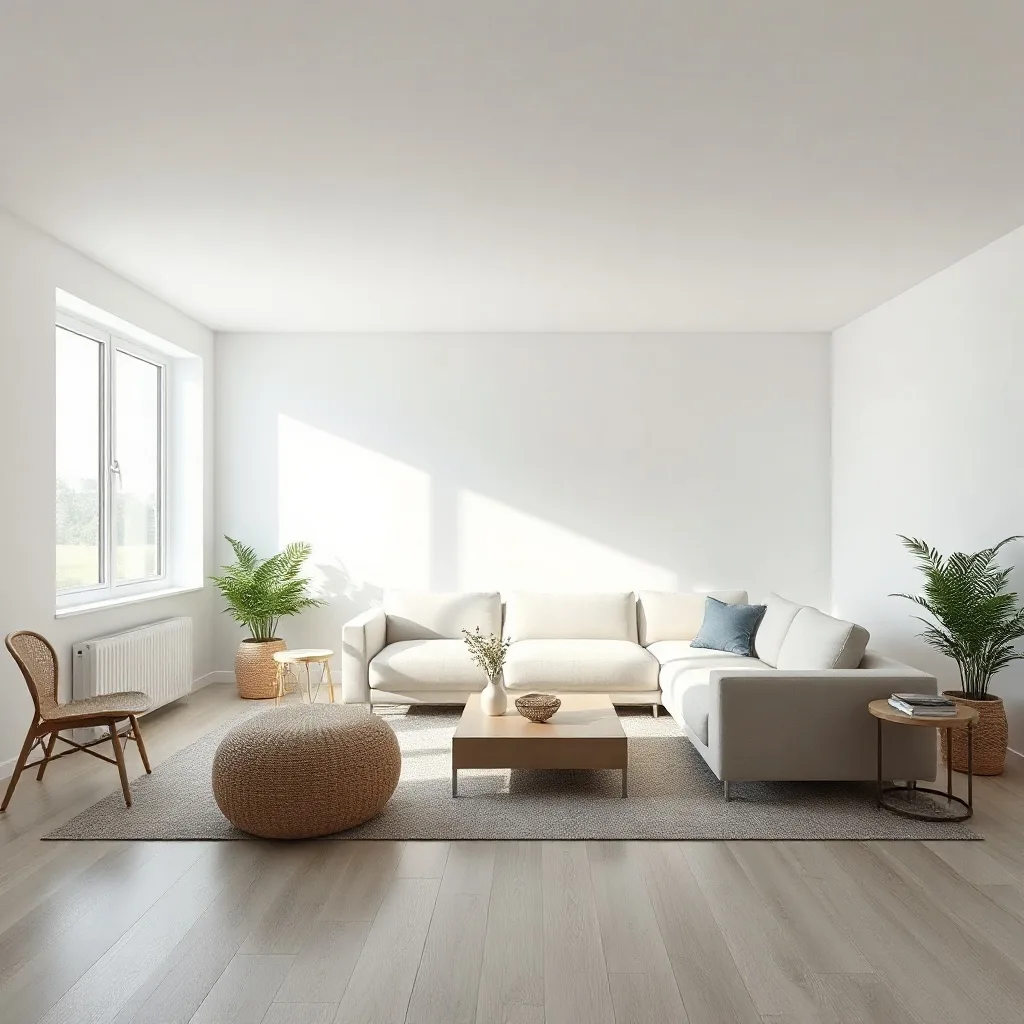

Edit: "add a tall floor-to-ceiling stone fireplace with a roaring warm fire to the wall behind the sofa"
How Flux 2 Pro compares
Quick comparison against the closest alternatives.
| Model | Maker | Tier | Best for |
|---|---|---|---|
| Flux 2 Pro | Black Forest Labs | Standard | Multi-reference composition |
| Flux 2 Max | Black Forest Labs | Premium | Editorial and magazine spreads |
| Flux Kontext Pro | Black Forest Labs | Recommended | Portrait edits without losing identity |
| Nano Banana Pro | Premium | Multi-person scenes |
Try Flux 2 Pro on your own image
Upload any photo, describe what to change, and Flux 2 Pro handles the rest.
Open editor →FAQ
What is Flux 2 Pro and who made it?
Flux 2 Pro was built by Black Forest Labs, released in 2025 (12B+ parameters). Flux 2 Pro is BFL's standard-tier next-gen model. It's not just an incremental upgrade over Flux 1 / Kontext — the architecture supports up to 9 simultaneous reference images at once, plus stronger photorealism and better consistency on hard subjects (hands, faces in profile, complex reflections). For projects where you have a clear visual reference library, Flux 2 Pro lets you compose them directly into the output.
How does pricing work on renza?
Pay-as-you-go credits — no subscription, no monthly minimums. Credits never expire. New accounts get free credits to try things out. Each model has its own credit cost based on what it costs us to run; check the editor for current pricing on this model.
What kind of edits does Flux 2 Pro handle well?
Pass your subject + 3-8 style/element references → Flux 2 weaves them into a coherent output. Keep a "reference set" of brand assets and pass them with every edit for visual consistency. Skin texture, hand anatomy, and complex shadows are noticeably better than Flux 1. Limitation: If you only have one input image, the reference-image advantage disappears. Flux Kontext Pro is cheaper for single-image edits.
How does Flux 2 Pro compare to other editors?
Flux 2 Pro is most often compared to Flux 2 Max, Flux Kontext Pro, Nano Banana Pro. The right pick depends on your specific use case — see "Best use cases" above for guidance, or open the editor and try them side by side on your own image.
Can I use the output commercially?
Yes. Generations made on renza are yours to use commercially. Standard FAL terms apply to the underlying models — none of the editors in this list restrict commercial use.
Is there a free trial?
Yes — new accounts get free credits at signup, enough to try a few different models. No credit card required.