ChatGPT Image 1.5 Image Editor
OpenAI's GPT Image 1.5. Improved quality.
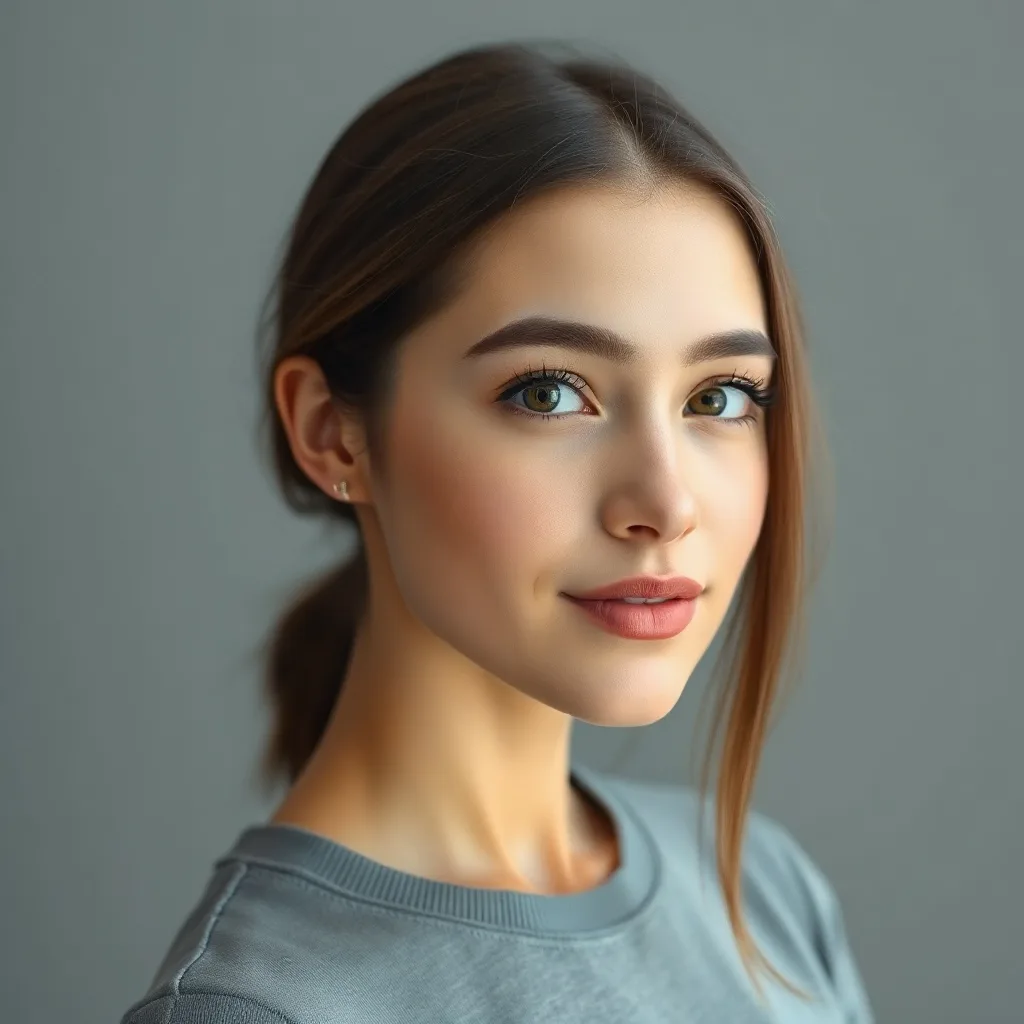
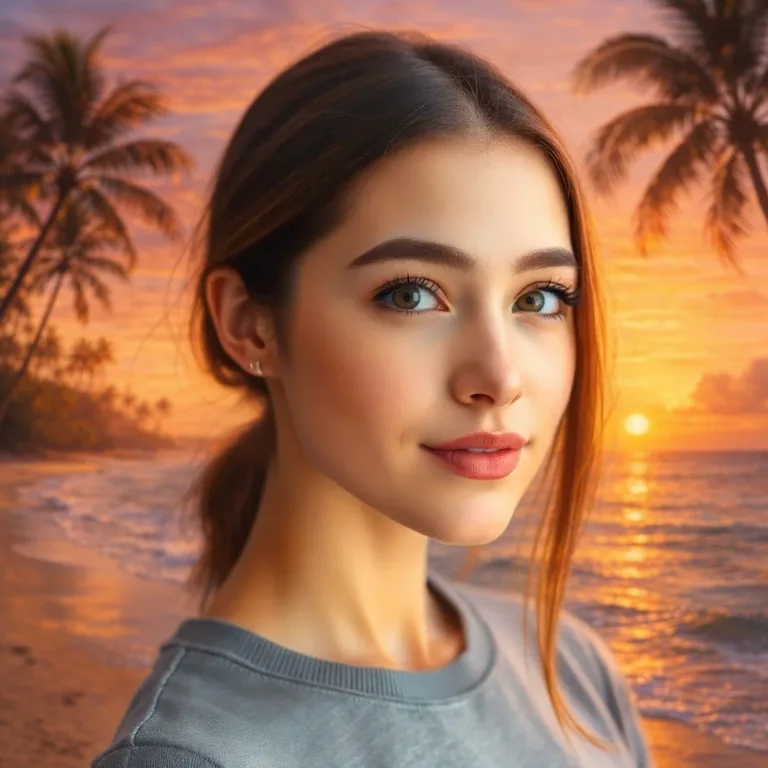
Edit: "replace the background with a vibrant sunset beach with palm trees and golden hour lighting"
About ChatGPT Image 1.5
GPT Image 1.5 is OpenAI's mid-cycle refresh of GPT Image 1 — same architecture, better training data, and tighter quality control on outputs. The main wins are higher base resolution, better photorealism, and noticeably reduced visual artifacts (over-smoothing, plasticky skin). Pricing is slightly higher than v1 but the quality jump justifies it for most use cases.
Heads up
Still slower than Flux-family models. If turnaround time is critical, GPT isn't the right family.
Best use cases for ChatGPT Image 1.5
Where this model produces meaningfully better output than alternatives.
Photorealistic outputs at higher resolution
Where v1 felt 720p, 1.5 feels 1080p. Cleaner edges and textures.
Skin and portrait work
V1's over-smoothing was the most common complaint. 1.5 keeps natural skin texture.
Mid-budget production work
When v1 is too rough but v2 is overkill, 1.5 is the goldilocks tier.
Editorial-quality edits
Good enough for blog headers, social posts, lookbooks — not quite ad-campaign tier.
Iterative refinement
Less cumulative degradation across multiple edits than v1.
Tips for great results with ChatGPT Image 1.5
Practical tricks based on how this specific model was trained.
1. Migrate from v1 silently
Why: 1.5 is fully backwards-compatible with v1 prompts. Easy upgrade.
2. Use for portraits where v1 looked plastic
Why: Skin texture preservation is the headline improvement.
3. Resolution-aware prompting
Why: 1.5 supports higher native resolution. Calling it out in the prompt pushes it to fully use that capacity.
Interior editing example
Same model, different task — adding a new element to an existing scene.
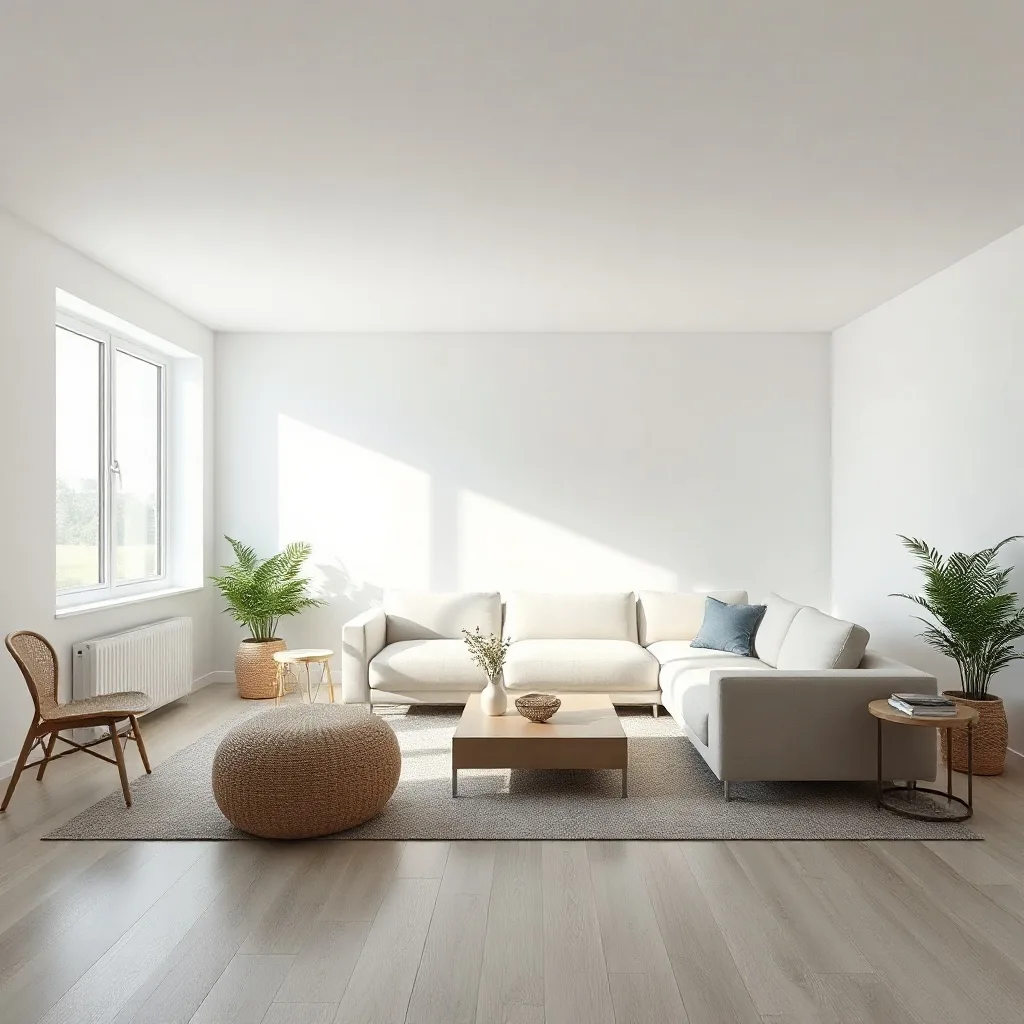
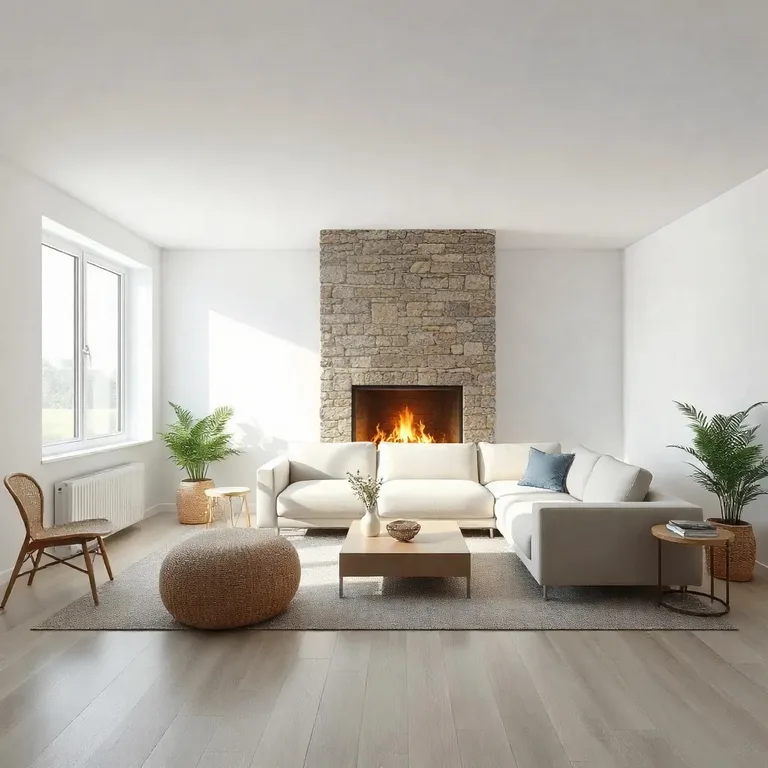
Edit: "add a tall floor-to-ceiling stone fireplace with a roaring warm fire to the wall behind the sofa"
How ChatGPT Image 1.5 compares
Quick comparison against the closest alternatives.
| Model | Maker | Tier | Best for |
|---|---|---|---|
| ChatGPT Image 1.5 | OpenAI | Standard | Photorealistic outputs at higher resolution |
| ChatGPT Image | OpenAI | Standard | Complex multi-part instructions |
| ChatGPT Image 2 | OpenAI | Premium | High-resolution final outputs (up to 4K) |
| Qwen Image Edit | Alibaba | Standard | Editing or adding text in images |
Try ChatGPT Image 1.5 on your own image
Upload any photo, describe what to change, and ChatGPT Image 1.5 handles the rest.
Open editor →FAQ
What is ChatGPT Image 1.5 and who made it?
ChatGPT Image 1.5 was built by OpenAI, released in 2025. GPT Image 1.5 is OpenAI's mid-cycle refresh of GPT Image 1 — same architecture, better training data, and tighter quality control on outputs. The main wins are higher base resolution, better photorealism, and noticeably reduced visual artifacts (over-smoothing, plasticky skin). Pricing is slightly higher than v1 but the quality jump justifies it for most use cases.
How does pricing work on renza?
Pay-as-you-go credits — no subscription, no monthly minimums. Credits never expire. New accounts get free credits to try things out. Each model has its own credit cost based on what it costs us to run; check the editor for current pricing on this model.
What kind of edits does ChatGPT Image 1.5 handle well?
Where v1 felt 720p, 1.5 feels 1080p. Cleaner edges and textures. V1's over-smoothing was the most common complaint. 1.5 keeps natural skin texture. When v1 is too rough but v2 is overkill, 1.5 is the goldilocks tier. Limitation: Still slower than Flux-family models. If turnaround time is critical, GPT isn't the right family.
How does ChatGPT Image 1.5 compare to other editors?
ChatGPT Image 1.5 is most often compared to ChatGPT Image, ChatGPT Image 2, Qwen Image Edit. The right pick depends on your specific use case — see "Best use cases" above for guidance, or open the editor and try them side by side on your own image.
Can I use the output commercially?
Yes. Generations made on renza are yours to use commercially. Standard FAL terms apply to the underlying models — none of the editors in this list restrict commercial use.
Is there a free trial?
Yes — new accounts get free credits at signup, enough to try a few different models. No credit card required.