AI Sticker Generator
Die-cut stickers for WhatsApp, Telegram, iMessage, or print. Thick white border, bold colors, ready to slap anywhere.
A sticker reads as a single bold shape with a thick border, instantly recognizable even at thumbnail size in a chat. Pick one of the 24 styles below, or open the generator with the default and start iterating.
- 3 free credits to start
- No credit card
- Commercial use, you own it
- No watermark
- Results in seconds
Browse sticker styles
Each style applies a different aesthetic. Click one to see examples and open the generator.
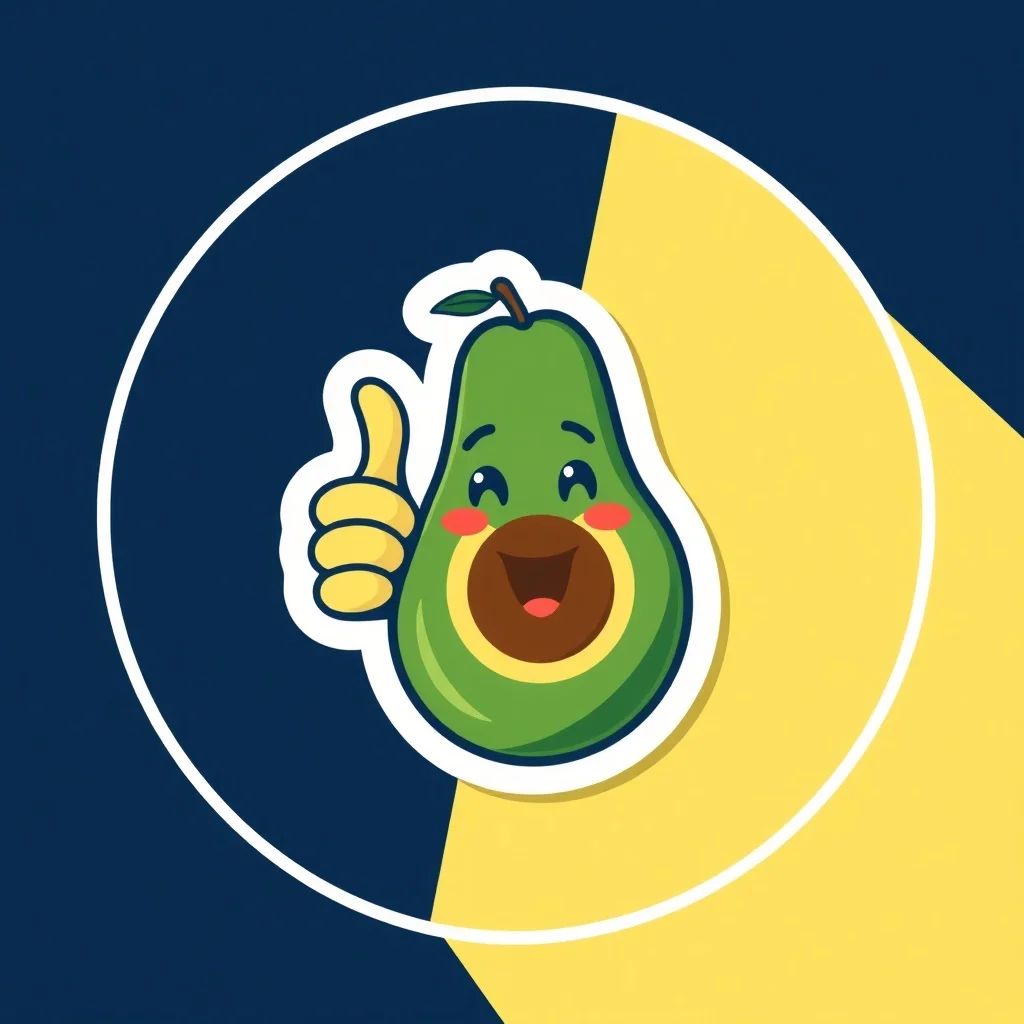
Minimalist Sticker
Bold shapes, restrained palette
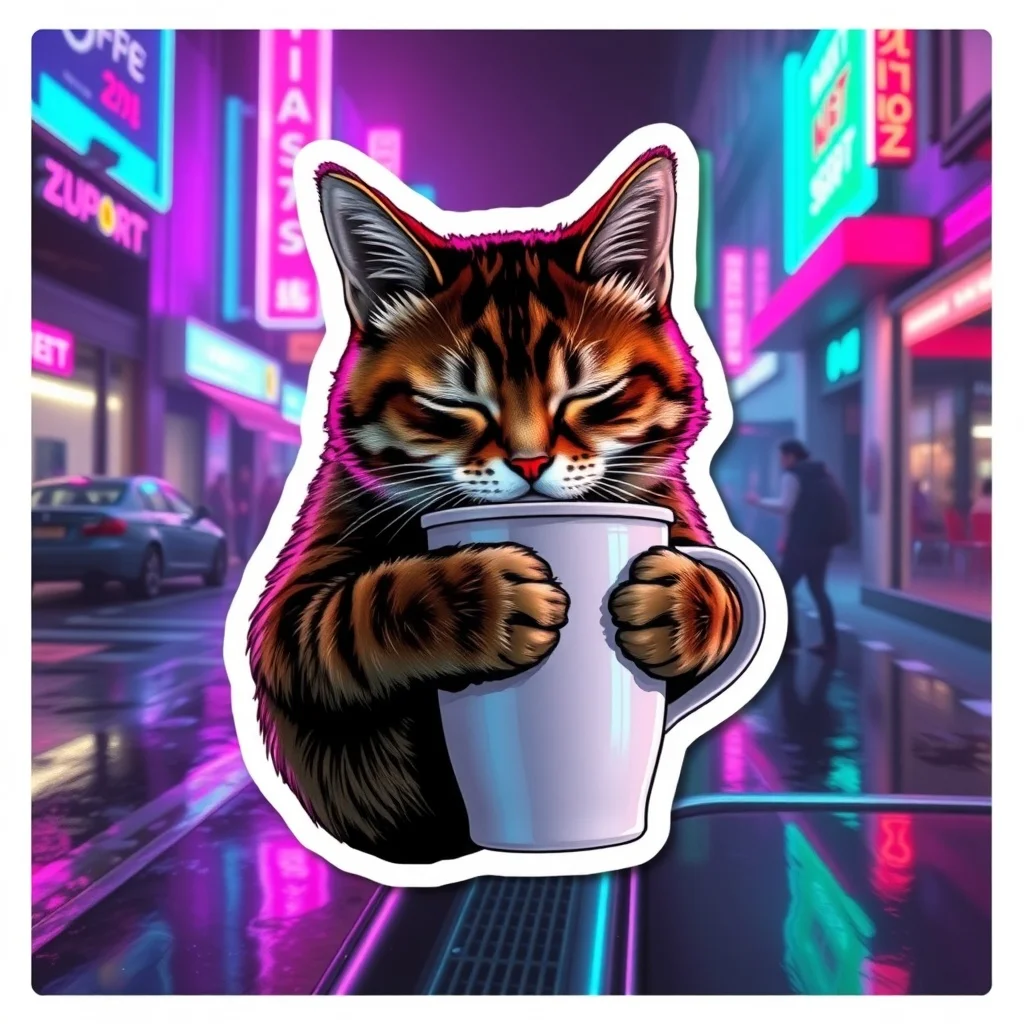
Cyberpunk Sticker
Neon-lit dystopian futures
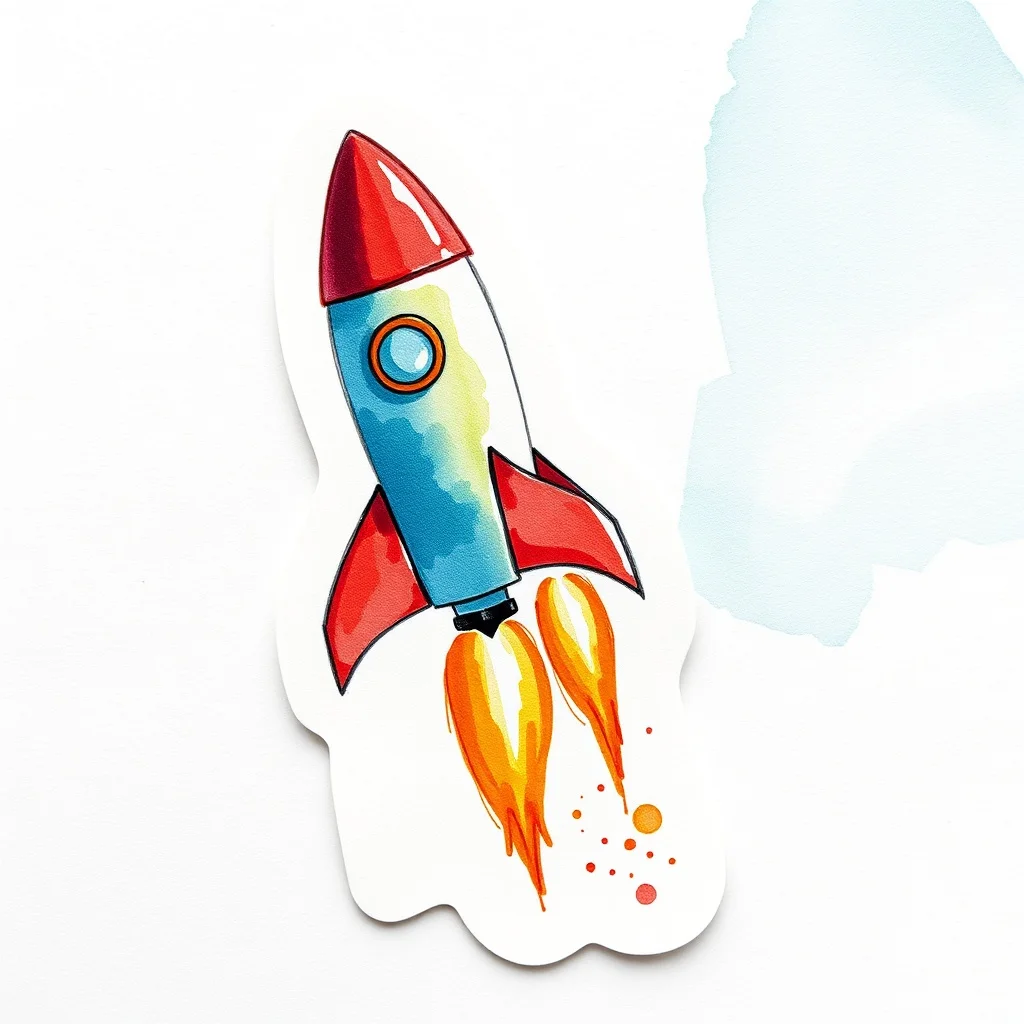
Watercolor Sticker
Soft painterly washes
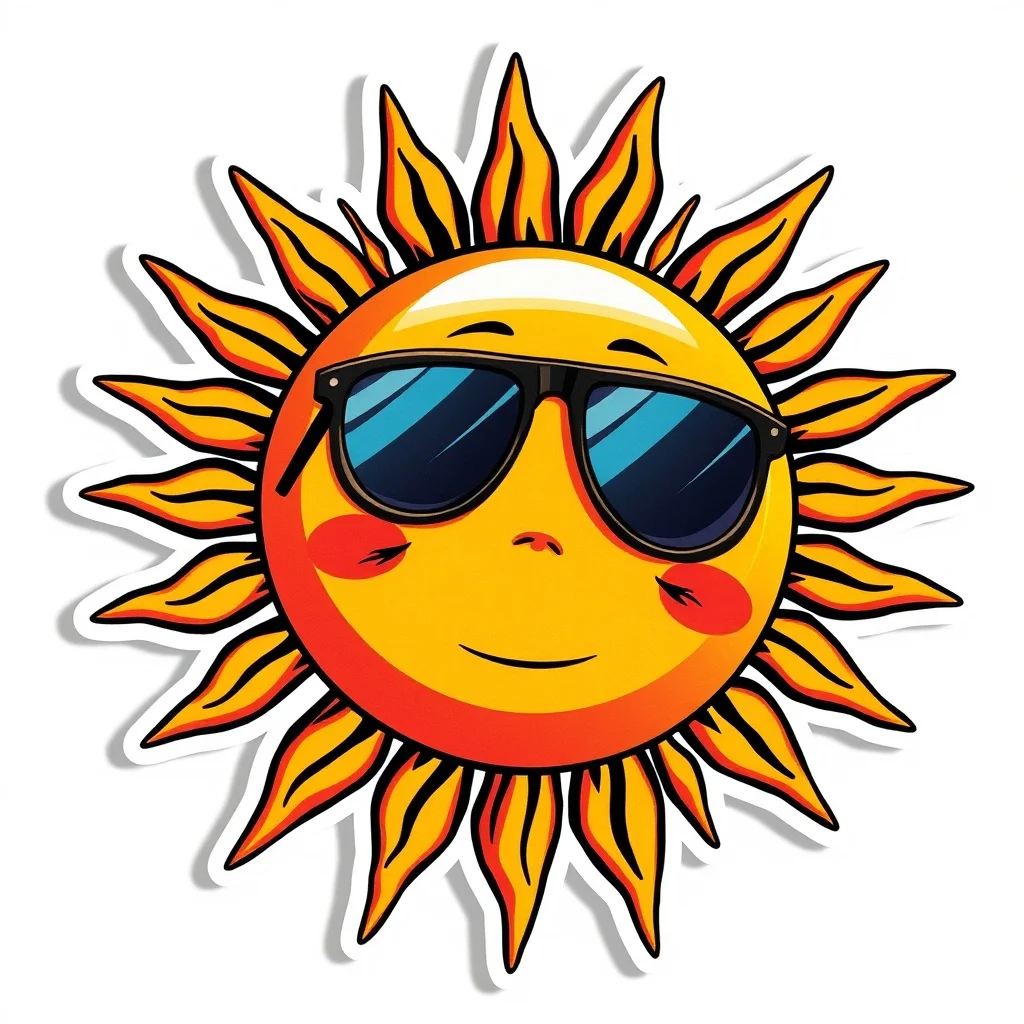
Anime Sticker
Japanese animation style
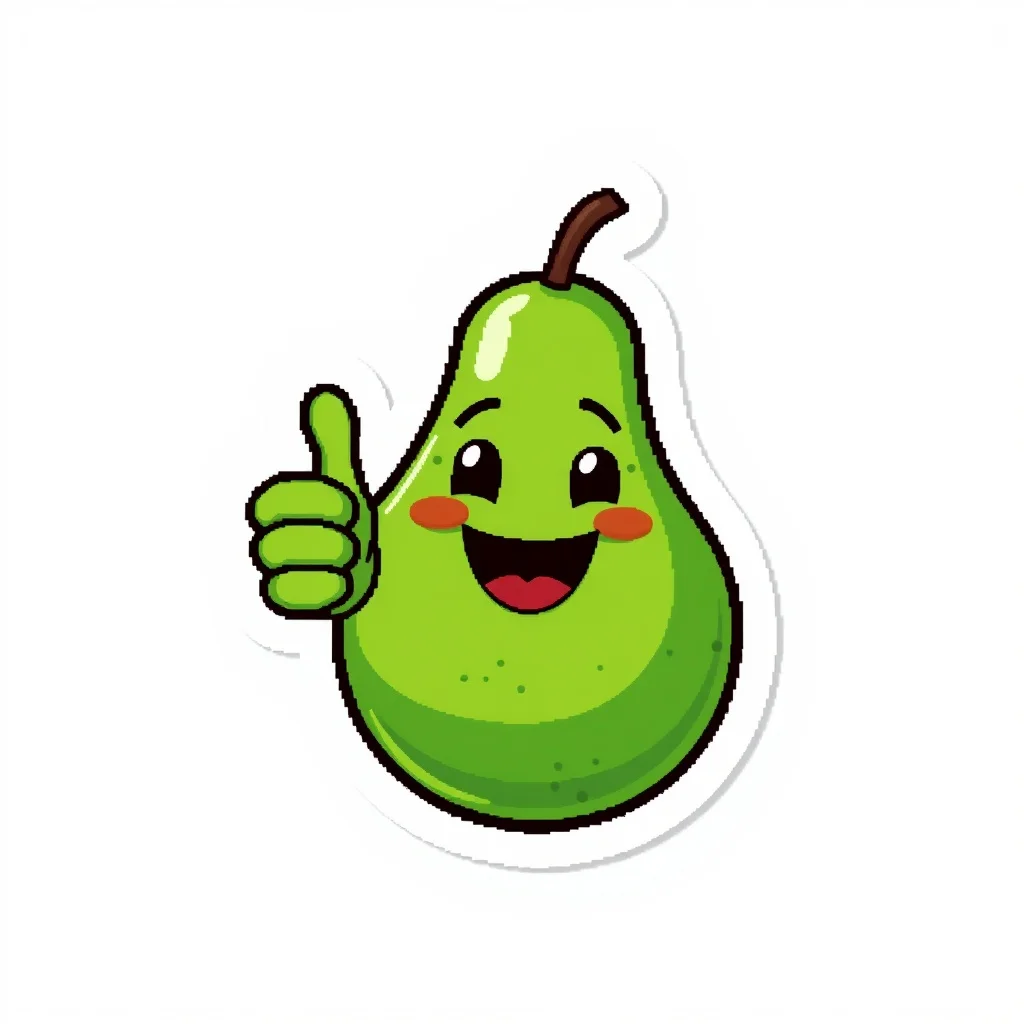
Pixel Art Sticker
Retro 16-bit nostalgia
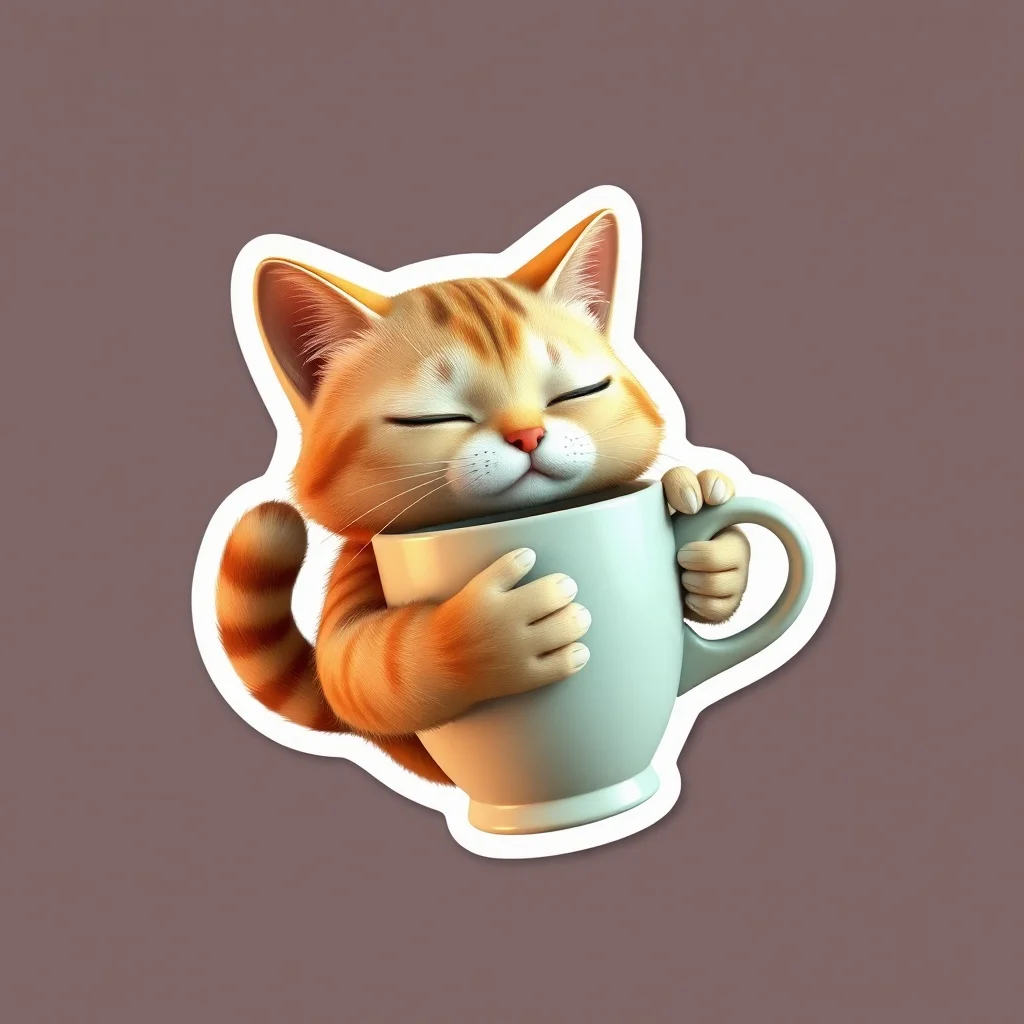
3D Render Sticker
Photoreal 3D quality
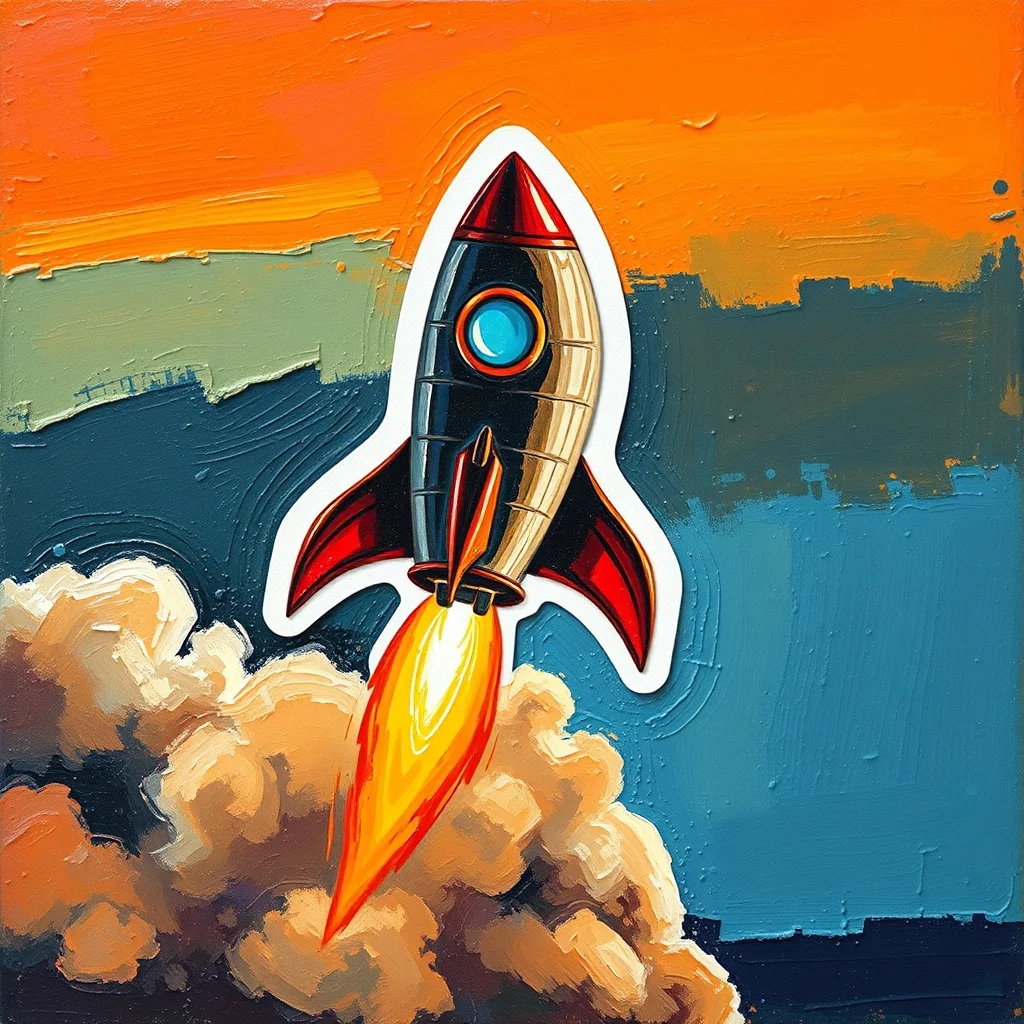
Oil Painting Sticker
Classical fine art
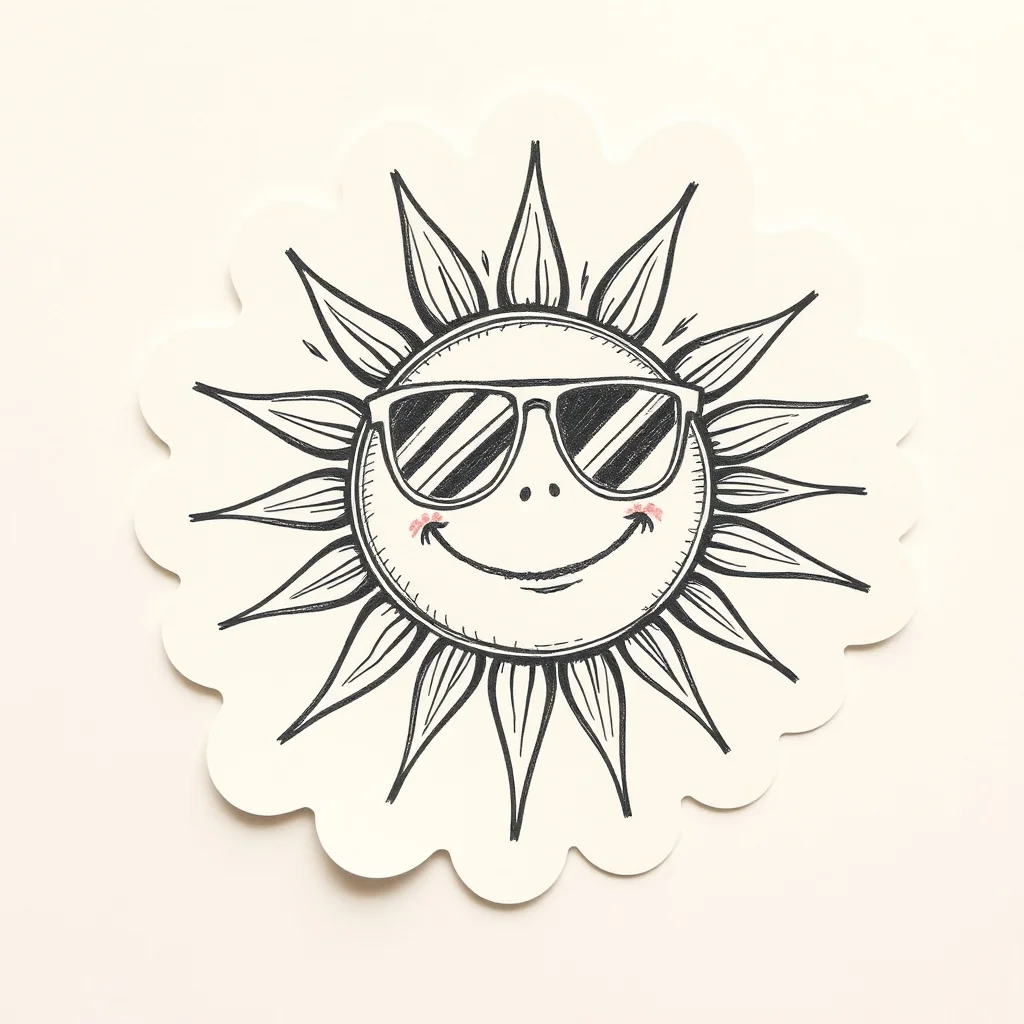
Sketch Sticker
Hand-drawn graphite
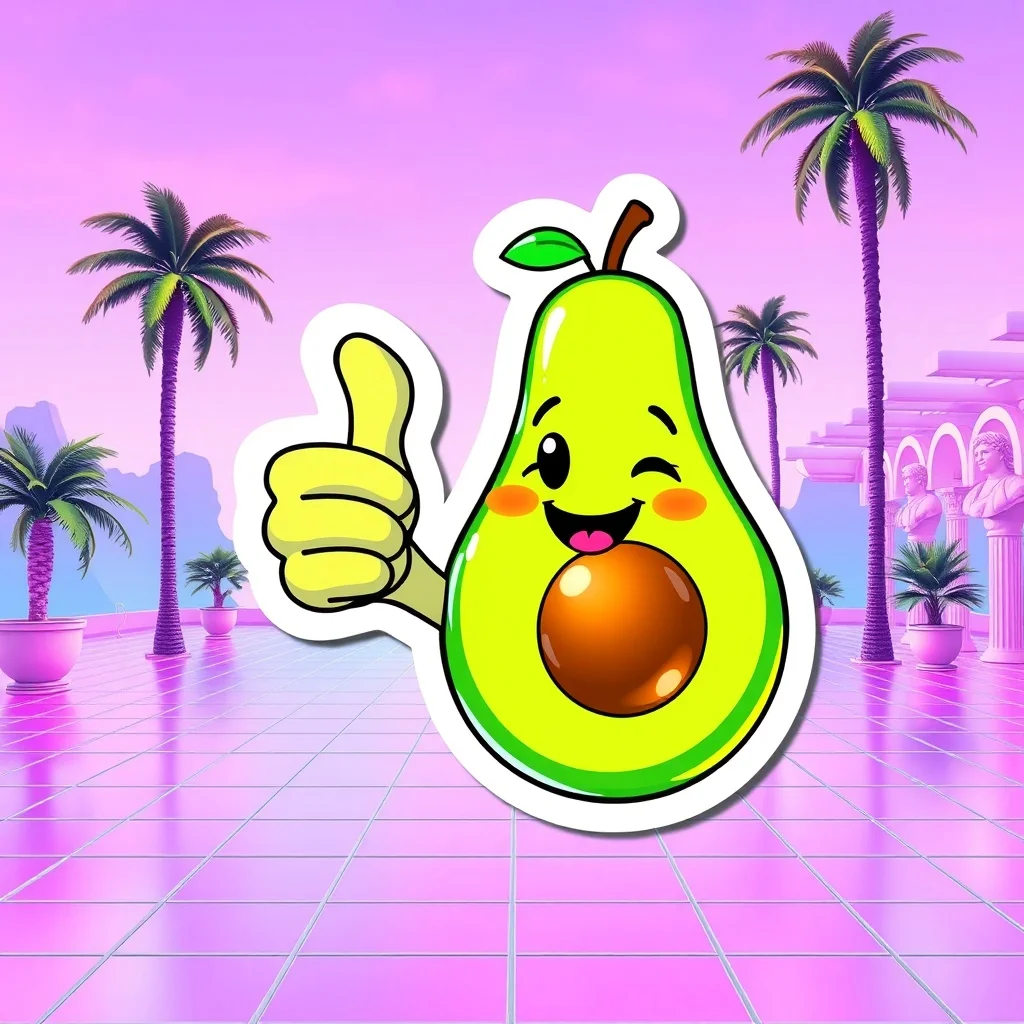
Vaporwave Sticker
80s synthwave throwback
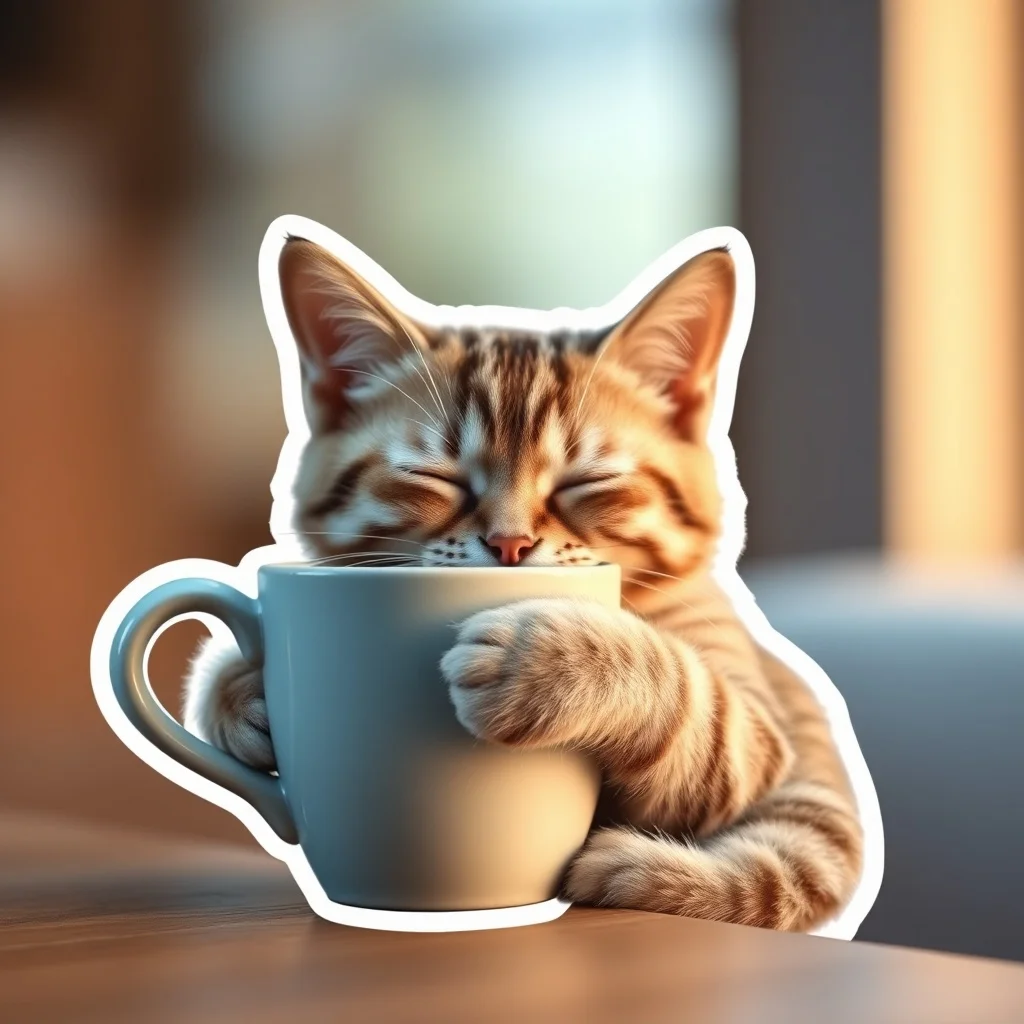
Photorealistic Sticker
Indistinguishable from photo

Cartoon Sticker
Fun and approachable
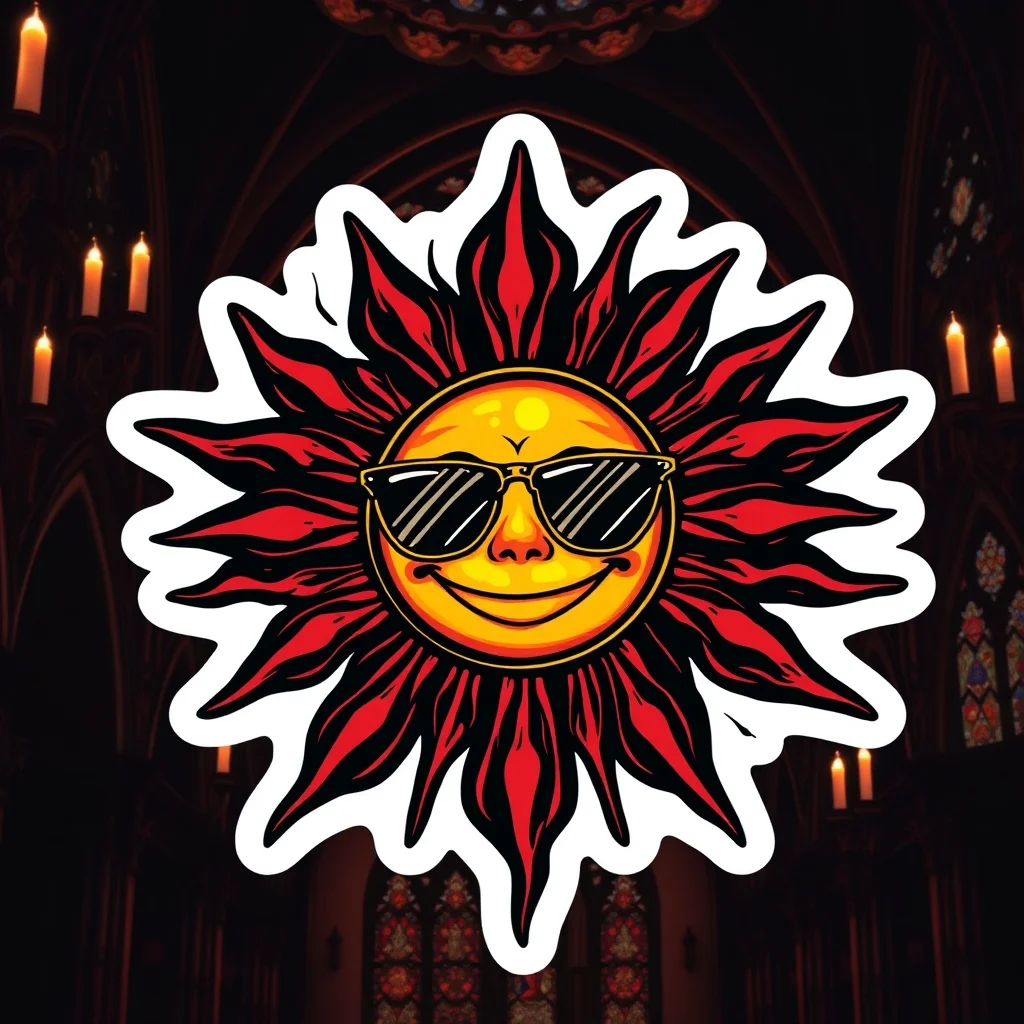
Gothic Sticker
Dark and ornate
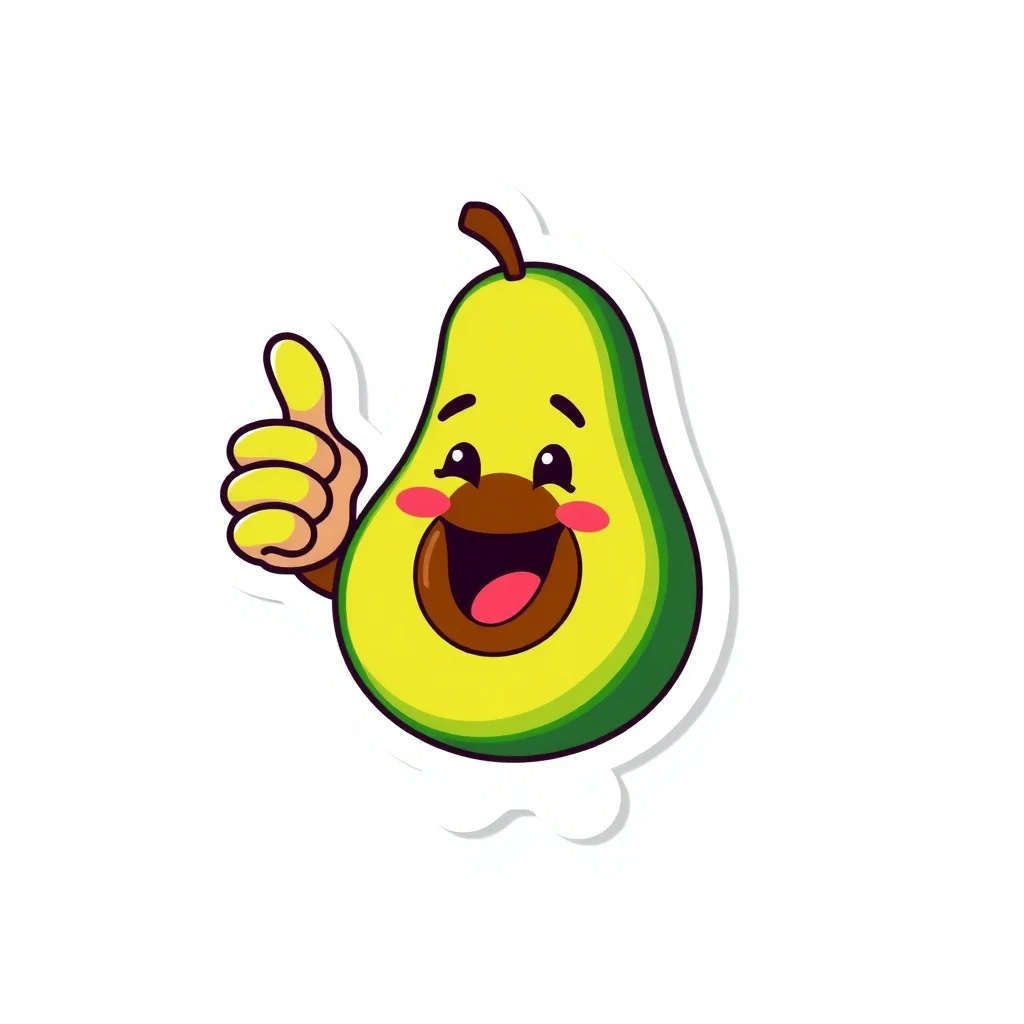
Flat Design Sticker
Modern web vector
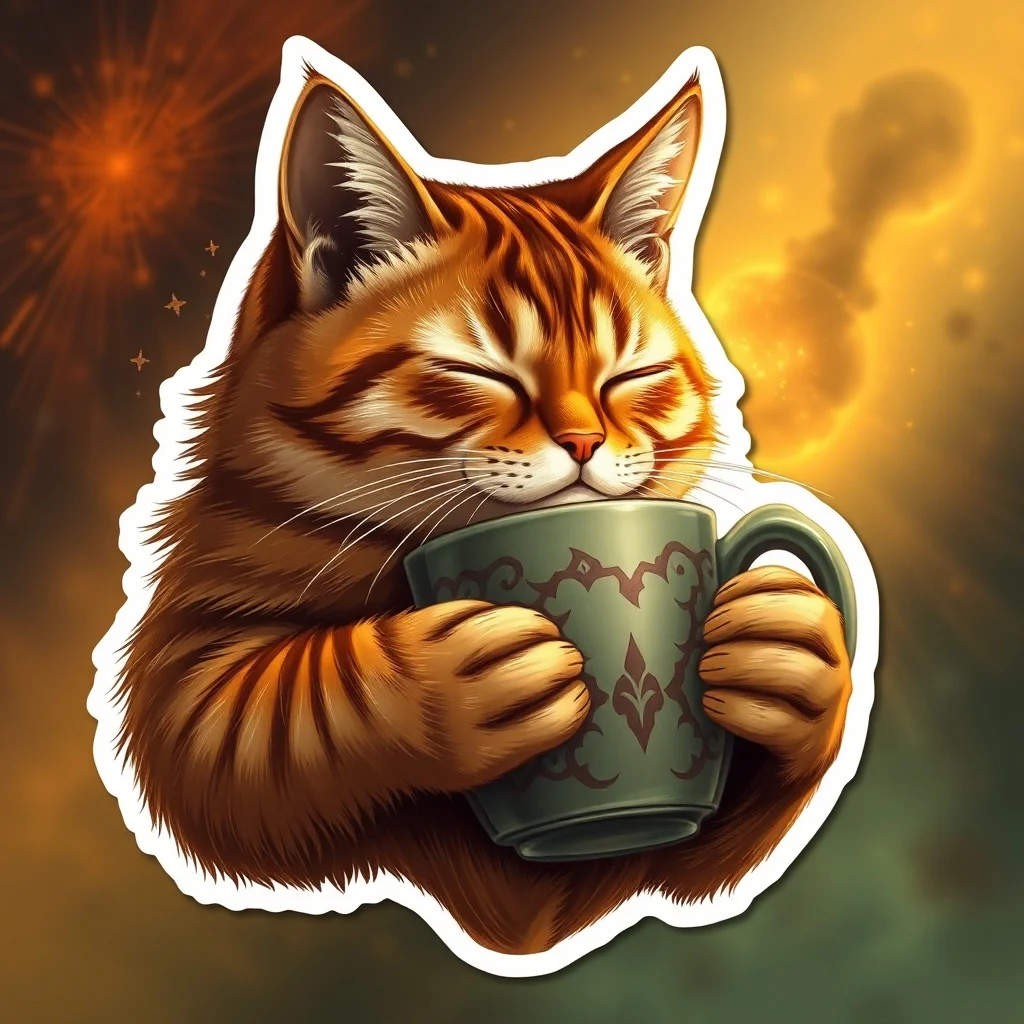
Fantasy Sticker
Epic and magical

Isometric Sticker
Geometric 3/4 view
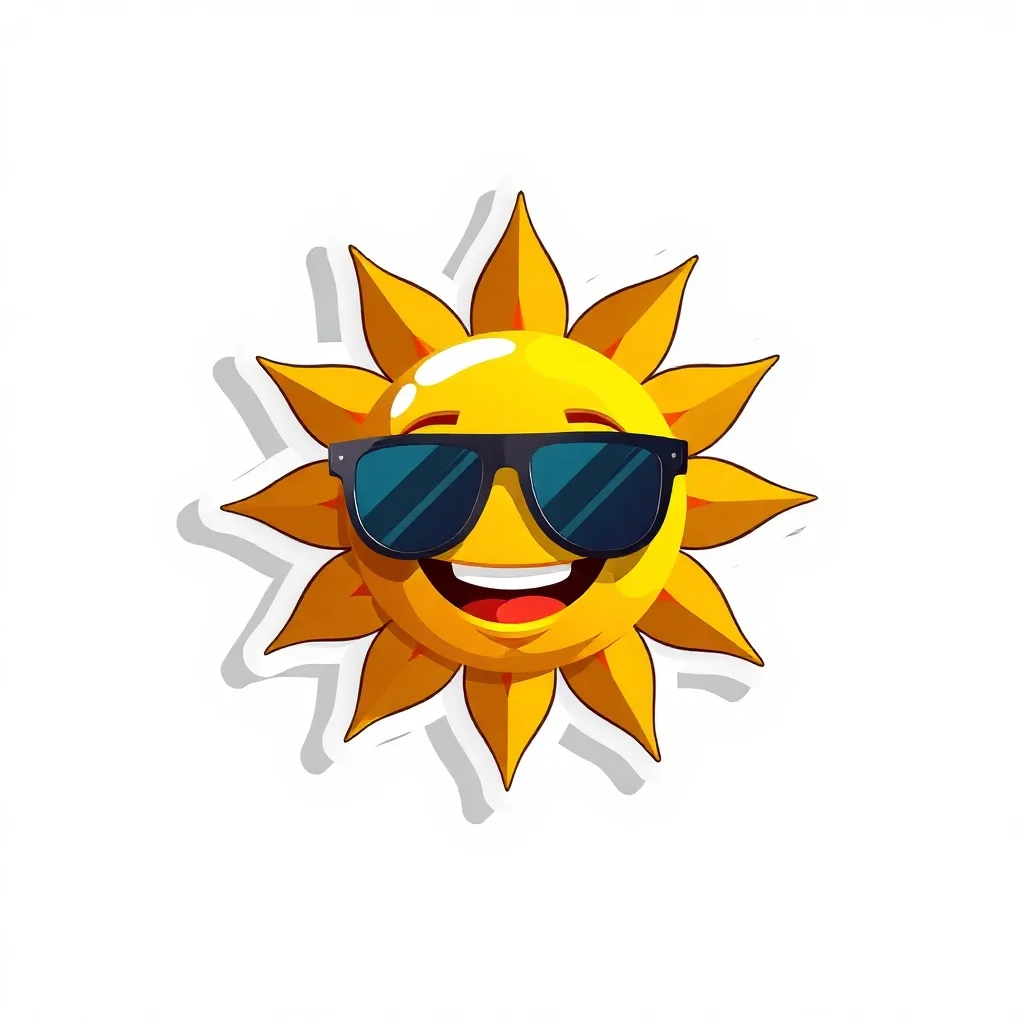
Low Poly Sticker
Geometric polygon art
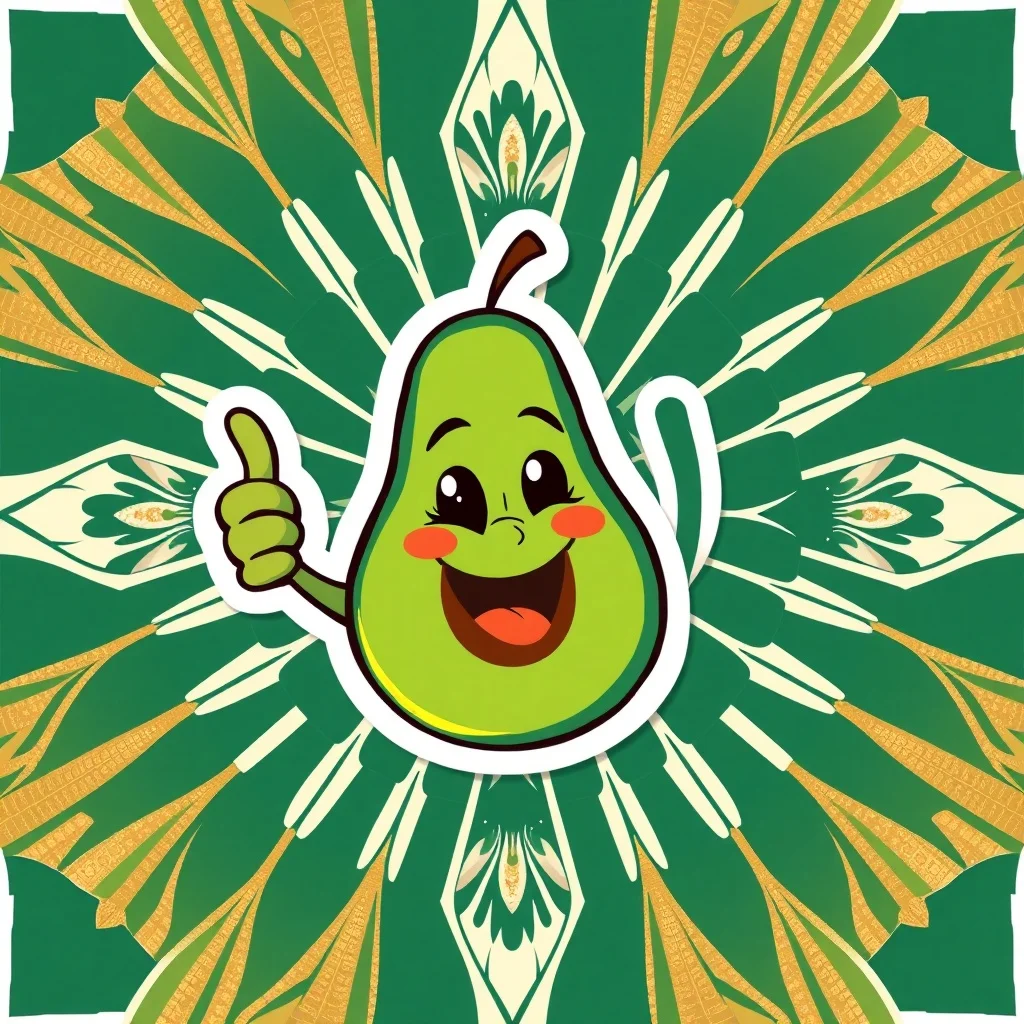
Art Deco Sticker
1920s elegance
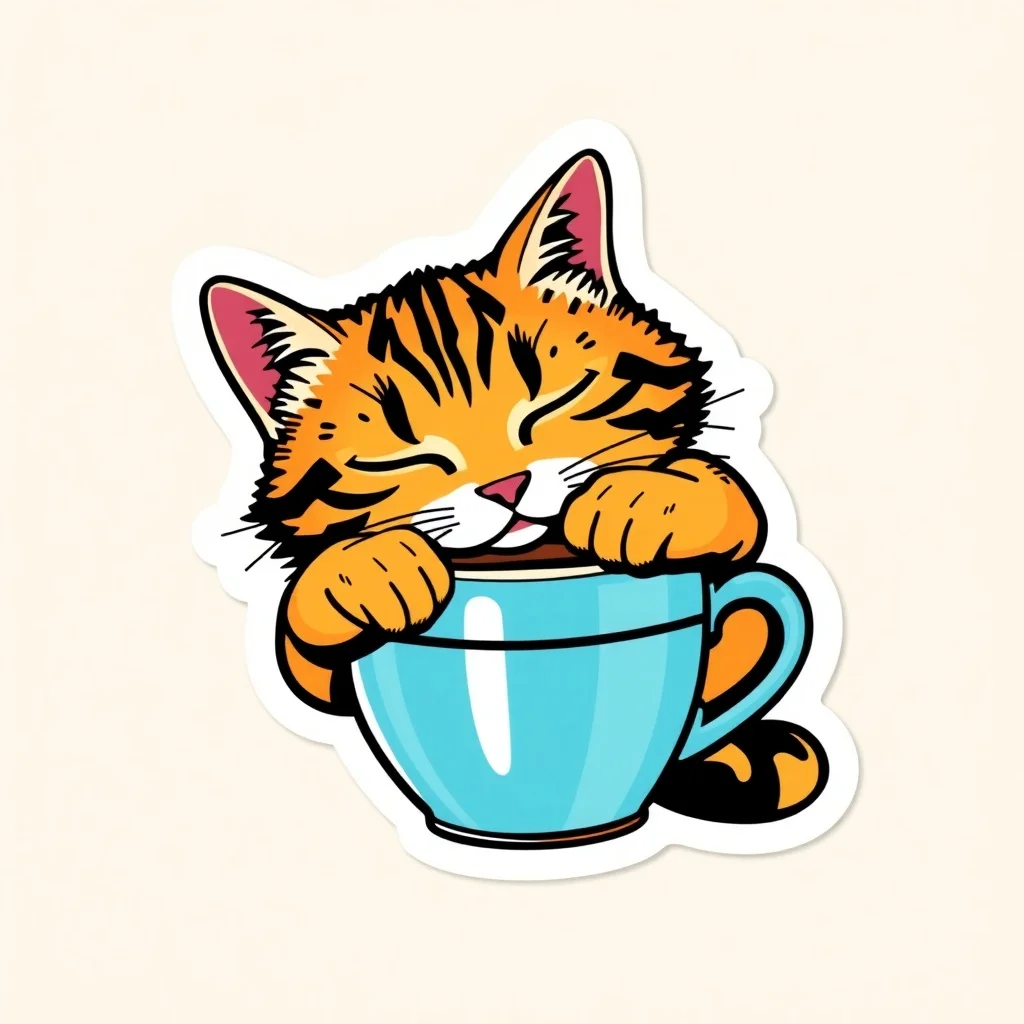
Pop Art Sticker
Bold and graphic
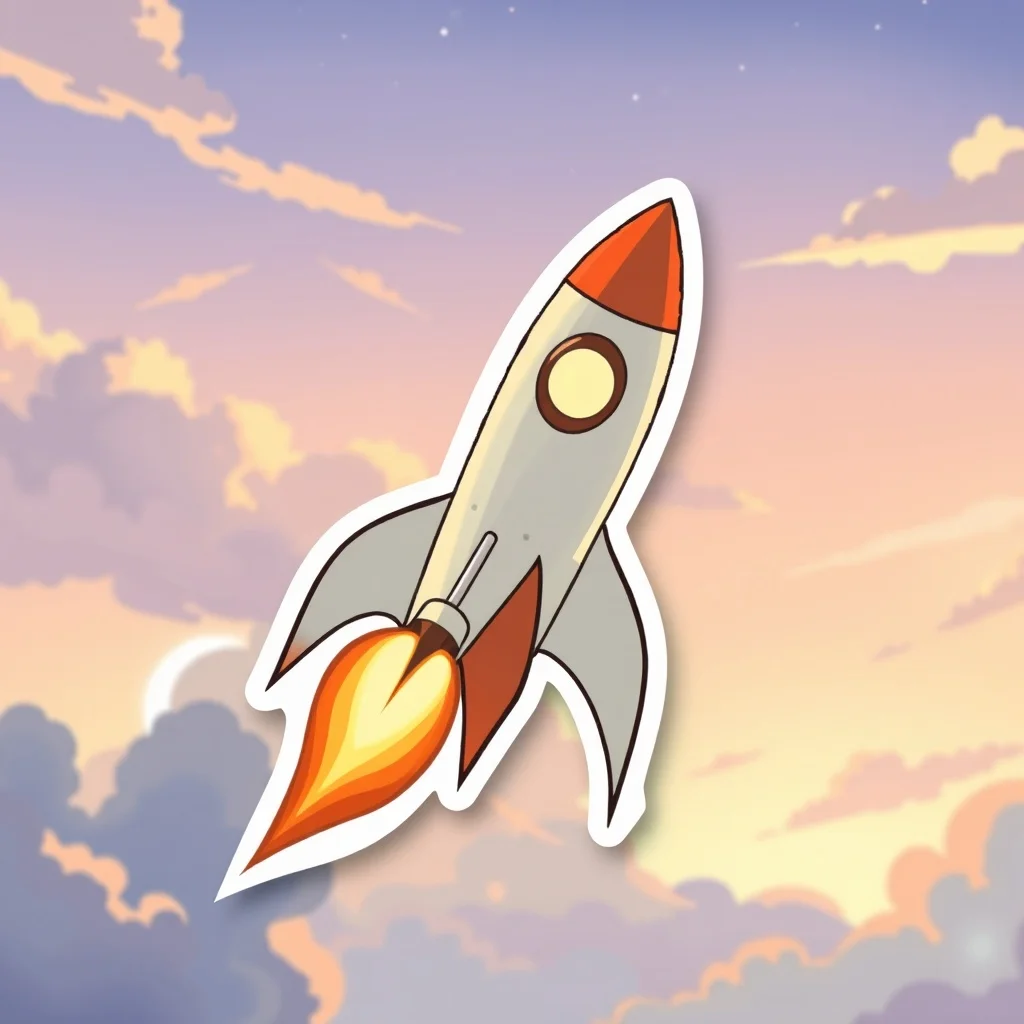
Studio Ghibli Sticker
Miyazaki warmth
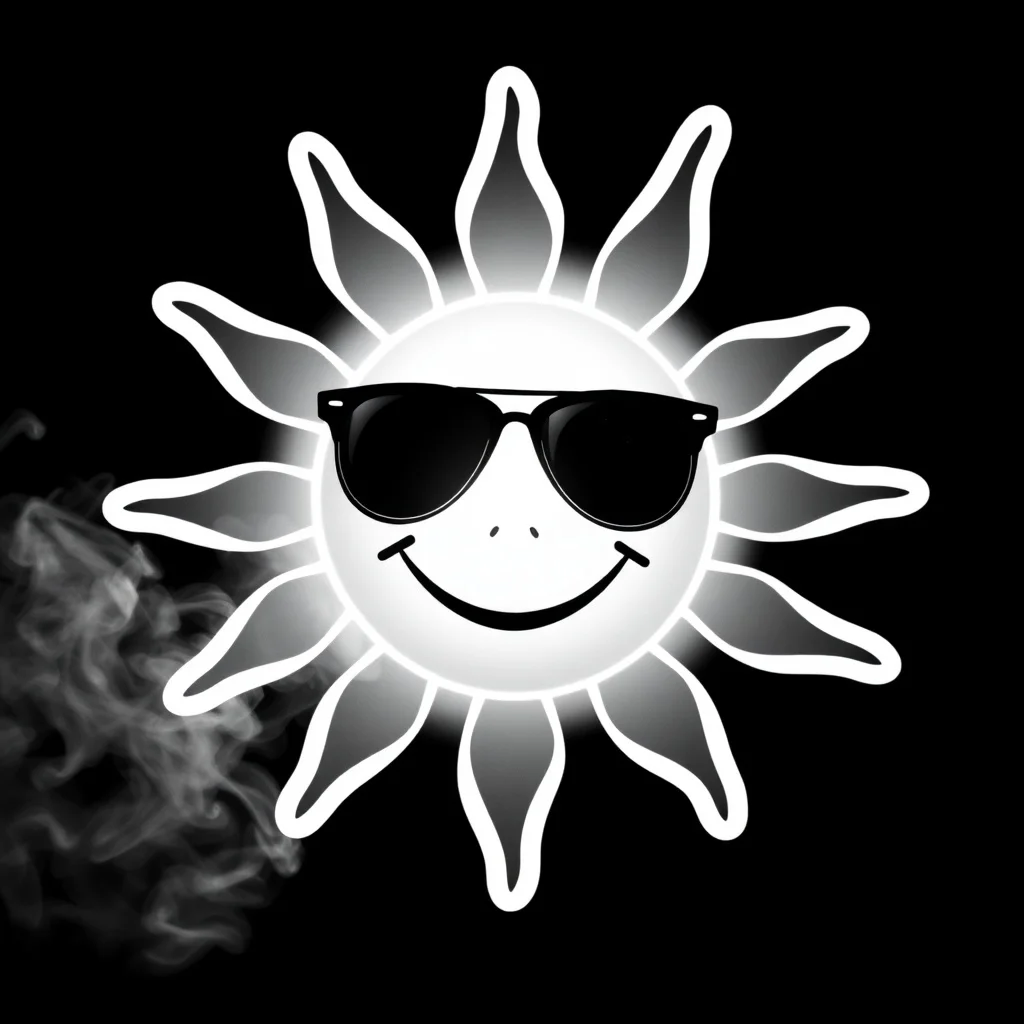
Noir Sticker
Black-and-white drama
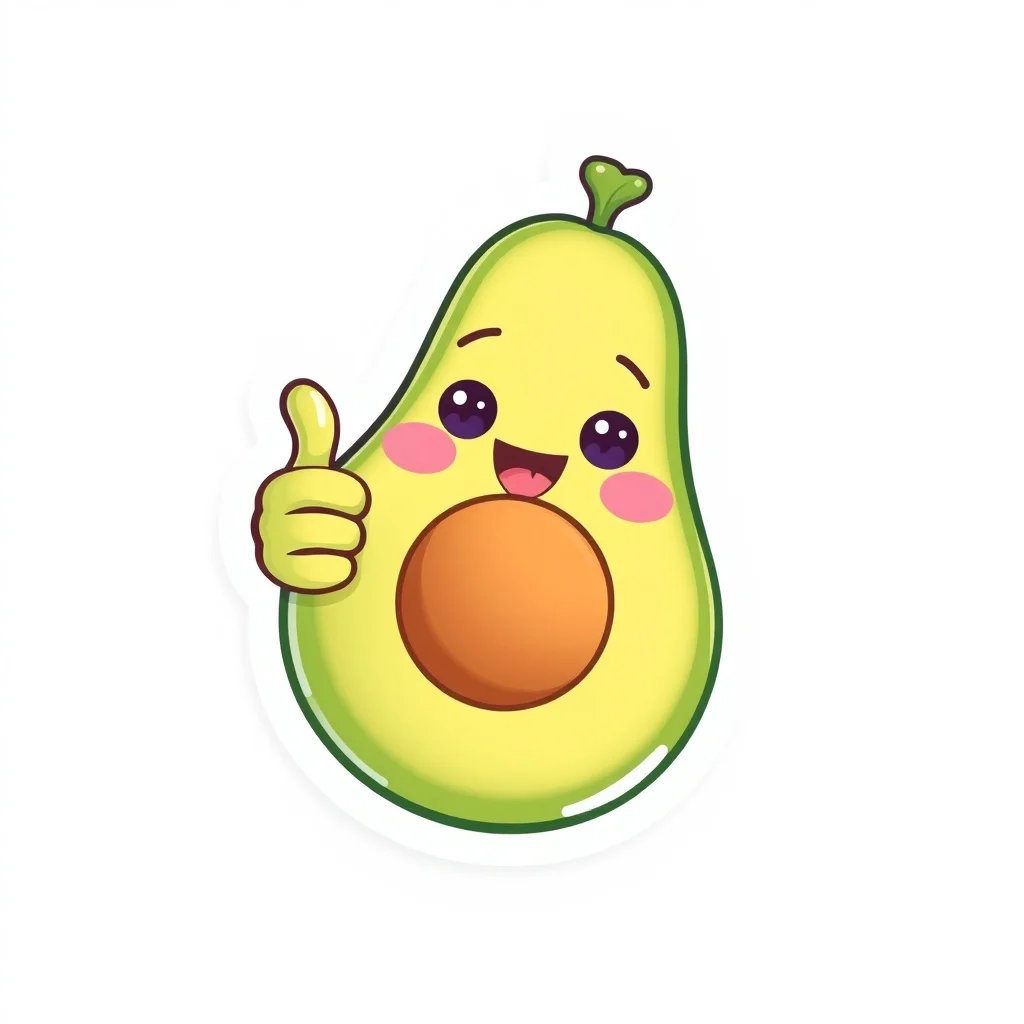
Pastel Sticker
Soft and dreamy
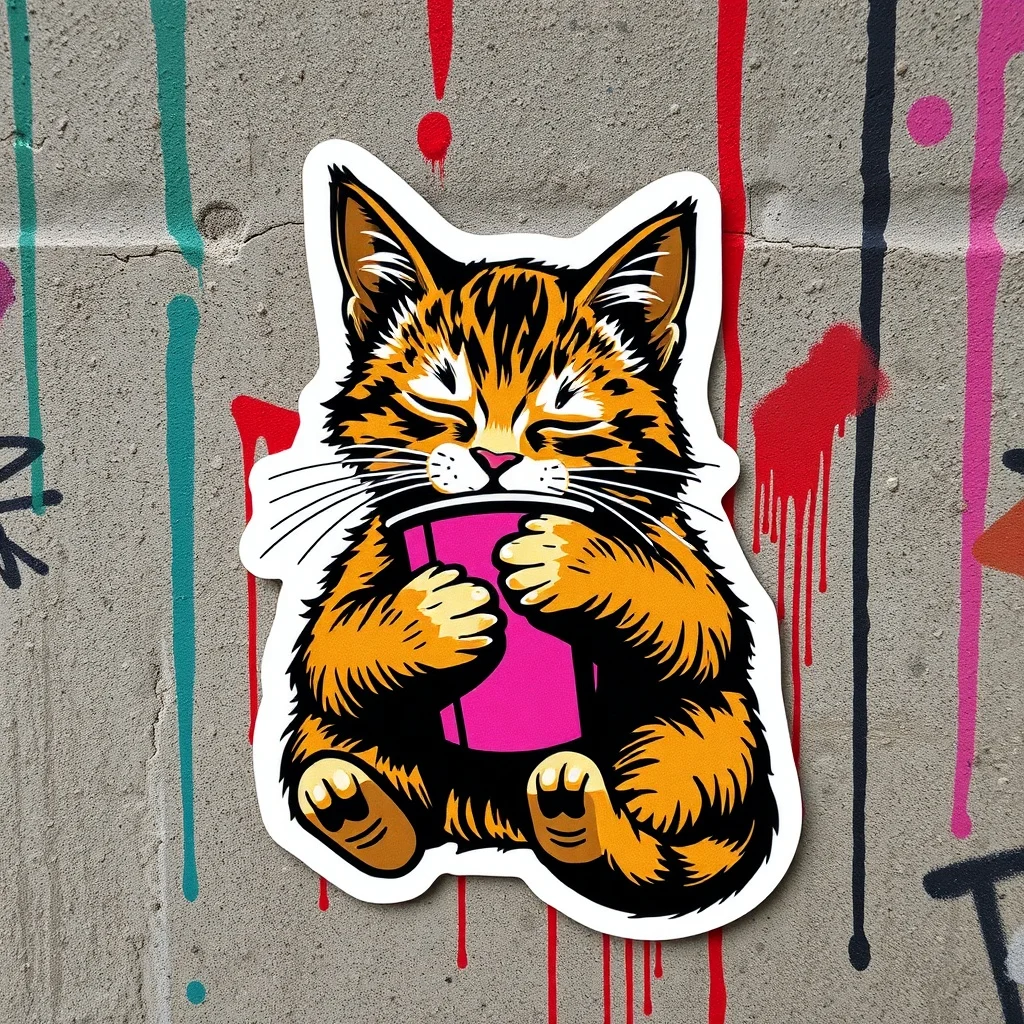
Graffiti Sticker
Urban street art
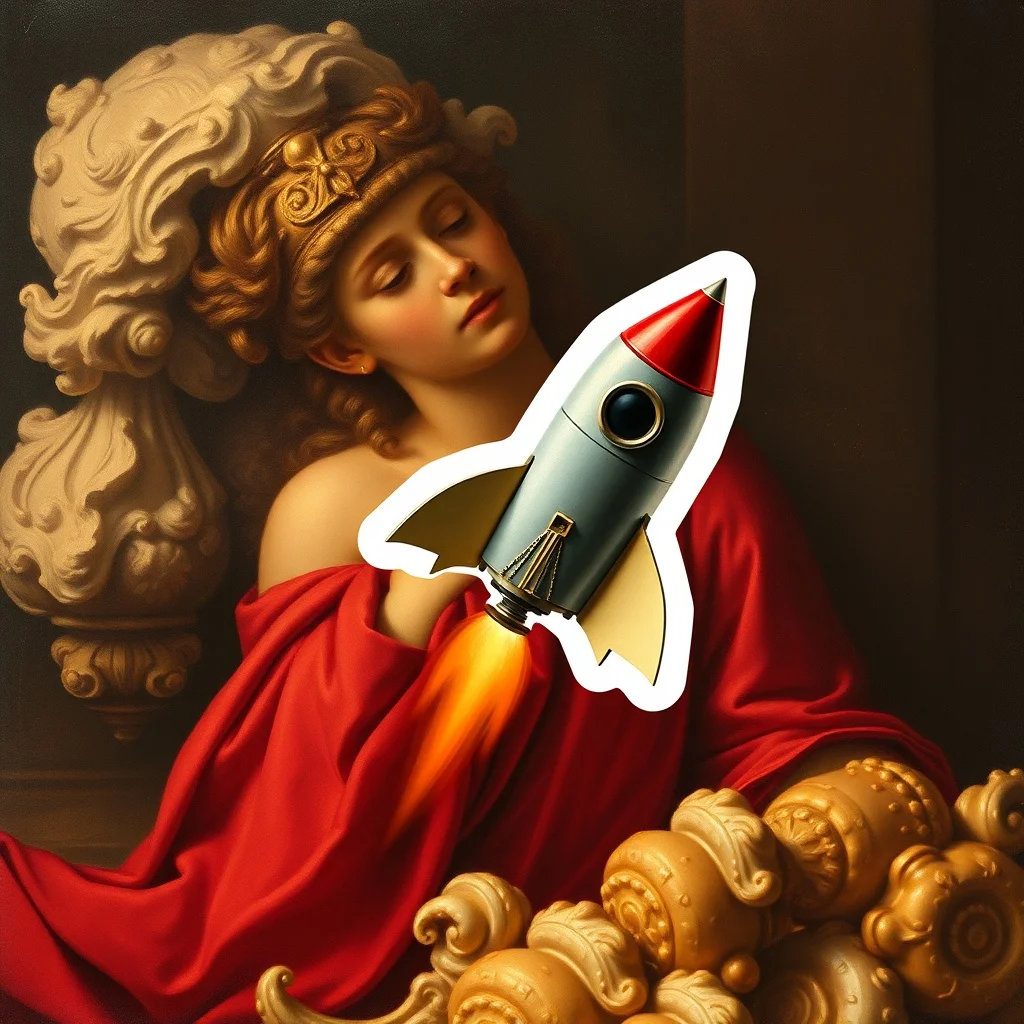
Baroque Sticker
Dramatic classical
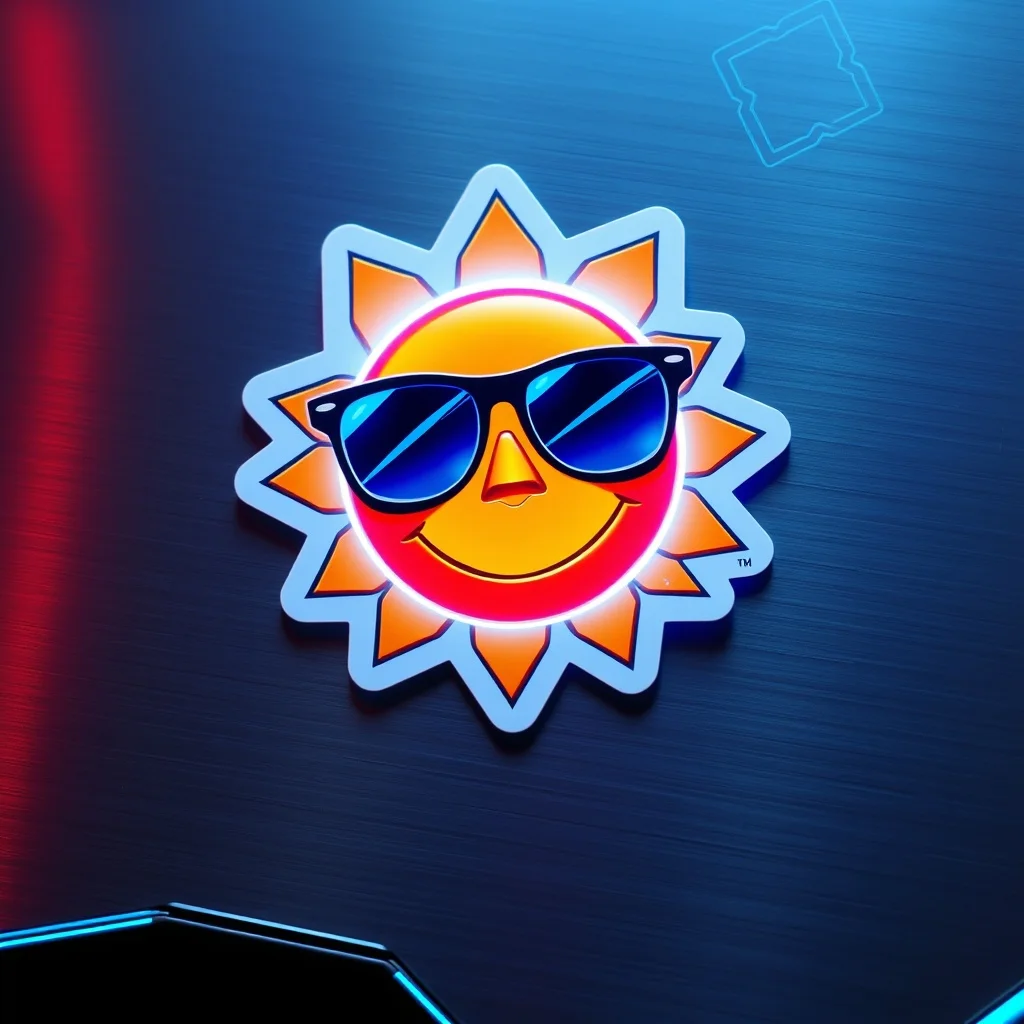
Futuristic Sticker
Sleek sci-fi
FAQ
How does the sticker generator work?
You write a short prompt describing what you want, pick a style, and an AI model generates the image. The model interprets your text and produces a result in 2 to 10 seconds depending on which model you pick. You can iterate on the same prompt or change it entirely. Each generation costs between 1 and 5 credits depending on the model.
Can I use the stickers commercially?
Yes. Everything you generate on renza is yours to use for any purpose, including commercial work, client deliverables, merchandise, and resale. We don't watermark outputs, don't claim ownership, and don't restrict usage beyond standard rules (no depicting real people without permission, respect trademarks).
How many credits does each sticker cost?
Between 2 and 3 credits depending on the model you pick. Flux Dev and Hyper Realistic cost 2. Ideogram and Nano Banana 2 cost 3. You get 3 free credits when you sign up; train a personal model and generate on a subscription plan after that.
What aspect ratio are stickers generated at?
The default for stickers is 1:1. This is the format that works best for whatsapp, telegram, print, merch. You can change it in the generator if needed (square, 16:9, 9:16, 4:3, 3:4 supported).
Can I generate variations of the same sticker?
Yes. Each Generate click produces a fresh image. Image models are non-deterministic, so the same prompt run twice gives you two different outputs. Tweak one detail (a different adjective, a new noun) to nudge the result, or hit Generate again with the same prompt for a pure variant.
Any tips for a better sticker?
Keep the subject chunky and high-contrast, because thin details disappear once it is die-cut and scaled down in a sticker tray. And remember the style does the heavy lifting on the look, so spend your prompt describing a strong, specific subject.