

Professional headshots, and how to pick the right kind
Professional headshot is the umbrella term, but the photo that serves a lawyer fails a founder. This page covers the general case: the settings, what each one signals, and how one trained model generates the whole range from your selfies.
By signing up you agree to our terms and privacy. Your photos stay private.
One term, several different photos
When people search for a professional headshot they usually mean one of four things: a formal portrait for a corporate profile, a friendly one for client work, a plain one for an application, or a characterful one for a personal brand. Those pull in different directions, and picking one at random is how people end up with a technically fine photo that feels wrong everywhere they use it.
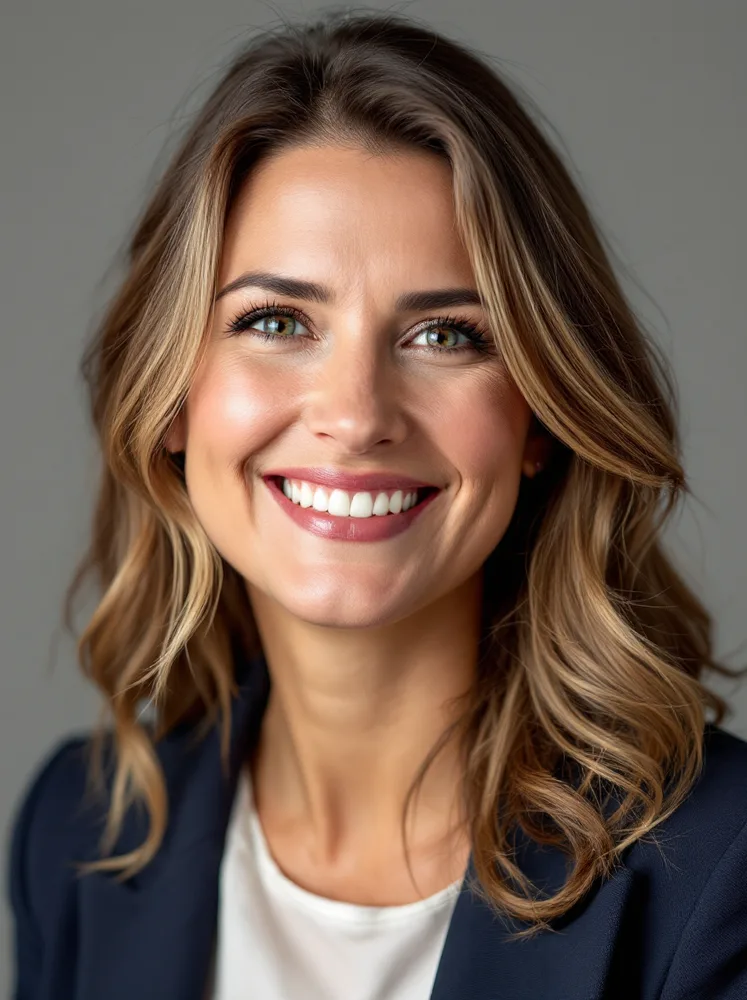
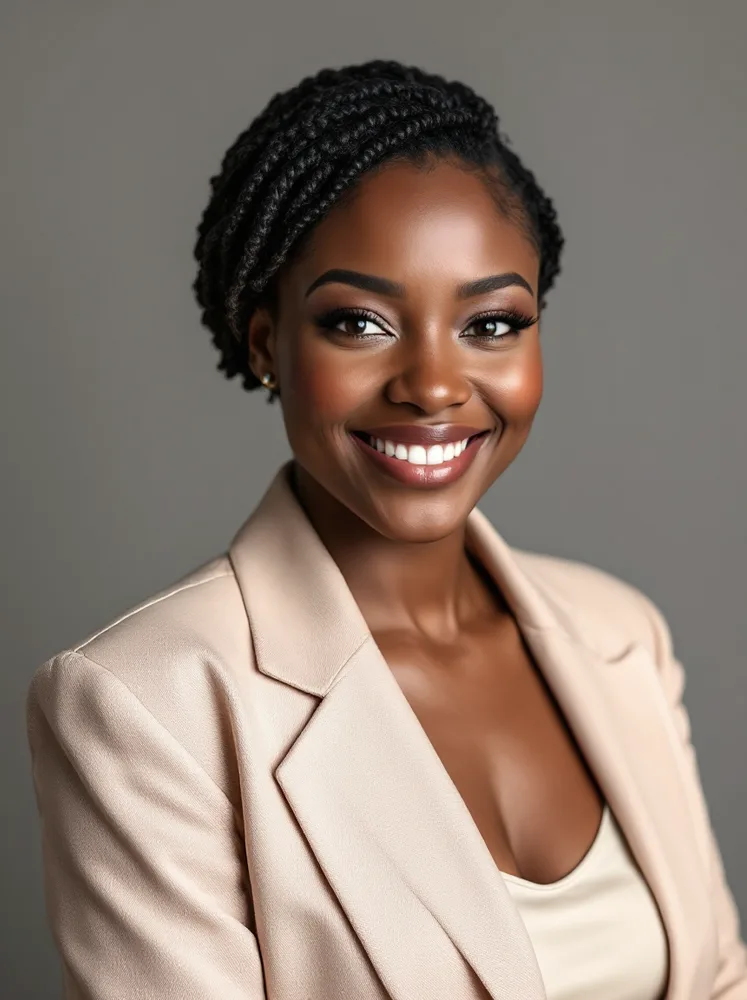
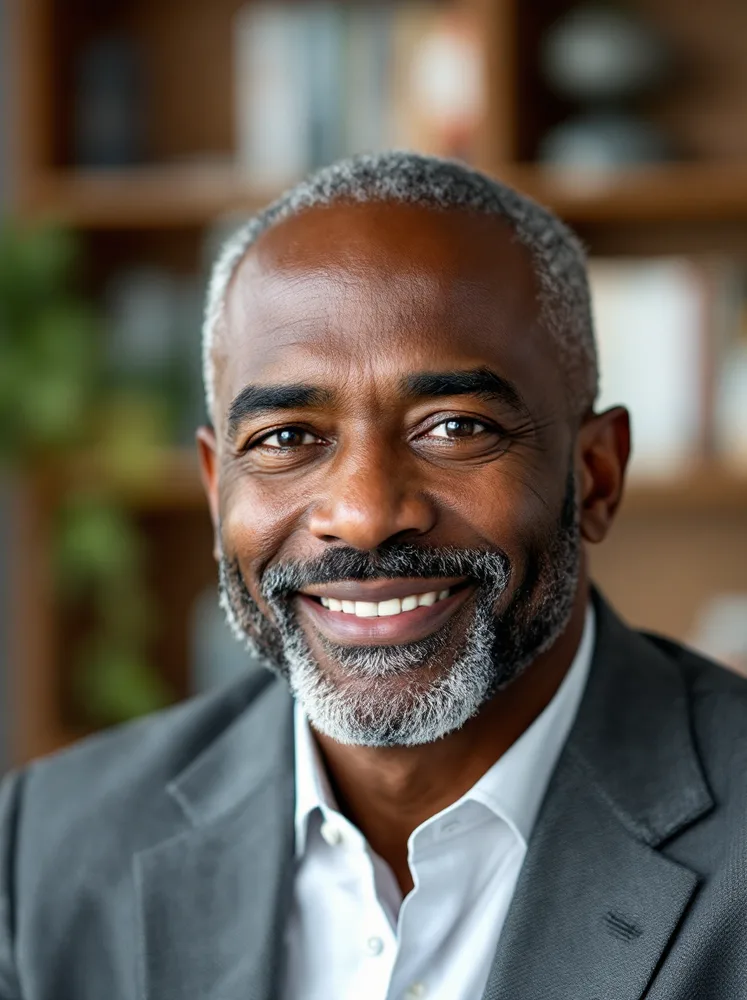
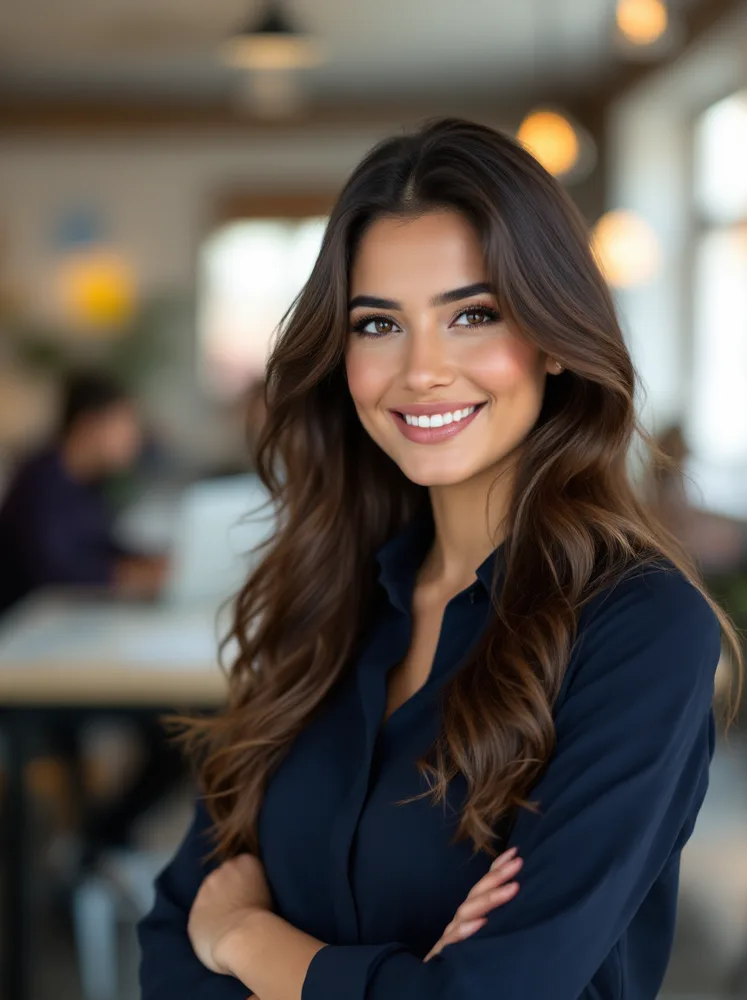
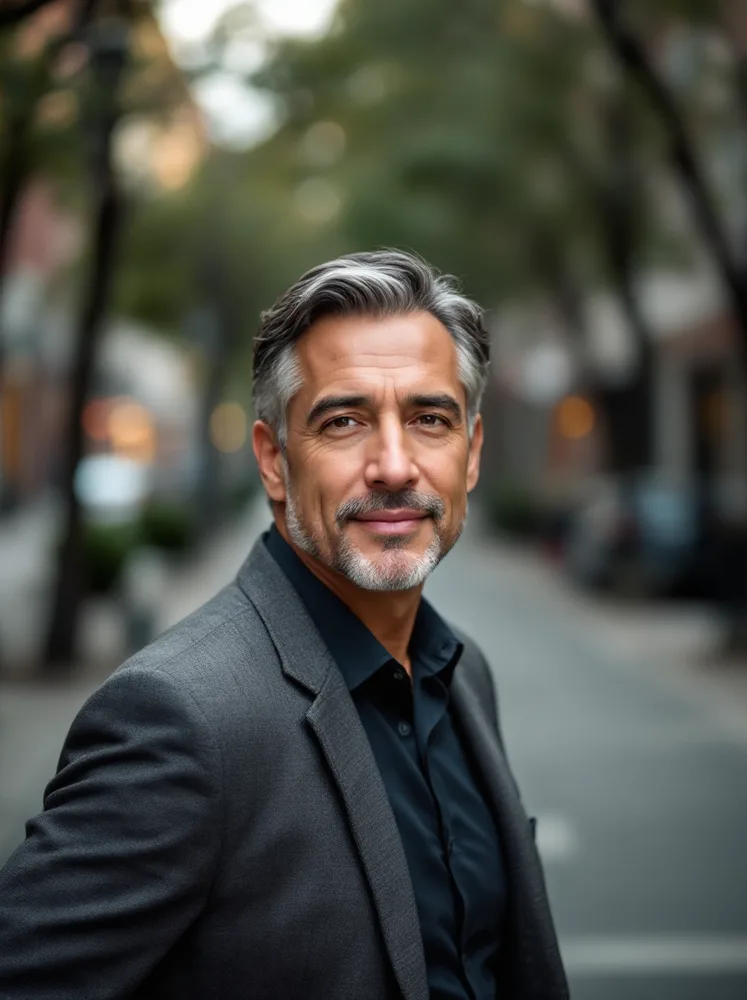
The examples below are arranged roughly formal to relaxed: seamless studio, then offices, then daylight and street settings. The rule of thumb is to match the most conservative context you will use the photo in, because a slightly formal photo survives a casual context far better than the reverse.
If your case is specific, the specific page will serve you better: there are dedicated pages for LinkedIn, business, corporate teams, executives, attorneys, consultants, realtors, CVs and interviews, each with its own examples. This page is for the general professional photo that has to work across several of those at once.

How do I get a great professional headshot?
Match the most conservative use
Your headshot will appear places you did not plan. Pick the formality of the most conservative one; a blazer photo on a casual site reads fine, a t-shirt photo on a conference program does not.
Studio is the safe default
Grey or beige seamless carries zero context, which means it cannot carry wrong context. Every other setting is a bet on where the photo will live.
Face large, background nameable
The two structural rules that survive every field: your face fills a third of the frame or more, and the background can be described in one word.
Generate the range, choose per use
One trained model produces the formal, office and daylight versions in a single run. Keeping three registers on hand costs nothing and ends the wrong-photo-for-the-context problem.
Recency beats flattery
The photo has one hard job: the person who meets you must recognize the person in it. Train on selfies from this year, not the flattering ones from five years ago.
What does a great professional headshot look like?
Every example below was generated with renza. One trained model produced all of them; each caption says which part of the job that setting is for.




How it works
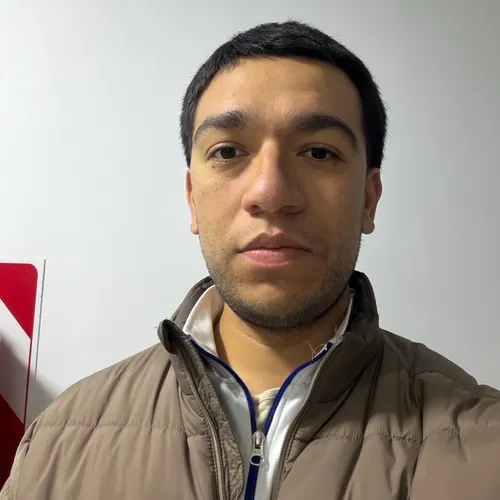
Upload 5 to 15 selfies. We train a personal AI on your face in about 5 minutes. One click runs the professional pack.




Pick your plan
Monthly subscription. Train a personal AI model and run the professional pack as often as you like. Cancel any time.
Basic
- · 1 personal AI model
- · 200 generations per month
- · All image + video models
- · Commercial use included
Popular
- · 3 personal AI models
- · 1,000 generations per month
- · Priority queue
- · Photo packs (30 imgs at once)
- · Commercial use included
Pro
- · 6 personal AI models
- · 5,000 generations per month
- · Highest priority queue
- · Photo packs + bulk export
- · Early access to new models
- · Commercial use included
Frequently asked questions
What is a professional headshot exactly?
A portrait whose framing, light and setting are chosen for a work context: face-dominant crop, even light, a background that signals rather than distracts. What varies by field is register, from suit-on-seamless to open-collar outdoors.
How do AI professional headshots work?
A model trains on a set of your own selfies until it holds your likeness, then generates portraits of you in specified settings and outfits. The face is learned, the studio is synthesized.
Which setting should I pick?
Formal fields, formal photo: seamless or office. Client-facing fields: warmer light, genuine smile. Personal brands: street and daylight settings carry more character. When in doubt, seamless grey offends nobody.
How is this different from the LinkedIn or business page?
Those pages optimize for one placement. This one is for the general-purpose photo used across several. If you know exactly where the photo will live, the specific page has better-targeted examples and advice.
Will it actually look like me?
That is the one thing the training step guarantees: the model learns from your real photos, so the likeness is yours. Upload recent, well lit, unfiltered selfies and the output matches the person who shows up.
What does it cost?
From 9.99 dollars per month with a trained personal model included. One studio session costs twenty times that and produces one register instead of the full range.