Colourise black-and-white photos
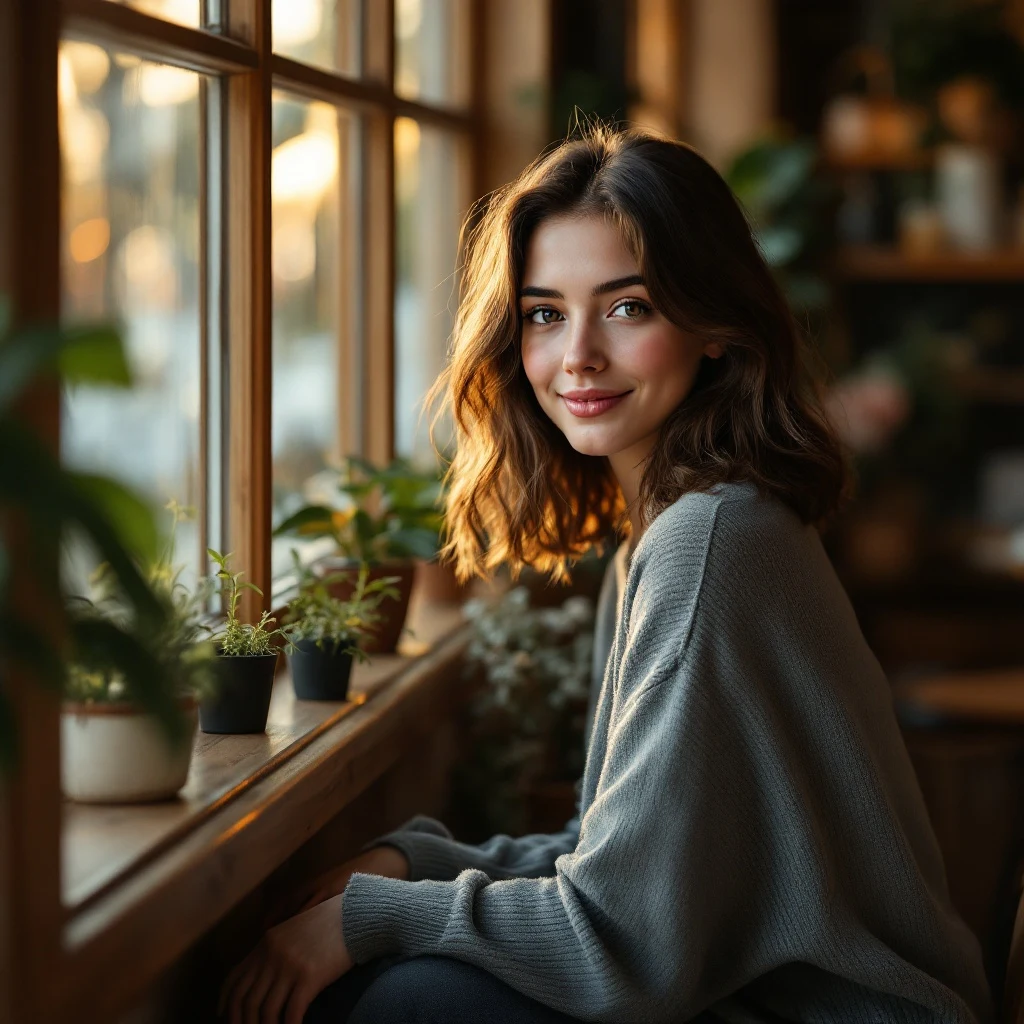
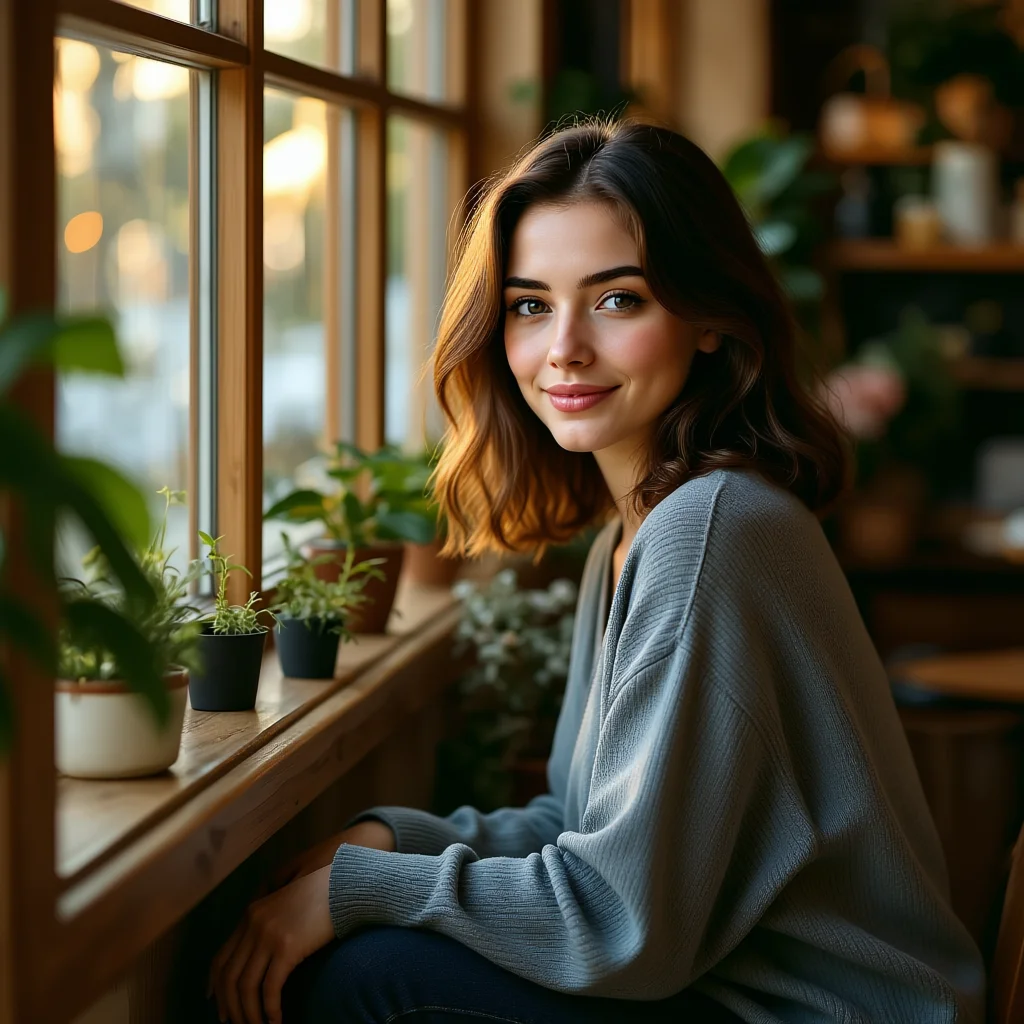
Upload any black-and-white photo and renza adds color. Skin tones look natural, clothing reads period-appropriate, scenes feel alive. Perfect for old family photos, historical photography, or just exploring what a B&W shot would have looked like in color.
No credit card. Free credits at signup.
About the colorize photo
Colourisation is a domain where AI has dramatically outpaced manual work. Hand-coloring a single photo in Photoshop takes hours of careful masking and color-matching. Modern image-edit models can do it in seconds with quality that's frequently indistinguishable from hand-colored results. Renza uses Qwen Image Edit for colorisation because it has been tuned for naturalistic color, particularly on skin tones and historical clothing. Common use cases include colorising family photos from the 1940s–1970s, processing scanned historical photographs for genealogy projects, adding color to B&W product photos for ecommerce, and just for curiosity, running an artsy modern B&W photo through colorisation to see what it would look like in color. For best historical accuracy, add cues like 'photo from 1955' or 'taken in Brooklyn 1962' to the prompt, the model will pick more era-appropriate colors.
How it works
Upload your photo
Any clear photo works. Higher resolution gives cleaner results.
The prompt is pre-filled
The colorize photo prompt is ready to go. Adjust it if you want something specific.
Download the result
Ready in 5 to 15 seconds, yours to use commercially.
Tips for best results
Things that meaningfully improve the output.
Mention the era for accuracy
Add "photo from the 1940s" or "taken in 1968" to bias color choices toward period-appropriate palettes (military uniforms, period fashion, era-appropriate car colors).
Restore damage first
If the photo is also damaged, run it through /tools/photo-restoration first, then colorize the result. Two passes = much better output.
Specify known colors
If you know your grandmother had red hair, add 'subject has auburn hair' to the prompt. The model will respect specified colors.
Print the result for gifts
A restored, colorized family photo printed and framed is a top-tier gift for older relatives. Many users do exactly this.
Try it on your photo
Upload any image, the colorize photo runs in seconds.
Open the tool →No credit card. Free credits at signup.
Frequently asked questions
Are the colors historically accurate?
Reasonably so. The model picks plausible naturalistic colors appropriate to the era. For precision (specific uniform colors, specific clothing items), include those details in the prompt.
Will skin tones look natural?
Yes, Qwen Image Edit is particularly good at natural skin tones across all ethnicities. Older colorisation tools sometimes gave everyone a similar pinkish tone; this is much better.
Can I edit the colors after?
You can re-run with a different prompt that specifies colors you want changed. The model will respect your specifications on the next pass.
How long does it take?
5–15 seconds.
Cost?
Around 2 credits through Qwen Image Edit, one of the cheaper edit models. Credit packs from $4.99.