Make anything with AI.
Images, videos, and upscales. Built on Flux, Topaz, Kling, Veo, Seedance, Nano Banana, and more.
- 3 free credits to start
- No credit card
- Commercial use, you own it
- No watermark
- Results in seconds
Powered by the best AI models
Generators

Logo
Make a logo for your brand
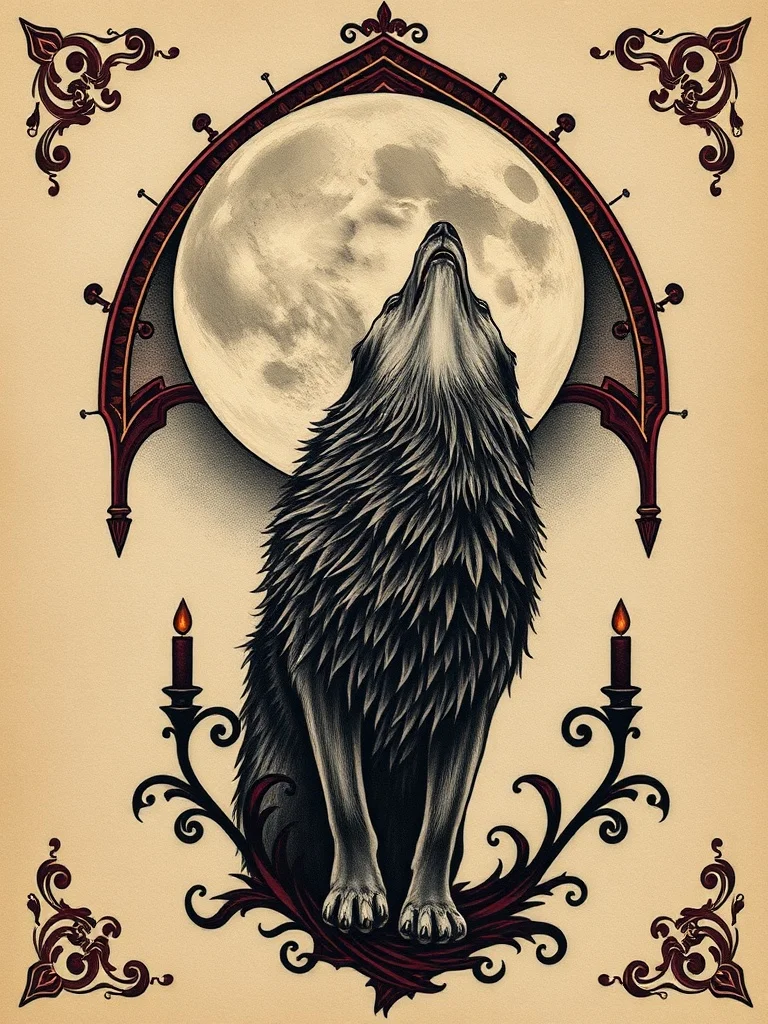
Tattoo
Design a tattoo before you ink it
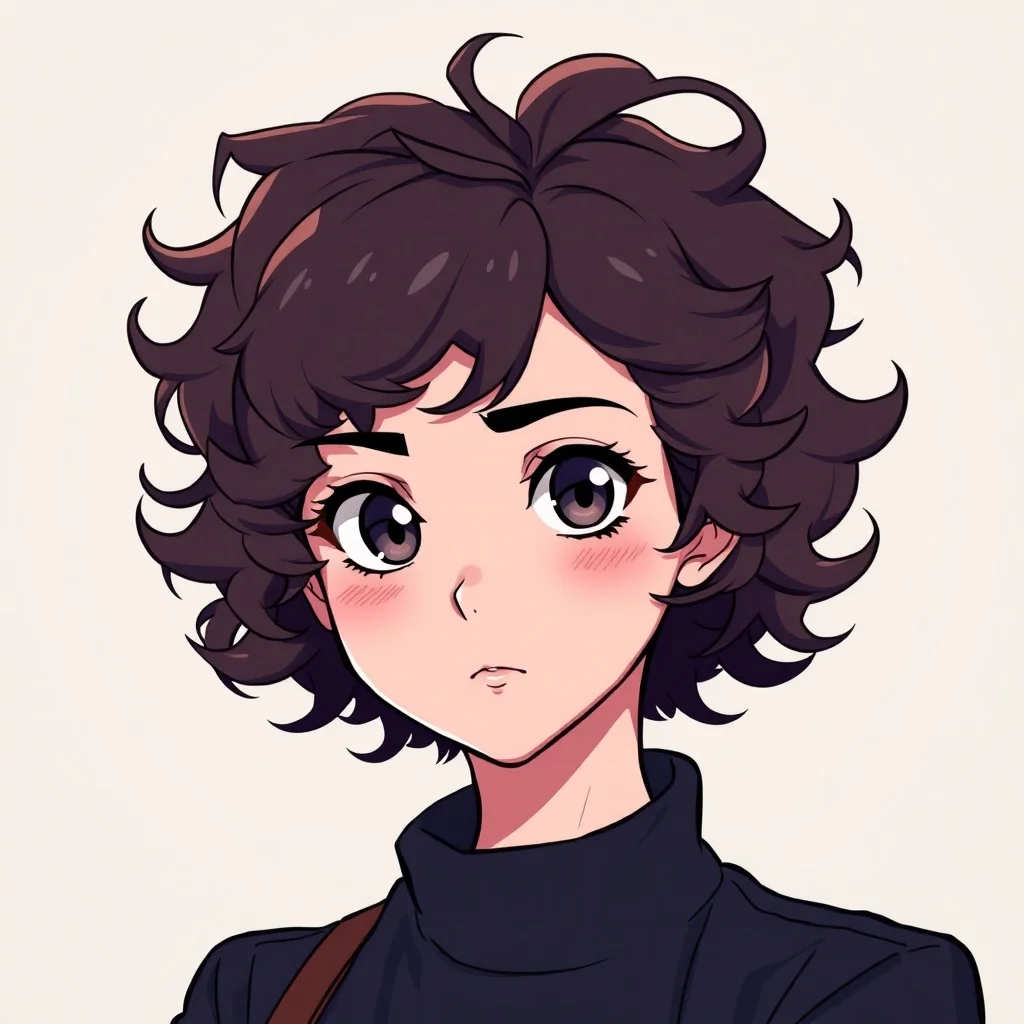
Avatar
Profile pictures and avatars
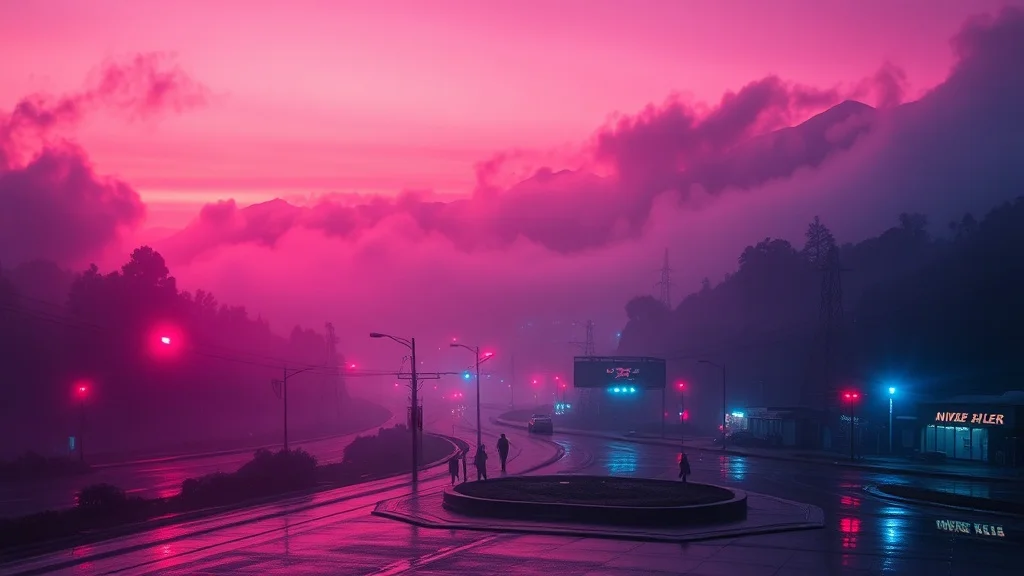
Wallpaper
Wallpapers for desktop and phone

Sticker
Custom stickers for chat apps and print
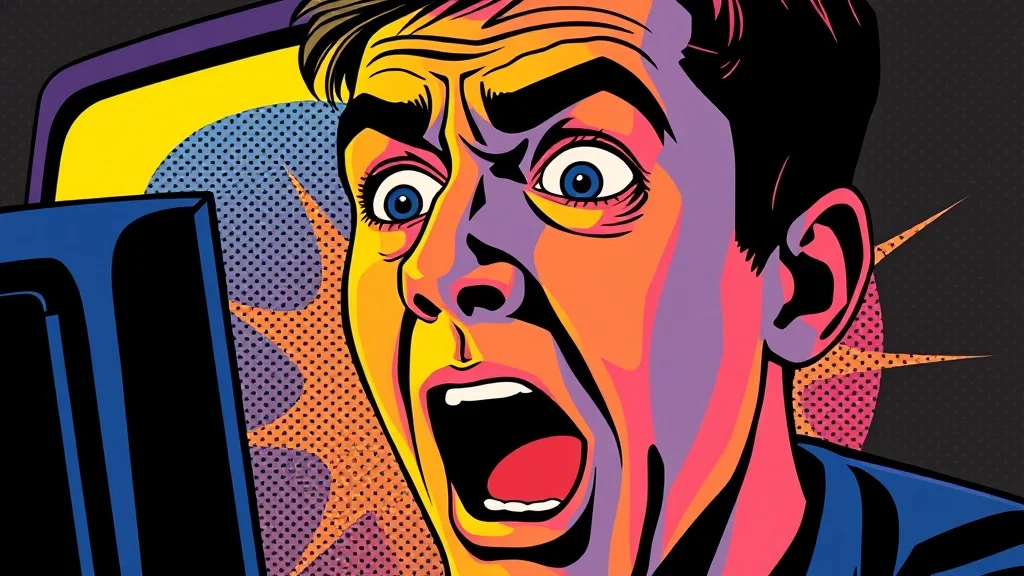
YouTube Thumbnail
Thumbnails that get clicks
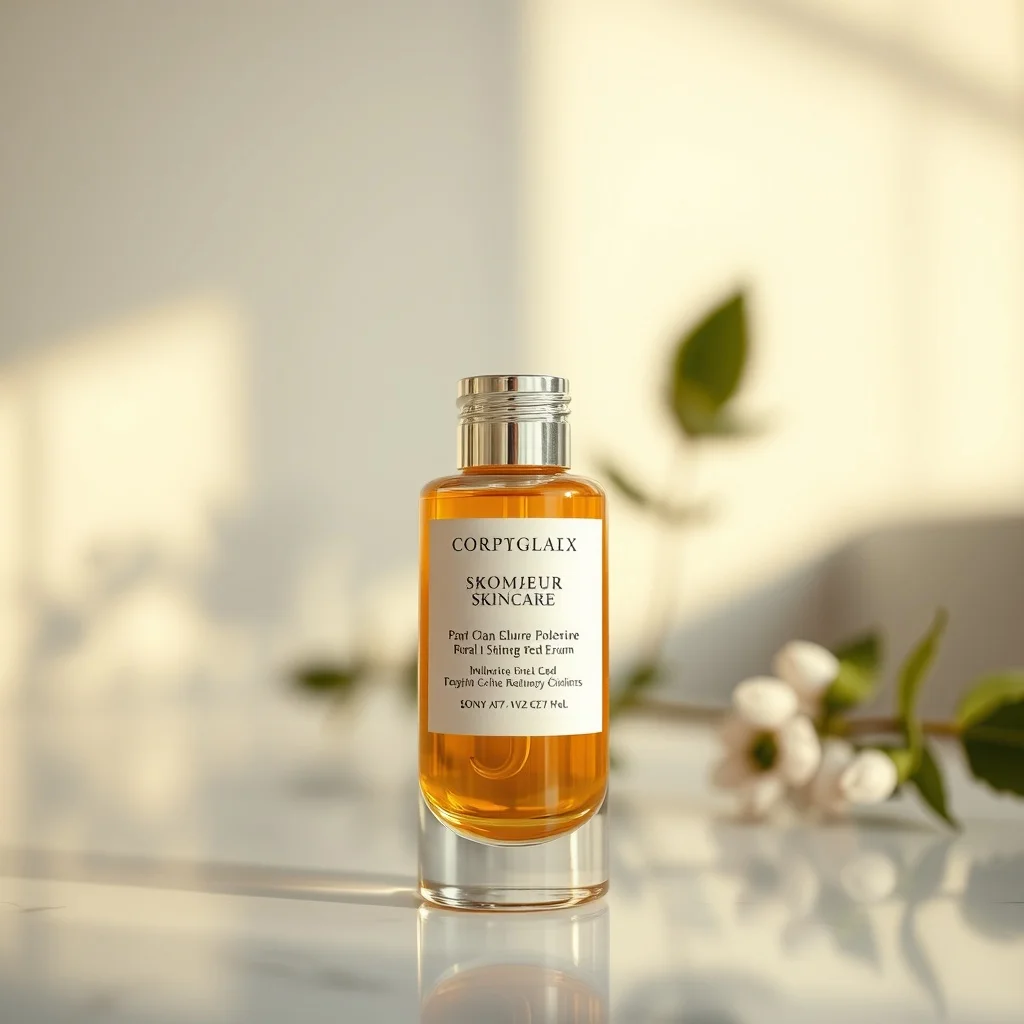
Product Photo
Studio shots without the studio
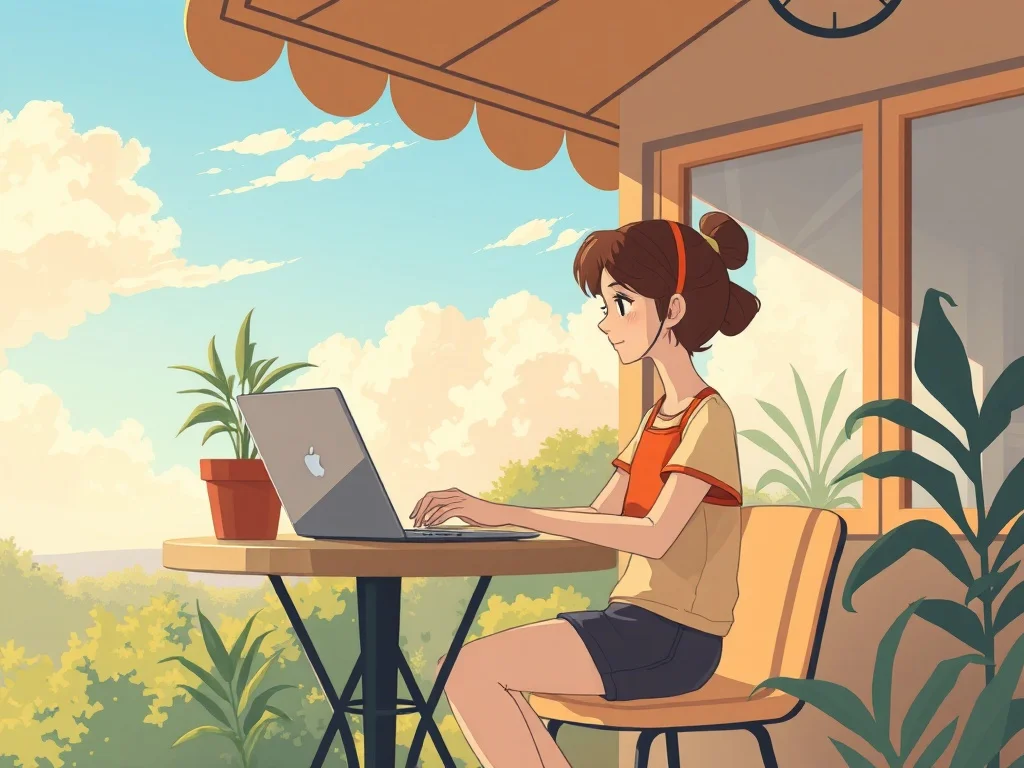
Illustration
Illustrations for blogs, apps, books
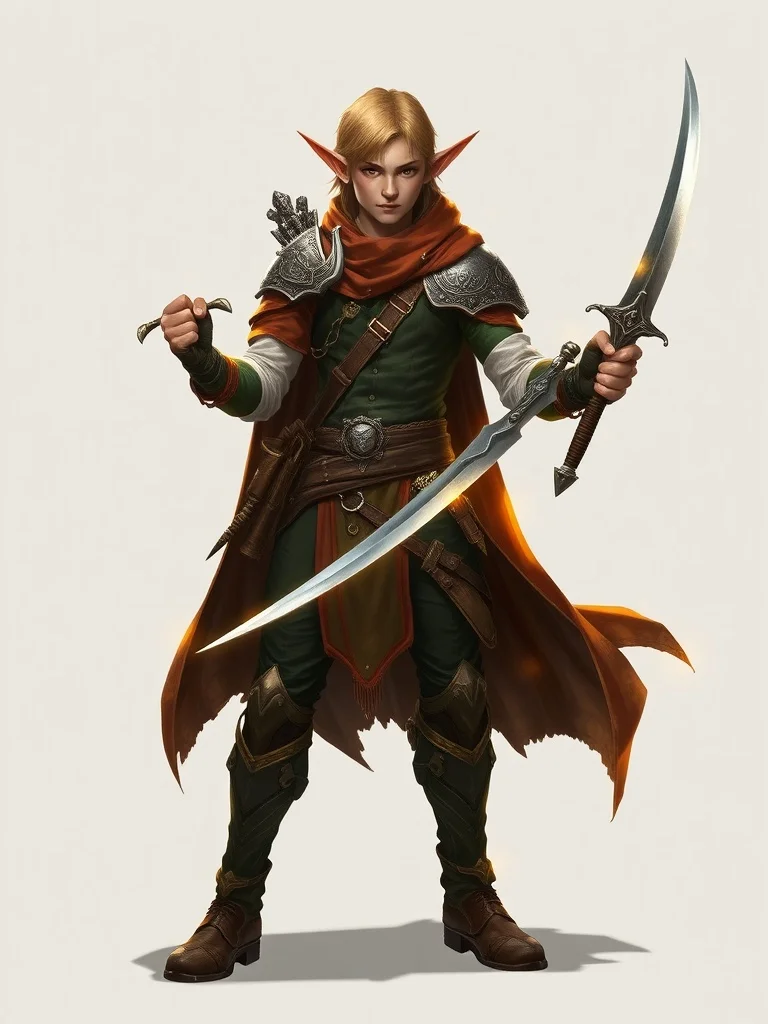
Character
Original characters for games and stories
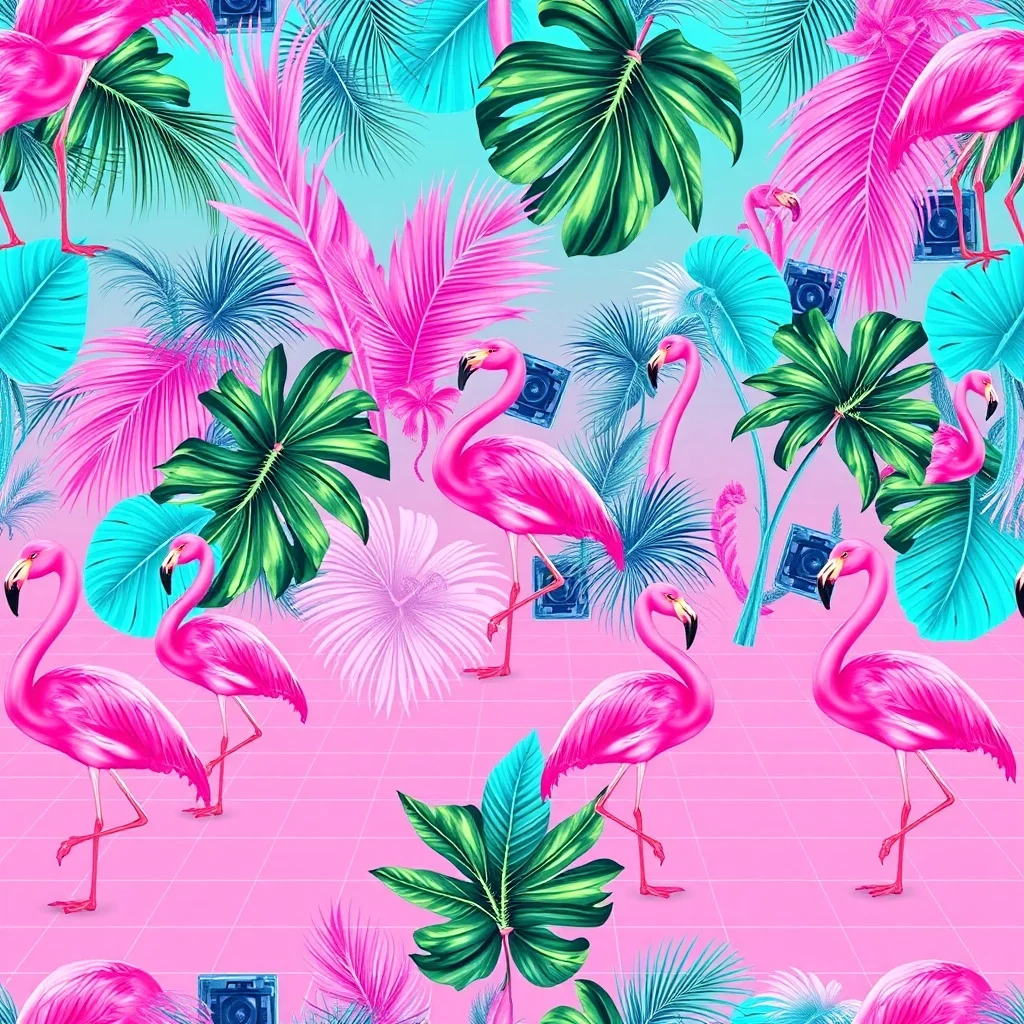
Pattern
Seamless patterns for fabric and print
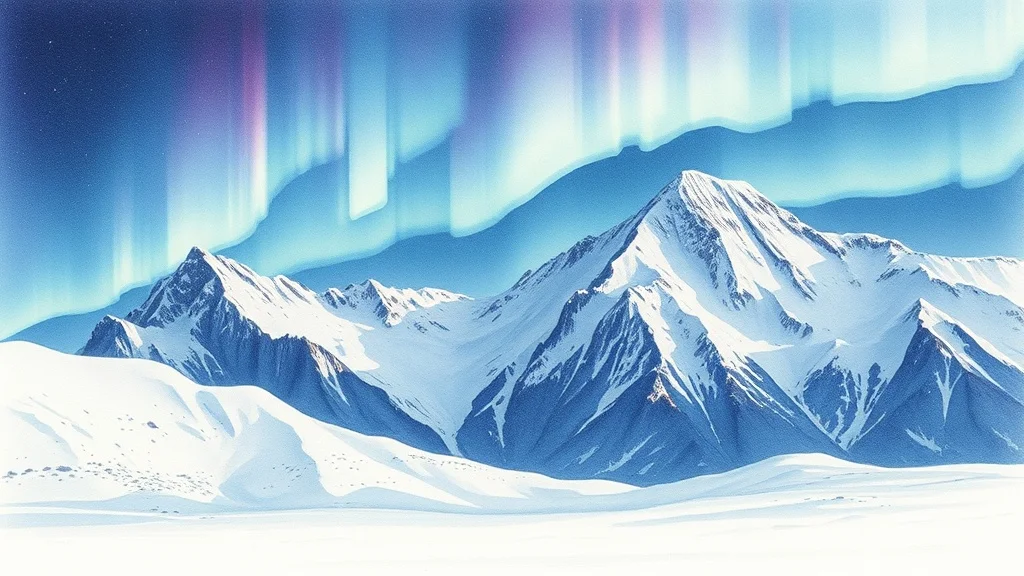
Landscape
Landscapes and environments
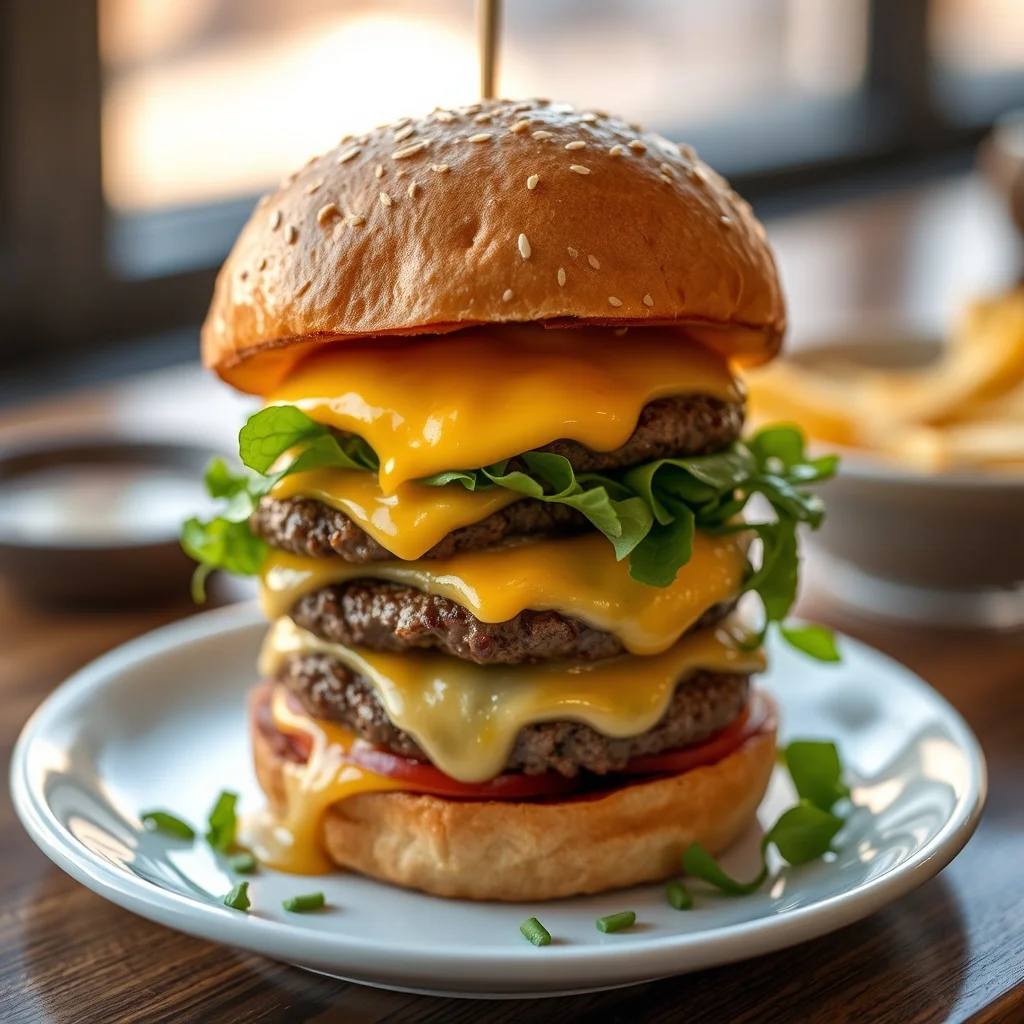
Food Photo
Food photography on demand
Popular styles
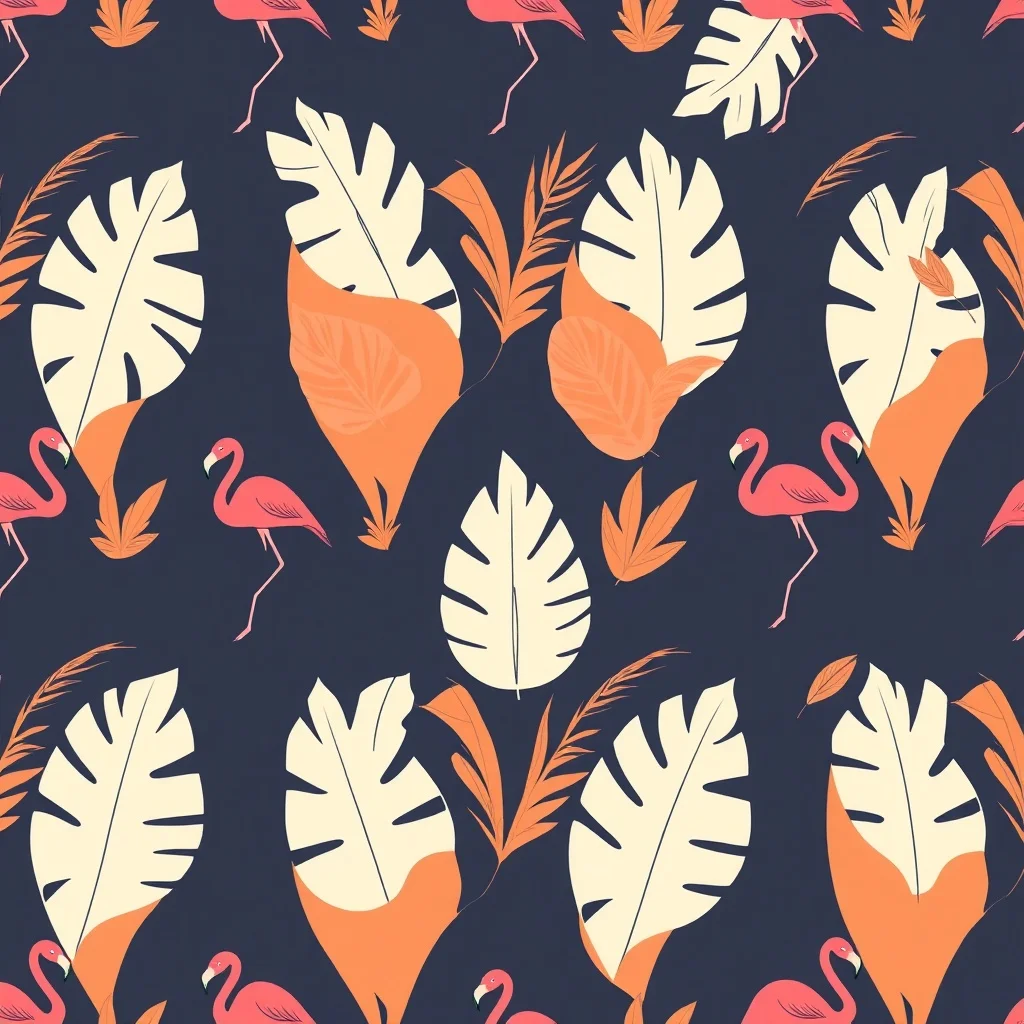
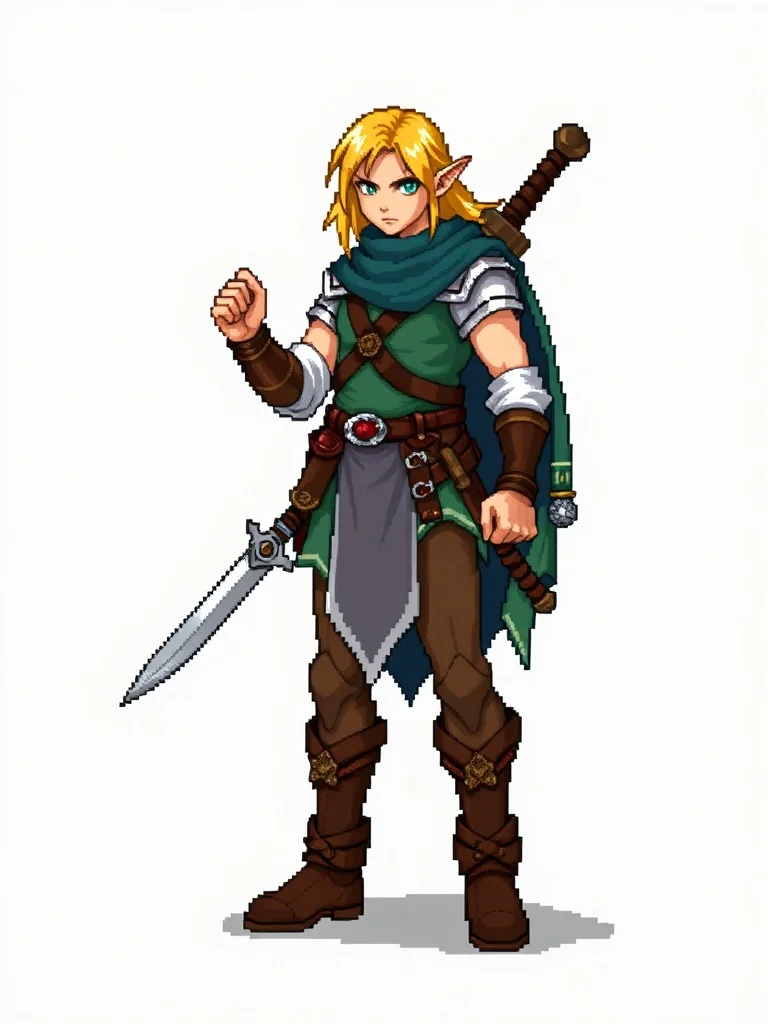
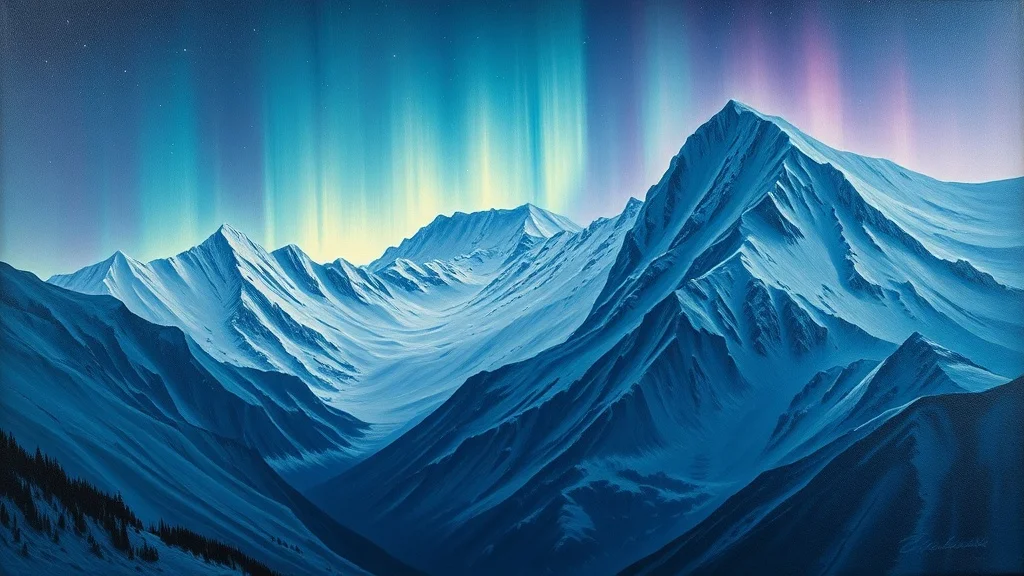
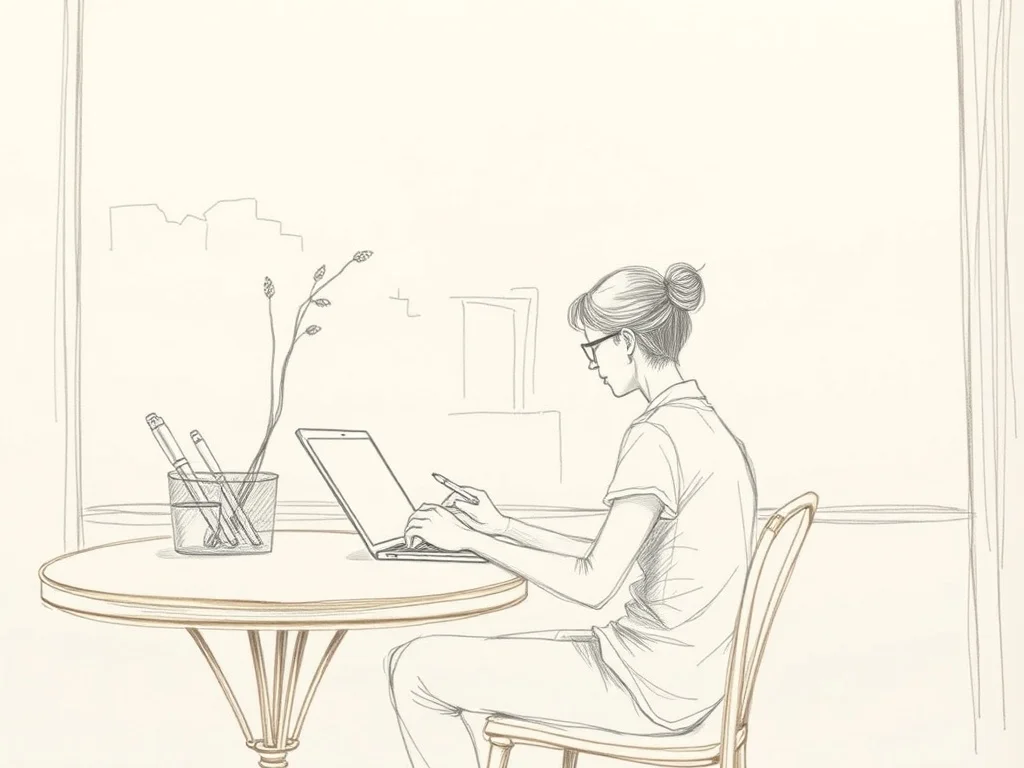
Photo transformations
Upload your photo. Get it back in any style.
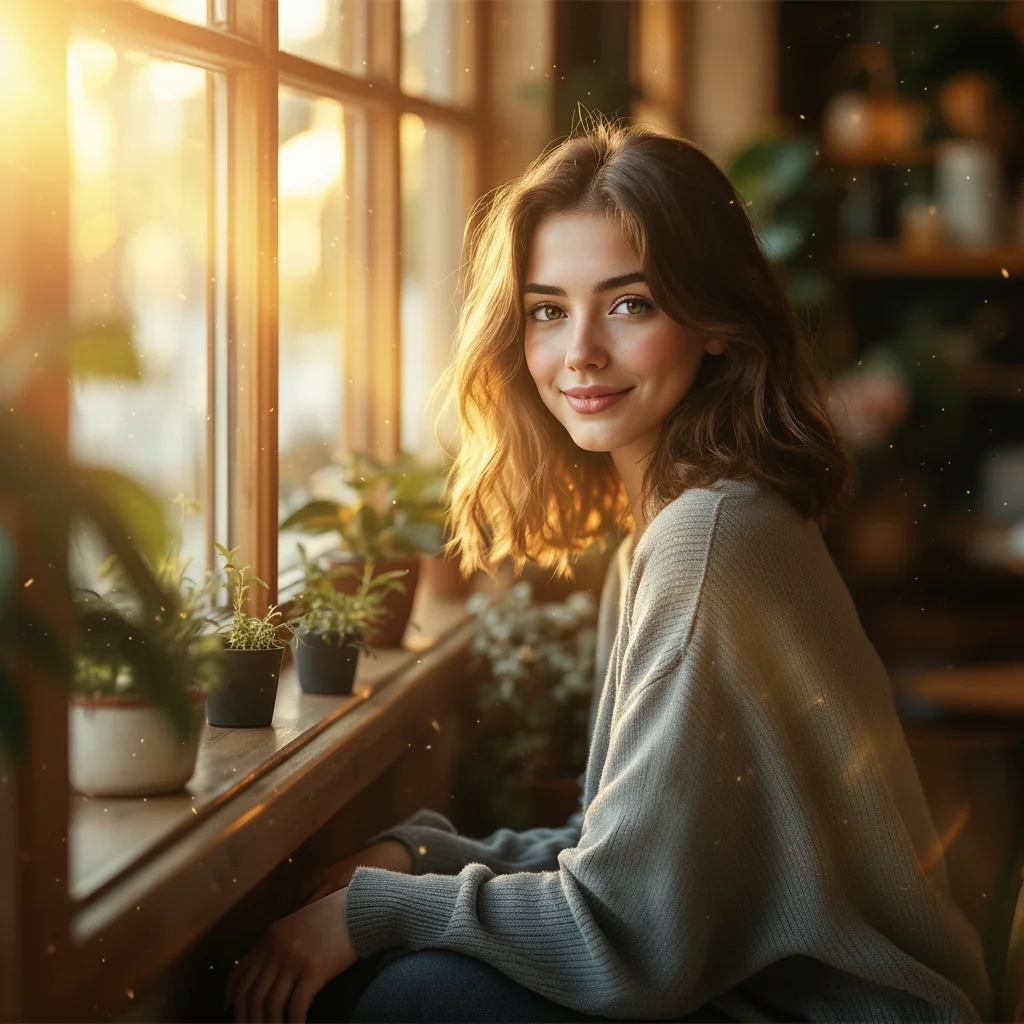
Photo to Anime
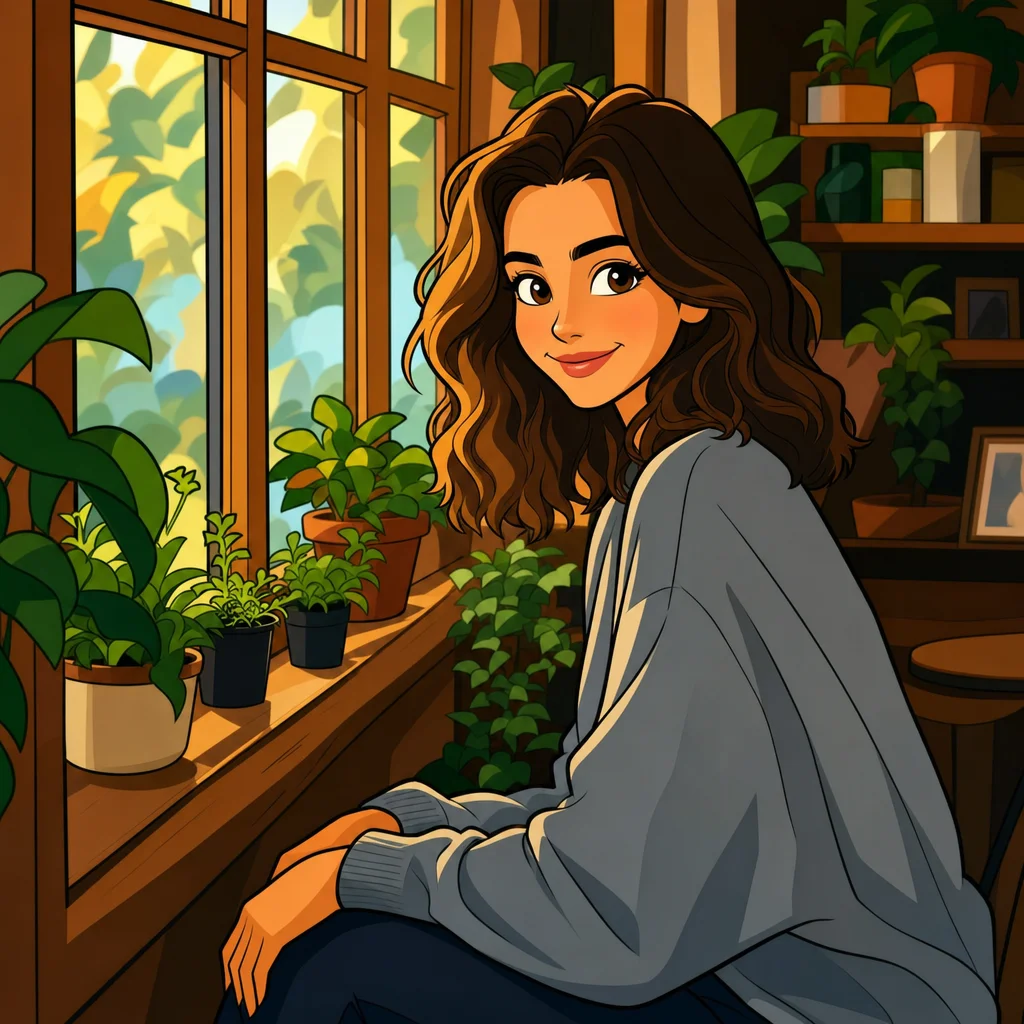
Photo to Cartoon
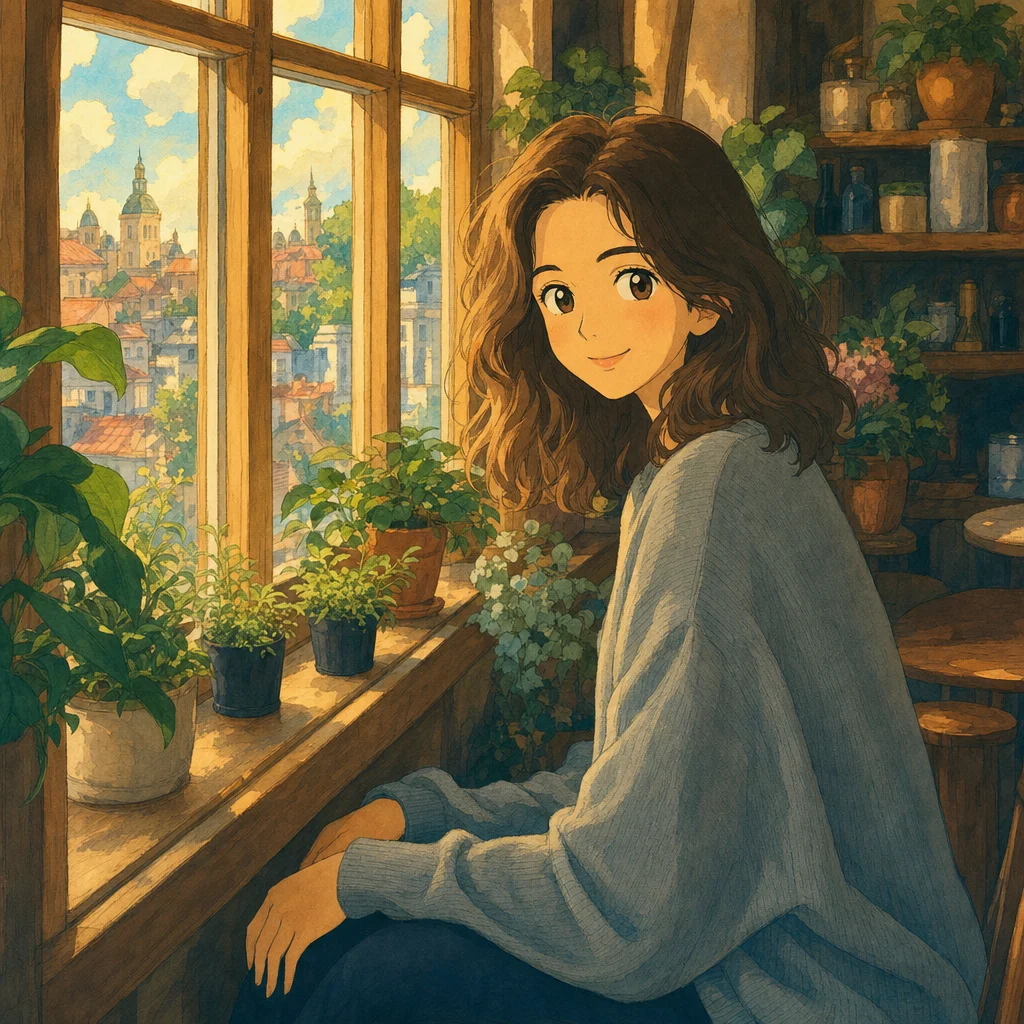
Photo to Ghibli
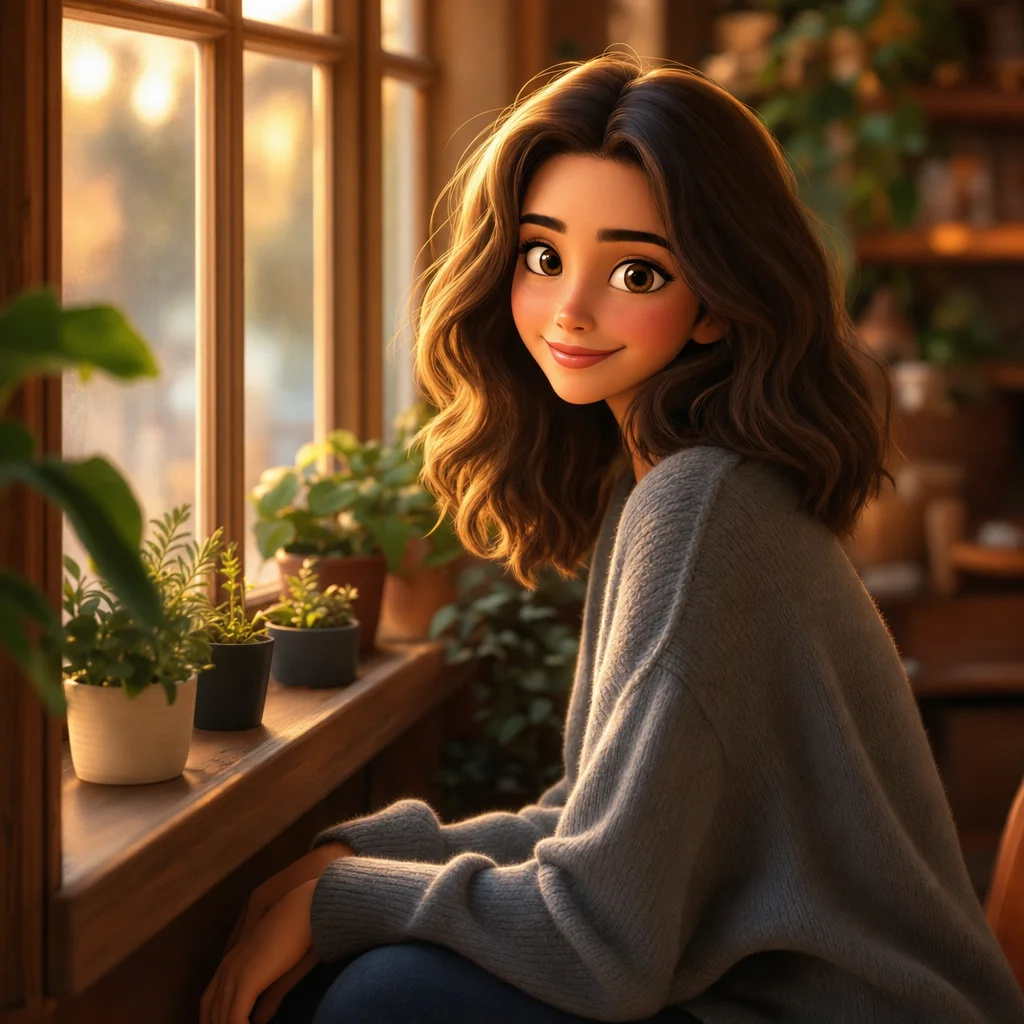
Photo to Pixar

Photo to Disney
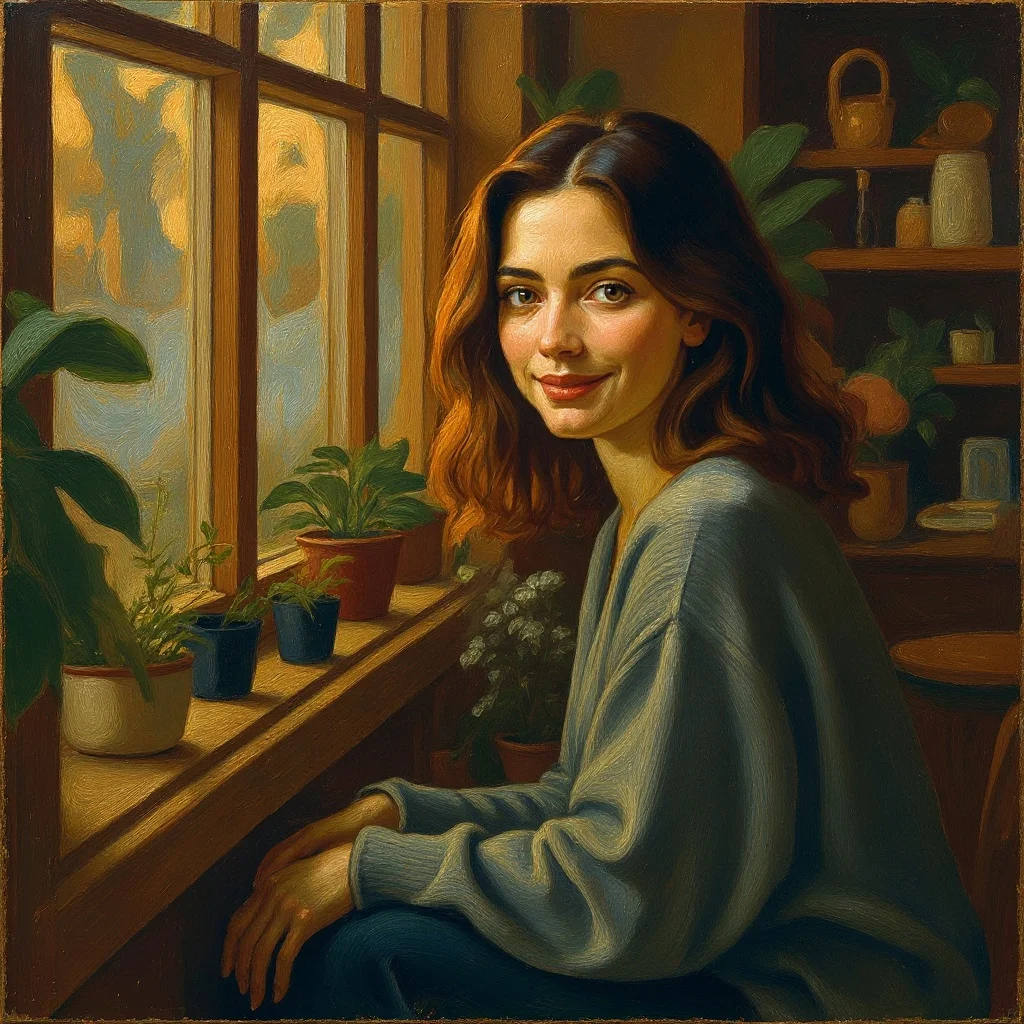
Photo to Painting

Photo to Sketch
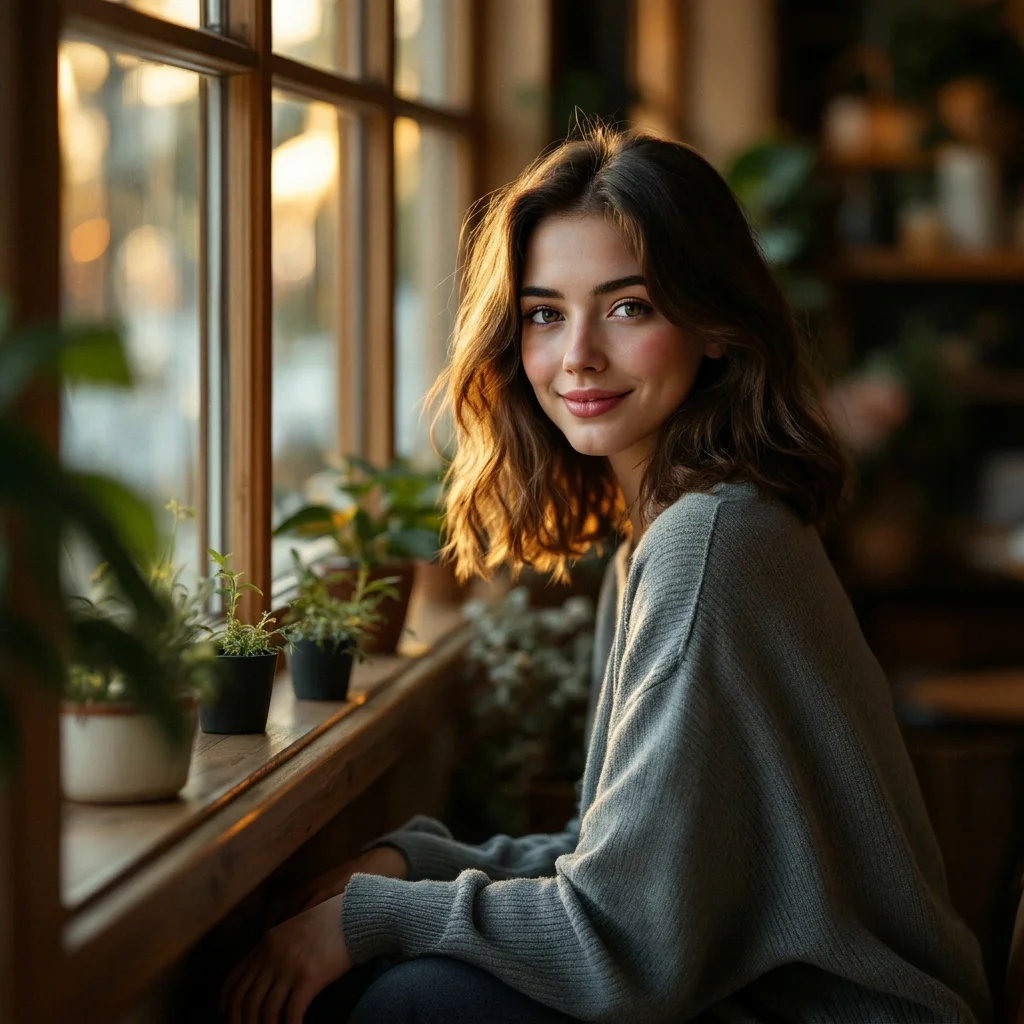
Photo to 3D

Photo to Watercolor
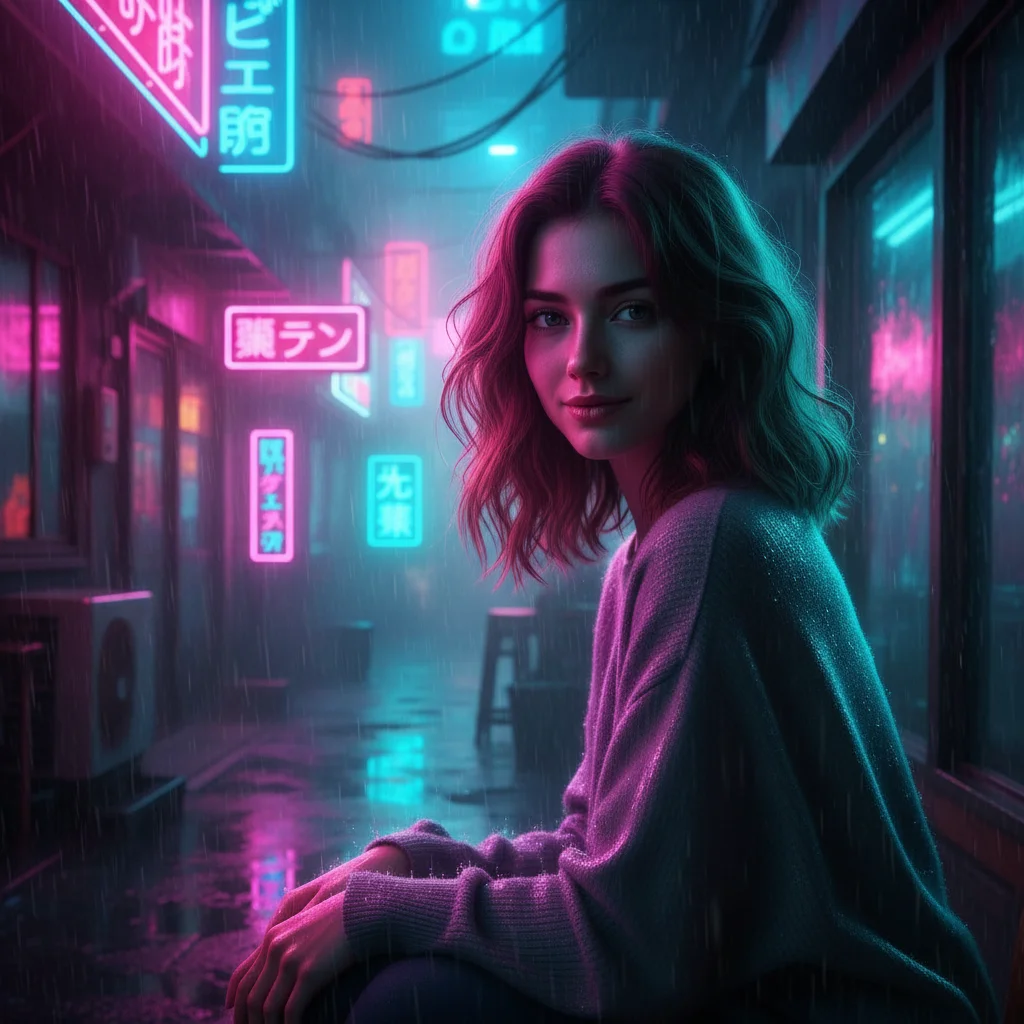
Photo to Cyberpunk
Single-purpose tools
One job, done well.
Background Remover
background remover
Background Changer
background changer
Image Upscaler
image upscaler
Object Remover
object remover
Photo Restoration
photo restoration
Colorize Photo
colorize photo
Photo Enhancer
photo enhancer
Image Resizer
image resizer
Image Converter
image converter
Image Compressor
image compressor
Image Cropper
image cropper
HEIC to JPG
heic to jpg
HEIC to PNG
heic to png
Collage Maker
collage maker
PNG to JPG
png to jpg
JPG to PNG
jpg to png
WebP to PNG
webp to png
WebP to JPG
webp to jpg
JPG to WebP
jpg to webp
PNG to WebP
png to webp
Image Vectorizer
vectorizer
Photo Tone Editor
tone picture
Fisheye Effect
fisheye effect
Polaroid Maker
polaroid photo maker
AI Age Filter
age filter
Baby Filter
baby filter
AI Pose Changer
ai pose changer
AI Expression Changer
facial expression changer
Blemish Remover
blemish remover
Headshot Background Changer
headshot background
LinkedIn Photo Resizer
linkedin profile picture size
Circle Profile Picture Maker
circle profile picture
Video to GIF
video to gif
GIF to MP4
gif to mp4
Video Trimmer
trim video online
Video Compressor
compress video
MOV to MP4
mov to mp4
WebM to MP4
webm to mp4
Video Resizer
resize video
Rotate Video
rotate video
Mute Video
mute video
Video Speed Changer
change video speed
Reverse Video
reverse video
For your professional photo
Upload a selfie. Get a polished version for the right context.

business headshot
AI business headshot generator

corporate headshot
AI corporate headshot generator

professional headshot
AI professional headshot generator

CV photo
AI CV photo generator
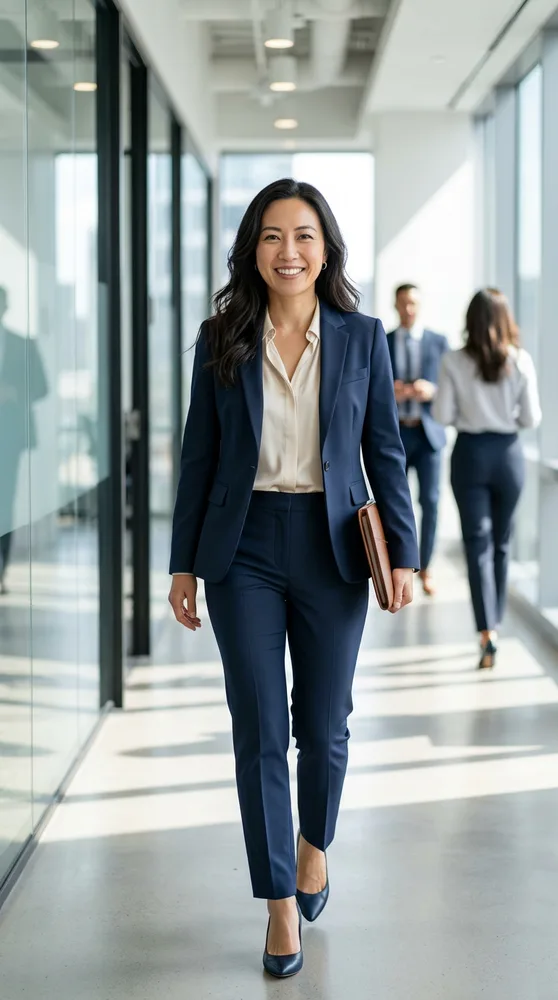
resume photo
AI resume photo generator

realtor headshot
AI realtor headshot generator

attorney headshot
AI attorney headshot generator

executive headshot
AI executive headshot generator

consultant headshot
AI consultant headshot generator

interview photo
AI interview photo generator
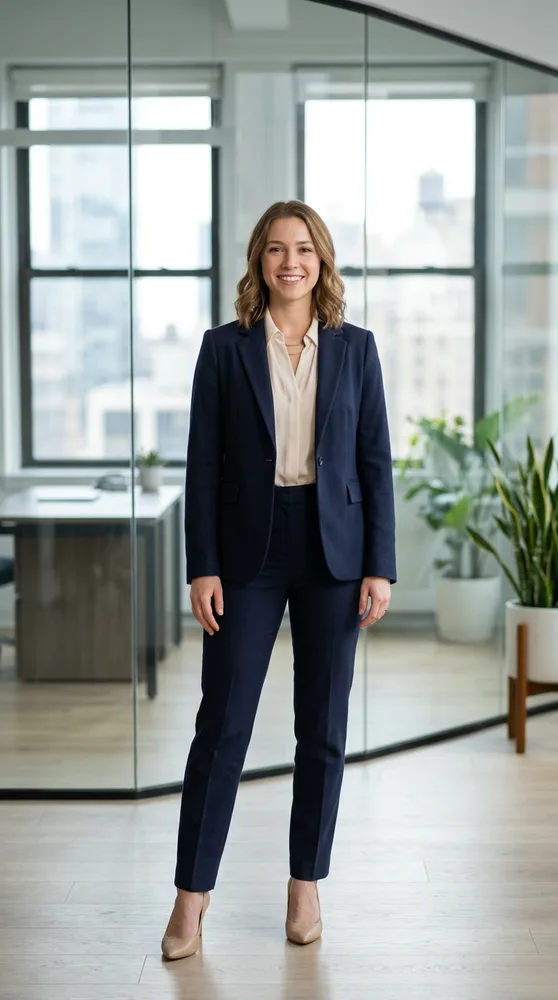
LinkedIn headshot
AI LinkedIn headshot generator
How it works
Pick a tool
Create an image, generate a video, or enhance one you have.
Pick a model and style
24 styles, multiple models per tool. Each has its strengths.
Generate and iterate
Type a prompt, get a result in seconds. Run again if you want a different take.
Simple pricing
Monthly subscription. Train personal AI models, generate unlimited images and videos. Cancel any time.
Basic
- · 1 personal AI model
- · 200 generations per month
- · All image + video models
- · Commercial use included
Popular
- · 3 personal AI models
- · 1,000 generations per month
- · Priority queue
- · Photo packs (30 imgs at once)
- · Commercial use included
Pro
- · 6 personal AI models
- · 5,000 generations per month
- · Highest priority queue
- · Photo packs + bulk export
- · Early access to new models
- · Commercial use included
Made with renza
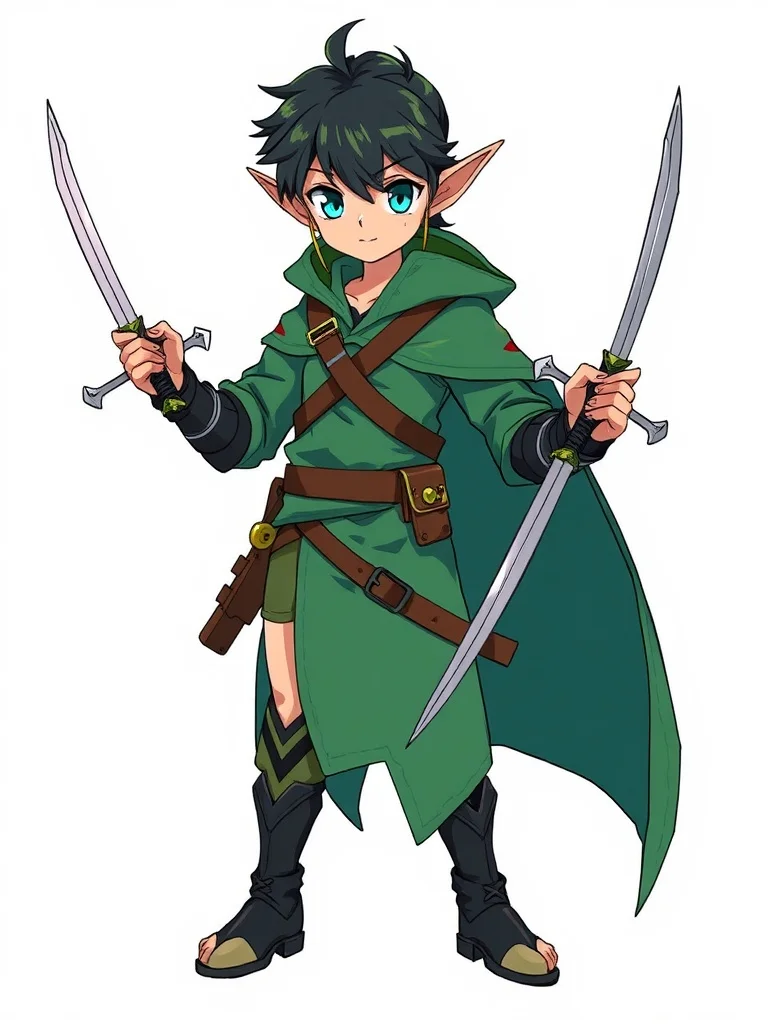
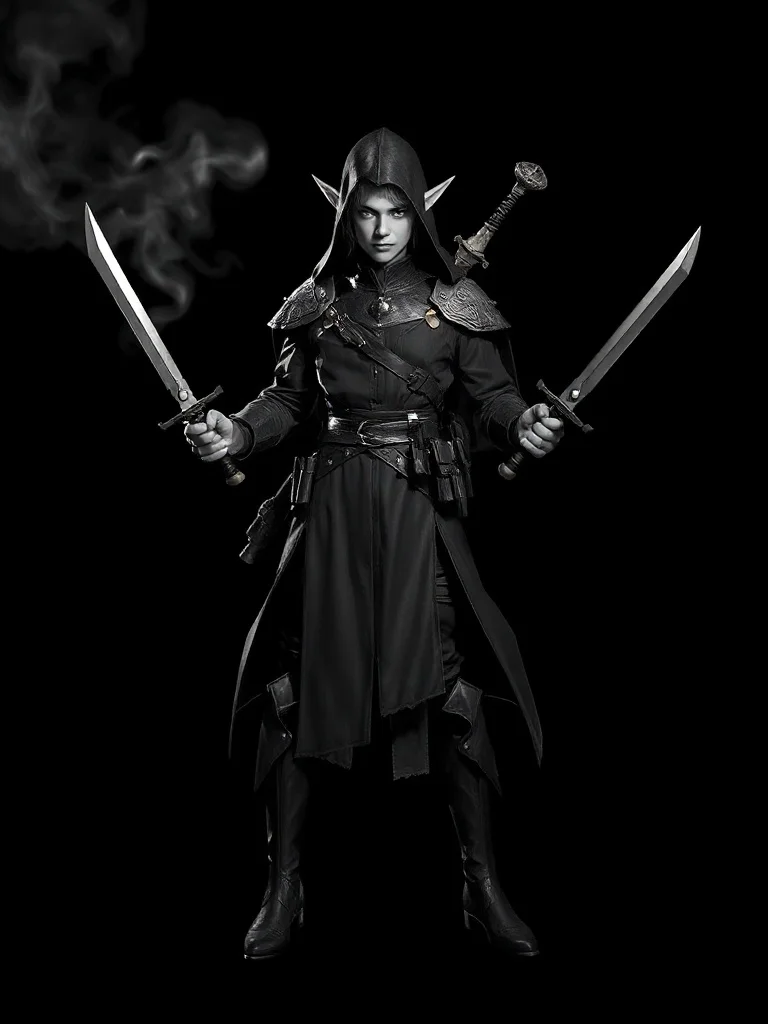
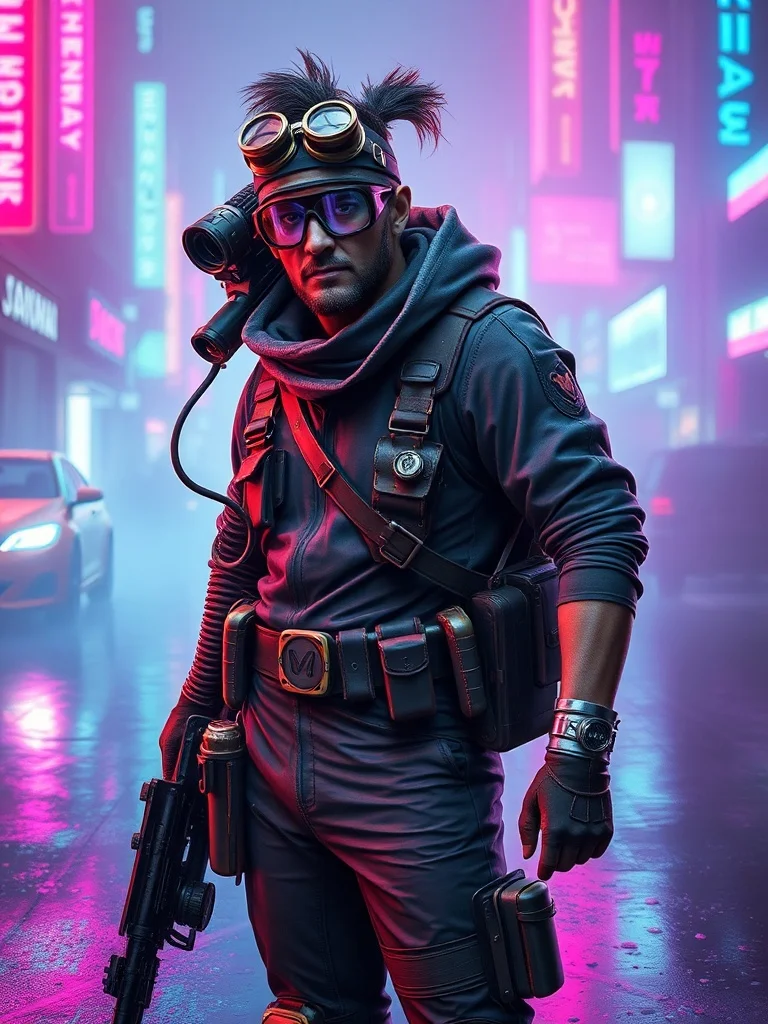
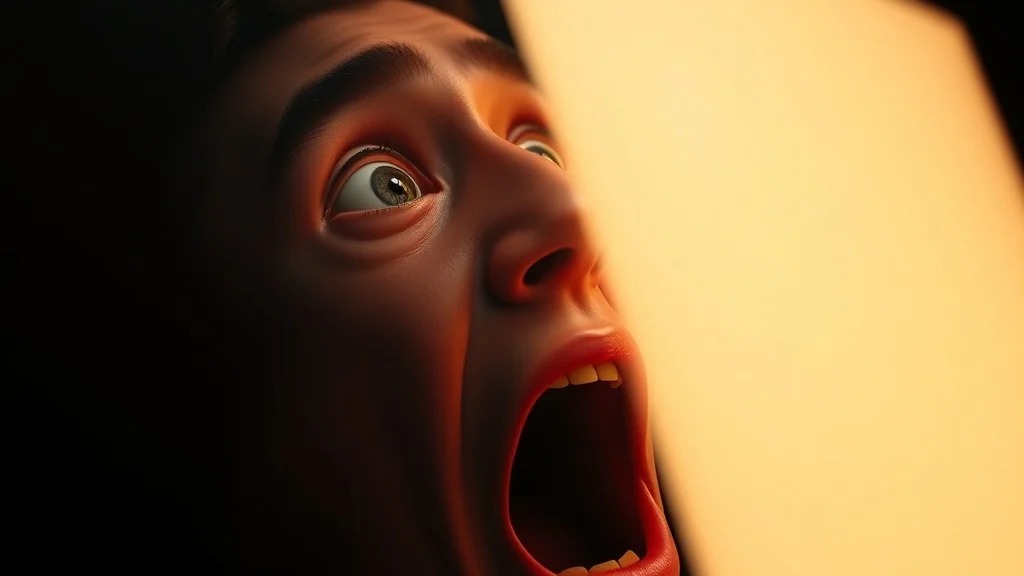
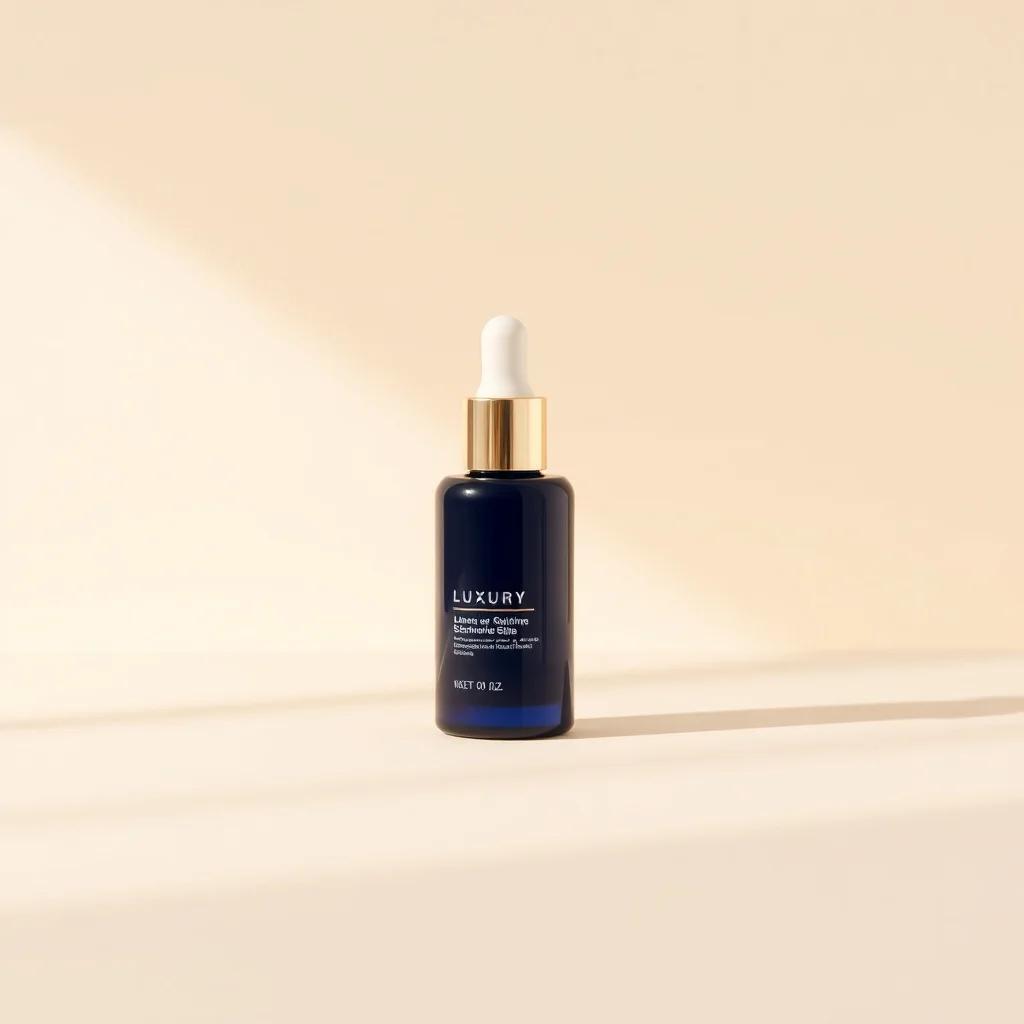
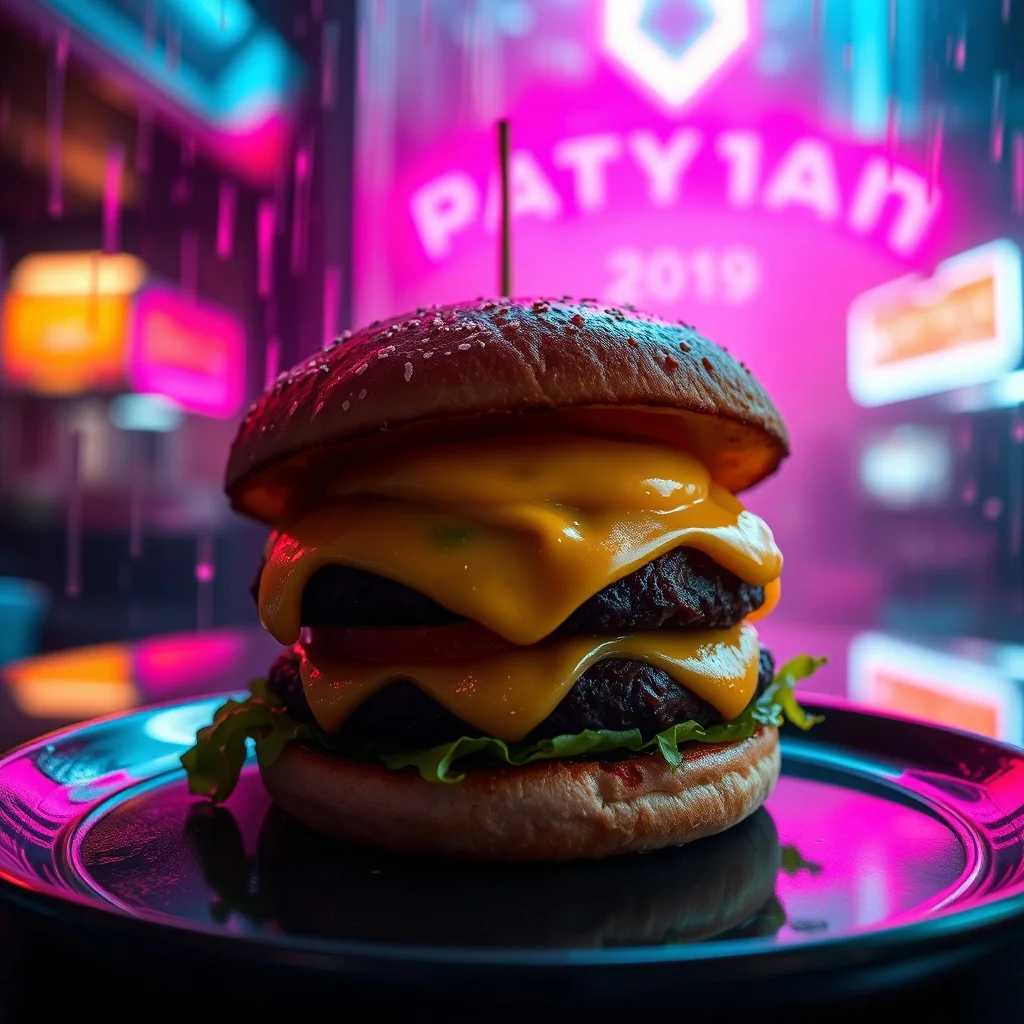
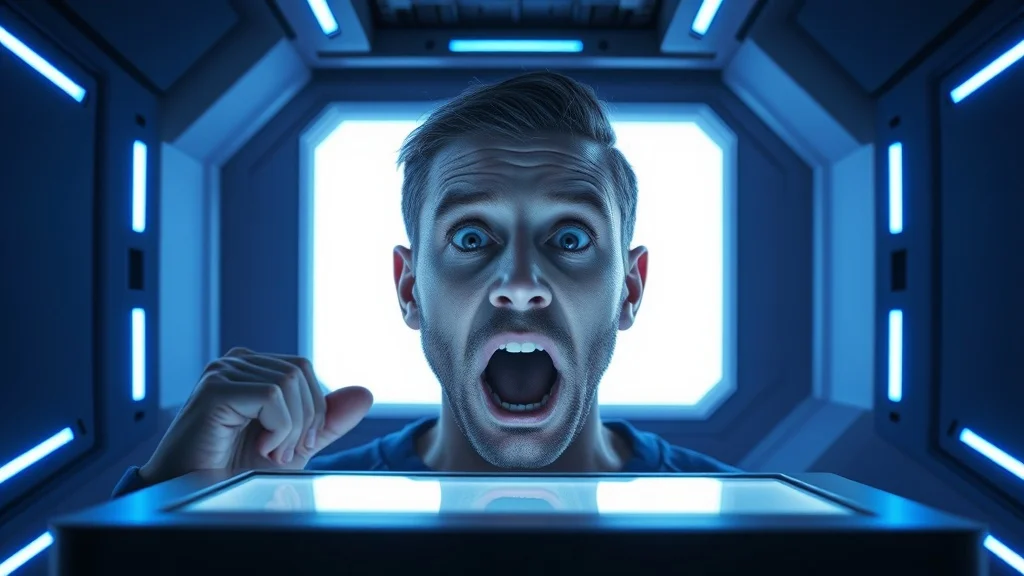
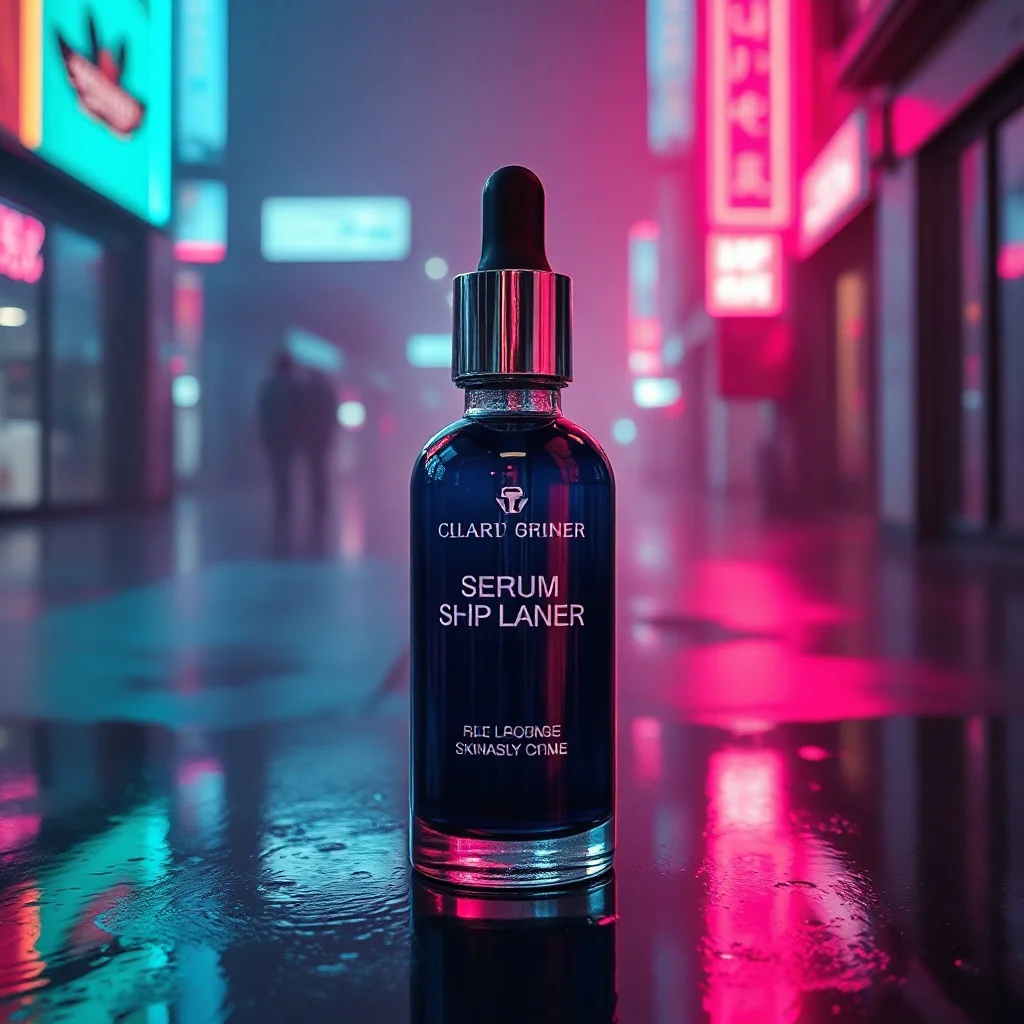
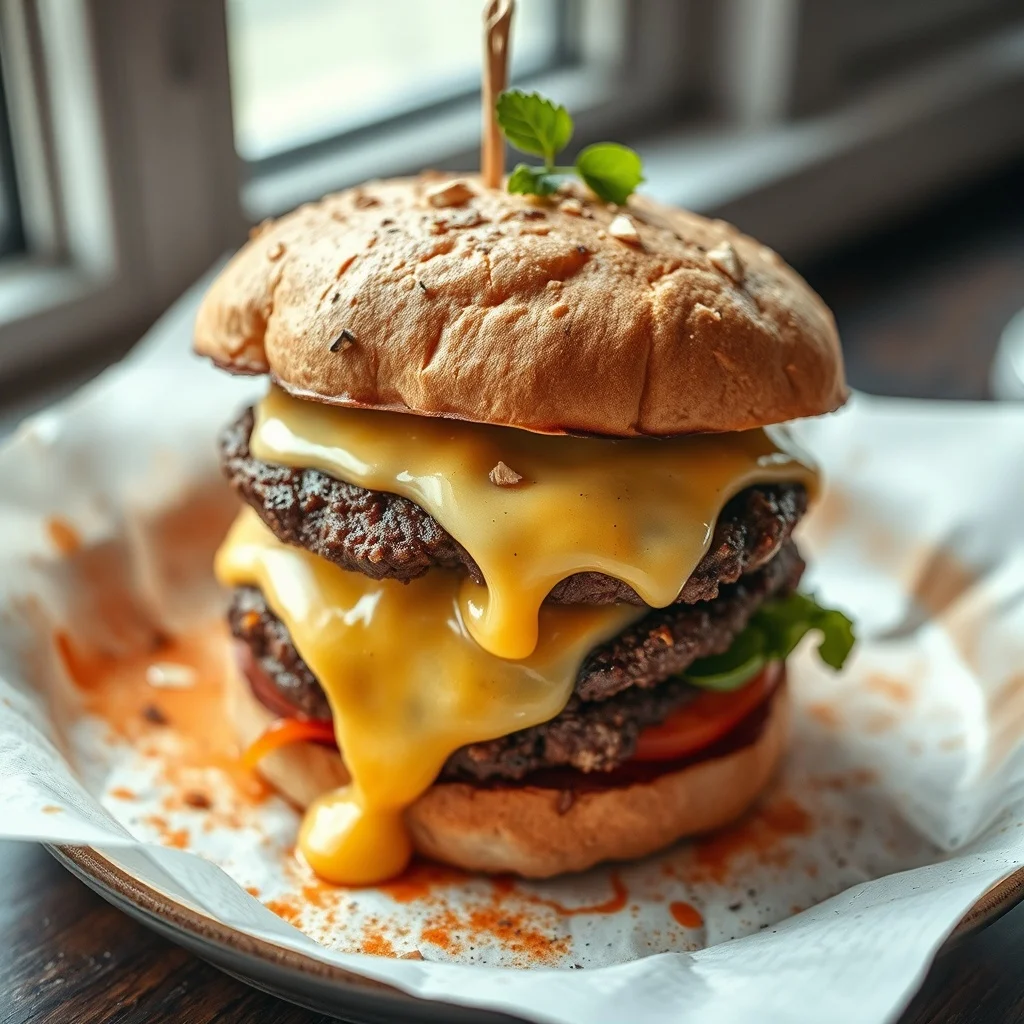
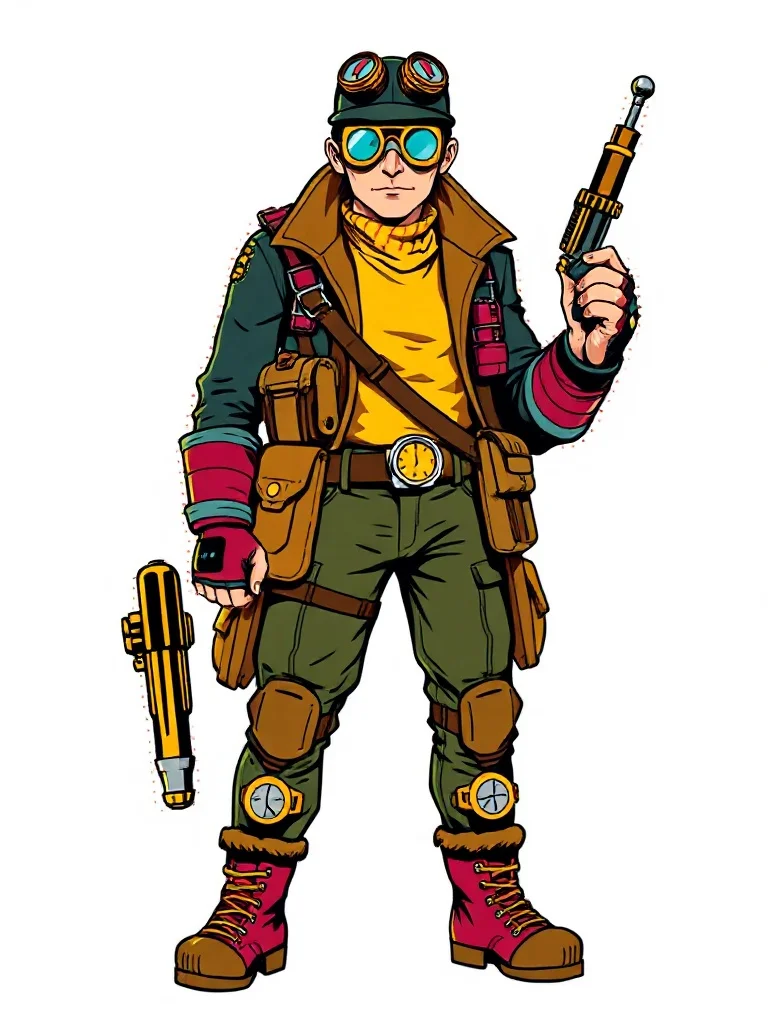
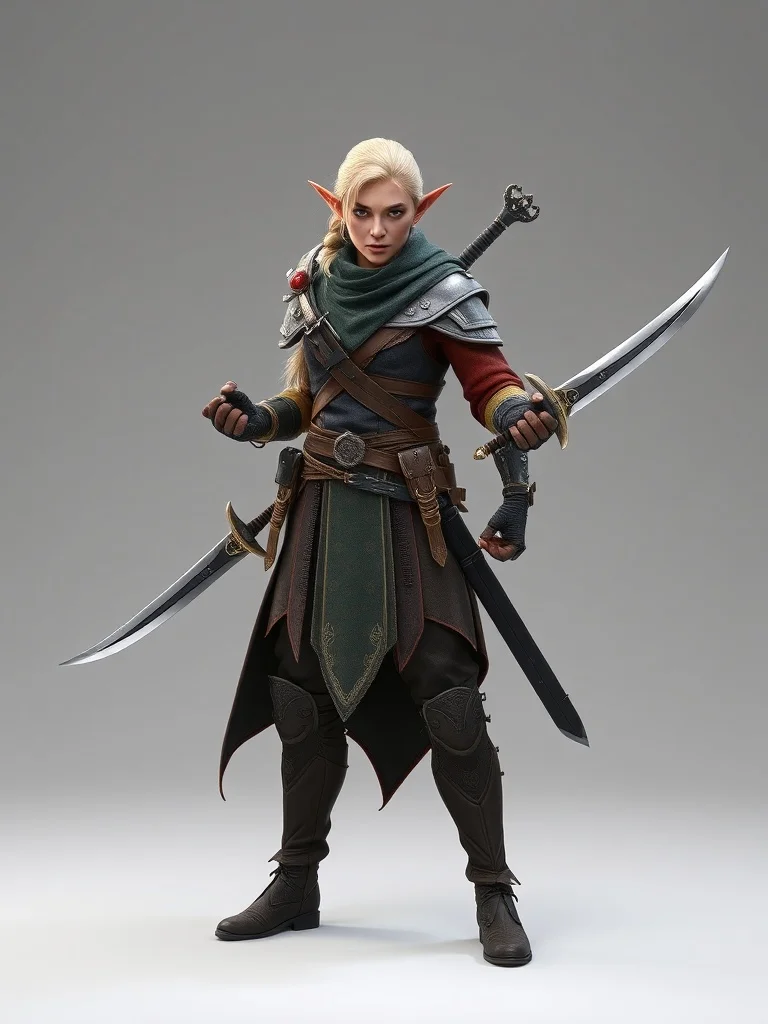
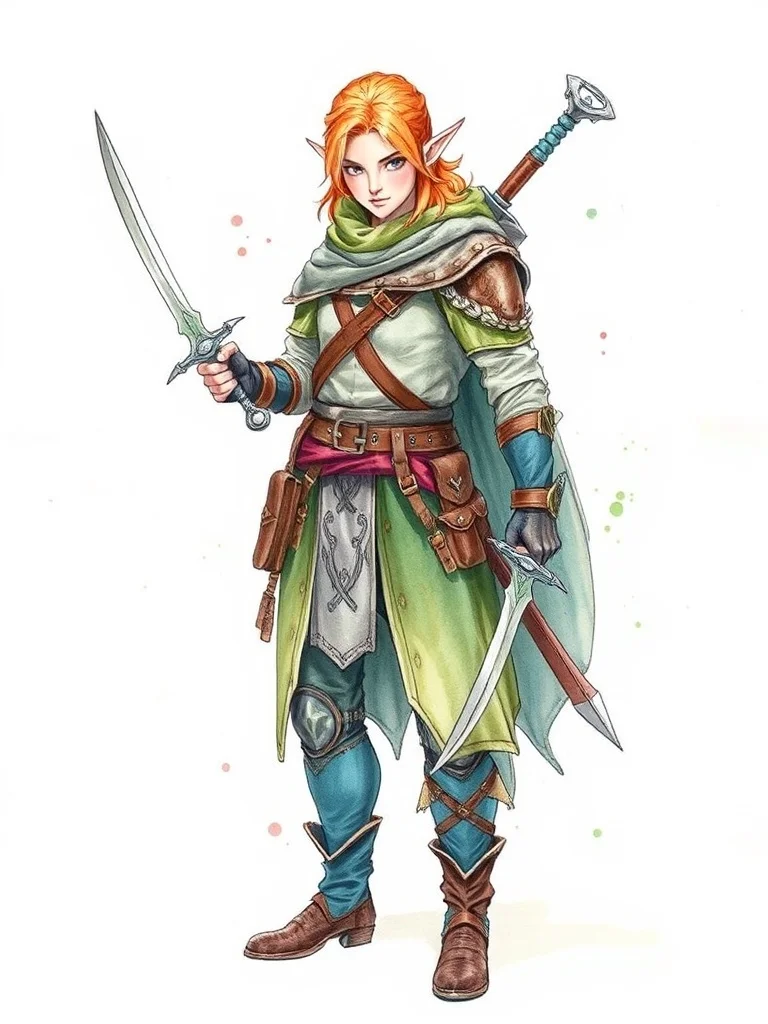
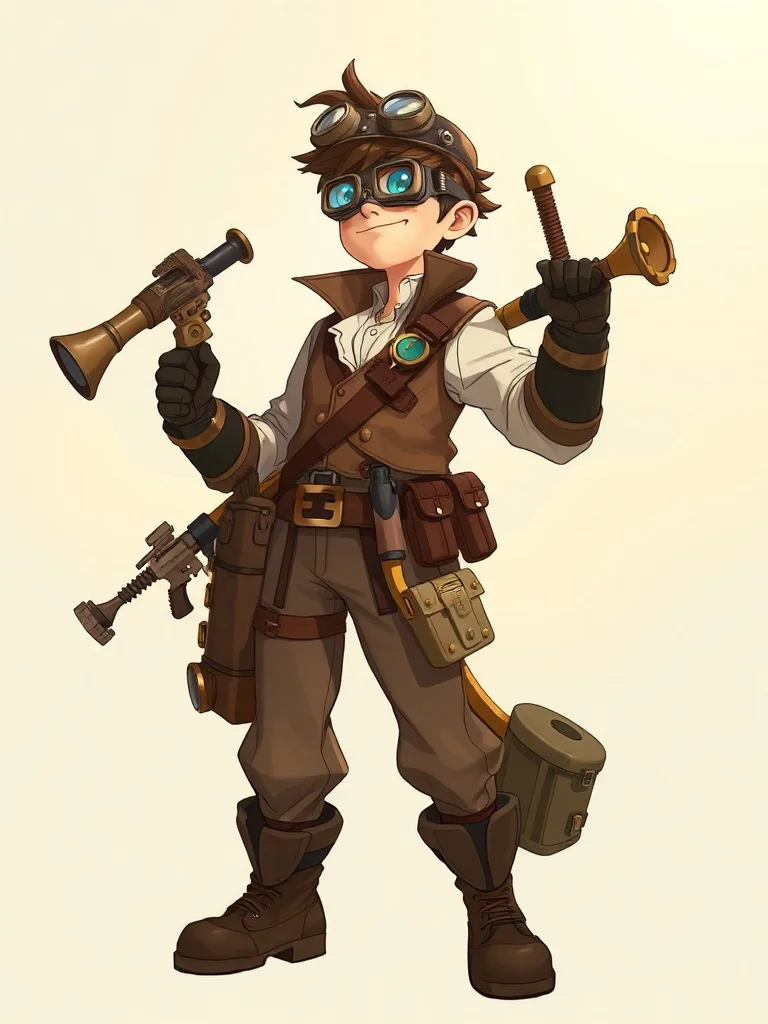
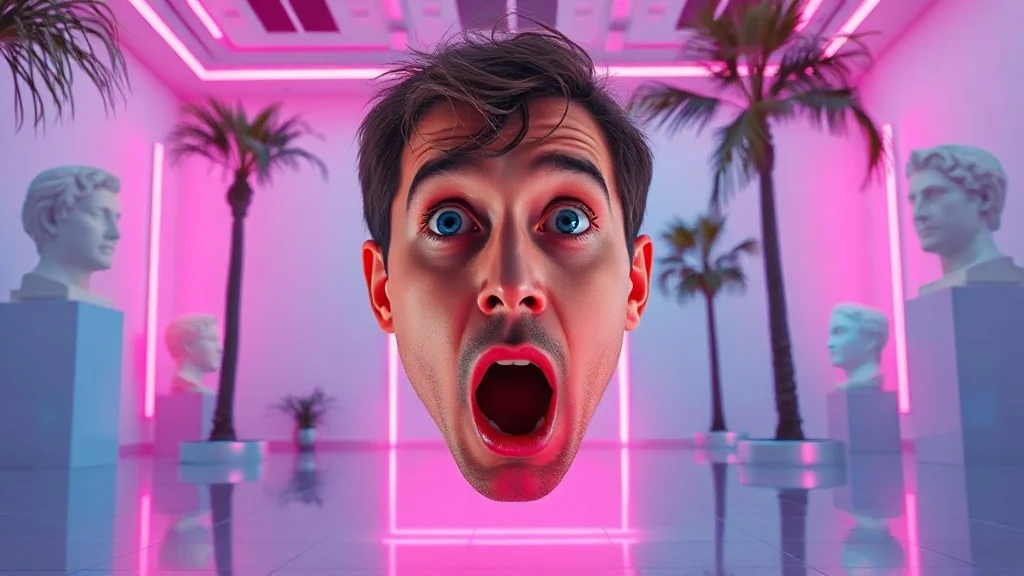
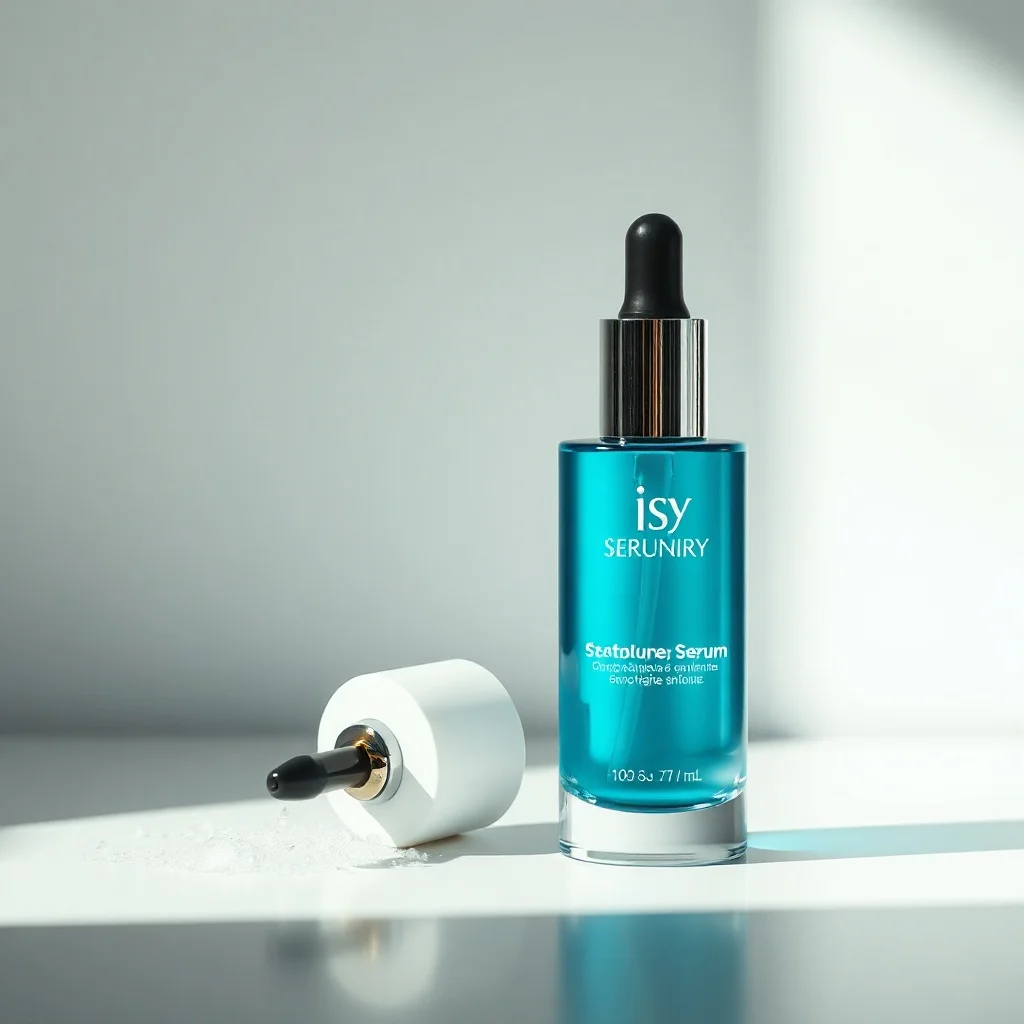
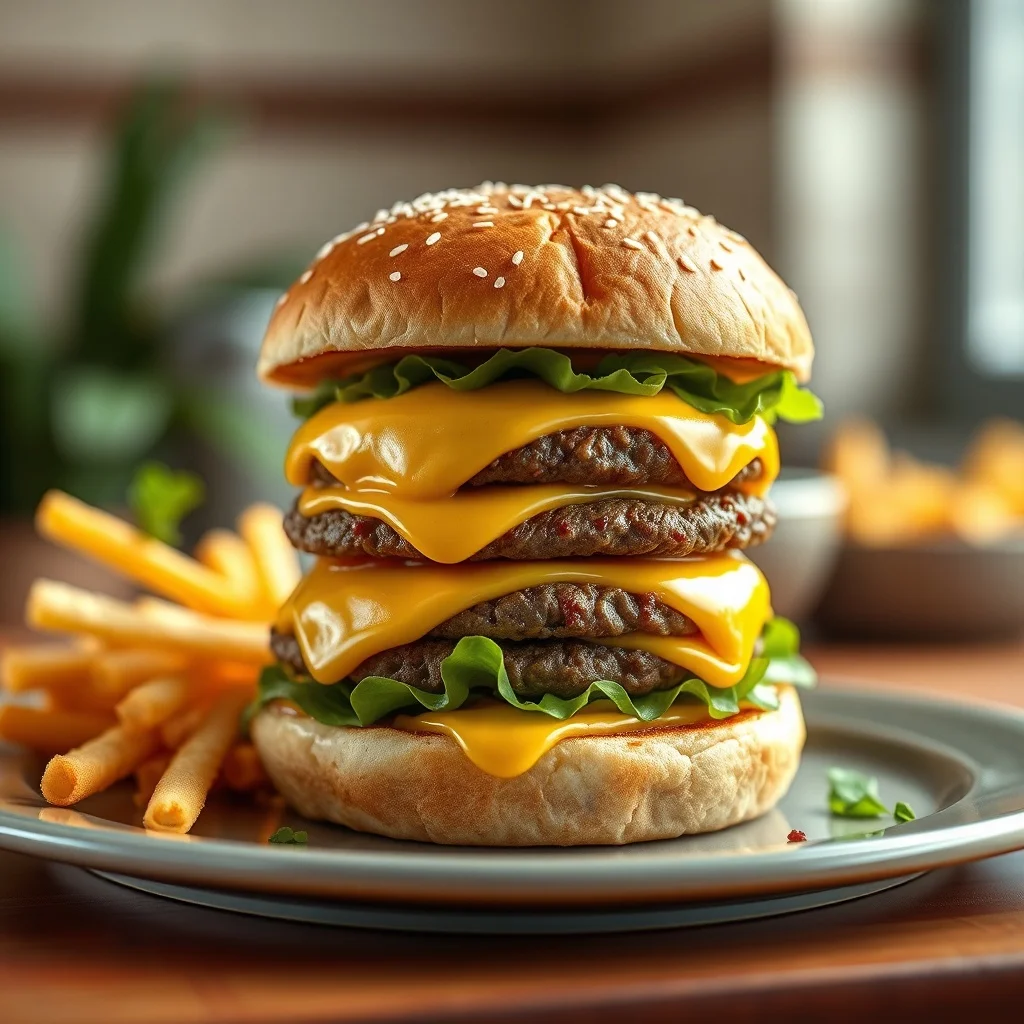
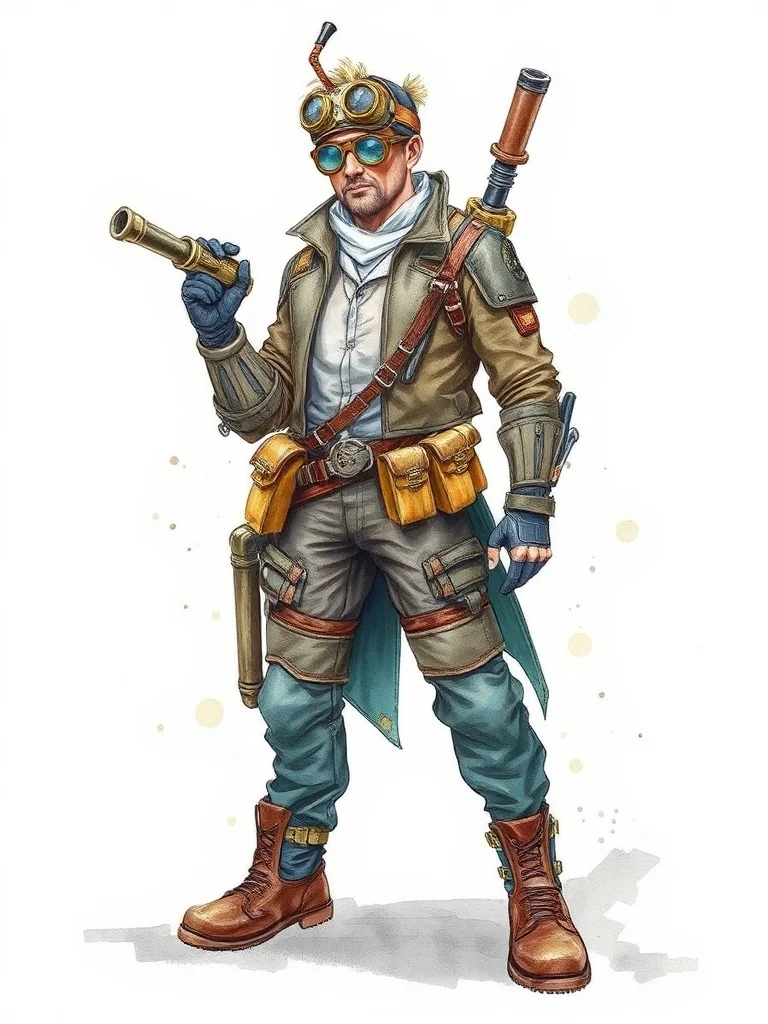
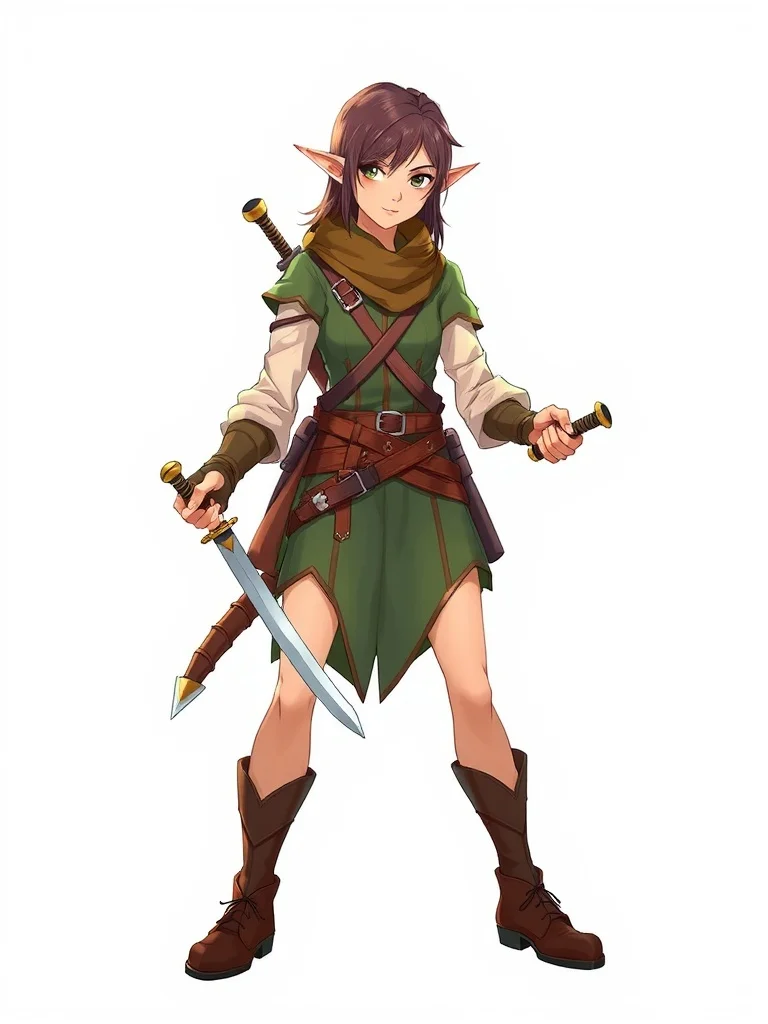
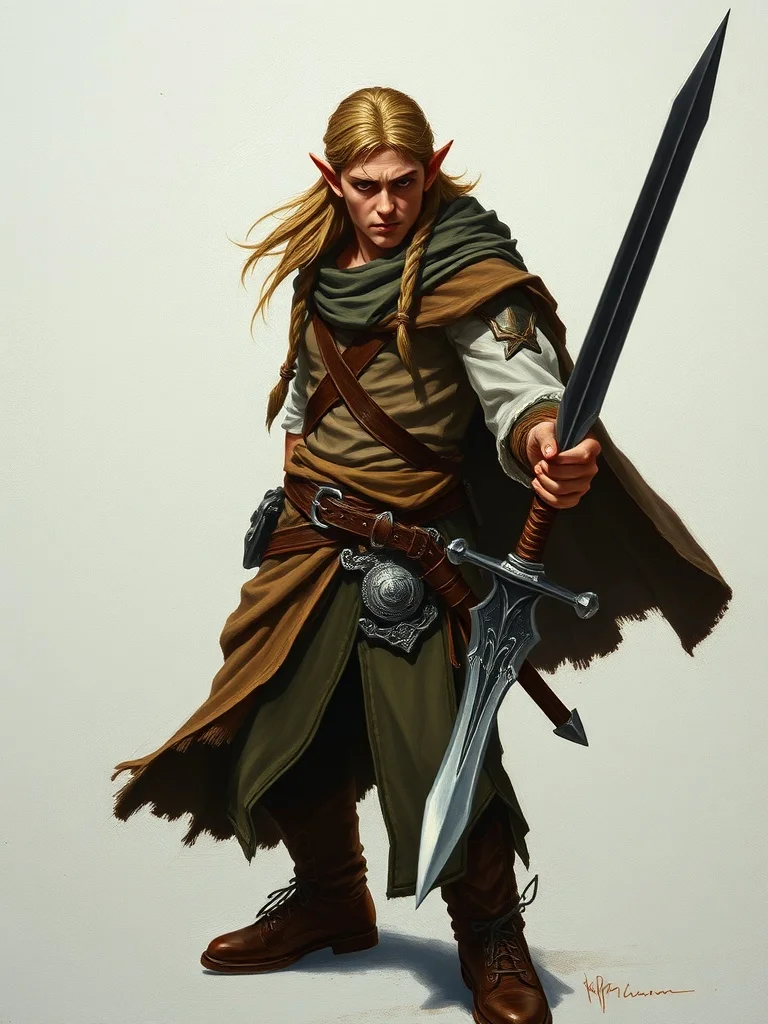
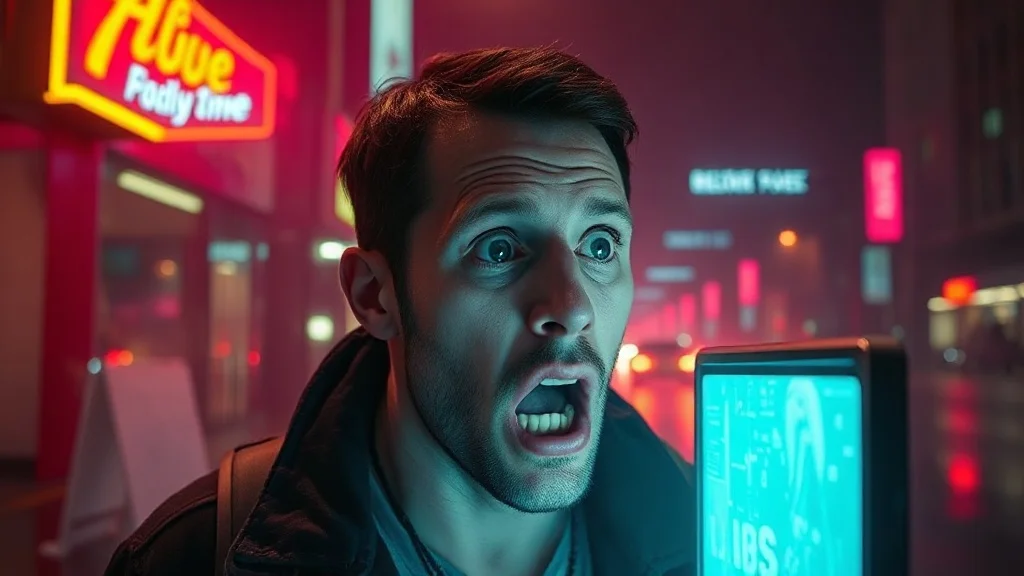
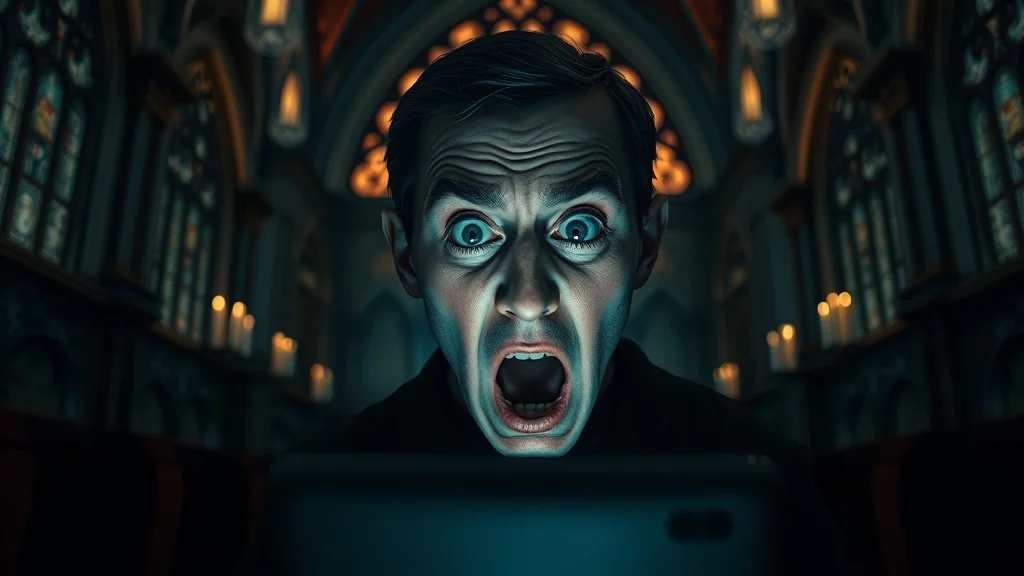
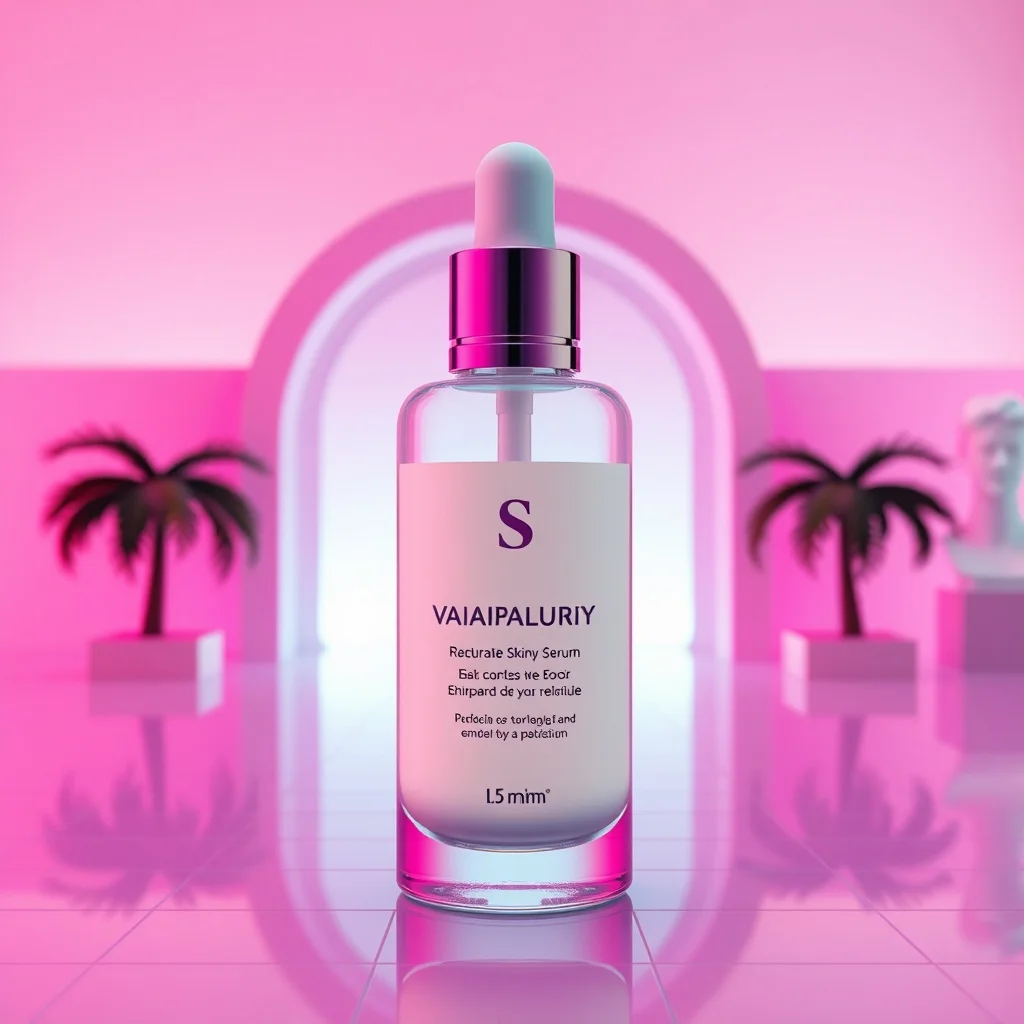
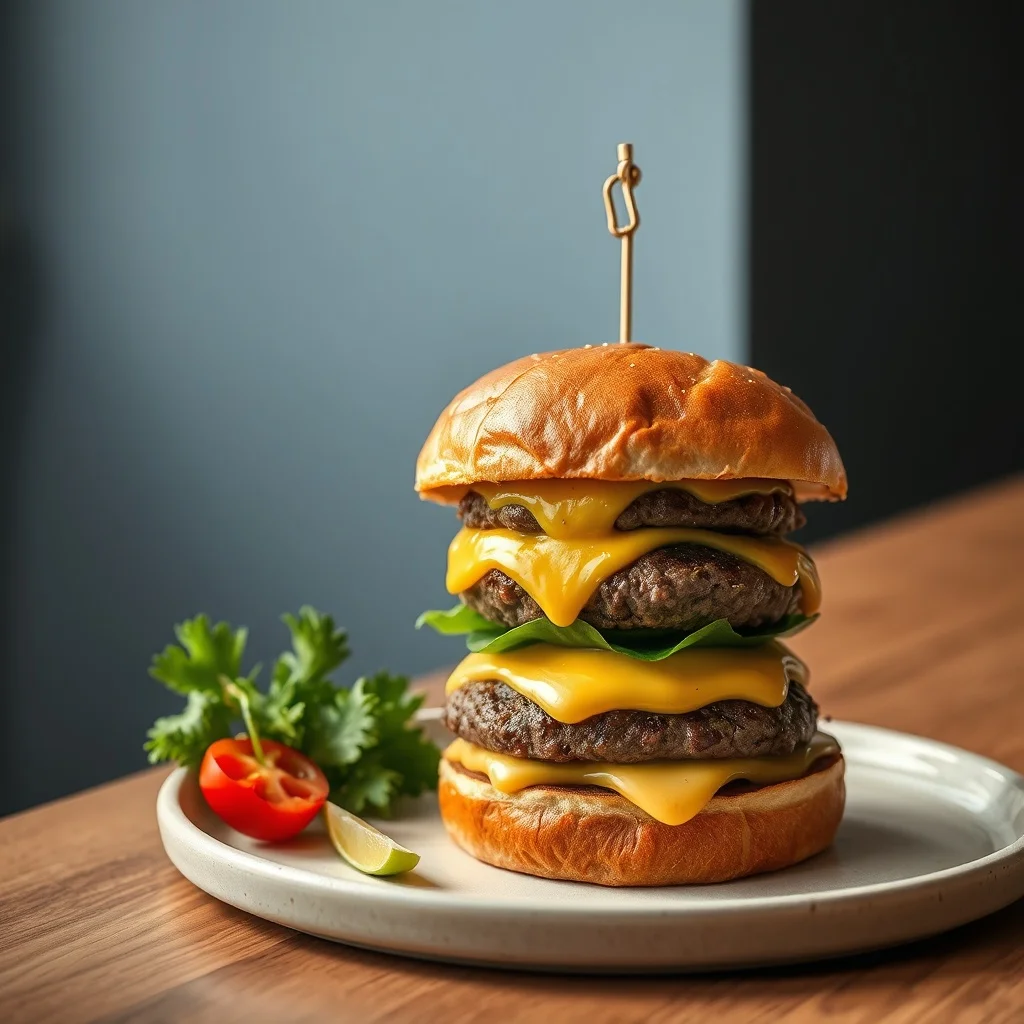
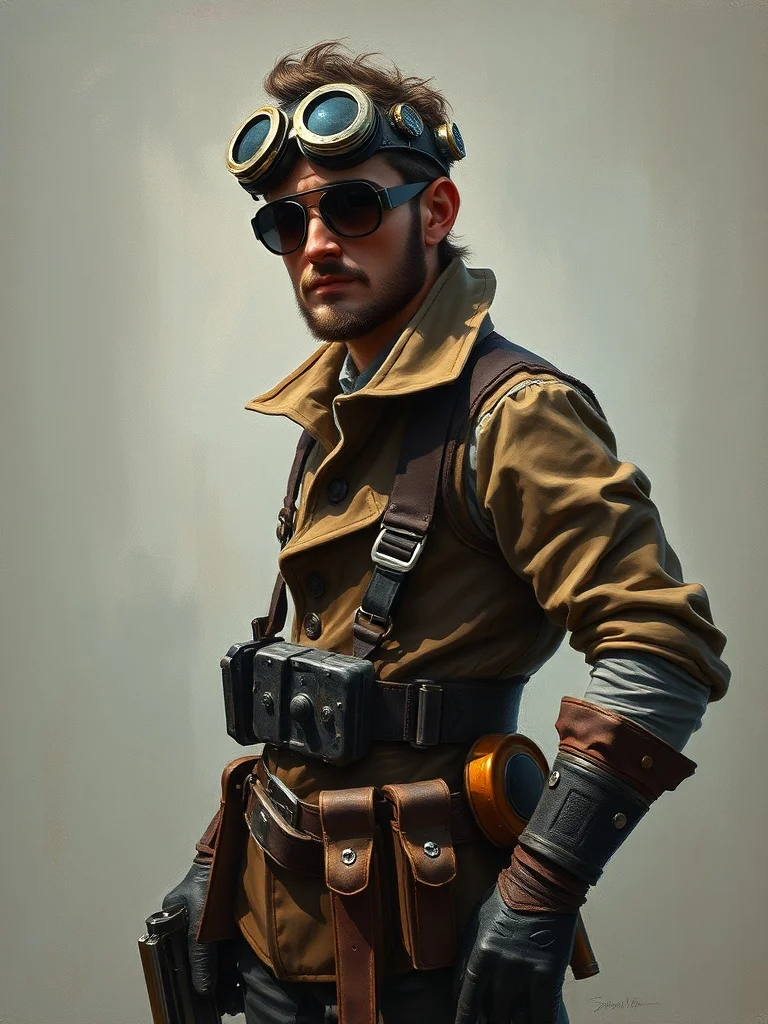
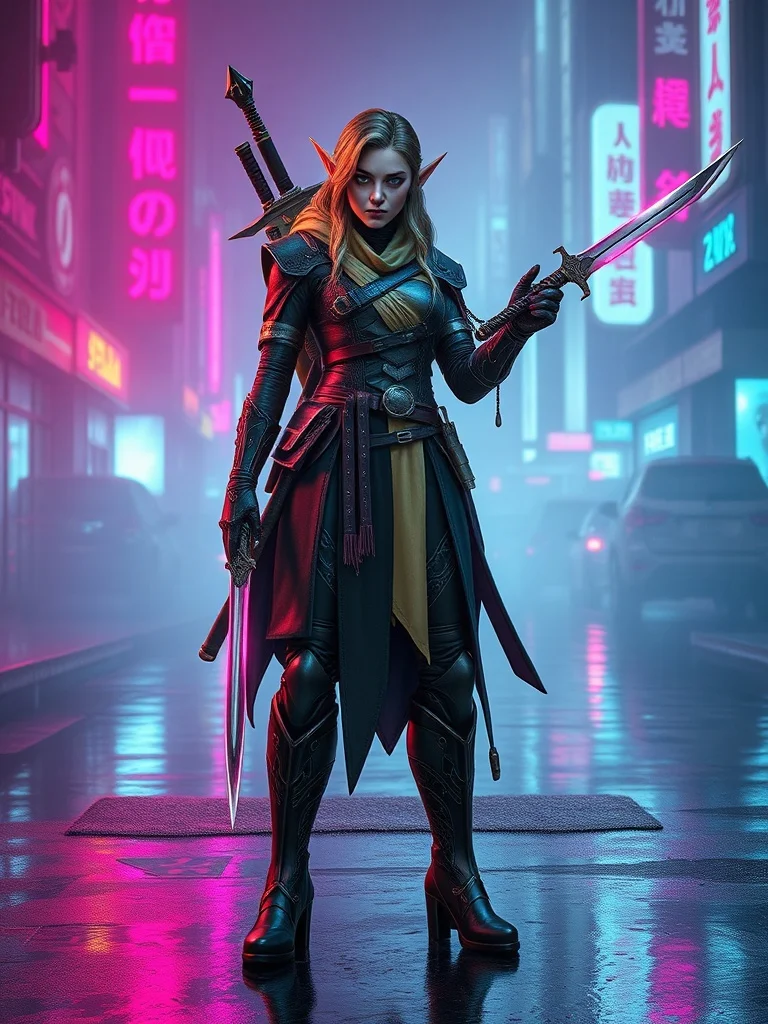
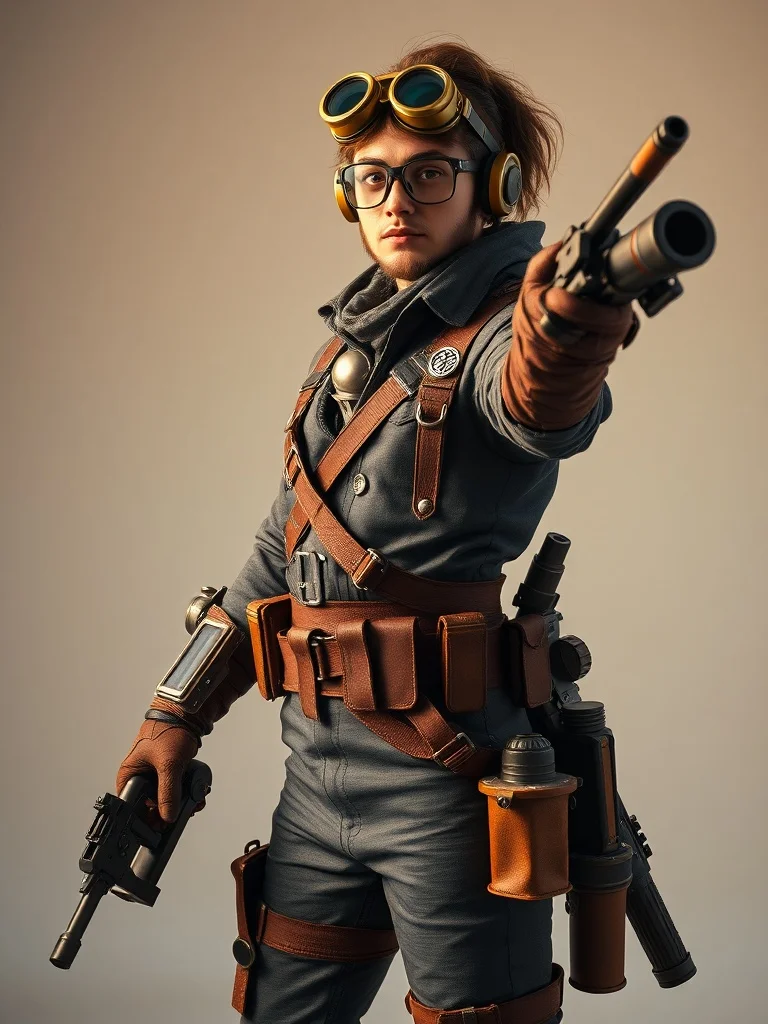
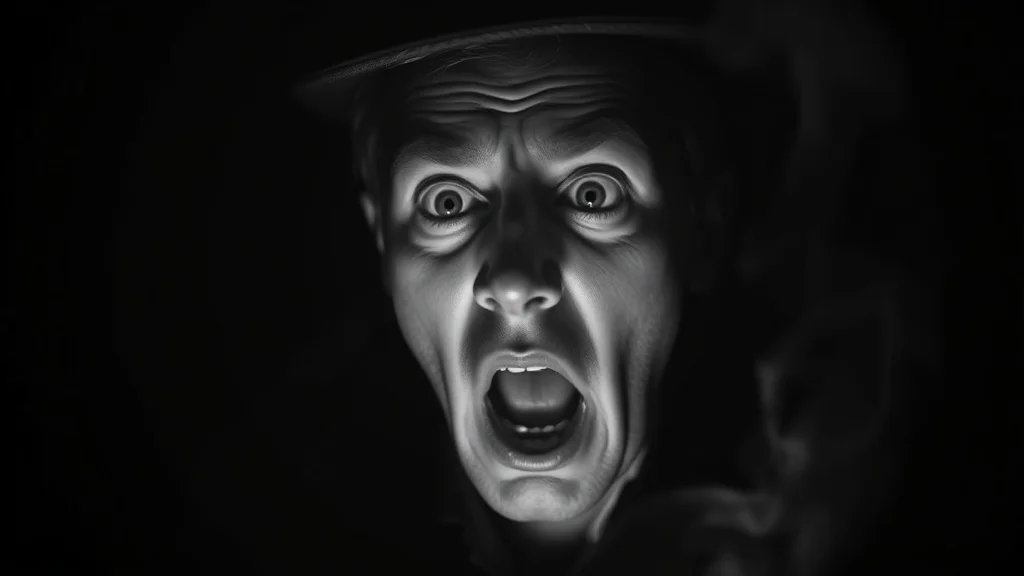
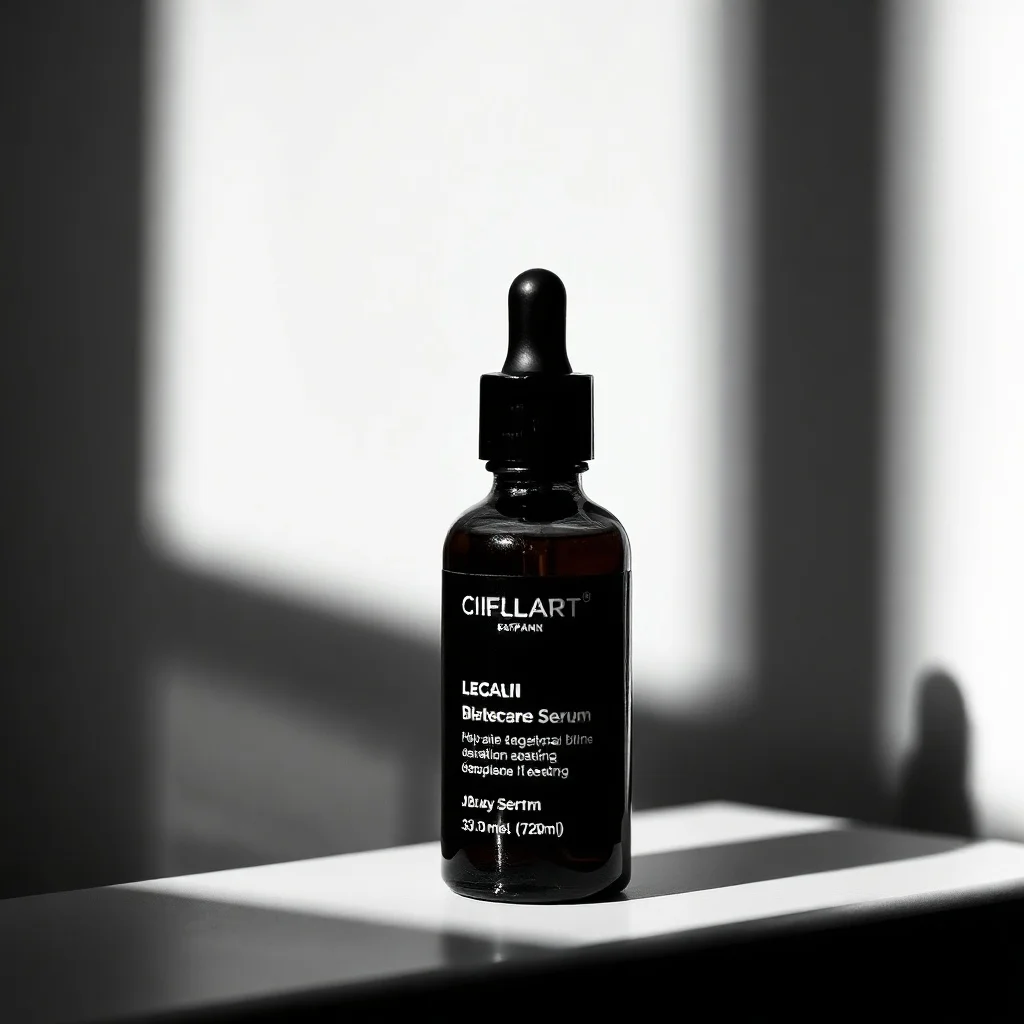
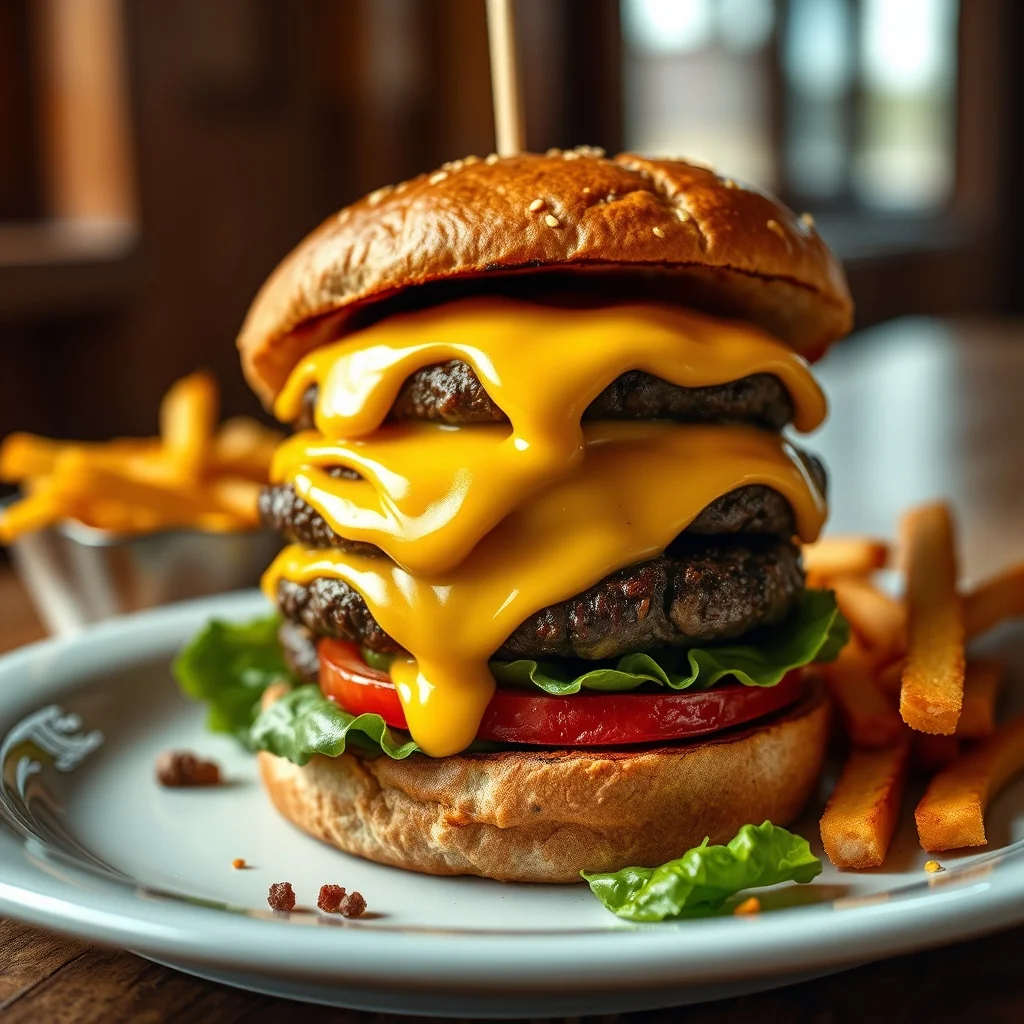
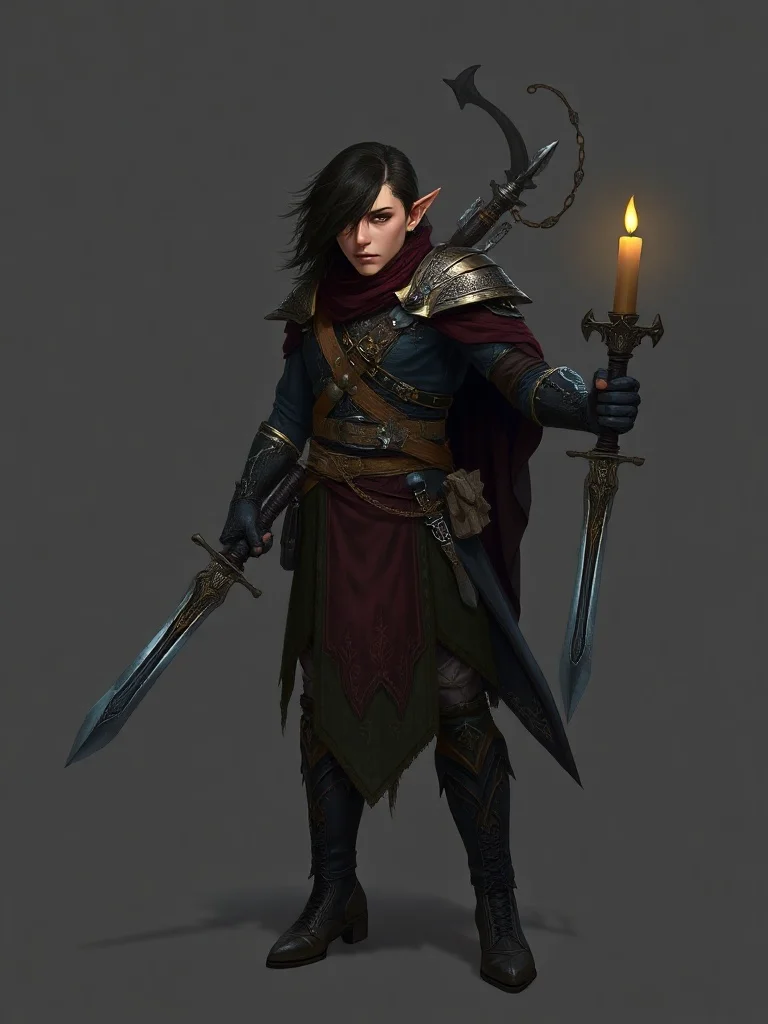
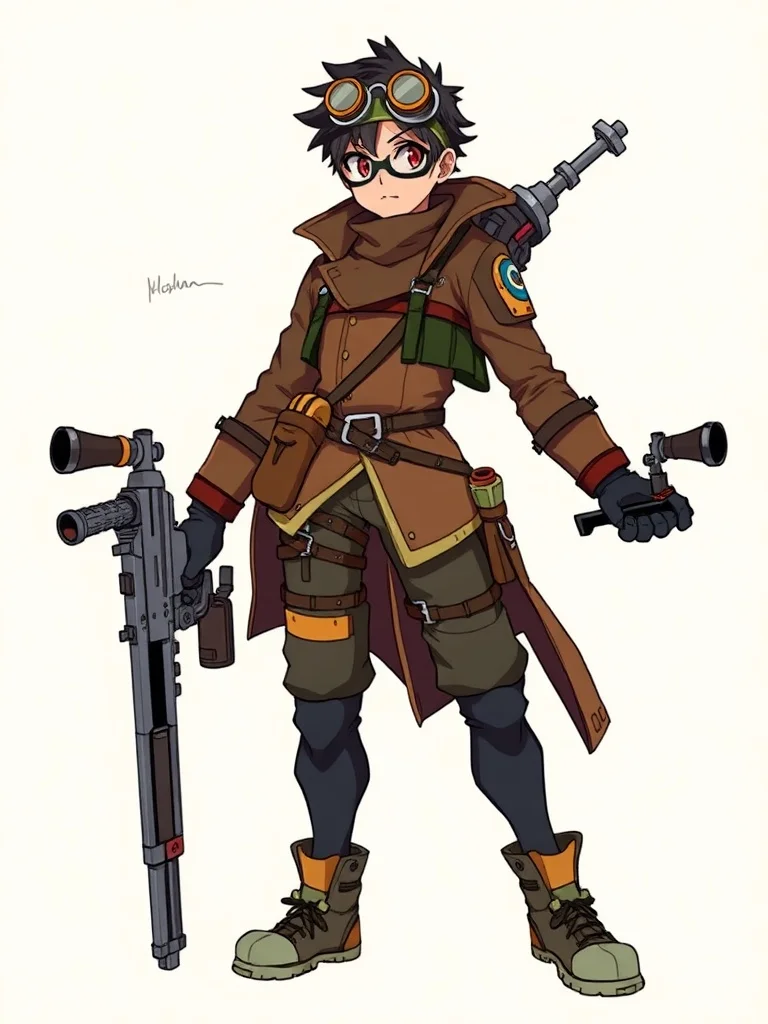
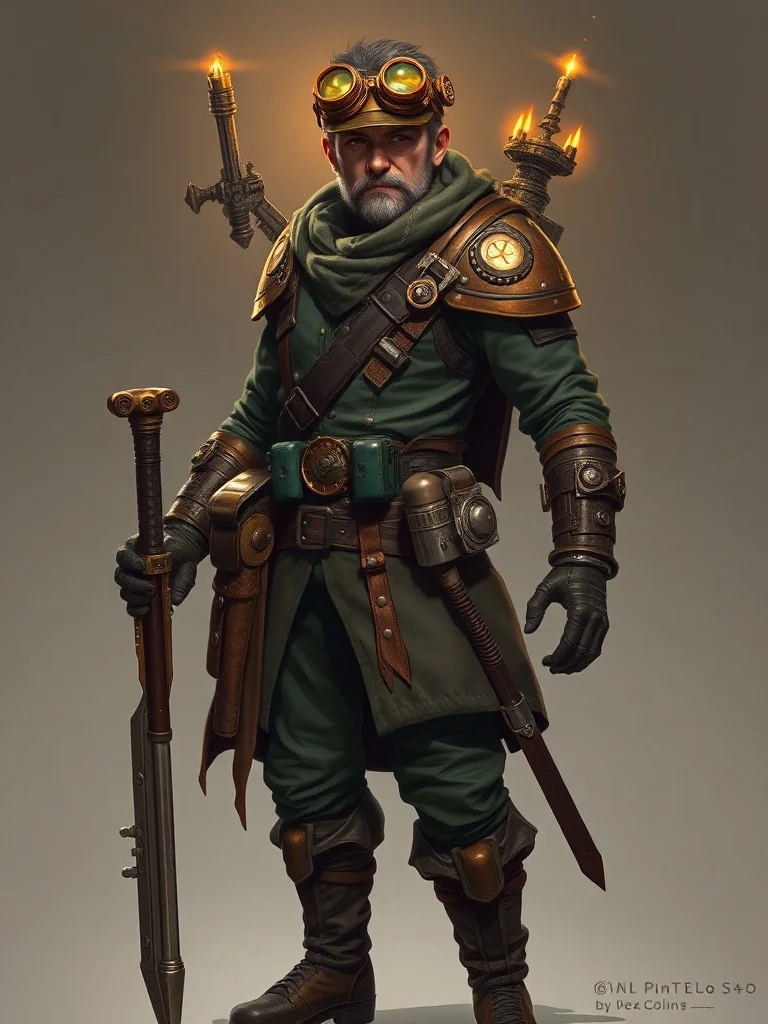
Real images people are generating. Click any to recreate it.
Frequently asked questions
The most common ones. See the full FAQ for everything.
Is renza free?
You get 3 free credits when you sign up, enough to generate around 1-3 images depending on which model you pick. No credit card required. After that, credit packs start at $4.99 for 50 credits and credits never expire. There is no subscription. You only pay when you run out and want more.
Do I need an account to use renza?
For the free client-side tools (resize, convert, compress, crop, collage maker, HEIC to JPG/PNG) you don't need an account, everything runs in your browser. For AI generation, video, editing, and enhancement you need to sign in so we can track your credit balance. Sign-in is via Google or a magic link sent to your email, no password.
How do credits work?
Every generation costs credits depending on the model. Flux Dev and Hyper Realistic cost 2 credits. Ideogram and Nano Banana 2 cost 3. Edit models (Flux 2 Max, Nano Banana Pro, GPT Image 2, Qwen Image Max) cost 2-4. Video models cost 5-25 credits depending on length and quality. Credits are deducted only on a successful generation, refunded automatically if the model fails.
Do credits expire?
No. Credits never expire. Buy a pack, use them over weeks, months, or years. There is no monthly minimum and no subscription. Your balance stays until you spend it.
Which AI models does renza support?
For image generation: Flux Dev (default), Hyper Realistic, Ideogram, and Nano Banana 2. For image editing: Flux 2 Max, Nano Banana Pro, GPT Image 2, and Qwen Image Max. For video: Veo, Kling, Seedance, and LTX. For enhancement: Topaz upscaling.
How do I write a good prompt?
Be specific. 'a dog' is bad; 'a fluffy golden retriever puppy sitting in tall grass at sunset, soft warm light, shallow depth of field' is good. Three rules: describe the subject in detail, describe the lighting and mood, describe the camera or render technique. Length matters, 30-80 words is the sweet spot. Avoid contradictions ('photo of a cartoon' confuses the model).
How do I edit an existing photo with AI?
Go to /edit, drop your photo, pick a model (Nano Banana Pro is a strong default), type what you want changed in plain English (e.g. 'replace the background with a beach at sunset' or 'make the sweater navy blue'), and click Generate. The AI keeps your subject identity intact and changes only what you describe.
Can I remove objects from a photo?
Yes, use /tools/object-remover. Describe what to remove ('the person on the left', 'the lamp post', 'the watermark in the corner') and the AI fills the area with whatever should naturally be there. No manual masking needed.
How do I turn my photo into anime?
Use /photo-to-anime. Drop your photo, the prompt is pre-filled with the right style (cel-shaded, expressive eyes, Studio Trigger / Makoto Shinkai feel), and Nano Banana redraws your photo as anime art while keeping you recognizable. Takes 5-15 seconds.
Can I make a Studio Ghibli version of my photo?
Yes, /photo-to-ghibli uses GPT Image 2 (the same model behind the viral ChatGPT Ghibli trend) to convert photos into Miyazaki-style art. Landscapes work especially well; portraits also preserve identity. Output is high-res and free of any watermarks.
Do the free tools need an account?
No. The seven client-side tools, image resizer, converter, compressor, cropper, HEIC to JPG, HEIC to PNG, and collage maker, run entirely in your browser. No upload, no signup, no credits used. Your files stay on your device.
Are my generations public?
Depends on your account type. Free accounts (no purchases): new generations default to Public, they appear in our explore feed at a /g/ URL and may be indexed by search engines. Paid accounts (any purchase): new generations default to Private, visible only to you. You can toggle the visibility of any individual generation from /account at any time.
Can I use the output commercially?
Yes. Everything you generate on renza is yours to use for any purpose, including commercial work, client deliverables, merchandise, printing, resale, advertising, you name it. We don't watermark, claim ownership, or restrict usage beyond a few sane defaults (no depicting real people without their permission, respect existing trademarks).