Convert your photo to a watercolor painting
Upload your photo and renza turns it into a delicate watercolor painting. Soft bleeding pigment, visible paper grain, translucent washes, the kind of painting you'd find at a local gallery. Perfect for wedding invitations, gift prints, or wall art.


No credit card. Free credits at signup.
About this transformation
Watercolor photo conversion is one of the most pleasing transforms because the medium itself is forgiving: imperfect photos become soft and dreamy when re-rendered as watercolor. Renza uses Nano Banana Pro for watercolor conversion because it captures the pigment behaviour, the way watercolor pools at edges, the way water bleeds into adjacent areas, the visible paper texture underneath. Older AI tools struggled with this; they would apply a watercolor filter that looked like a Photoshop preset. Nano Banana actually renders new pigment strokes. Output is excellent for wedding invitation portraits, family keepsake prints, real estate watercolor renderings (a popular niche for realtors), and pet portraits. Many users print the output on heavyweight watercolor paper for a tactile finish that genuinely passes as hand-painted.
How to turn a photo into Watercolor art
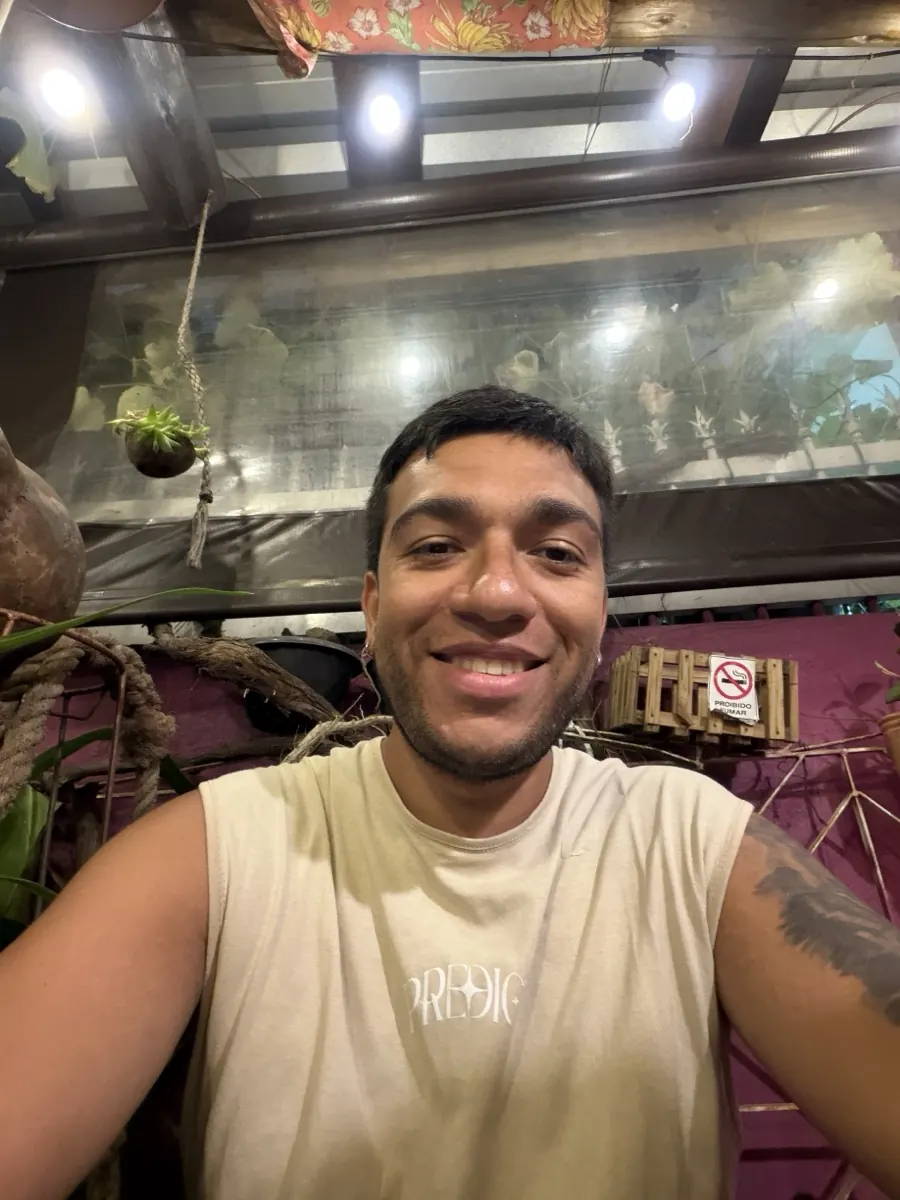
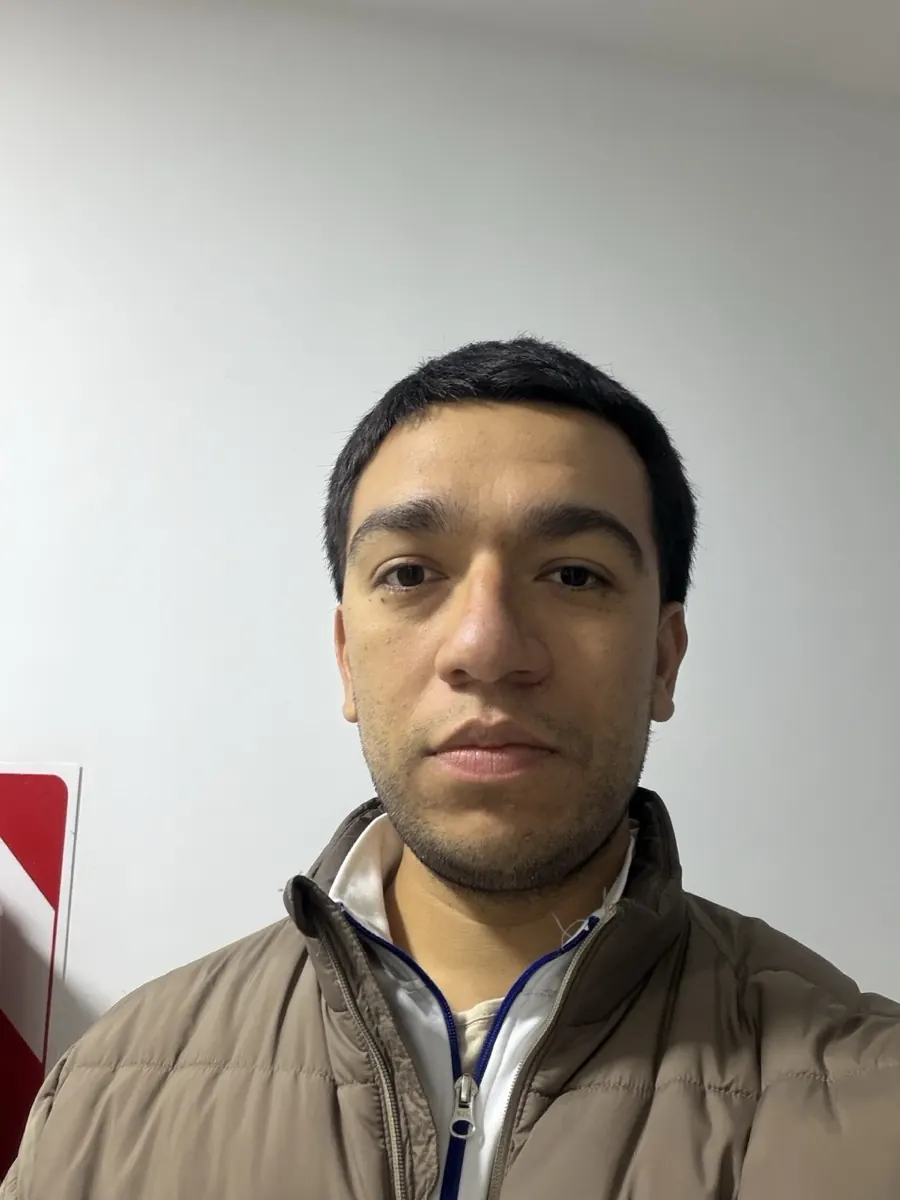
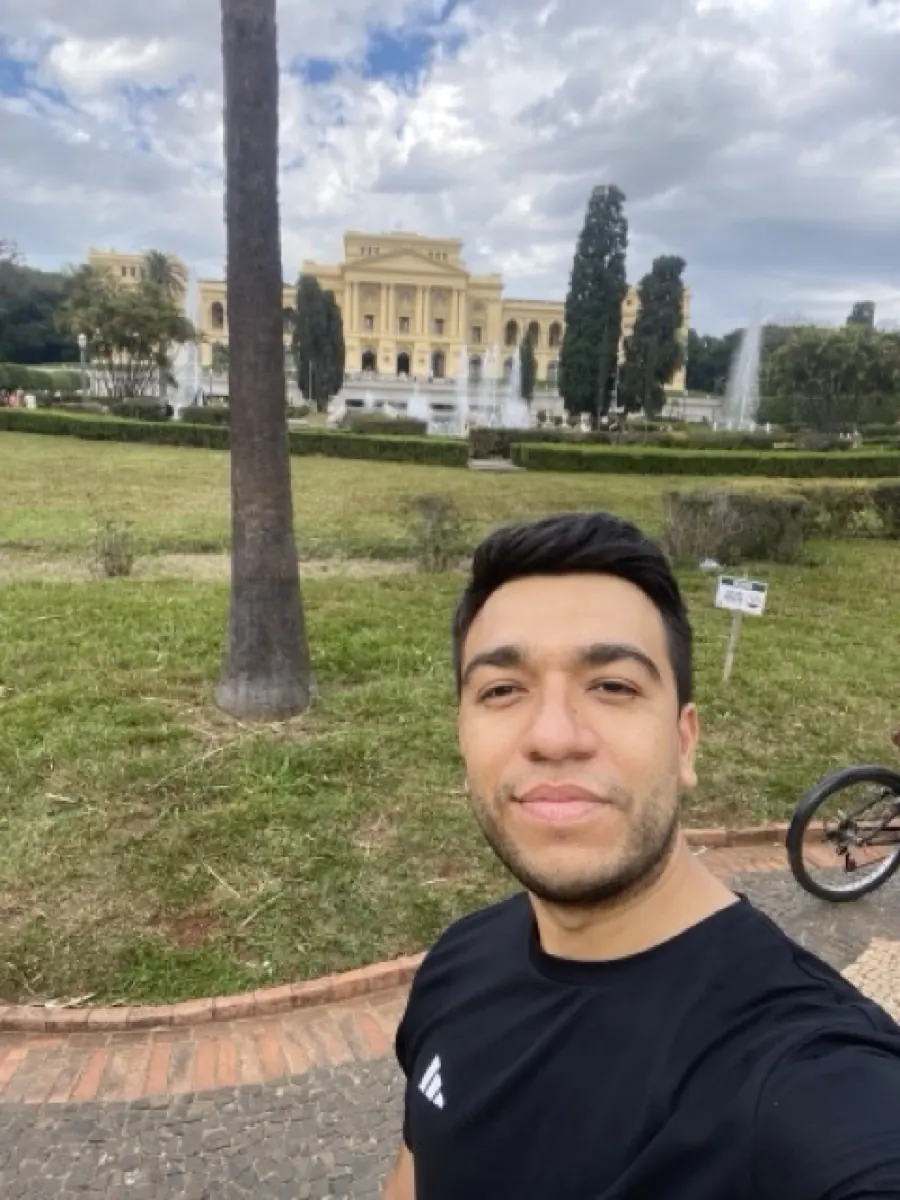
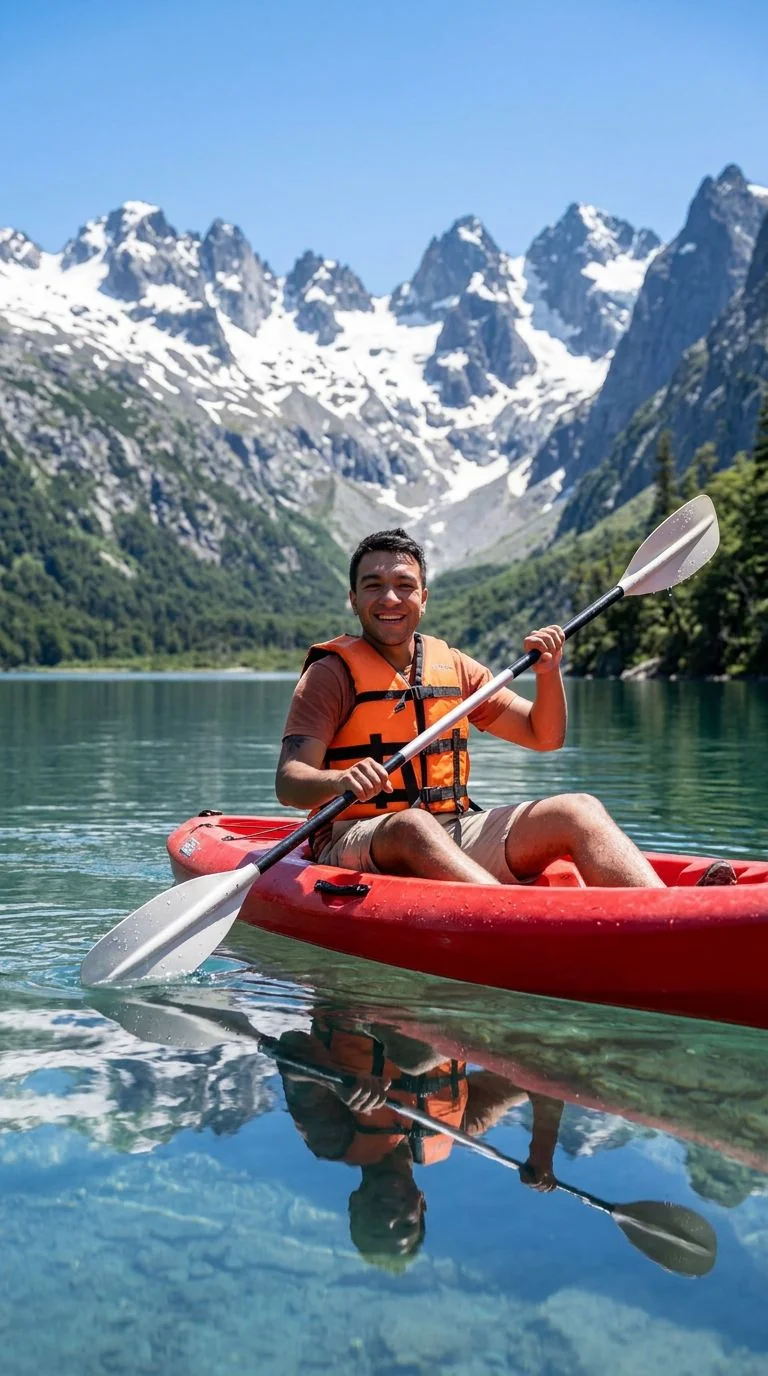
Upload your photo, the Watercolor preset is pre-filled, result in 5 to 15 seconds.

Tips for the best Watercolor result
Small things that meaningfully improve the output.
Cropped portraits work great
Watercolor suits intimate compositions. Crop close to the subject for a focused, painterly result.
Specify the paper
Add "on rough cotton paper" or "on hot-pressed smooth paper" to influence the texture grain.
Try wet-on-wet for landscapes
For landscape photos, append "wet-on-wet technique with soft color bleeds" to the prompt, produces a dreamier atmospheric result.
Print on watercolor paper
A real watercolor print on actual textured watercolor paper is nearly indistinguishable from a hand-painted original at a glance.
Try photo to watercolor on your photo
Upload any image, get your Watercolor version in seconds.
Open the editor →No credit card. Free credits at signup.
Frequently asked questions
Does it really look like a hand-painted watercolor?
Close enough that most viewers cannot tell at a glance, especially when printed on real watercolor paper. The pigment bleeds and paper texture are properly rendered.
Is this good for wedding invitations?
Yes, very common use case. Couples upload an engagement photo, get a watercolor version, then add it to printed invitations. Much cheaper than commissioning a real watercolor artist.
How long does it take?
5–15 seconds.
Can I customize the color palette?
Yes, from the editor add cues like "muted earth tones", "soft pastel palette", "monochrome blue wash" to bias the color.
Cost?
Around 3 credits per conversion through Nano Banana Pro. Credit packs from $4.99.