Become a Disney character from your photo
Upload your photo and renza turns you into a Disney-style character. Hand-drawn 2D feel with modern polish, expressive features, warm romantic lighting, the look from classic Disney films like Tangled, Frozen, Moana.
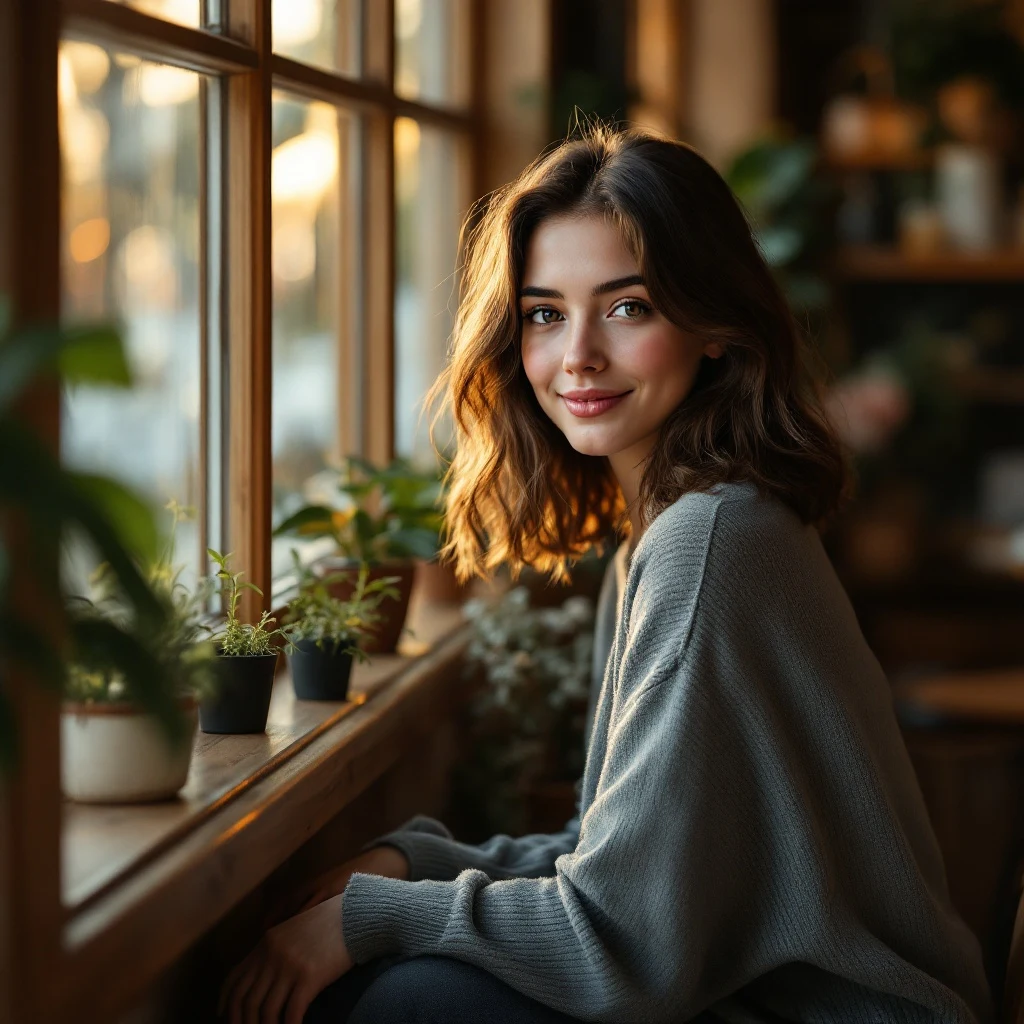
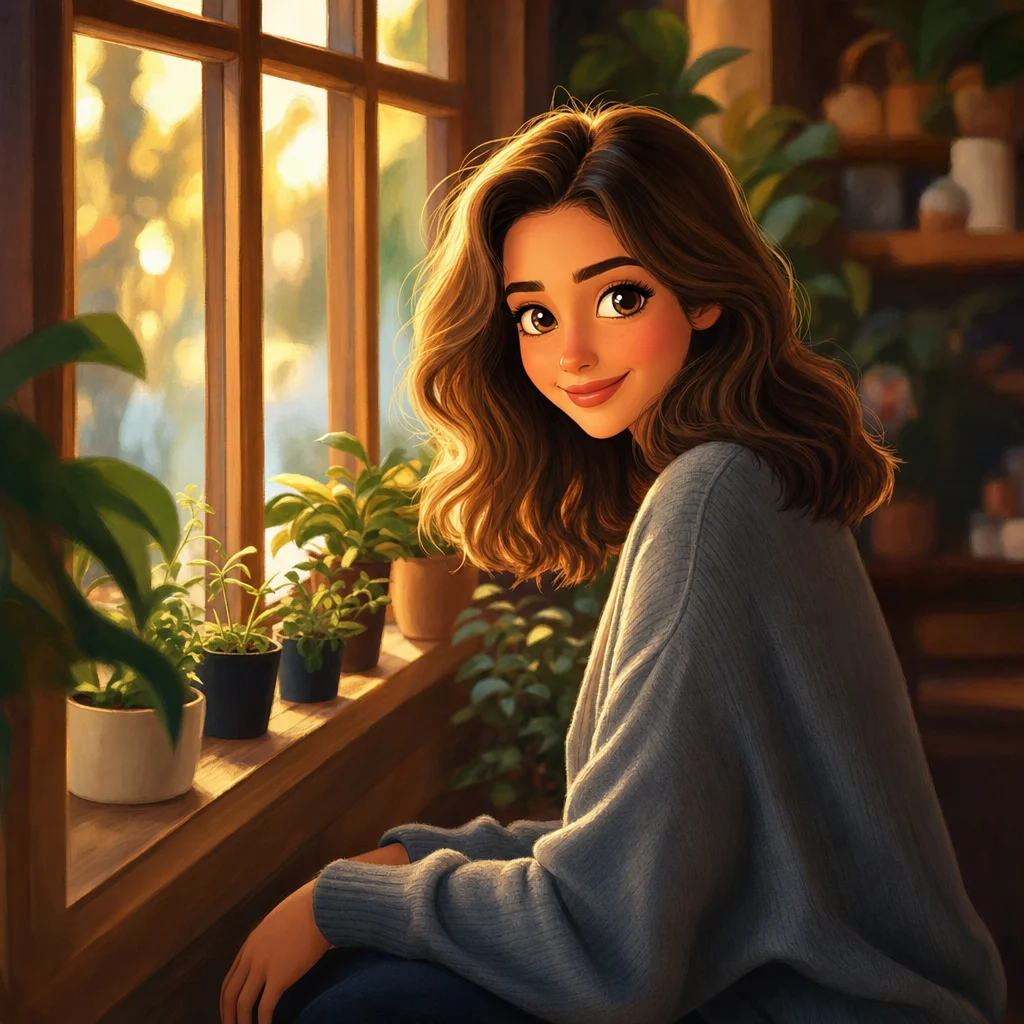
No credit card. Free credits at signup.
About this transformation
Disney portrait generation is one of the most-searched conversion trends, especially on TikTok where "Disney filter" videos rack up millions of views. Most filter apps cheat, they overlay sparkly hair and big eyes on your real face. Renza actually re-renders the portrait in Disney style, with proper proportions, painterly skin shading, and the romantic lighting that distinguishes Disney from Pixar (which is 3D) or anime (which is flat). Nano Banana handles it best because it balances stylization with identity preservation. You can also try Nano Banana Pro or Qwen Image Edit from the editor for different Disney flavours: more classic, more modern, more Tangled-era, more Moana-era. Output works as a profile picture, gift print, kid's room art, or as a reference for a real Disney-style commission.
How to turn a photo into Disney art
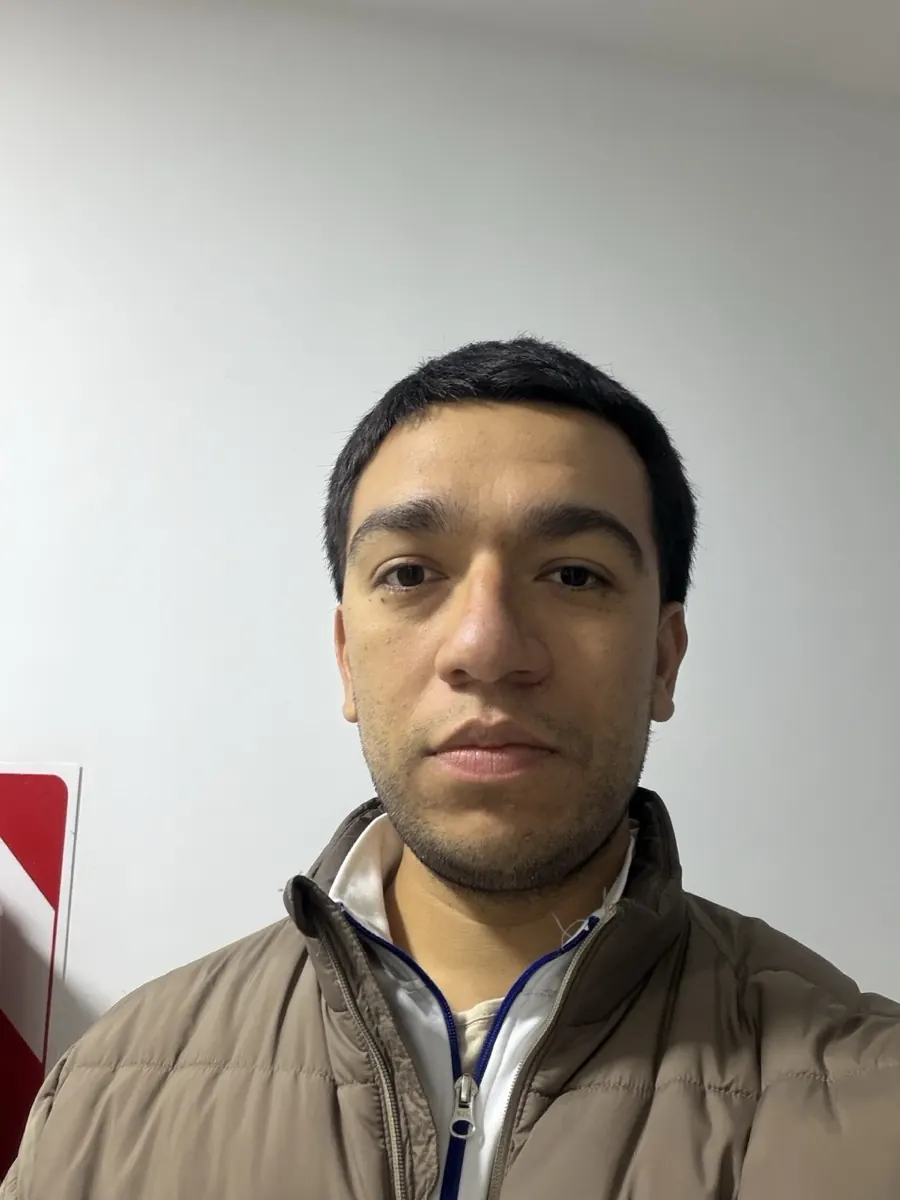
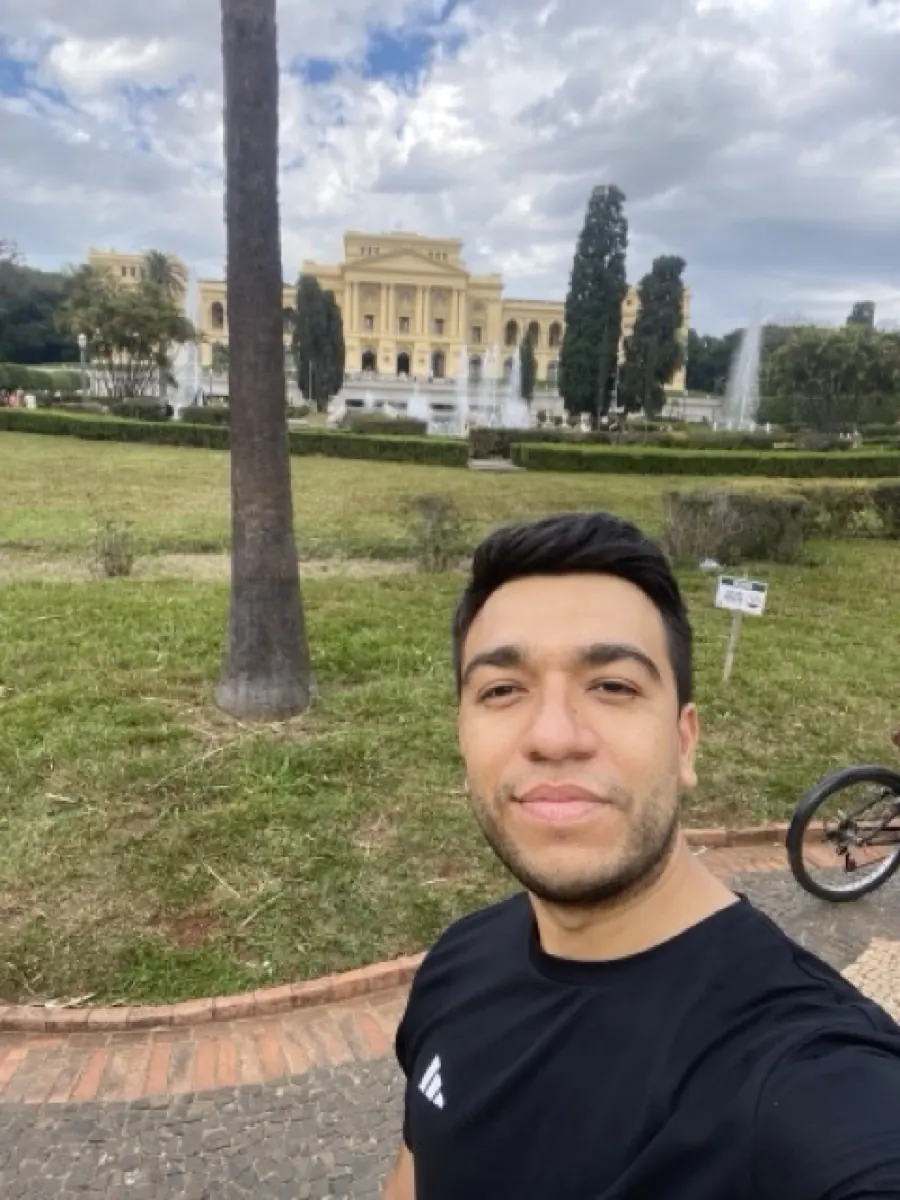
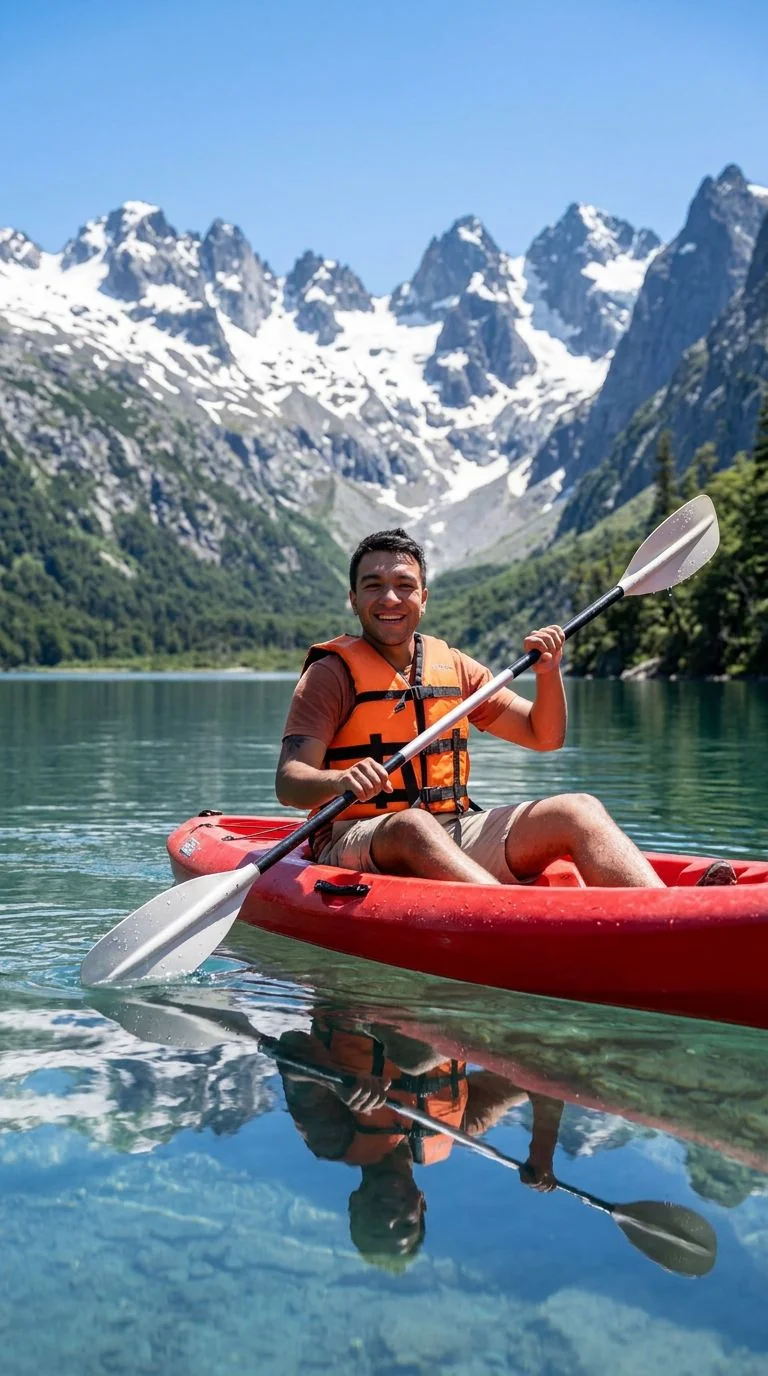
Upload your photo, the Disney preset is pre-filled, result in 5 to 15 seconds.
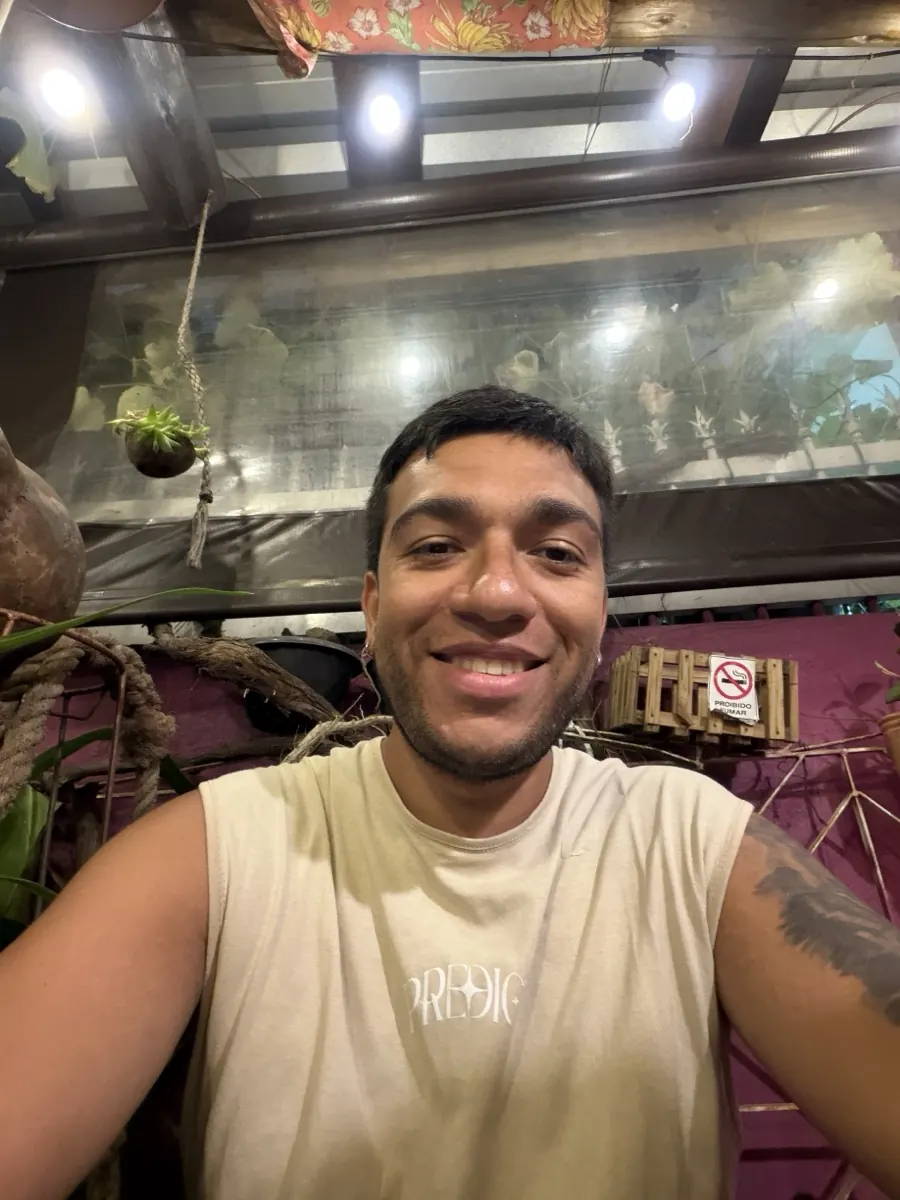
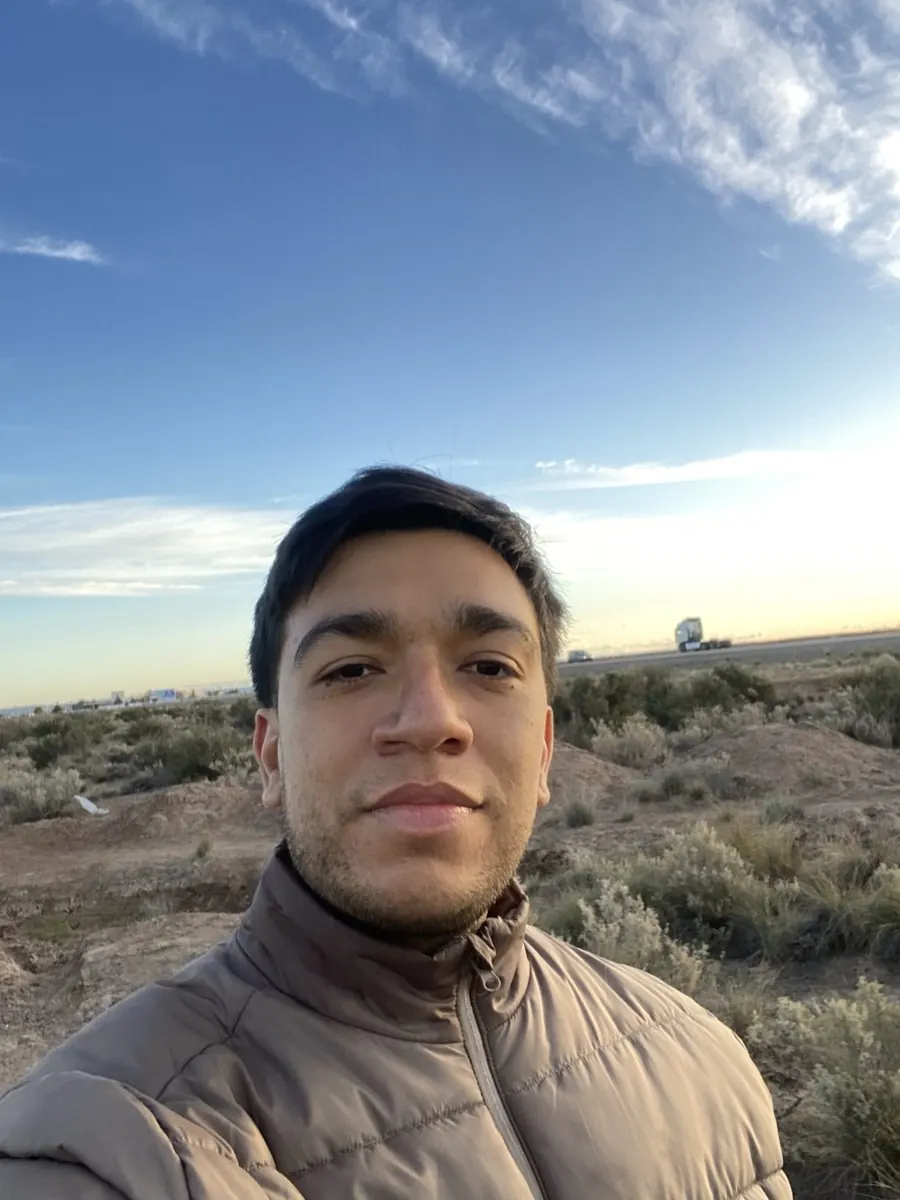
Tips for the best Disney result
Small things that meaningfully improve the output.
Bright photos with visible eyes work best
Disney style emphasizes eyes heavily. Photos where your eyes are clearly visible and well-lit convert most cleanly.
Add character context
Append "as a Disney princess", "as a Disney prince", or "in the style of Tangled" to push the result toward a specific Disney archetype.
Costume cues help
If you want Disney clothing, mention it: "in a flowing gown", "in a royal cape". The model adds elements that fit Disney conventions.
Pair with a Ghibli or anime conversion
Run the same photo through /photo-to-ghibli and /photo-to-anime, three different vibes for the same input. Easy comparison.
Try photo to disney on your photo
Upload any image, get your Disney version in seconds.
Open the editor →No credit card. Free credits at signup.
Frequently asked questions
Is this like the TikTok Disney filter?
Same idea, much better output. TikTok filters apply a fixed overlay; renza actually redraws the photo as a Disney character with proper proportions and painterly rendering.
Will I still look like myself?
Yes, with the typical Disney stylization, larger eyes, softer features, warmer skin. Nano Banana preserves identity well.
Can I use it commercially?
You own the output. Avoid prompts that explicitly reference specific Disney characters (Elsa, Rapunzel, etc.) for commercial use. Generic "Disney style" portrait of yourself is fine.
How much does it cost?
Free credits at signup. After that, around 5 credits per conversion.
Speed?
5–15 seconds per generation.