Convert your photo to a pencil sketch
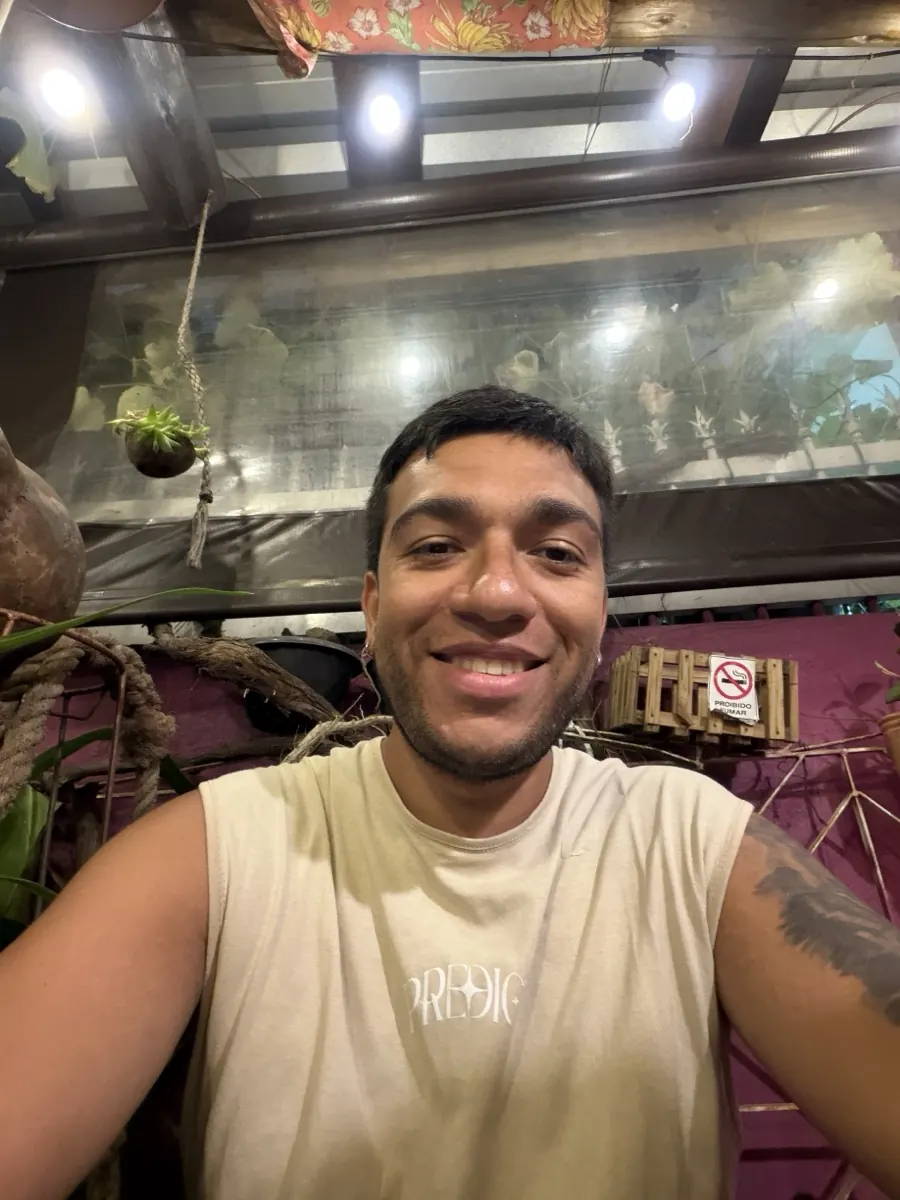
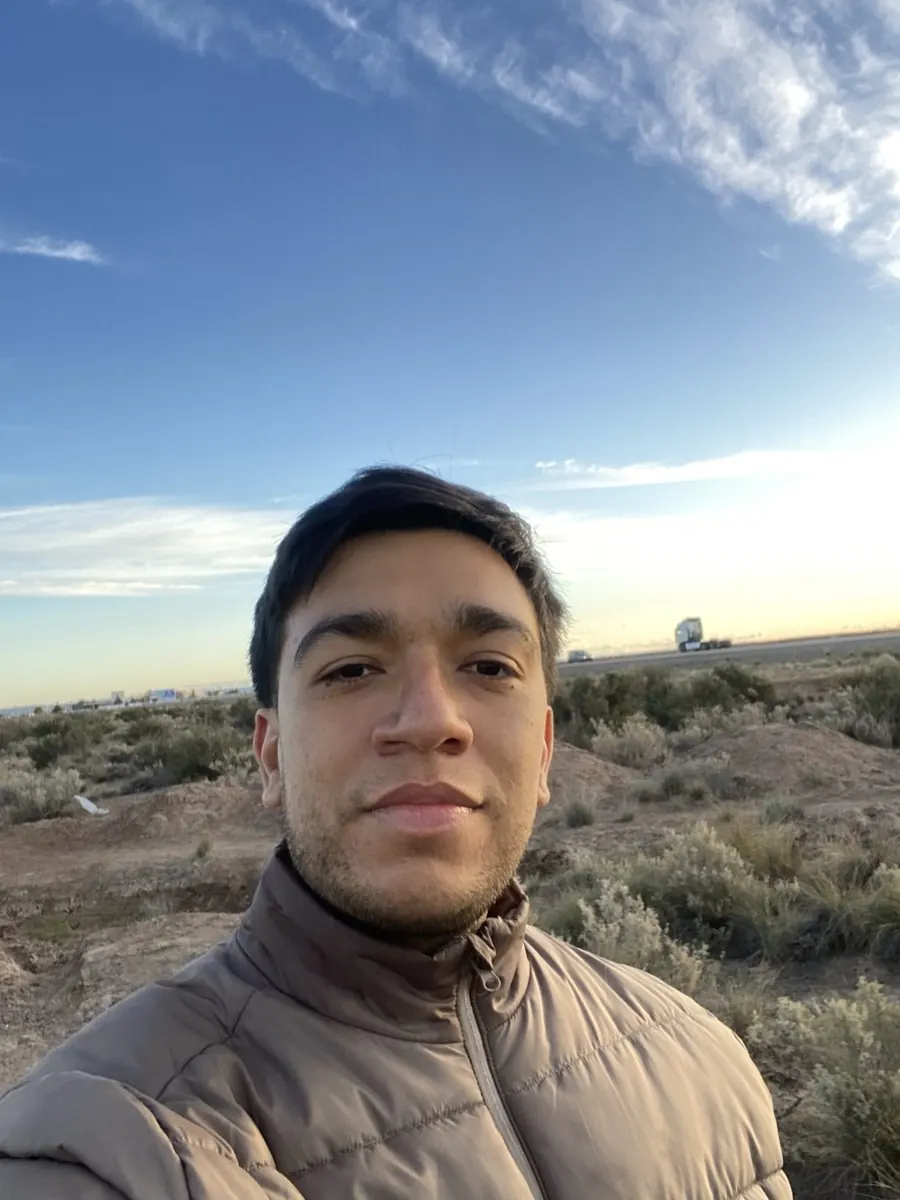
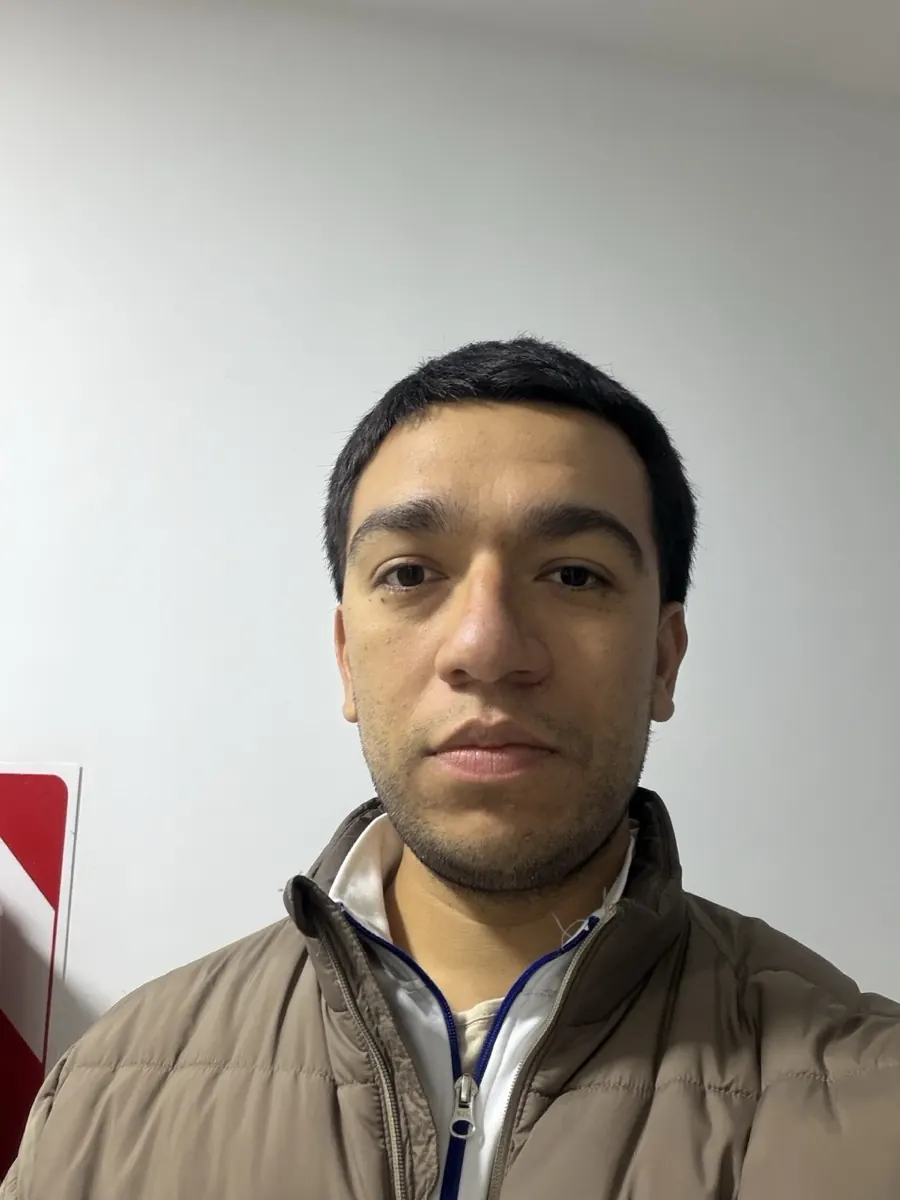
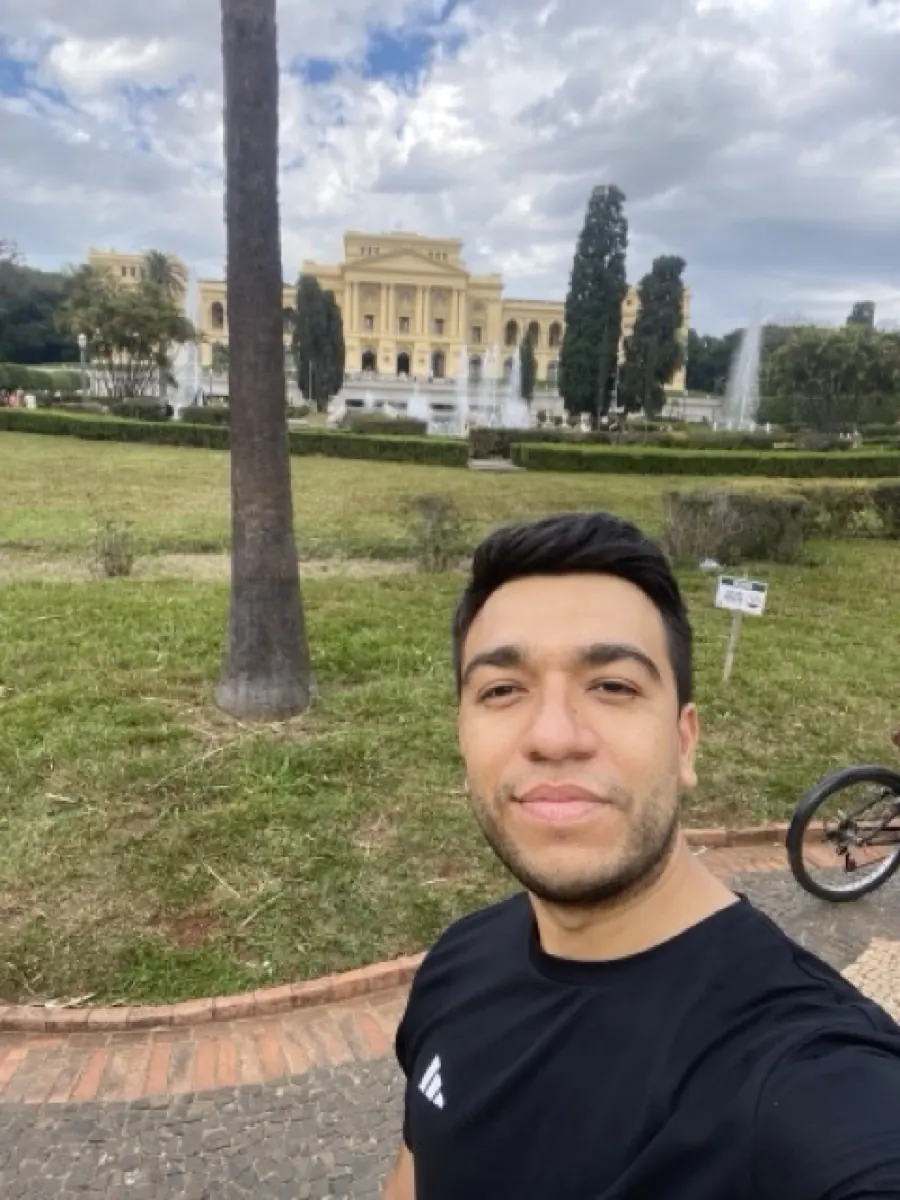
Upload your photo and renza turns it into a pencil sketch. Cross-hatching, graphite shading, loose confident linework, the kind of portrait an artist would draw from a reference photo. Great for tattoo references, gift cards, or just because it looks cool.


No credit card. Free credits at signup.
About this transformation
Pencil-sketch conversion is a classic photo transform with broad use cases: tattoo designers use it to draft from reference photos, greeting card makers turn family photos into delicate keepsakes, and many users just like the timeless look of a graphite drawing. Renza uses Qwen Image Edit for sketch conversion because it handles linework and crosshatching crisply, many alternatives blur the line details into a vague pencil 'haze'. Qwen actually draws individual strokes. The output is monochrome by default but you can prompt for 'colored pencil sketch' to get a soft colored version. Sketches print beautifully on cream or off-white paper.
How to turn a photo into Sketch art
Upload your photo, the Sketch preset is pre-filled, result in 5 to 15 seconds.

Tips for the best Sketch result
Small things that meaningfully improve the output.
High-contrast photos sketch best
A photo with clear light and shadow gives the model strong shading to translate into graphite strokes. Flat lighting gives flat sketches.
Specify pencil type
Default is general graphite. Add "charcoal sketch", "colored pencil sketch", "ink and pencil" for different mediums.
Print on textured paper
Output looks much more like a real sketch when printed on textured cream or off-white paper rather than glossy white.
Combine with painting
For variety, run the same photo through /photo-to-painting and /photo-to-sketch, sketch for the linework, painting for the color. Same subject, two distinct artworks.
Try photo to sketch on your photo
Upload any image, get your Sketch version in seconds.
Open the editor →No credit card. Free credits at signup.
Frequently asked questions
Is the output black and white only?
Default is graphite (black on cream). Edit the prompt in the editor to say "colored pencil sketch" or "watercolor wash over pencil" for color versions.
How detailed is the linework?
Qwen produces actual individual strokes, not a blur. Zoom in on the output and you can see hatching, cross-hatching, and erased highlights.
Can I use it for a tattoo design?
Yes, this is a popular use case. Tattoo artists often appreciate a sketch reference, pencil sketches translate cleanly to ink linework. Many users send the output directly to their tattooist.
How much does it cost?
Free credits at signup. After, around 2–3 credits per sketch (Qwen is one of the cheaper edit models). Credit packs start at $4.99 for 50.
Commercial use?
Yes, you own the output.