Cartoon yourself from a photo
Upload your photo and renza converts it into a cartoon portrait, think Disney, Pixar, Cartoon Network. Bold outlines, flat colors, big expressive eyes. Use it for your social profile, avatar, t-shirt design, or just as a fun gift.
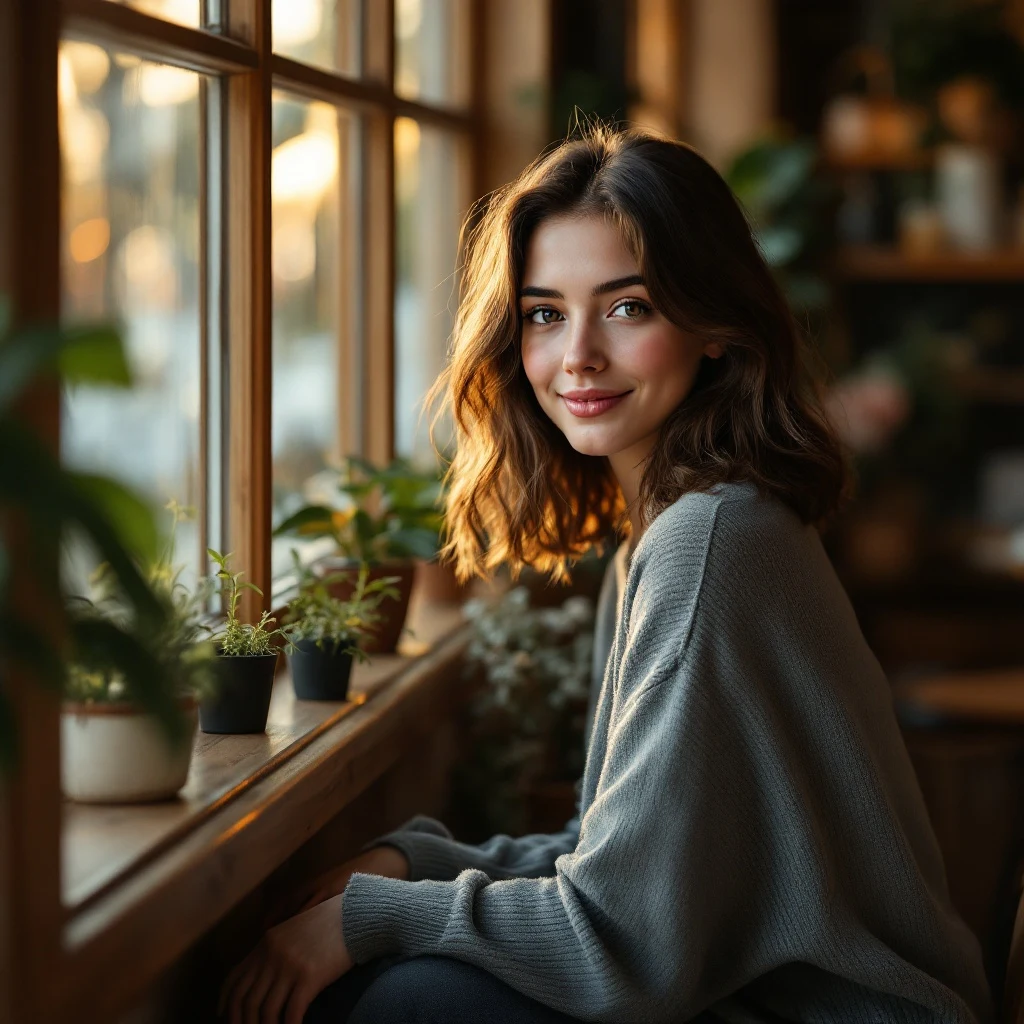
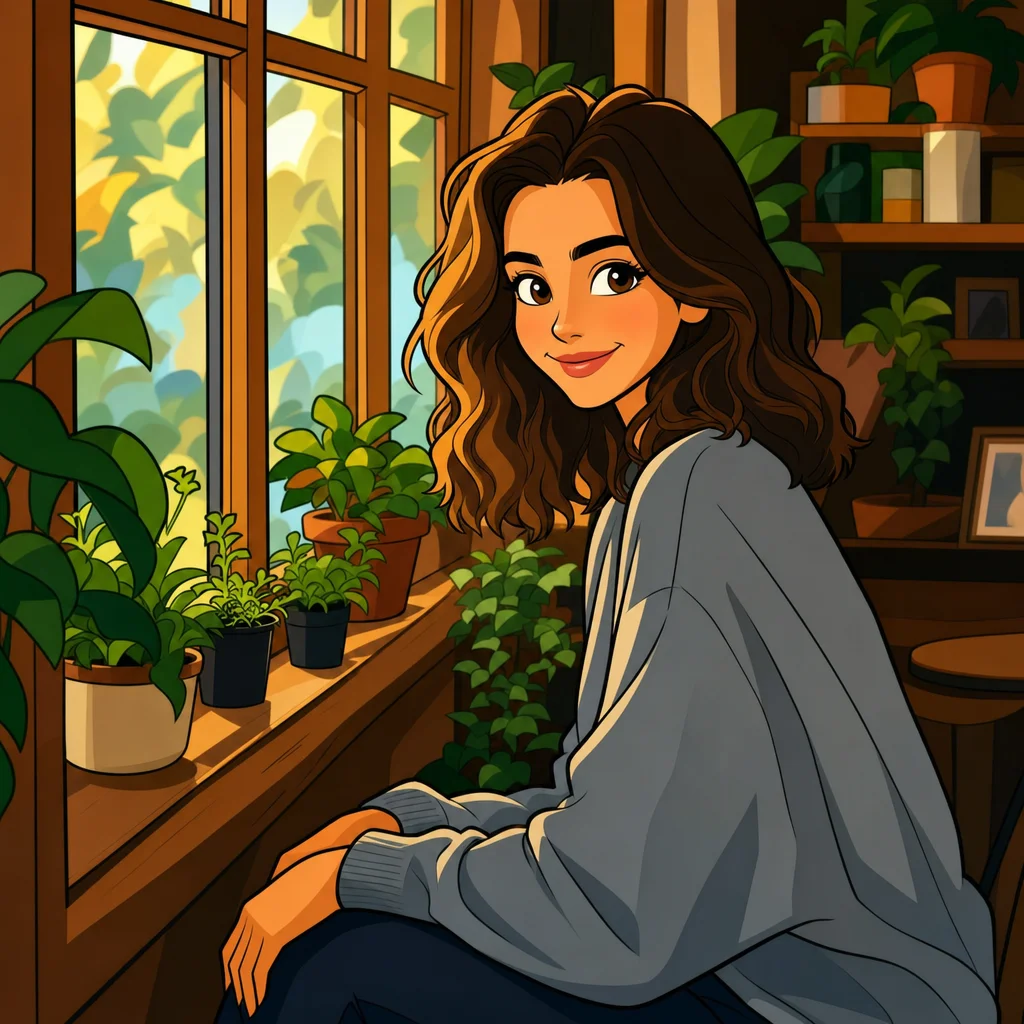
No credit card. Free credits at signup.
About this transformation
Cartoon-style portrait generators have been a top "make me into" query since the era of Snapchat filters. What changed is the quality: filter apps overlay a cartoon mask and call it done; modern image-edit models actually re-render your face with proper cartoon proportions, slightly larger eyes, softer jawline, simplified hair shapes, bold contour lines. Renza pipes your upload through Nano Banana with a tuned cartoon prompt, which gives you a result indistinguishable from concept art. You can swap to GPT Image or Nano Banana from the editor if you want a different cartoon flavour (more Saturday-morning, more Pixar 3D, more European bande-dessinée, etc.). Each model interprets "cartoon" slightly differently and trying two or three is the fastest way to find the look you want.
How to turn a photo into Cartoon art
Upload your photo, the Cartoon preset is pre-filled, result in 5 to 15 seconds.
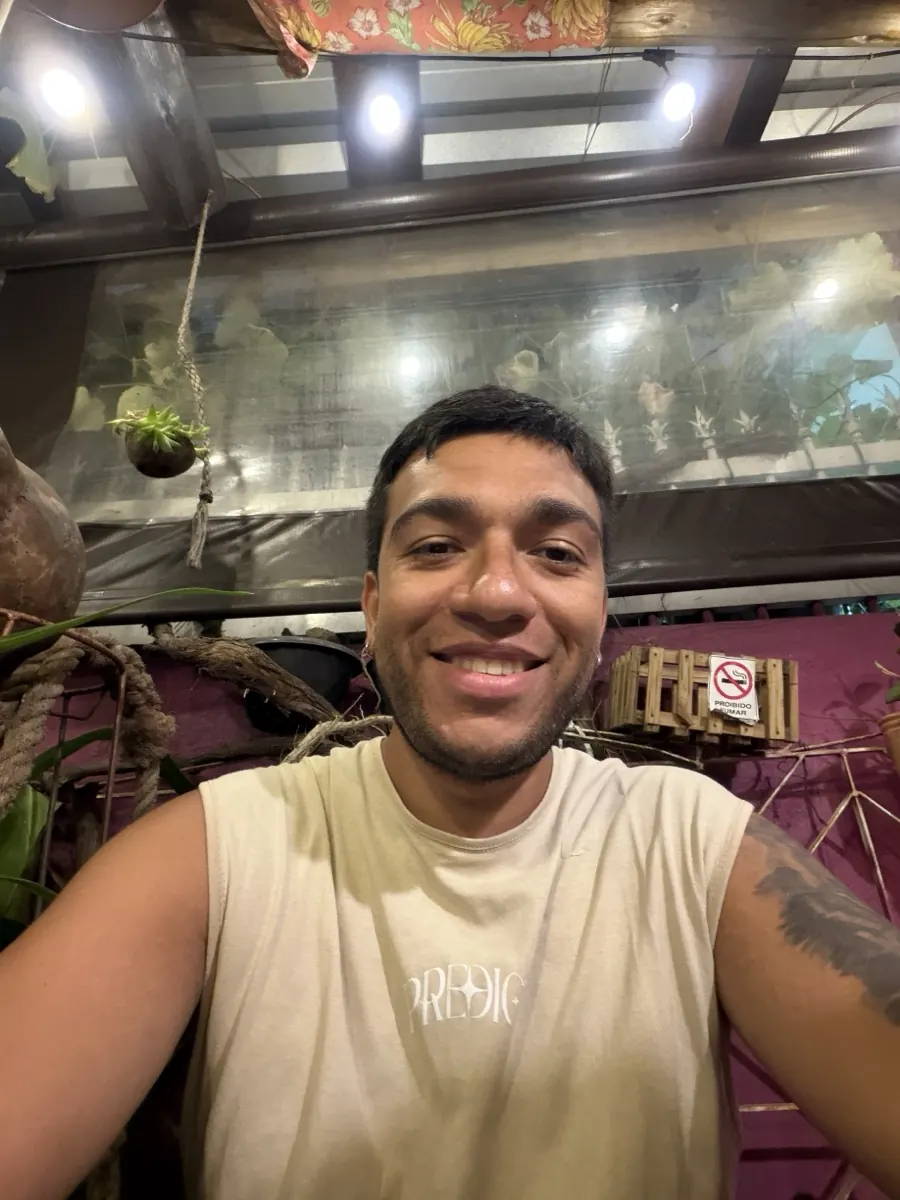
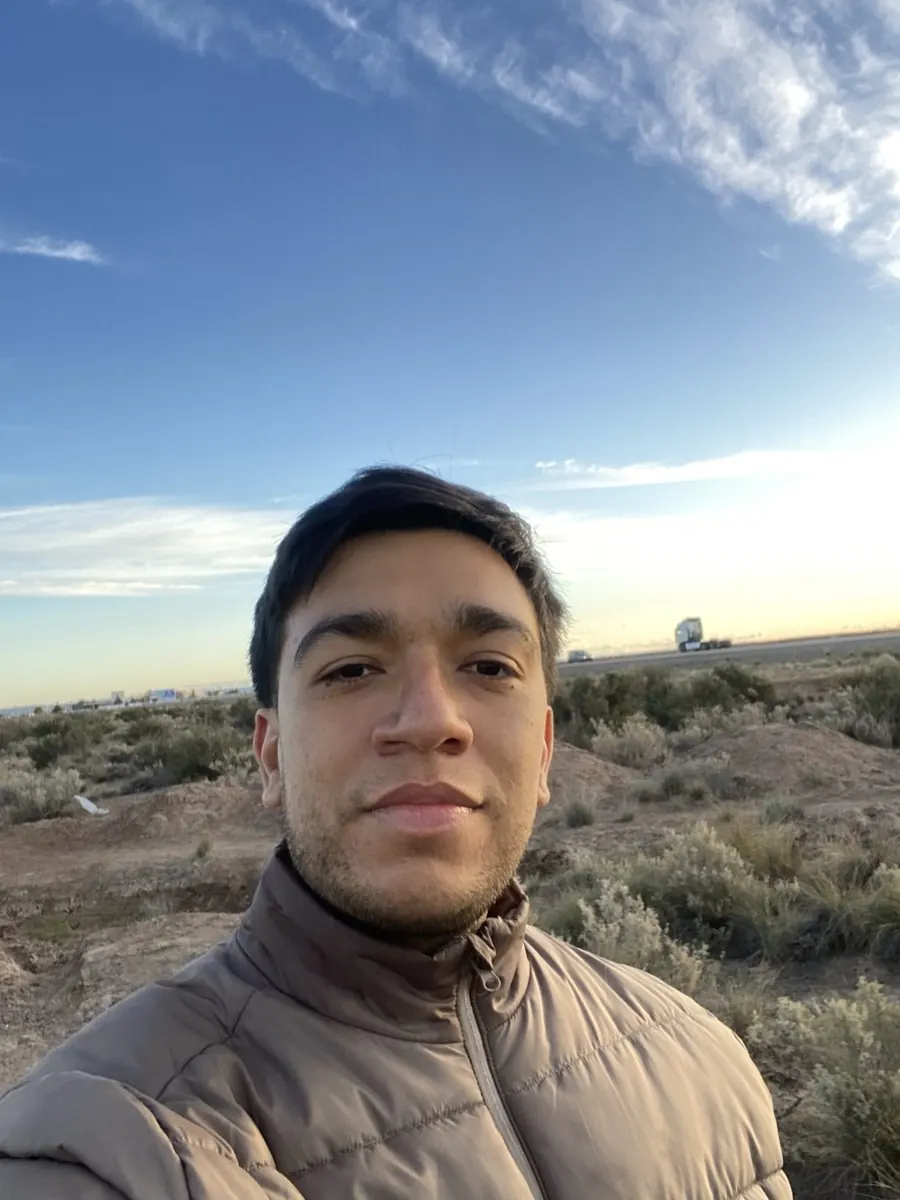
Tips for the best Cartoon result
Small things that meaningfully improve the output.
Pick a clear photo with one subject
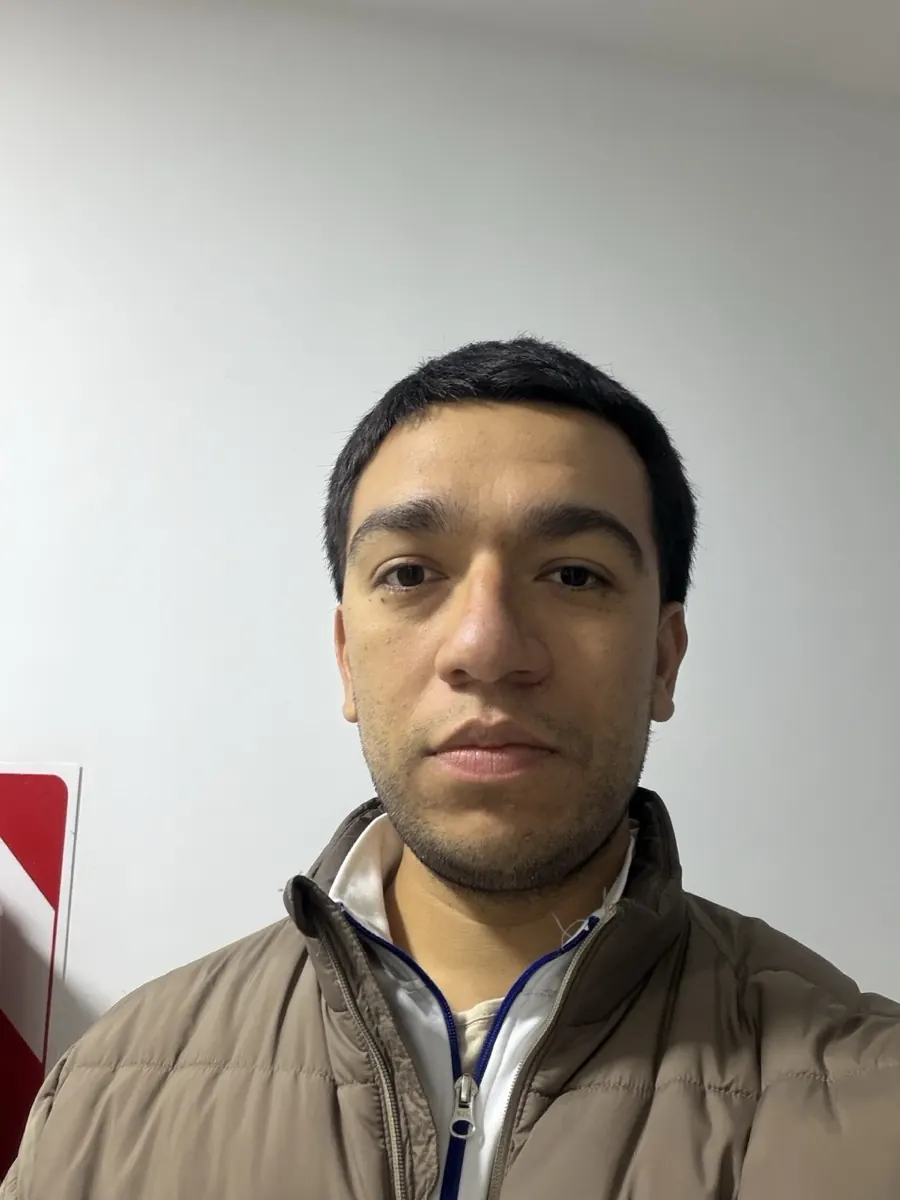
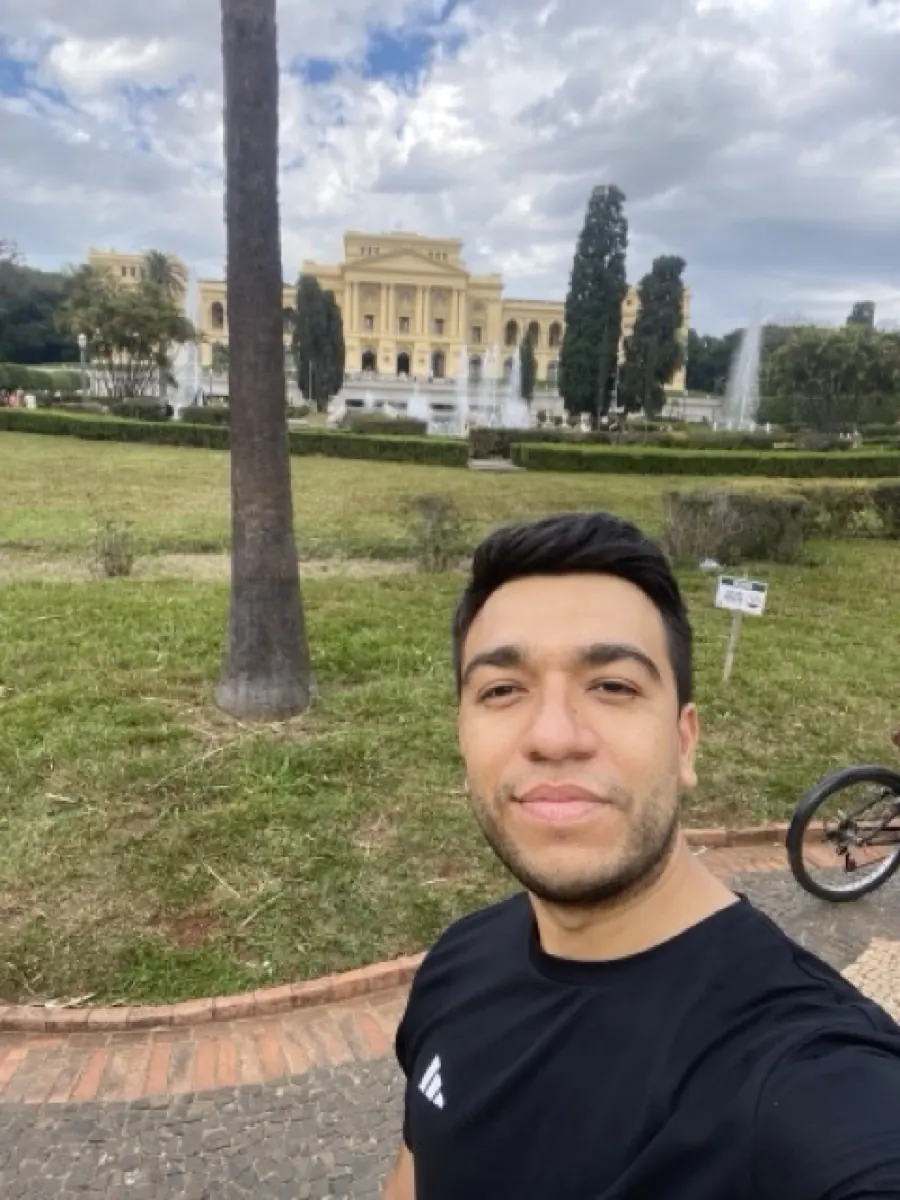
Cartoon transforms work best on portraits with one face, well-lit, no busy background. The model has more freedom to exaggerate features without confusion.
Mention the era
Add "1990s Cartoon Network style" or "modern Pixar 3D" to your prompt to bias the result. Generic "cartoon" defaults to a current Disney TV style.
Try Nano Banana then GPT Image
Same prompt, different feel. Nano Banana is more illustrative, GPT Image leans more graphic. Costs a few credits but worth the comparison.
Use as a logo or avatar
Cartoon portraits make excellent business avatars, podcast logos, or YouTube thumbnails. They're recognisable but don't feel as exposing as a photo.
Try photo to cartoon on your photo
Upload any image, get your Cartoon version in seconds.
Open the editor →No credit card. Free credits at signup.
Frequently asked questions
How is this different from a Snapchat cartoon filter?
Filters apply a fixed overlay. Renza re-renders the photo from scratch, redrawing each feature with cartoon conventions (larger eyes, simplified shading, bold outlines). The result is much closer to actual concept art than to a face filter.
Can I customize the cartoon style?
Yes. From the editor you can edit the prompt or add modifiers, "1980s Saturday morning cartoon", "South Park style", "modern Disney", "Studio Ghibli soft". Each shifts the output meaningfully.
How long does it take?
5–15 seconds per generation. No queue.
Is it free?
New accounts get free credits at signup. After that, each cartoon conversion costs around 5 credits and credit packs start at $4.99 for 50 credits.
Does it work for groups or just single people?
Both. The model handles multiple subjects, though it has the most freedom to stylize when the subject is clearly framed alone.