Turn your photo into Studio Ghibli art
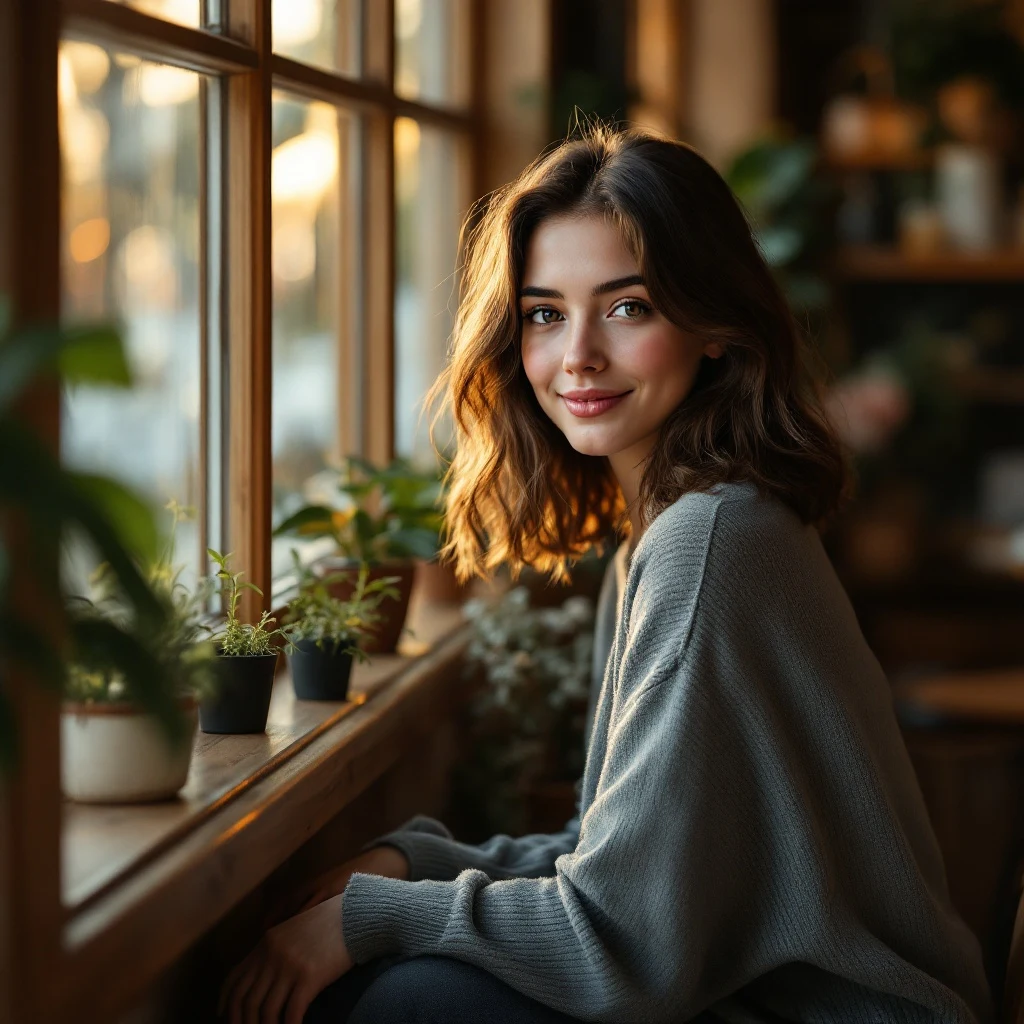
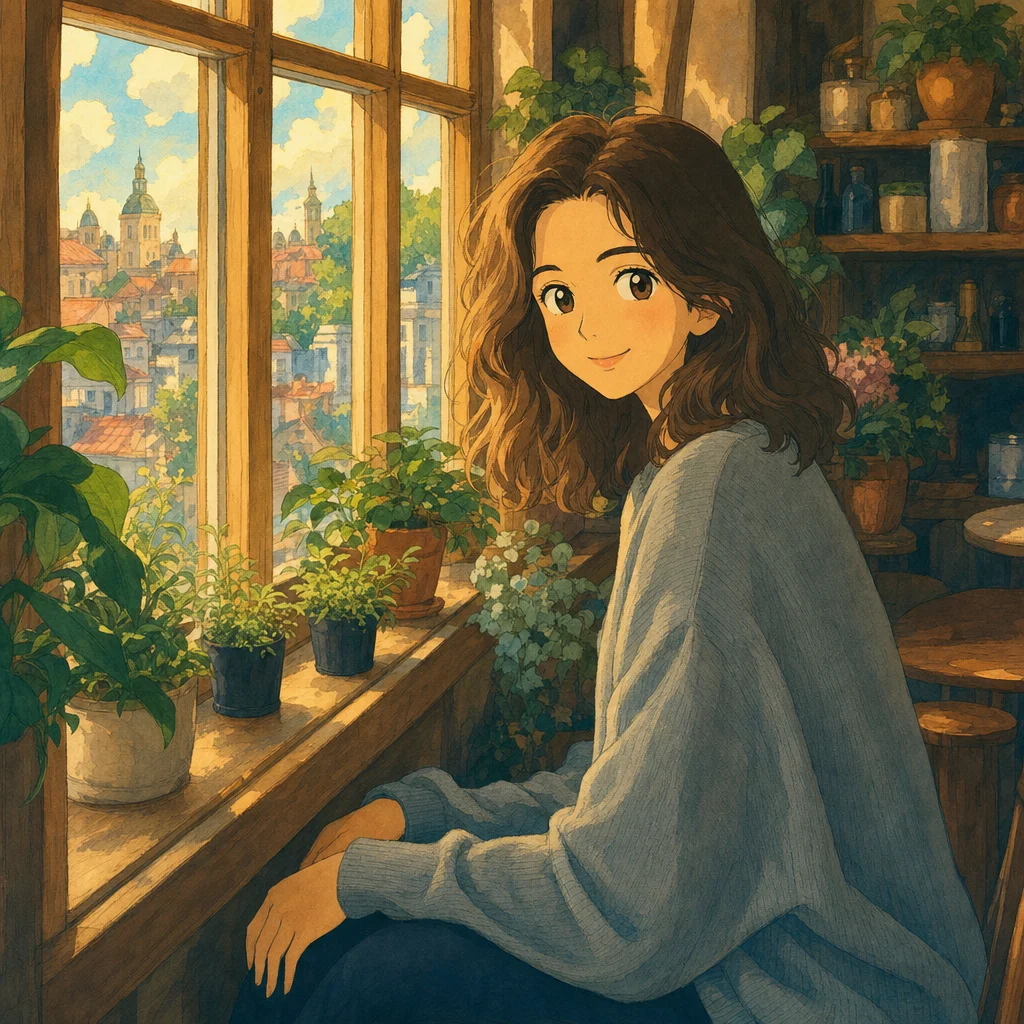
Upload any photo and renza converts it into a Studio Ghibli–style painting. Soft pastel skies, hand-painted backgrounds, warm diffused light, the exact dreamy feel of Spirited Away or Howl's Moving Castle. Portraits, pets, landscapes, all work.
No credit card. Free credits at signup.
About this transformation
The "photo to Ghibli" trend exploded in early 2025 when OpenAI's GPT-4o image model started producing high-fidelity Ghibli-style conversions, and it has not slowed down since. Renza supports the same kind of conversion using Nano Banana by default (excellent identity preservation) and with Nano Banana Pro and GPT Image 2 as alternative models you can swap to from the editor. Each gives a slightly different Ghibli flavour: Nano Banana stays close to your photo, GPT Image goes more aggressively painterly, Nano Banana sits between. Landscape photos convert especially well, your kitchen window becomes a Sophie cottage scene, your hiking trip becomes a Princess Mononoke forest. Portrait conversions preserve facial identity surprisingly well, so you actually look like you, just hand-painted by a Miyazaki animator. There is no licensing concern with the output: stylistic conversion is fair use and you own the resulting image.
How to turn a photo into Ghibli art
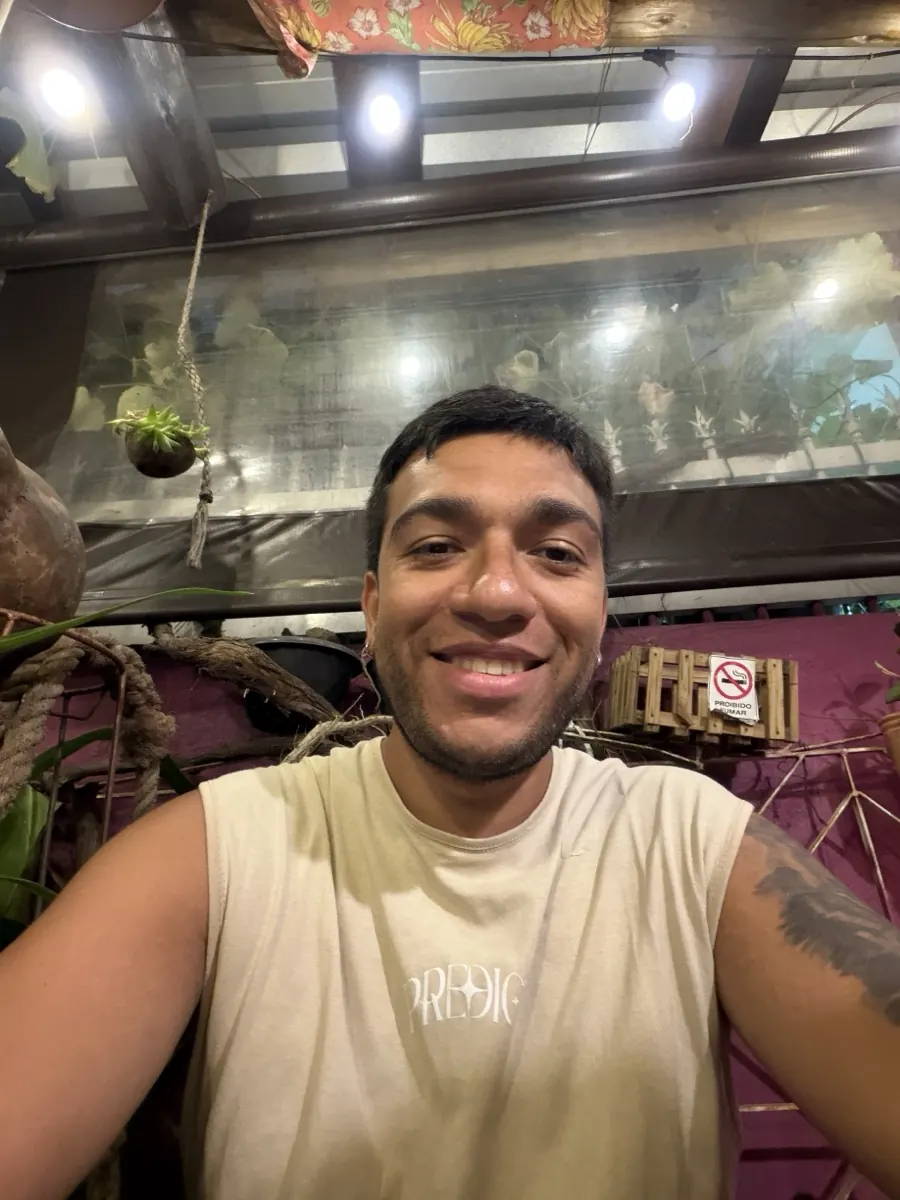
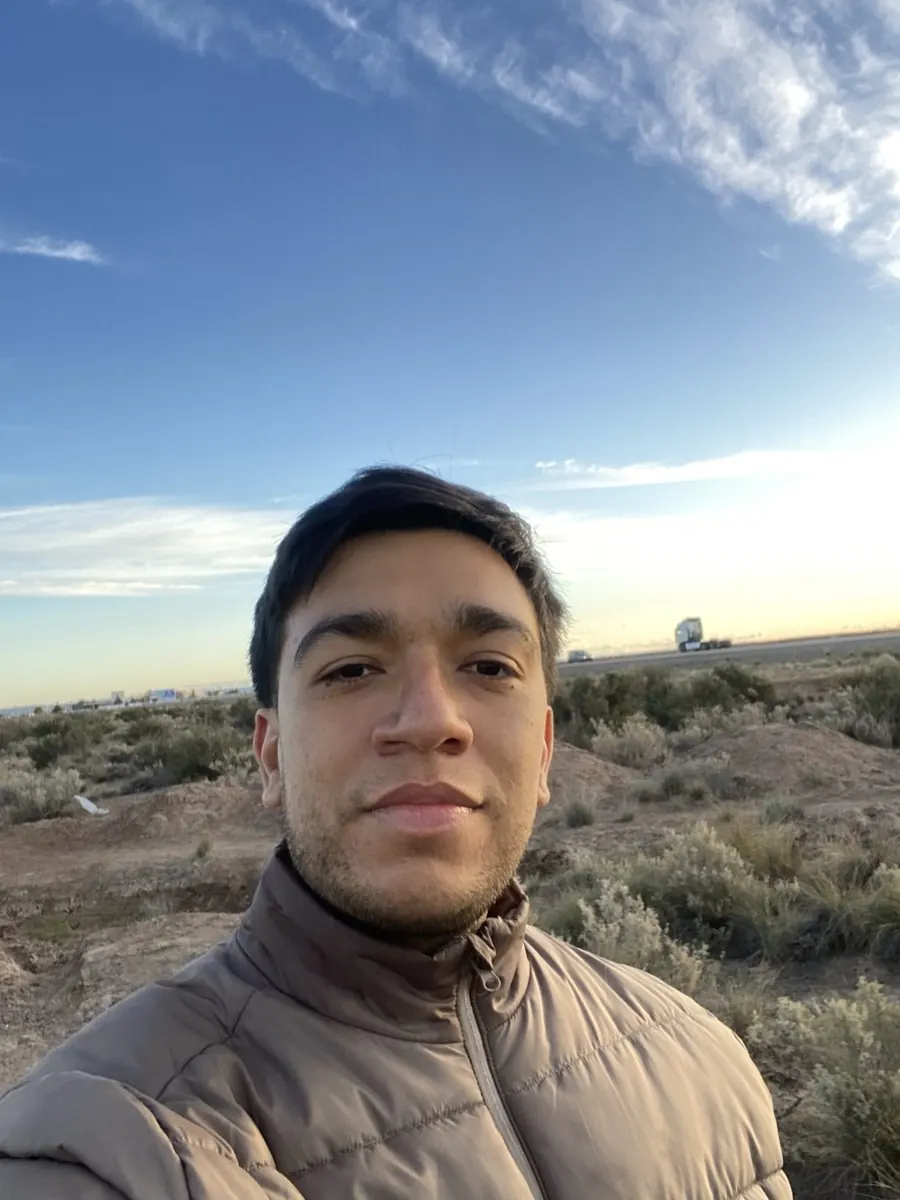
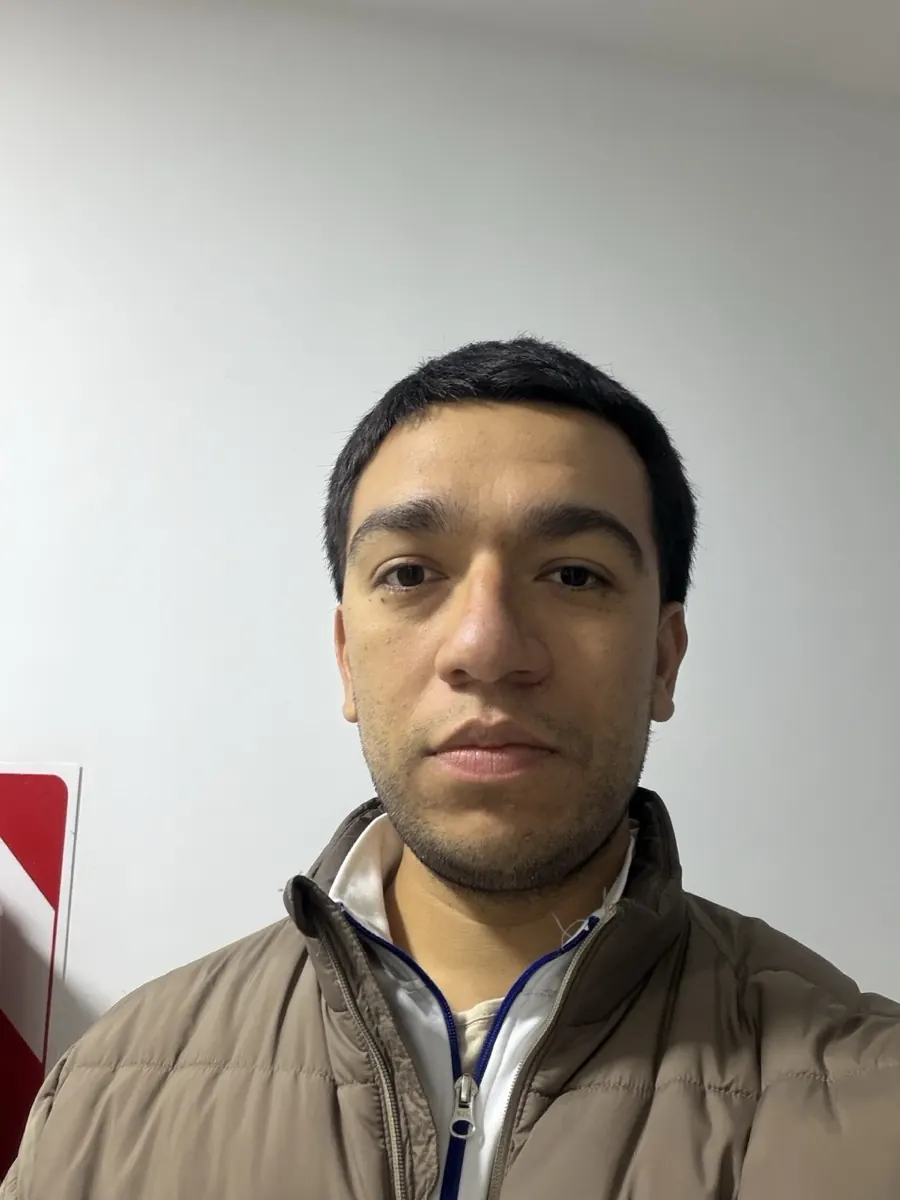
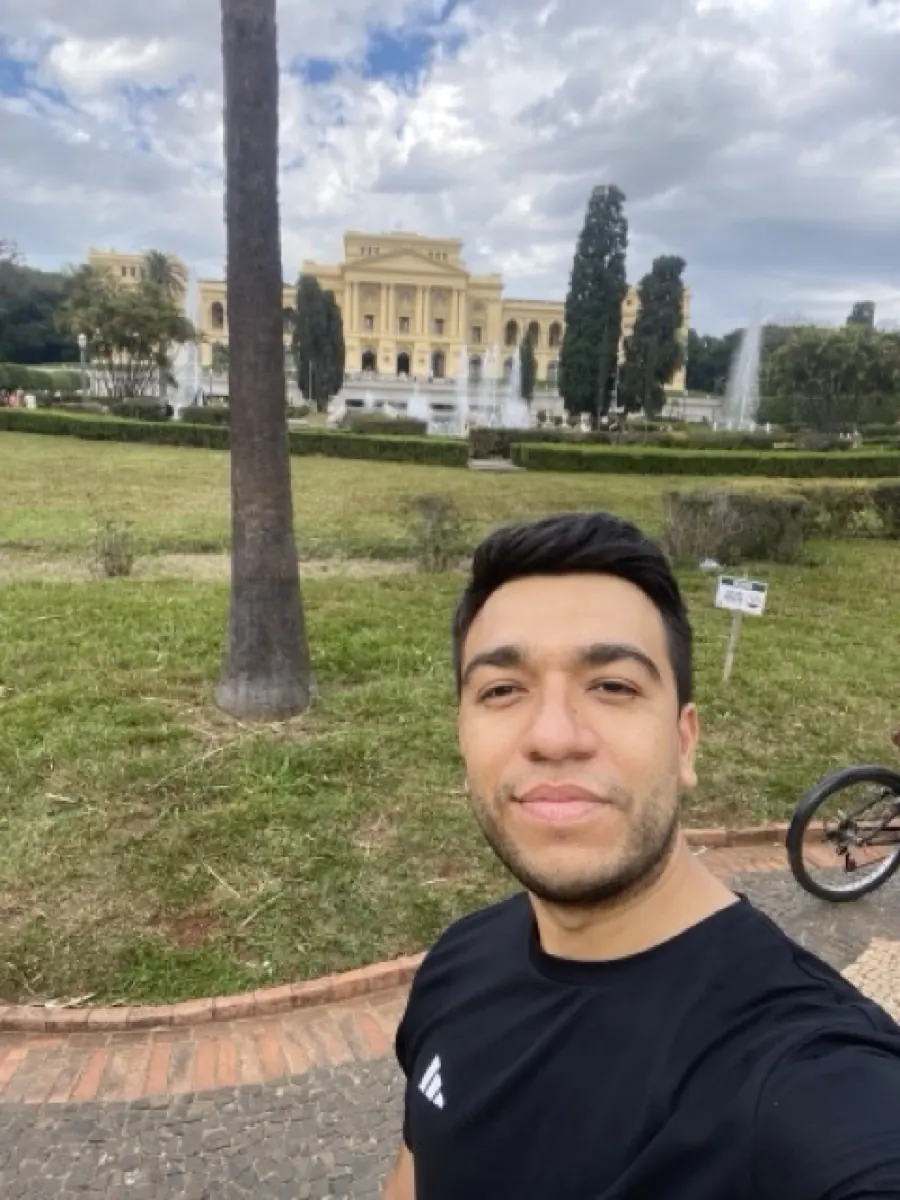
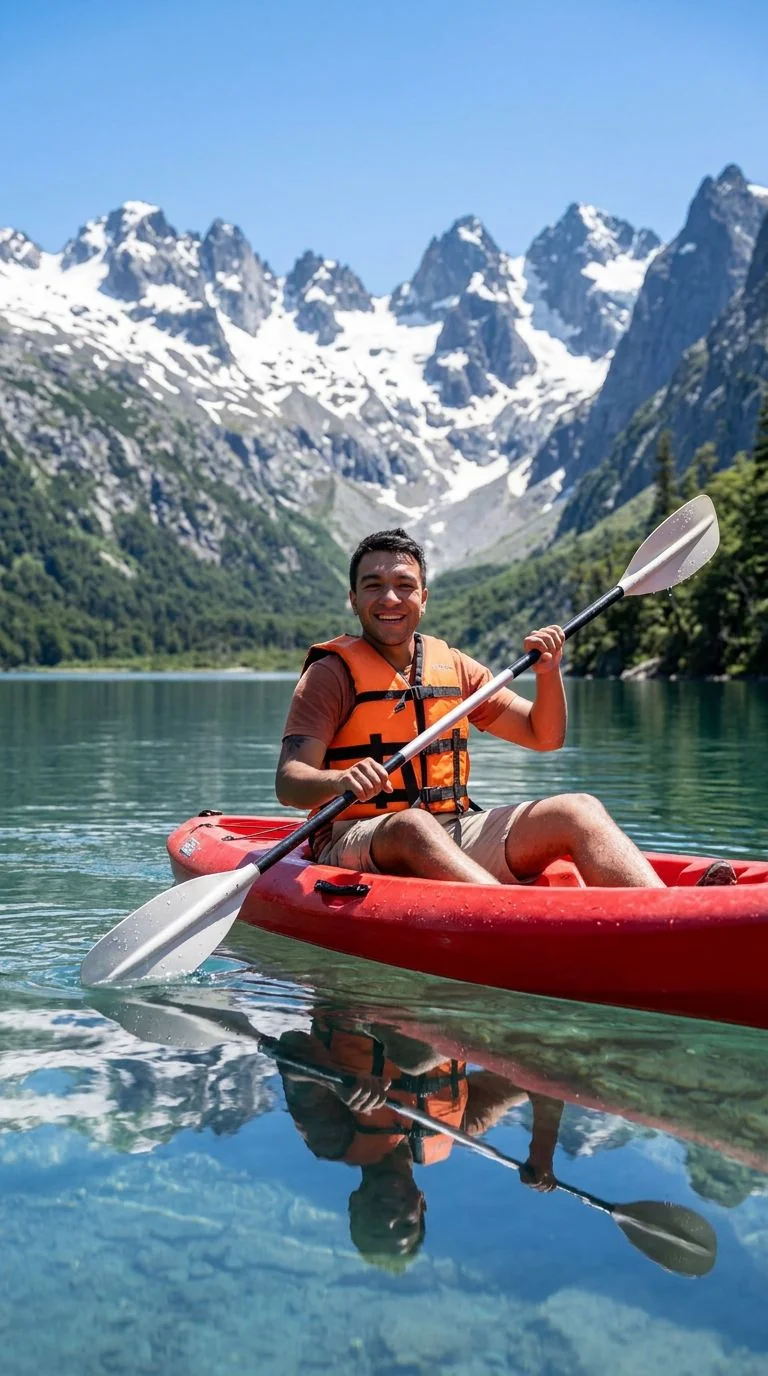
Upload your photo, the Ghibli preset is pre-filled, result in 5 to 15 seconds.
Tips for the best Ghibli result
Small things that meaningfully improve the output.
Landscapes shine the most
Ghibli is famous for its environments. Outdoor photos, forests, kitchen scenes, beaches, all convert into stunning Ghibli-style art. Even mundane photos like your office desk become beautiful.
Use soft, even lighting
Photos with harsh shadows or strong backlight can lose detail. Cloudy-day or golden-hour photos convert cleanest because they already match Ghibli's diffused light.
Add atmosphere to the prompt
Append phrases like "with gentle rain", "summer evening", "morning mist" to bias the mood. Ghibli style responds well to atmospheric cues.
Try multiple models
Same photo through Nano Banana, GPT Image 2 and Nano Banana gives three distinct Ghibli interpretations. Pick the one that feels right.
Try photo to ghibli on your photo
Upload any image, get your Ghibli version in seconds.
Open the editor →No credit card. Free credits at signup.
Frequently asked questions
Is this the same as the viral ChatGPT Ghibli trend?
Same idea, different backend. ChatGPT used GPT-4o; renza supports GPT Image 2 (the descendant of that model) plus Nano Banana and Nano Banana. Renza is faster, has no daily quota, and you do not need a ChatGPT Plus subscription.
Can I use the Ghibli-style image commercially?
Yes. The stylistic transformation produces a new image that you own. There is no Ghibli copyright on the *style* itself, only on their specific films and characters. Avoid prompts that try to reproduce specific Ghibli characters (Totoro, No-Face, etc.) for commercial work.
How long does one conversion take?
5–15 seconds. No queue.
Does it preserve facial identity?
Yes, Nano Banana is particularly good at this. Friends will recognize you. If identity drifts on a tough photo, try Nano Banana Pro from the editor.
Will it work on group photos?
Yes. Multiple subjects are handled fine. The hand-painted background style benefits group shots since the environment becomes lush and detailed.