Turn your photo into an oil painting
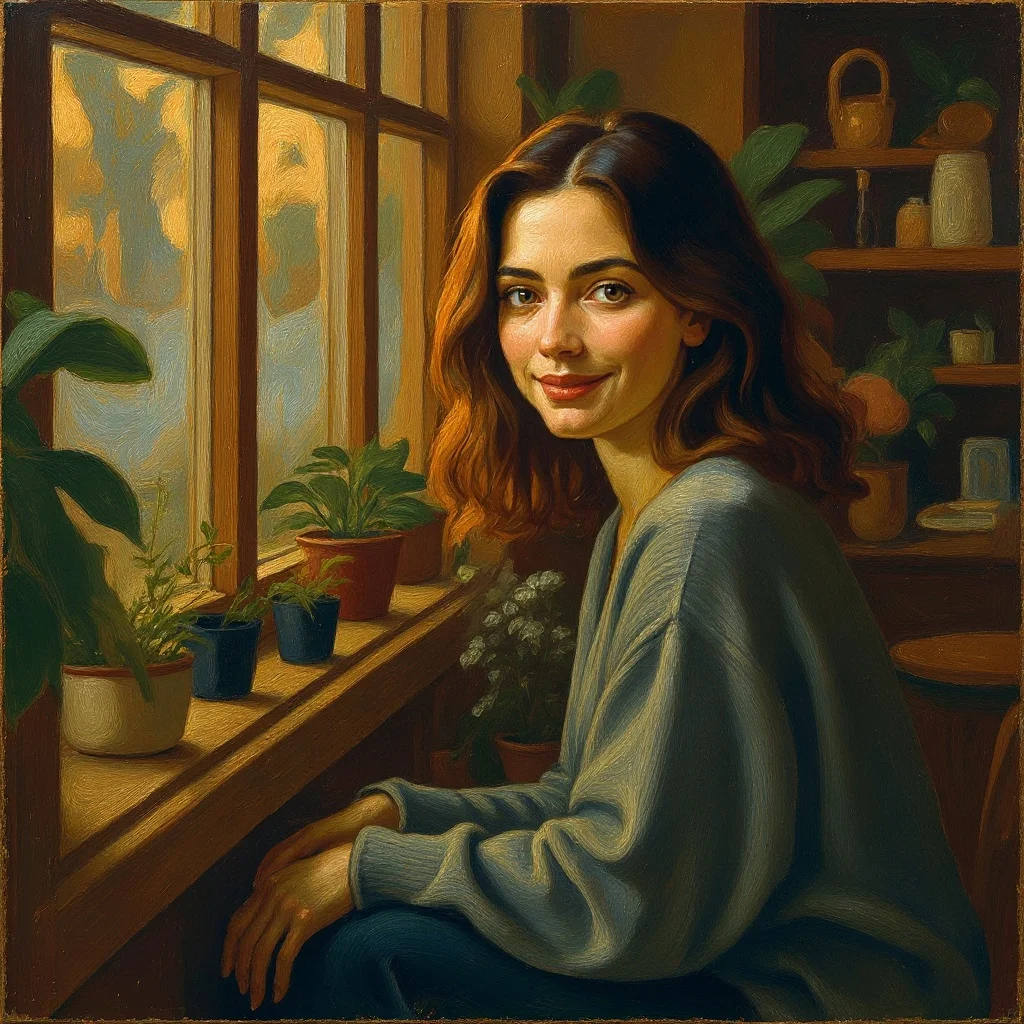
Upload a photo and renza turns it into a hand-painted oil portrait. Thick impasto strokes, rich pigment, classical chiaroscuro lighting, the kind of painting you'd commission for hundreds of dollars. Great for gifts, prints, or wall art.

No credit card. Free credits at signup.
About this transformation
Photo-to-painting is one of the oldest 'AI image transform' use cases, it predates modern image generation by years, with apps like Prisma popularising it in 2016. But the quality jump from style-transfer filters to modern image-edit models is dramatic. Old apps applied a brushstroke texture overlay; new image-edit models actually re-render your photo from scratch as if a painter were doing it, with proper geometry, proper paint behaviour, proper canvas texture. Renza uses Nano Banana Pro by default for oil painting conversion because it handles painterly textures better than most alternatives, visible brushstrokes, depth, that exact 'this is a painting, not a photo' quality. The output prints beautifully on canvas or fine art paper. A common use is commissioning a wedding or family photo as a painting, runs about $2 on renza vs $500+ for a hand-painted commission.
How to turn a photo into Painting art
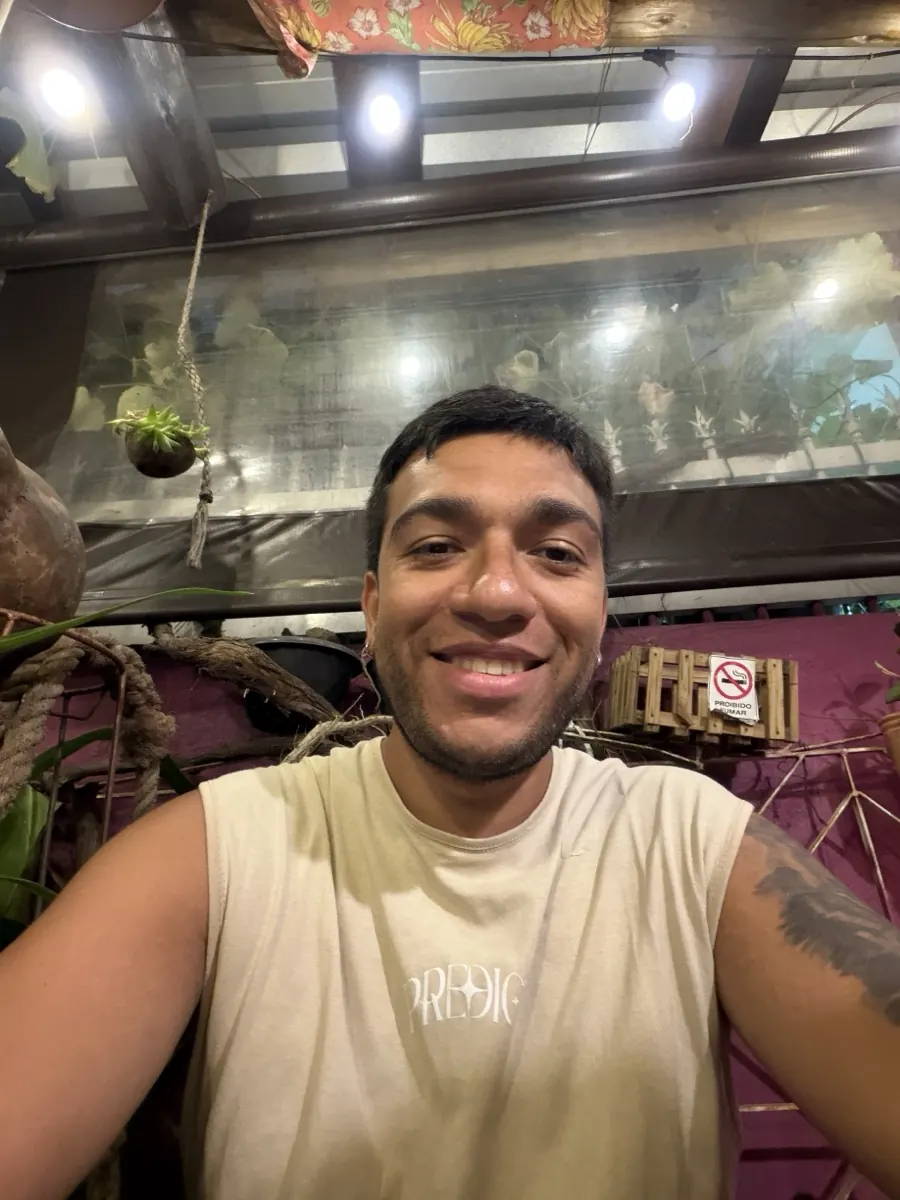
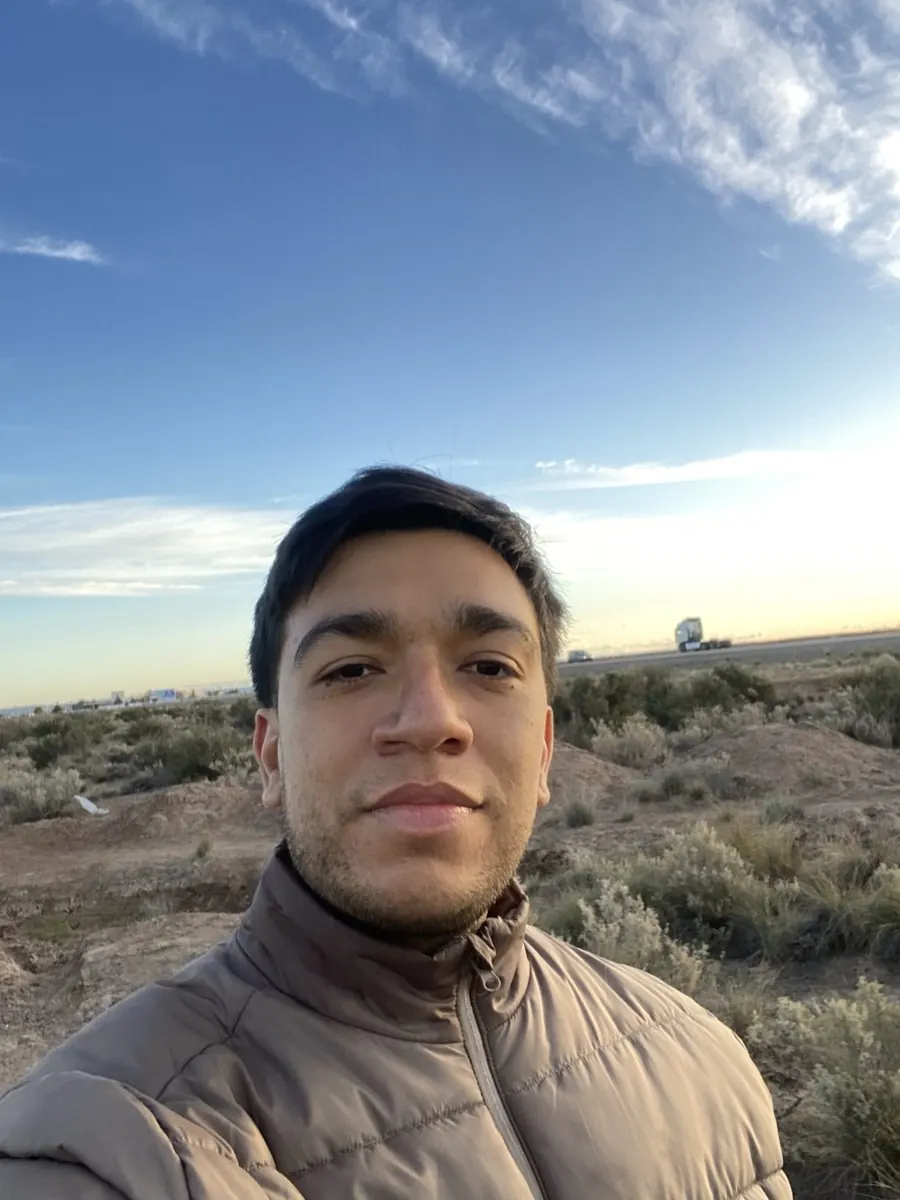
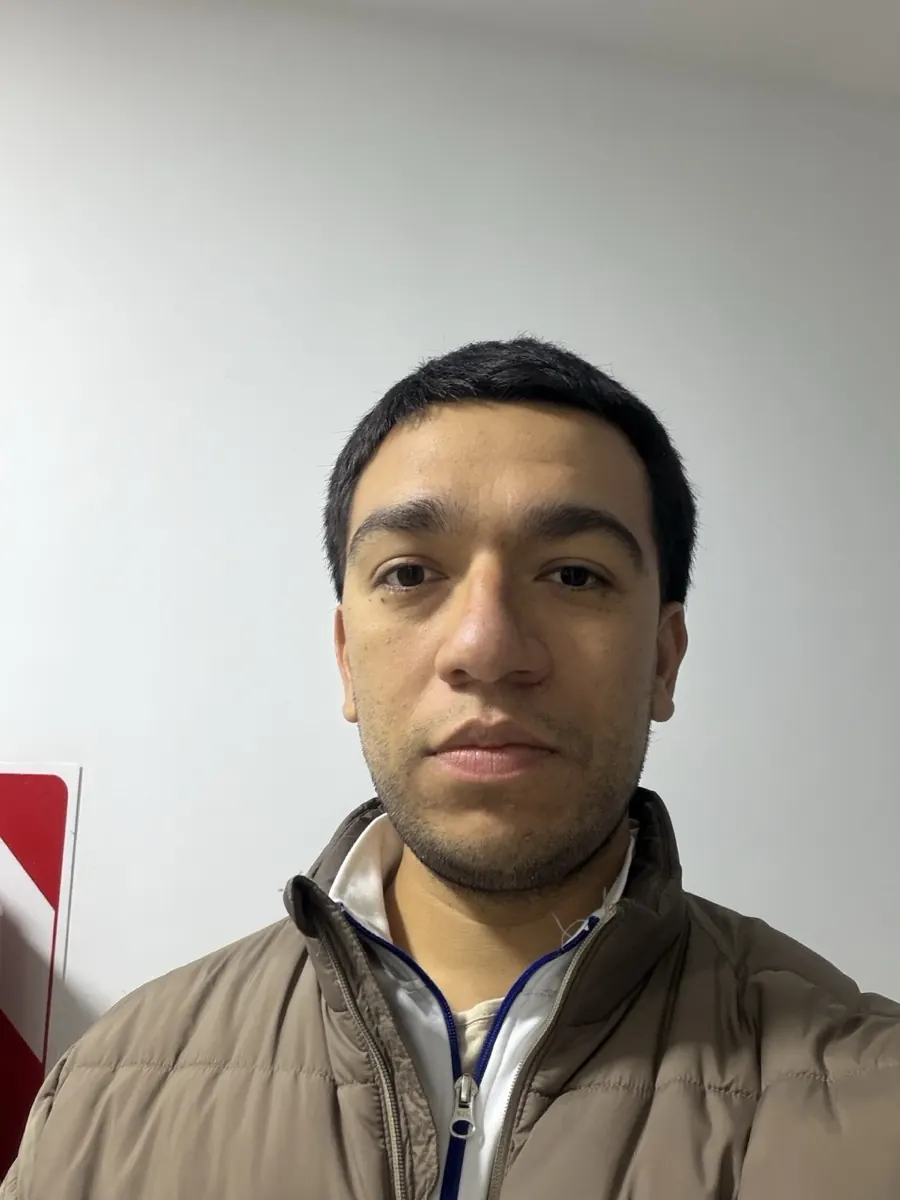
Upload your photo, the Painting preset is pre-filled, result in 5 to 15 seconds.
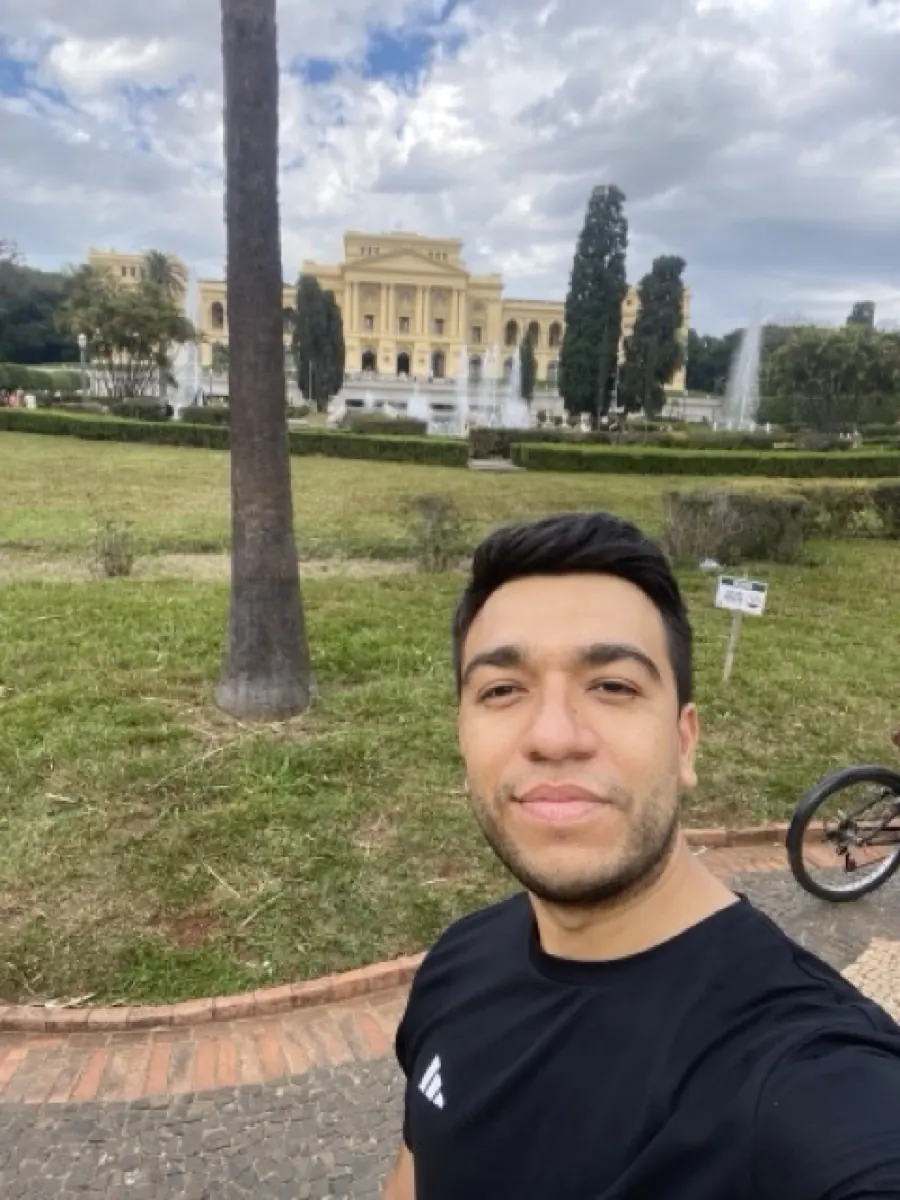
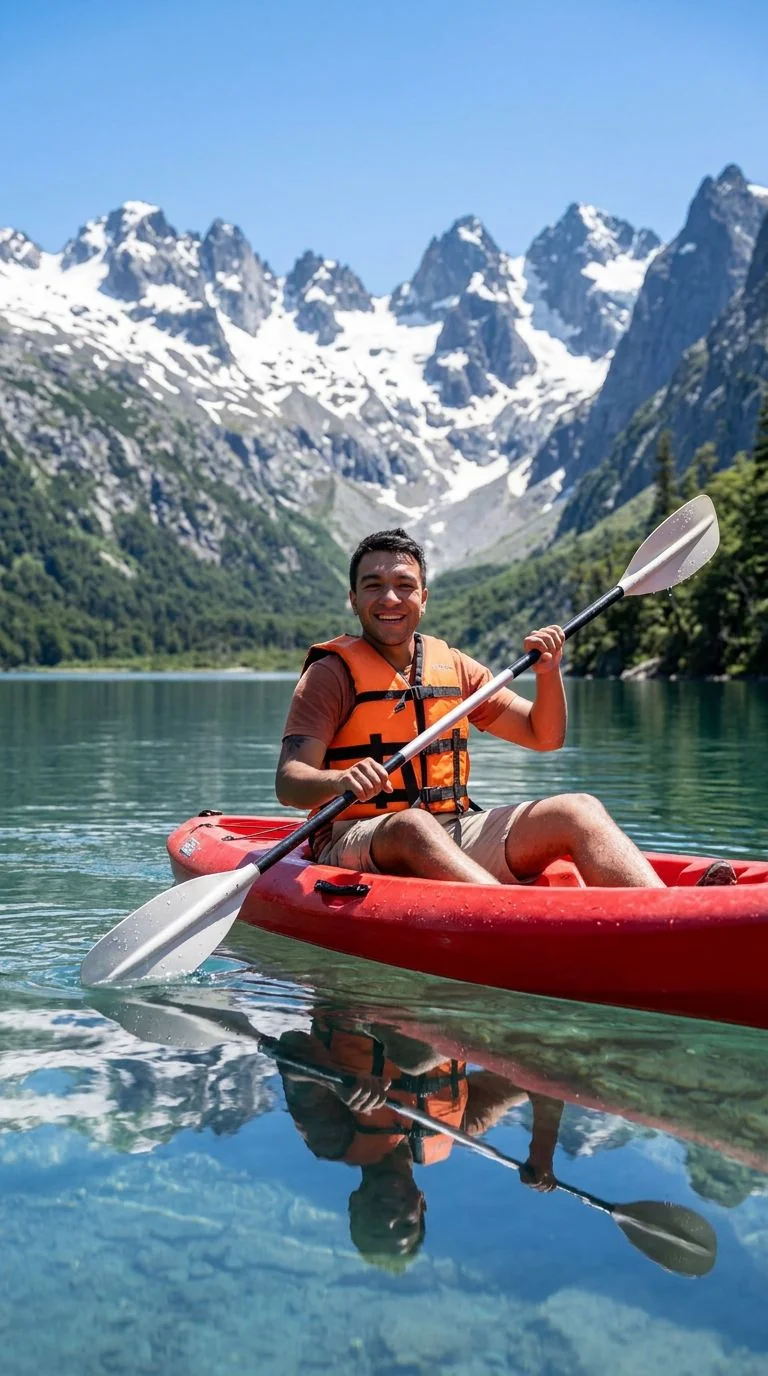
Tips for the best Painting result
Small things that meaningfully improve the output.
Specify the era for distinct styles
Default is general classical oil. Add "in the style of Sargent" (loose impressionist) or "in the style of Vermeer" (Dutch Golden Age) for very different feels.
Print on canvas
Oil painting conversions look spectacular printed on real canvas. Order from Printful or any local print shop, they'll often add varnish for extra realism.
Bright, well-composed photos work best
Painters traditionally work from carefully-lit references. Your photo input matters, a blurry phone snap converts to a blurry painting.
Try watercolor too
If you want softer, more delicate output, try /photo-to-watercolor instead. Same photo, very different mood.
Try photo to painting on your photo
Upload any image, get your Painting version in seconds.
Open the editor →No credit card. Free credits at signup.
Frequently asked questions
Can I print the result?
Yes, that is the most common use. Output is high-resolution and prints beautifully on canvas, fine art paper, or framed prints. Many users send the output to Printful or local print shops.
Which painting style is the default?
A general classical oil painting style, visible brushstrokes, warm pigment, chiaroscuro lighting. From the editor you can change the prompt to specify a school (Impressionist, Baroque, Dutch Golden Age, modern, etc.).
Is the output really high enough for large prints?
Nano Banana Pro outputs at 1024+ resolution which is sufficient for 12×16 prints. For larger prints, run through /enhance afterward to upscale 2× or 4× with Topaz before printing.
How much does it cost?
Free credits at signup. After, a painting conversion through Nano Banana Pro costs around 3 credits. Pack starts at $4.99 for 50 credits.
Commercial use?
Yes, you own the output. No restrictions.