Turn your photo into anime art
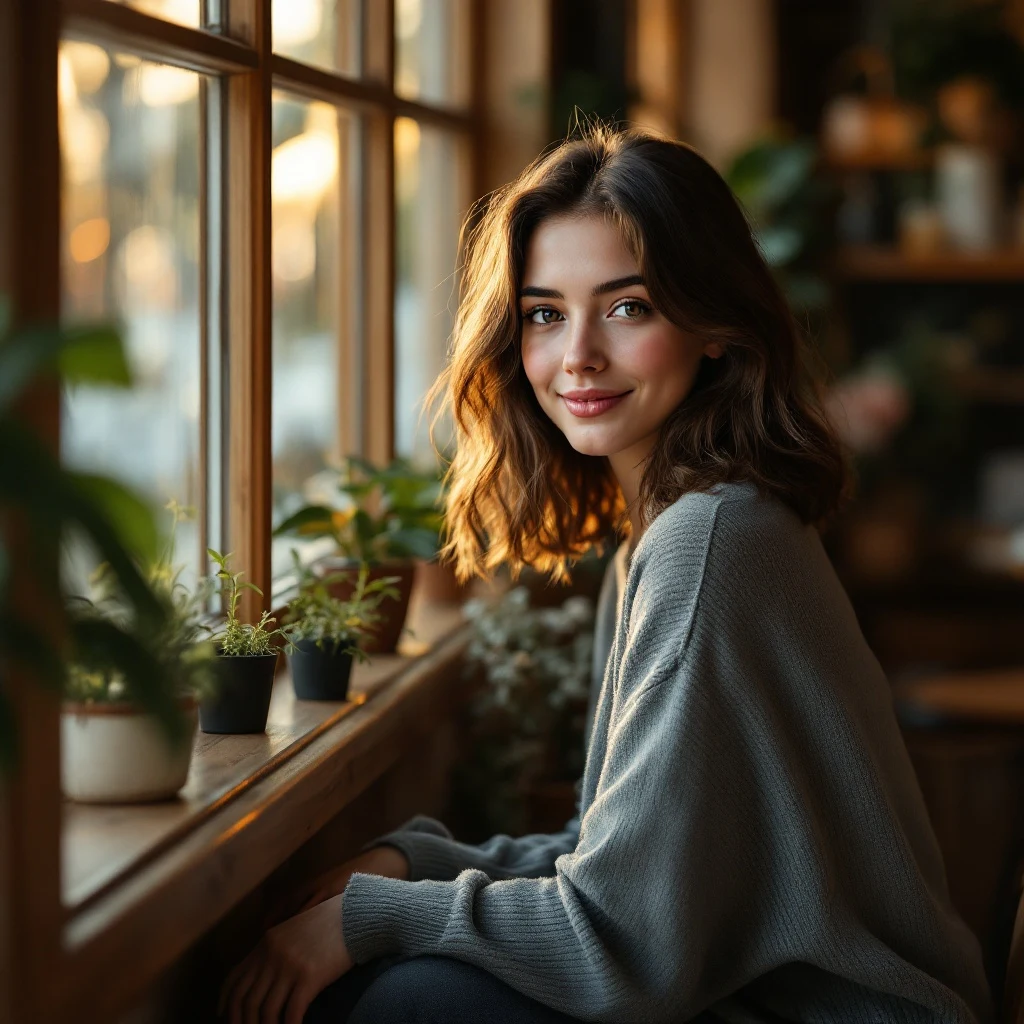
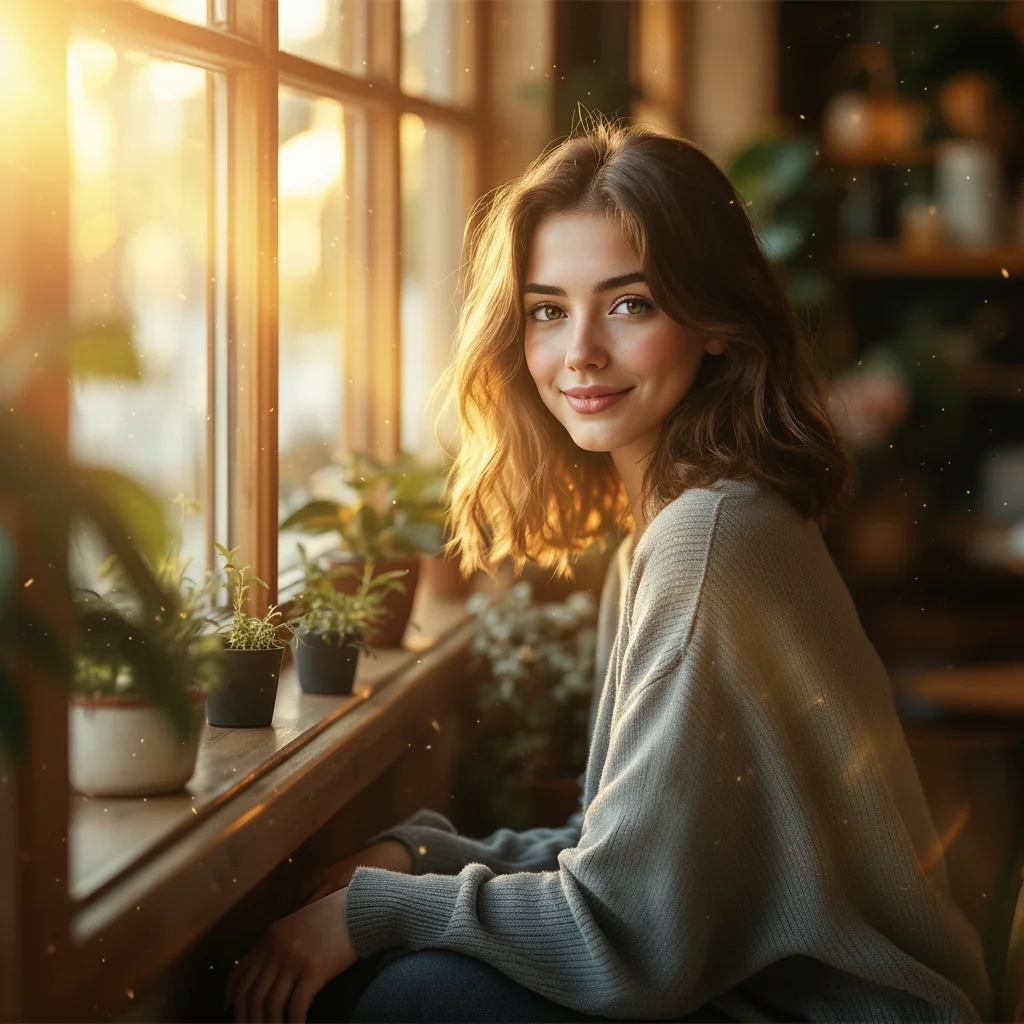
Upload a selfie or any photo and renza converts it into an anime portrait in seconds. Your face, your pose, your clothes, but rendered as if a Japanese animation studio drew it. Cel shading, ink outlines, oversized eyes, that exact look.
No credit card. Free credits at signup.
About this transformation
Anime photo conversion has been one of the most-searched AI image transforms for two years running, and the quality jump from older filter apps (Lensa, PicsArt) to modern image-edit models is enormous. Older apps applied a thin stylistic LUT, same lighting, same composition, just recolored. Modern image-edit models like Nano Banana actually re-render the photo through an anime lens: they redraw your hair as ink strokes, simplify the shading to flat cels, exaggerate the eyes, and recompose lighting to feel like a frame from a TV anime. Renza uses Nano Banana by default for anime conversion because it preserves facial identity better than most alternatives, but you can swap to Nano Banana Pro or Qwen Image Edit from the editor if you want a different feel. No subscription, pay only when you generate.
How to turn a photo into Anime art
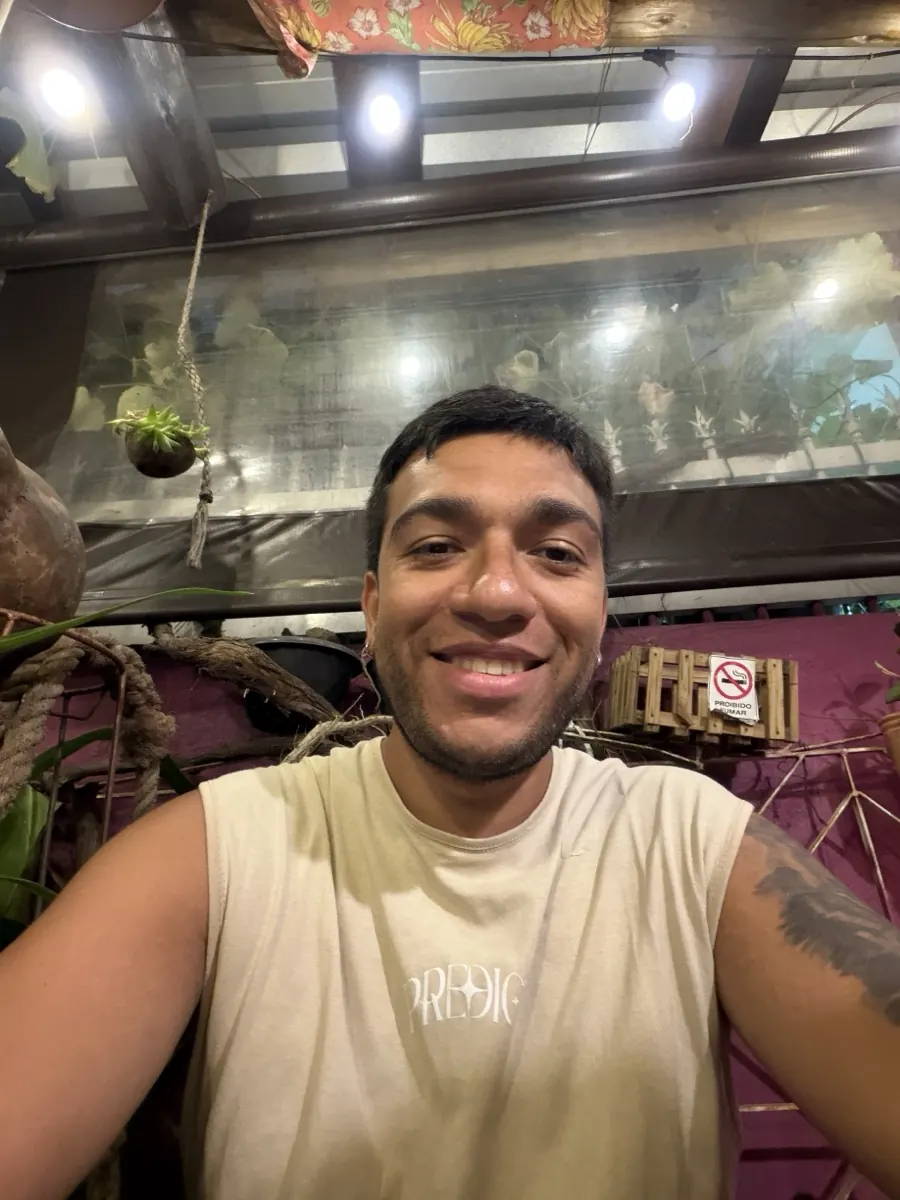
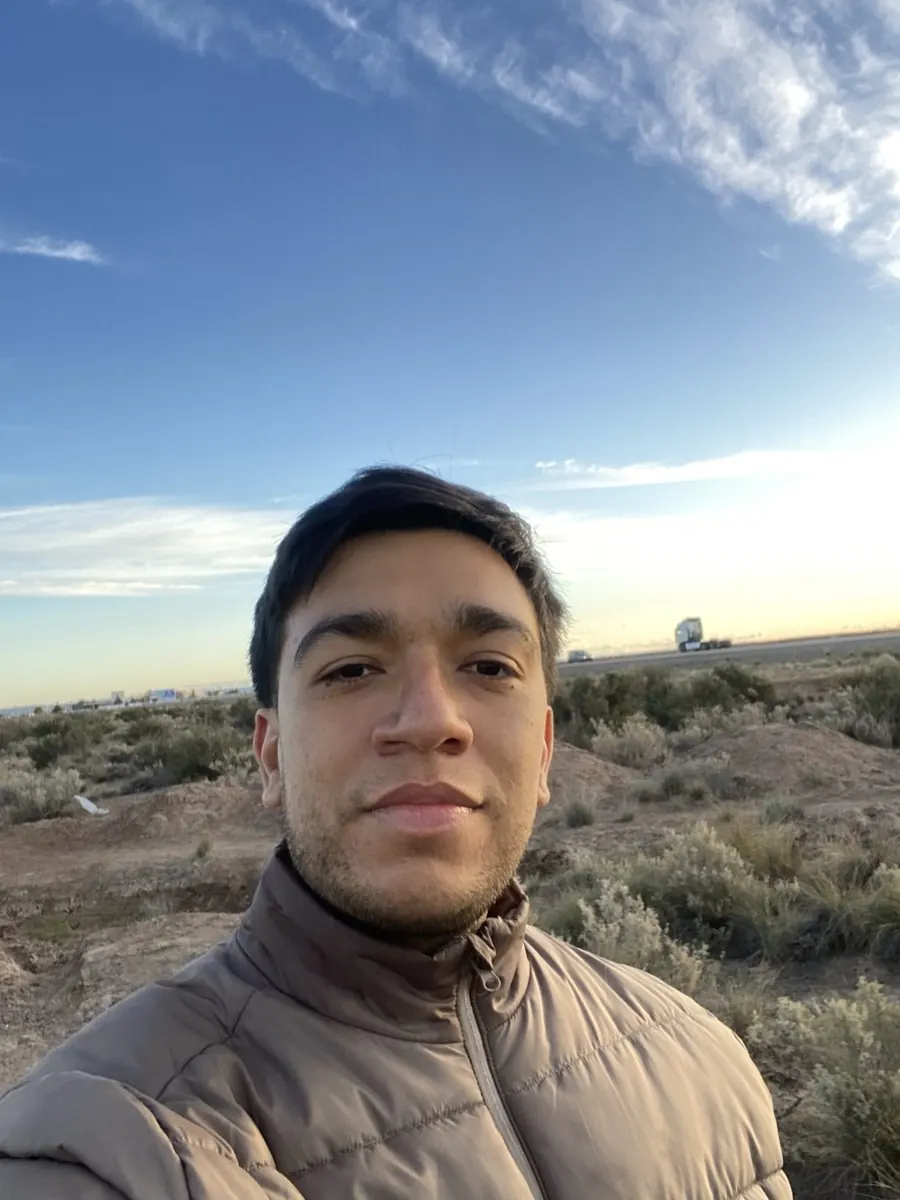
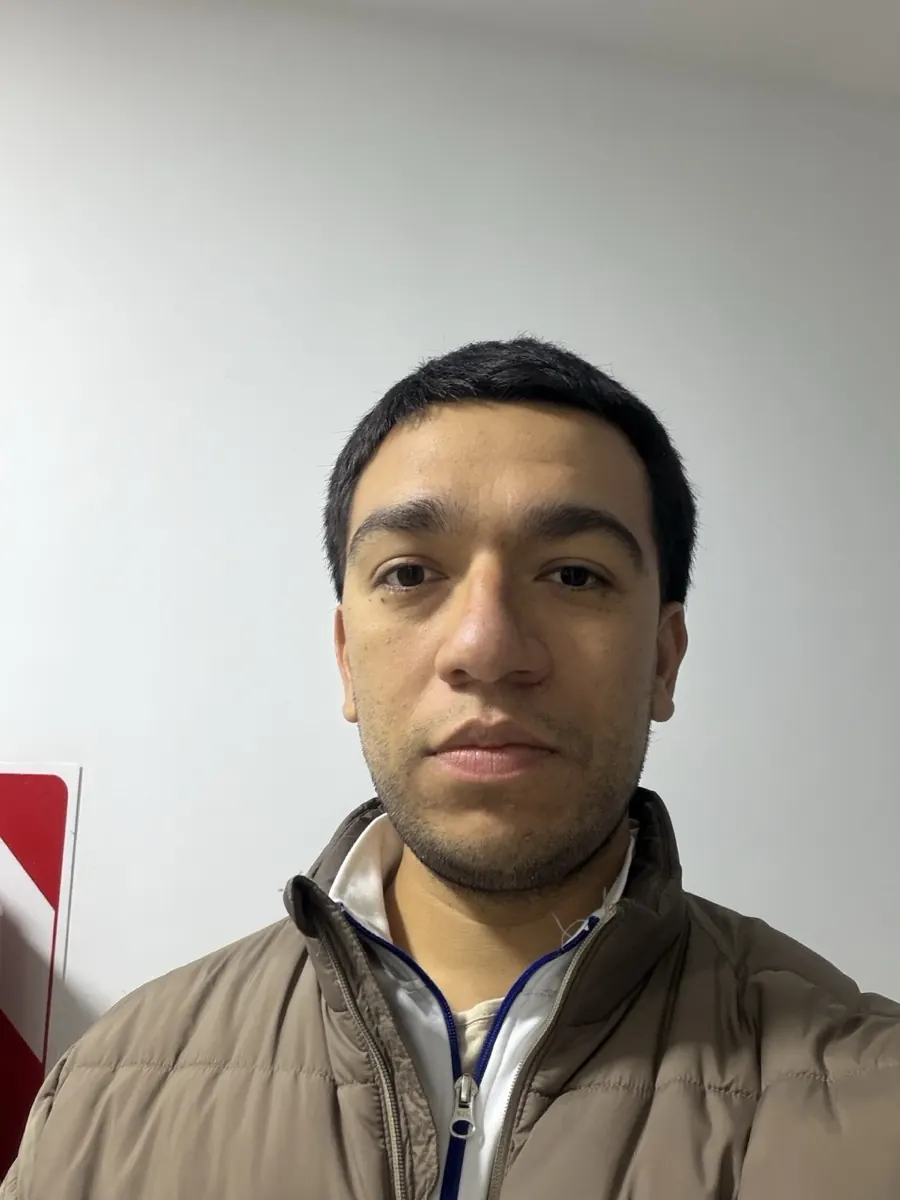
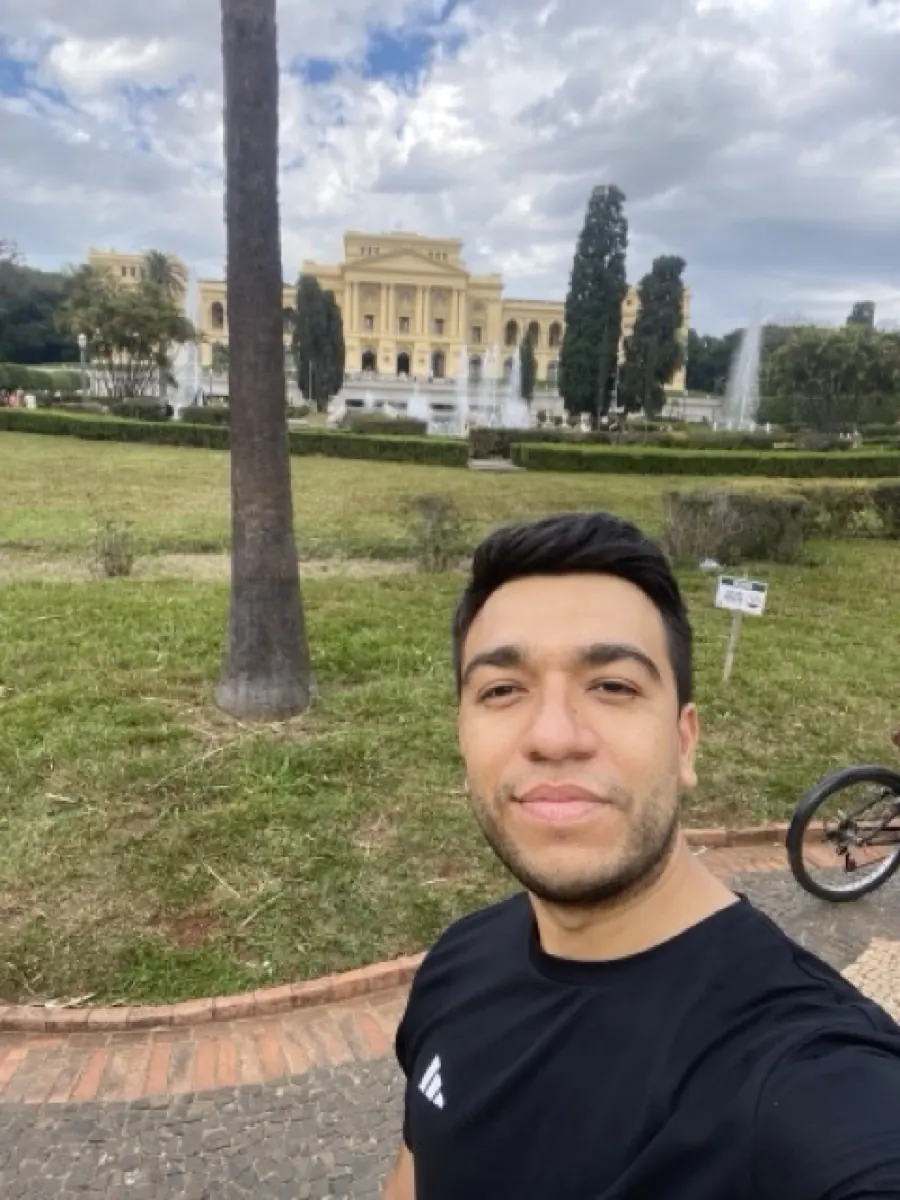
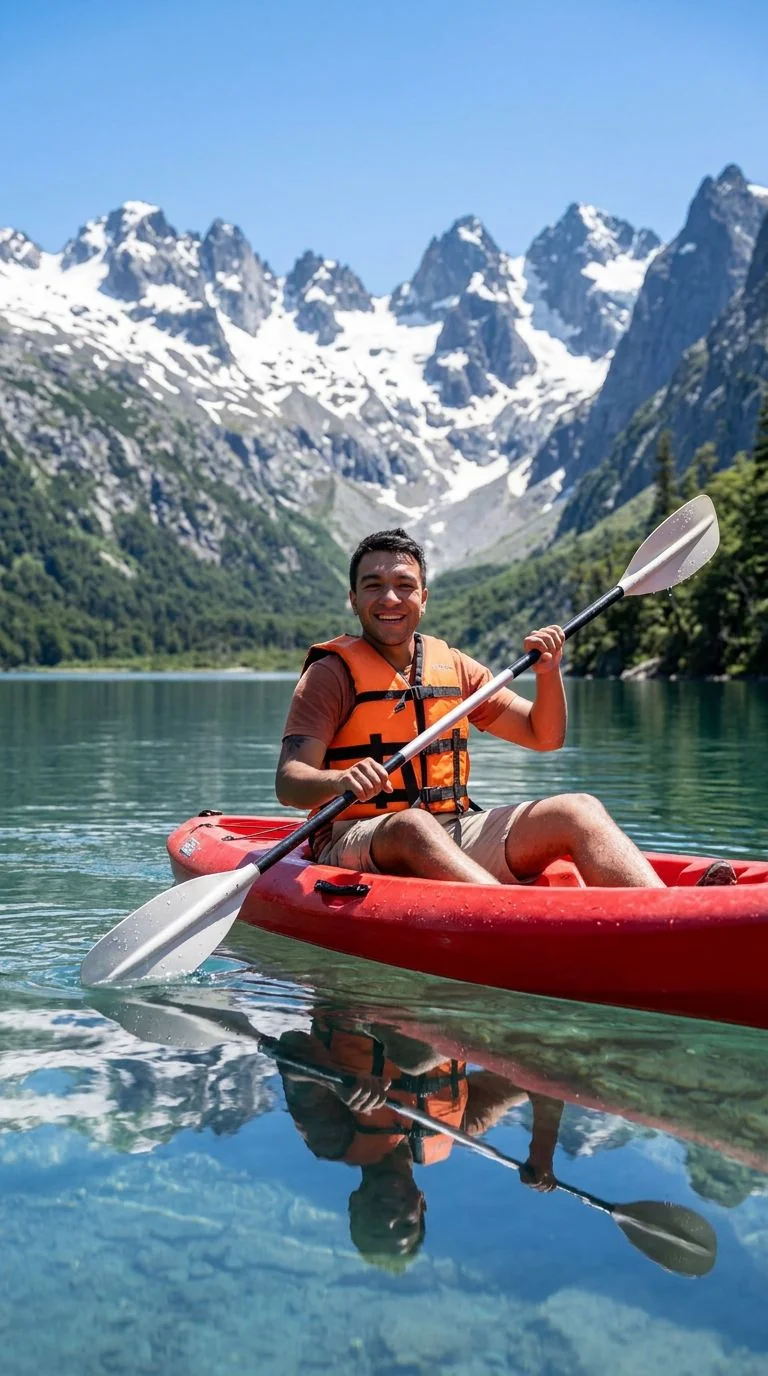
Upload your photo, the Anime preset is pre-filled, result in 5 to 15 seconds.
Tips for the best Anime result
Small things that meaningfully improve the output.
Front-facing portraits work best
Faces shot from the front, with eyes visible, convert cleanest. Profile shots can lose detail because anime conventions exaggerate frontal expression.
High resolution input
Upload at least 1024×1024. The model needs detail to know what to redraw. Phone screenshots and low-res Instagram crops produce mushy output.
Add your own twist
After the first generation, run another with a tweak like "make it look like a 90s anime" or "Studio Ghibli style", small prompt nudges produce dramatically different results.
Multiple people work too
Group photos convert fine. The model treats each face individually. For best identity preservation in groups, crop tightly to the subjects.
Try photo to anime on your photo
Upload any image, get your Anime version in seconds.
Open the editor →No credit card. Free credits at signup.
Frequently asked questions
Does this work with my face? Will I still look like me?
Yes. Nano Banana (the default model) is one of the best in the market at preserving facial identity through stylistic transforms. Friends will still recognize you in the anime version. If identity drifts, try the same prompt with Nano Banana Pro from the editor, it's slightly more faithful to the input at the cost of less aggressive stylization.
How long does one conversion take?
5 to 15 seconds depending on traffic. You upload, click generate, and you have your anime version. No queue, no signup wall in the middle.
How much does it cost?
New accounts get free credits at signup, enough for several conversions. After that, an anime conversion with Nano Banana costs around 5 credits, and credit packs start at $4.99 for 50 credits. No subscription, no monthly minimums.
Can I use the anime version commercially?
Yes. Anything you generate on renza is yours, including for commercial use, merchandise, or client work. The underlying image-edit models (Nano Banana, Nano Banana) do not restrict commercial use either.
Does it work with pets or non-human subjects?
Yes. Pet portraits convert well, anime style suits cats and dogs especially. Objects and landscapes work too, though for landscapes you may get better results from "photo to Ghibli" which is tuned for environments.