Watercolor AI Generator
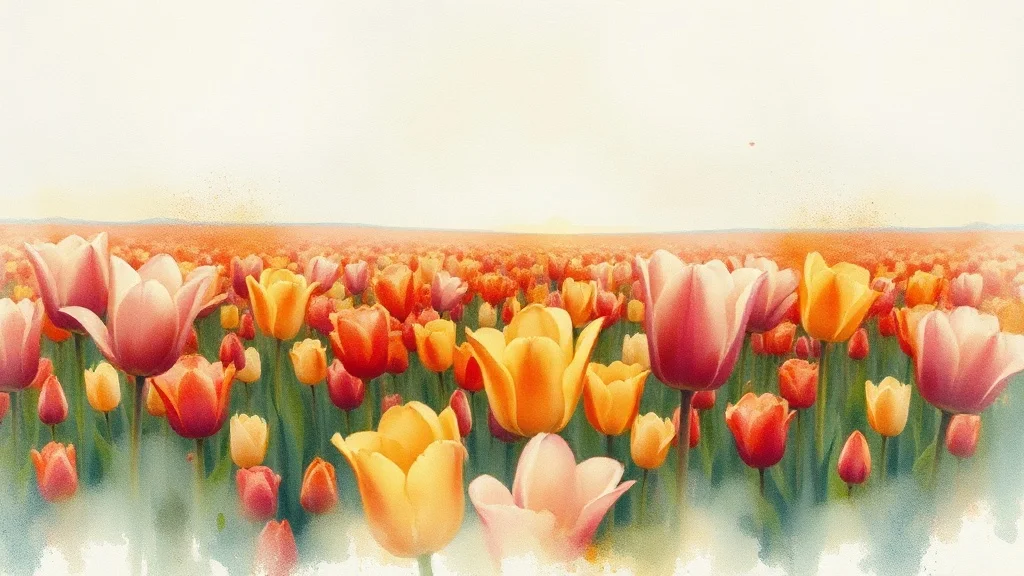
Watercolor is loose and breathing, with pigment that bleeds at the edges and pools where the brush lingered, all over a faint pencil sketch.
Pick a category below to apply the watercolor style to your generation. Same prompt, Flux Dev or any model you like, the watercolor aesthetic baked in.
- 3 free credits to start
- No credit card
- Commercial use, you own it
- No watermark
- Results in seconds
Watercolor generators

WatercolorLogo
Make a logo for your brand
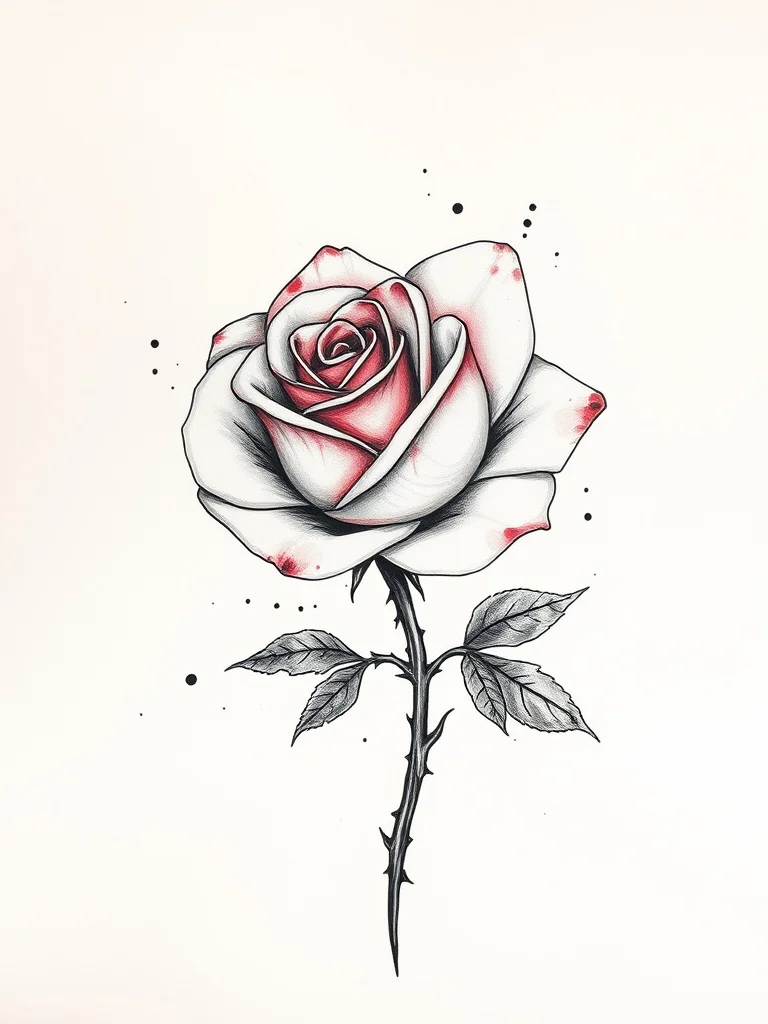
WatercolorTattoo
Design a tattoo before you ink it
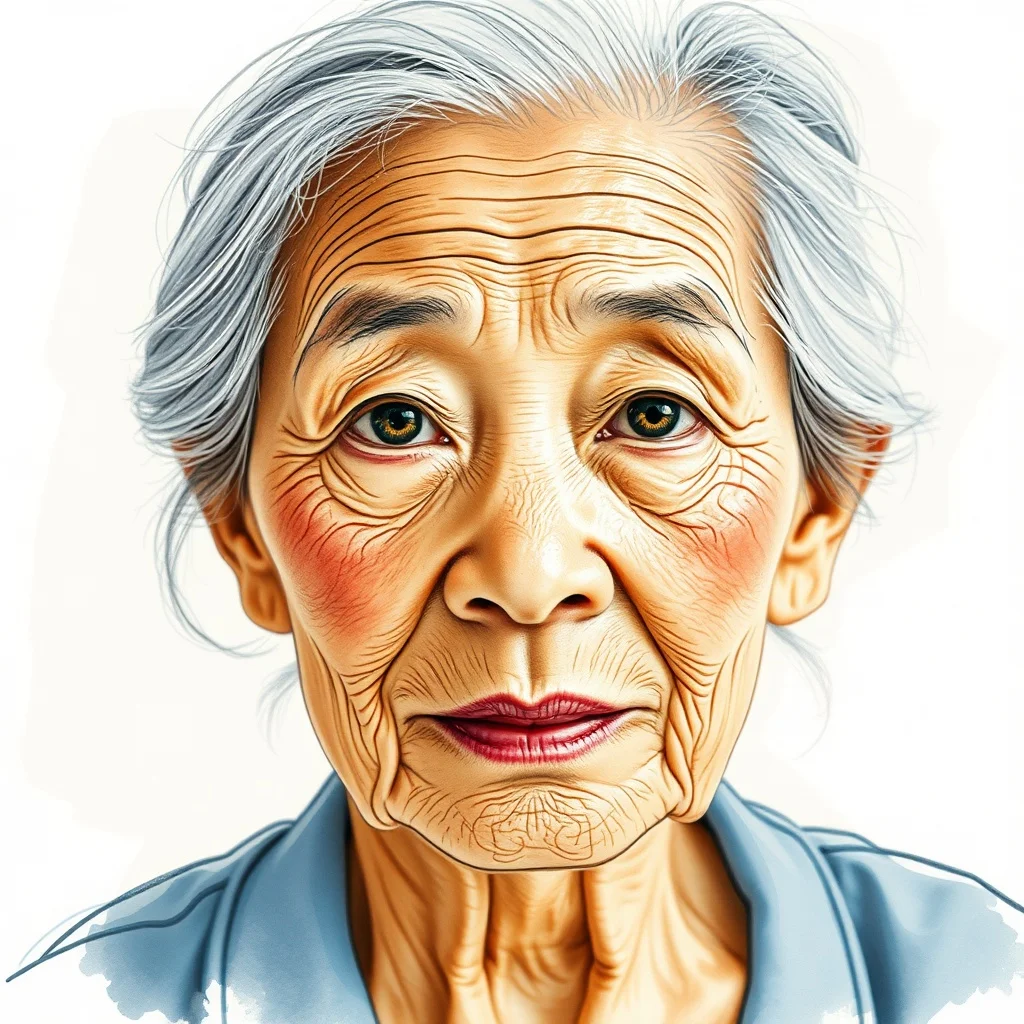
WatercolorAvatar
Profile pictures and avatars
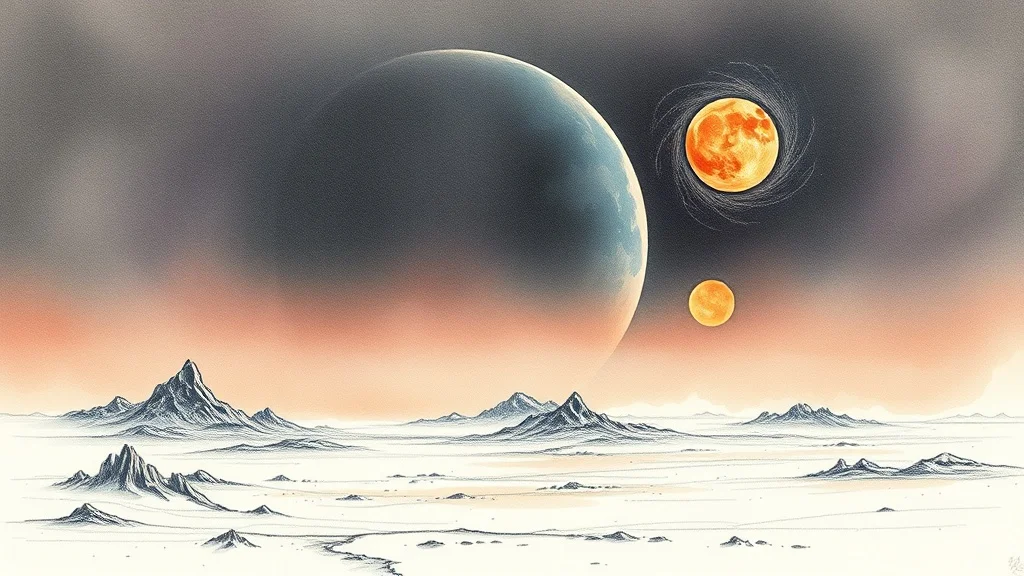
WatercolorWallpaper
Wallpapers for desktop and phone
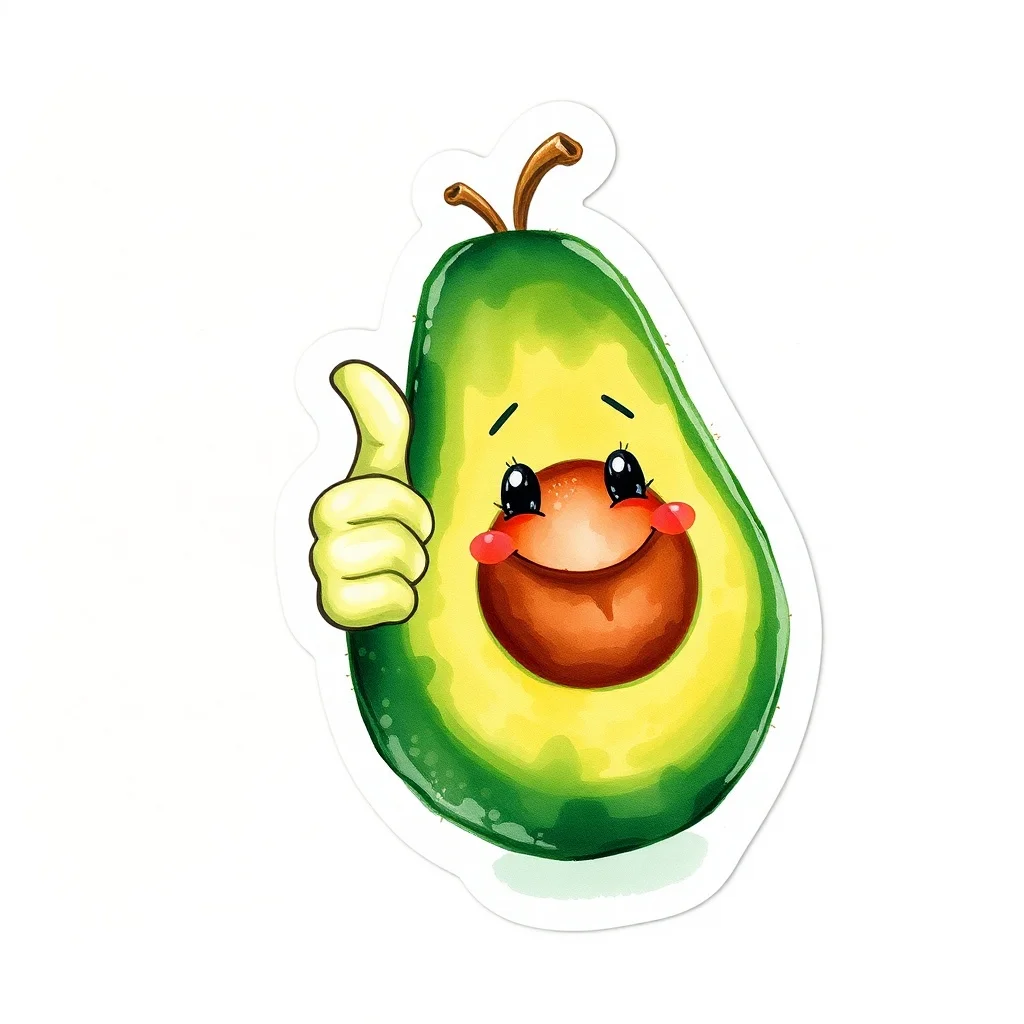
WatercolorSticker
Custom stickers for chat apps and print

WatercolorYouTube Thumbnail
Thumbnails that get clicks
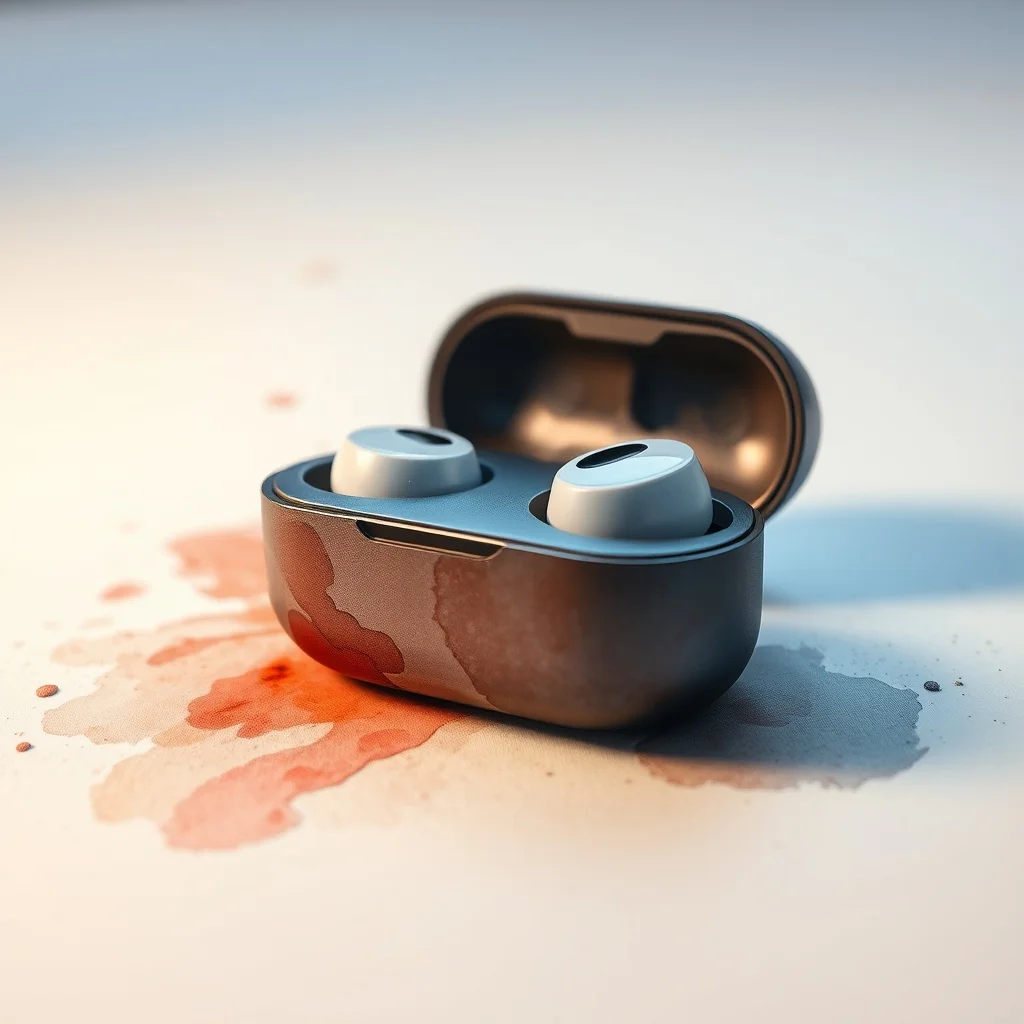
WatercolorProduct Photo
Studio shots without the studio
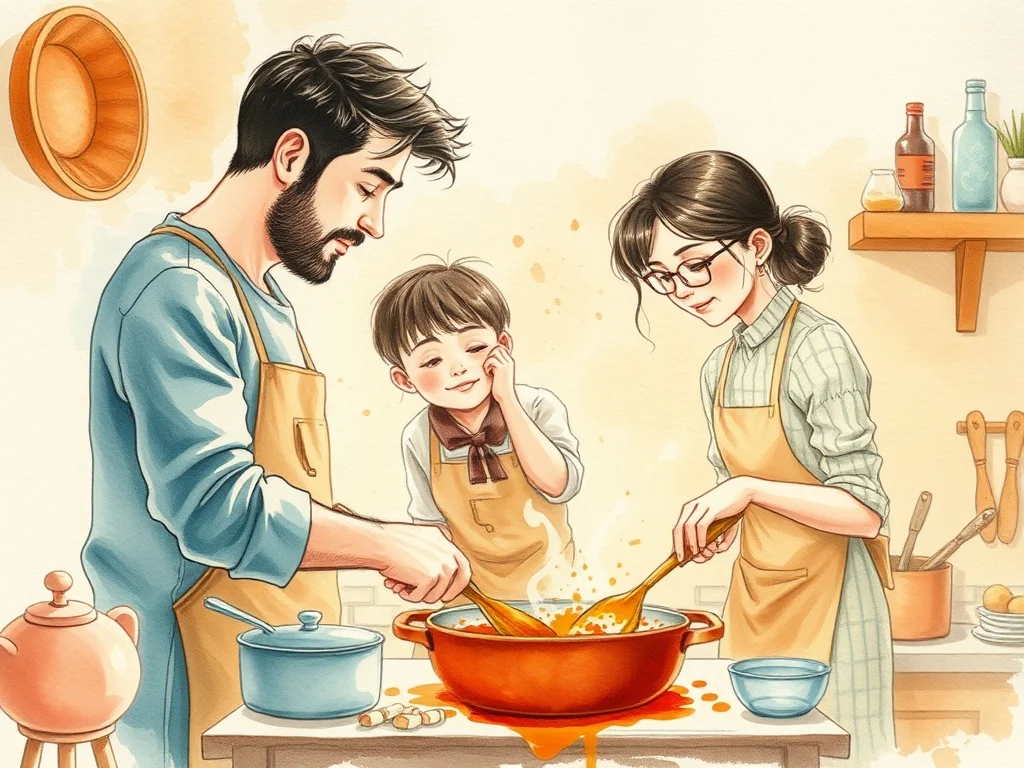
WatercolorIllustration
Illustrations for blogs, apps, books
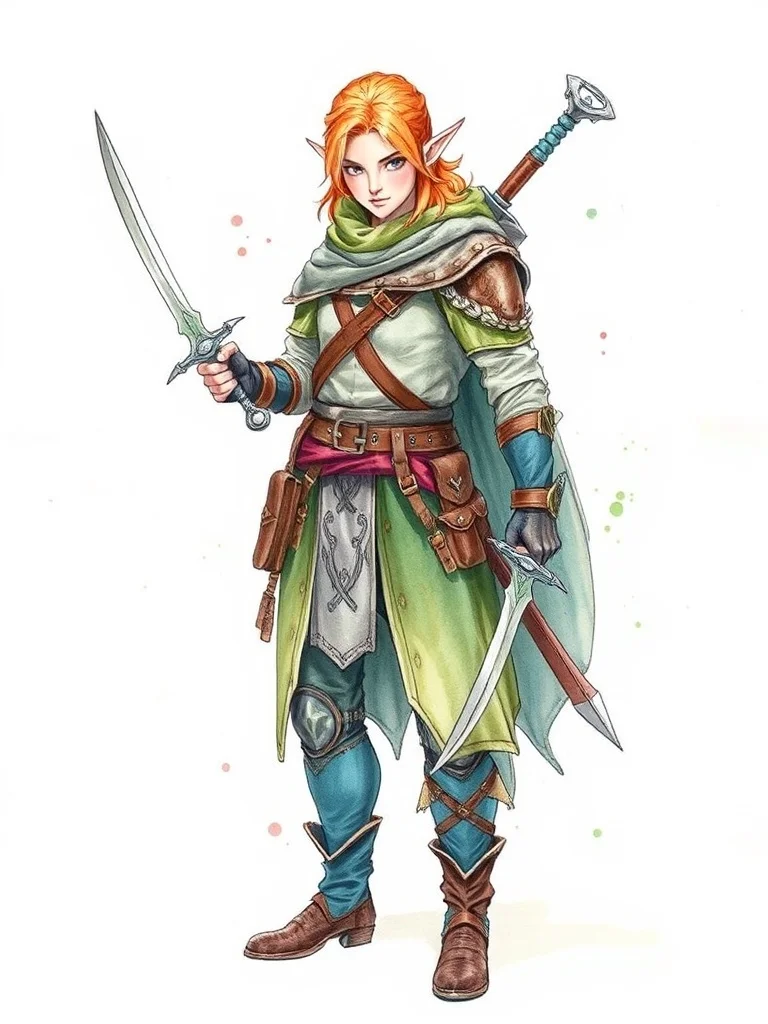
WatercolorCharacter
Original characters for games and stories
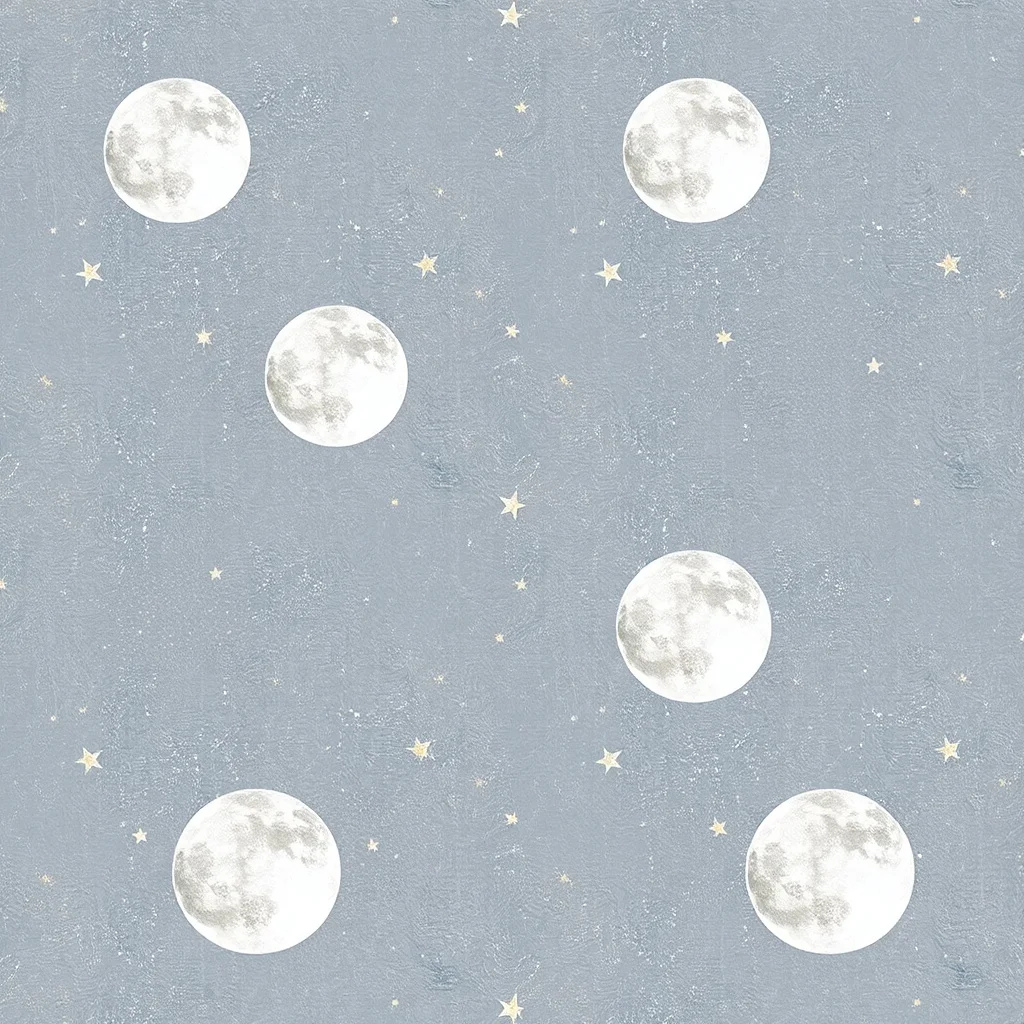
WatercolorPattern
Seamless patterns for fabric and print
WatercolorLandscape
Landscapes and environments

WatercolorFood Photo
Food photography on demand
What defines the watercolor style
Watercolor is loose and breathing, with pigment that bleeds at the edges and pools where the brush lingered, all over a faint pencil sketch.
Translucent, light-soaked washes that let the paper show through. The look traces back to traditional botanical and travel illustration, which is what makes it read as a deliberate choice rather than a filter.
Pro tip · Lean into imperfection and ask for "loose washes" and "bleeding edges" rather than crisp, finished detail.
- Soft bleeding pigment edges
- Translucent layered washes
- Visible cotton-paper texture
- Gentle splatters
FAQ
What defines watercolor as a style?
Watercolor is loose and breathing, with pigment that bleeds at the edges and pools where the brush lingered, all over a faint pencil sketch. It traces back to traditional botanical and travel illustration. The signature traits are soft bleeding pigment edges, translucent layered washes, visible cotton-paper texture, gentle splatters. When you pick watercolor, renza folds those cues into your prompt so the output reads as watercolor from the first pixel.
Which model works best for watercolor?
Flux Dev renders natural pigment bleed and paper texture without making it look digital. You can still switch from the dropdown before generating, but for watercolor specifically that is the one to start with.
Can I combine watercolor with my own prompt?
Yes. Write whatever subject you want. The watercolor style changes how the image looks, not what's in it, so it layers cleanly over any prompt. Lean into imperfection and ask for "loose washes" and "bleeding edges" rather than crisp, finished detail.
Which categories work best with watercolor?
Watercolor suits some categories more than others, but it applies to all 12. Browse the cards above to see it on logos, avatars, wallpapers, tattoos, and more, then pick the one that fits your project.