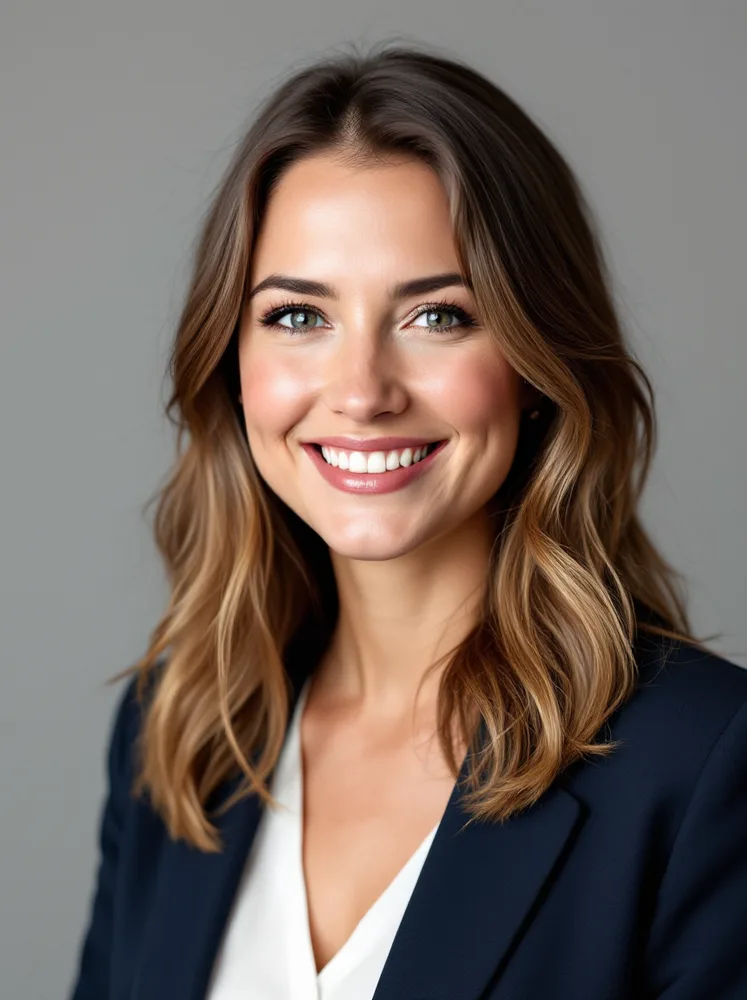
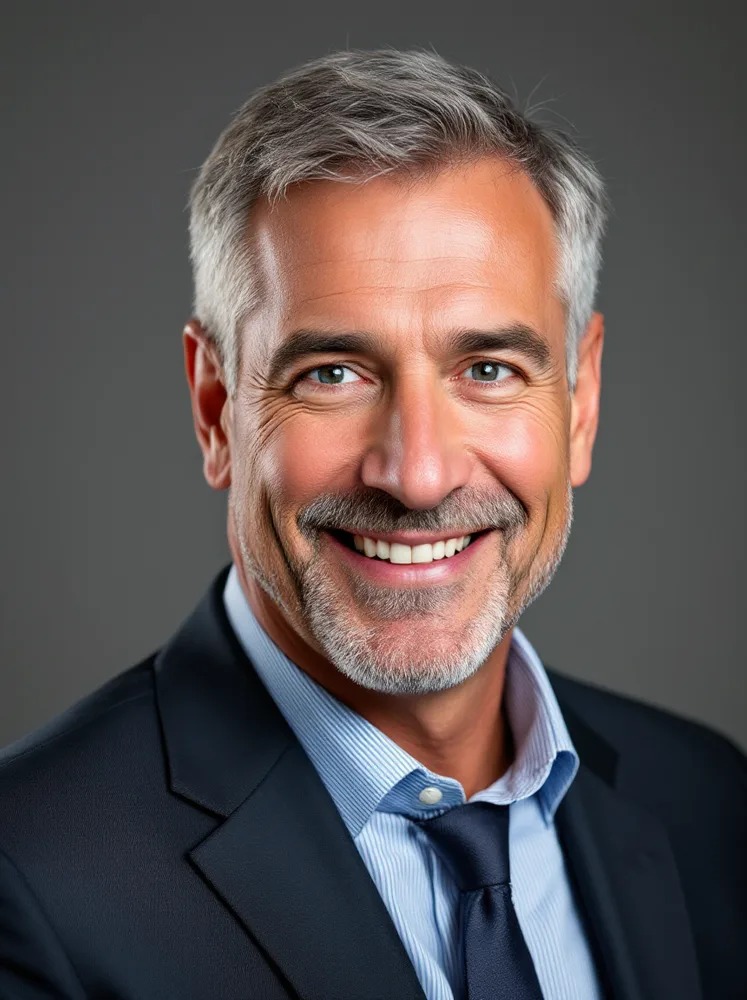
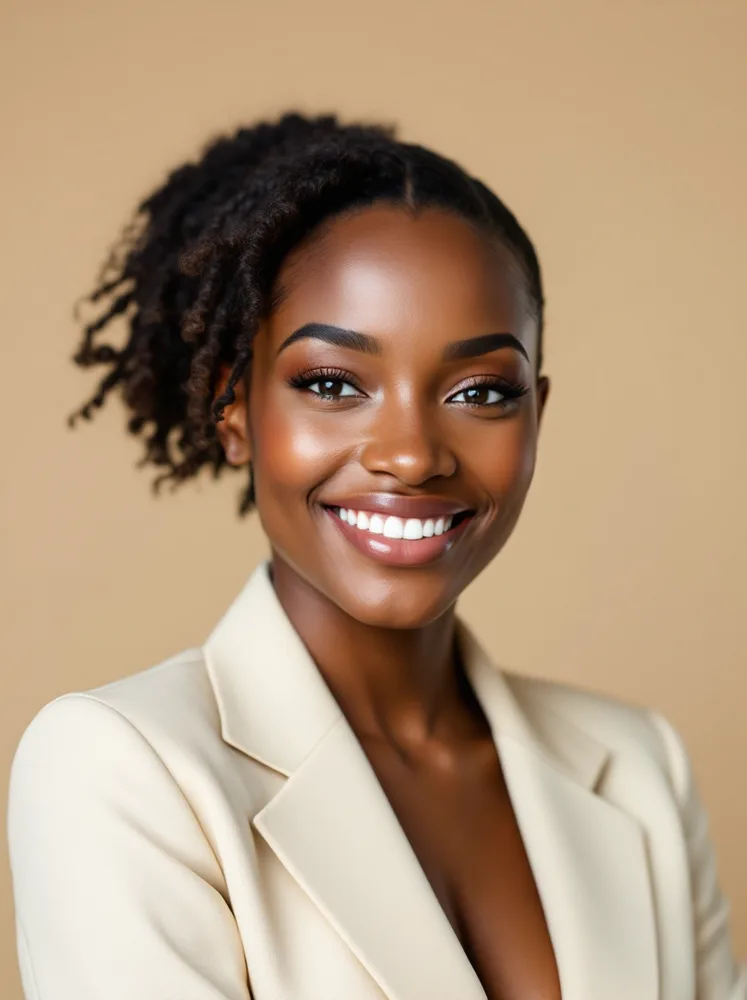

LinkedIn headshots, designed for a 48 pixel circle
LinkedIn shows your face as a circle roughly 48 pixels wide next to every comment, application and message you send. That circle is the design constraint, and every example below is built to survive it: tight crop, direct gaze, background that separates.
By signing up you agree to our terms and privacy. Your photos stay private.
Design for the circle, not the profile page
People choose their LinkedIn photo by looking at it full size on the profile page, but that is the rarest place it appears. Most impressions happen in feeds, comment threads, search results and recruiter shortlists, where the photo is a thumbnail circle competing in a column of identical thumbnail circles. The photo that wins there is the one that still reads as a specific, confident face at stamp size.
The circle punishes three common choices. Loose framing turns you into a figure in a landscape. Low contrast between hair, clothing and background turns the circle into a smudge. And the frames LinkedIn adds, open-to-work green or hiring purple, eat the outer edge, so anything important near the border disappears. The fix for all three is the same: crop tight, separate tonally from the background, keep your face dead center.
The examples below apply that formula across registers, from suit-on-seamless to street-bokeh for founders. One more honest note: LinkedIn itself reports that profiles with photos get many times more views and messages than those without, but the step change is from no photo to a clear one. Past that, the photo stops gating and starts positioning; pick the register that matches how you want to be approached.

How do I get a great LinkedIn headshot?
Test at actual size
Shrink your candidate photo to 48 pixels, the comment-thread size. If you cannot instantly tell it is you, neither can a recruiter scrolling. This one test rejects most loose crops and busy backgrounds.
Leave margin for the ring
Open-to-work and hiring frames crop the outer ring of the circle. Keep your head centered with breathing room so the frame decorates the photo instead of amputating it.
Separate from the background tonally
Dark blazer on light backdrop, or the reverse. At thumbnail size, tonal separation is what keeps your silhouette readable; same-tone outfits and backgrounds merge into one shape.
Eye contact, slight warmth
Direct gaze reads as confidence in a thumbnail; a slight genuine smile reads as approachable. Both together is the LinkedIn default for a reason. Save the serious face for the executive contexts.
Change it when you change lanes
The photo positions you: the seamless version says employee-ready, the street version says founder. When your goal on the platform shifts, from employed to job-seeking to selling, shift the photo with it.
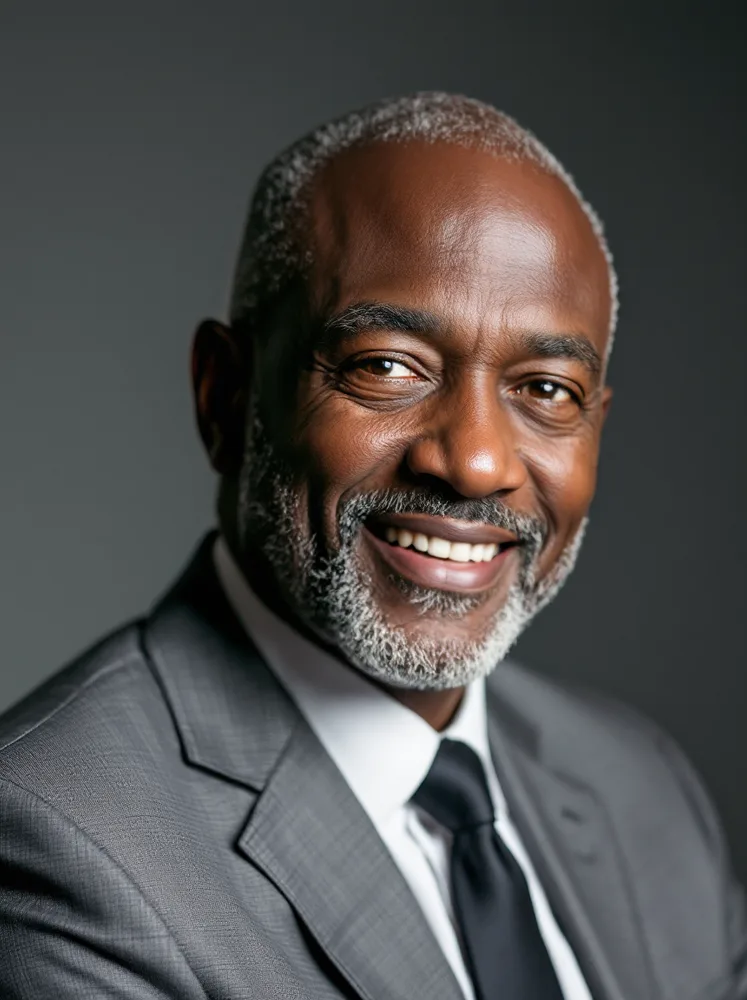
What does a great LinkedIn headshot look like?
Every example below was generated with renza. One trained model produced all of them; each caption says which part of the job that setting is for.
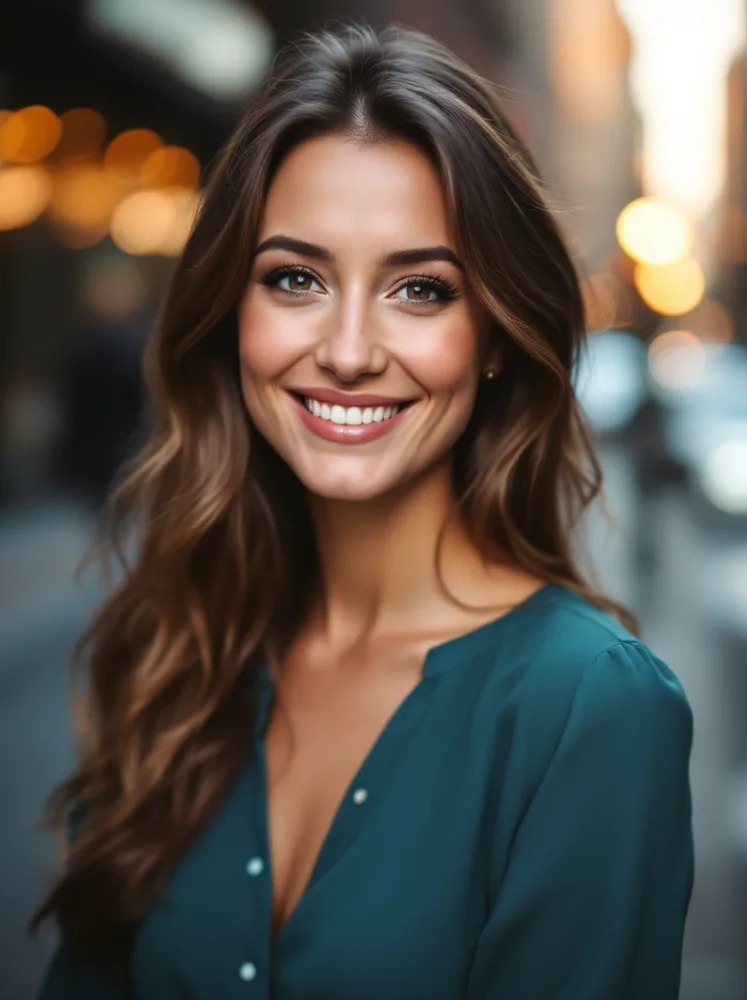




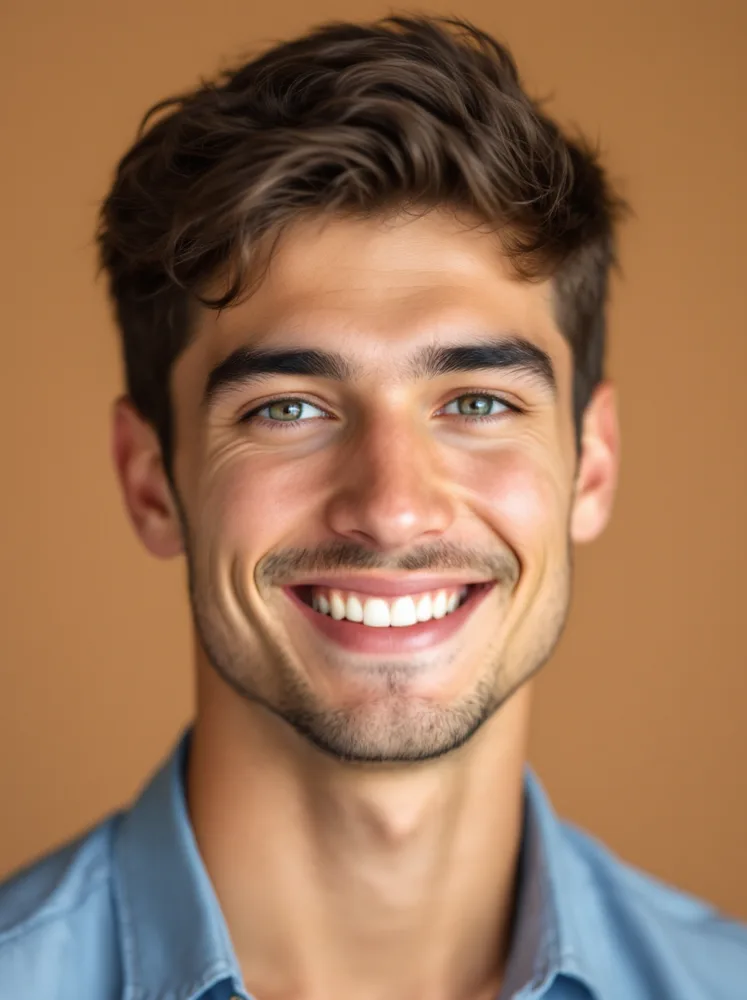
How it works
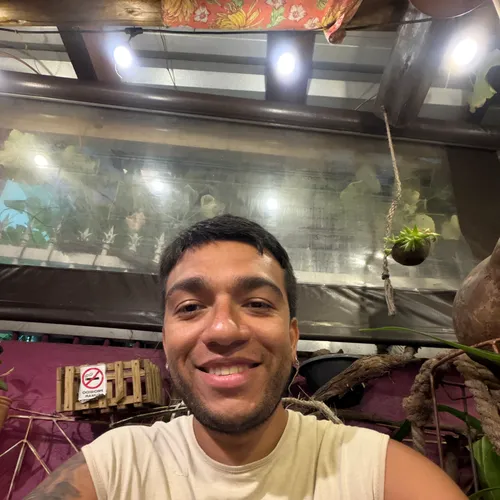
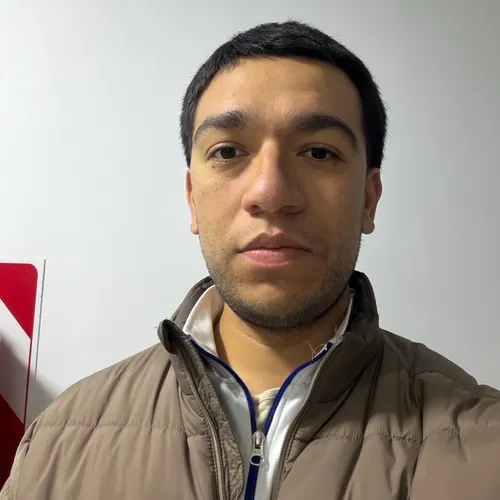
Upload 5 to 15 selfies. We train a personal AI on your face in about 5 minutes. One click runs the professional pack.

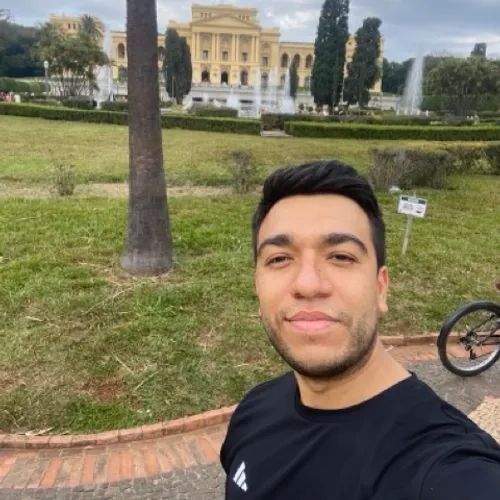

Pick your plan
Monthly subscription. Train a personal AI model and run the professional pack as often as you like. Cancel any time.
Basic
- · 1 personal AI model
- · 200 generations per month
- · All image + video models
- · Commercial use included
Popular
- · 3 personal AI models
- · 1,000 generations per month
- · Priority queue
- · Photo packs (30 imgs at once)
- · Commercial use included
Pro
- · 6 personal AI models
- · 5,000 generations per month
- · Highest priority queue
- · Photo packs + bulk export
- · Early access to new models
- · Commercial use included
Frequently asked questions
What makes a good LinkedIn profile photo?
Legibility at 48 pixels, which decomposes into a tight head-and-shoulders crop, tonal separation from the background, even light and a direct, slightly warm expression. Everything else is register preference.
What size is the LinkedIn profile photo?
Upload at 400 by 400 or larger; LinkedIn displays it as a circle from about 48 pixels in comments up to 200 on your profile. Design for the small end, since that is where nearly all impressions happen.
Does the photo really affect recruiter response?
The presence of a clear photo is the big jump; LinkedIn’s own data has profiles with photos receiving far more views and messages. Beyond presence, the photo mostly changes who approaches you and how, which is a positioning question.
What about the open-to-work frame?
It crops the outer edge of your circle. If your photo is already tight and centered it survives fine; if your face sits high or wide in the frame, re-crop before turning the ring on.
Studio or environmental background?
Studio survives the circle best and suits job seekers. Street and office bokeh add personality at a small legibility cost and suit founders and consultants whose photo is part of a brand. Both families are above; run the 48 pixel test on your pick.
What does it cost?
From 9.99 dollars per month with a personal model trained on your selfies, versus a studio session that produces one look. You get every register on this page and re-crop rights forever.