AI Character Generator
Full-body character references for game design, writing, RPGs, or worldbuilding. Iterate on costumes and poses until the character feels right.
A memorable character has a clear silhouette, readable costume details, and a pose that hints at personality. Pick one of the 24 styles below, or open the generator with the default and start iterating.
- 3 free credits to start
- No credit card
- Commercial use, you own it
- No watermark
- Results in seconds
The hard problem is the same character twice
Generating one great character is easy. Generating the same character again, in a new pose, for the next scene or the next session, is the actual problem of character work with image models, and pretending otherwise would be selling you something. Models are non-deterministic: the same prompt gives a sibling, not a twin.
The working method is a written character sheet. Lock every identifying trait in one reusable block: hair color and cut, eye color, skin tone, build, three specific clothing items, a two-color palette, the art style. The more traits you pin with specific words, the less room the model has to drift. Then vary only the action: "drawing her sword", "at the tavern table", "portrait, worried expression". You will still regenerate and discard; the sheet is what makes the keepers match.
This is also why character generators are so useful for tabletop and indie games specifically: a D&D character needs a portrait and a token, not fifty frames of animation, and an expression sheet for a visual novel is a handful of images where close-enough consistency genuinely holds. Concept exploration, OC design, vtuber drafts and game jam placeholders sit in the same zone: high value per image, tolerance for small drift.
Pin traits with specifics
"Silver bob cut, amber eyes, green scarf, brown leather jacket" survives regeneration. "A cool rogue" is a different person every time.
Keep the sheet, vary the action
Paste the identical descriptor block every run and append only the pose or scene. Editing the descriptor mid-project is how characters mutate.
One character per image
Models blend traits when two characters share a frame. Generate them separately and composite, or accept that the duo shot is a boss fight.
Match style to use
Painterly for TTRPG portraits, flat cartoon for stickers and emotes, pixel art for game sprites, anime for visual novels. Style is part of the character sheet too; switching it resets consistency.
Browse character styles
Each style applies a different aesthetic. Click one to see examples and open the generator.
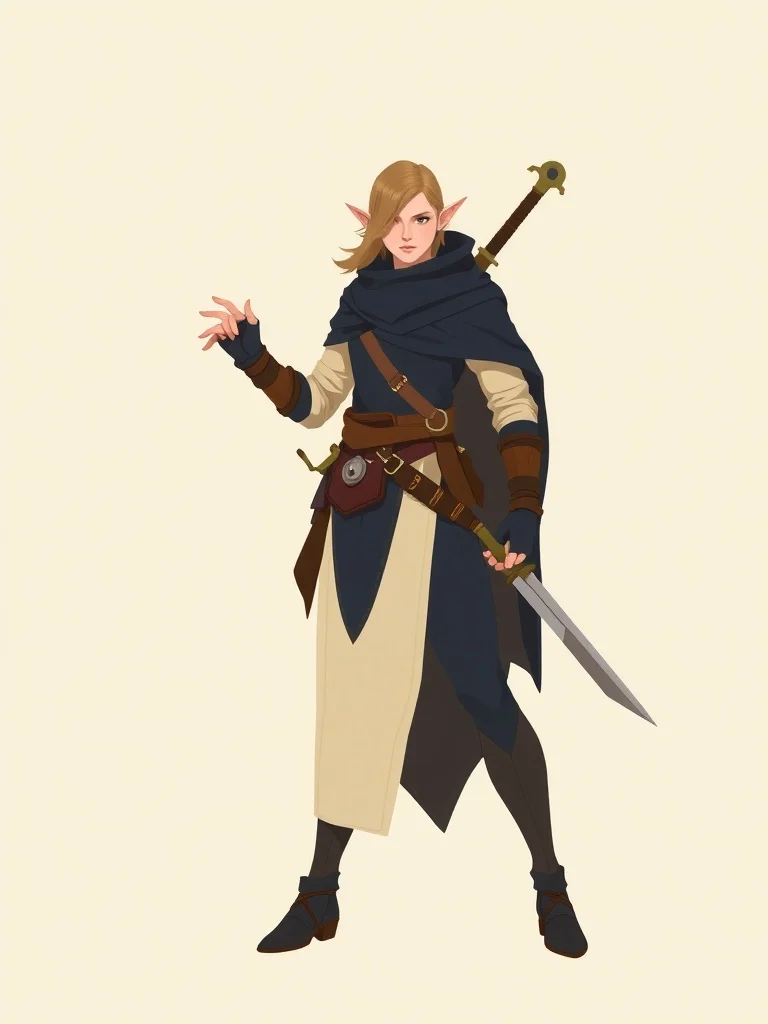
Minimalist Character
Bold shapes, restrained palette
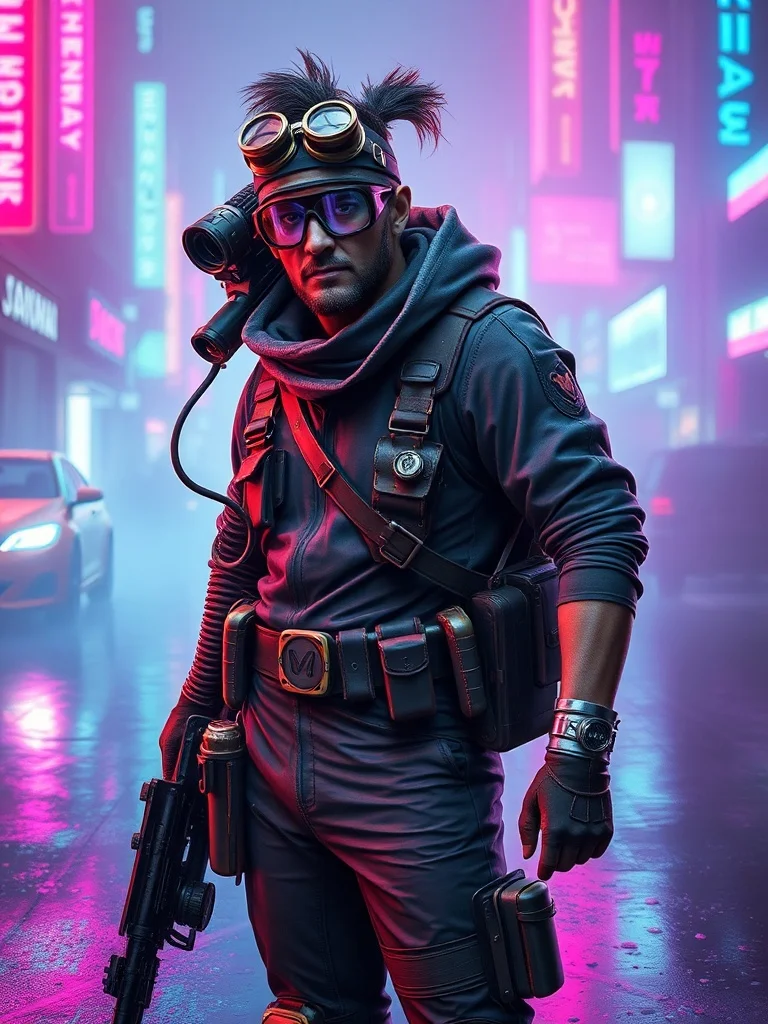
Cyberpunk Character
Neon-lit dystopian futures
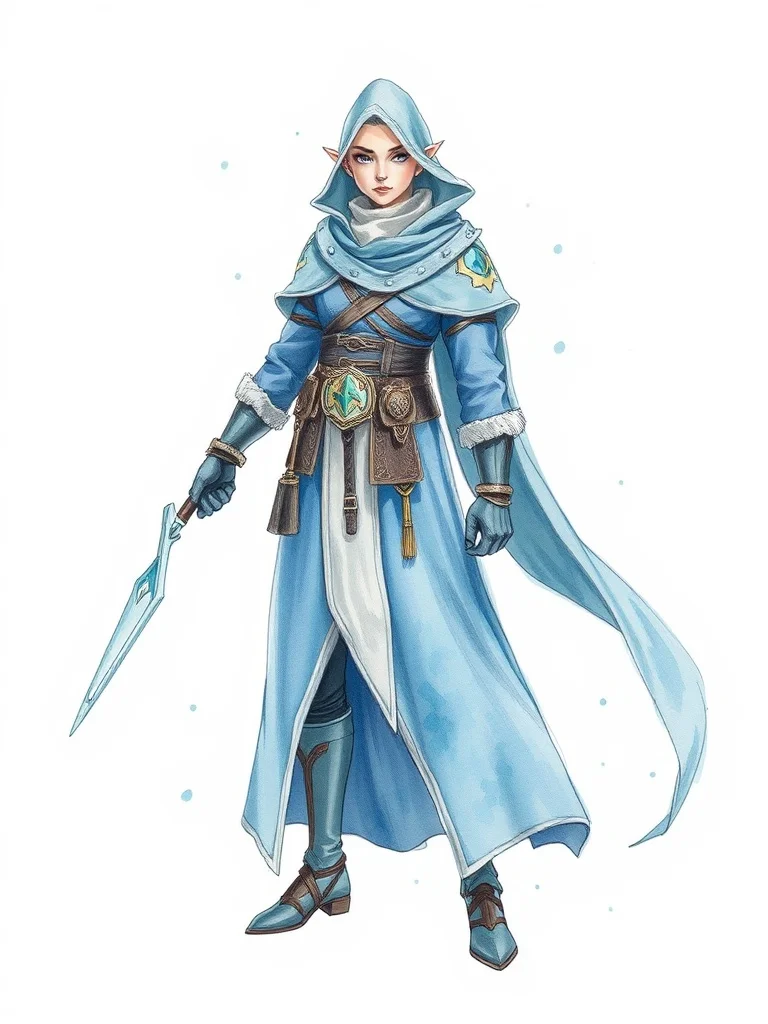
Watercolor Character
Soft painterly washes
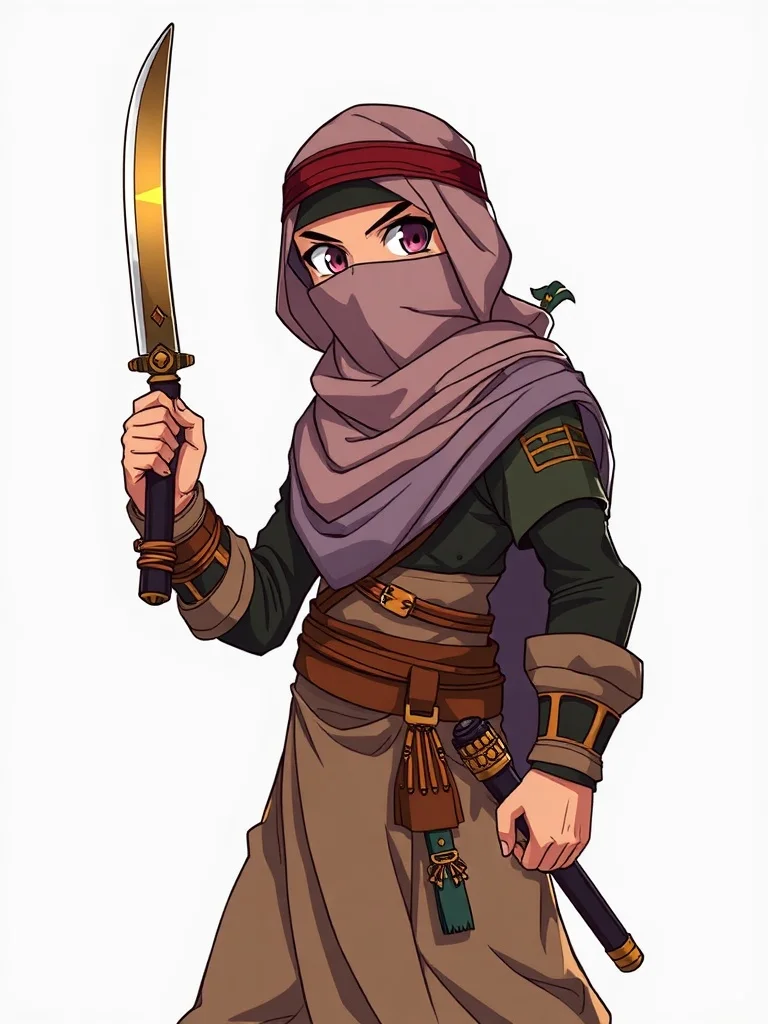
Anime Character
Japanese animation style
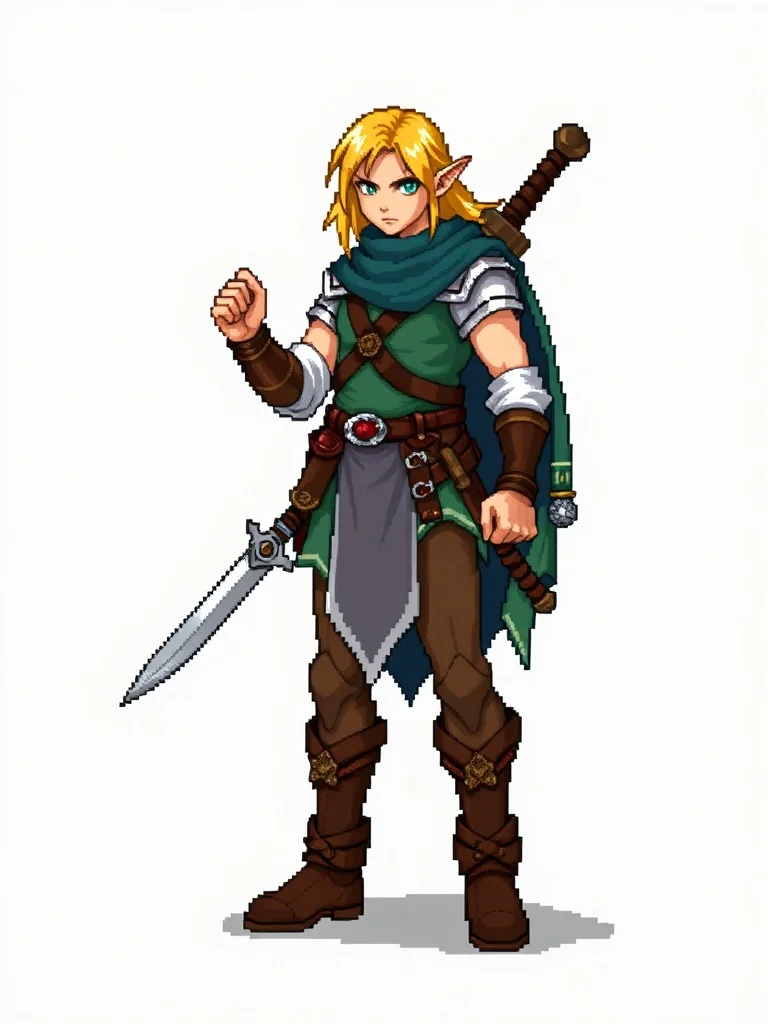
Pixel Art Character
Retro 16-bit nostalgia
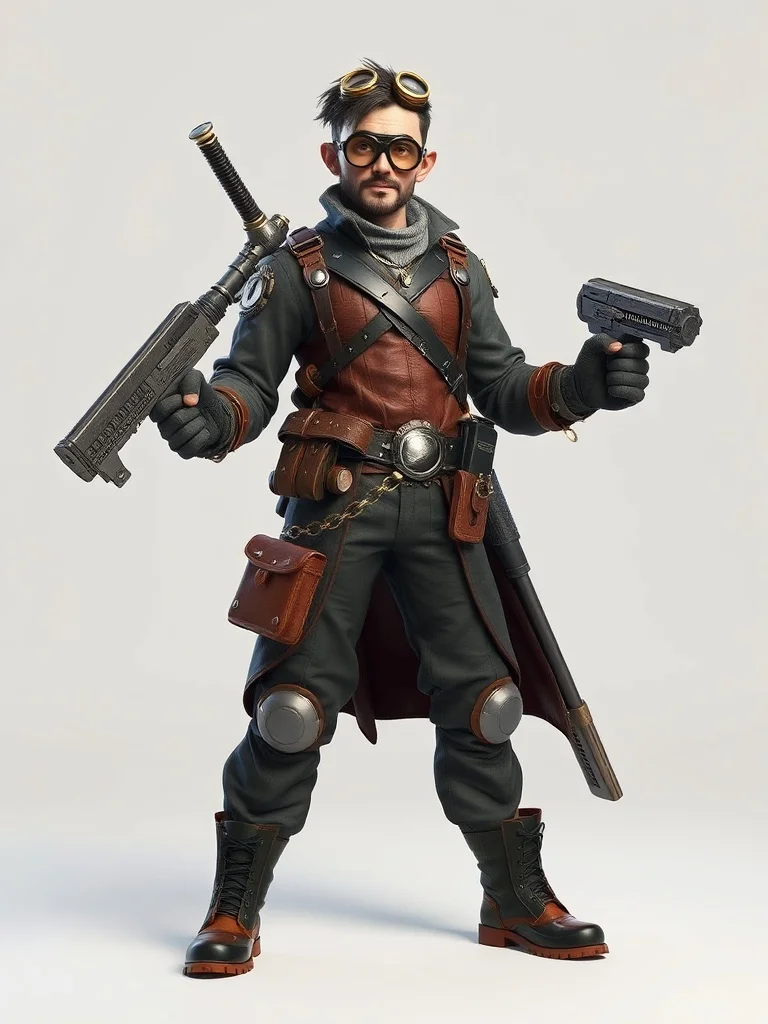
3D Render Character
Photoreal 3D quality
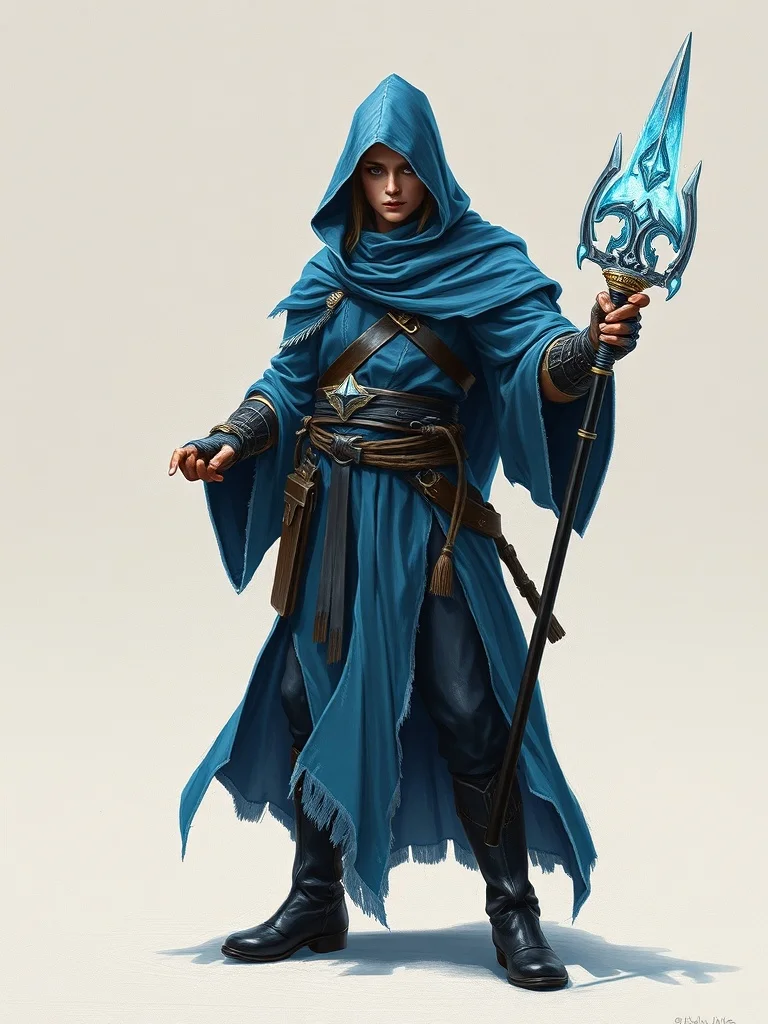
Oil Painting Character
Classical fine art
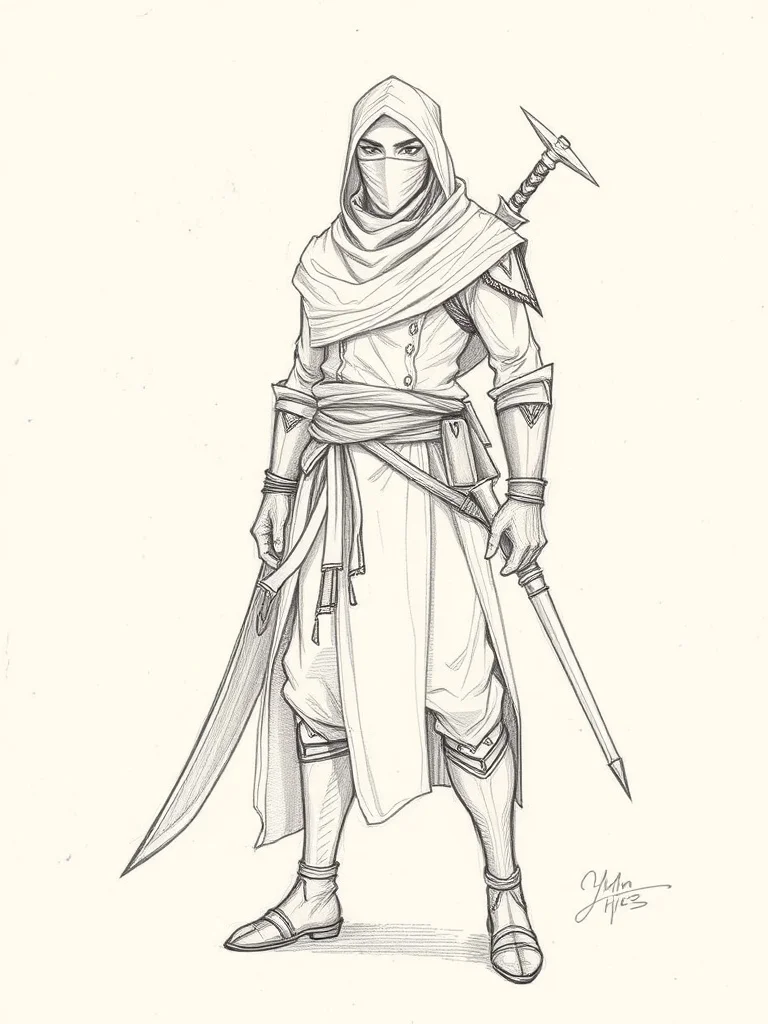
Sketch Character
Hand-drawn graphite
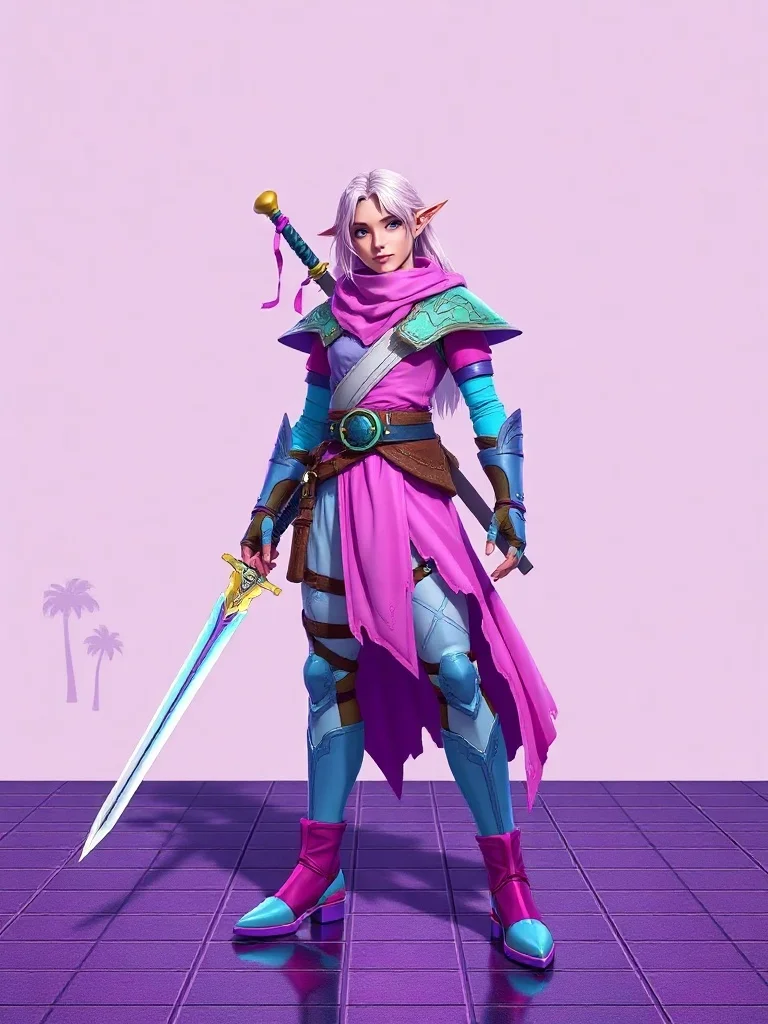
Vaporwave Character
80s synthwave throwback
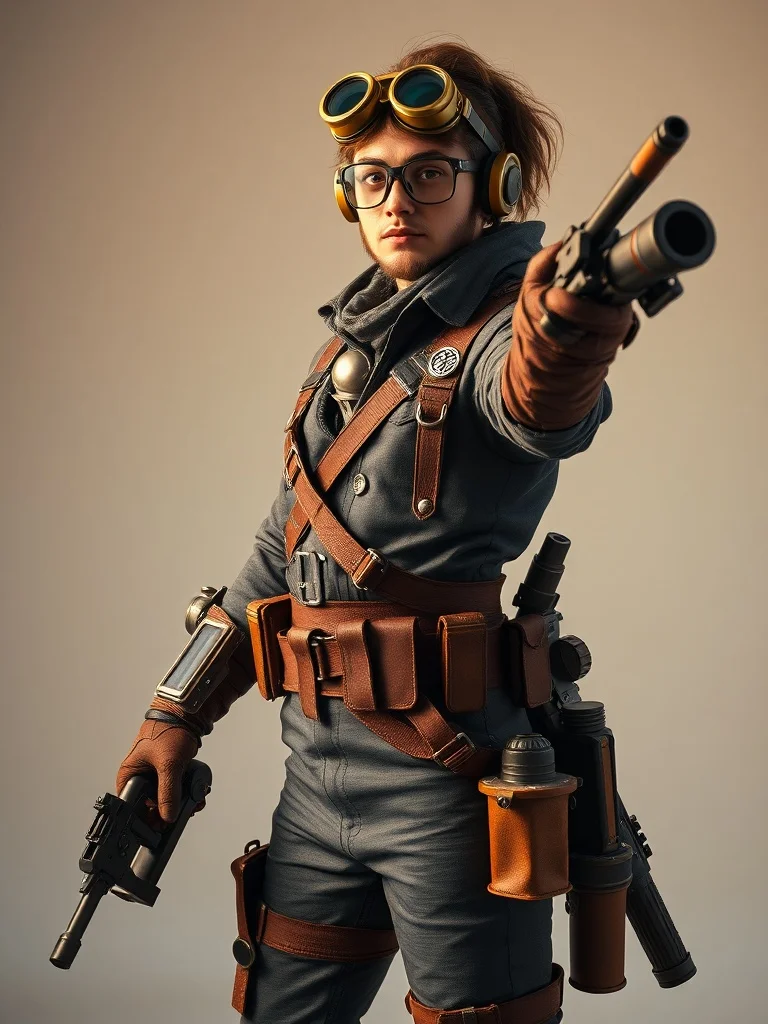
Photorealistic Character
Indistinguishable from photo
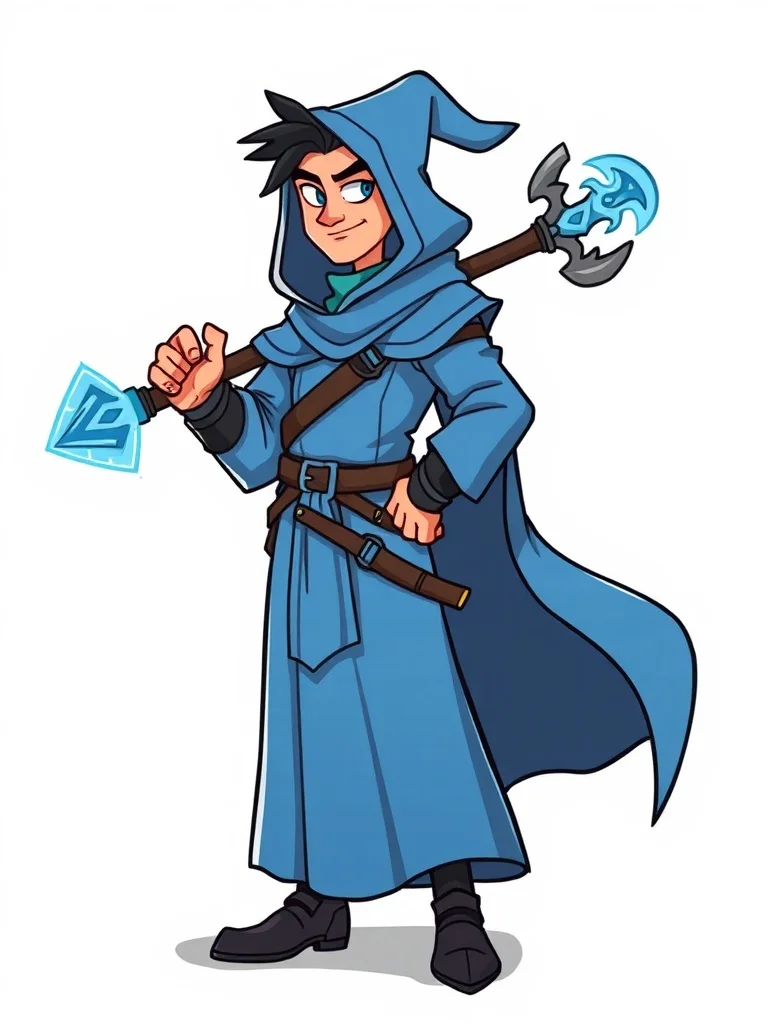
Cartoon Character
Fun and approachable
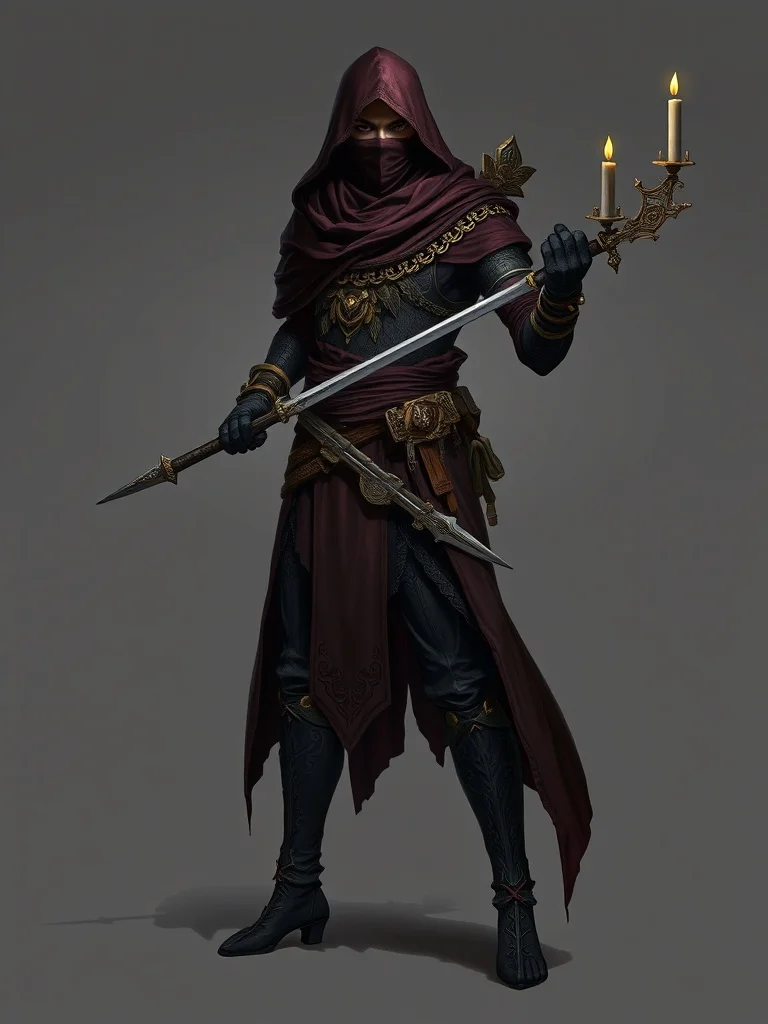
Gothic Character
Dark and ornate
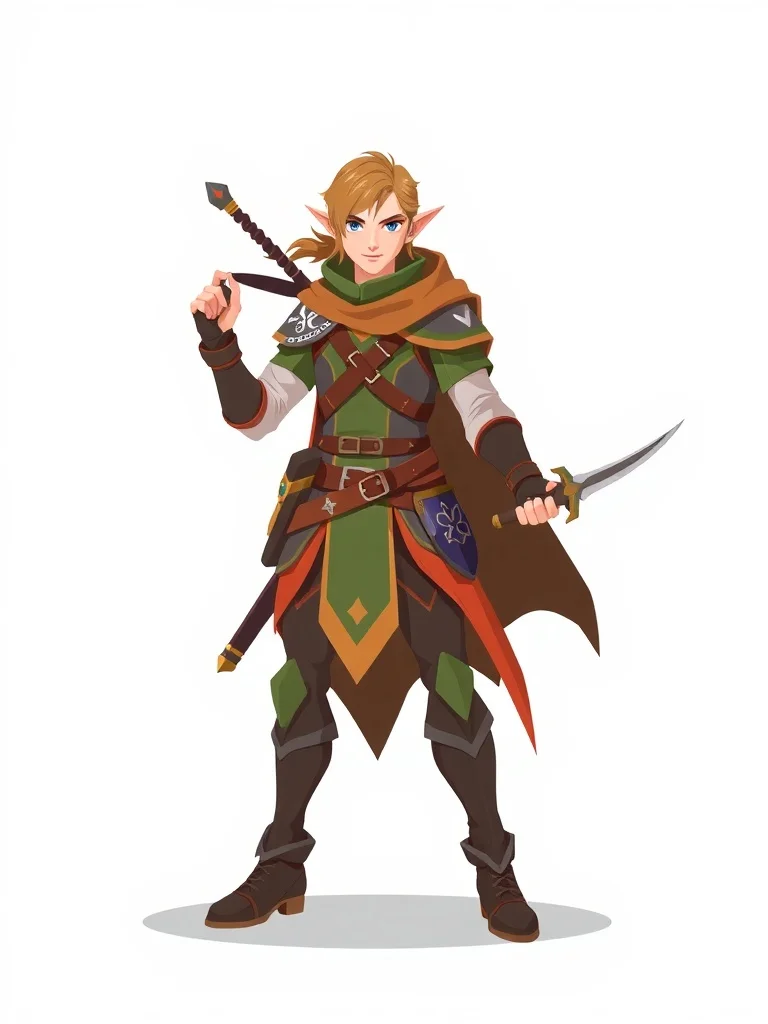
Flat Design Character
Modern web vector
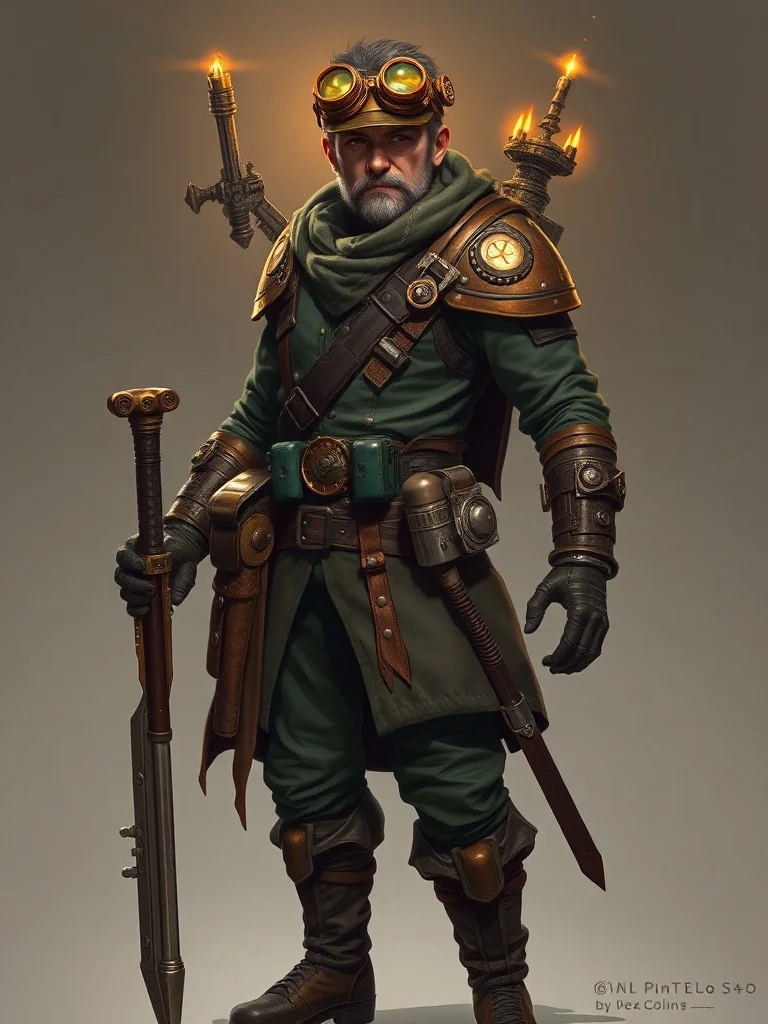
Fantasy Character
Epic and magical
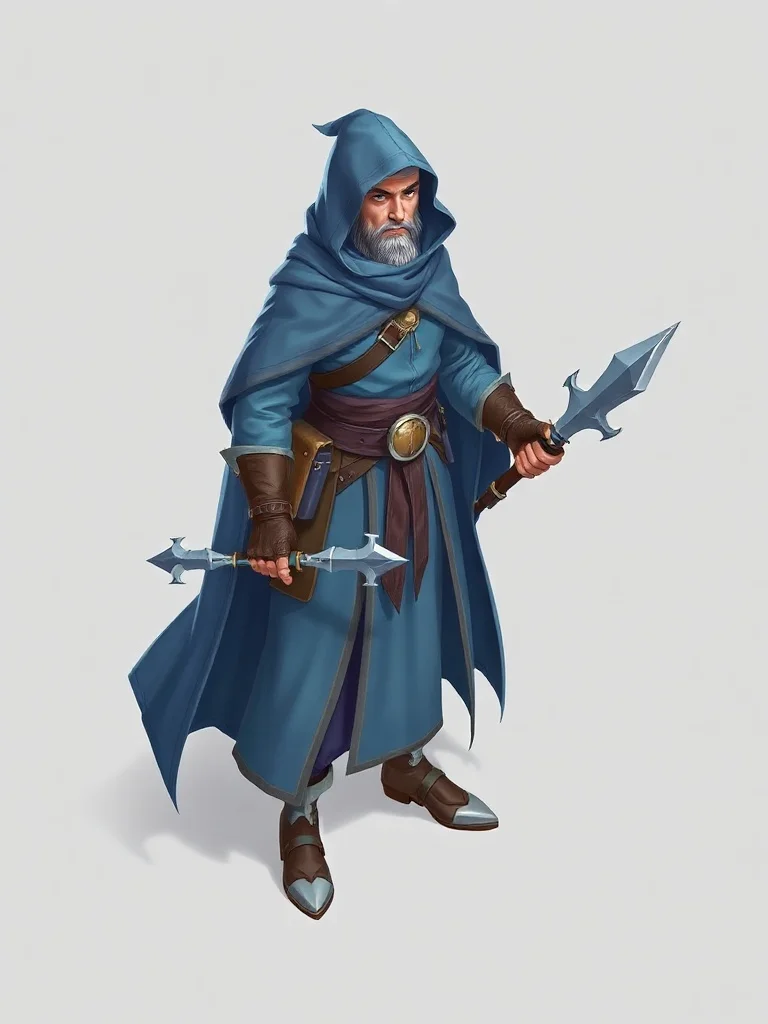
Isometric Character
Geometric 3/4 view
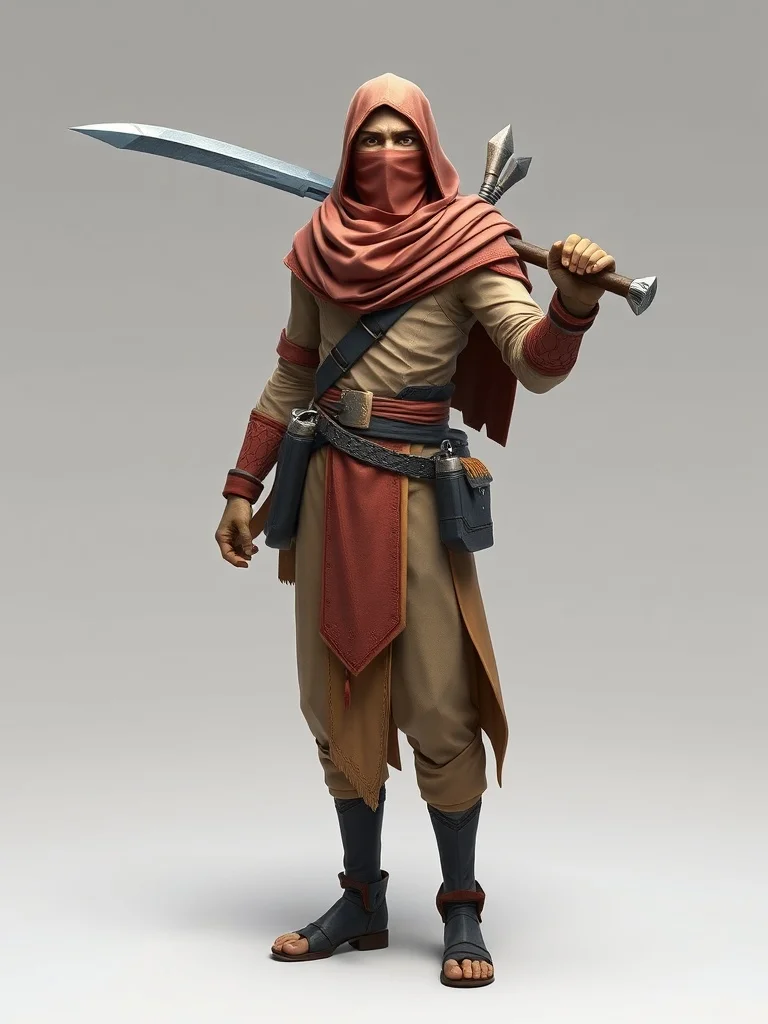
Low Poly Character
Geometric polygon art
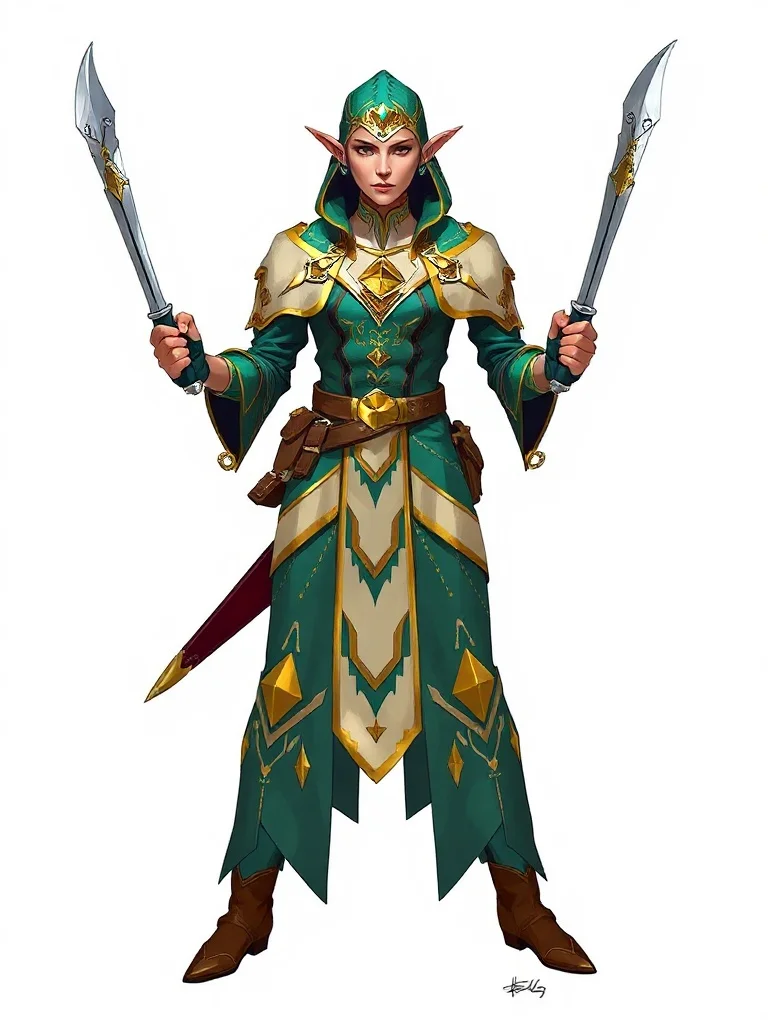
Art Deco Character
1920s elegance
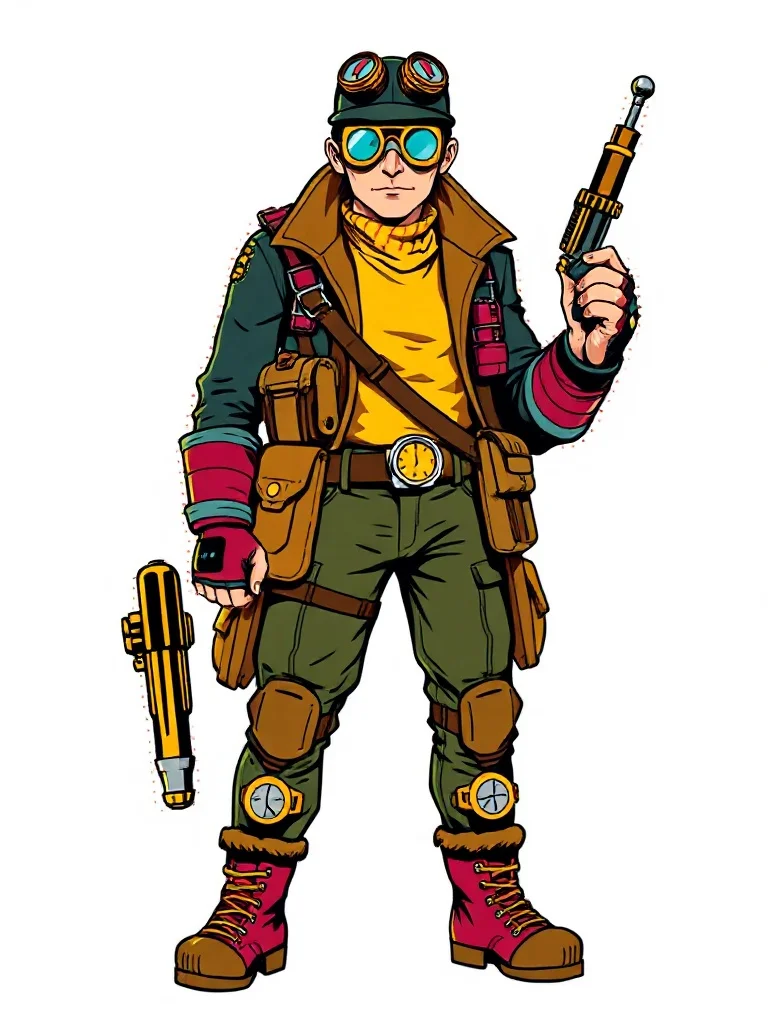
Pop Art Character
Bold and graphic
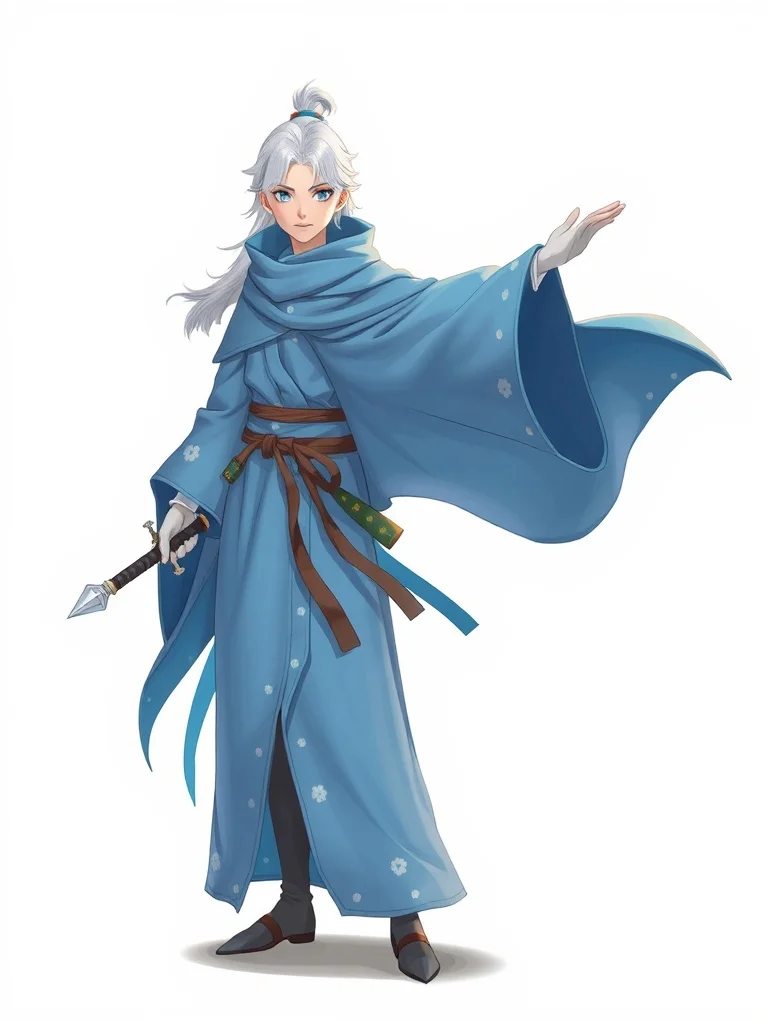
Studio Ghibli Character
Miyazaki warmth
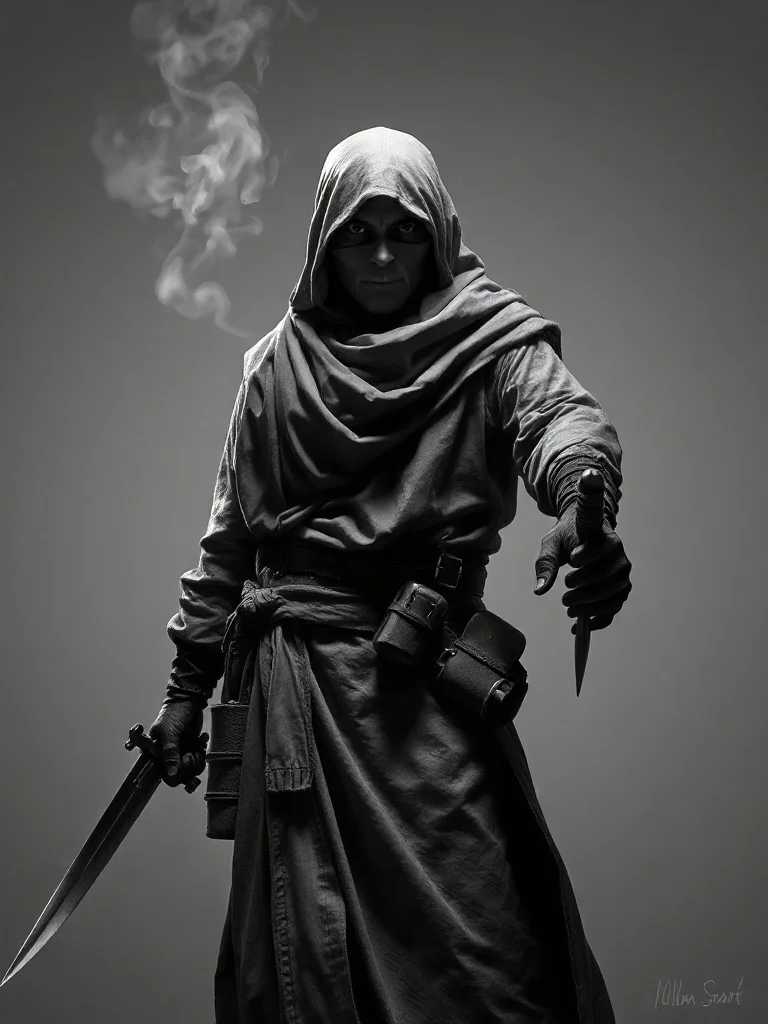
Noir Character
Black-and-white drama
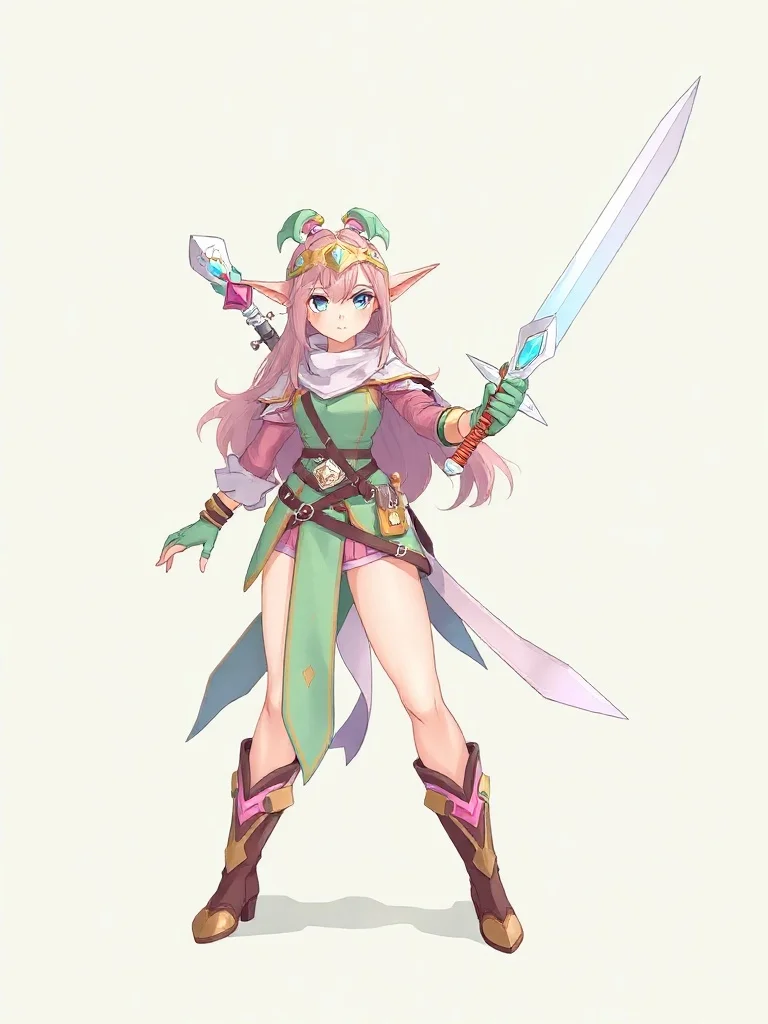
Pastel Character
Soft and dreamy
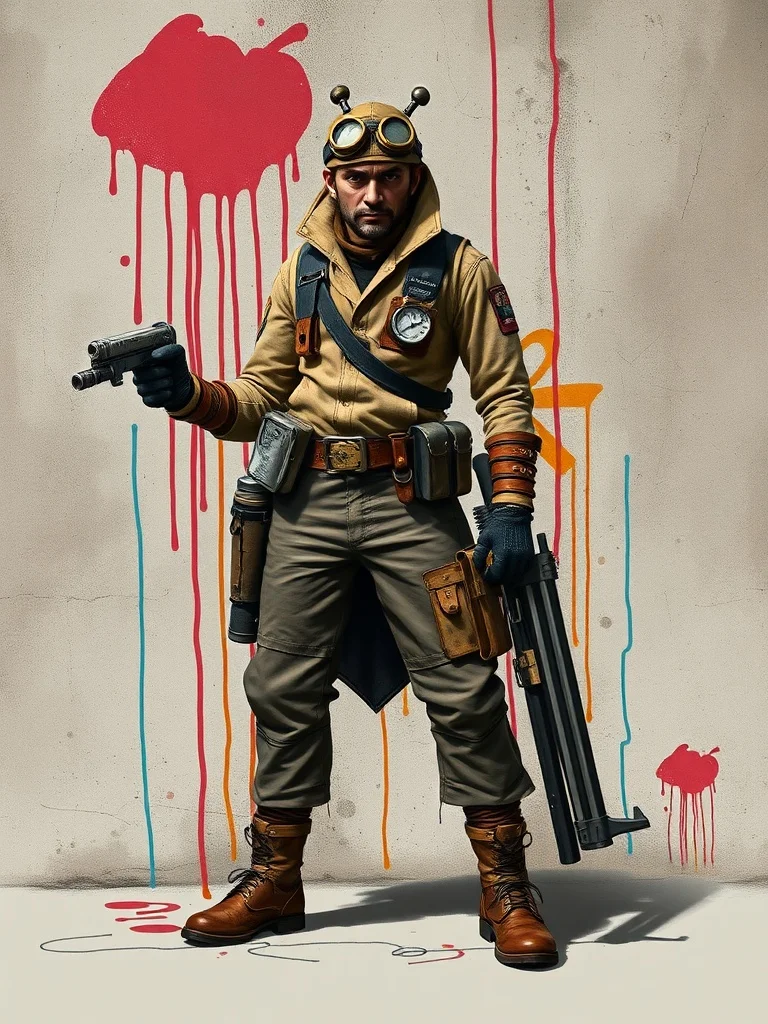
Graffiti Character
Urban street art
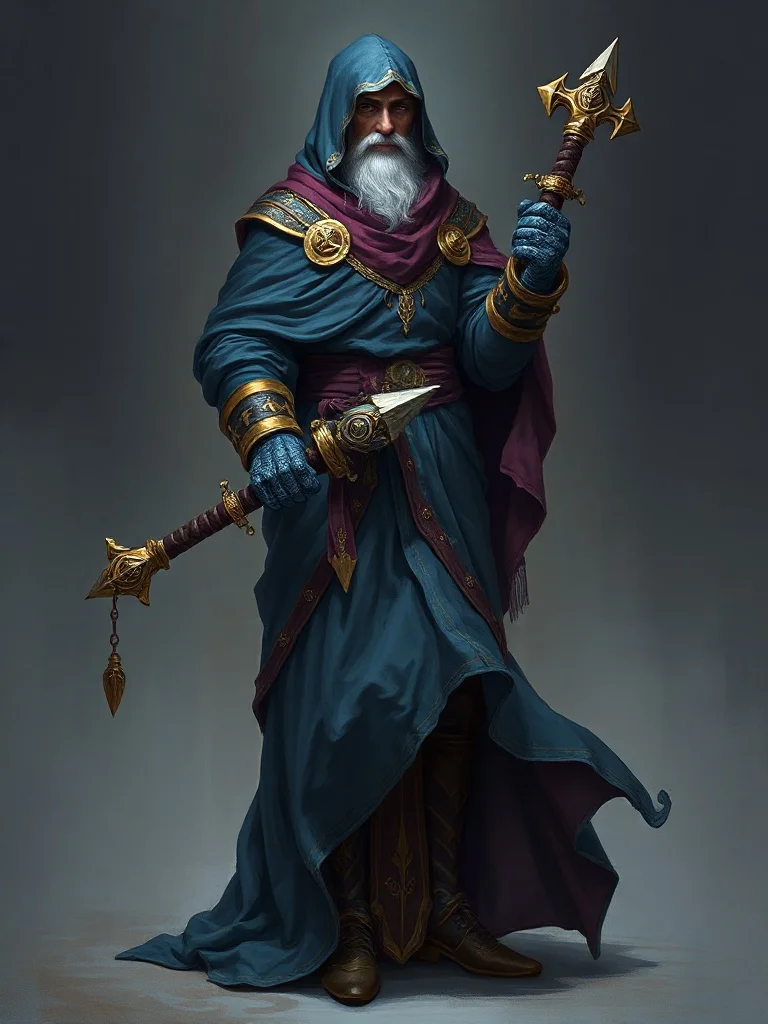
Baroque Character
Dramatic classical
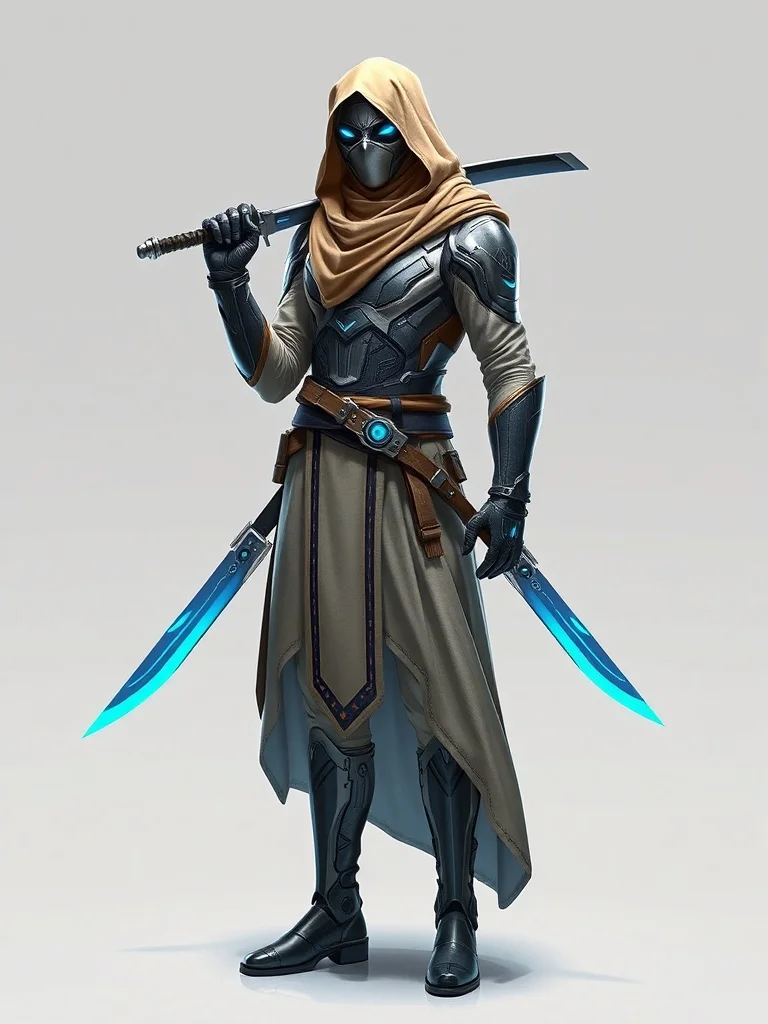
Futuristic Character
Sleek sci-fi
FAQ
How do I generate the same character in multiple poses?
With a fixed descriptor block reused word for word, changing only the action. Expect to generate several takes per pose and keep the matches. Perfect consistency is not what current models offer; close-enough plus curation is, and for portraits, tokens and expression sheets it is enough.
Can I use generated characters in my game or book?
Yes, commercially, with no attribution or watermark: what you generate is yours. The usual limits apply, no likenesses of real people and no existing trademarked characters, so "an elf ranger" is fine and "Legolas" is not.
How do I make a D&D token from a character?
Generate the portrait with "head and shoulders, centered, simple background" and crop it into a circle in any token tool. Centered busts survive the circular crop; action poses lose the head or the weapon, whichever mattered.
What belongs in a character descriptor?
Hair (color and cut), eyes, skin tone, build, two or three named clothing items, a palette, and the art style. Roughly twenty words that never change. Everything else, pose, mood, scene, lighting, is per-run.
What does iterating cost?
3 free credits at signup without a card, then a subscription; runs cost 2 to 3 credits. A full character (portrait, token, three expressions) typically lands in the 20 to 40 credit range with the discards included.