Pixel Art AI Generator
Pixel art embraces the grid: every shape is built from visible square pixels, shaded with dithering, in a deliberately limited palette.
Pick a category below to apply the pixel art style to your generation. Same prompt, Flux Dev or any model you like, the pixel art aesthetic baked in.
- 3 free credits to start
- No credit card
- Commercial use, you own it
- No watermark
- Results in seconds
Pixel Art generators
Pixel ArtLogo
Make a logo for your brand
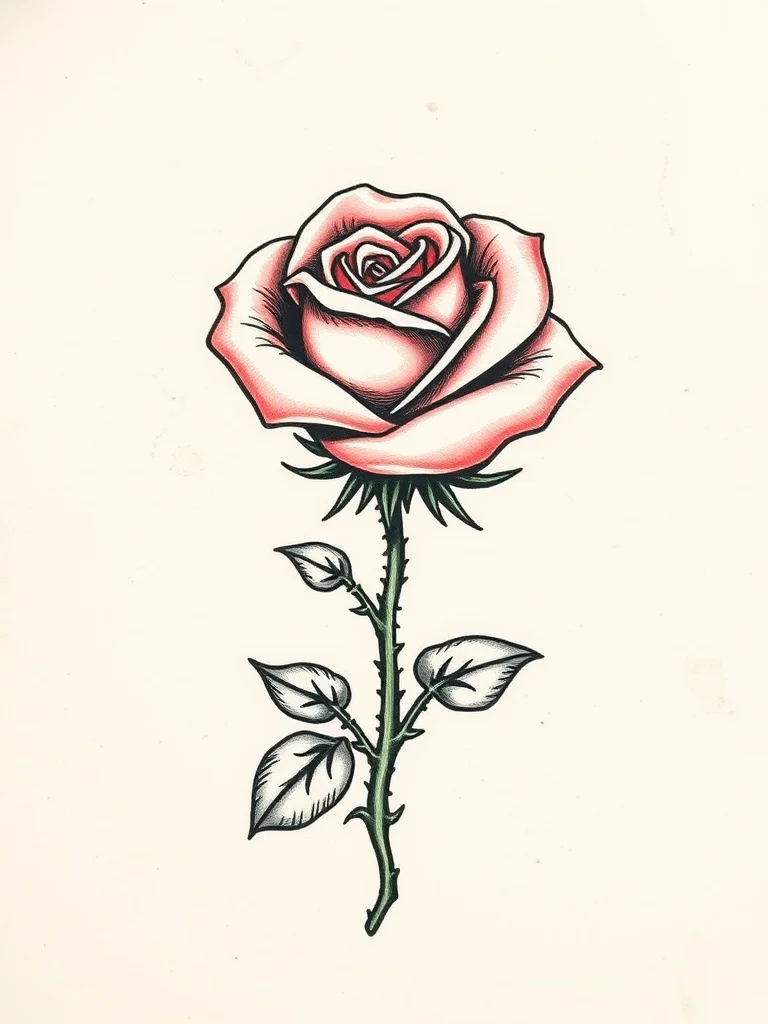
Pixel ArtTattoo
Design a tattoo before you ink it
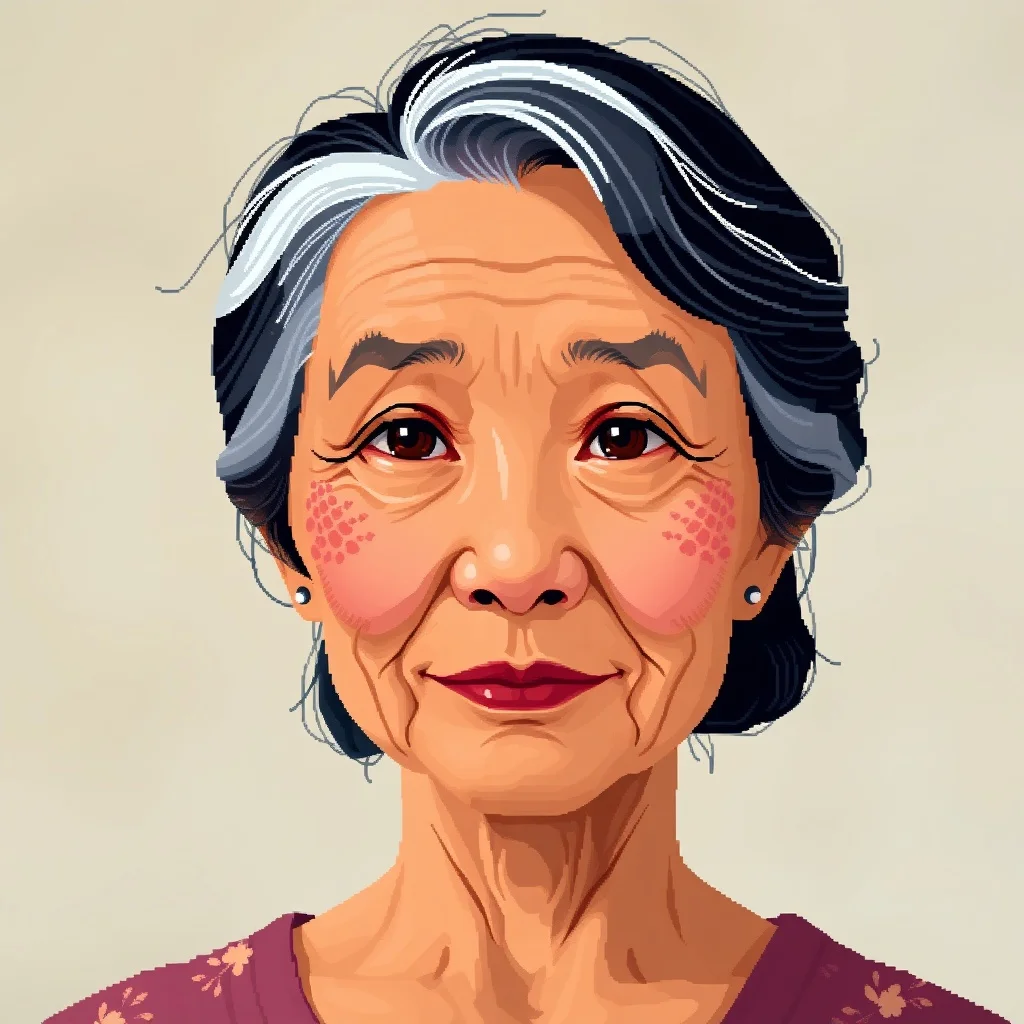
Pixel ArtAvatar
Profile pictures and avatars
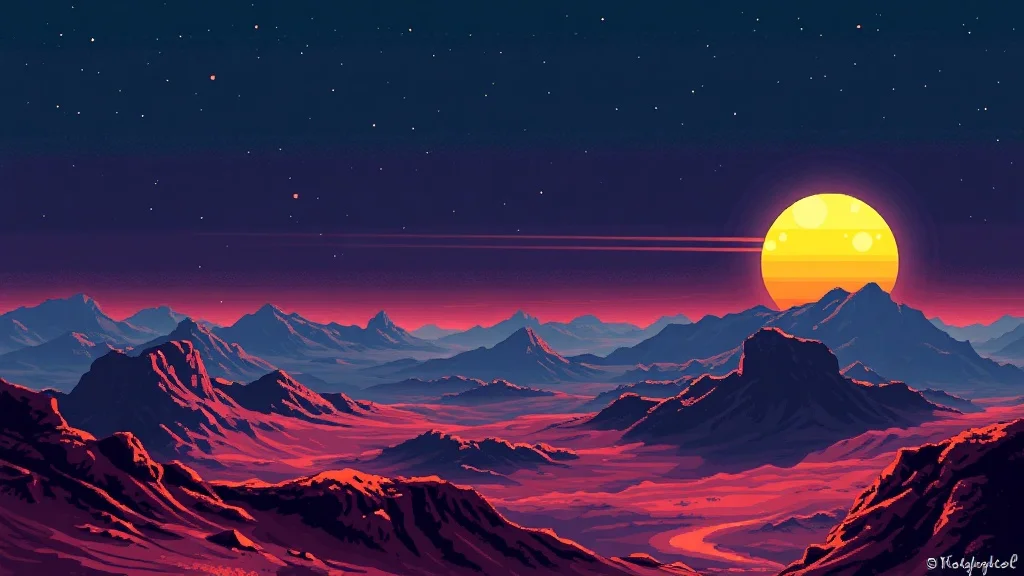
Pixel ArtWallpaper
Wallpapers for desktop and phone

Pixel ArtSticker
Custom stickers for chat apps and print

Pixel ArtYouTube Thumbnail
Thumbnails that get clicks
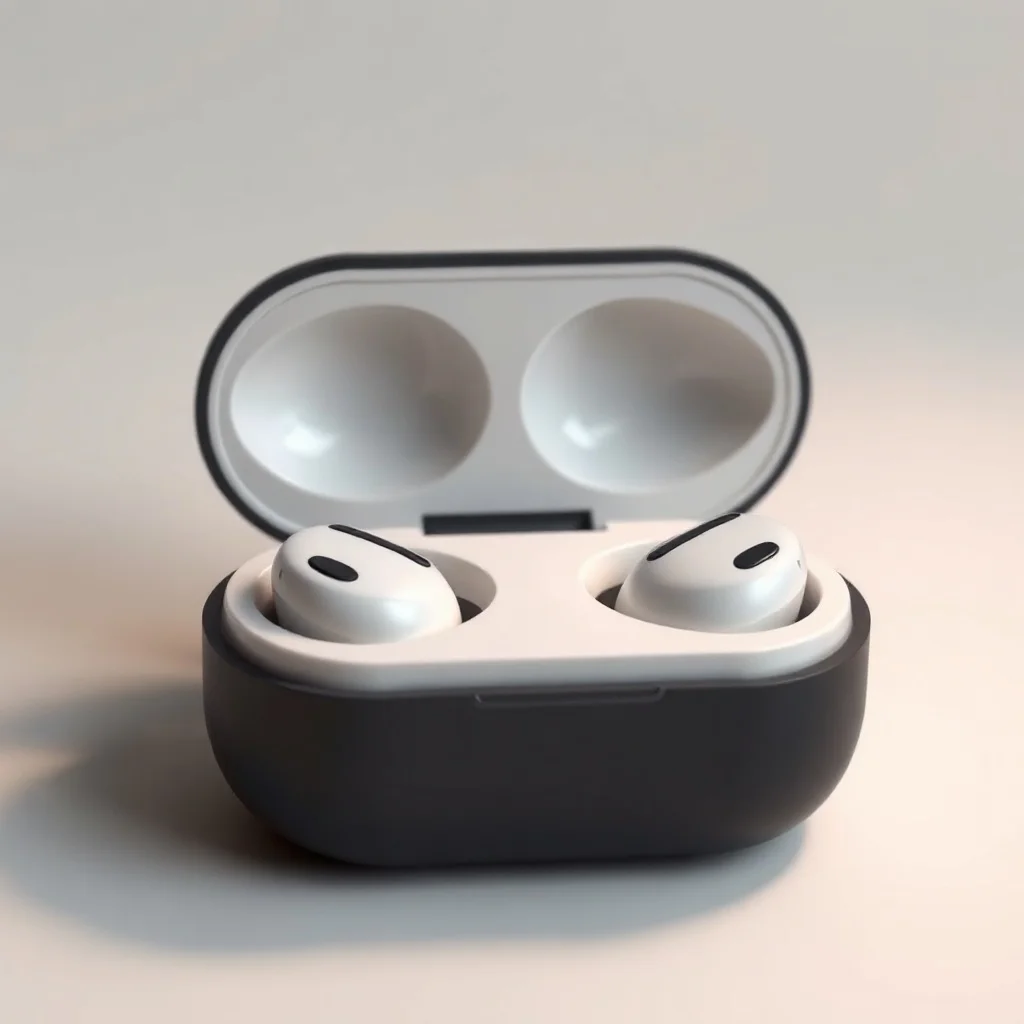
Pixel ArtProduct Photo
Studio shots without the studio

Pixel ArtIllustration
Illustrations for blogs, apps, books
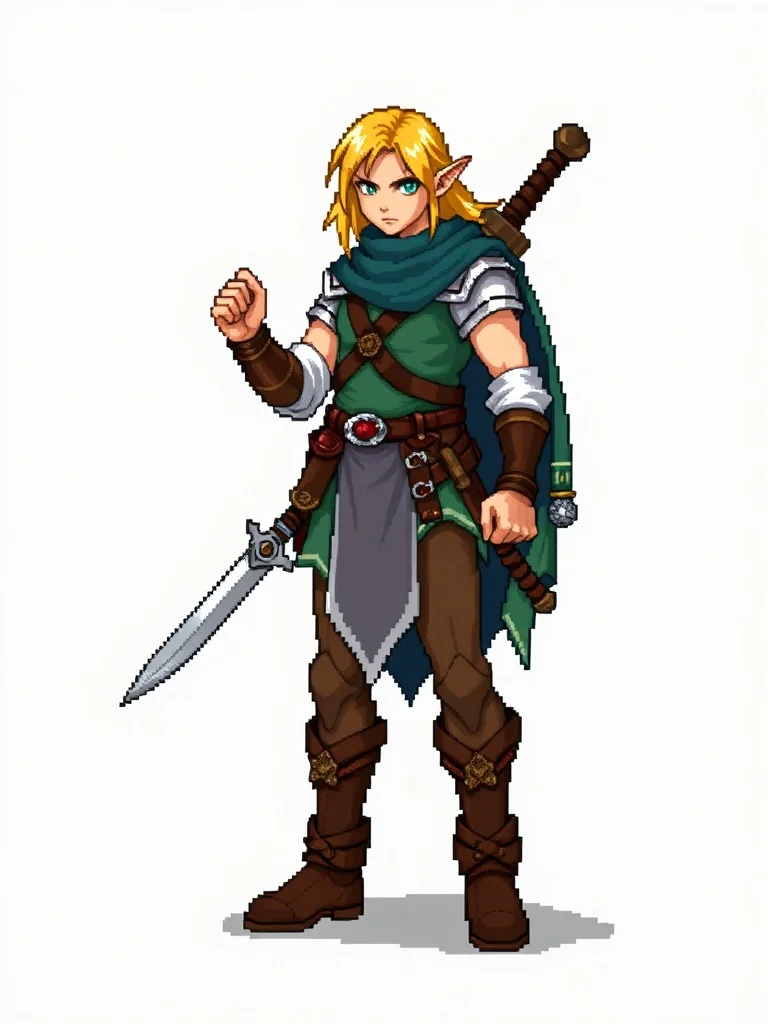
Pixel ArtCharacter
Original characters for games and stories
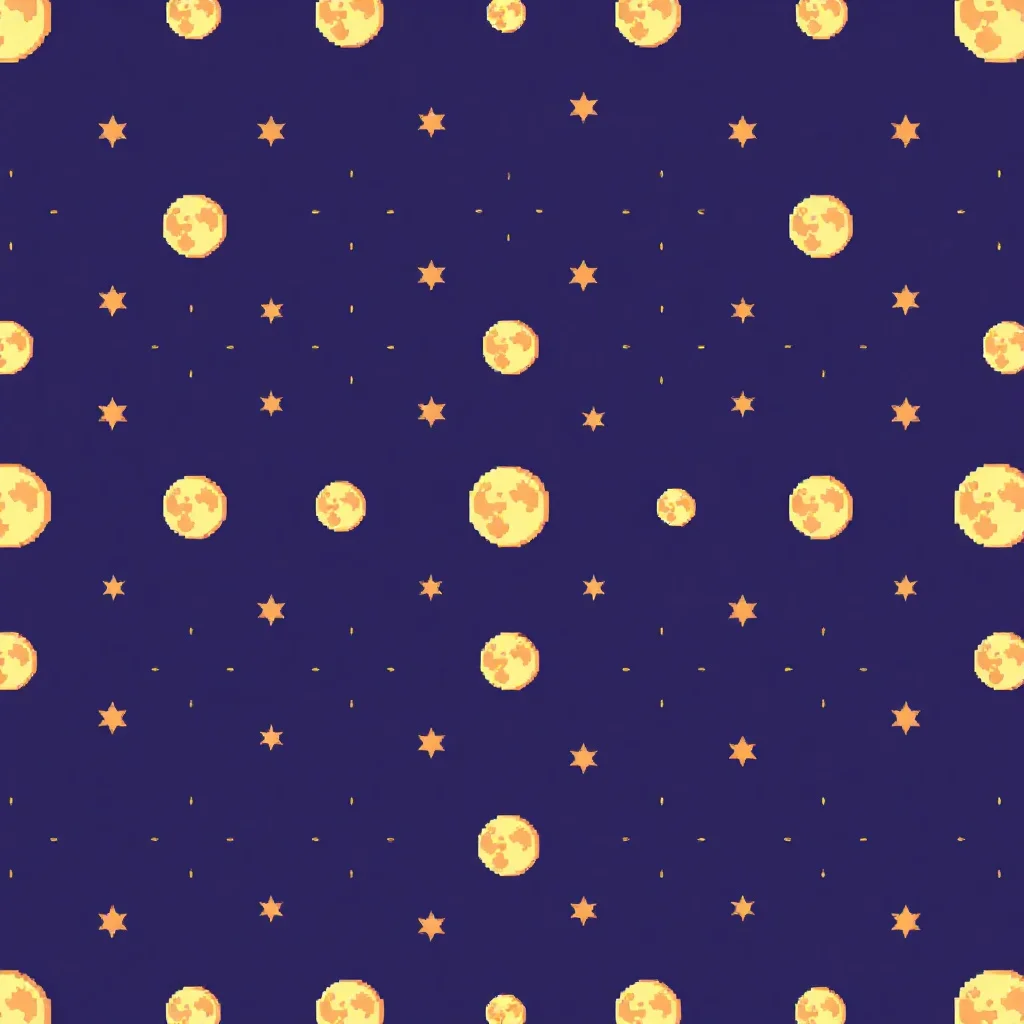
Pixel ArtPattern
Seamless patterns for fabric and print
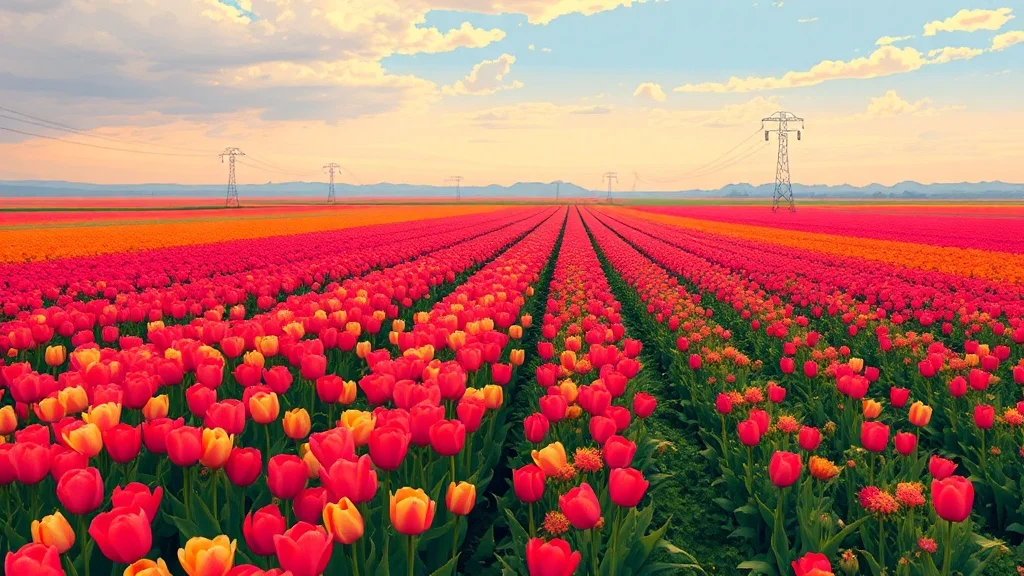
Pixel ArtLandscape
Landscapes and environments
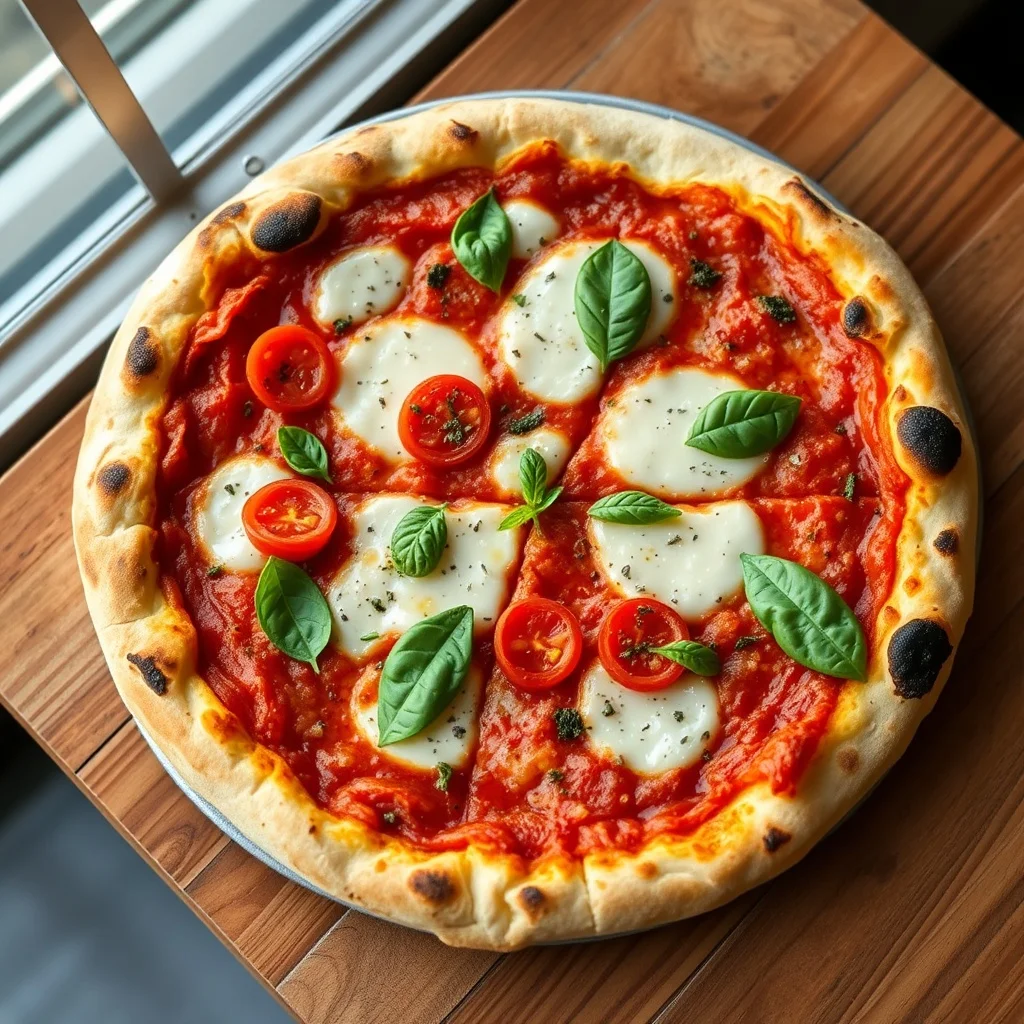
Pixel ArtFood Photo
Food photography on demand
What defines the pixel art style
Pixel art embraces the grid: every shape is built from visible square pixels, shaded with dithering, in a deliberately limited palette.
A tight 16- to 32-color SNES-era palette. The look traces back to the 16-bit consoles of the early 1990s, which is what makes it read as a deliberate choice rather than a filter.
Pro tip · Keep subjects simple and iconic, because fine detail gets lost the moment everything snaps to a grid.
- Visible pixel grid
- Limited retro palette
- Dithered shading
- Hard-edged sprites
FAQ
What defines pixel art as a style?
Pixel art embraces the grid: every shape is built from visible square pixels, shaded with dithering, in a deliberately limited palette. It traces back to the 16-bit consoles of the early 1990s. The signature traits are visible pixel grid, limited retro palette, dithered shading, hard-edged sprites. When you pick pixel art, renza folds those cues into your prompt so the output reads as pixel art from the first pixel.
Which model works best for pixel art?
Flux Dev keeps the palette tight and the pixel grid crisp. You can still switch from the dropdown before generating, but for pixel art specifically that is the one to start with.
Can I combine pixel art with my own prompt?
Yes. Write whatever subject you want. The pixel art style changes how the image looks, not what's in it, so it layers cleanly over any prompt. Keep subjects simple and iconic, because fine detail gets lost the moment everything snaps to a grid.
Which categories work best with pixel art?
Pixel art suits some categories more than others, but it applies to all 12. Browse the cards above to see it on logos, avatars, wallpapers, tattoos, and more, then pick the one that fits your project.