AI Avatar Generator
Make a profile picture that actually looks like something. Social media, gaming, Discord, work Slack. One prompt, dozens of styles to try.
A good avatar is recognizable at 48 pixels, with a clear face, a strong silhouette, and enough contrast to stand out in a busy feed. Pick one of the 24 styles below, or open the generator with the default and start iterating.
- 3 free credits to start
- No credit card
- Commercial use, you own it
- No watermark
- Results in seconds
An avatar is judged inside a tiny circle
Discord, Twitch, Steam, Slack: every platform crops your avatar into a circle somewhere between 32 and 128 pixels. That constraint should drive the design. The avatars that read well in a server sidebar are a head or bust filling the frame, one strong silhouette, and a palette with contrast against both dark and light UI themes. Full-body characters and busy scenes become indistinct dots.
The second thing an avatar has to do is repeat. It is your face across communities, so the same character should survive being regenerated when you want a seasonal variant or a new expression. The way to get that from a non-deterministic model is a descriptor you keep: hair, eyes, clothing, palette, style, written once and reused word for word, changing only the pose or mood. Save the prompt somewhere; it is the character sheet.
Style is community signaling. Pixel art reads retro gaming, anime reads VTuber-adjacent, flat cartoon reads streamer, painterly reads TTRPG. Pick the style of the rooms you hang out in; an avatar is partly a uniform.
Bust, not body
Say "portrait, head and shoulders, centered". A full-body character in a 64 pixel circle is a silhouette of nothing.
Write the character sheet once
Fix hair, eye color, clothing and palette in one sentence you reuse verbatim. Change only the expression or accessory per run and the character stays recognizably the same.
Demand a plain background
"Simple flat background, single color" keeps the circle crop clean. Scenery behind a face turns to noise at sidebar size.
Check it on dark mode
Most chat UIs are dark. A dark-haired, dark-clothed avatar on a dark background vanishes; add a rim of color or a light backdrop.
Browse avatar styles
Each style applies a different aesthetic. Click one to see examples and open the generator.
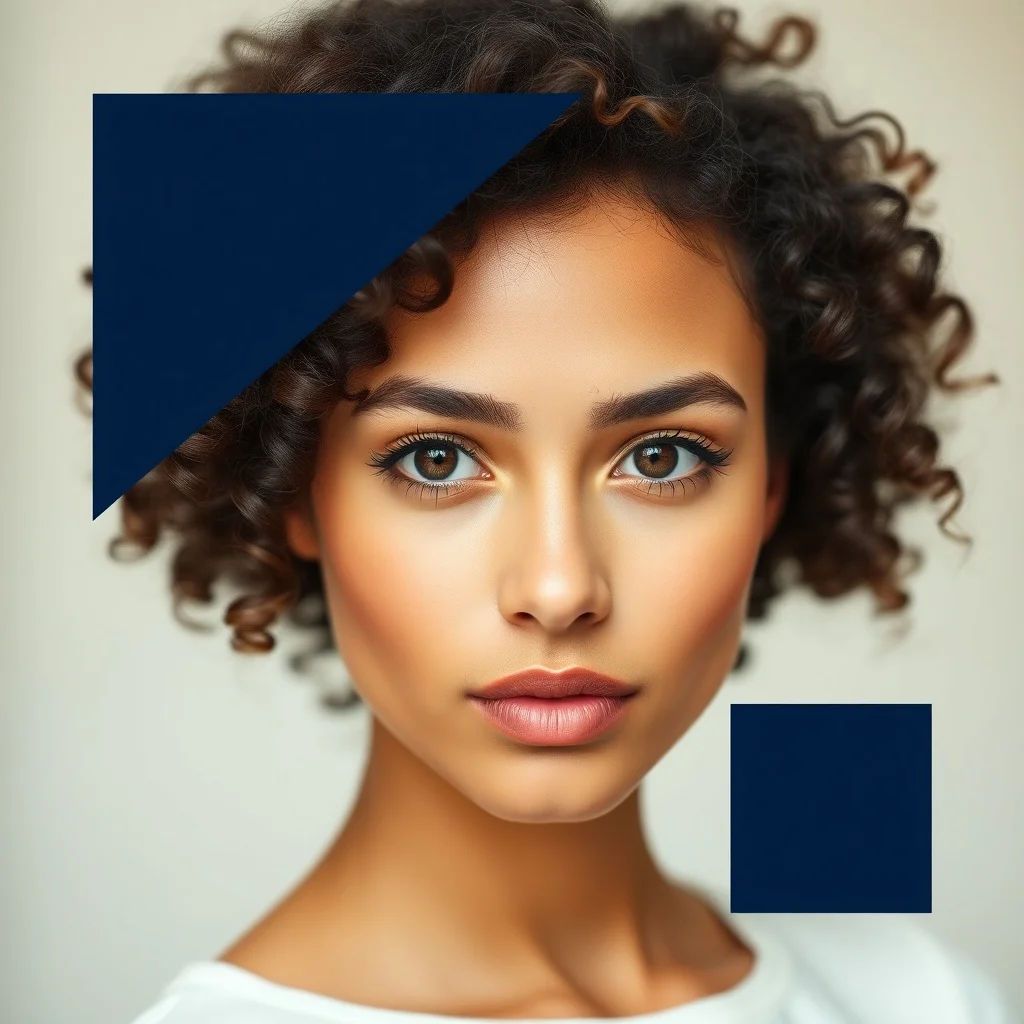
Minimalist Avatar
Bold shapes, restrained palette
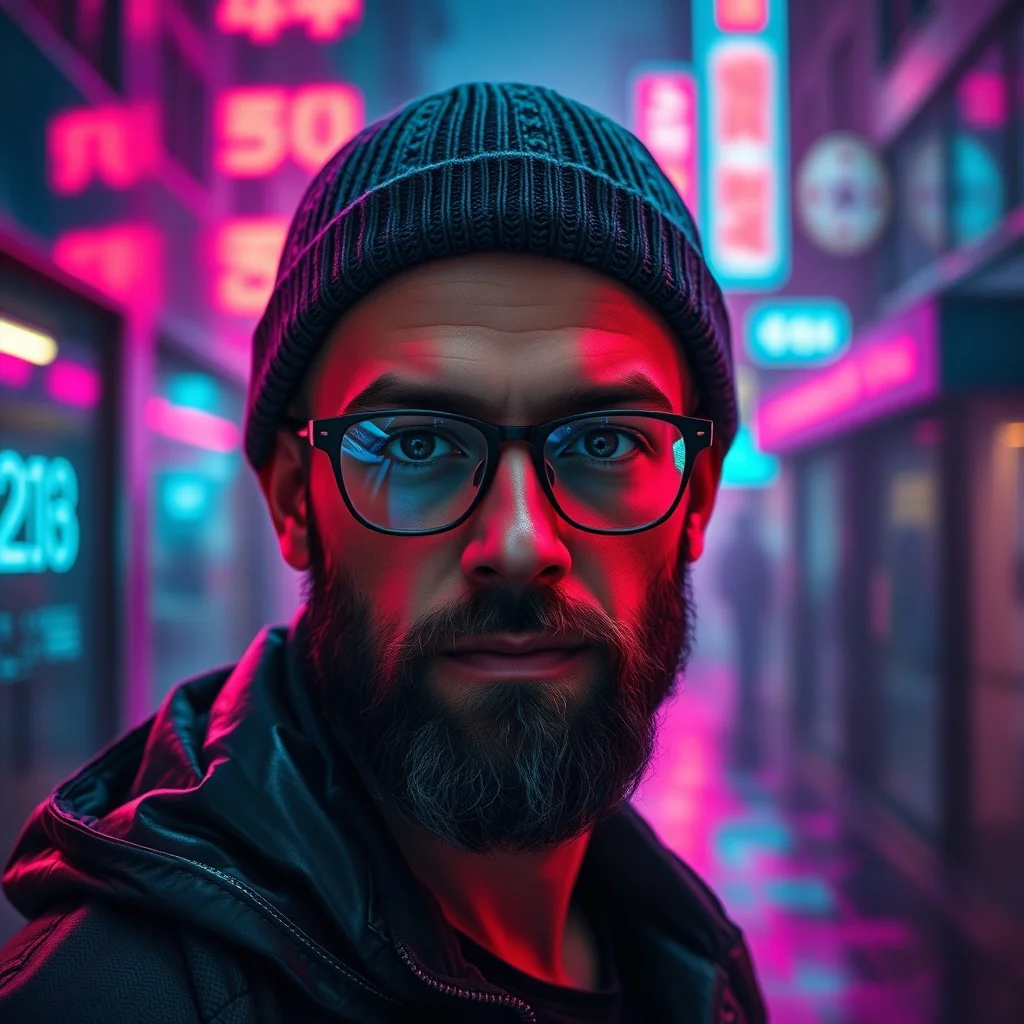
Cyberpunk Avatar
Neon-lit dystopian futures
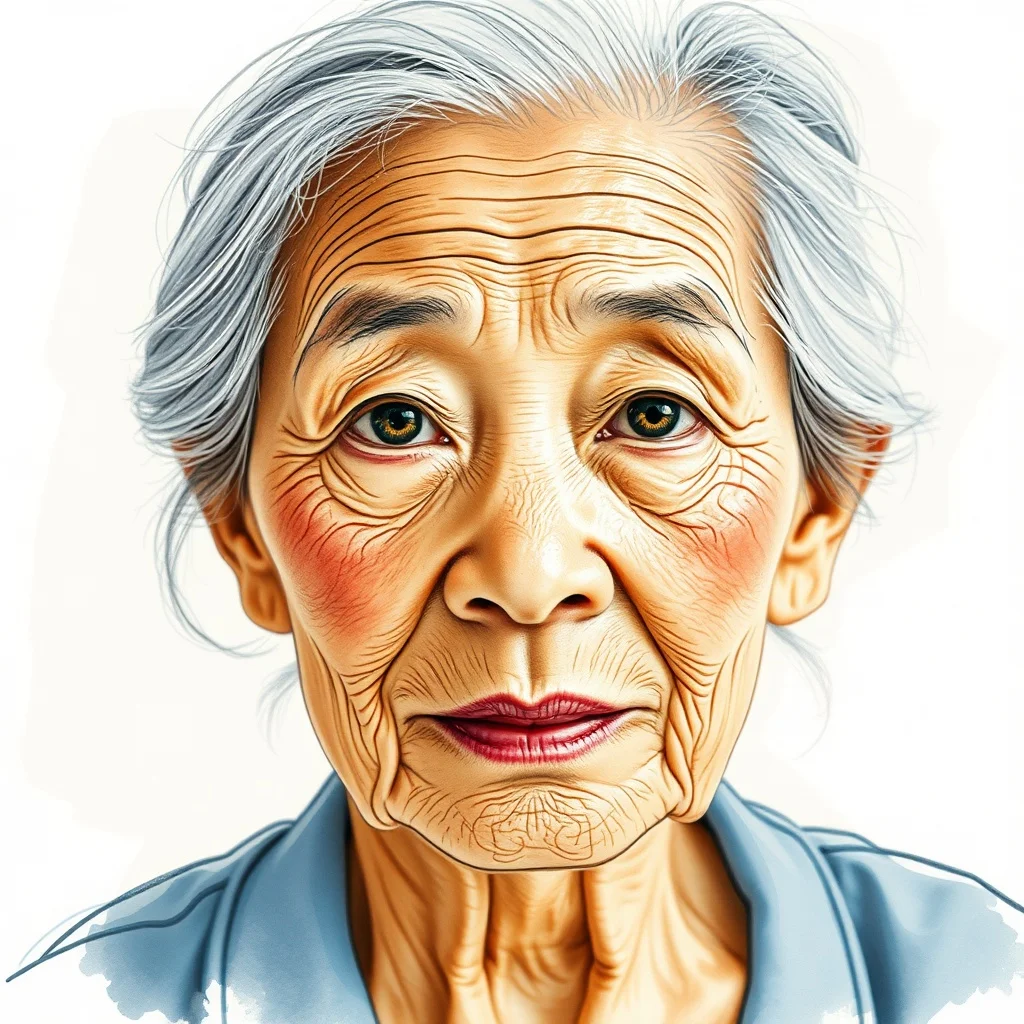
Watercolor Avatar
Soft painterly washes
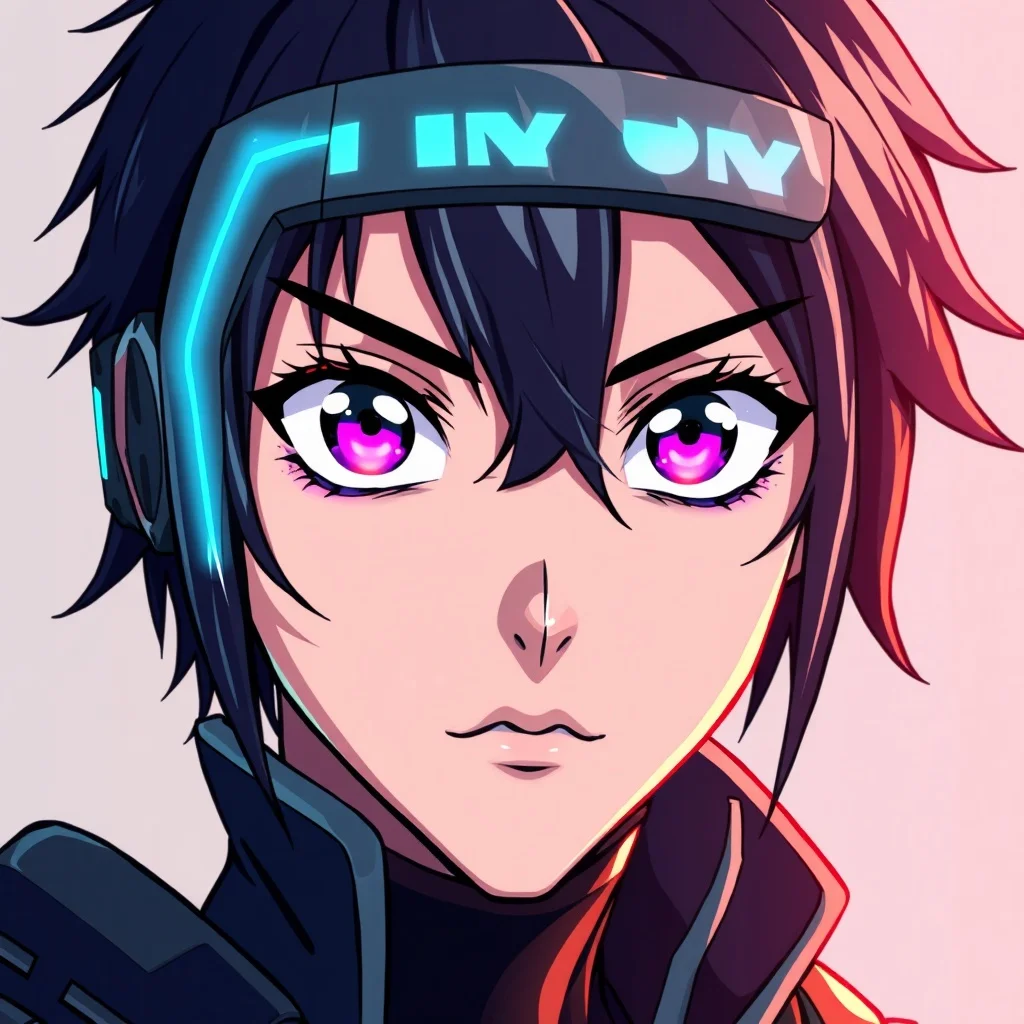
Anime Avatar
Japanese animation style
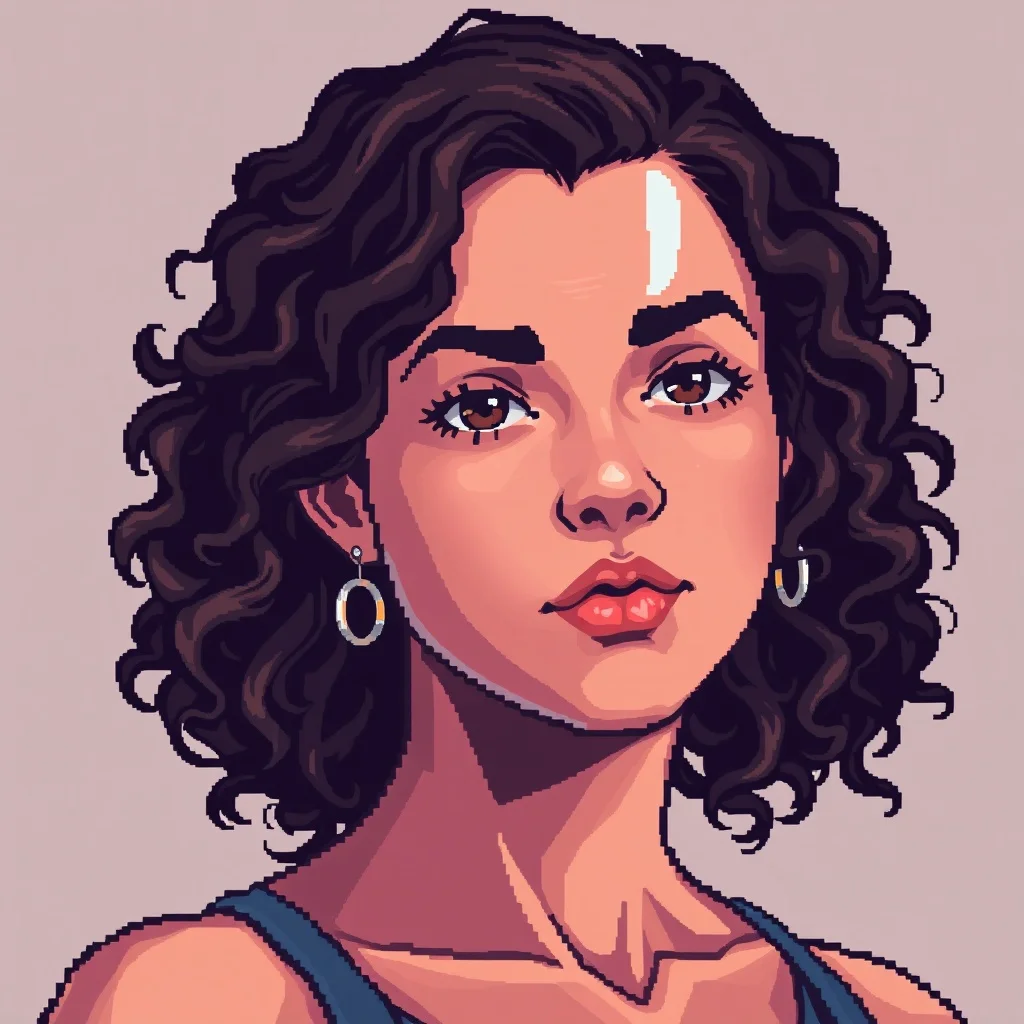
Pixel Art Avatar
Retro 16-bit nostalgia
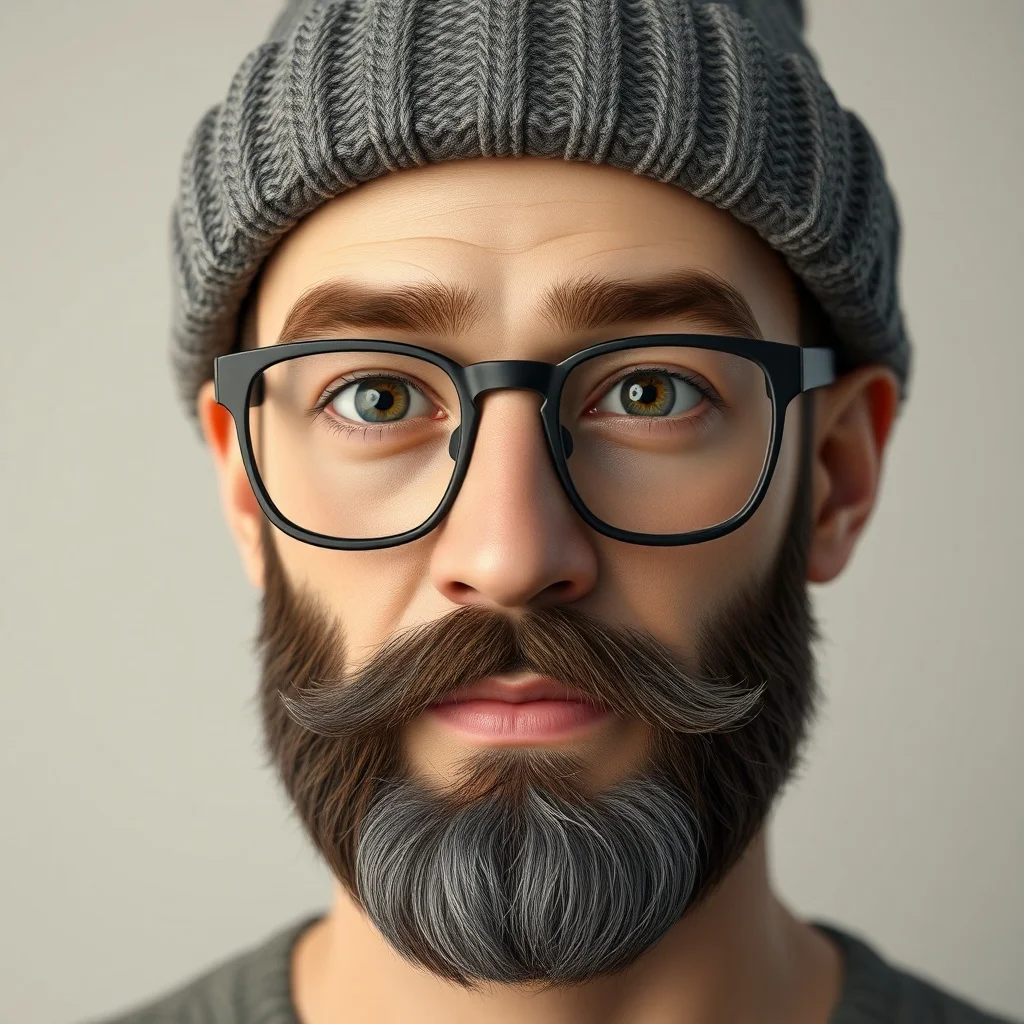
3D Render Avatar
Photoreal 3D quality
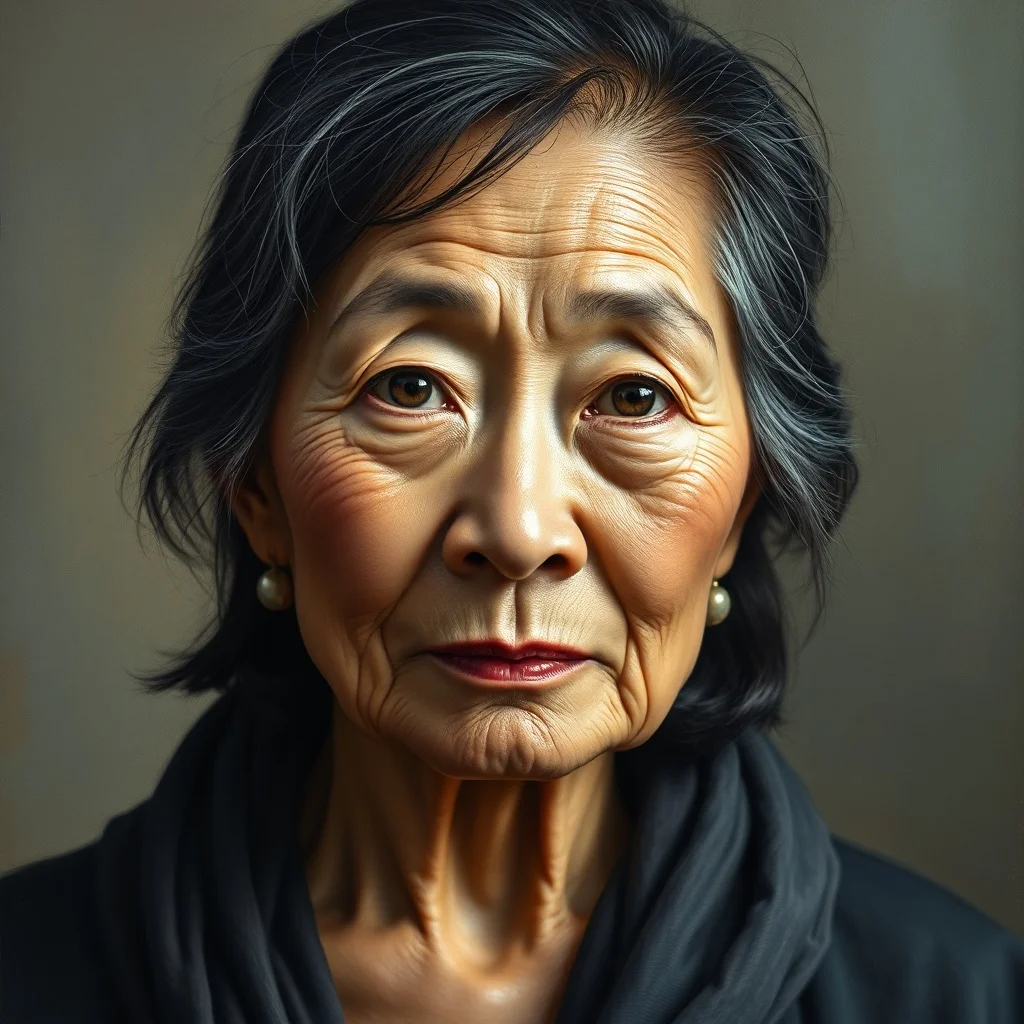
Oil Painting Avatar
Classical fine art
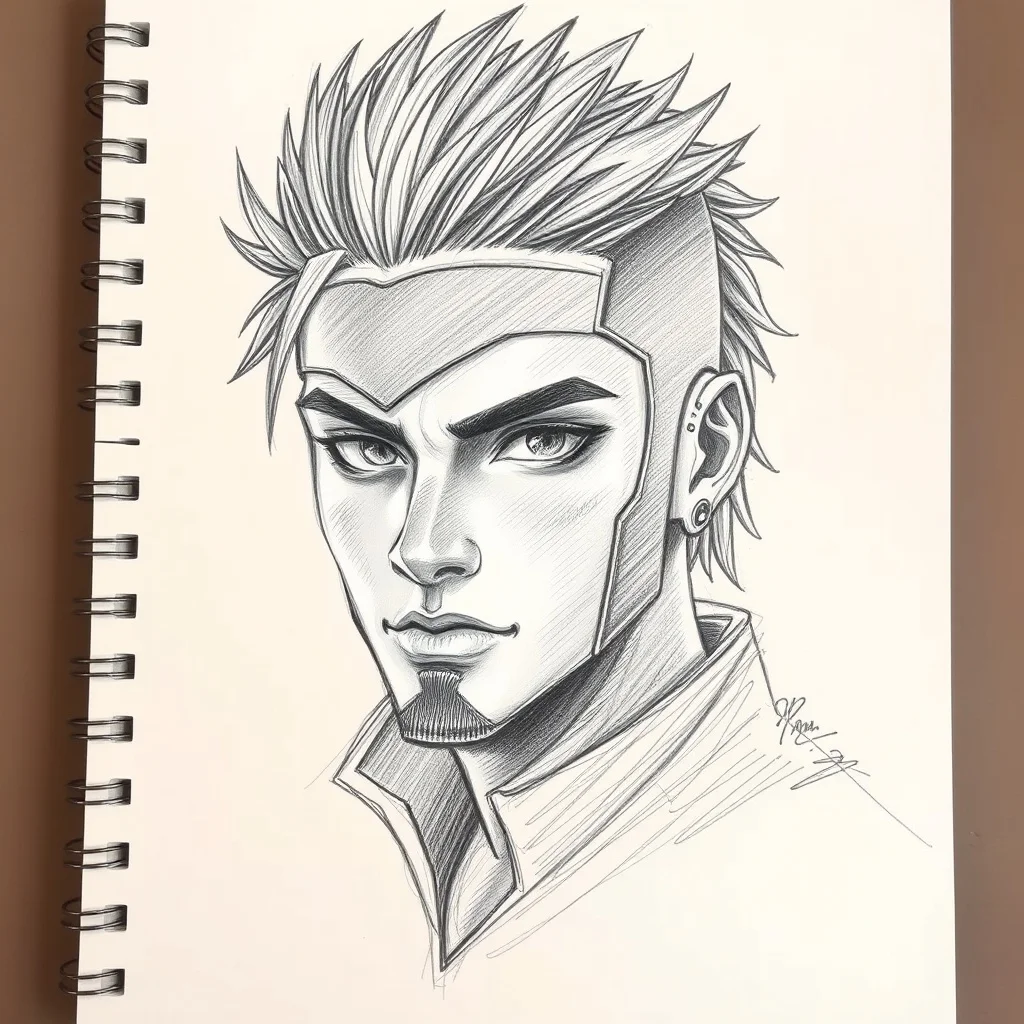
Sketch Avatar
Hand-drawn graphite
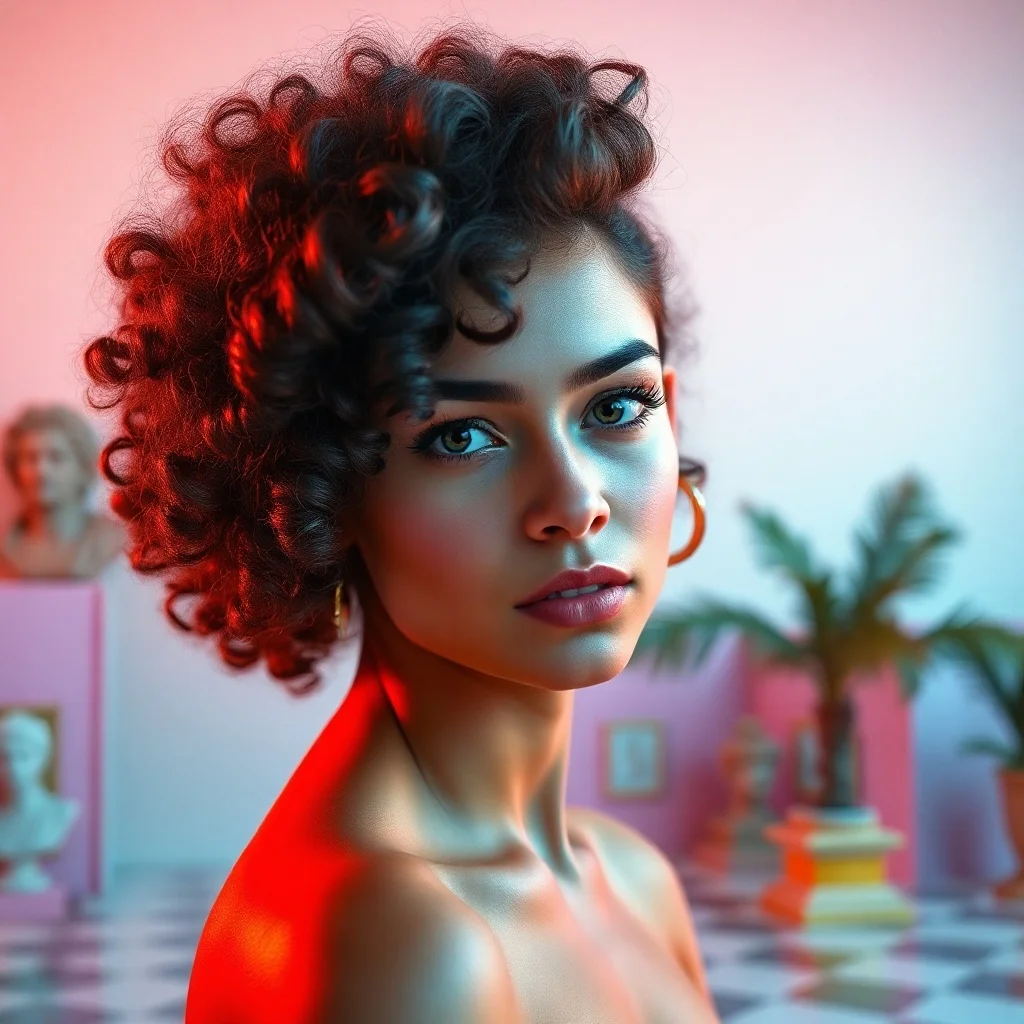
Vaporwave Avatar
80s synthwave throwback
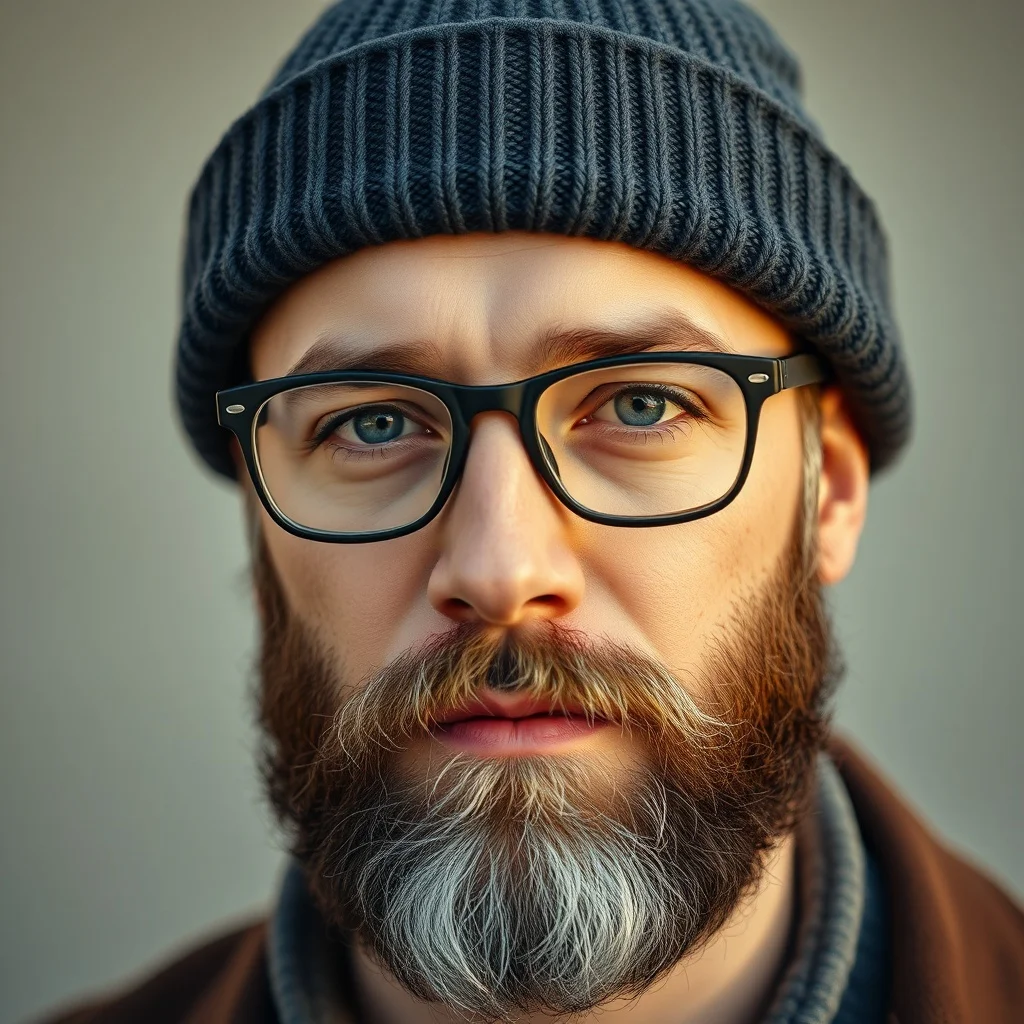
Photorealistic Avatar
Indistinguishable from photo
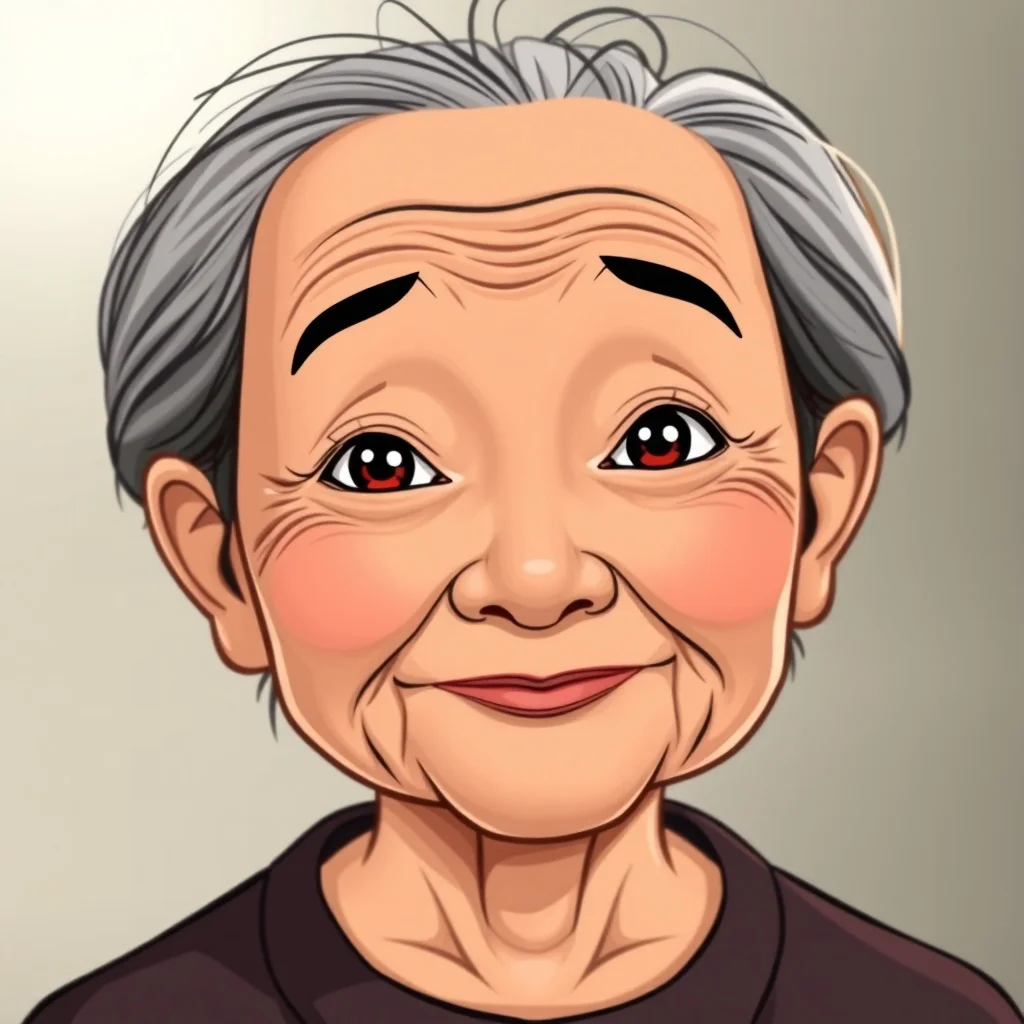
Cartoon Avatar
Fun and approachable
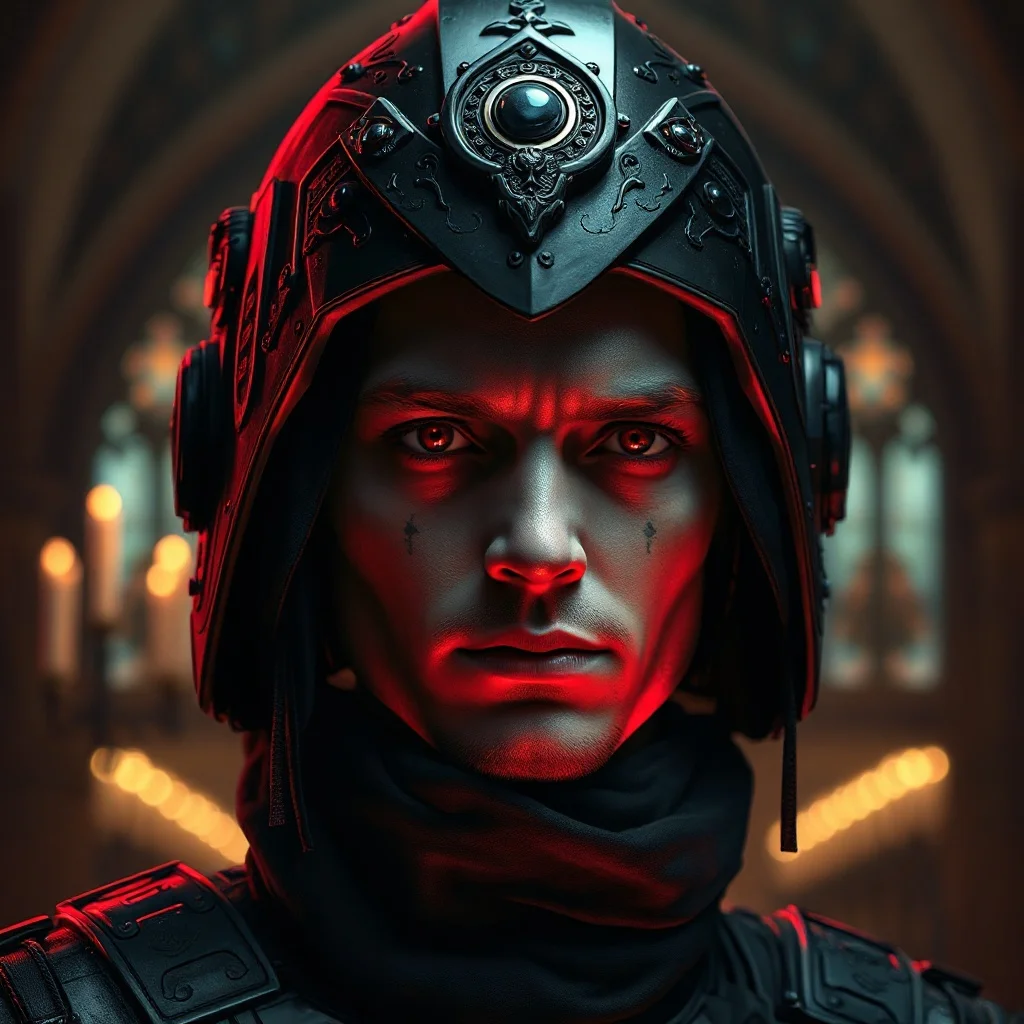
Gothic Avatar
Dark and ornate
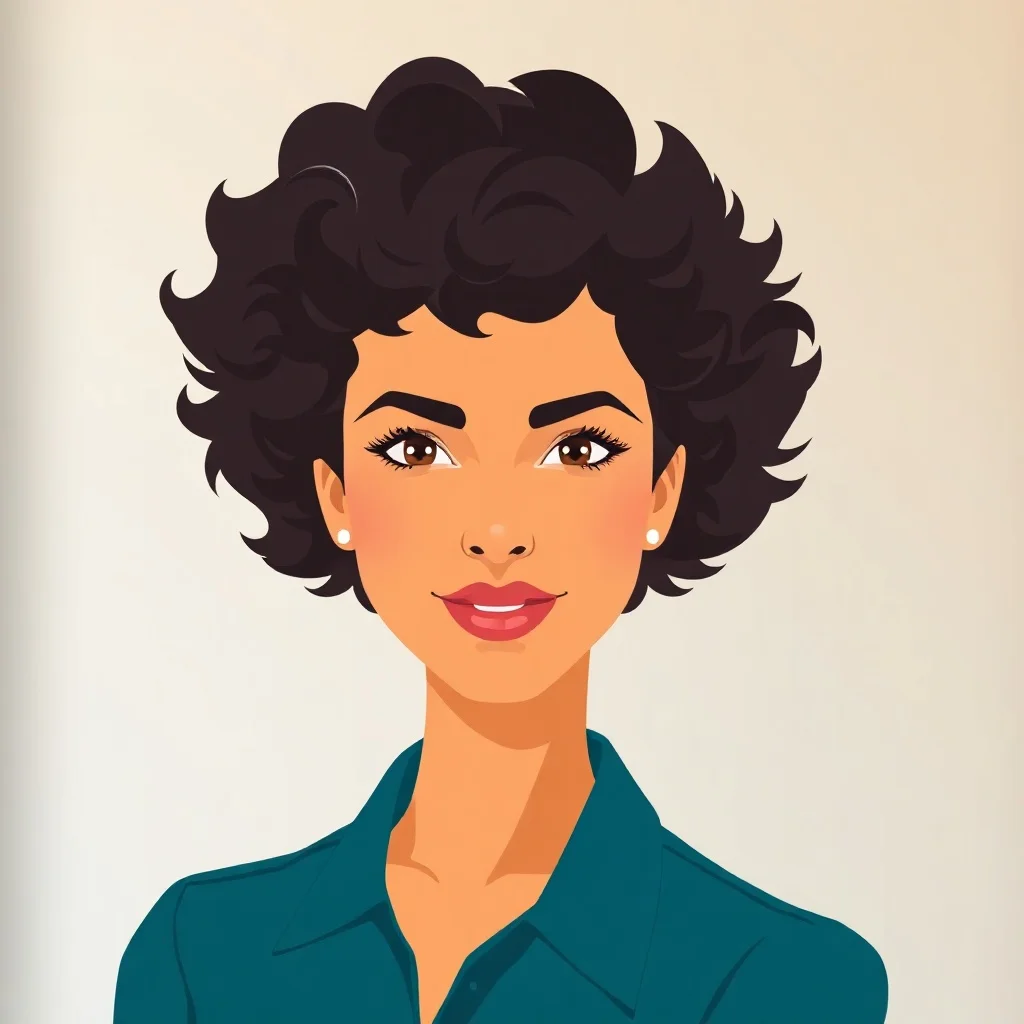
Flat Design Avatar
Modern web vector
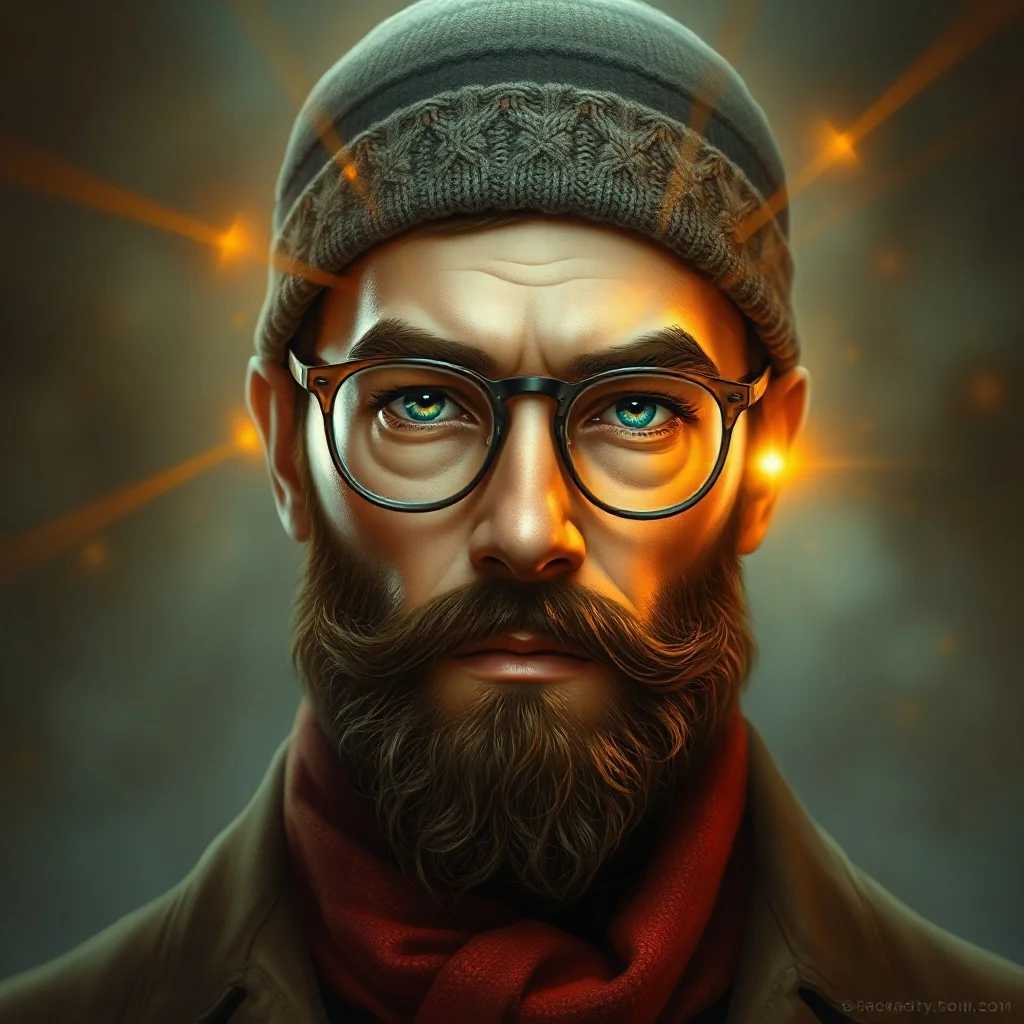
Fantasy Avatar
Epic and magical
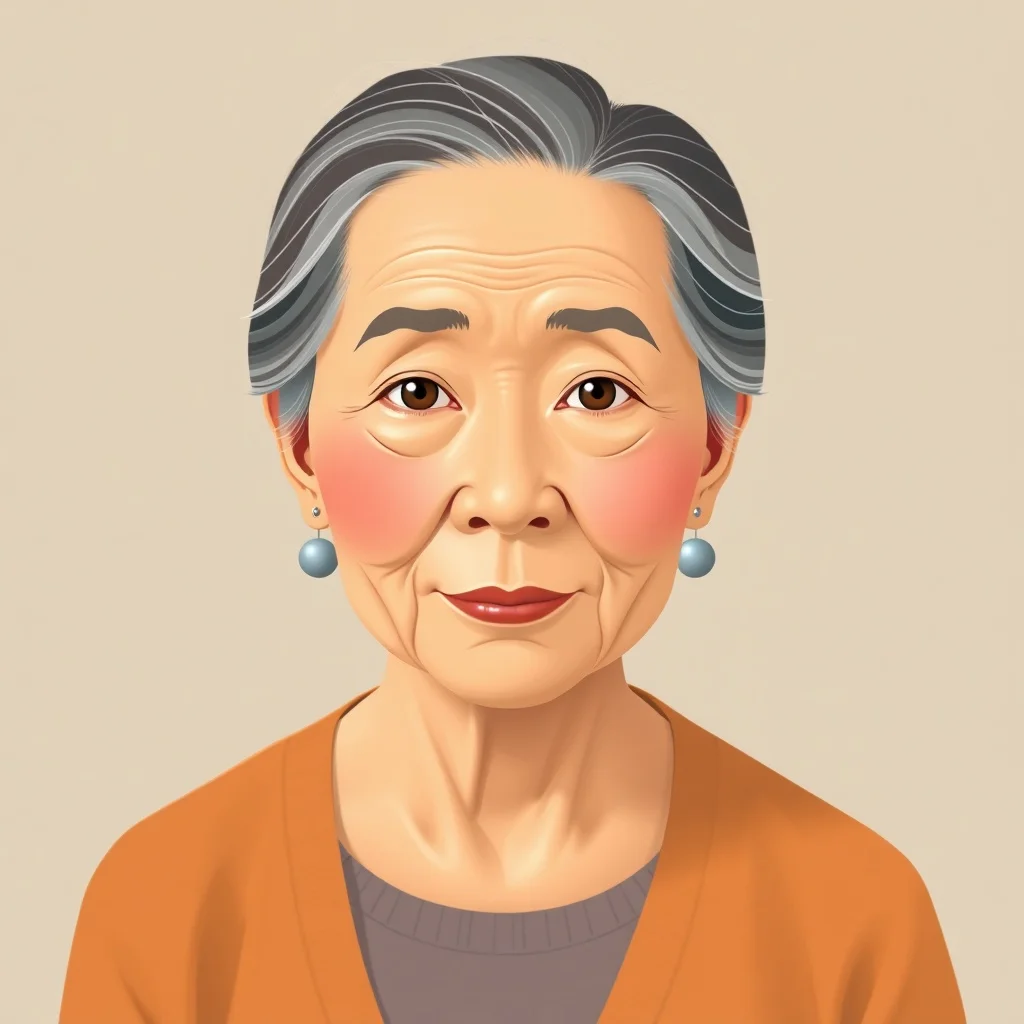
Isometric Avatar
Geometric 3/4 view
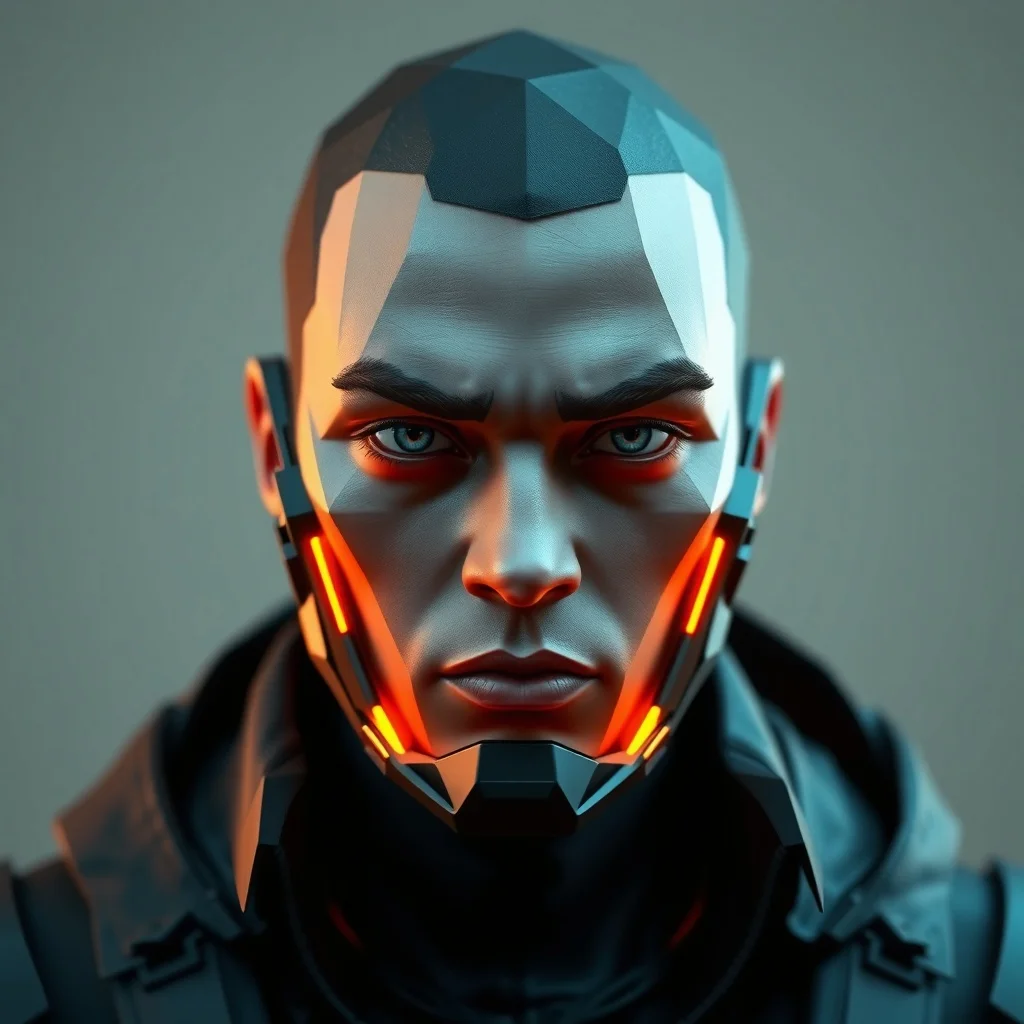
Low Poly Avatar
Geometric polygon art
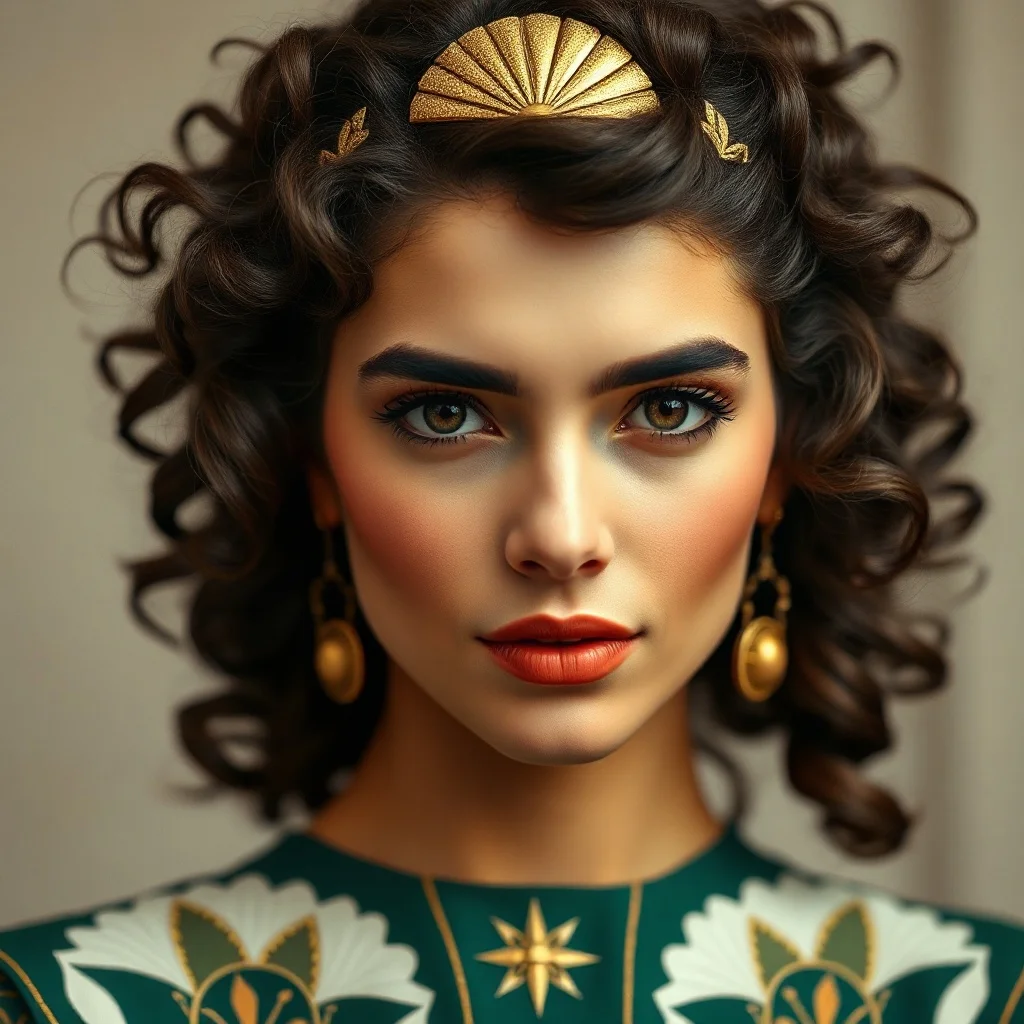
Art Deco Avatar
1920s elegance
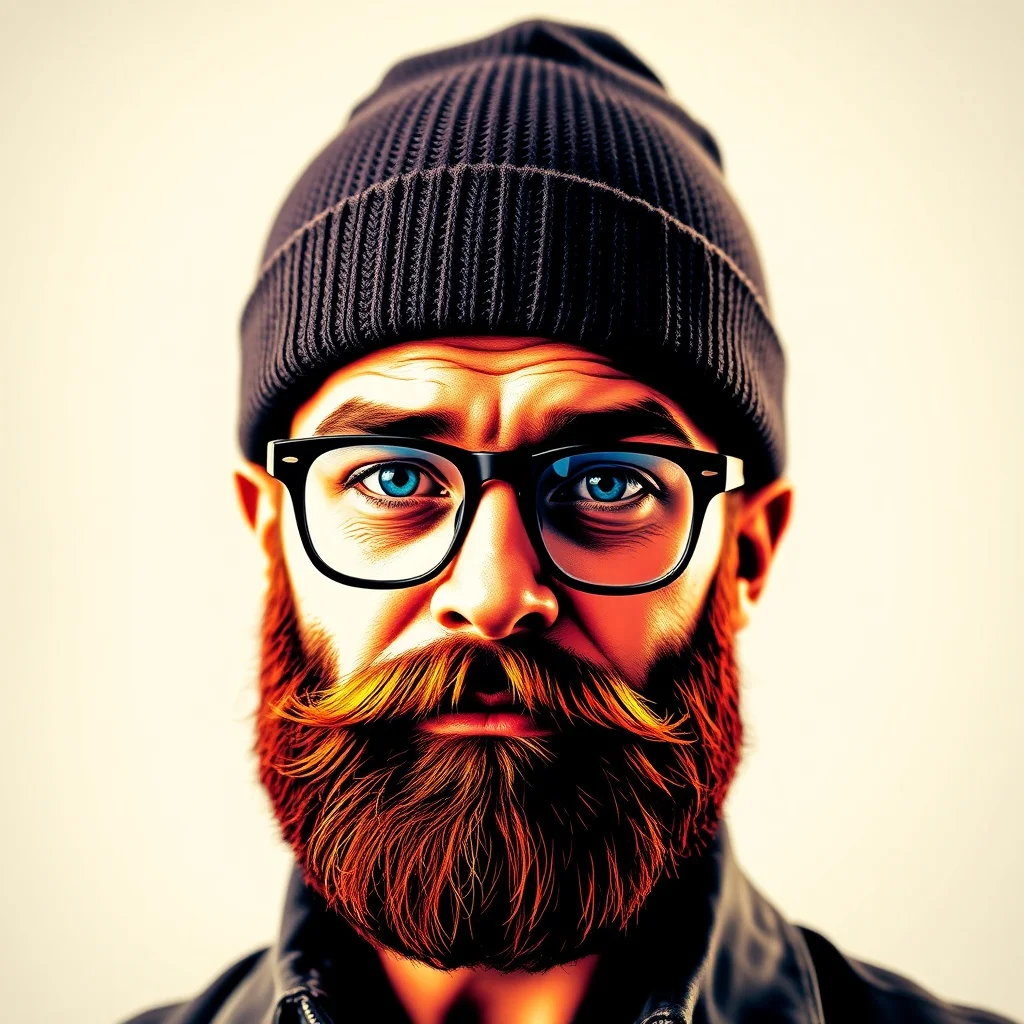
Pop Art Avatar
Bold and graphic
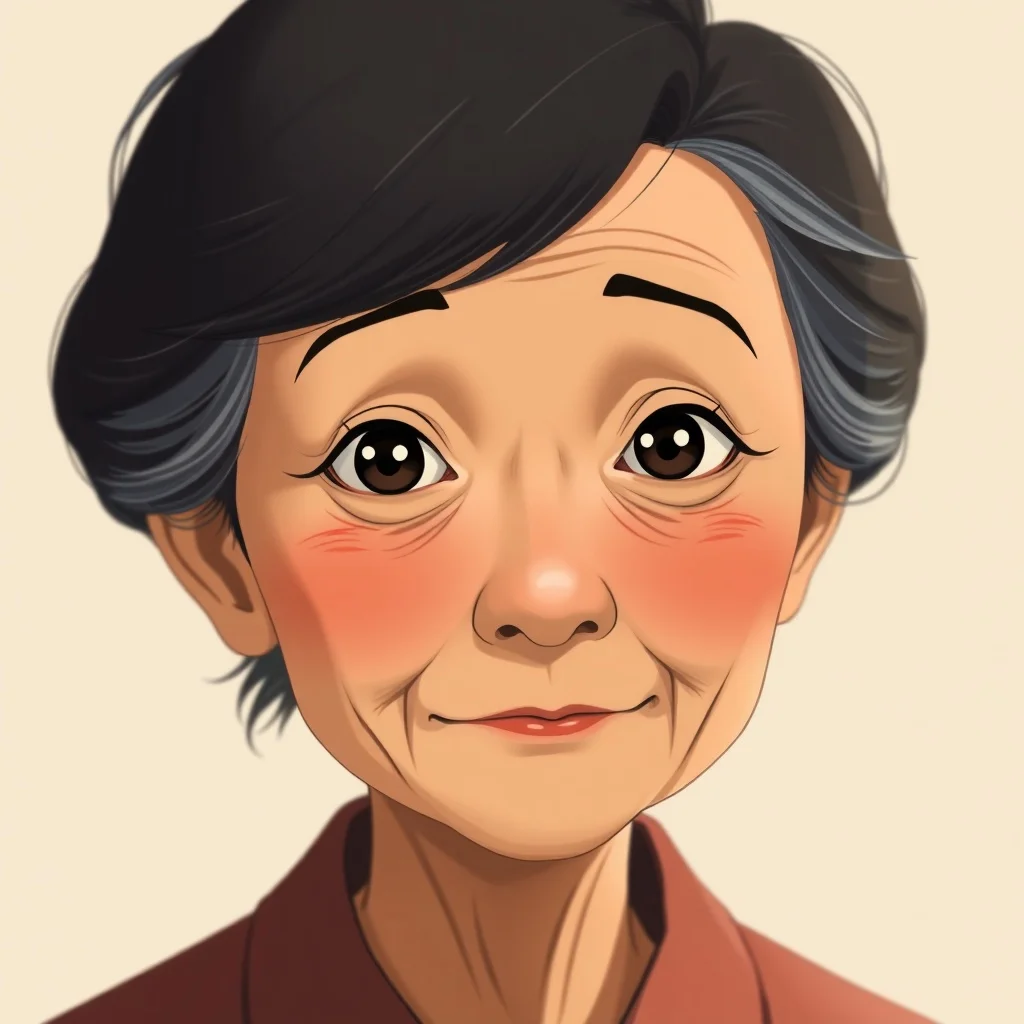
Studio Ghibli Avatar
Miyazaki warmth
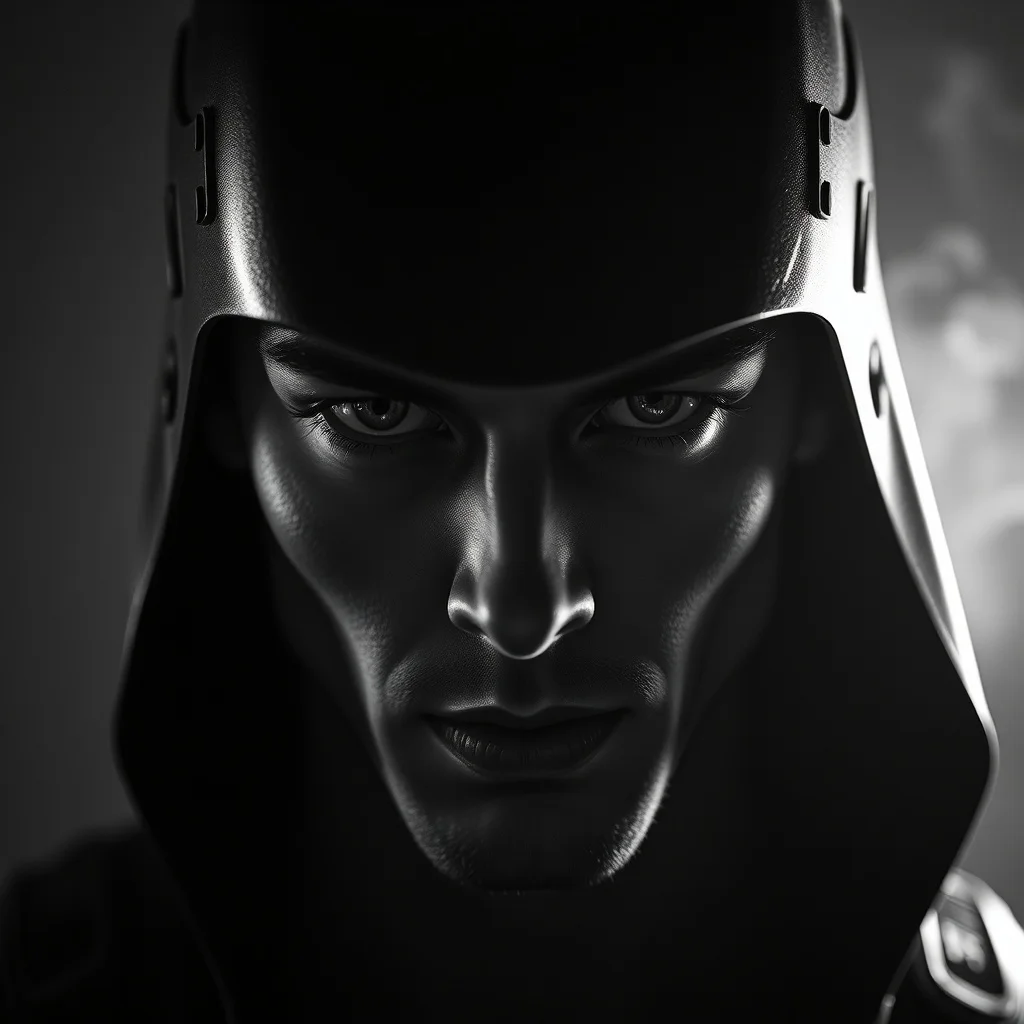
Noir Avatar
Black-and-white drama
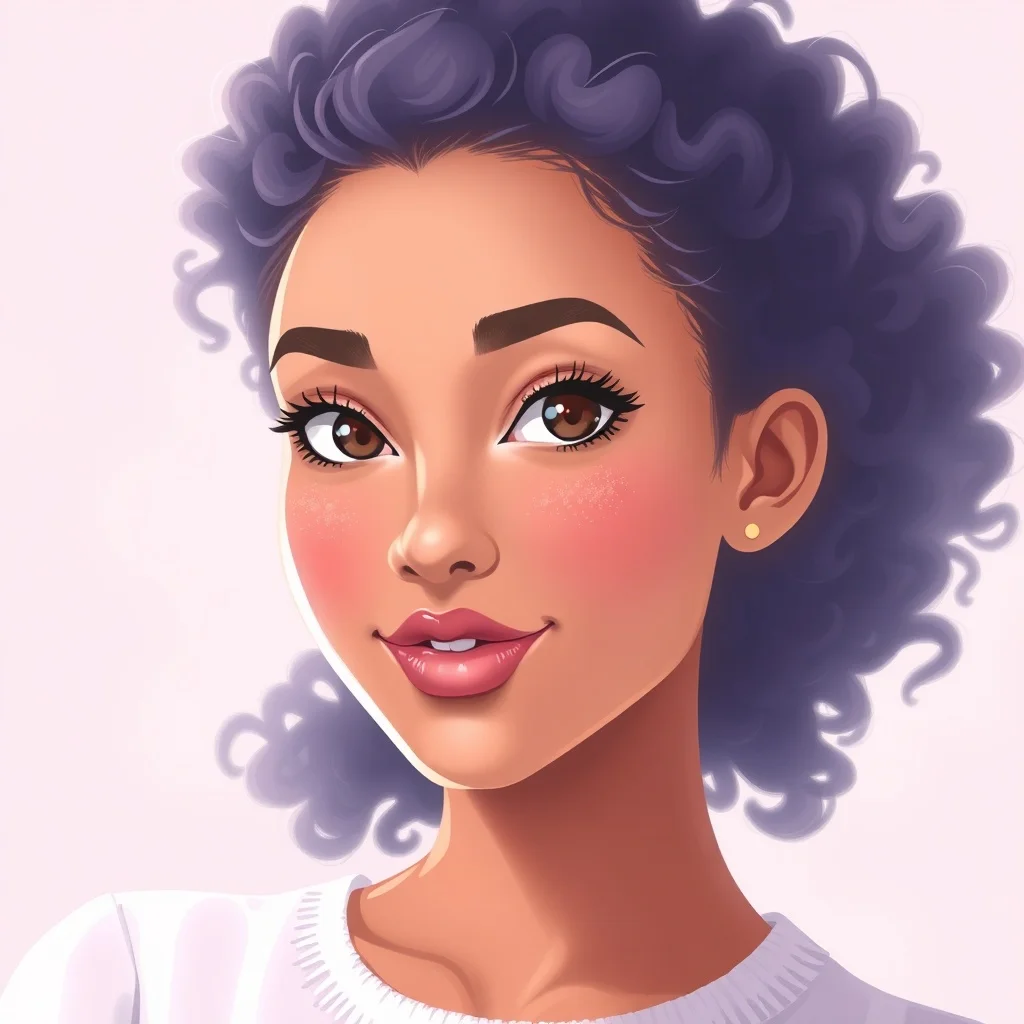
Pastel Avatar
Soft and dreamy
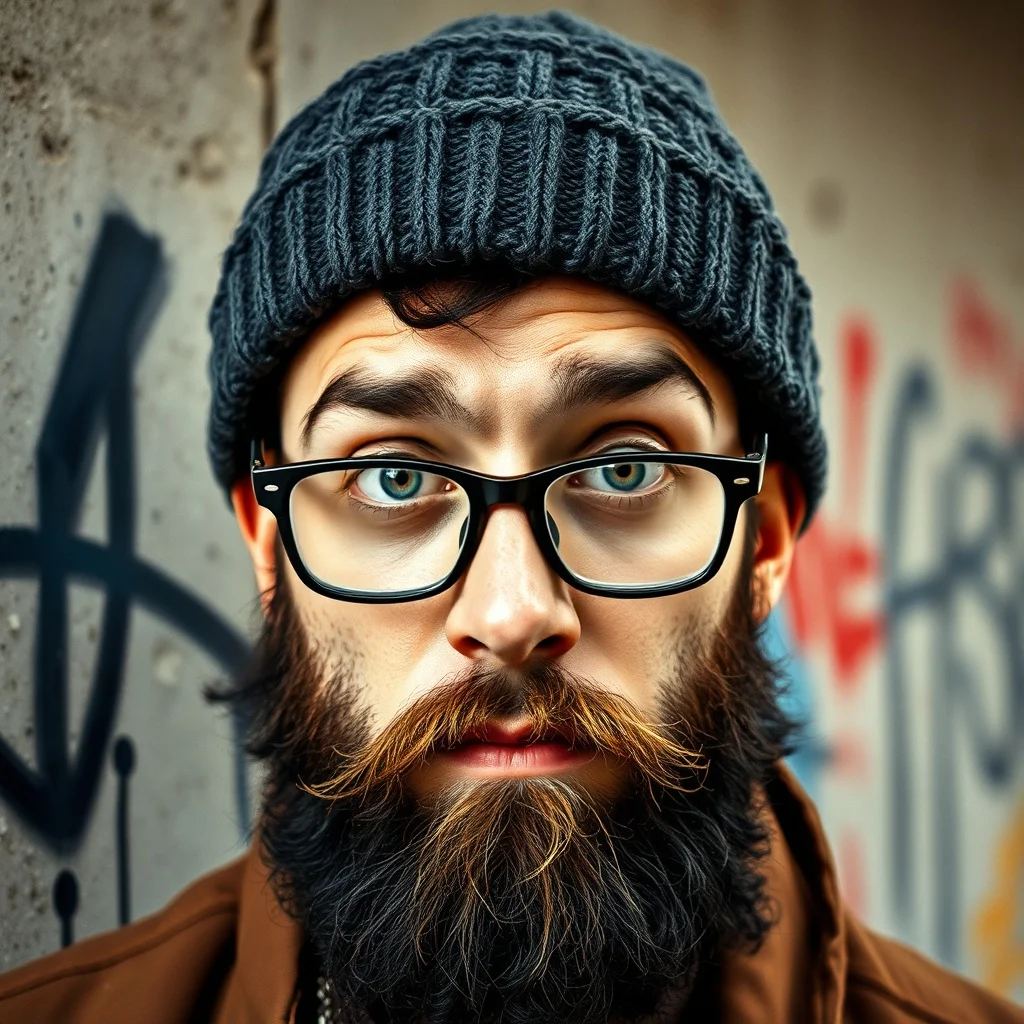
Graffiti Avatar
Urban street art
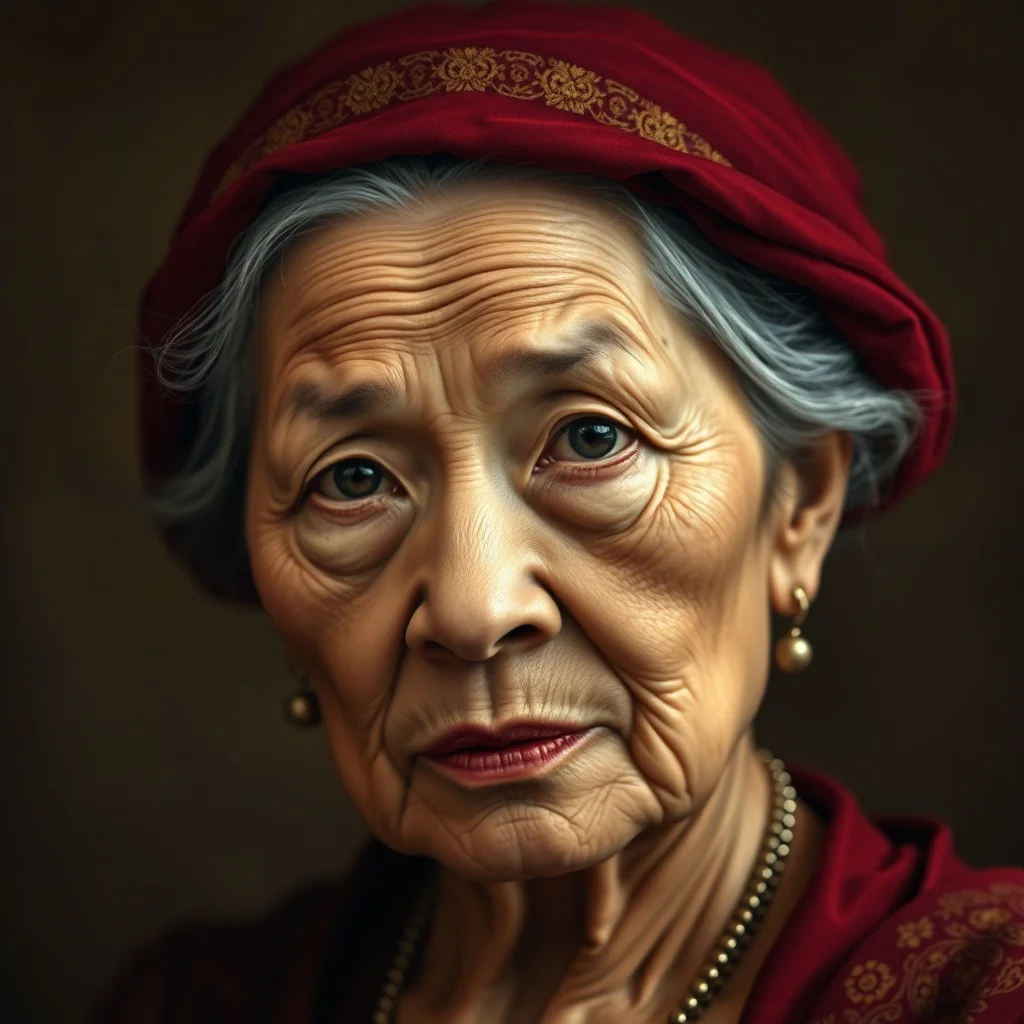
Baroque Avatar
Dramatic classical
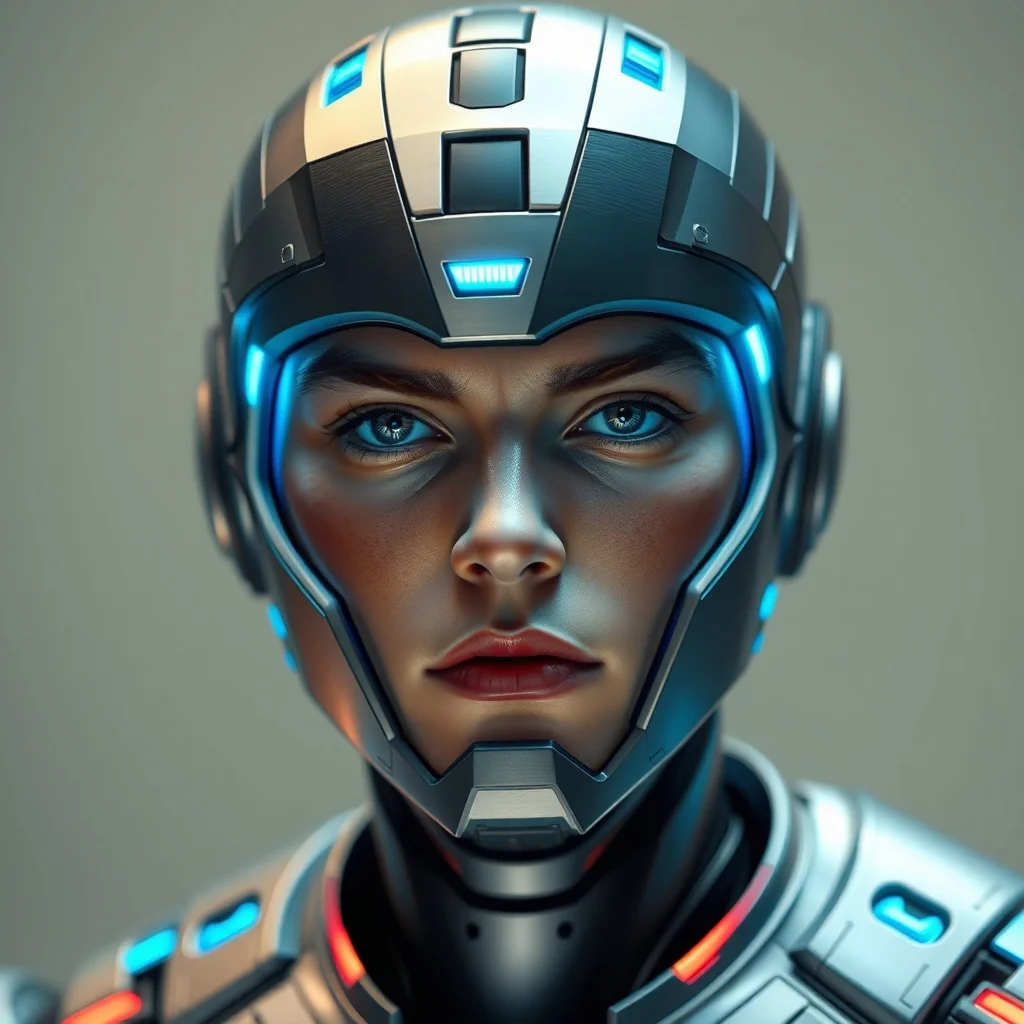
Futuristic Avatar
Sleek sci-fi
FAQ
Can I use a generated avatar on Twitch, Discord or YouTube?
Yes, including on monetized channels: what you generate is yours to use with no watermark and no attribution. The only limits are the standard ones, no real people without permission and no trademarked characters.
How do I get the same character in different poses or moods?
Reuse your exact descriptor sentence and change only the variable part: "smiling", "wearing headphones", "halloween version". Models are non-deterministic, so drift is normal; regenerate until the key features land, and keep the good ones as your set.
What size should I export?
Generated images come out far larger than any platform needs, so you are covered: crop square, and let each platform downscale. What matters is testing the result at 64 pixels before committing, not the export resolution.
Can the avatar look like me?
A stylized version of you works by describing yourself in the prompt: hair, glasses, beard, palette. For avatars generated from your actual face, that is a different feature: renza can train a personal model on your selfies, which is how the headshot packs work.
What does it cost?
3 free credits at signup, no card, which covers your first avatar. Iterating a character sheet into a full set of moods and variants runs on a subscription at 2 to 3 credits per generation.