AI Logo Generator
Type a prompt, get a logo. Try different styles until one feels right. Good for new projects, side hustles, or testing rebrands without paying a designer up front.
A logo has to read instantly and stay recognizable when it is shrunk to a favicon or printed in a single color. Pick one of the 24 styles below, or open the generator with the default and start iterating.
- 3 free credits to start
- No credit card
- Commercial use, you own it
- No watermark
- Results in seconds
What an AI logo generator is actually good for
An honest limitation first: image models output pixels, not vectors. A real logo eventually needs to be an SVG so it can scale from a favicon to a storefront sign, and no diffusion model produces that directly. What a generator gives you is the concept: the symbol, the composition, the color direction, explored in minutes instead of a week of back-and-forth with a designer.
That makes the sweet spot clear. For a side project, an app icon, a placeholder while you validate an idea, or testing three rebrand directions before briefing a designer, generated logos are genuinely enough. For a company that will print packaging and buy signage, generate until you love a direction, then hand that image to a designer to redraw as vector, which is a much cheaper brief than "design me a logo from nothing".
The other known weakness is text. Models garble words, and a logo is often mostly a word. Short names survive better than long ones, and if the name comes out misspelled, regenerate rather than squint at it; spelling does not improve with hope. Keep the name to one or two words in the prompt and let the symbol carry the rest.
Name the industry, not the adjective
"Logo for a coffee roastery called Mira" beats "modern minimalist logo". The model knows what coffee brands look like; "modern" alone produces the same generic swoosh for everyone.
Constrain the palette
Add "flat, two colors, no gradients" to get something that will survive single-color printing and embroidery. Unconstrained logos come back as glossy 3D renders that only work on a screen.
One symbol, stated plainly
Pick the symbol yourself: "a fox curled around a mug". Asking the model to invent the concept and render it in one step is where compositions get muddy.
Run the 32 pixel test
Shrink the winner to favicon size. If it turns into noise, the concept has too many elements, and no amount of regenerating the same idea will fix that.
Browse logo styles
Each style applies a different aesthetic. Click one to see examples and open the generator.
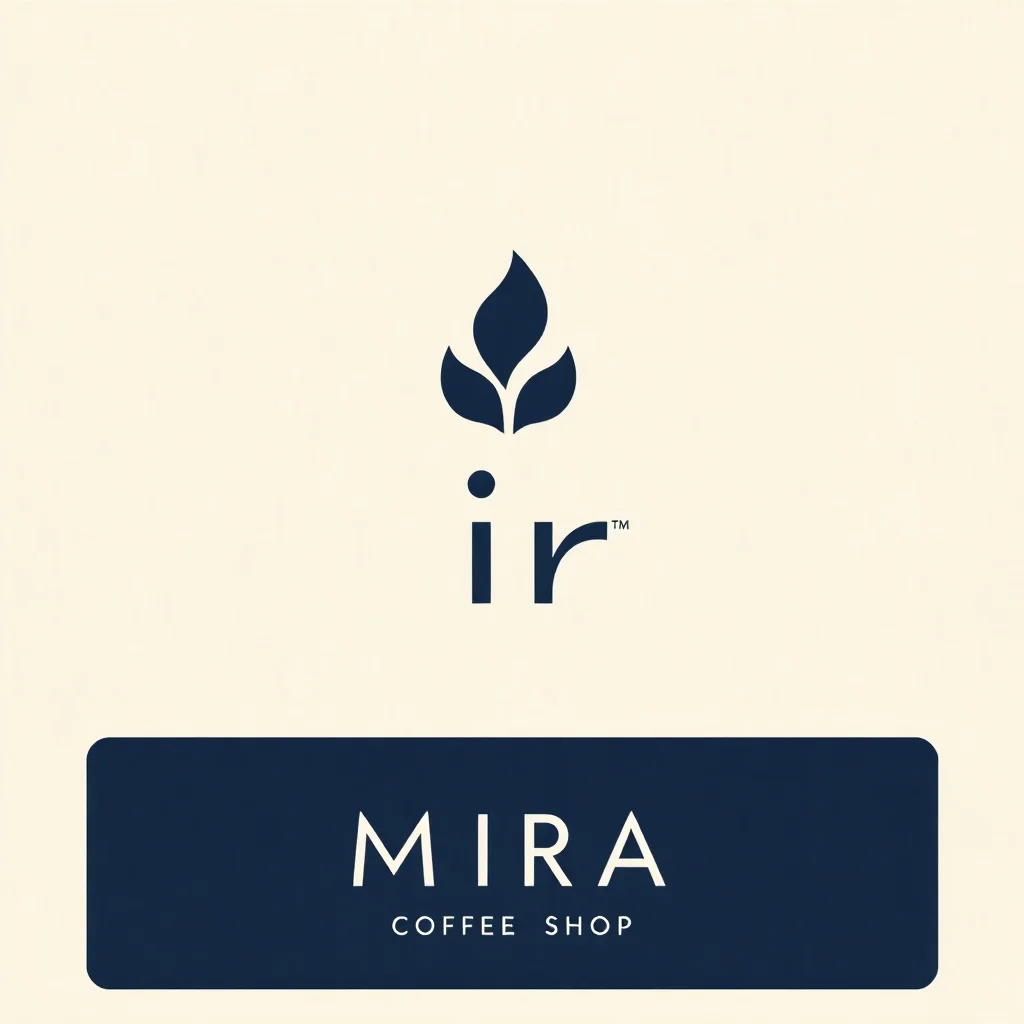
Minimalist Logo
Bold shapes, restrained palette
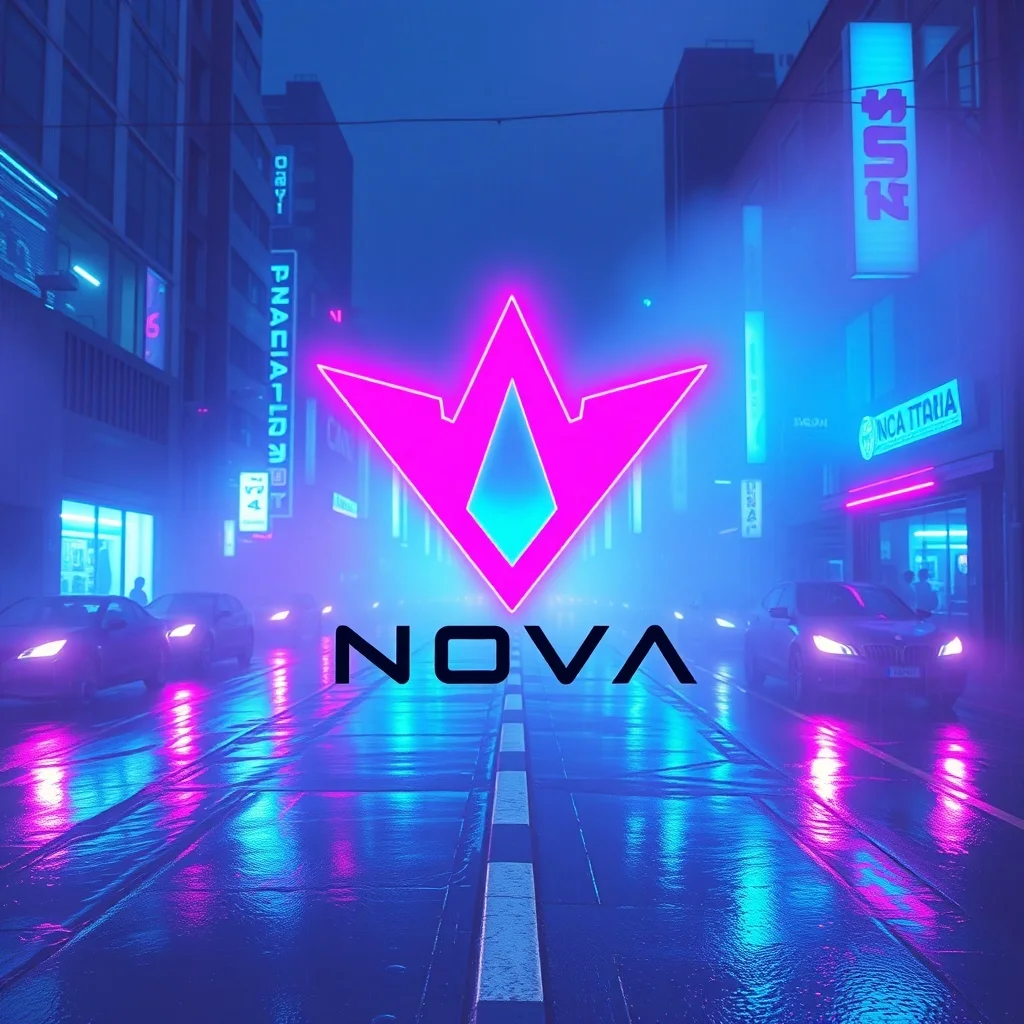
Cyberpunk Logo
Neon-lit dystopian futures
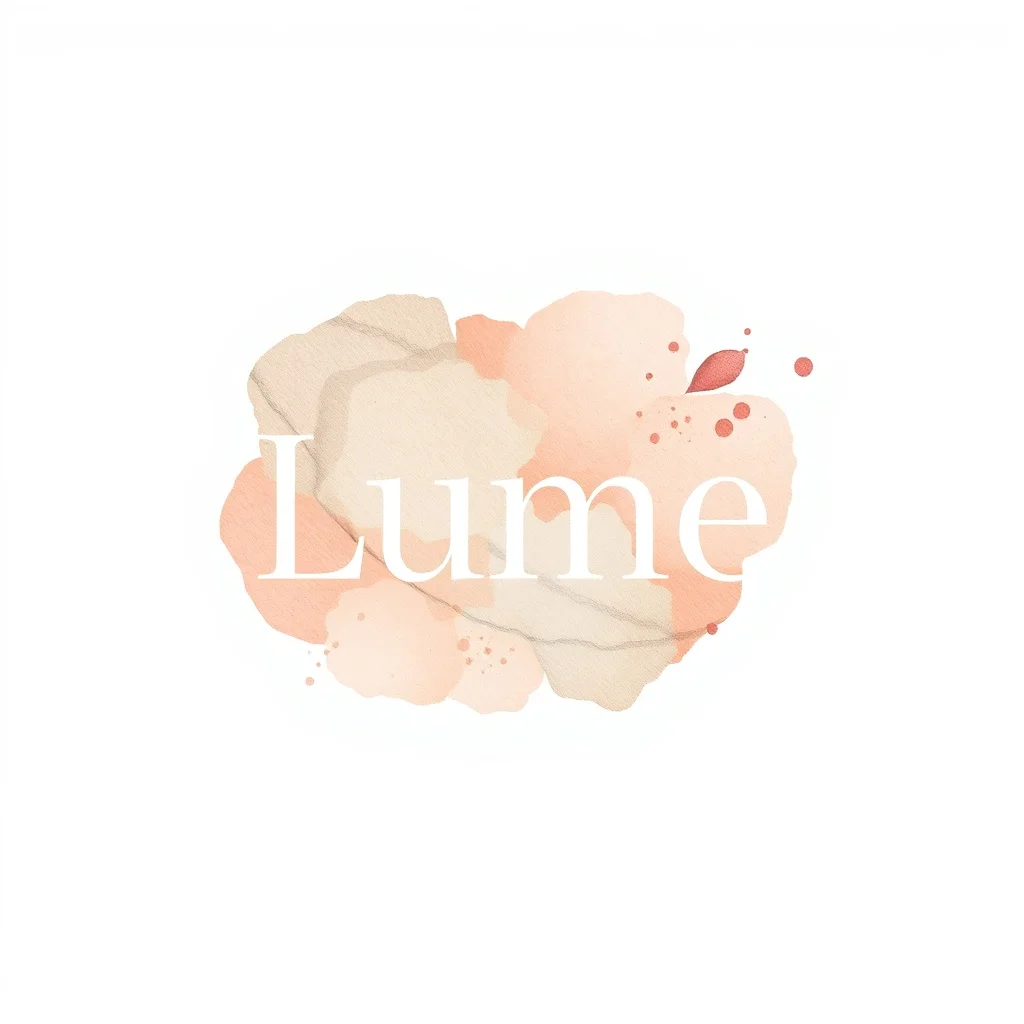
Watercolor Logo
Soft painterly washes
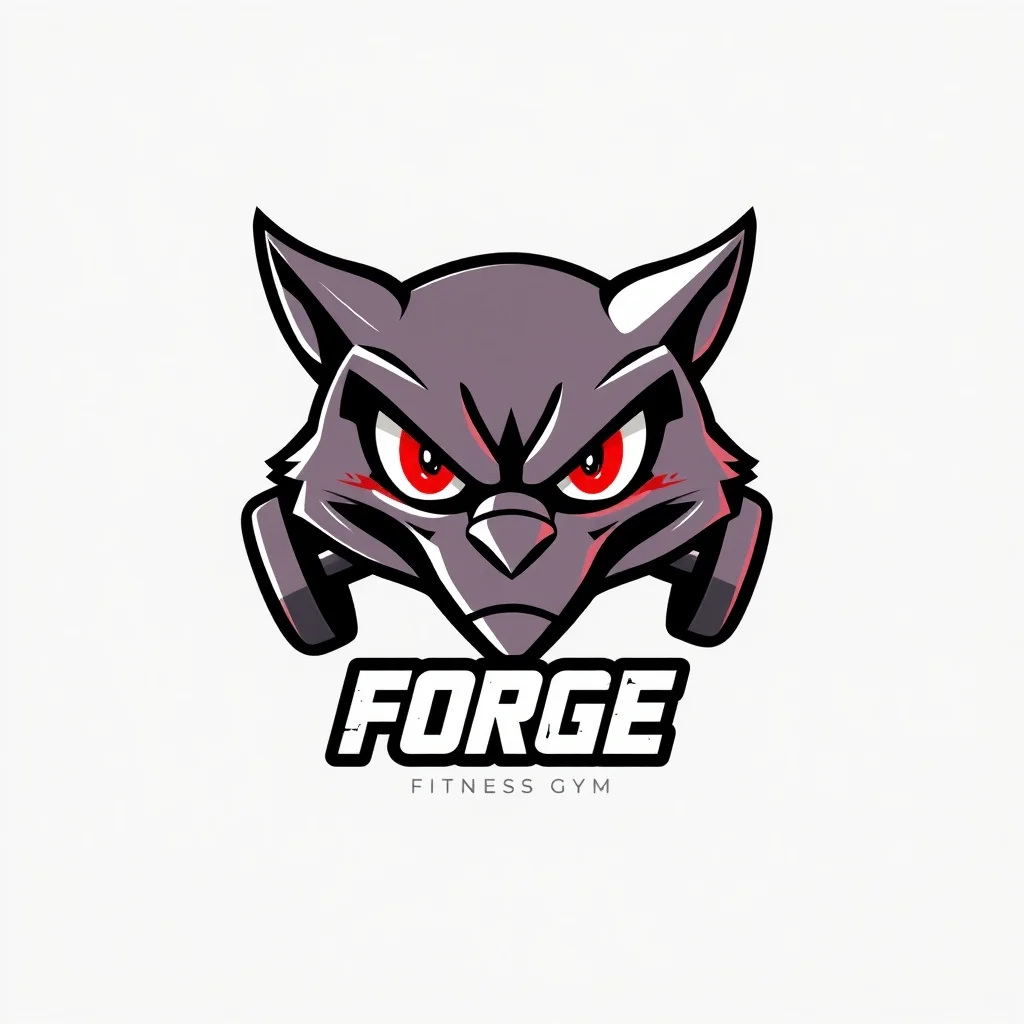
Anime Logo
Japanese animation style
Pixel Art Logo
Retro 16-bit nostalgia
3D Render Logo
Photoreal 3D quality
Oil Painting Logo
Classical fine art
Sketch Logo
Hand-drawn graphite
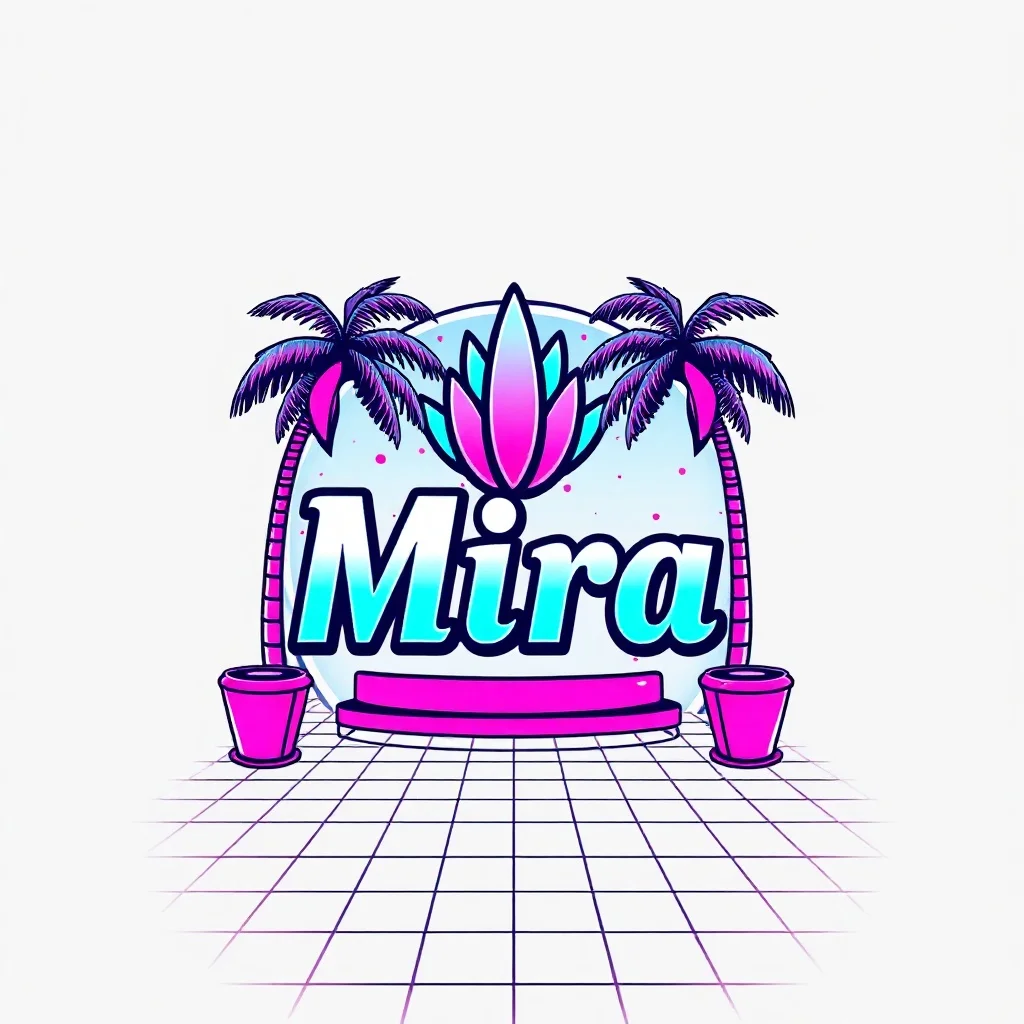
Vaporwave Logo
80s synthwave throwback
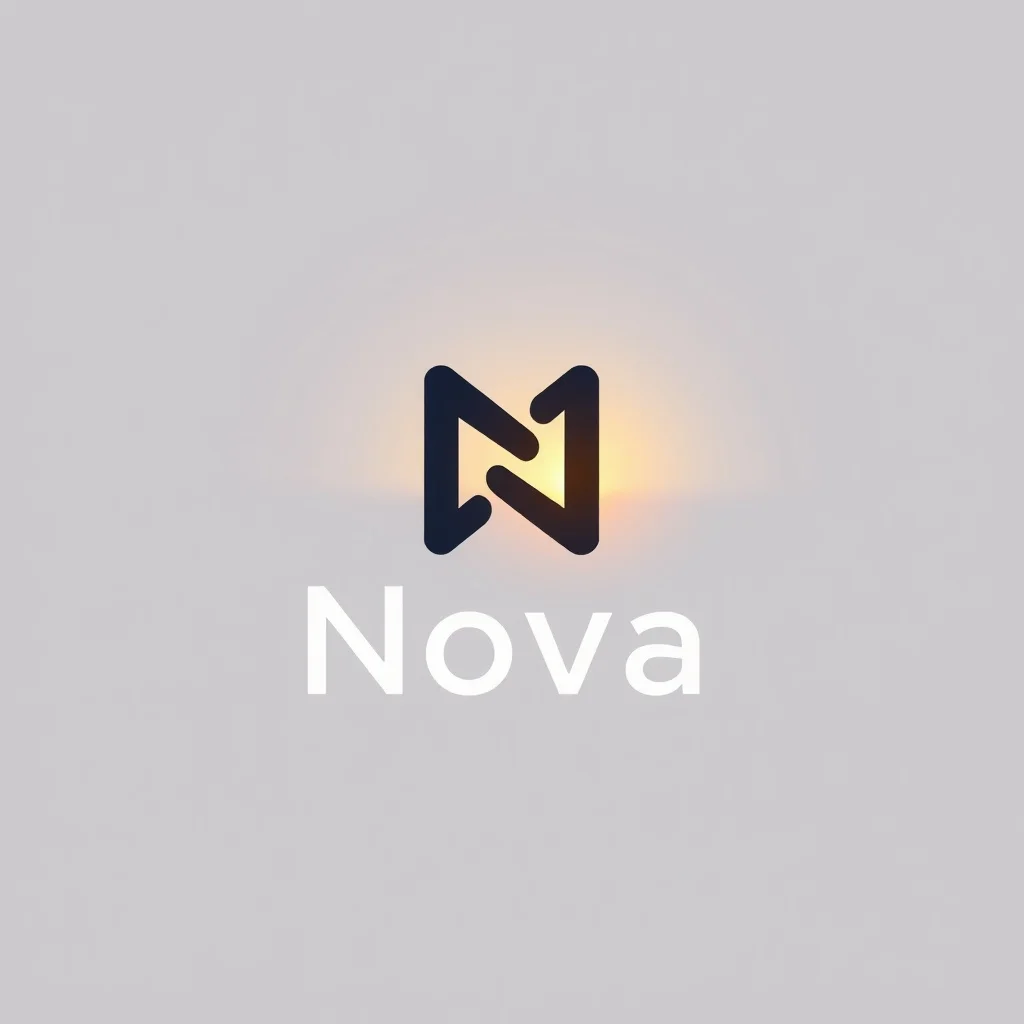
Photorealistic Logo
Indistinguishable from photo
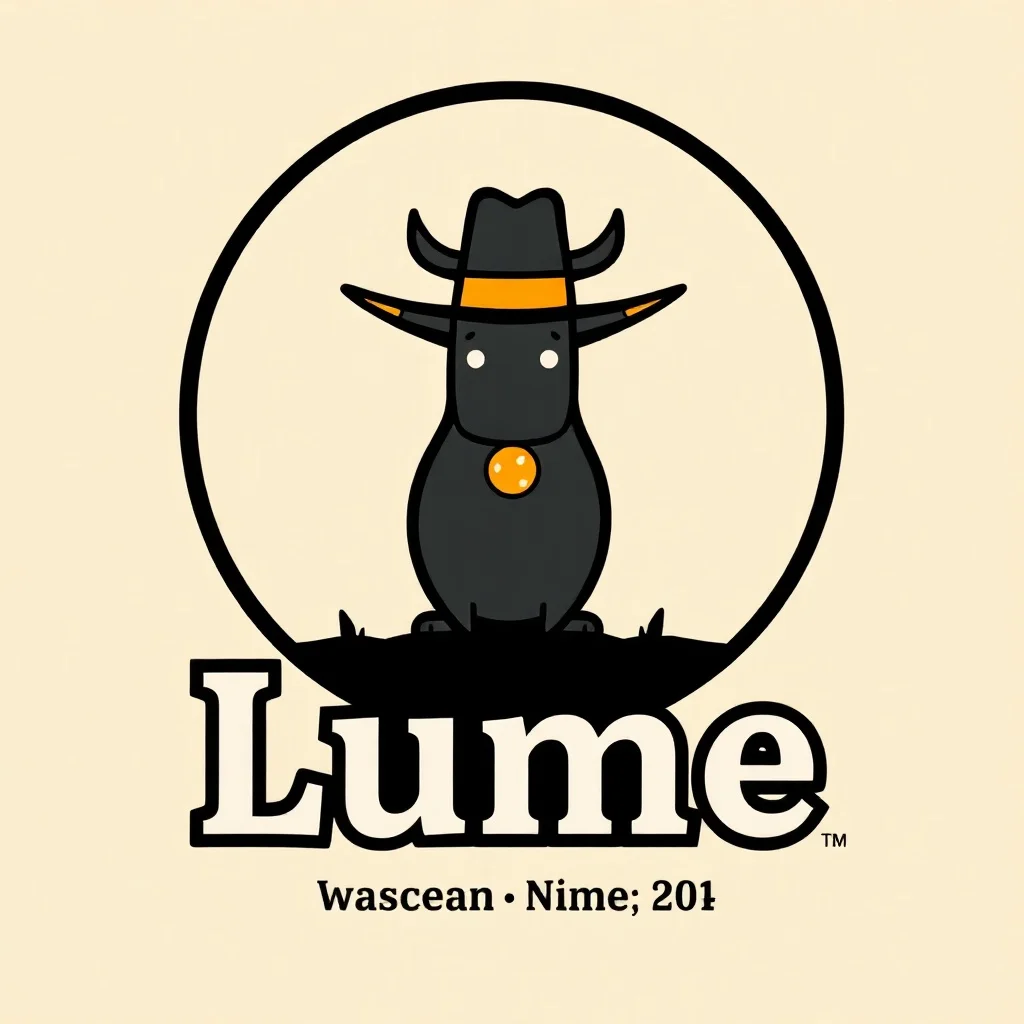
Cartoon Logo
Fun and approachable
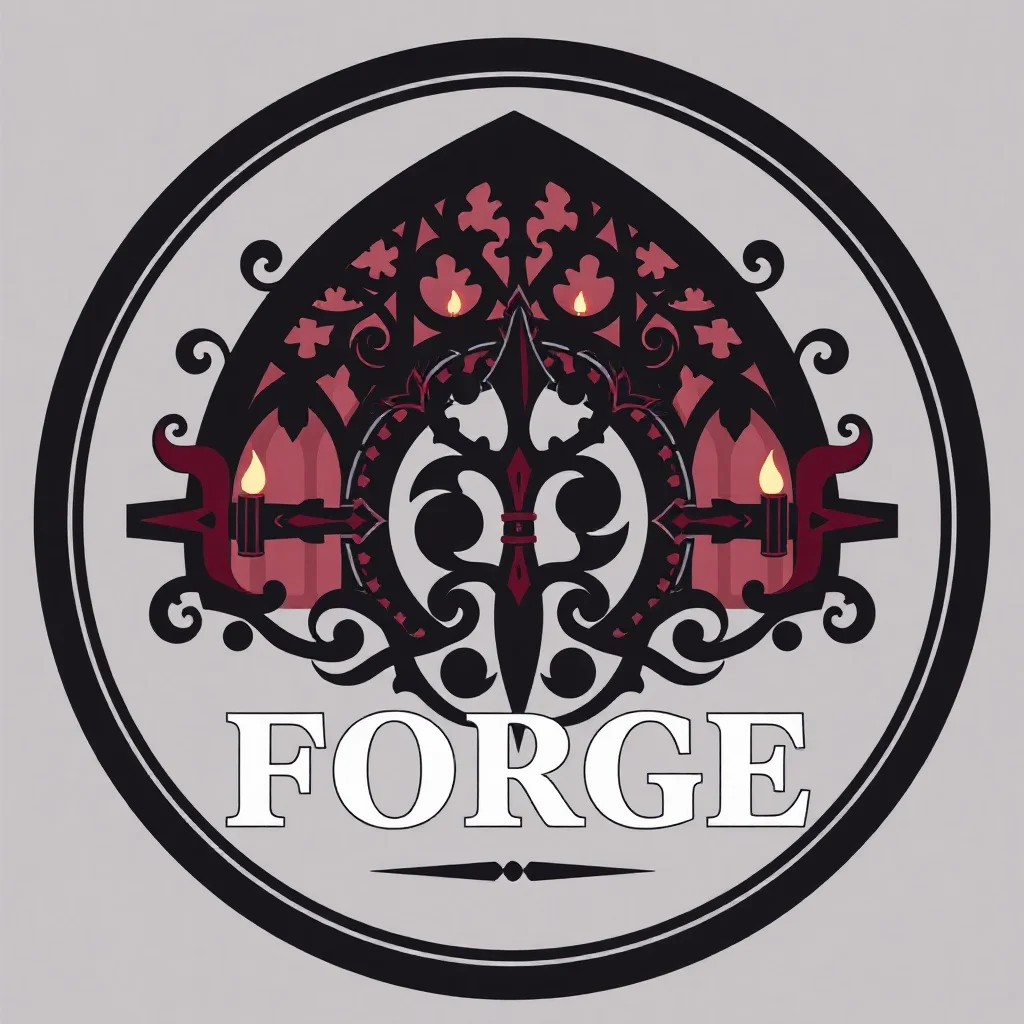
Gothic Logo
Dark and ornate
Flat Design Logo
Modern web vector
Fantasy Logo
Epic and magical
Isometric Logo
Geometric 3/4 view
Low Poly Logo
Geometric polygon art
Art Deco Logo
1920s elegance
Pop Art Logo
Bold and graphic
Studio Ghibli Logo
Miyazaki warmth
Noir Logo
Black-and-white drama
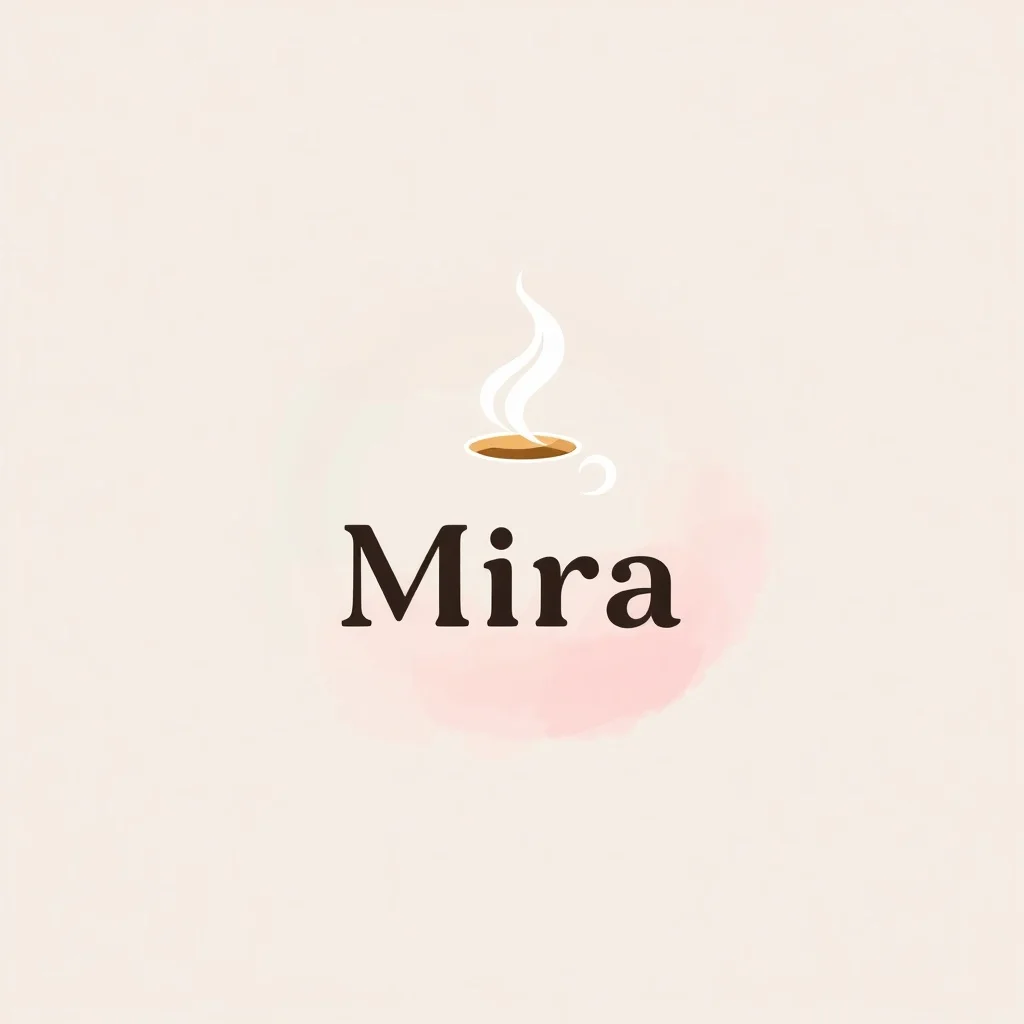
Pastel Logo
Soft and dreamy
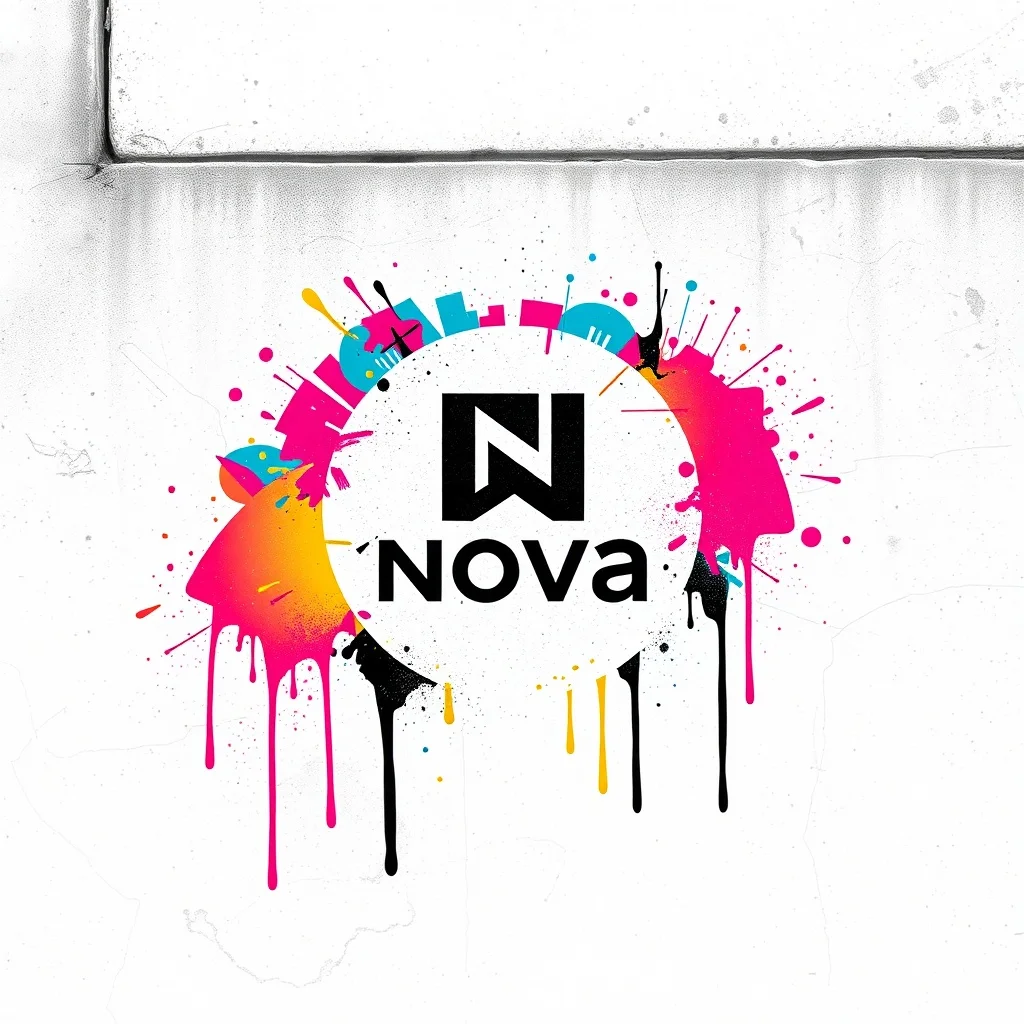
Graffiti Logo
Urban street art
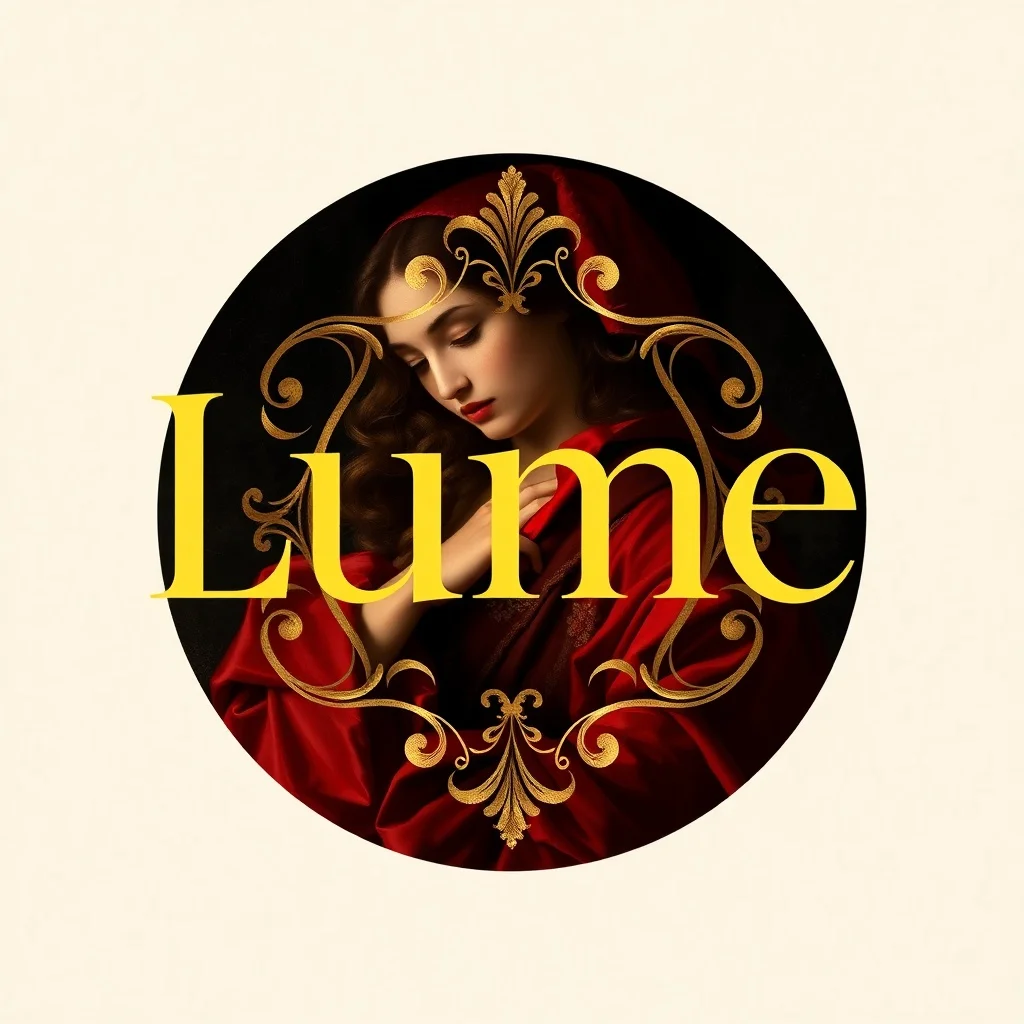
Baroque Logo
Dramatic classical
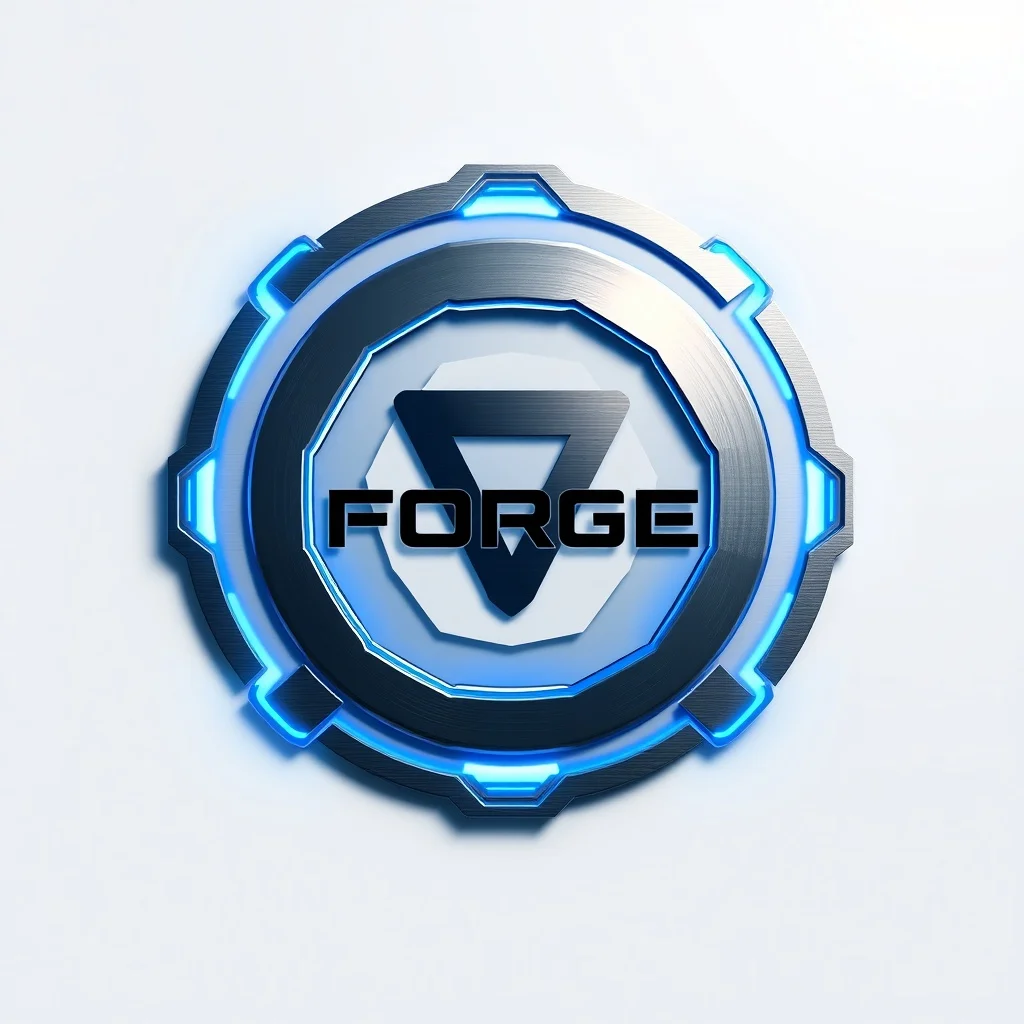
Futuristic Logo
Sleek sci-fi
FAQ
Can I trademark or copyright an AI-generated logo?
Using it commercially is fine and renza places no restrictions. But under current US Copyright Office guidance, purely AI-generated images are not copyrightable, and trademark protection depends on use in commerce rather than authorship. If the brand matters, have a designer rework the generated concept; their authorship also strengthens your legal position.
How do I get a vector (SVG) version?
Generate the concept here, then have it traced: a designer redraws it in an hour, or an auto-tracer gets you close for simple flat marks. Flat, two-color logos trace almost perfectly; glossy 3D ones do not, which is another reason to constrain the style in the prompt.
Why does my brand name come out misspelled?
Diffusion models draw letterforms as shapes, not as text, and they drift on anything longer than a few characters. Keep the name short in the prompt, regenerate when it garbles, or generate the symbol alone and set the name yourself in real type afterwards, which is what a designer would do anyway.
How many concepts should I generate before choosing?
Cheap iteration is the entire advantage, so use it: a dozen runs across two or three styles is a normal session. Pick the two strongest, run the 32 pixel test and a dark-background test on both, and only then commit.
Is it really free?
You get 3 free credits at signup with no card, which is enough to try a few concepts. Sustained iteration runs on a subscription; each logo generation costs 2 to 3 credits depending on the model.