AI Landscape Generator
Cinematic landscape art for concept work, wallpapers, presentations, or just because the view looks cool.
A landscape draws the eye through layered depth, atmospheric light, and a horizon that gives the scene a sense of scale. Pick one of the 24 styles below, or open the generator with the default and start iterating.
- 3 free credits to start
- No credit card
- Commercial use, you own it
- No watermark
- Results in seconds
Browse landscape styles
Each style applies a different aesthetic. Click one to see examples and open the generator.
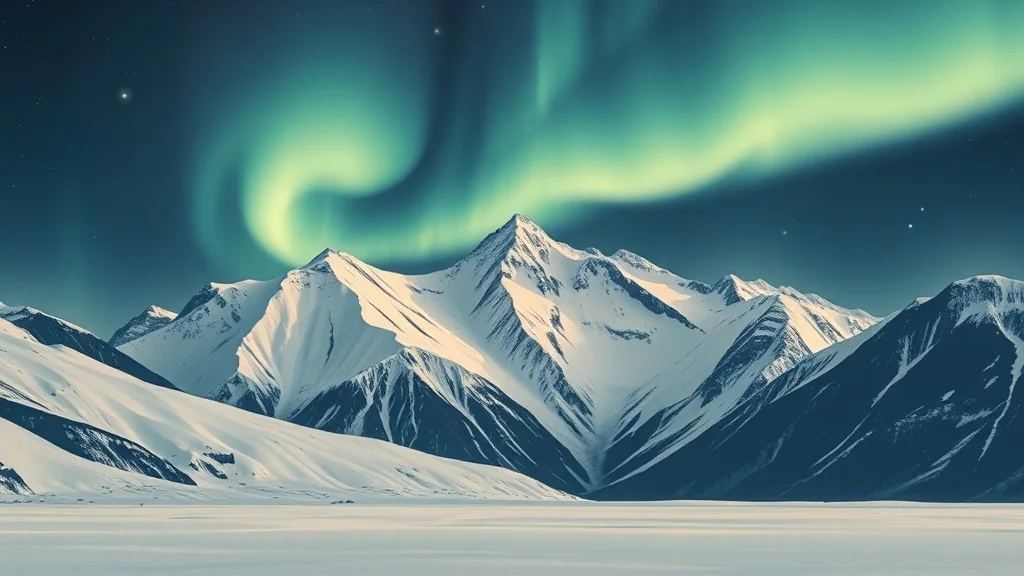
Minimalist Landscape
Bold shapes, restrained palette
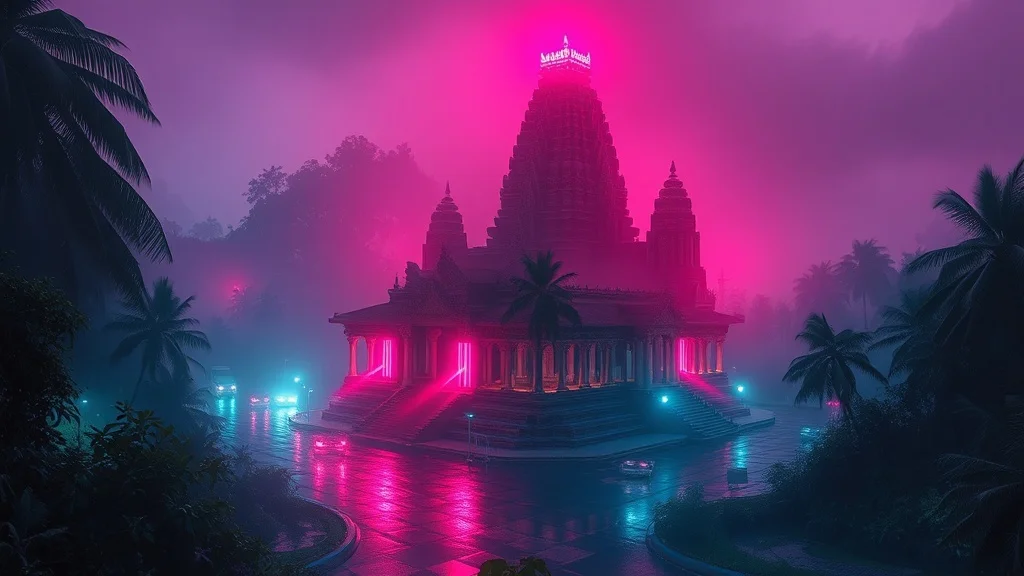
Cyberpunk Landscape
Neon-lit dystopian futures
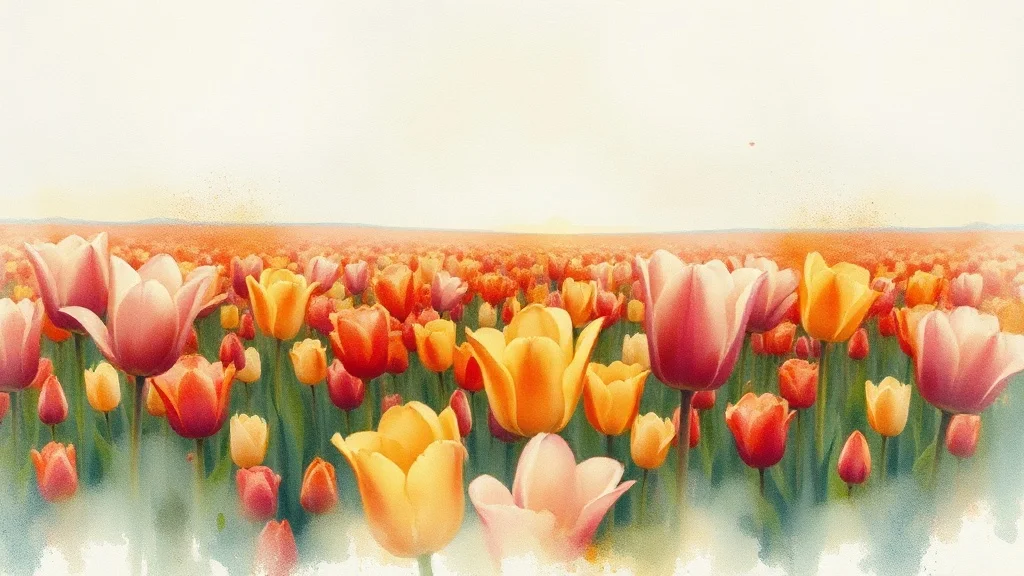
Watercolor Landscape
Soft painterly washes
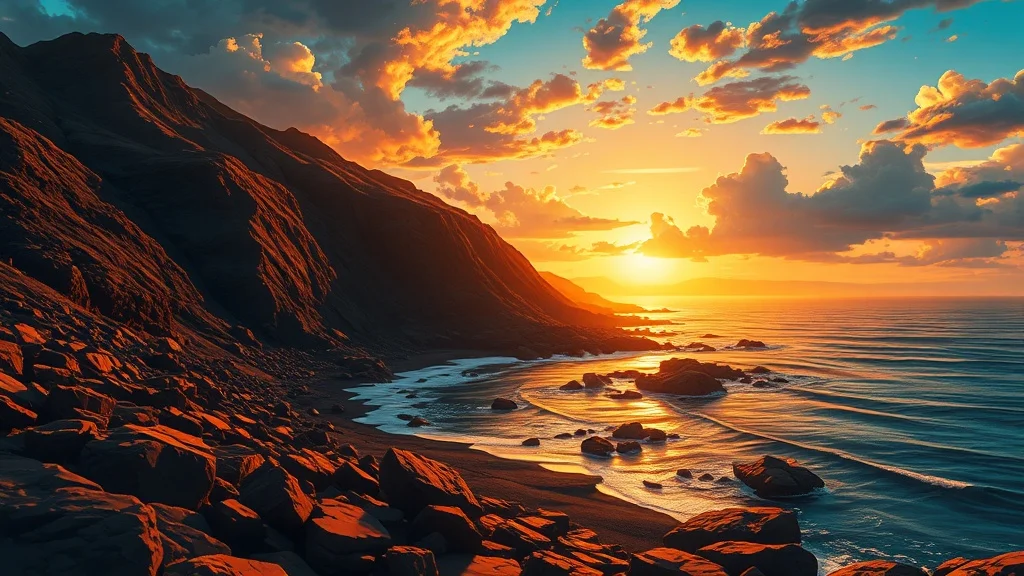
Anime Landscape
Japanese animation style
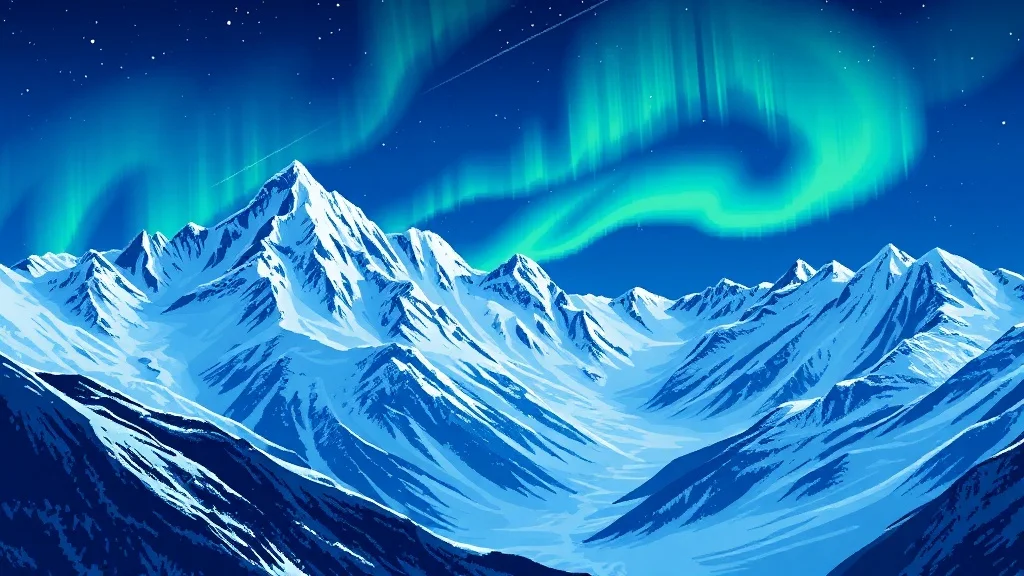
Pixel Art Landscape
Retro 16-bit nostalgia
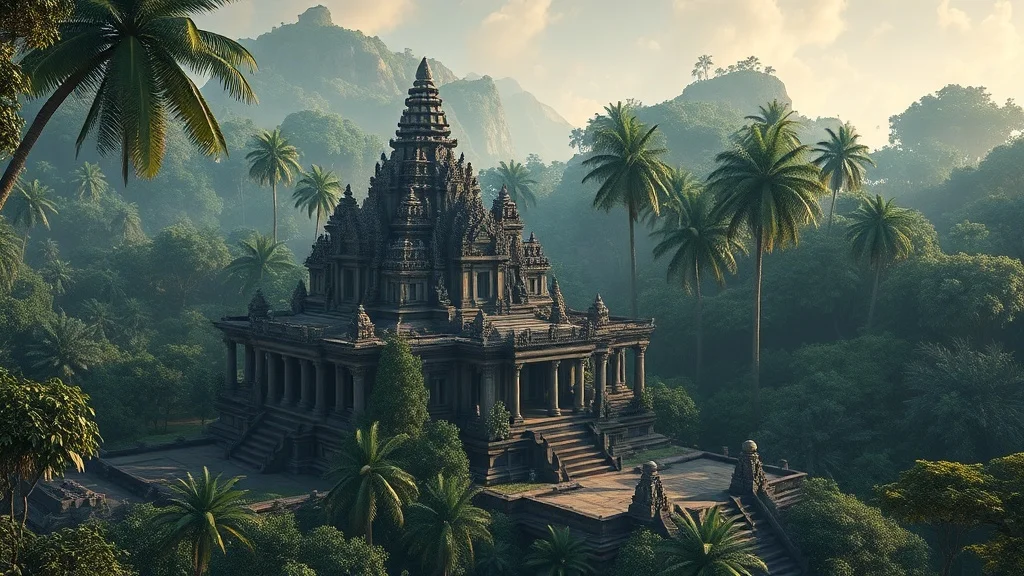
3D Render Landscape
Photoreal 3D quality
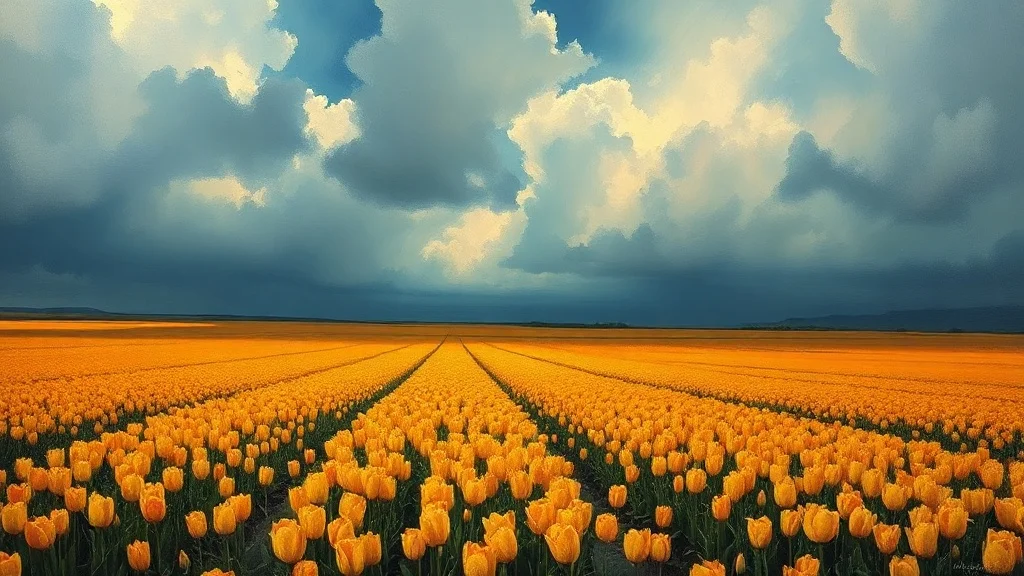
Oil Painting Landscape
Classical fine art
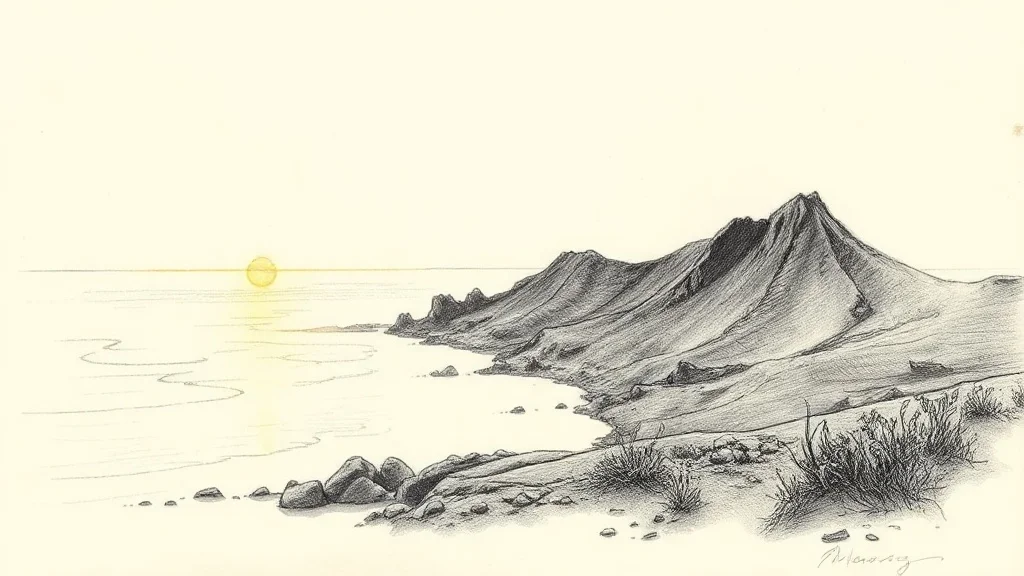
Sketch Landscape
Hand-drawn graphite
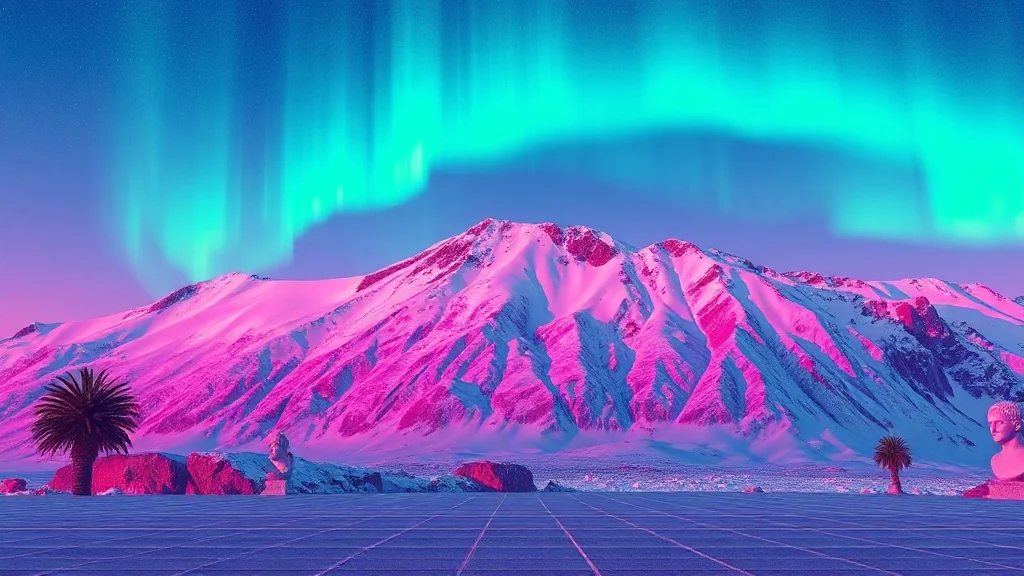
Vaporwave Landscape
80s synthwave throwback
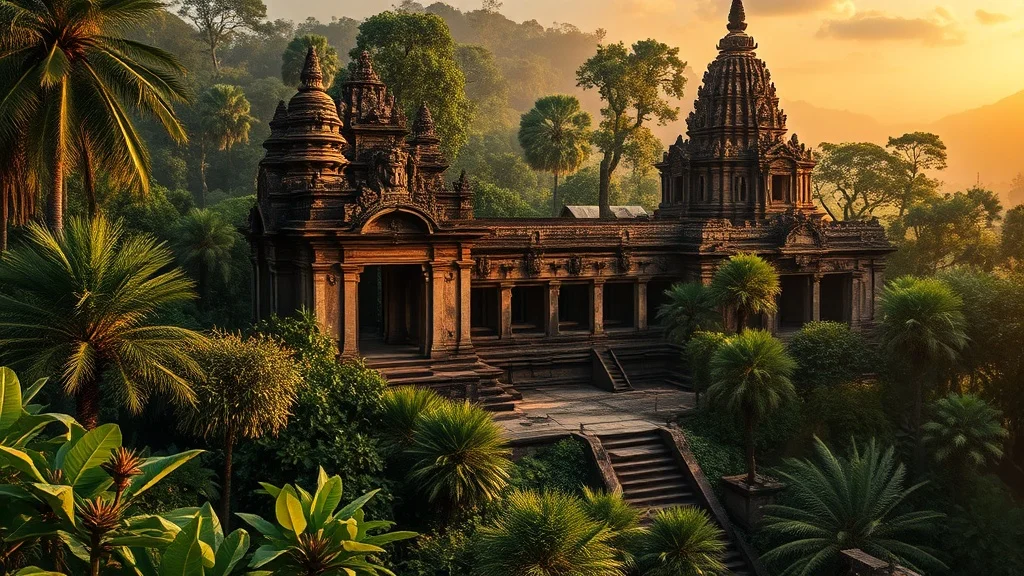
Photorealistic Landscape
Indistinguishable from photo
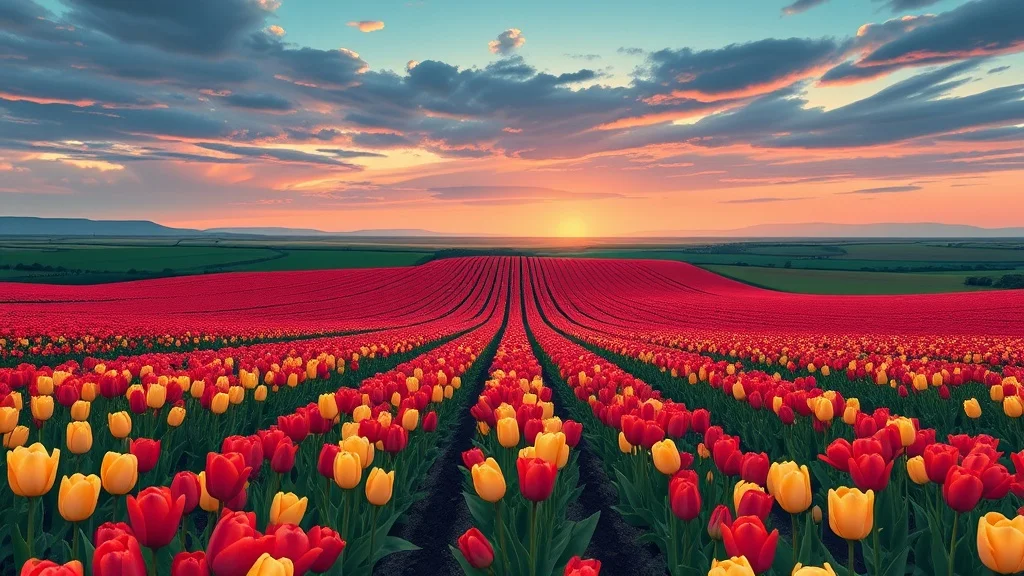
Cartoon Landscape
Fun and approachable
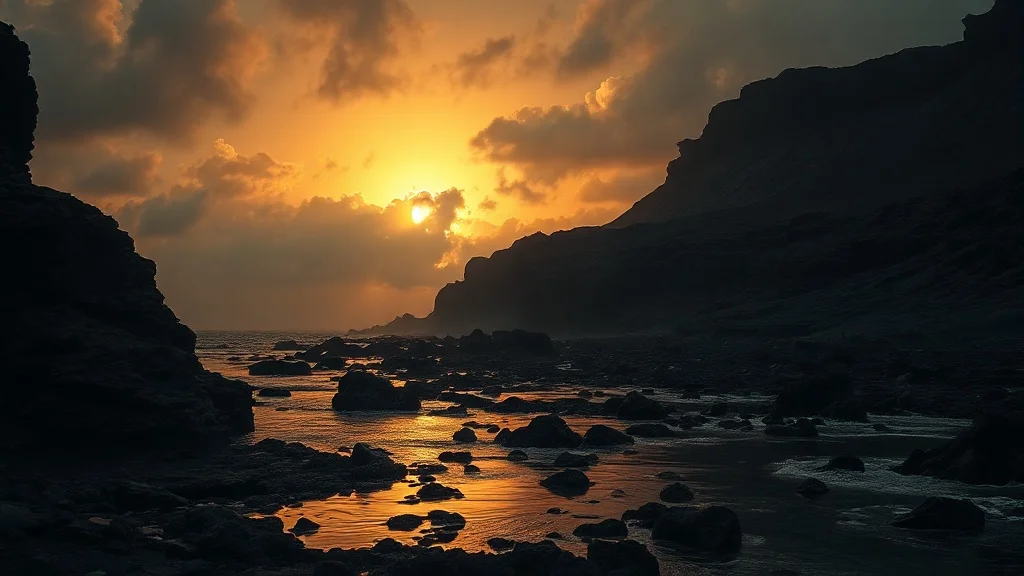
Gothic Landscape
Dark and ornate
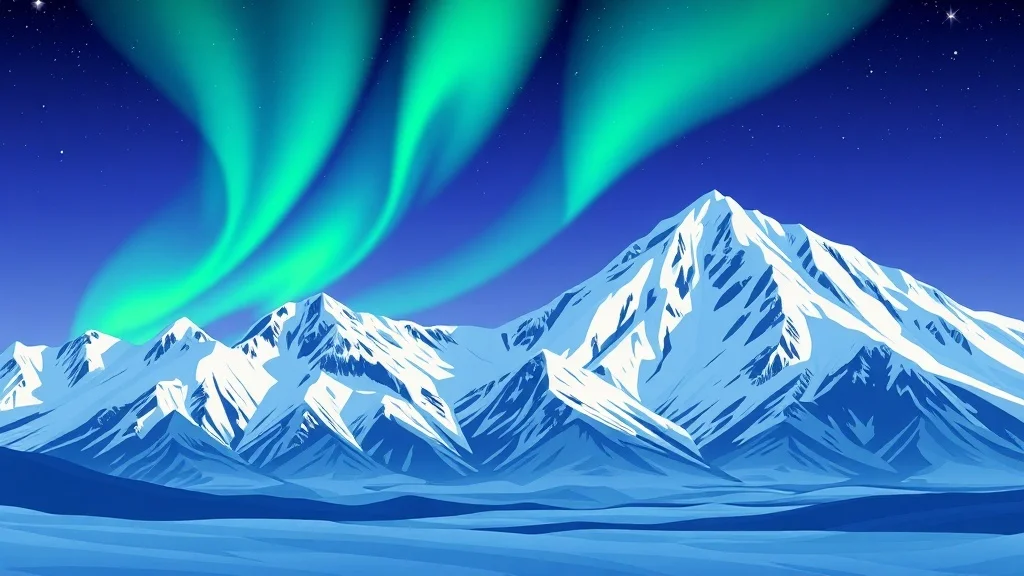
Flat Design Landscape
Modern web vector
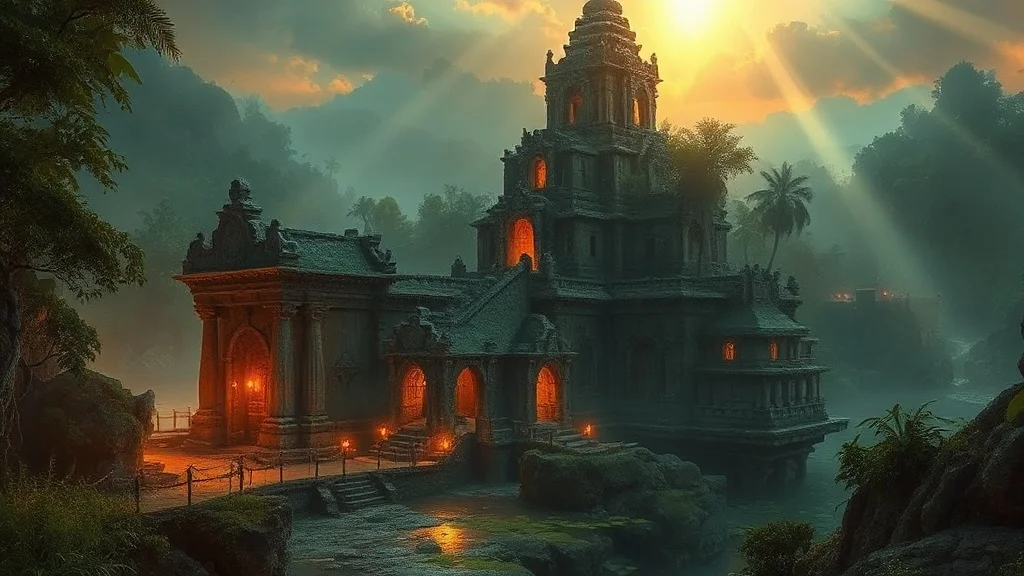
Fantasy Landscape
Epic and magical
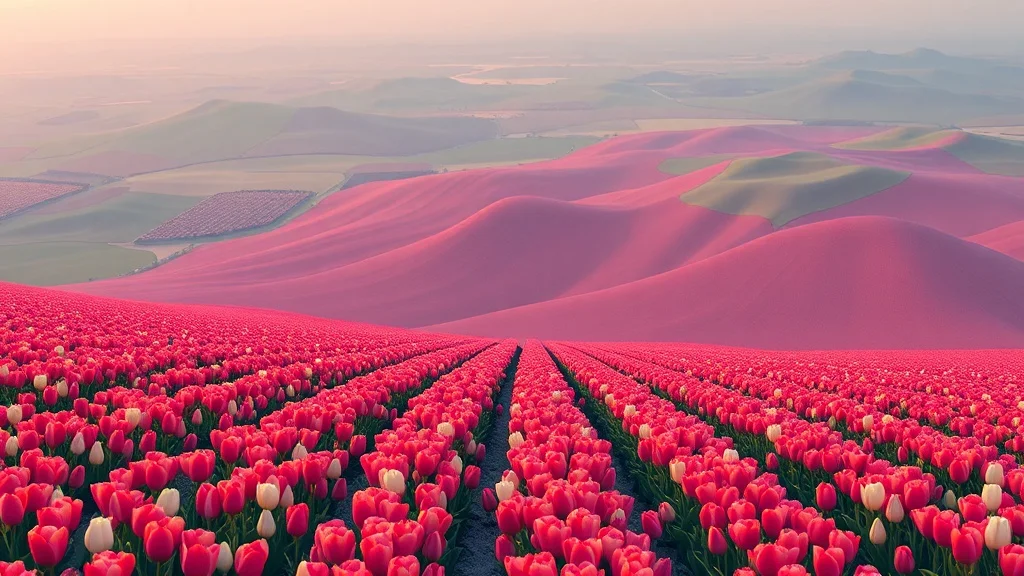
Isometric Landscape
Geometric 3/4 view
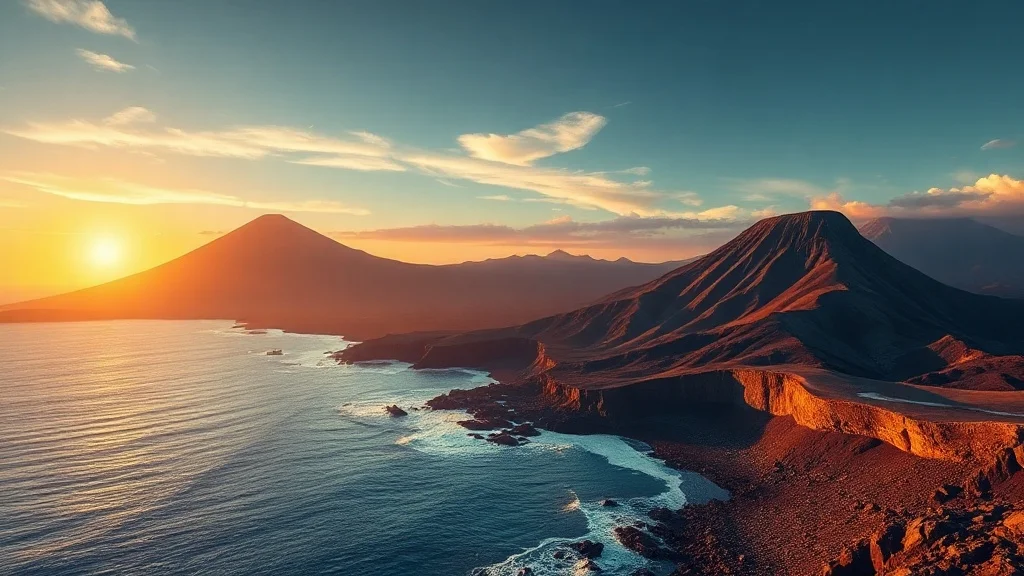
Low Poly Landscape
Geometric polygon art
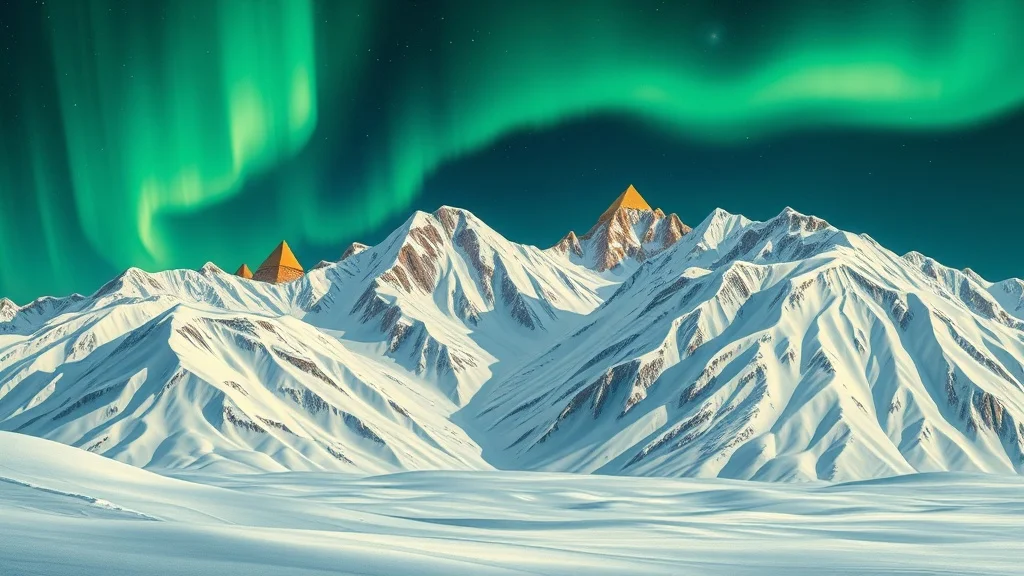
Art Deco Landscape
1920s elegance
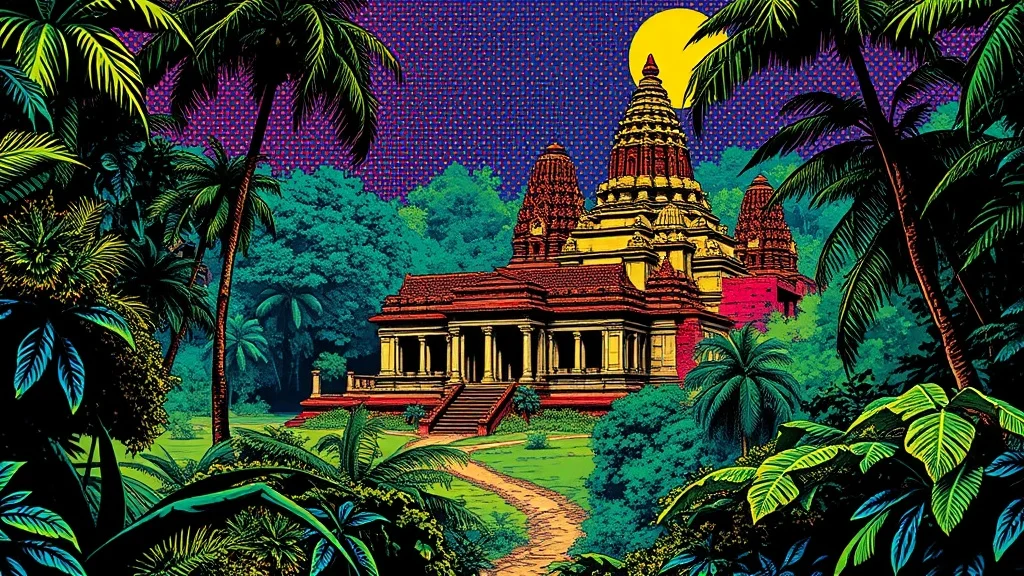
Pop Art Landscape
Bold and graphic
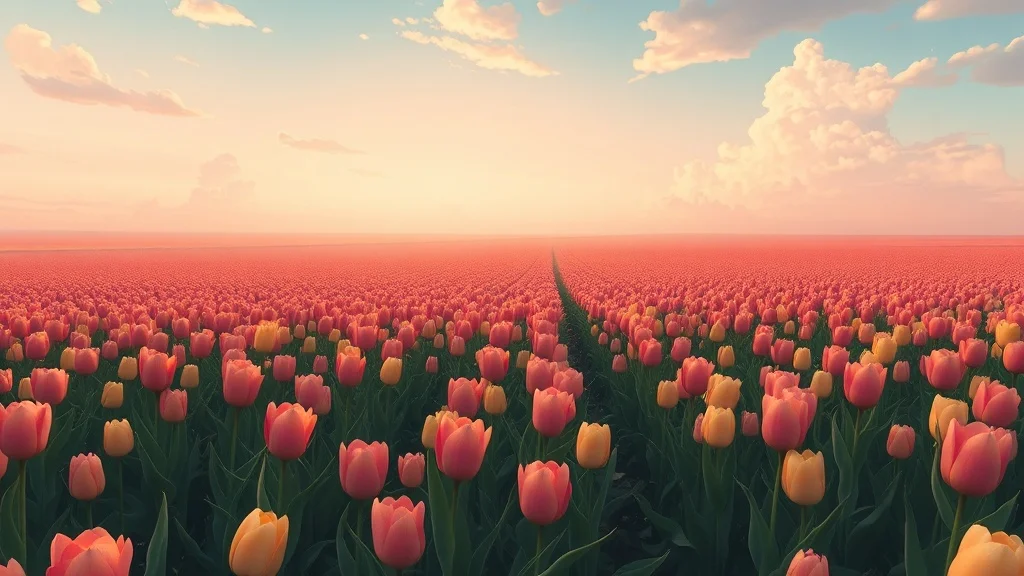
Studio Ghibli Landscape
Miyazaki warmth
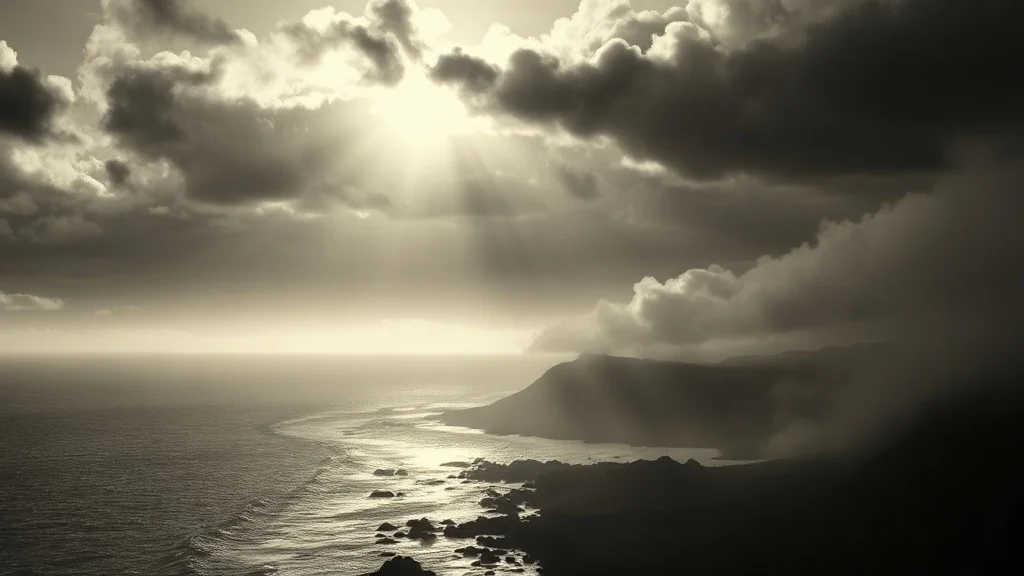
Noir Landscape
Black-and-white drama
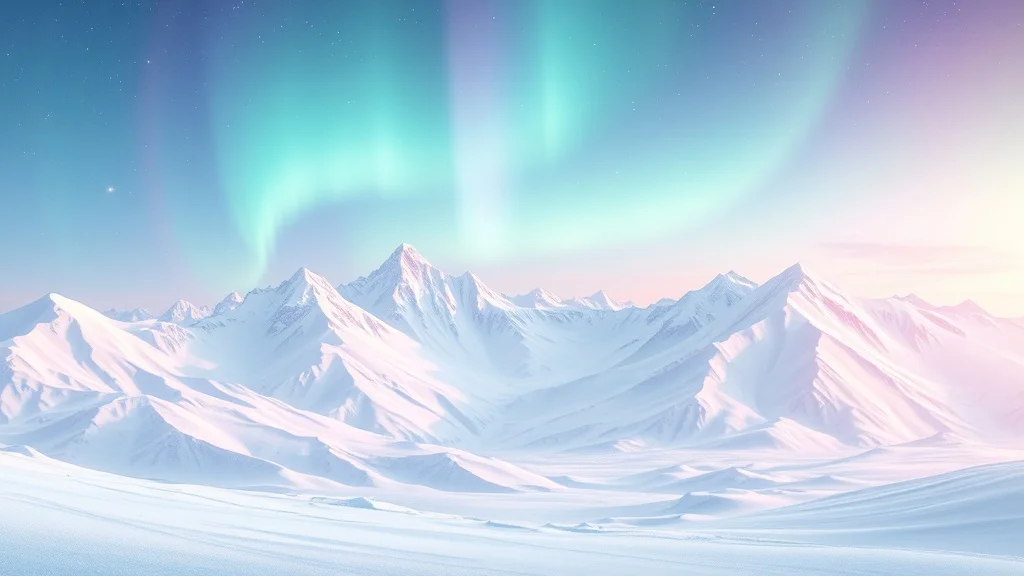
Pastel Landscape
Soft and dreamy
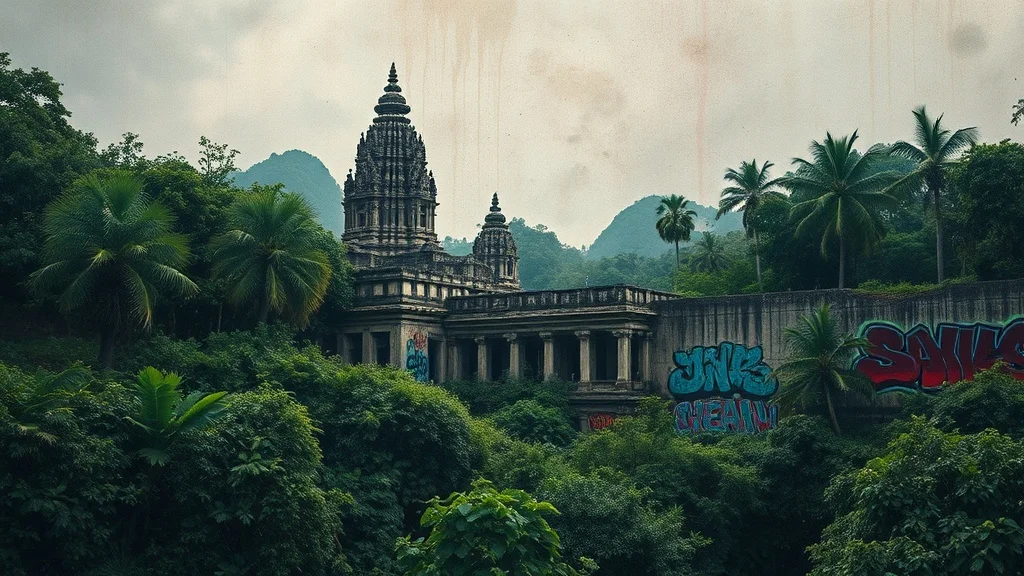
Graffiti Landscape
Urban street art
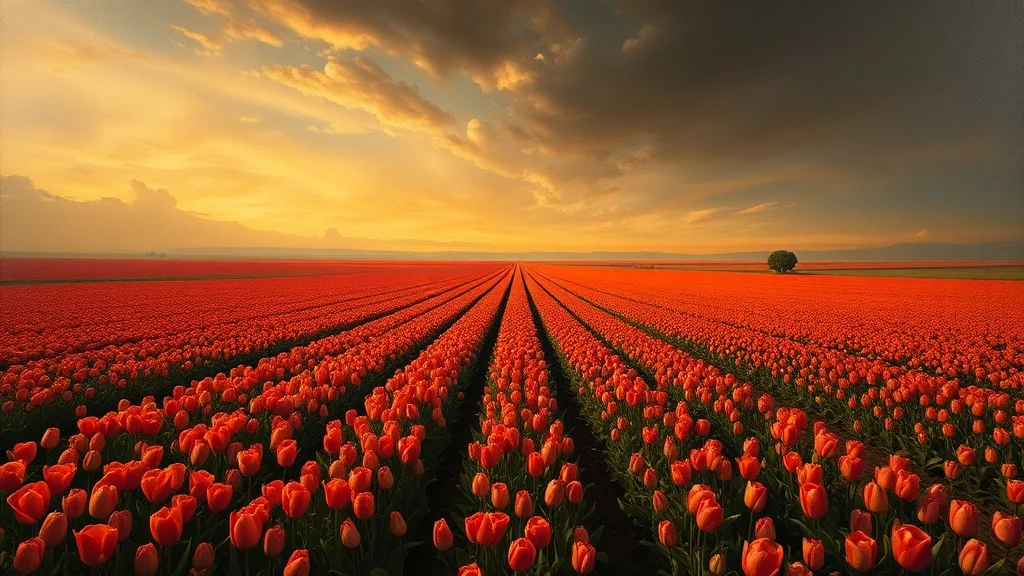
Baroque Landscape
Dramatic classical
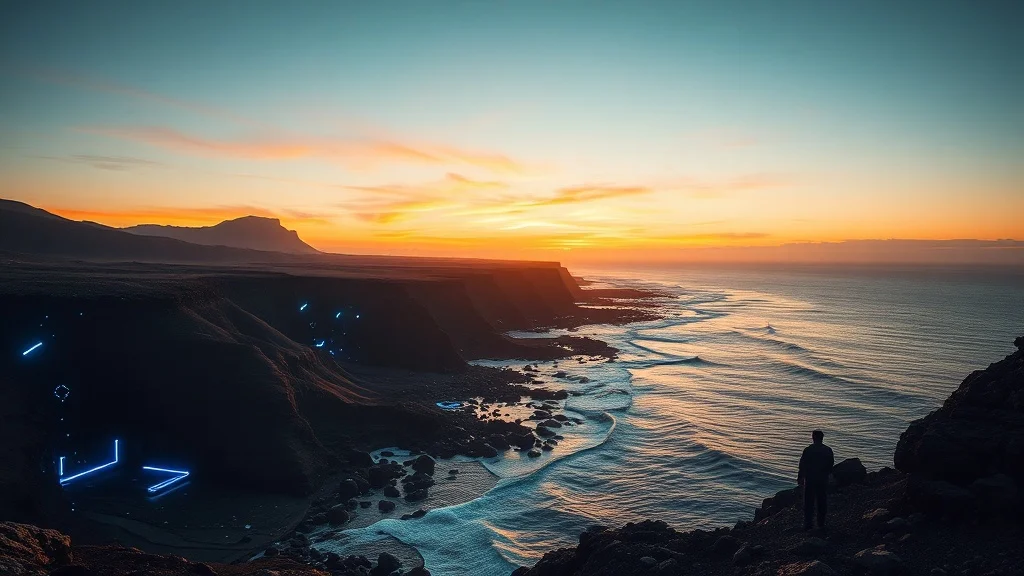
Futuristic Landscape
Sleek sci-fi
FAQ
How does the landscape generator work?
You write a short prompt describing what you want, pick a style, and an AI model generates the image. The model interprets your text and produces a result in 2 to 10 seconds depending on which model you pick. You can iterate on the same prompt or change it entirely. Each generation costs between 1 and 5 credits depending on the model.
Can I use the landscapes commercially?
Yes. Everything you generate on renza is yours to use for any purpose, including commercial work, client deliverables, merchandise, and resale. We don't watermark outputs, don't claim ownership, and don't restrict usage beyond standard rules (no depicting real people without permission, respect trademarks).
How many credits does each landscape cost?
Between 2 and 3 credits depending on the model you pick. Flux Dev and Hyper Realistic cost 2. Ideogram and Nano Banana 2 cost 3. You get 3 free credits when you sign up; train a personal model and generate on a subscription plan after that.
What aspect ratio are landscapes generated at?
The default for landscapes is 16:9. This is the format that works best for concept art, presentations, backgrounds, print. You can change it in the generator if needed (square, 16:9, 9:16, 4:3, 3:4 supported).
Can I generate variations of the same landscape?
Yes. Each Generate click produces a fresh image. Image models are non-deterministic, so the same prompt run twice gives you two different outputs. Tweak one detail (a different adjective, a new noun) to nudge the result, or hit Generate again with the same prompt for a pure variant.
Any tips for a better landscape?
Generate wide and look for natural leading lines, since these double as concept art, wallpapers, or presentation backdrops. And remember the style does the heavy lifting on the look, so spend your prompt describing a strong, specific subject.