Turn your photo into a 3D render
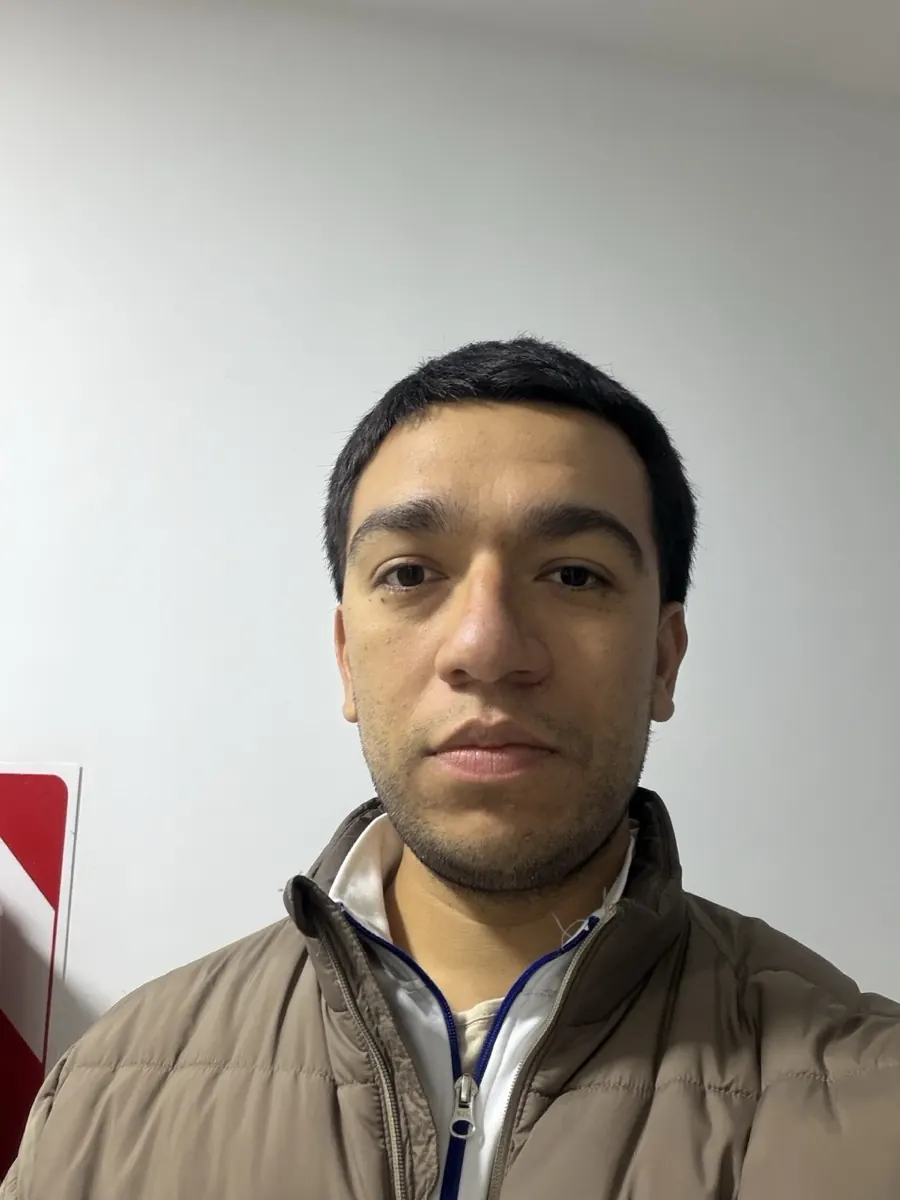
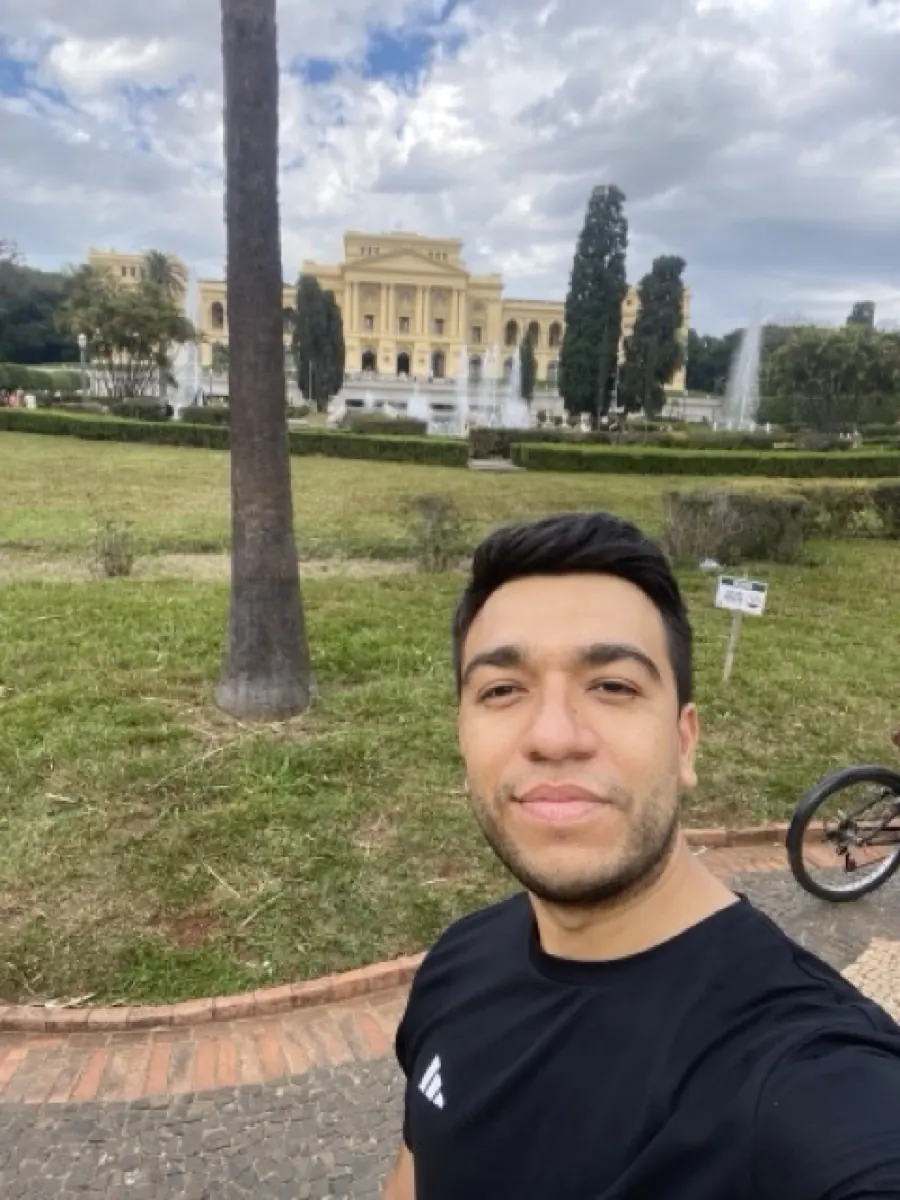
Upload your photo and renza re-renders it as a 3D scene. Ray-traced lighting, subsurface scattering, octane-render quality. Useful for product mockups, character references, game asset placeholders, or just turning a portrait into a hero shot.


No credit card. Free credits at signup.
About this transformation
Photo-to-3D rendering is increasingly popular as a fast alternative to actual 3D modelling. Instead of opening Blender or Cinema 4D and rebuilding a scene from your photo, you upload the photo and the model produces a render-quality output in seconds. Renza uses Nano Banana Pro for 3D conversion because it handles the materials and lighting that define 'CG' look best, proper subsurface scattering on skin, plausible specular highlights, ambient occlusion in crevices. Product photos benefit especially: a phone snap of your physical product becomes a clean render-quality shot suitable for a website hero, ad creative, or pitch deck. For more illustrative 3D (cartoonish or stylized), prompt for 'Pixar style 3D' or use /photo-to-pixar instead.
How to turn a photo into 3D art
Upload your photo, the 3D preset is pre-filled, result in 5 to 15 seconds.



Tips for the best 3D result
Small things that meaningfully improve the output.
Product photos convert best
Photos of physical objects (shoes, headphones, bottles) become spectacular hero renders. Place the object on a neutral background for cleanest results.
Specify rendering style
Default is photorealistic. Try "stylized 3D", "low poly", "clay render", "stop-motion claymation" for very different aesthetics.
Use for landing pages
Turn a phone product shot into a render-quality hero image without booking a 3D artist. Useful for indie brands, Etsy stores, Kickstarter pages.
Upscale for print
After generating, run through /enhance to upscale 2× or 4× with Topaz. Critical for print or large-format ad use.
Try photo to 3d on your photo
Upload any image, get your 3D version in seconds.
Open the editor →No credit card. Free credits at signup.
Frequently asked questions
Is this an actual 3D model I can edit?
No, the output is a rendered image, not a 3D mesh. If you need an editable 3D model (.obj, .glb), you need a true image-to-3D tool. Renza produces a 2D image that *looks* like a render.
Why use Nano Banana Pro instead of regular Nano Banana?
Nano Banana Pro has higher fidelity for hero-quality renders. Materials look more believable, lighting is more nuanced. Costs slightly more credits but worth it for product or portrait hero shots.
How long does it take?
10–25 seconds. Pro models are slightly slower than base.
Cost?
Around 5–7 credits per conversion through Nano Banana Pro. Credit packs from $4.99.
Commercial use?
Yes. The output is fully yours to use for any commercial purpose.