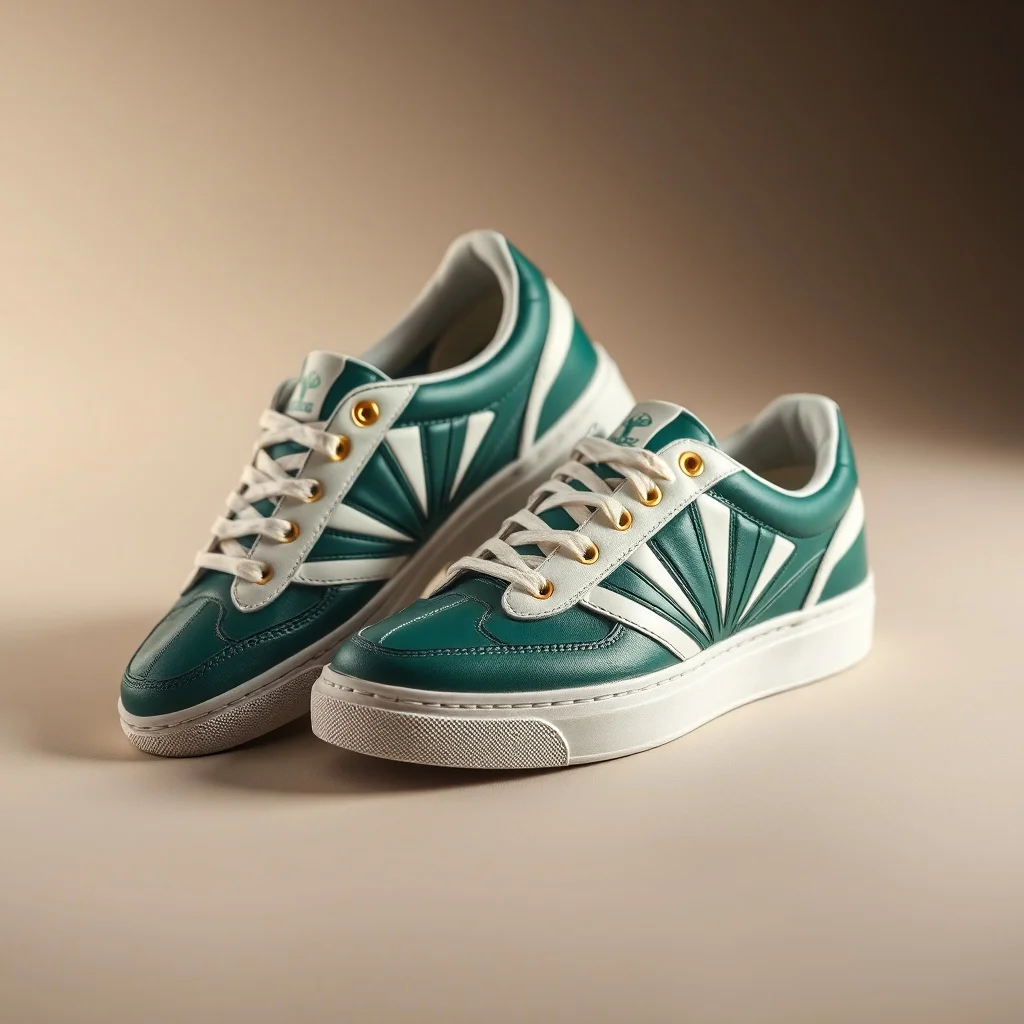
Art Deco Wallpaper Generator
Want a wallpaper that genuinely reads as art deco? Art Deco is geometric luxury, built on symmetrical patterns, gold accents, sunburst motifs, and the elegance of 1920s Paris. renza applies that look from the first pixel, so you get symmetrical geometry and gold-leaf accents, not a plain wallpaper with a filter dropped on top.
A wallpaper needs depth and breathing room, with the focal interest set off to one side so your icons and clock do not fight it. Deep emerald and ivory with gold. The look traces back to 1920s Paris, from the Expo to the Chrysler Building, and renza bakes it into a prompt tuned for art deco wallpapers before sending it to a high-fidelity image model. You get a result in a few seconds that you can refine or download, and every image is yours to keep. Generate in the aspect ratio that matches your screen, and keep the center calmer so icons and widgets stay legible on top.
- 3 free credits to start
- No credit card
- Commercial use, you own it
- No watermark
- Results in seconds
What defines the art deco style
Art Deco is geometric luxury, built on symmetrical patterns, gold accents, sunburst motifs, and the elegance of 1920s Paris.
Deep emerald and ivory with gold. The look traces back to 1920s Paris, from the Expo to the Chrysler Building, and on a wallpaper it gives you a result that feels deliberate rather than generic.
Pro tip · Ask for symmetry and metallic accents, since Deco is all about ordered, gilded geometry.
- Symmetrical geometry
- Gold-leaf accents
- Sunburst and fan motifs
- Stepped pyramid forms
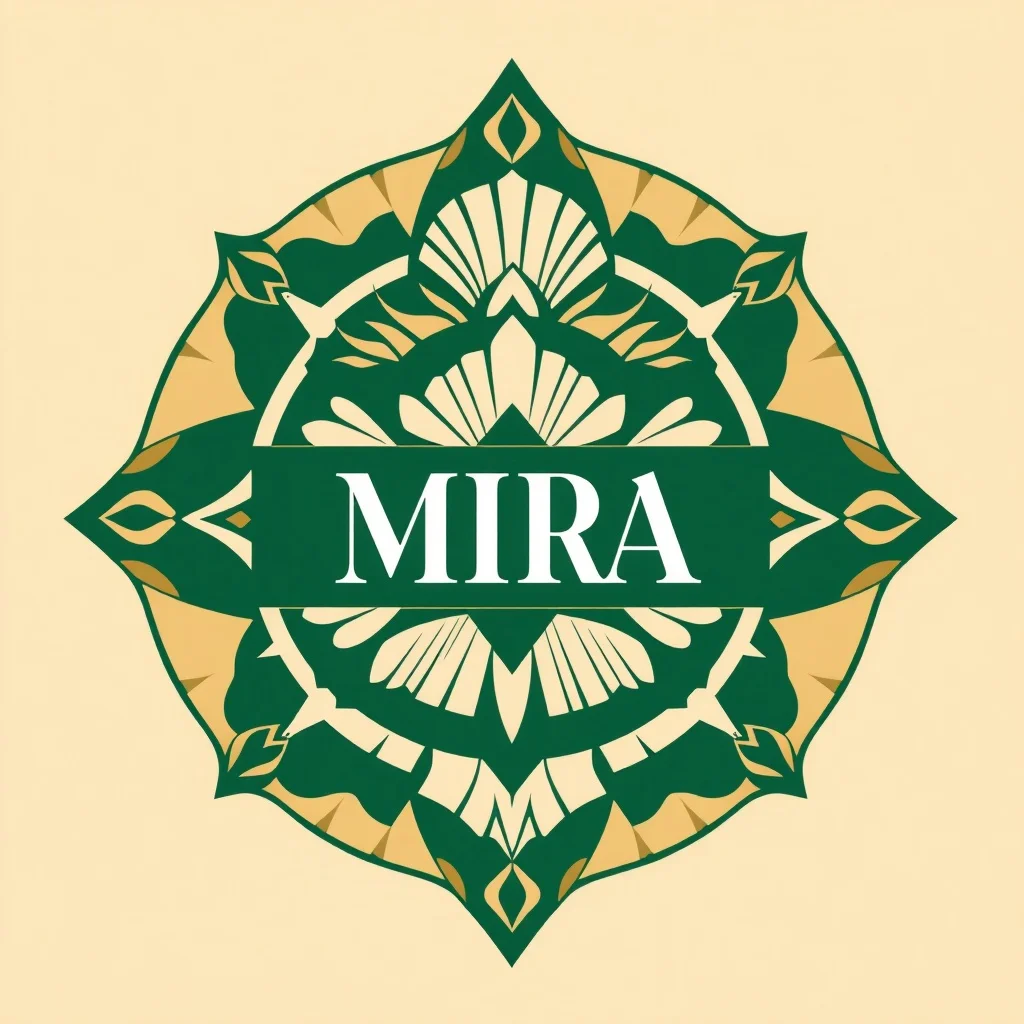
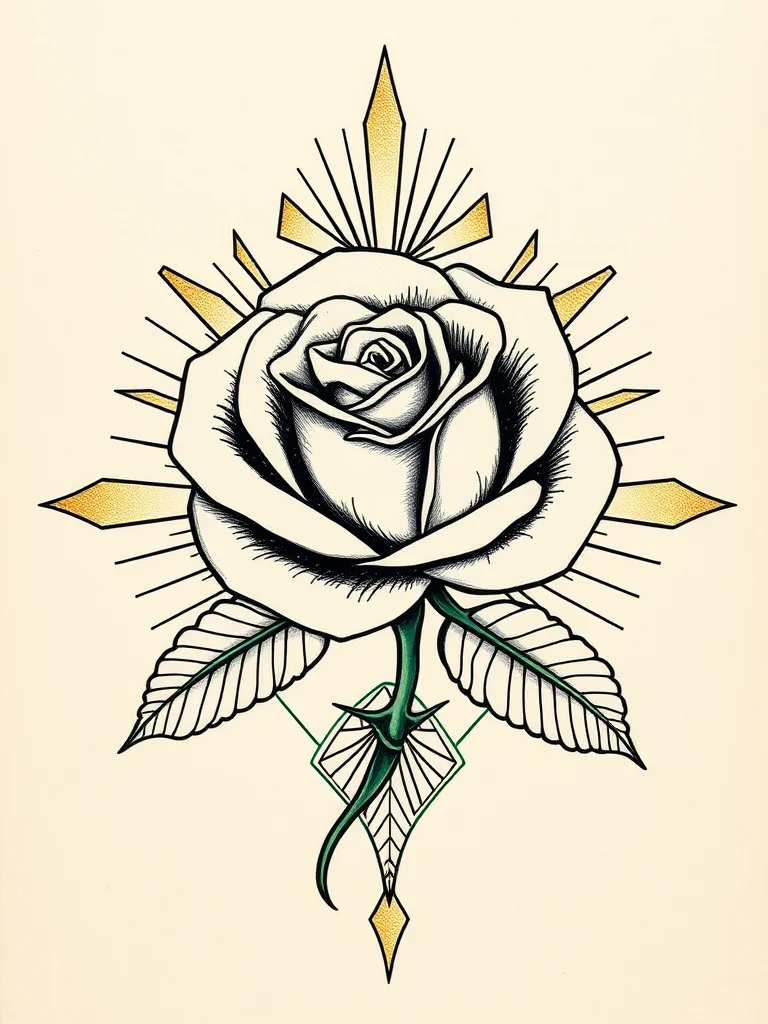
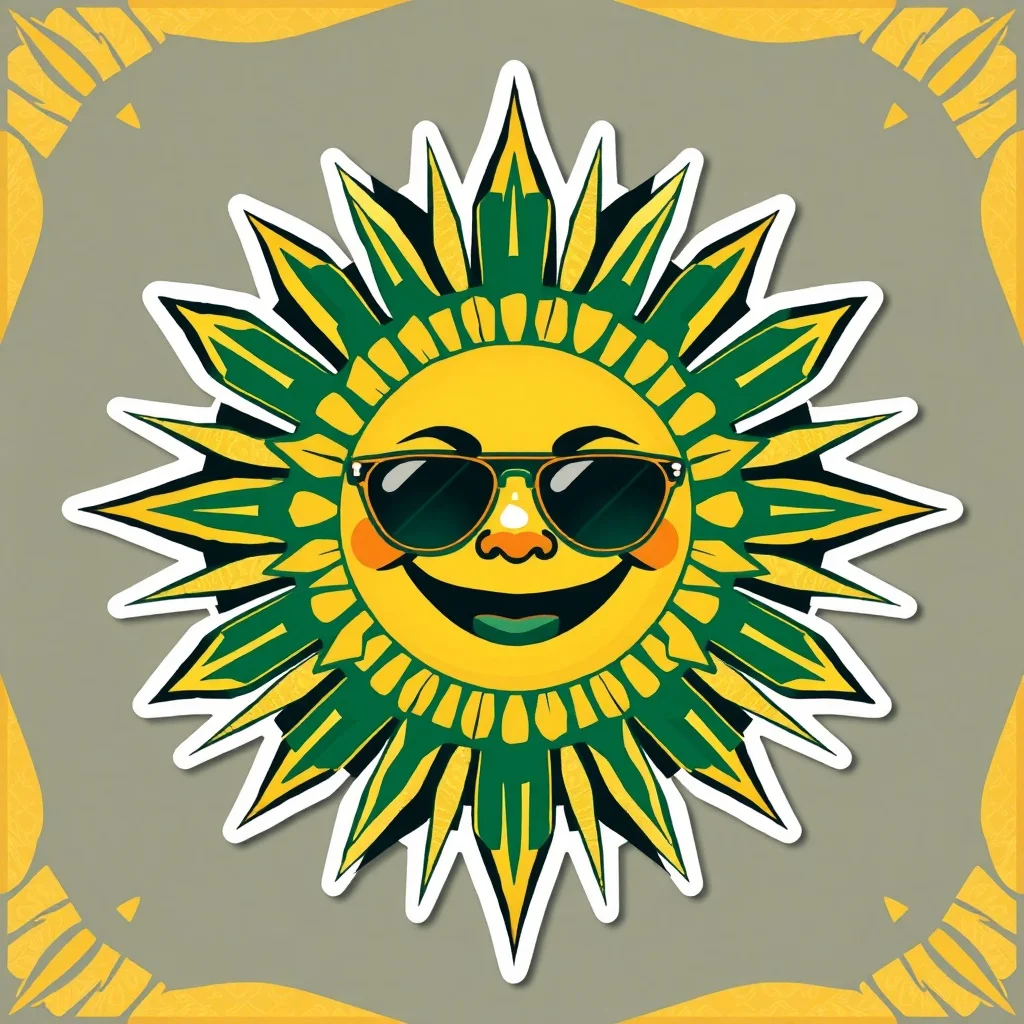
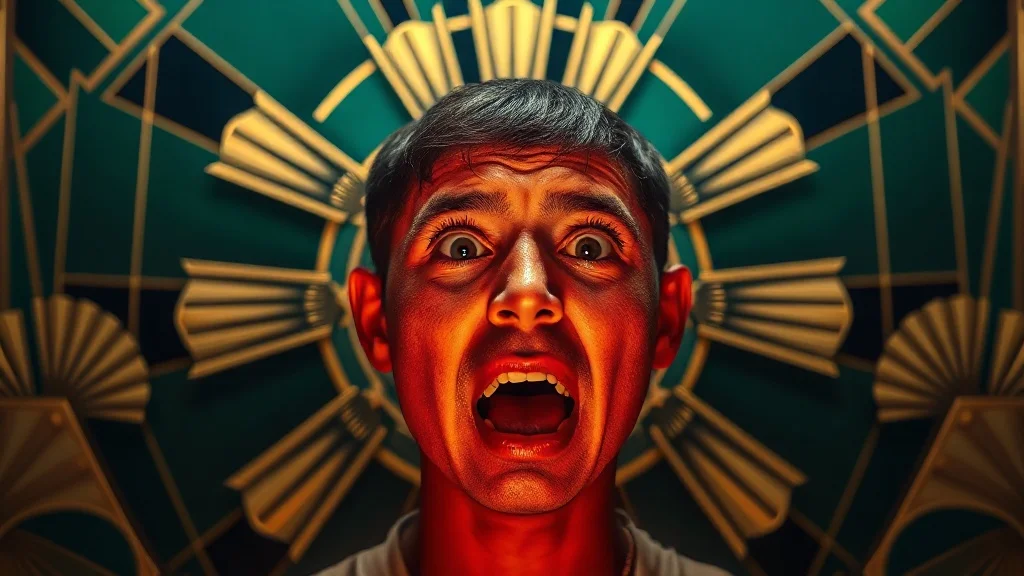
Art Deco wallpaper examples
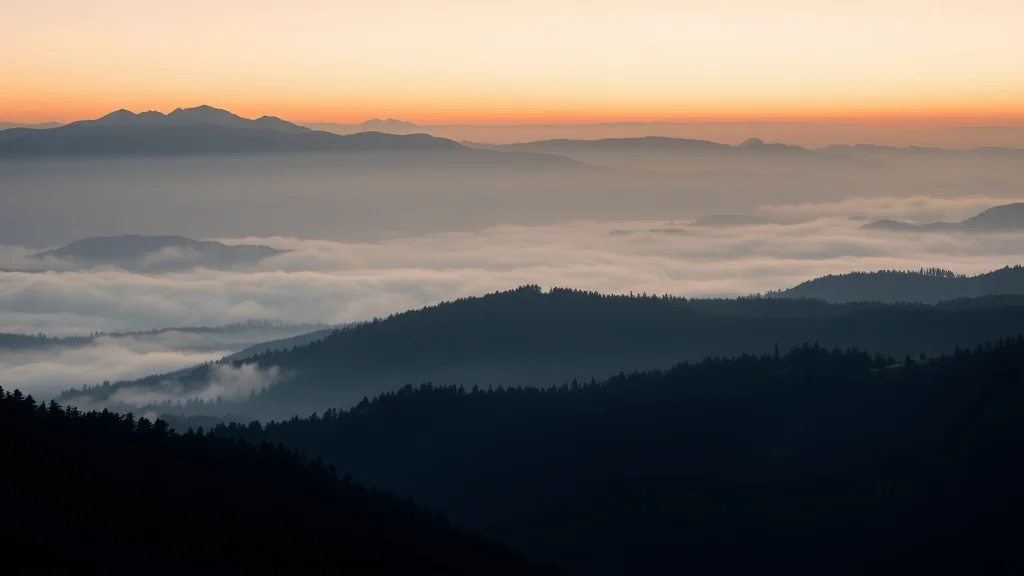
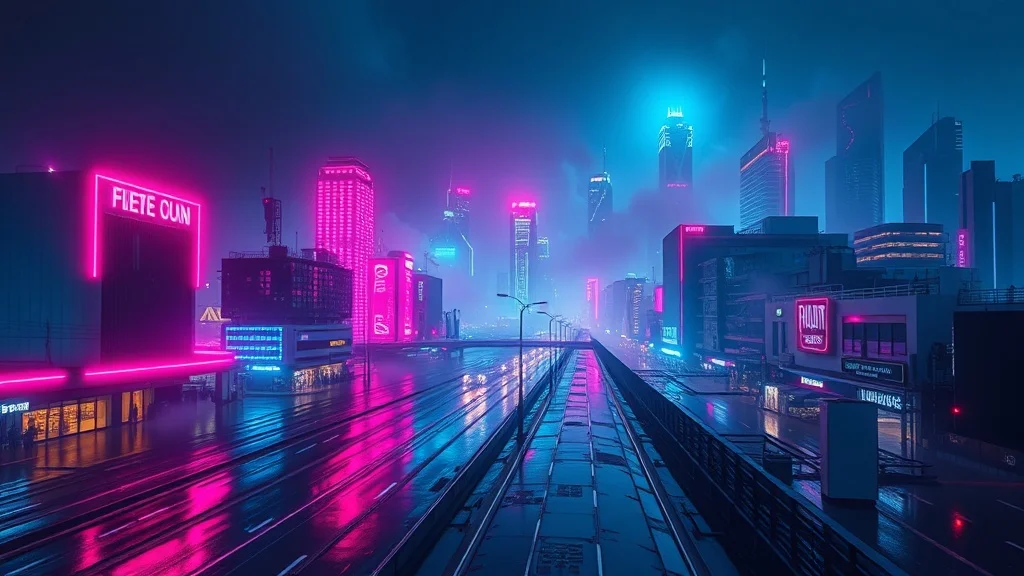
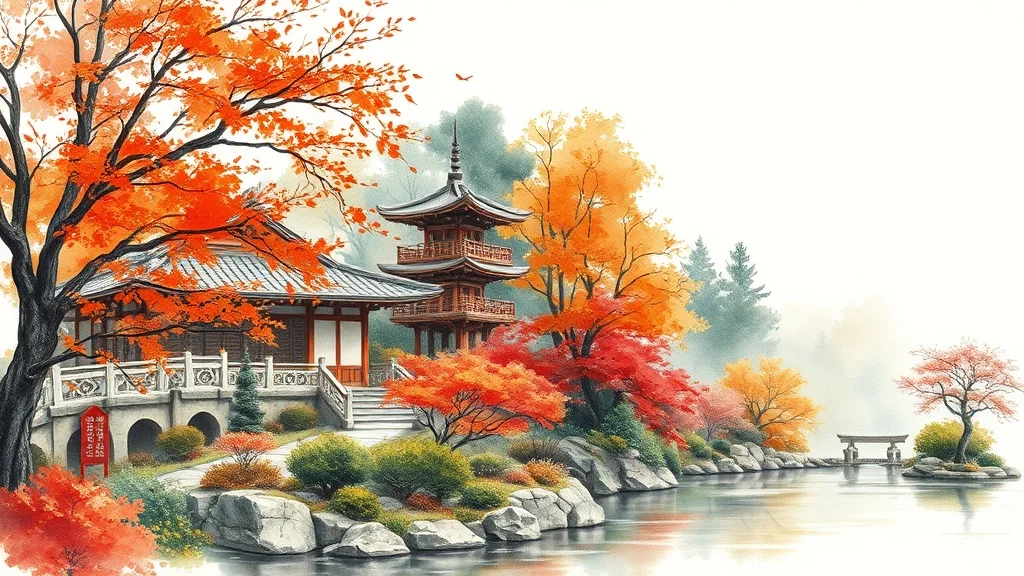
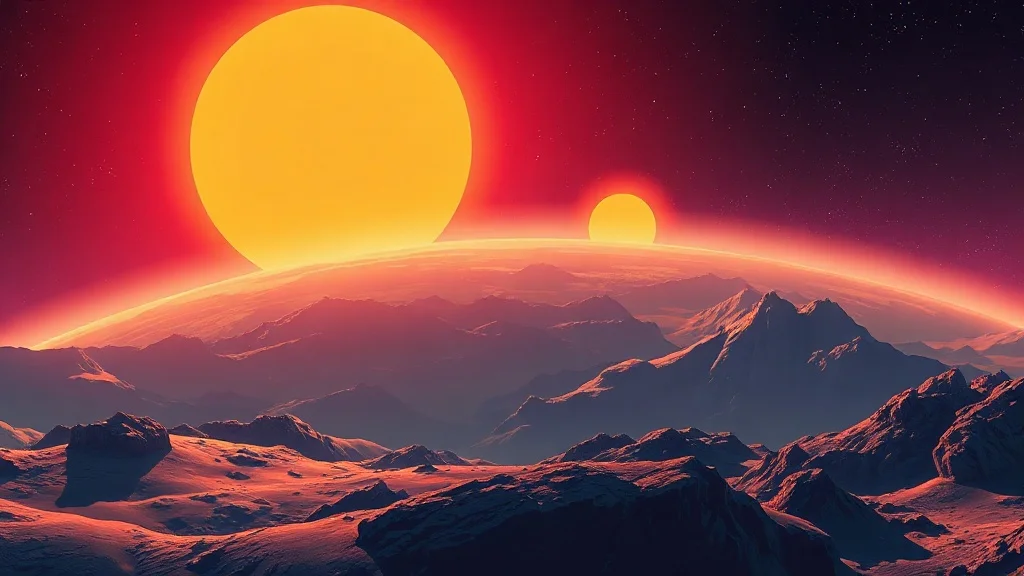
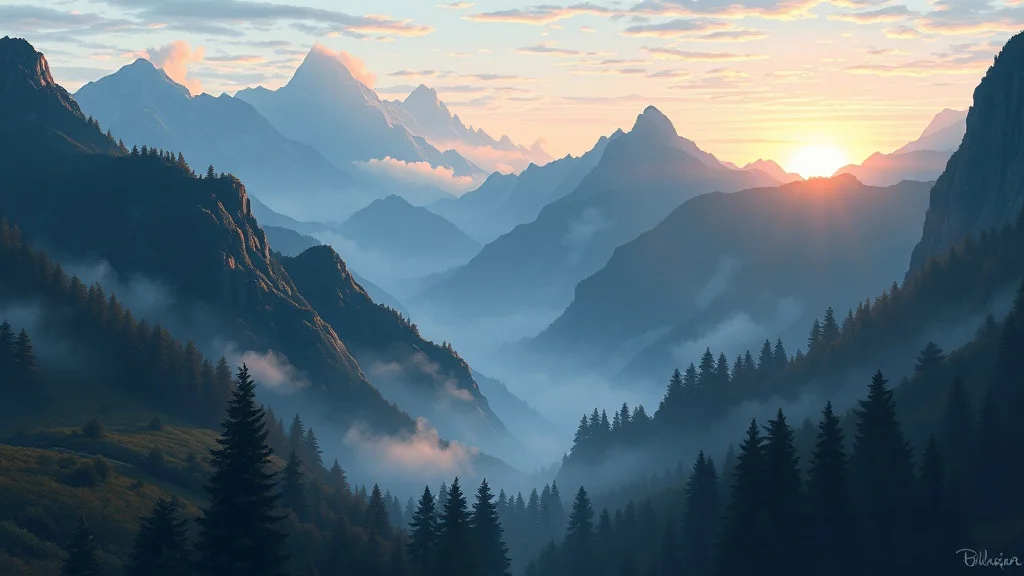
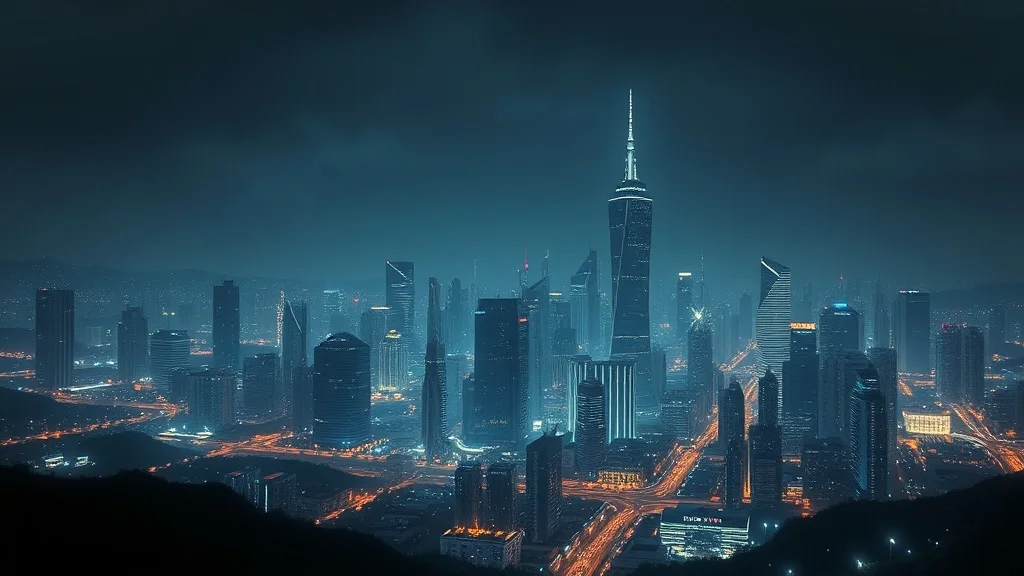
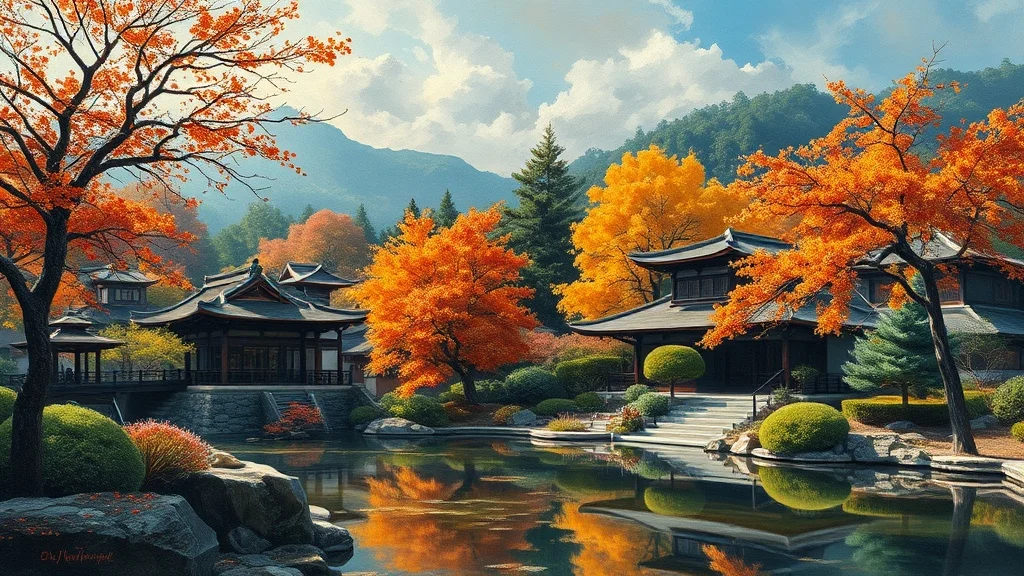
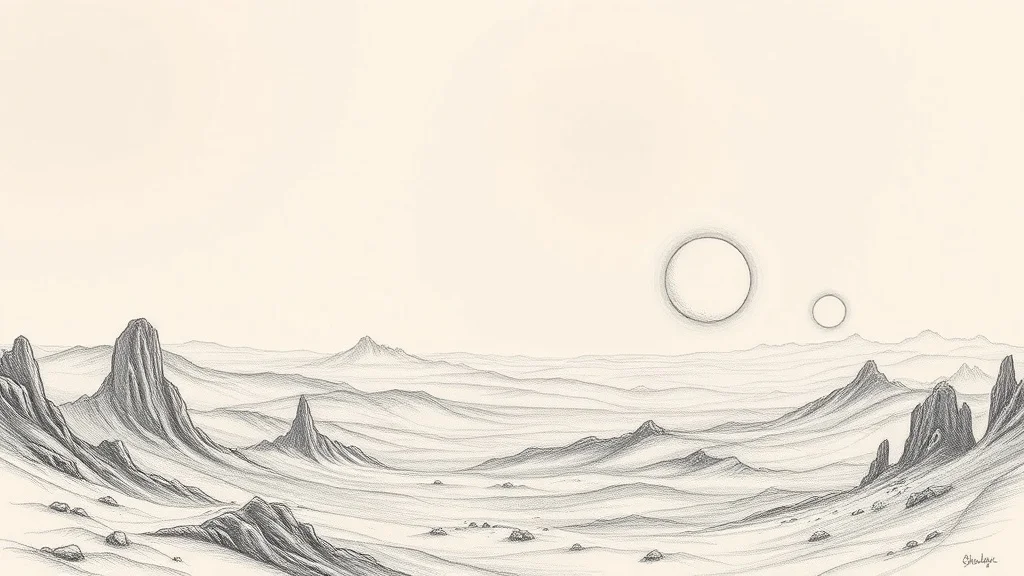
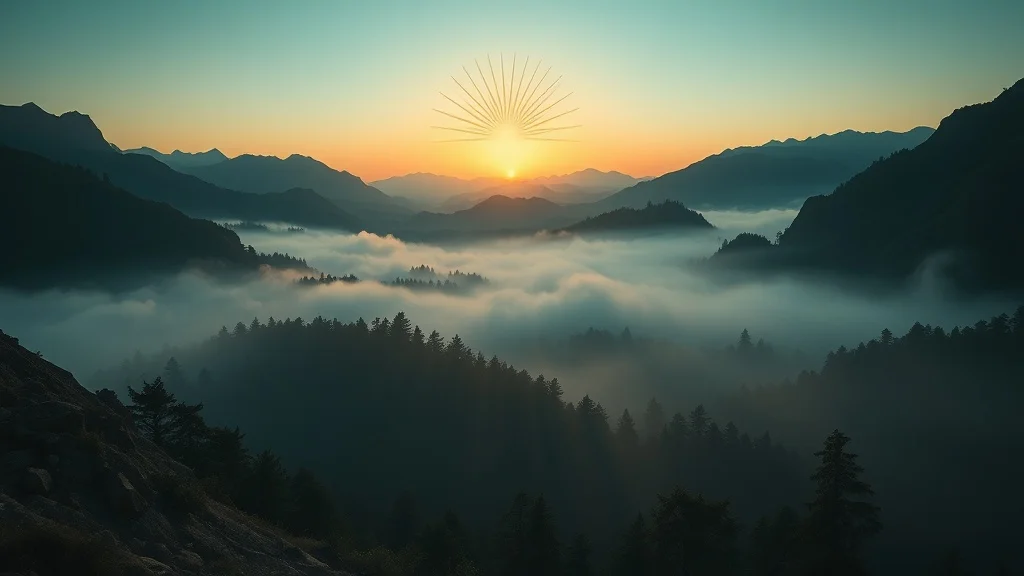
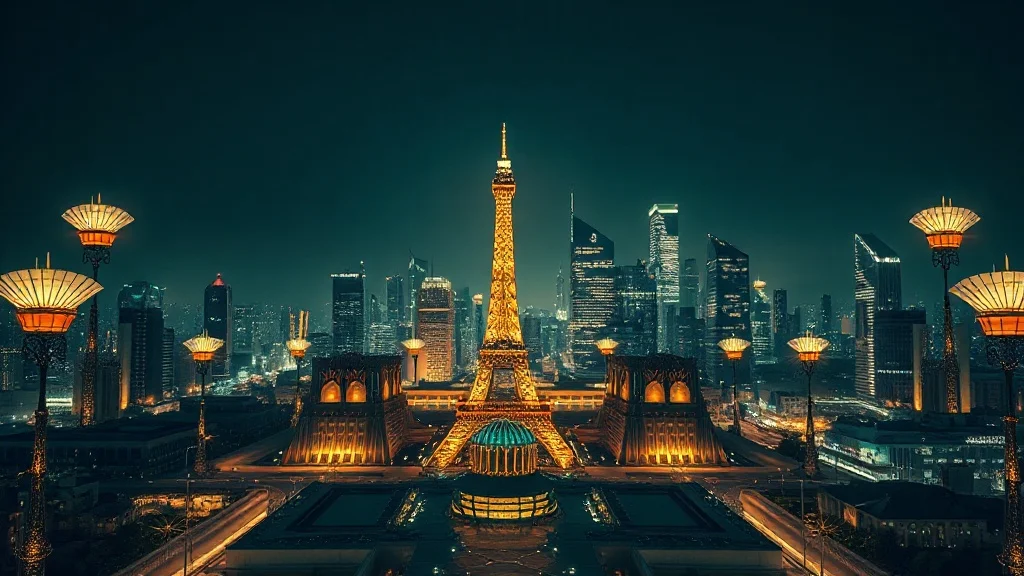
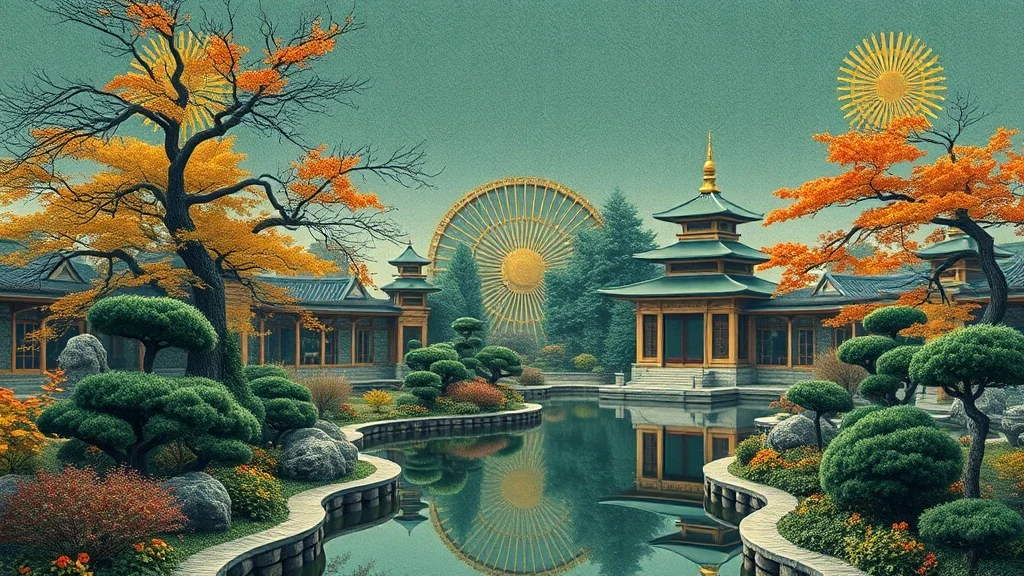
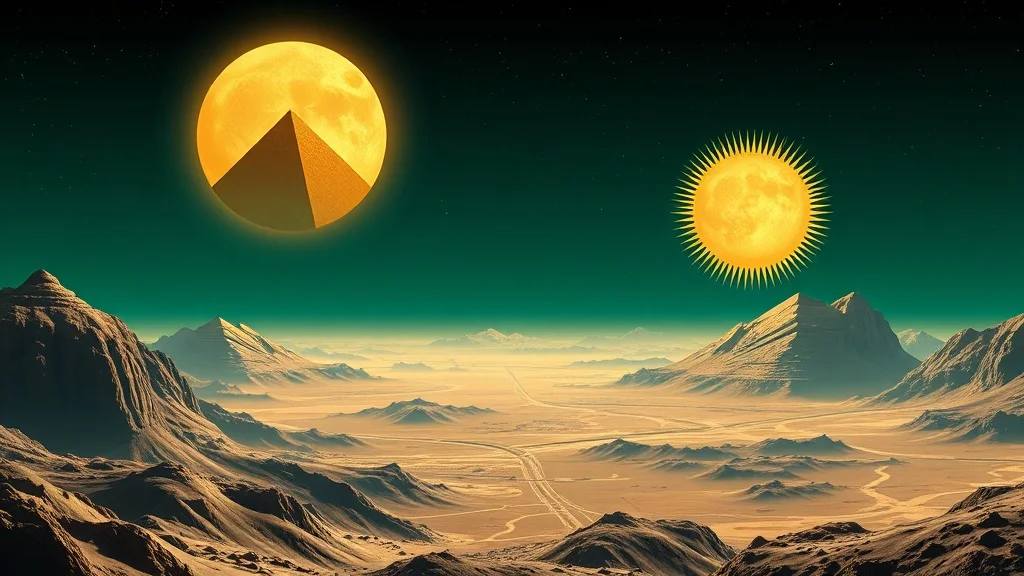
Generated with the same model and style. Click any to open the generator with that prompt loaded.
How to generate a art deco wallpaper
- 1 Write your prompt
Describe what you want. Be specific. Example: "a misty mountain valley at dawn". The more concrete the description, the better the result.
- 2 Confirm the art deco style
The style is already applied. You don't need to mention "art deco" in your prompt unless you want to emphasize a specific aspect of it.
- 3 Generate
Click Generate. You'll get a wallpaper back in a few seconds. Each click costs 1 credit on the default model.
- 4 Iterate
Not quite right? Tweak the prompt and run it again. Even small changes (one new adjective, one different noun) can shift the output significantly.
Tips for better prompts
- · Describe the subject first, then the context. "A blue mug on oak wood" works better than "blue mug".
- · Ask for symmetry and metallic accents, since Deco is all about ordered, gilded geometry.
- · The art deco style is already mixed into your prompt. You don't need to repeat "art deco" in your text.
- · Think in nouns. For wallpaper, naming a specific material, mood, or setting moves the result more than piling on adjectives.
- · Stuck? Open one of the example prompts from the gallery and tweak a single detail.
Frequently asked questions
What makes a good Art Deco wallpaper?
A wallpaper needs depth and breathing room, with the focal interest set off to one side so your icons and clock do not fight it. In the art deco style specifically, that means leaning into symmetrical geometry, gold-leaf accents, and sunburst and fan motifs rather than fighting them. renza already tunes the prompt in that direction, so your job is mostly to describe a strong subject and let the style do the rest.
Which model works best for a art deco wallpaper?
For art deco work, Ideogram handles the precise symmetry and the elegant lettering Deco often calls for. You can switch models from the dropdown before you generate: Flux Dev is the fast all-rounder, Hyper Realistic is built for photoreal detail, Ideogram handles text inside the image, and Nano Banana 2 is the premium pick for the most demanding results. If you are just exploring, start on Flux Dev and only switch up if the art deco look needs it.
Can I use my art deco wallpaper commercially?
Yes. Every image you generate on renza is yours, including for commercial use such as client work, merchandise, print-on-demand, and resale. We don't watermark or claim ownership. The only limits: don't generate real, identifiable people without permission, and respect trademarks. Beyond that, the wallpaper is yours.
How long does each wallpaper take to generate?
Around 6 to 12 seconds on the default model (Flux Dev). Heavier models like Nano Banana 2 take 10 to 25 seconds. There's no queue, so you see the image as soon as it's rendered and can iterate quickly, which matters because most wallpapers land after a few tries rather than the first one.
What if art deco isn't the right style for my wallpaper?
You have 23 other styles to try, each tuned for a different look. Jump to the Wallpaper generator hub to browse them all, or check the "More generators in Art Deco style" section below if you like art deco but want a different category. You can also nudge the result with your own modifiers, like "art deco but warmer" or "art deco with more contrast".
Any tips before I generate my wallpaper?
Generate in the aspect ratio that matches your screen, and keep the center calmer so icons and widgets stay legible on top. And one art deco-specific note: ask for symmetry and metallic accents, since Deco is all about ordered, gilded geometry.