Isometric AI Generator
Isometric art views the scene from a fixed three-quarter angle with no perspective distortion, which keeps it clean, technical, and tile-friendly.
Pick a category below to apply the isometric style to your generation. Same prompt, Flux Dev or any model you like, the isometric aesthetic baked in.
- 3 free credits to start
- No credit card
- Commercial use, you own it
- No watermark
- Results in seconds
Isometric generators
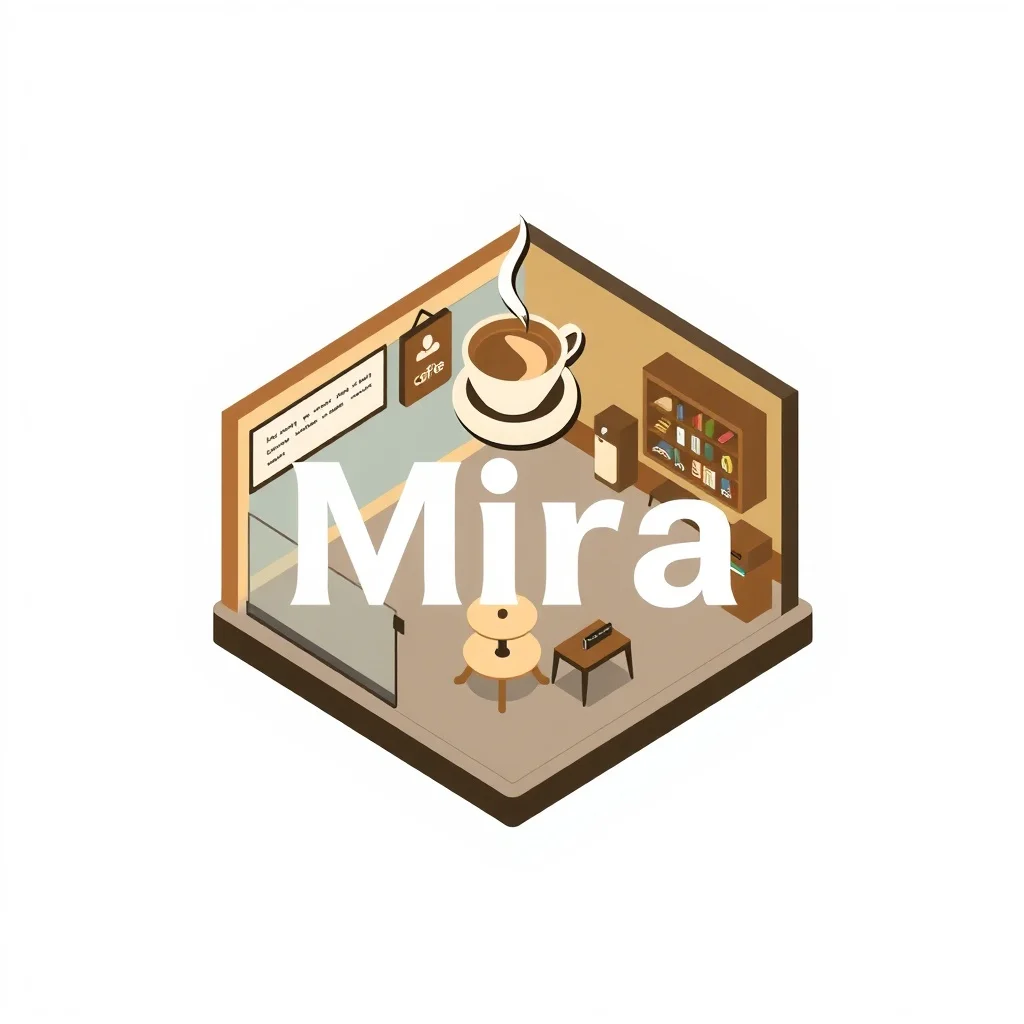
IsometricLogo
Make a logo for your brand
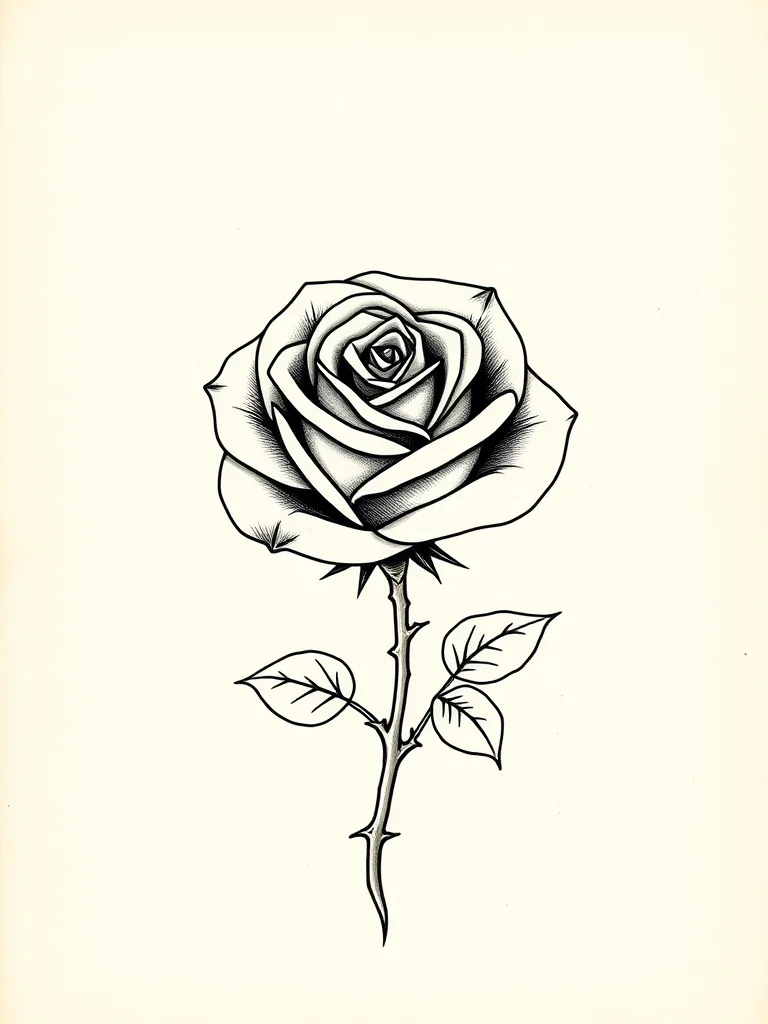
IsometricTattoo
Design a tattoo before you ink it
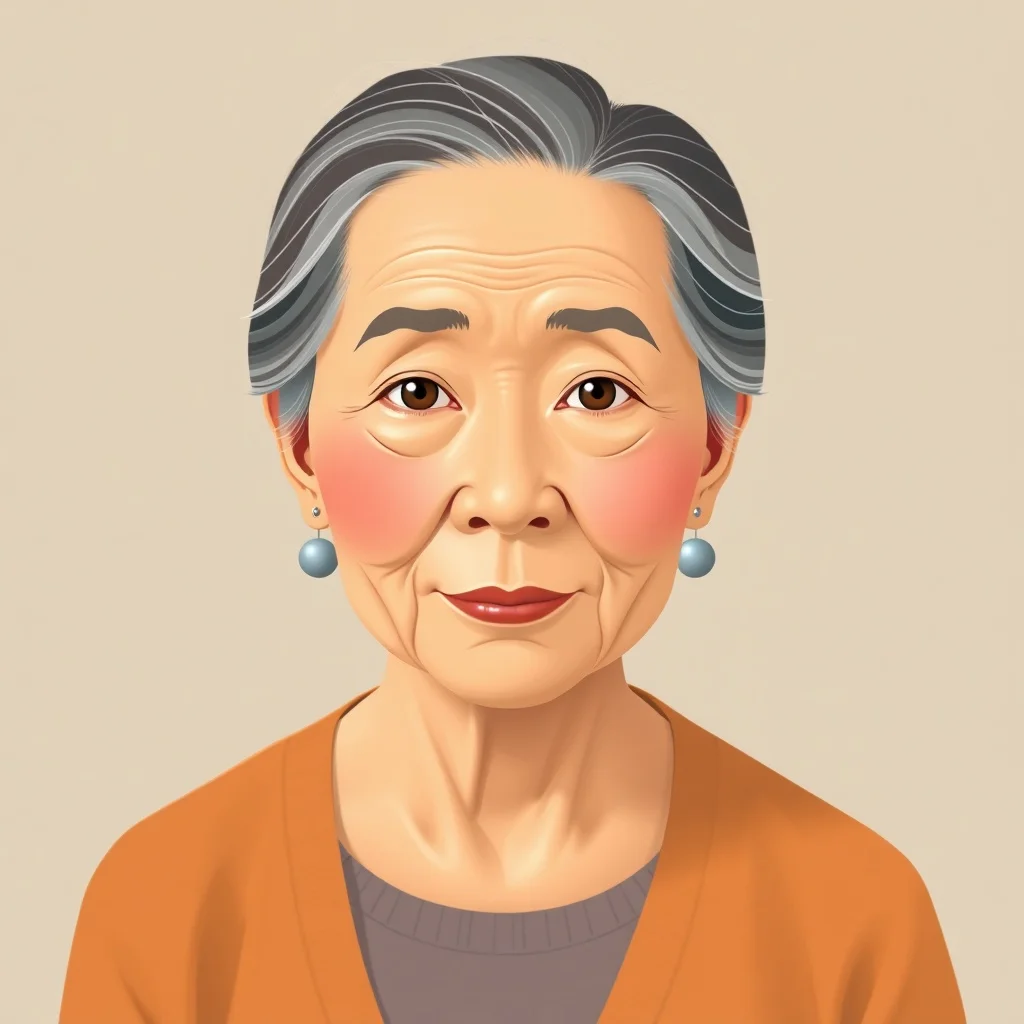
IsometricAvatar
Profile pictures and avatars
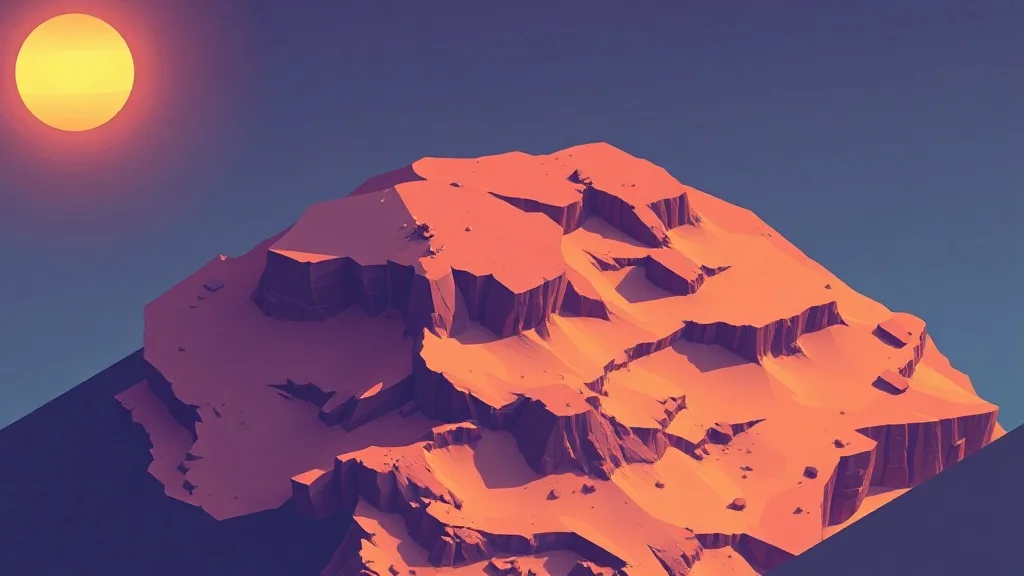
IsometricWallpaper
Wallpapers for desktop and phone

IsometricSticker
Custom stickers for chat apps and print

IsometricYouTube Thumbnail
Thumbnails that get clicks
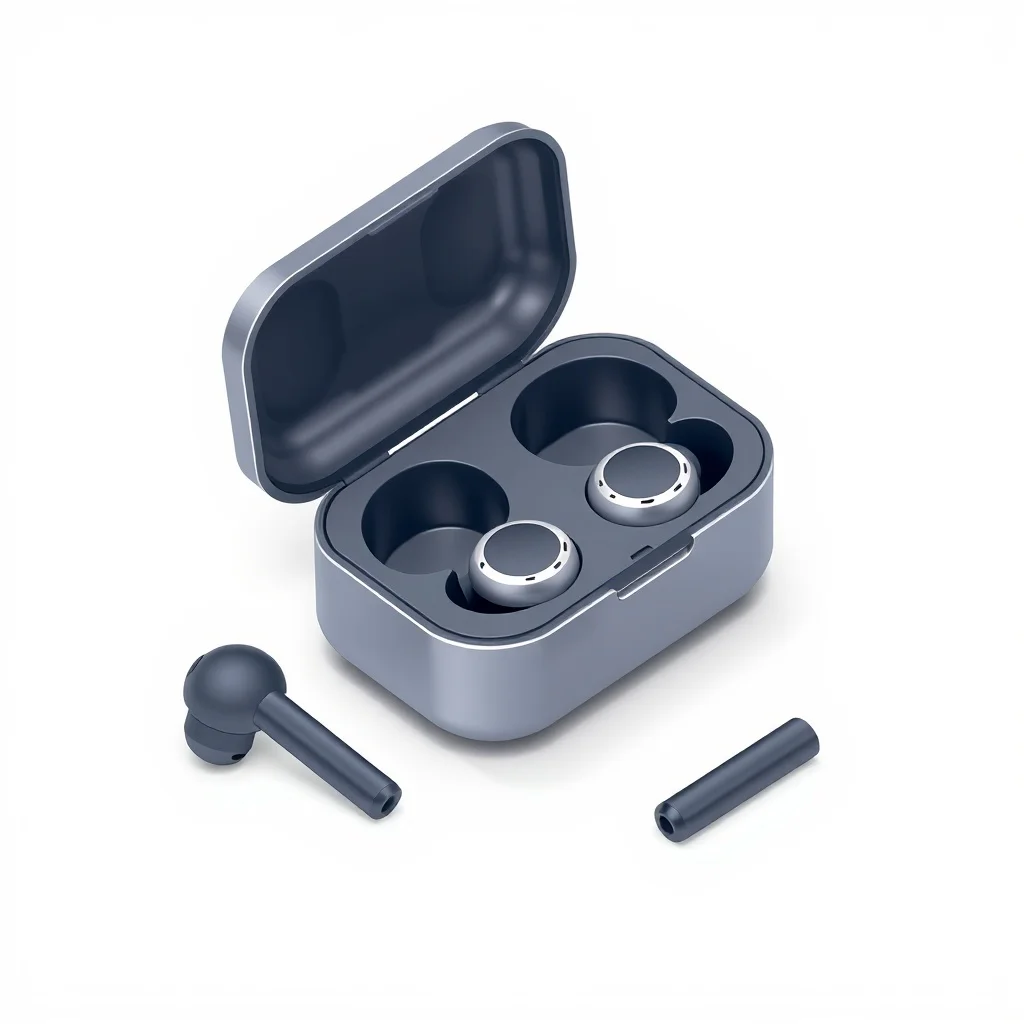
IsometricProduct Photo
Studio shots without the studio
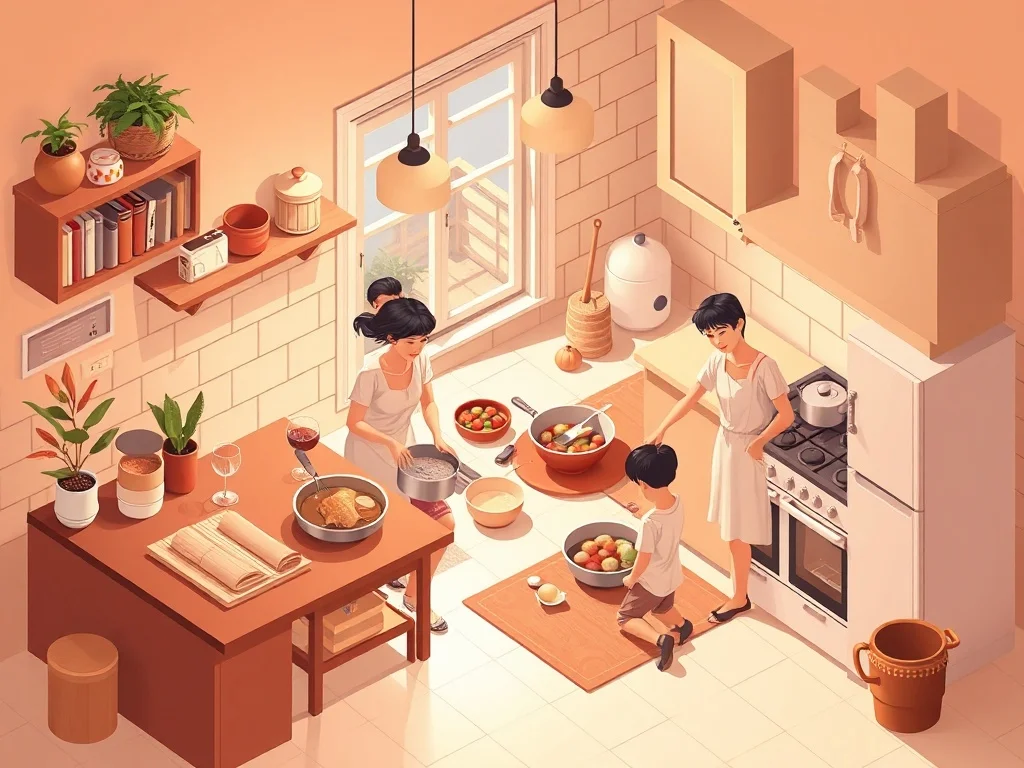
IsometricIllustration
Illustrations for blogs, apps, books
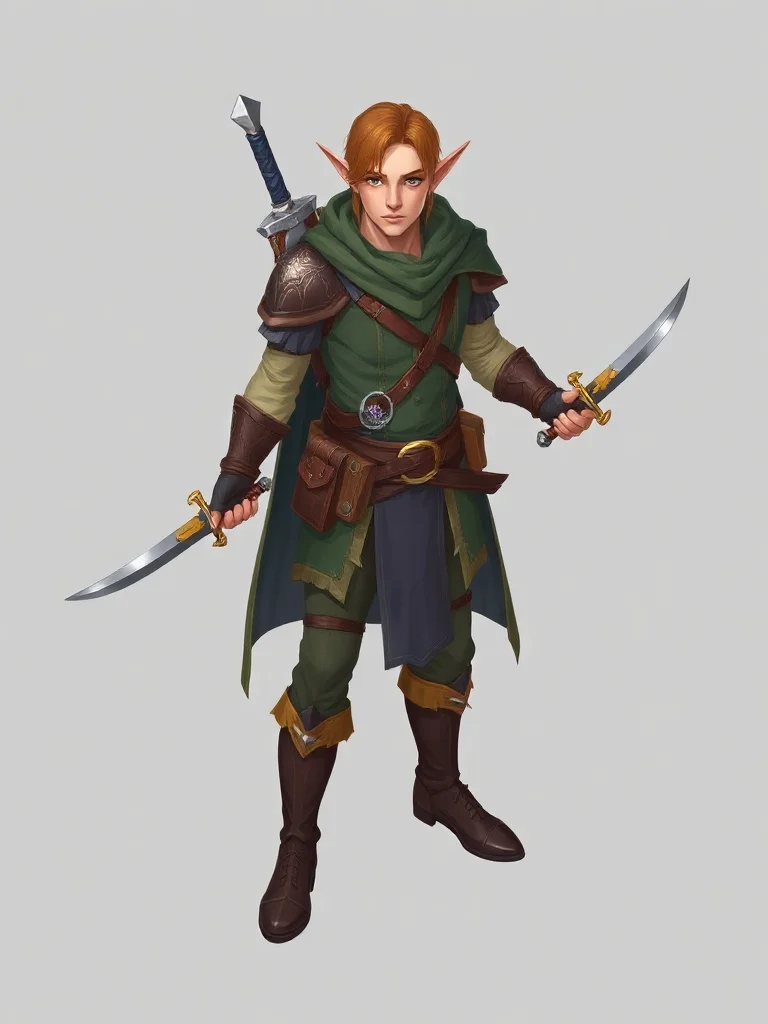
IsometricCharacter
Original characters for games and stories
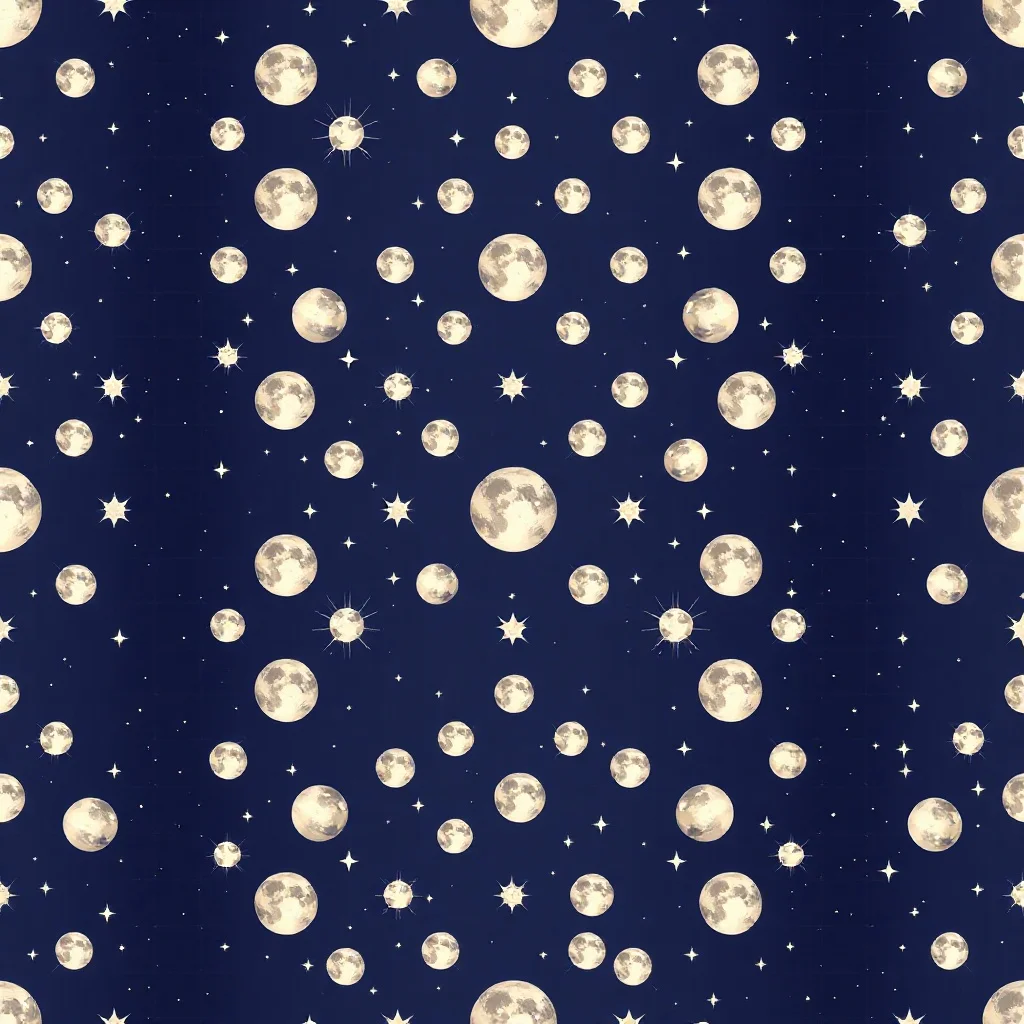
IsometricPattern
Seamless patterns for fabric and print
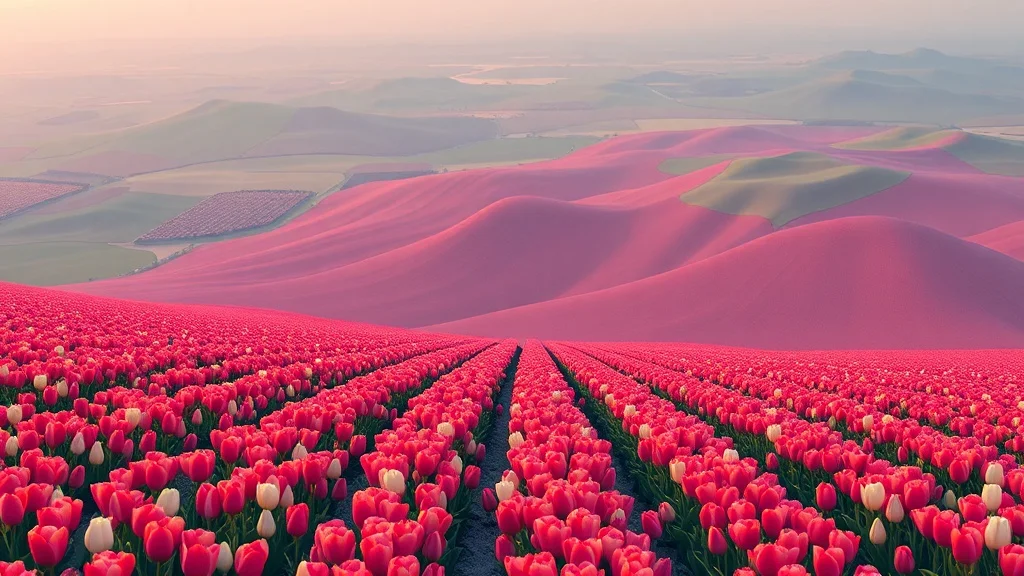
IsometricLandscape
Landscapes and environments
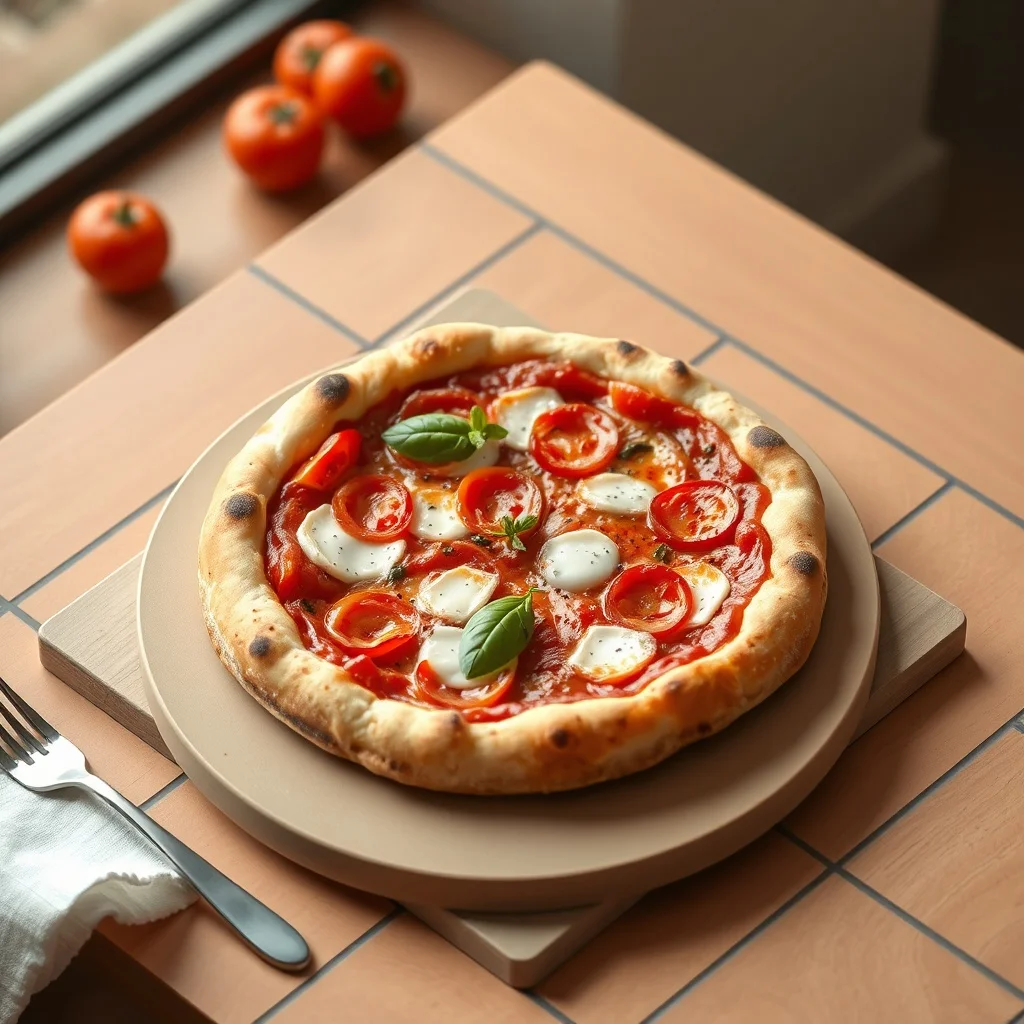
IsometricFood Photo
Food photography on demand
What defines the isometric style
Isometric art views the scene from a fixed three-quarter angle with no perspective distortion, which keeps it clean, technical, and tile-friendly.
Clean solid colors with gentle shading. The look traces back to technical illustration and infographic design, which is what makes it read as a deliberate choice rather than a filter.
Pro tip · Specify "isometric, no perspective" so the angle stays consistent and the result tiles cleanly.
- 30-degree axonometric angle
- Flat solid colors
- Subtle directional shading
- Tile-based clarity
FAQ
What defines isometric as a style?
Isometric art views the scene from a fixed three-quarter angle with no perspective distortion, which keeps it clean, technical, and tile-friendly. It traces back to technical illustration and infographic design. The signature traits are 30-degree axonometric angle, flat solid colors, subtle directional shading, tile-based clarity. When you pick isometric, renza folds those cues into your prompt so the output reads as isometric from the first pixel.
Which model works best for isometric?
Flux Dev holds the fixed angle and clean color blocks. You can still switch from the dropdown before generating, but for isometric specifically that is the one to start with.
Can I combine isometric with my own prompt?
Yes. Write whatever subject you want. The isometric style changes how the image looks, not what's in it, so it layers cleanly over any prompt. Specify "isometric, no perspective" so the angle stays consistent and the result tiles cleanly.
Which categories work best with isometric?
Isometric suits some categories more than others, but it applies to all 12. Browse the cards above to see it on logos, avatars, wallpapers, tattoos, and more, then pick the one that fits your project.