Animate an old photo
Bring a treasured old photo to life. renza adds subtle, natural motion to a still picture, a touching way to see a memory move again.
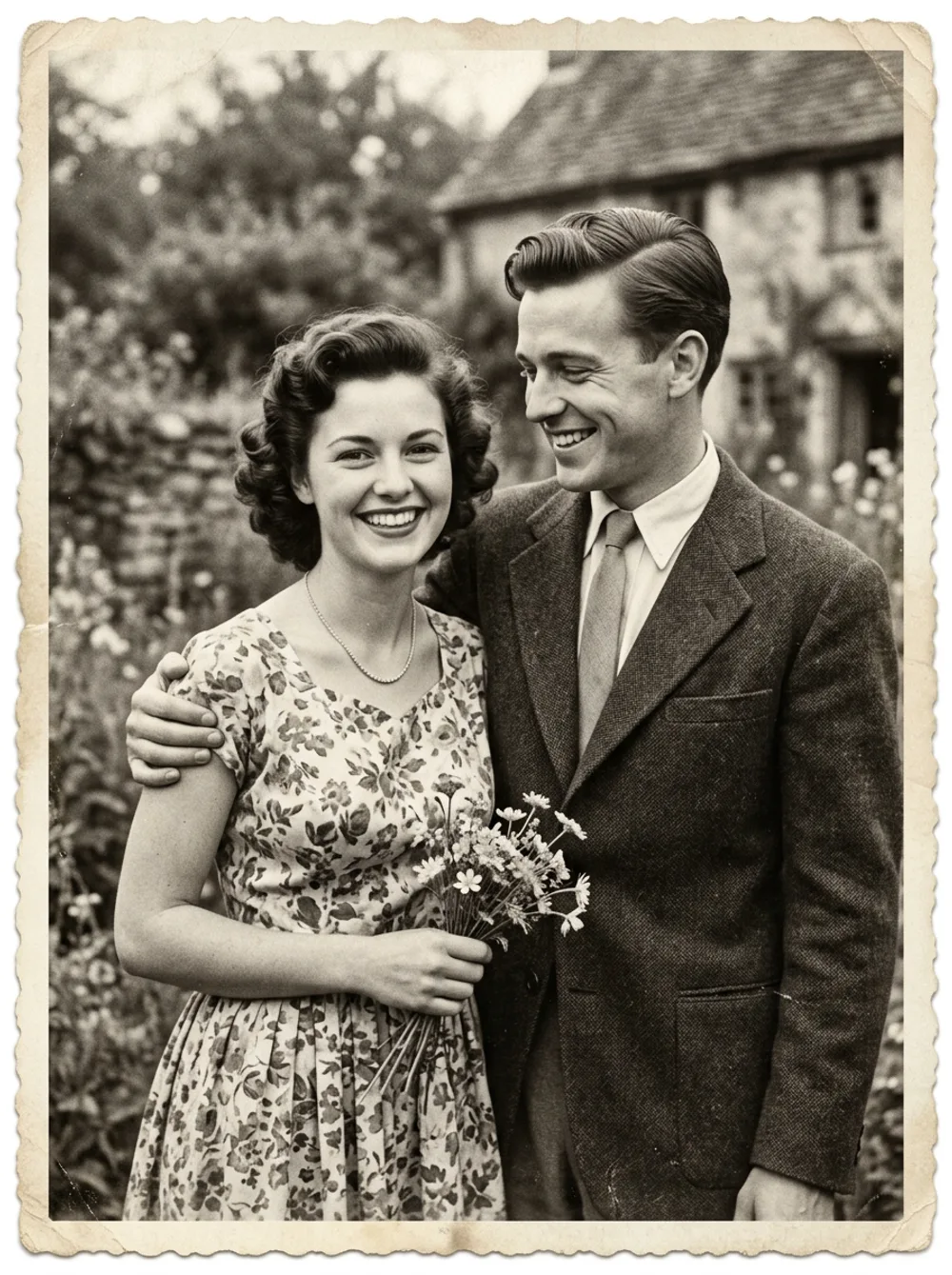
Upload your photo, pick a model (Kling, Veo, Seedance) and get your clip in seconds.
How to animate old photo
Upload your photo
Pick any clear, well-lit image as the starting frame.
Describe the motion
Add a short prompt like "slow zoom, gentle movement", or leave it for natural motion.
Get your clip
renza animates it in seconds. Download it or share it anywhere.
Why animate a still photo?
A still photo captures a moment, but motion makes it feel alive. A subtle movement, a blink, a slow camera push, turns a flat image into something that stops the scroll.
renza runs the best 2026 video models so the motion stays stable and believable instead of warping. You start from a single image and get a short, polished clip, no camera, no editing timeline, no install.
Use it for social posts, ads, profile videos, website heroes or to bring an old photo back to life. One image in, one shareable clip out.
What you can turn into video
Almost any image works. Start from one of these or upload your own.
Choose the right model
renza puts the best 2026 video models in one studio, so you pick the right one for the job.
Kling 2.5
Sharp detail, very stable motion and fluid camera. A great default for most clips.
Veo 3.1
Google's top model. The highest quality, with synchronized native audio.
Seedance
ByteDance. Native audio and realistic physics, with excellent value.
LTX
The fastest and cheapest option, great for quick drafts and tests.
Frequently asked questions
How do I animate old photo?
Upload your photo, optionally add a short prompt describing the motion you want, and renza generates a clip from it in seconds using a top model like Kling or Veo.
How long are the clips?
Clips are short, around five to eight seconds, which is perfect for social feeds, loops and website hero sections.
Will it still look realistic?
Yes. The motion is generated from your own image, so the subject stays recognisable. Keeping the motion subtle gives the most natural result.
Which video model is used?
You choose. Kling and Veo give the most stable, high-quality motion, Seedance adds native audio, and LTX is the fast, budget option.
Can the video have sound?
Yes. Veo 3.1 and Seedance can generate synchronized audio inside the clip, a key 2026 feature. Kling and LTX produce silent clips you can score yourself.
What format and resolution do I get?
You get a standard MP4 that plays everywhere, in vertical or landscape, ready for Instagram, TikTok, YouTube Shorts or a website.
Can I use the videos commercially?
Yes. The clips are generated from your own image, so you can use them for ads, social content, client work and your own brand.
How is this different from a slideshow or Ken Burns zoom?
A slideshow just pans a still. renza generates real, AI-driven motion: the subject moves, the scene comes alive, far beyond a simple zoom.
How much does it cost?
Plans start at 9.99 per month with monthly credits. Each clip costs a handful of credits depending on the model and length.