Graffiti Illustration Generator
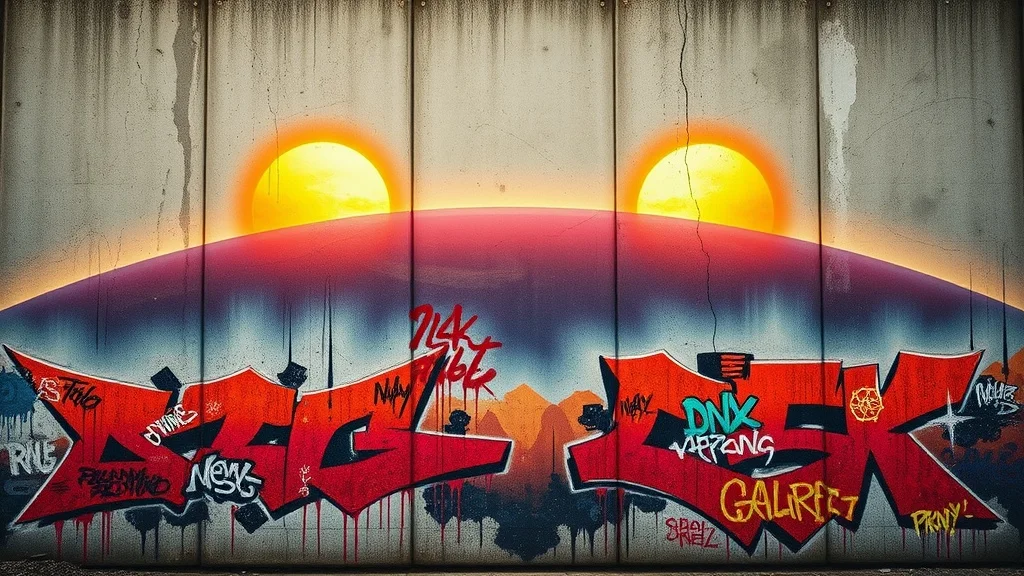
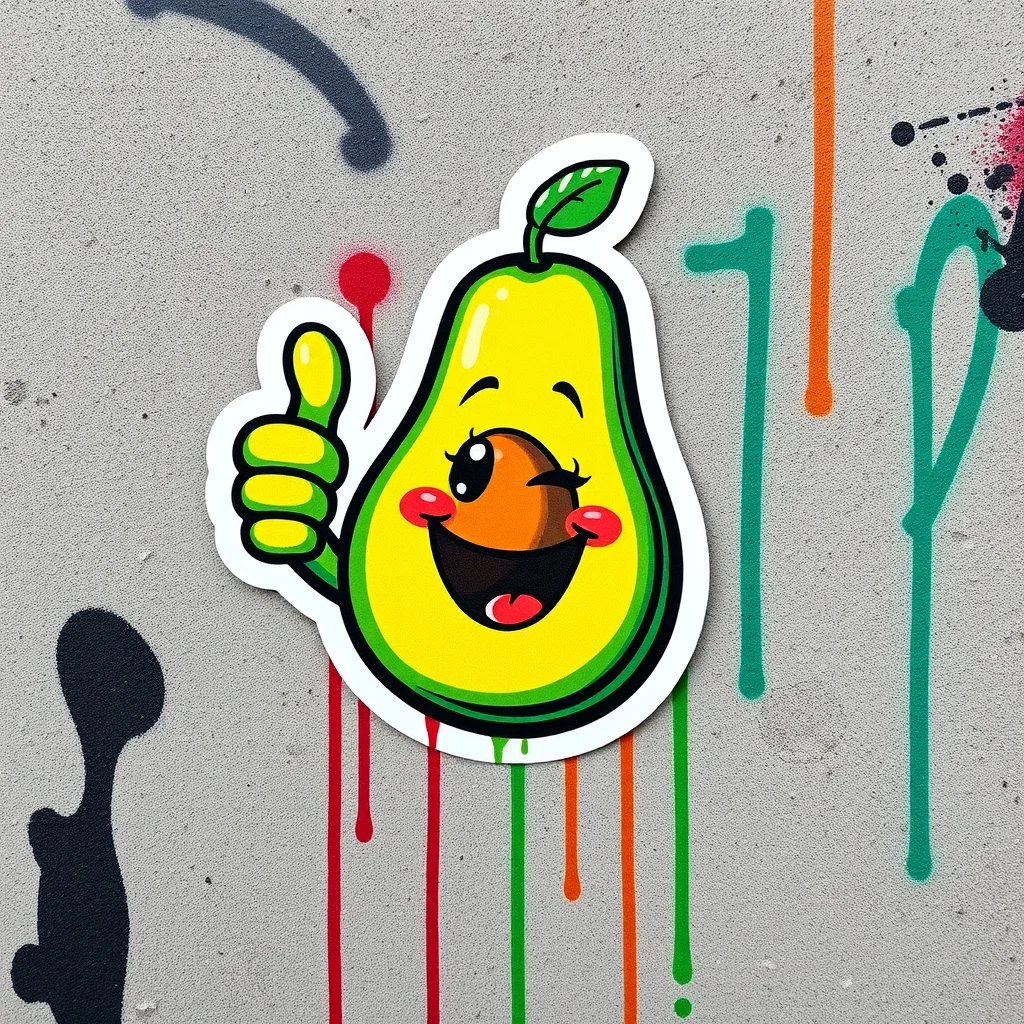
Want a illustration that genuinely reads as graffiti? Graffiti style is raw and urban, with spray-paint texture on concrete, dripping aerosol, and bold tags carrying street-art attitude. renza applies that look from the first pixel, so you get spray-paint texture and dripping aerosol paint, not a plain illustration with a filter dropped on top.
A strong illustration tells a small story at a glance, with clear figures, intentional composition, and a mood that matches the text beside it. Vivid, clashing street colors over gray concrete. The look traces back to NYC subway graffiti and Banksy-era street art, and renza bakes it into a prompt tuned for graffiti illustrations before sending it to a high-fidelity image model. You get a result in a few seconds that you can refine or download, and every image is yours to keep. Match the mood to your surrounding copy, and keep a consistent style across a set so your blog or app feels cohesive.
- 3 free credits to start
- No credit card
- Commercial use, you own it
- No watermark
- Results in seconds
What defines the graffiti style
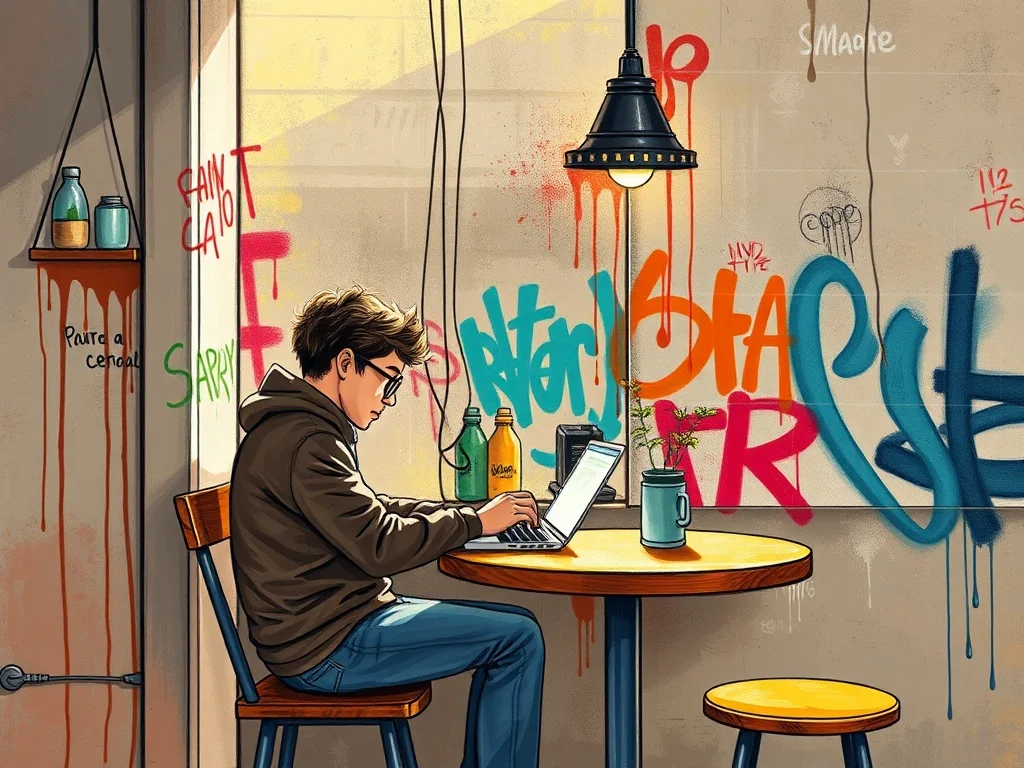
Graffiti style is raw and urban, with spray-paint texture on concrete, dripping aerosol, and bold tags carrying street-art attitude.
Vivid, clashing street colors over gray concrete. The look traces back to NYC subway graffiti and Banksy-era street art, and on a illustration it gives you a result that feels deliberate rather than generic.
Pro tip · Ask for drips and a wall texture, because graffiti needs a surface to feel real.
- Spray-paint texture
- Dripping aerosol paint
- Bold urban tags
- Concrete wall backdrop
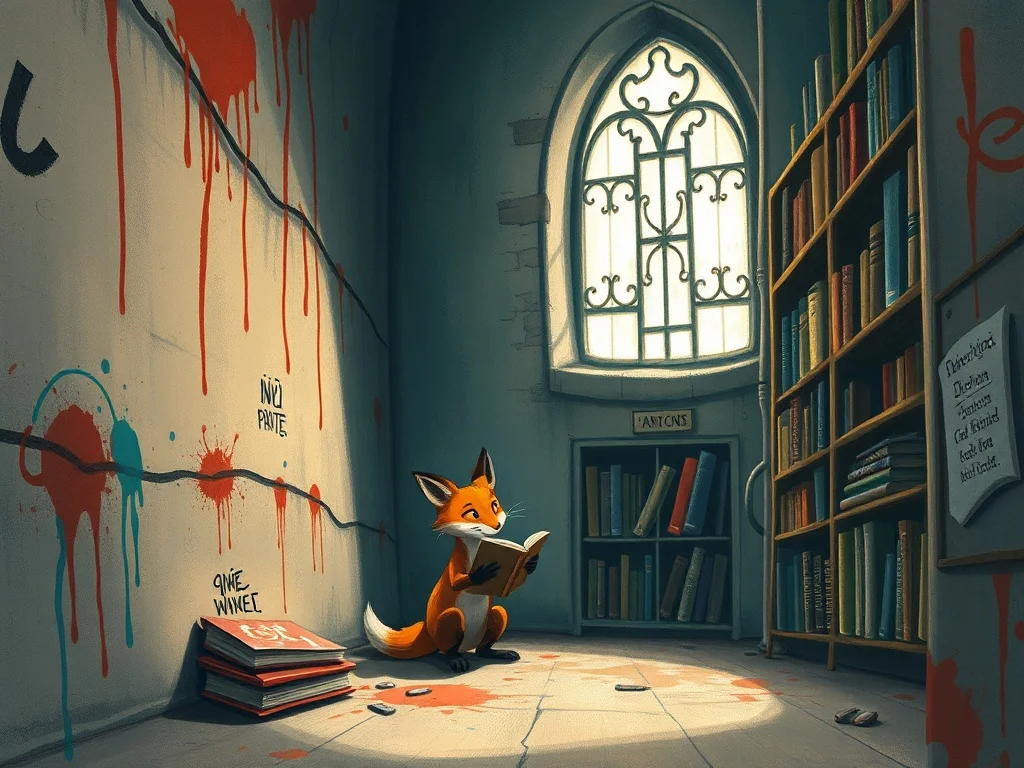
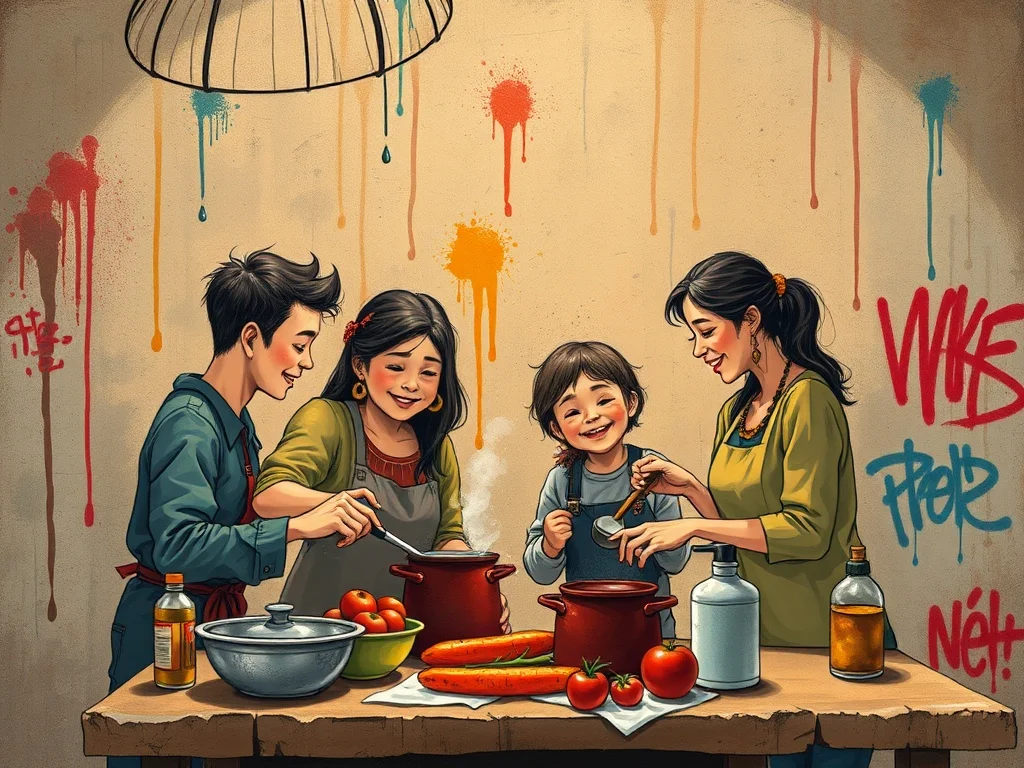
Graffiti illustration examples
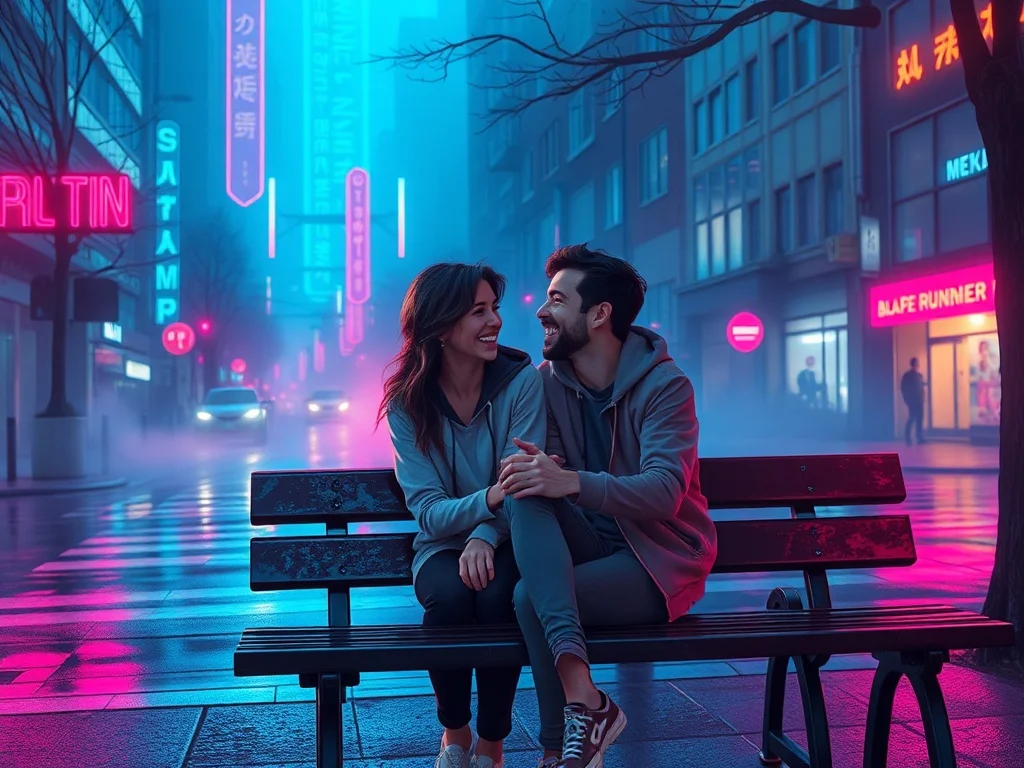
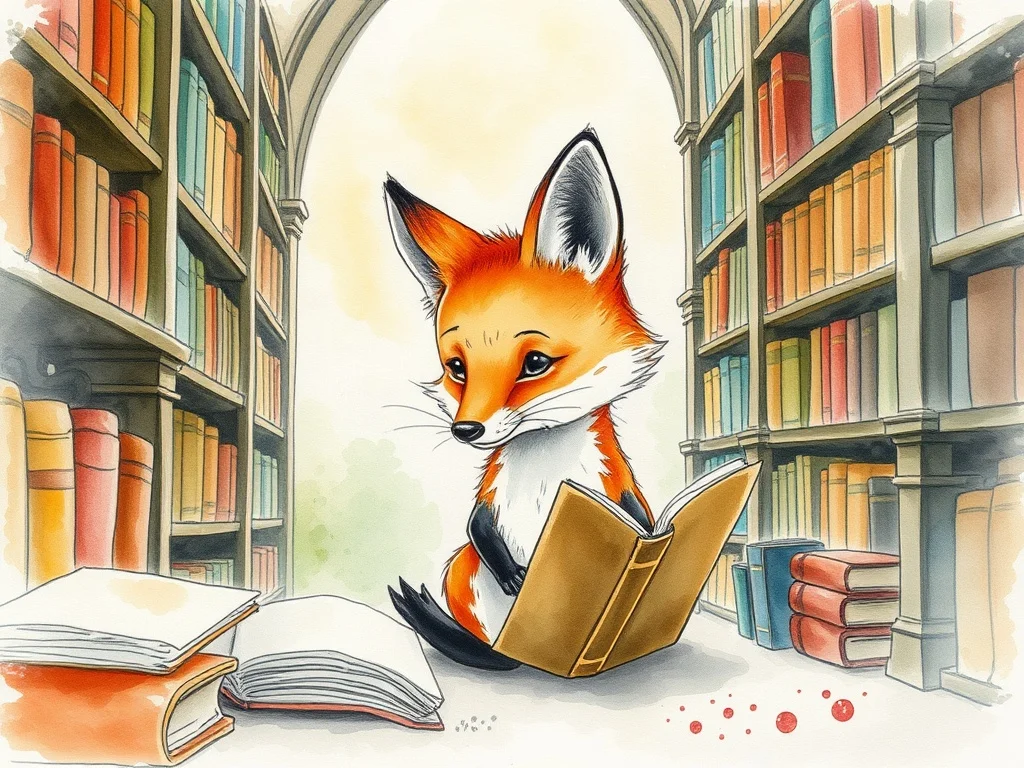
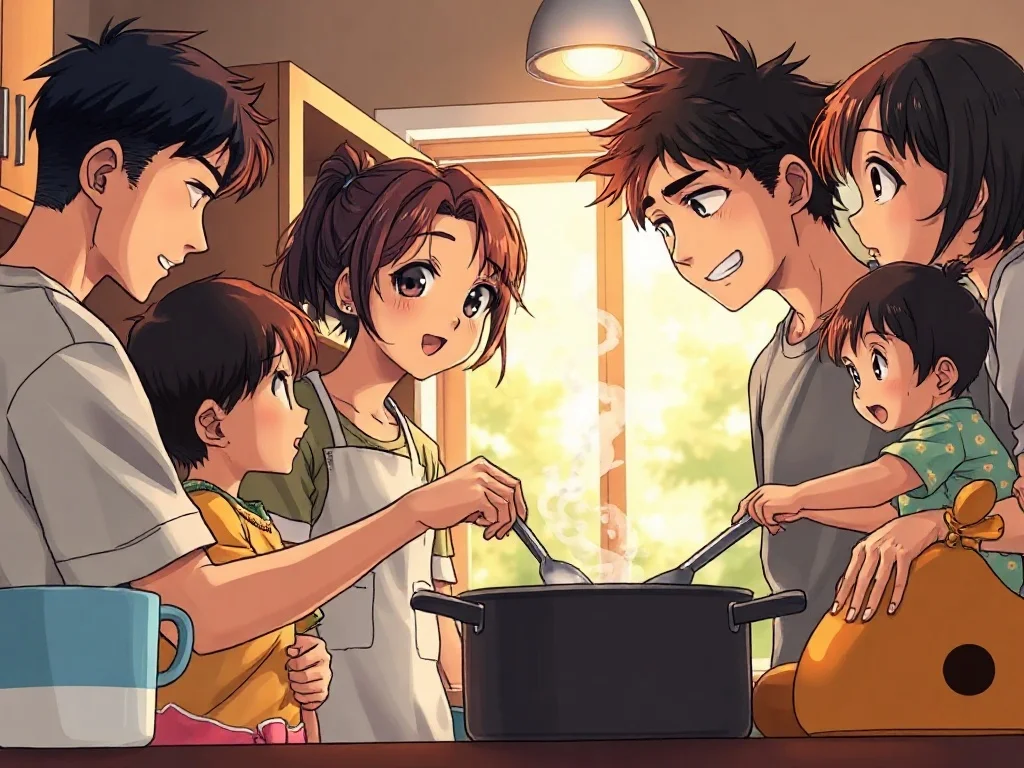
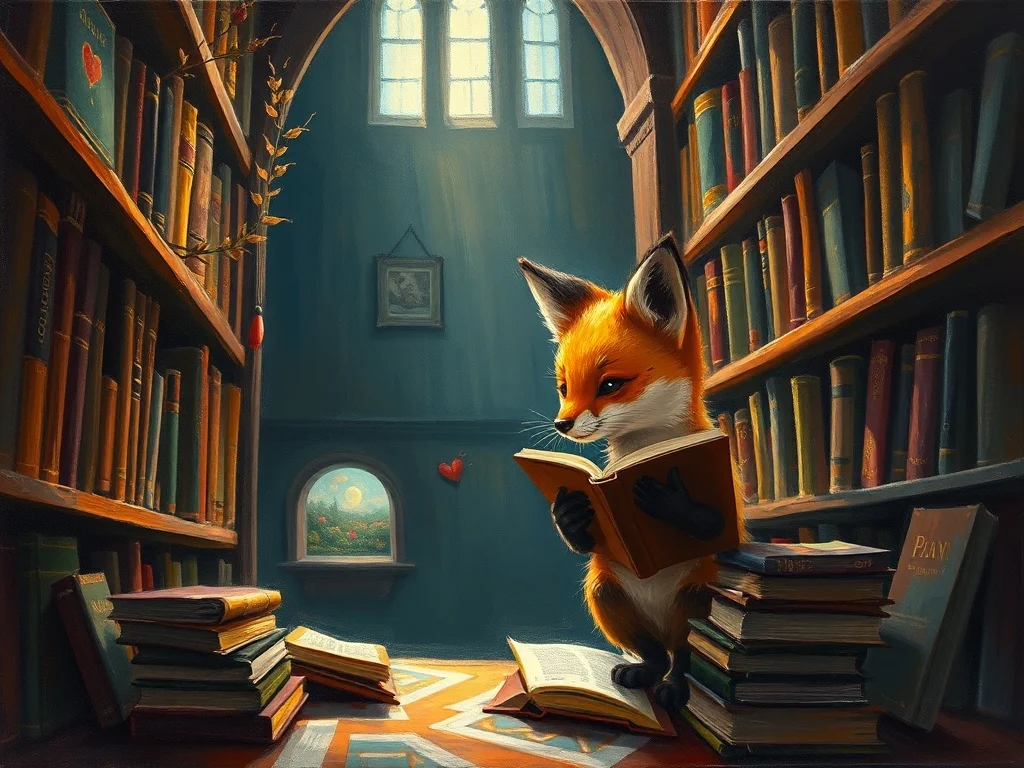
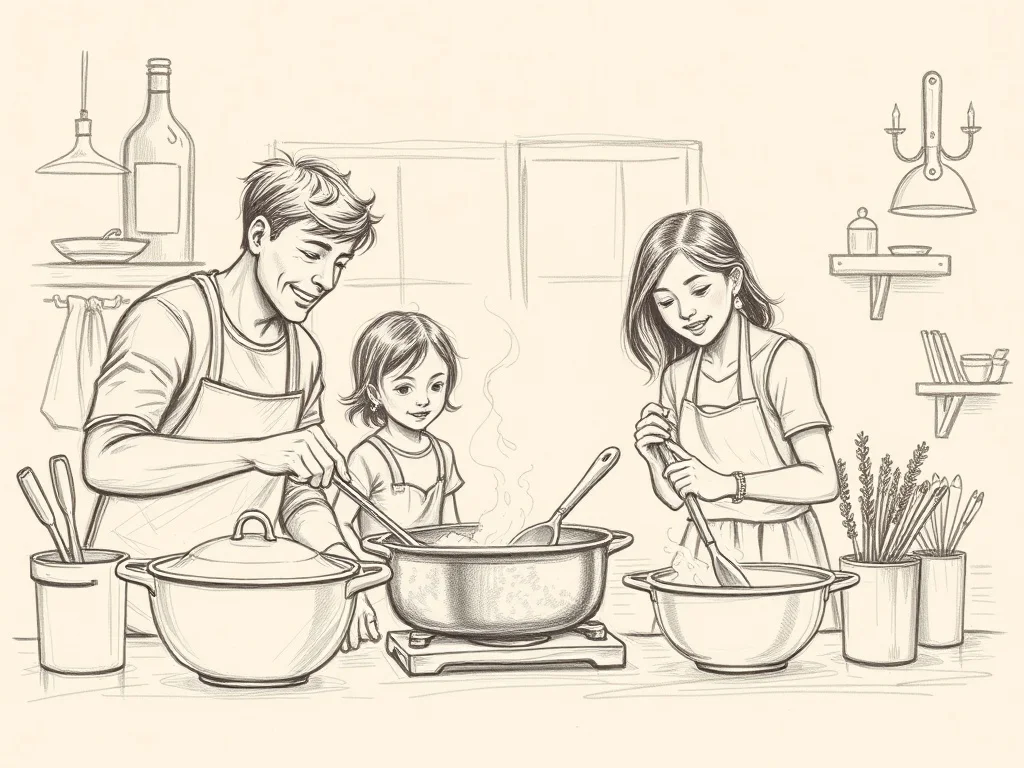
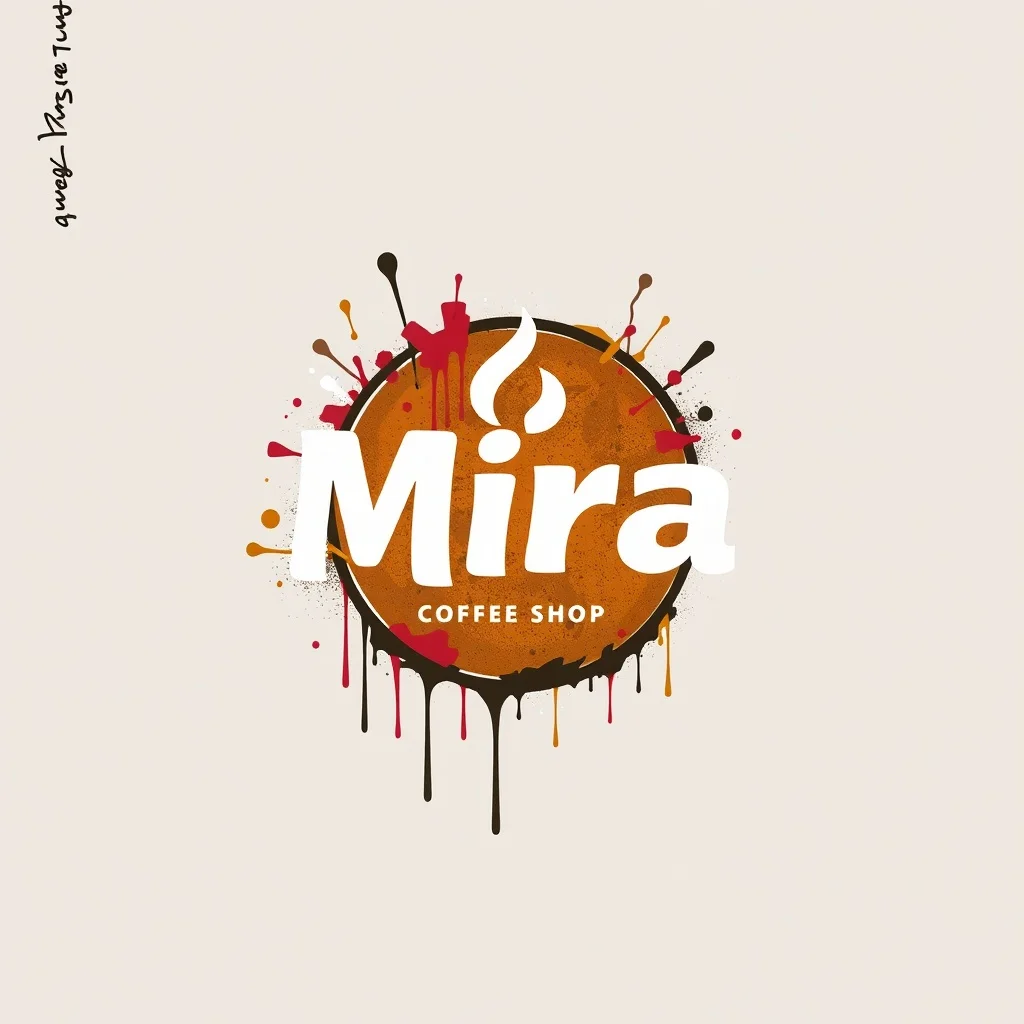
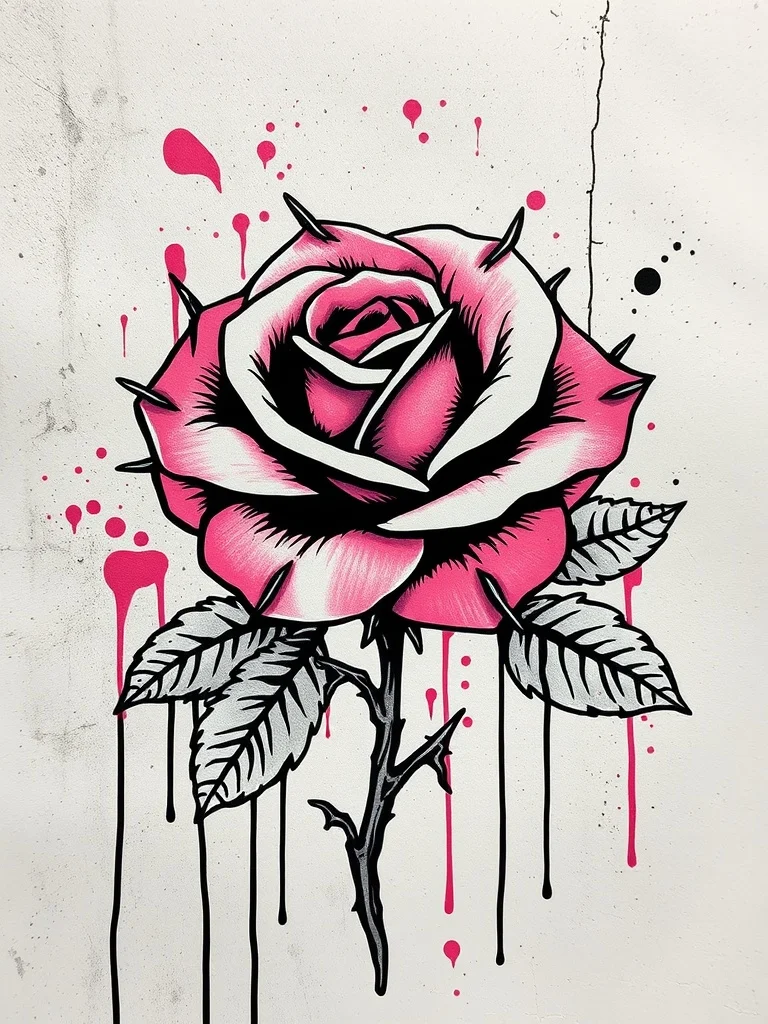
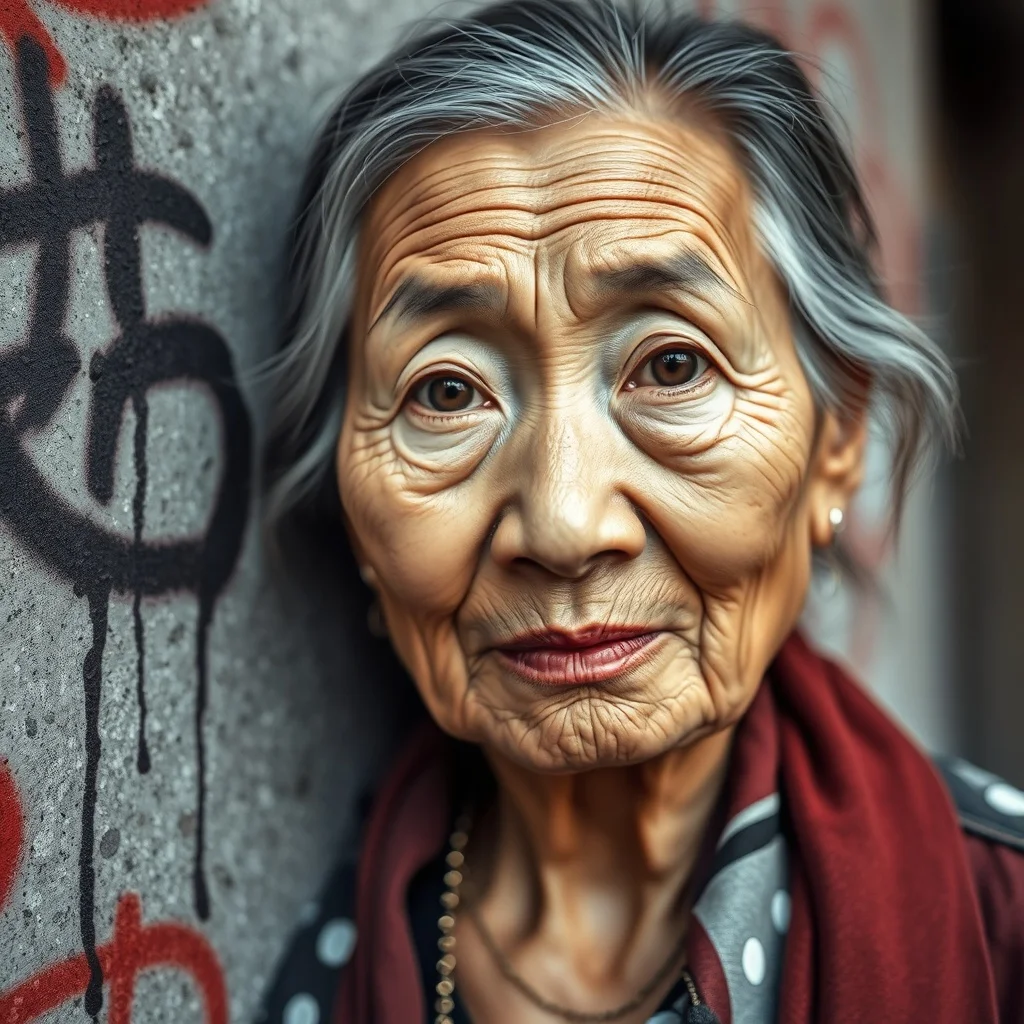
Generated with the same model and style. Click any to open the generator with that prompt loaded.
How to generate a graffiti illustration
- 1 Write your prompt
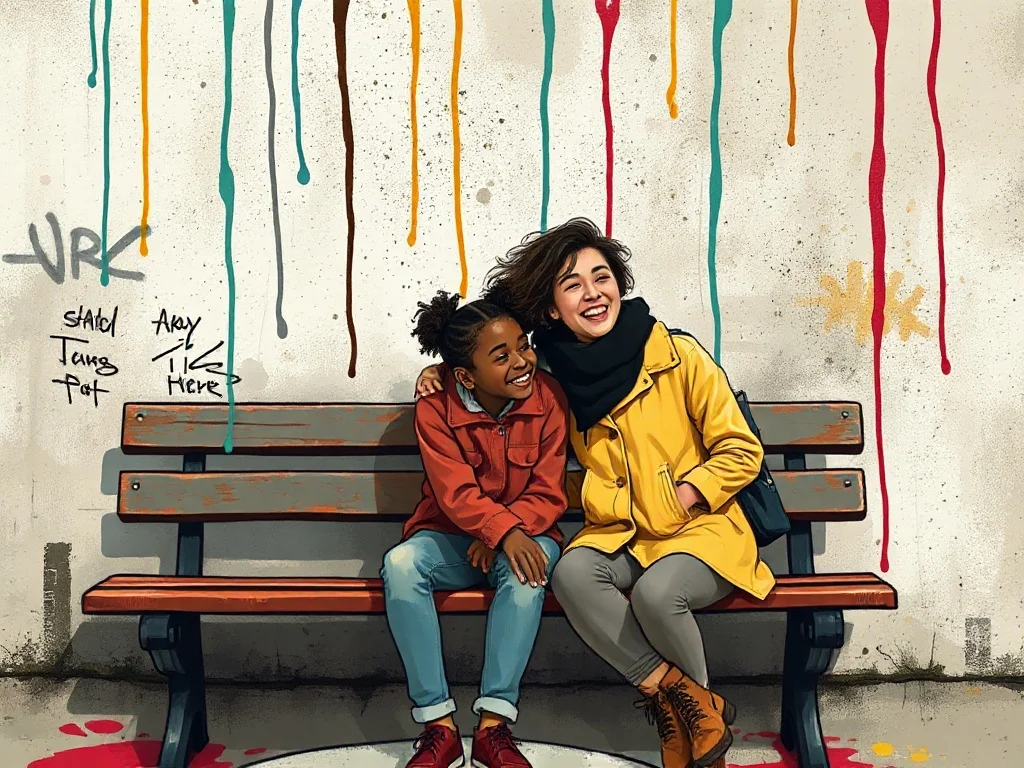
Describe what you want. Be specific. Example: "a person working remotely from a sunny cafe". The more concrete the description, the better the result.
- 2 Confirm the graffiti style
The style is already applied. You don't need to mention "graffiti" in your prompt unless you want to emphasize a specific aspect of it.
- 3 Generate
Click Generate. You'll get a illustration back in a few seconds. Each click costs 1 credit on the default model.
- 4 Iterate
Not quite right? Tweak the prompt and run it again. Even small changes (one new adjective, one different noun) can shift the output significantly.
Tips for better prompts
- · Describe the subject first, then the context. "A blue mug on oak wood" works better than "blue mug".
- · Ask for drips and a wall texture, because graffiti needs a surface to feel real.
- · The graffiti style is already mixed into your prompt. You don't need to repeat "graffiti" in your text.
- · Think in nouns. For illustration, naming a specific material, mood, or setting moves the result more than piling on adjectives.
- · Stuck? Open one of the example prompts from the gallery and tweak a single detail.
Frequently asked questions
What makes a good Graffiti illustration?
A strong illustration tells a small story at a glance, with clear figures, intentional composition, and a mood that matches the text beside it. In the graffiti style specifically, that means leaning into spray-paint texture, dripping aerosol paint, and bold urban tags rather than fighting them. renza already tunes the prompt in that direction, so your job is mostly to describe a strong subject and let the style do the rest.
Which model works best for a graffiti illustration?
For graffiti work, Flux Dev captures spray texture and drip without looking sterile. You can switch models from the dropdown before you generate: Flux Dev is the fast all-rounder, Hyper Realistic is built for photoreal detail, Ideogram handles text inside the image, and Nano Banana 2 is the premium pick for the most demanding results. If you are just exploring, start on Flux Dev and only switch up if the graffiti look needs it.
Can I use my graffiti illustration commercially?
Yes. Every image you generate on renza is yours, including for commercial use such as client work, merchandise, print-on-demand, and resale. We don't watermark or claim ownership. The only limits: don't generate real, identifiable people without permission, and respect trademarks. Beyond that, the illustration is yours.
How long does each illustration take to generate?
Around 6 to 12 seconds on the default model (Flux Dev). Heavier models like Nano Banana 2 take 10 to 25 seconds. There's no queue, so you see the image as soon as it's rendered and can iterate quickly, which matters because most illustrations land after a few tries rather than the first one.
What if graffiti isn't the right style for my illustration?
You have 23 other styles to try, each tuned for a different look. Jump to the Illustration generator hub to browse them all, or check the "More generators in Graffiti style" section below if you like graffiti but want a different category. You can also nudge the result with your own modifiers, like "graffiti but warmer" or "graffiti with more contrast".
Any tips before I generate my illustration?
Match the mood to your surrounding copy, and keep a consistent style across a set so your blog or app feels cohesive. And one graffiti-specific note: ask for drips and a wall texture, because graffiti needs a surface to feel real.