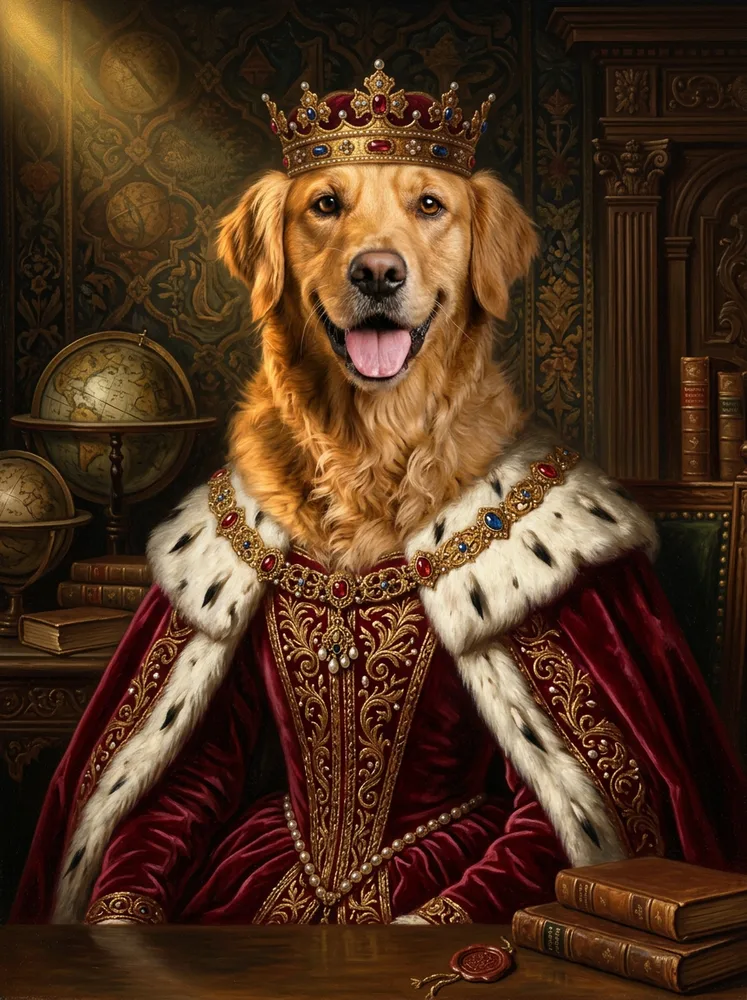
AI dog portrait
Turn your dog into art. Upload a few photos and generate portraits in any style, all keeping your dog's real face, breed and markings.
The thing that decides whether a dog portrait is any good is markings, and it is the thing most AI portraits get wrong. Owners do not check whether the painting is technically accomplished. They check the white patch on the chest, the one ear that folds differently, the grey coming in around the muzzle. Get those and almost any style works; miss them and the most beautiful oil painting in the world is a picture of some other dog.
Asymmetry is the hard part. A blaze that runs slightly off-centre, a single white sock, heterochromia, a docked or half-folded ear. These are exactly the details a model is inclined to tidy up, because it has seen a thousand more symmetrical dogs than yours. The fix is on your end: give it more than one photo, and make sure the markings are clearly lit in at least one of them.
Muzzle grey deserves a specific mention. On an older dog it is often the detail that matters most to the owner and the first one smoothed away, because most training images are of young animals. If your dog has gone grey and you want that kept, choose a photo where the muzzle is in good light rather than in shadow.
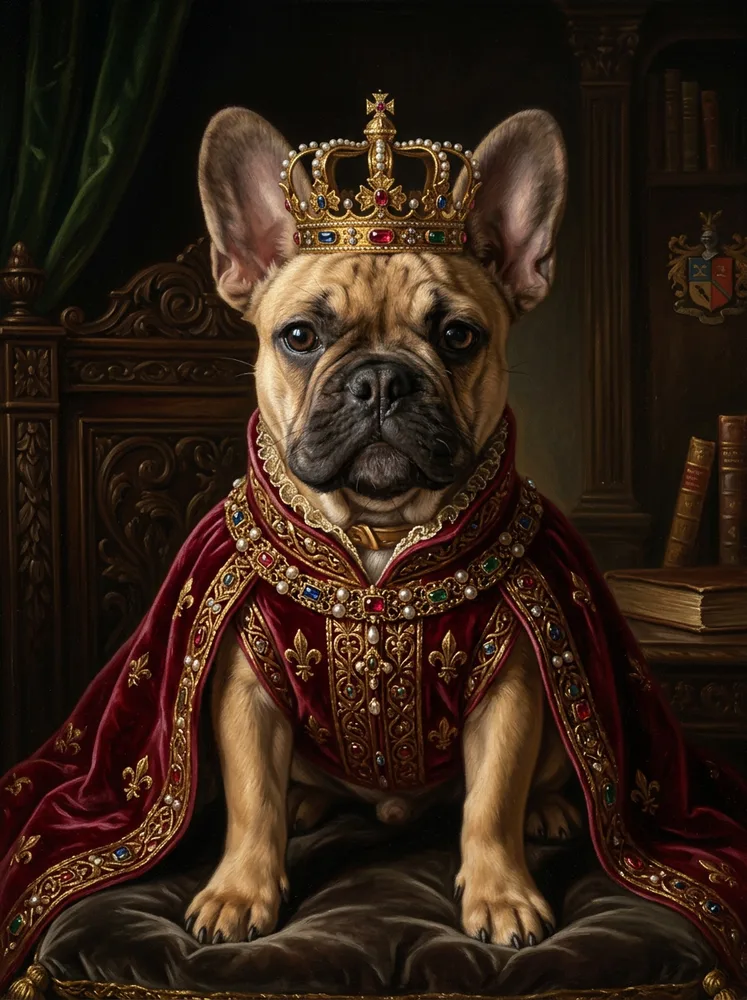
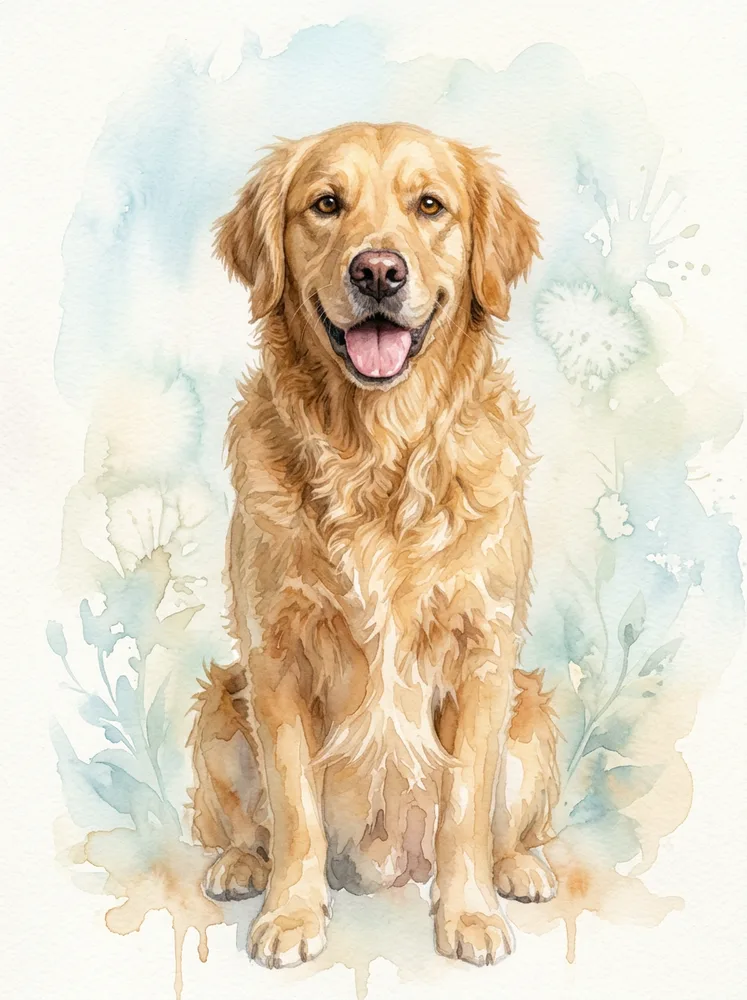
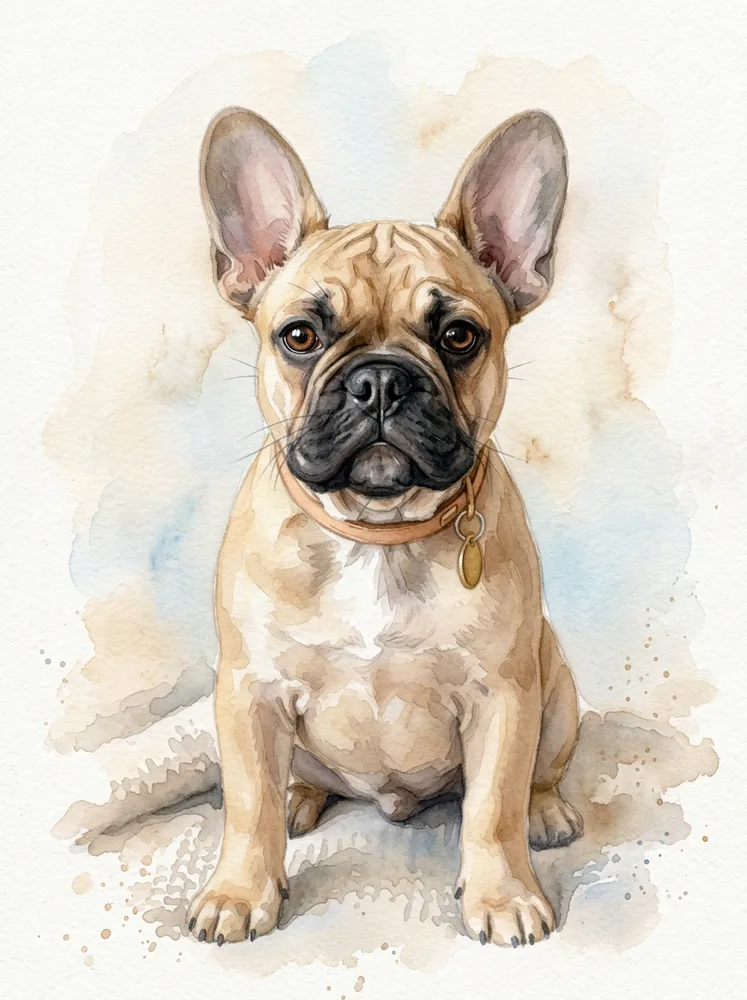
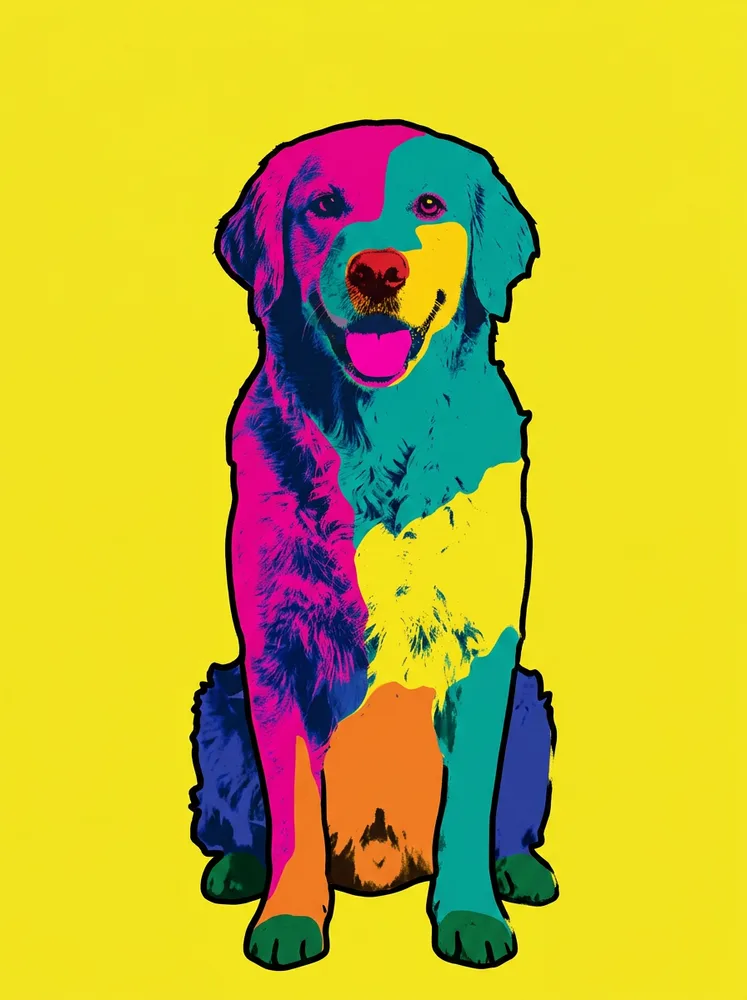
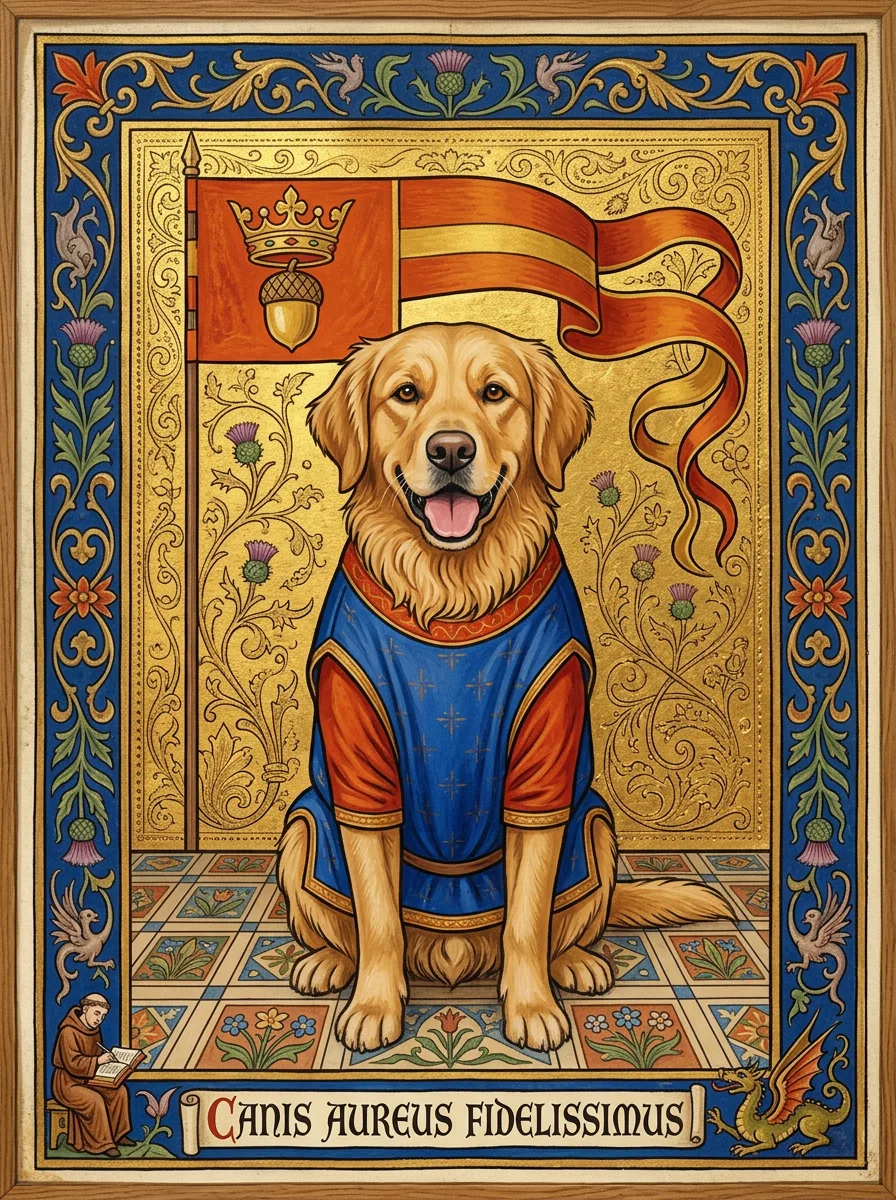
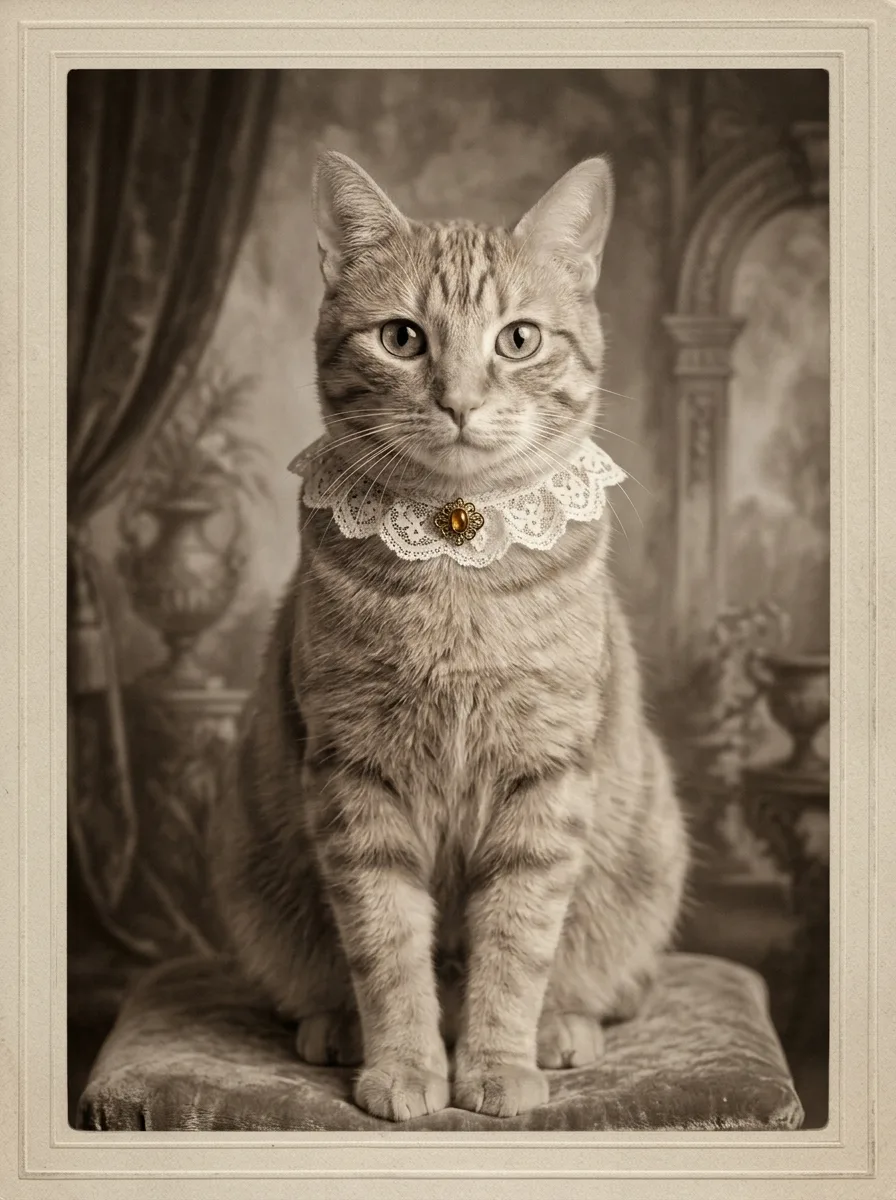
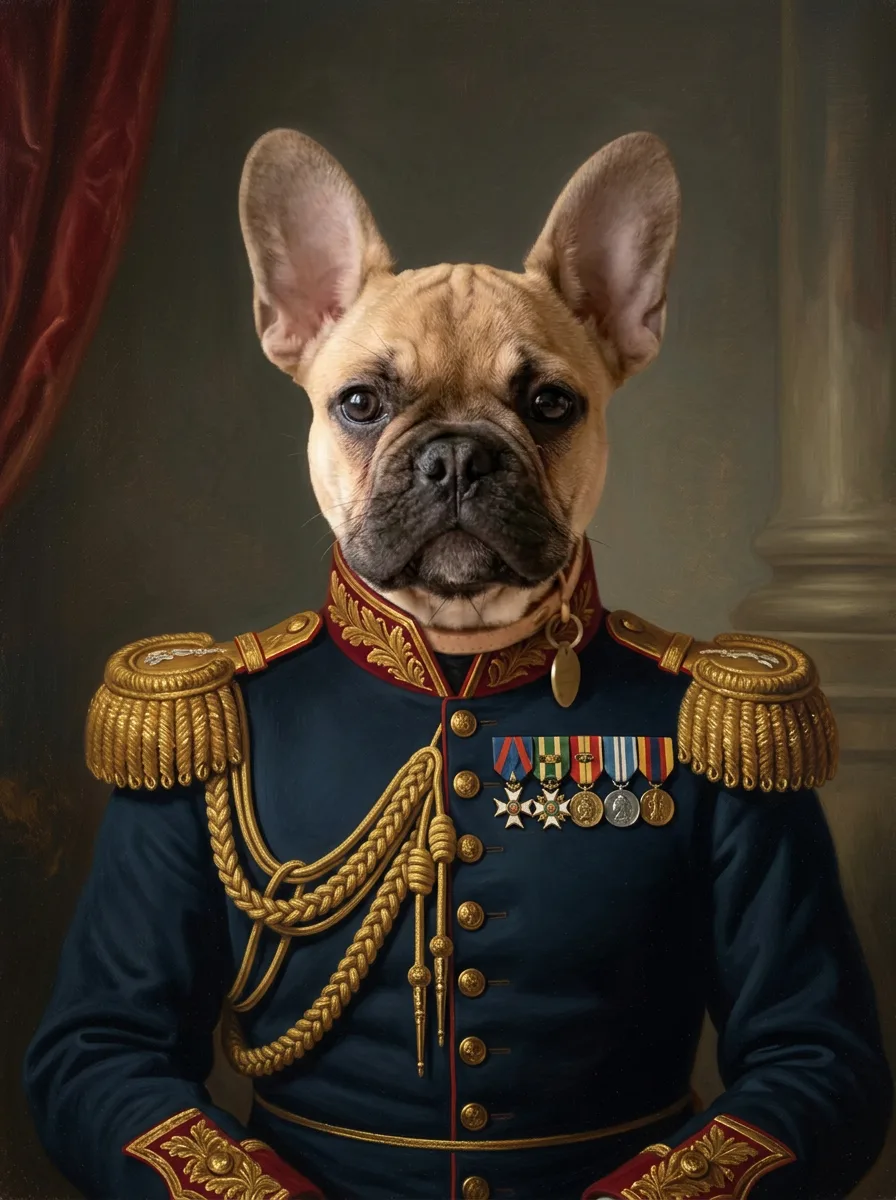
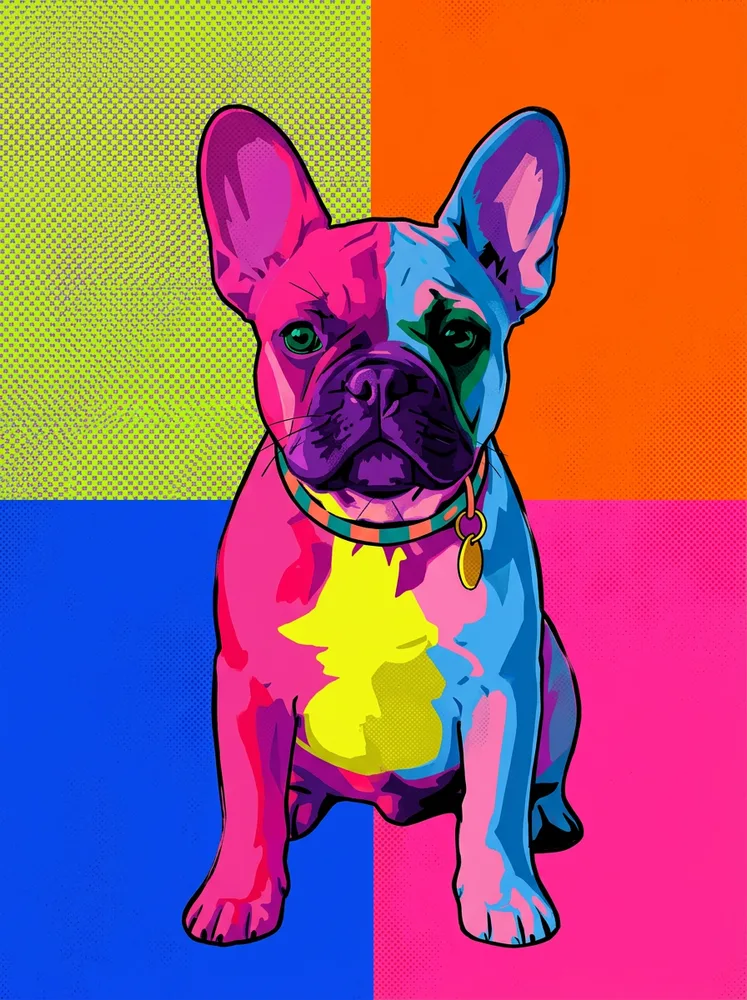
As for style: oil and renaissance hold detail best and suit dark or complex coats. Watercolour is softer and kinder to a mediocre source photo but lightens dark dogs. Pop art throws away subtlety entirely and works on bold, high-contrast markings. If your dog is one solid colour, pop art is usually the weakest choice of the four.
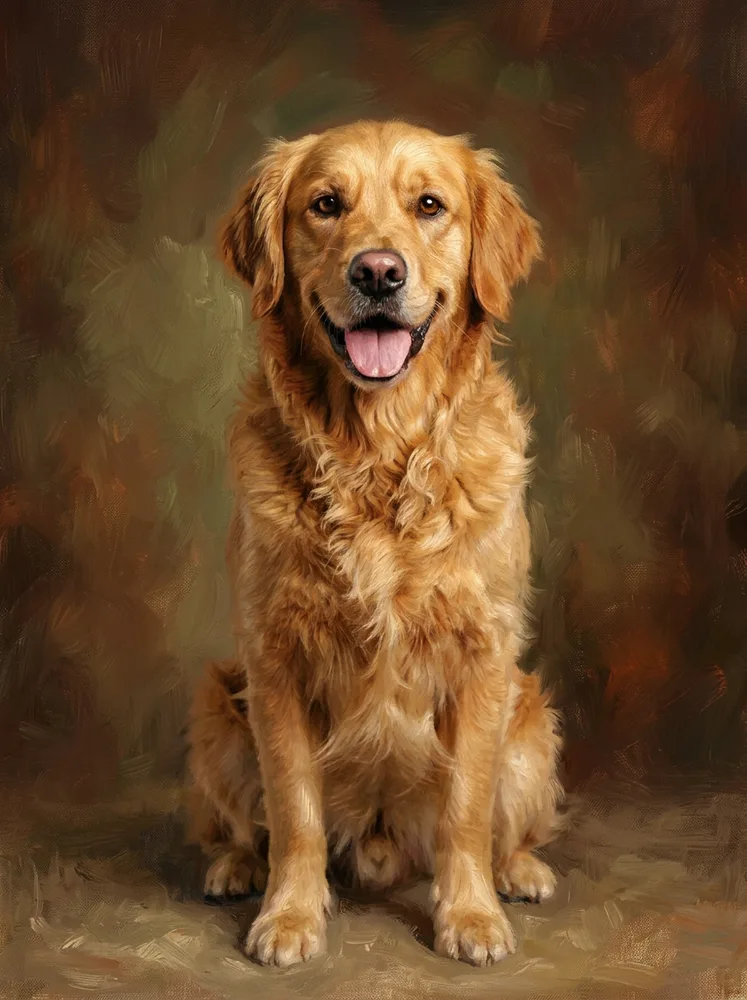
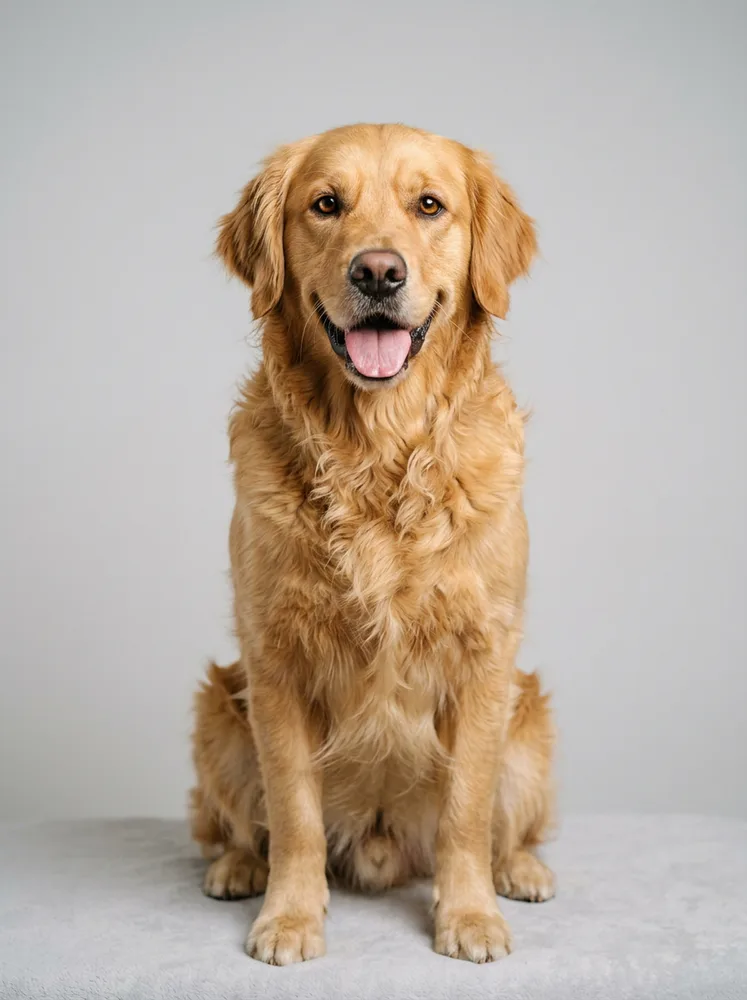
The photo they sent, and what came back
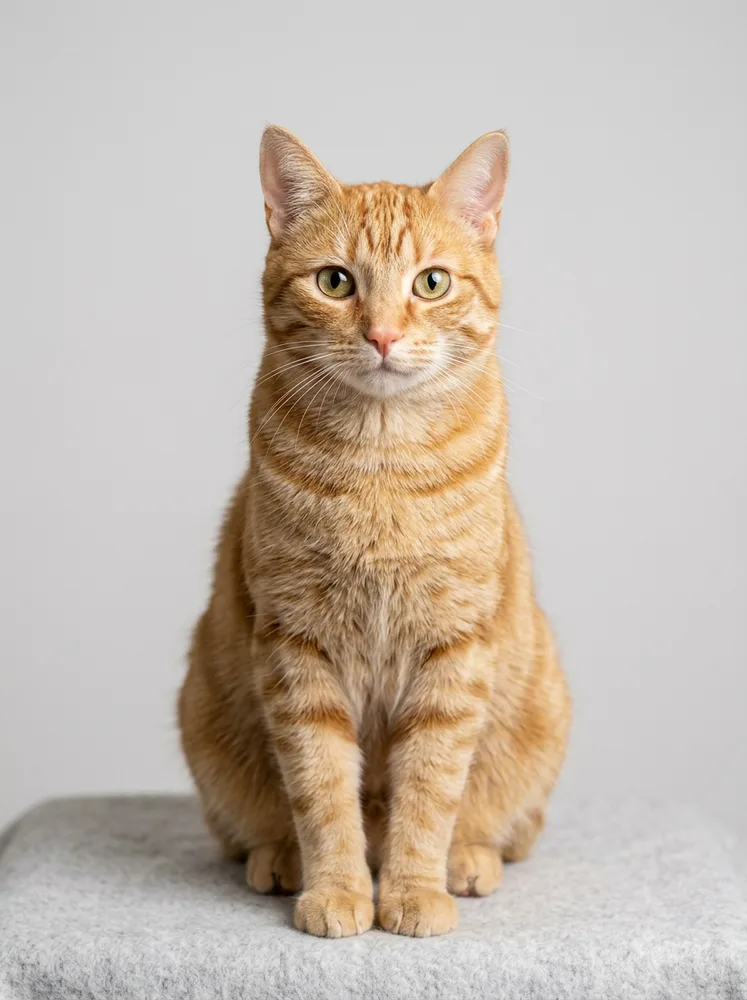
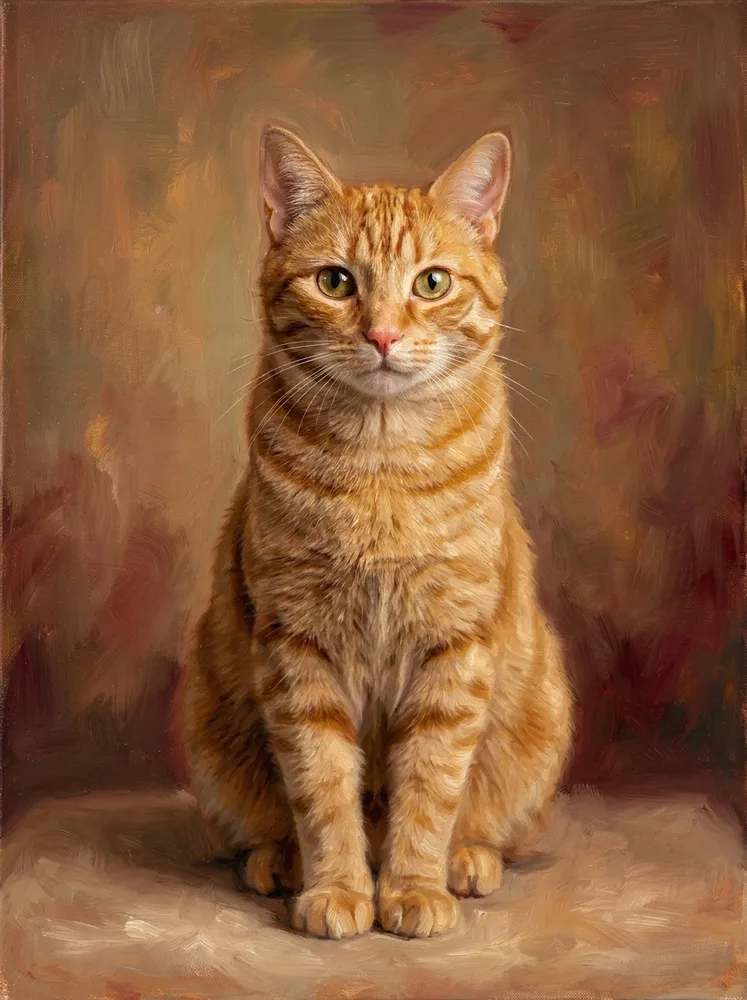
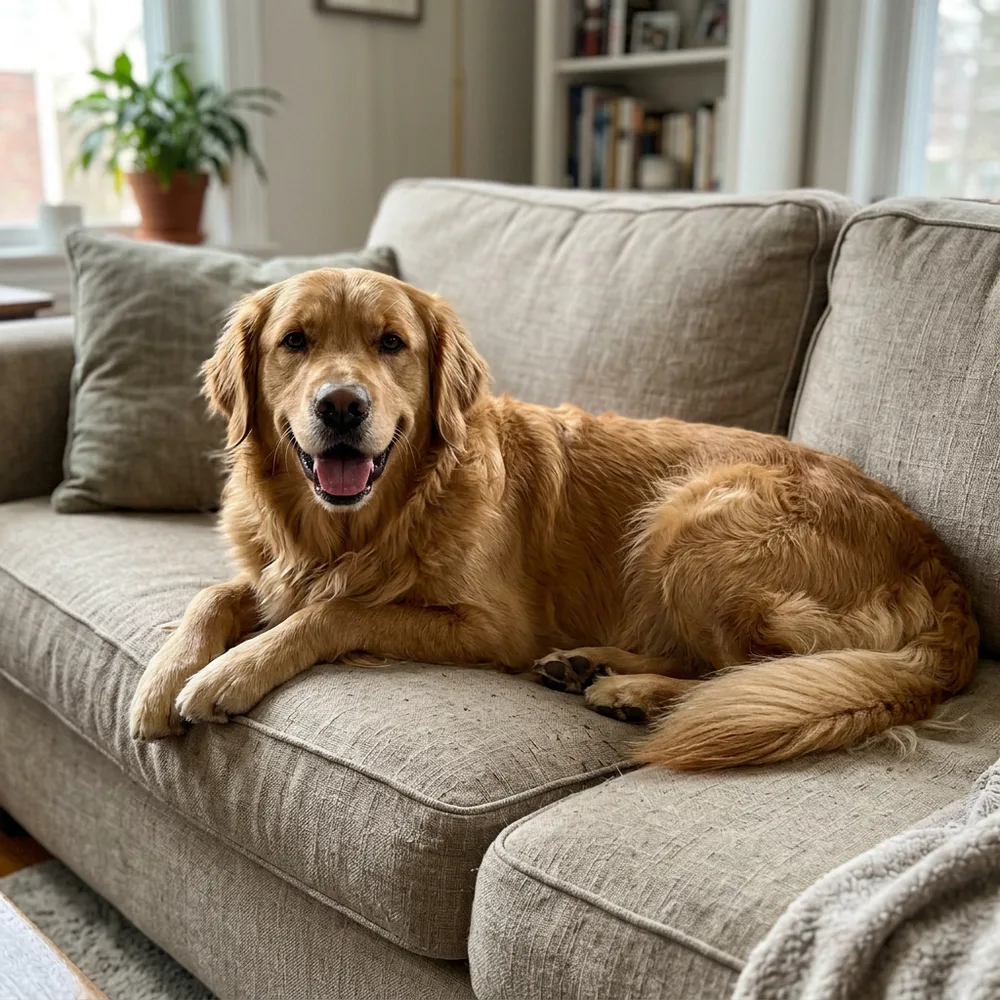
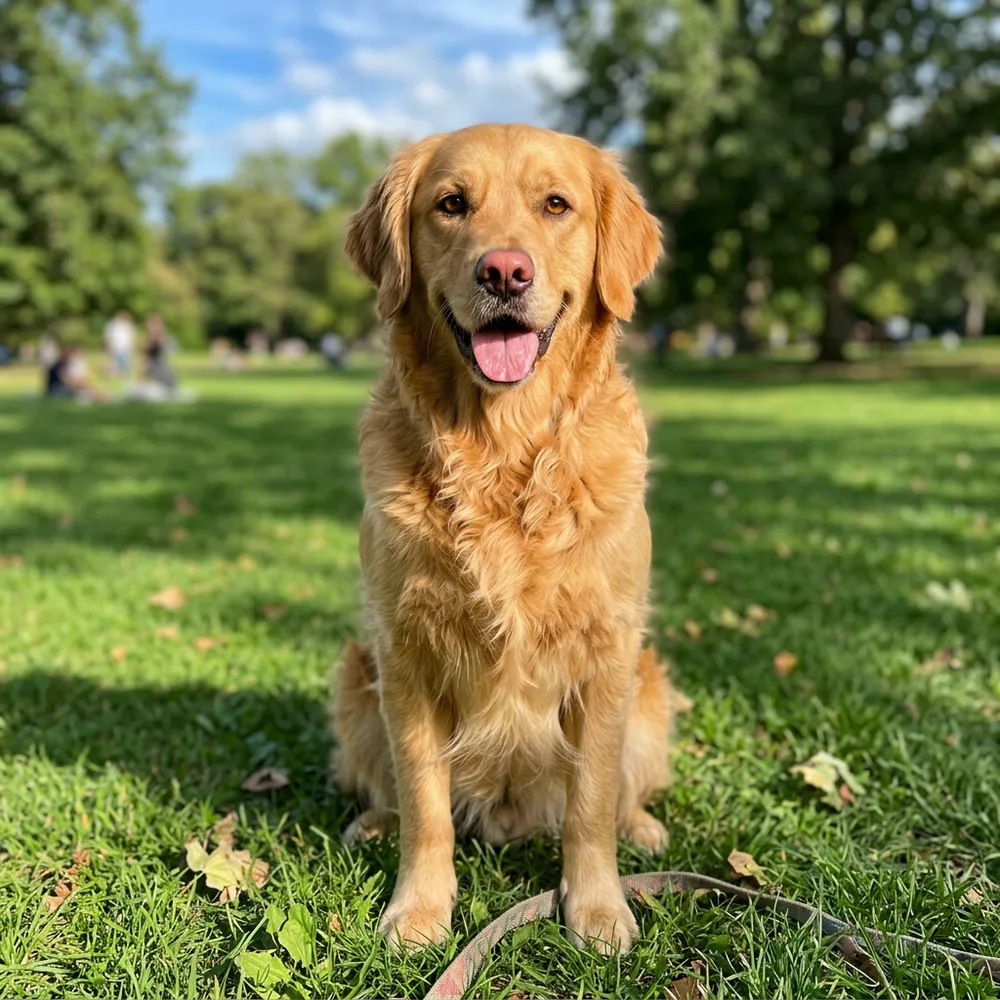
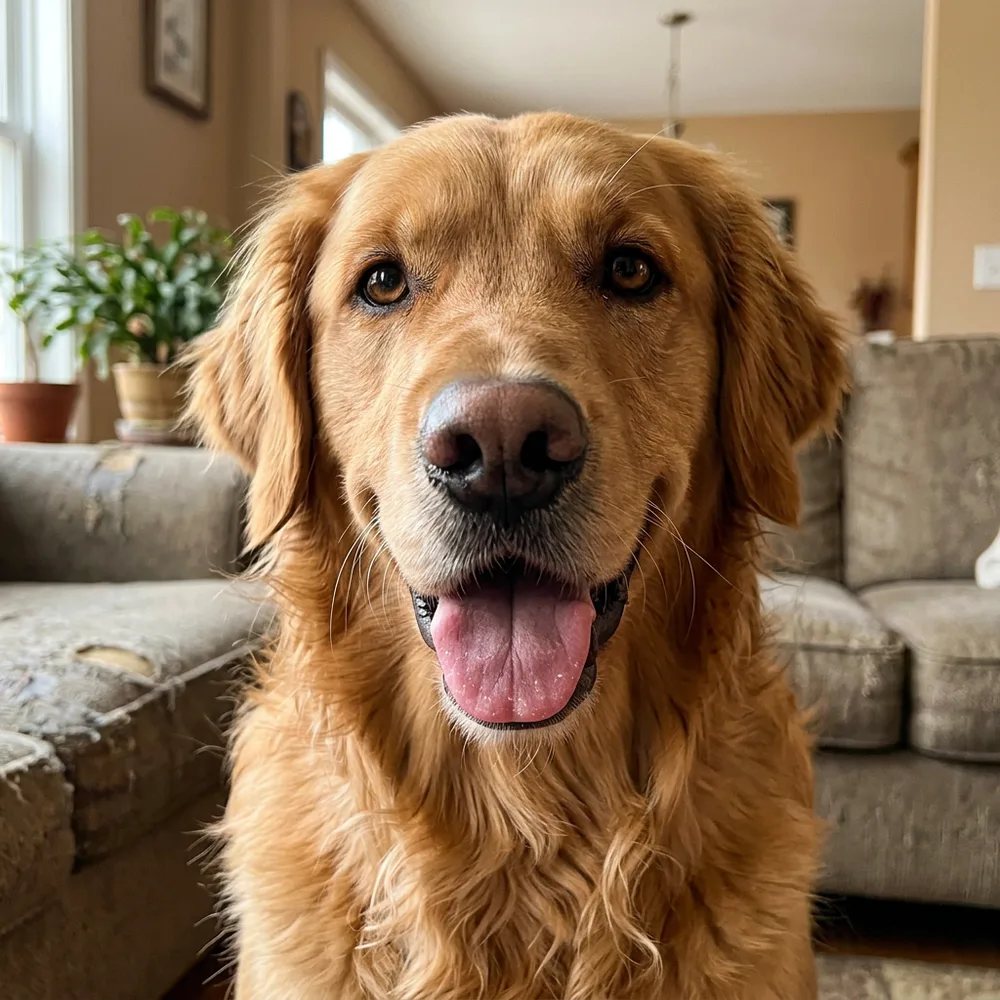
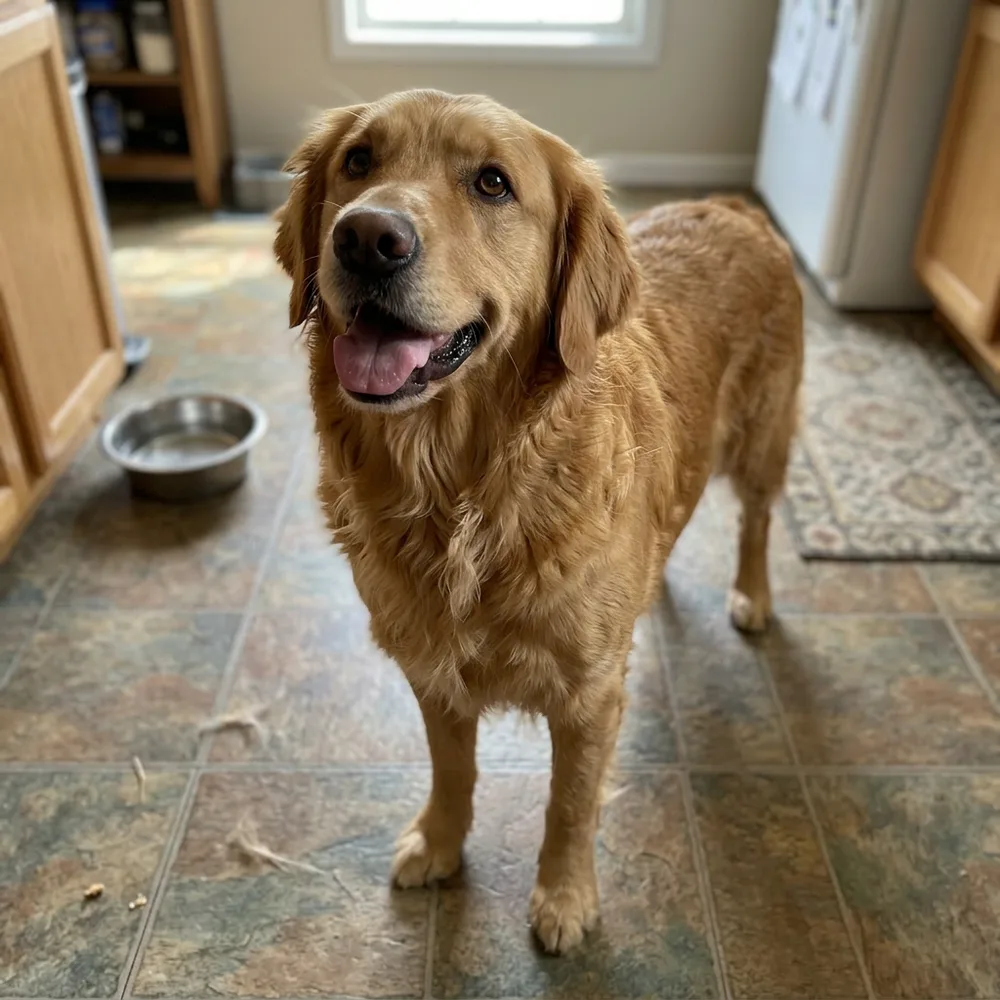
Every portrait below started as an ordinary phone photo. Nothing was staged, nothing was retouched first. Same animal, same pose, same collar — that is the whole point of it.
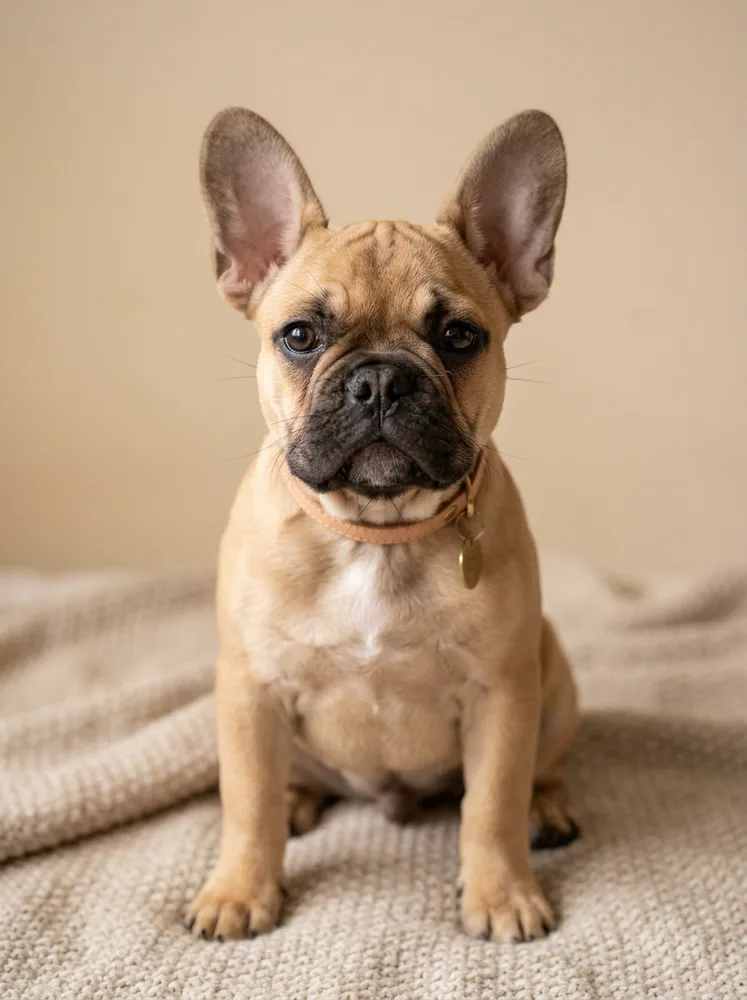
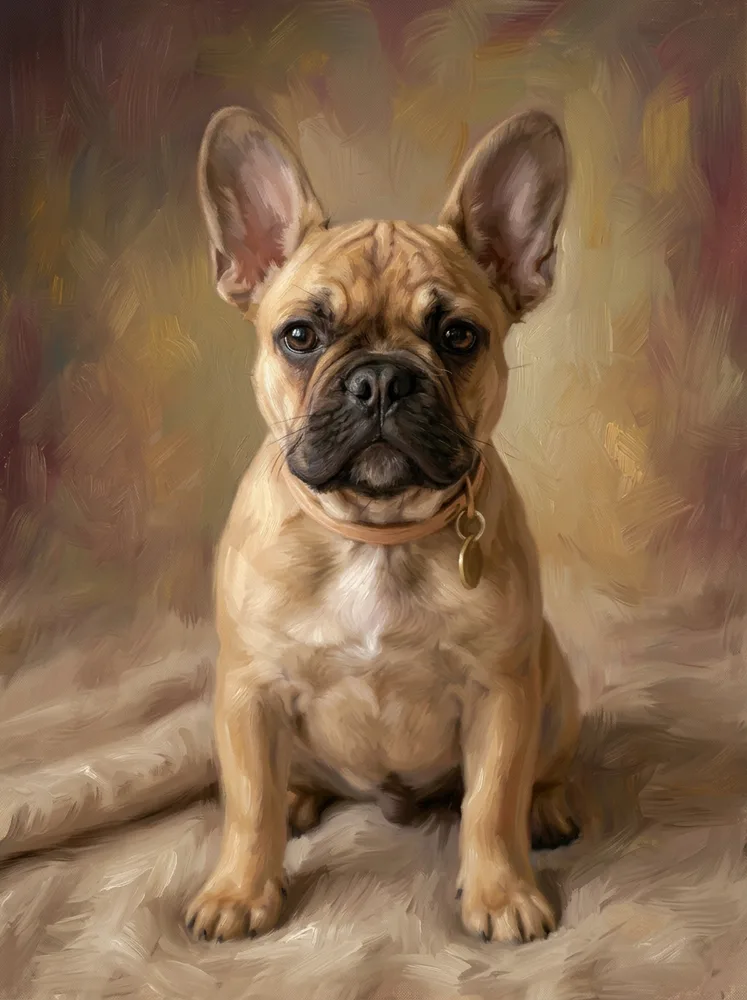
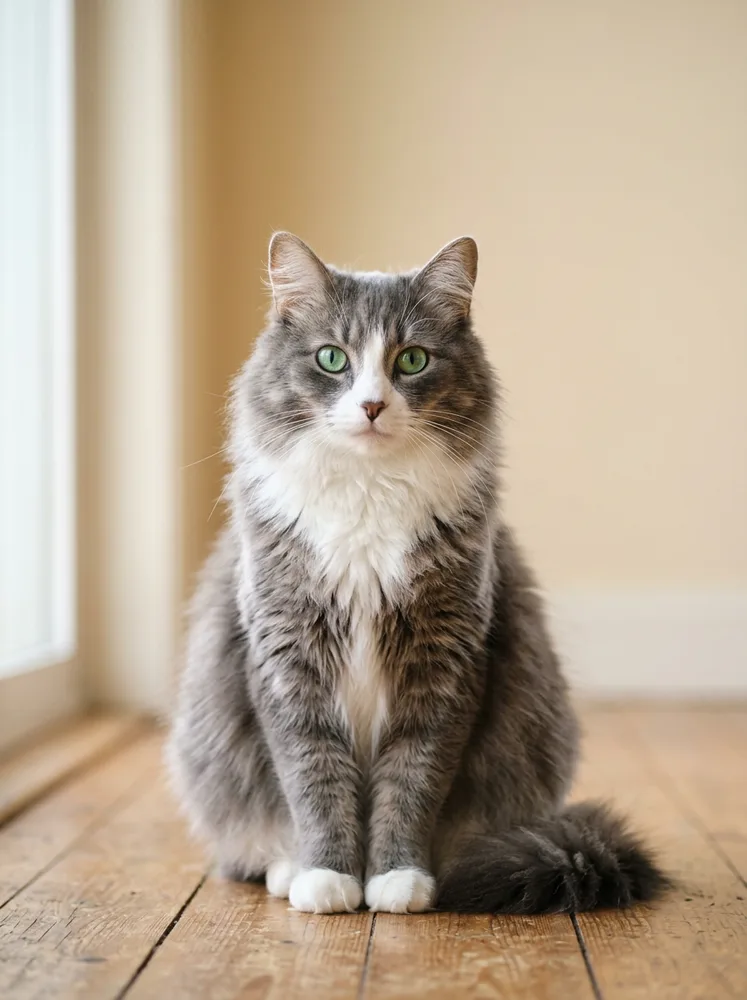
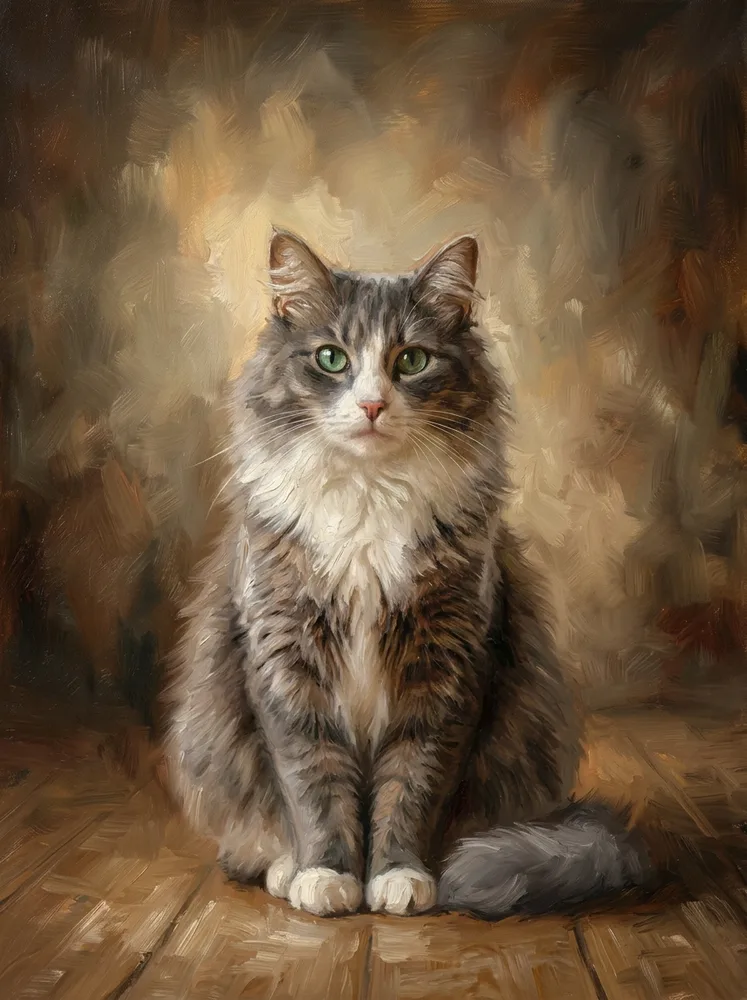
The same style on other pets
Generate your pet photos with AI
Train your AI model once, then generate a full set from your own selfies in minutes.
Start your Pets shootMore Pets photos