Sketch Tattoo Generator
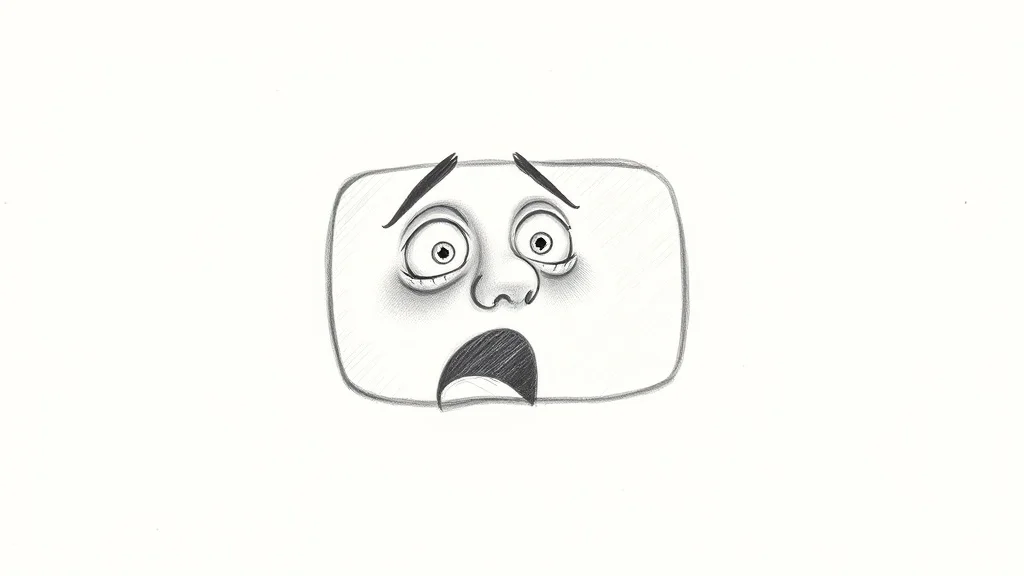
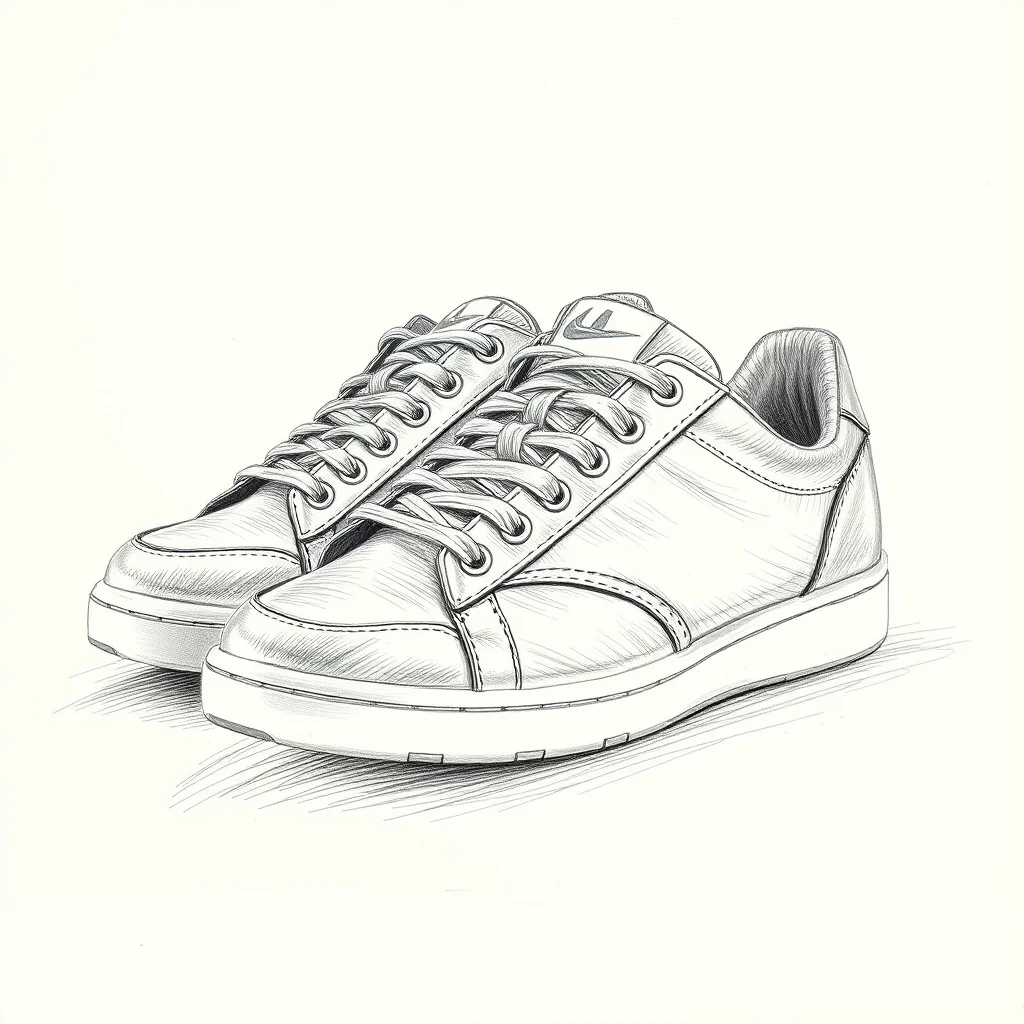
Want a tattoo that genuinely reads as sketch? A pencil sketch keeps the energy of the drawing hand, with confident graphite lines, hatched shading, and smudges left in on purpose. renza applies that look from the first pixel, so you get graphite hatching and cross-hatching and loose confident linework, not a plain tattoo with a filter dropped on top.
A tattoo design lives or dies on clean linework and contrast that still reads years later, once the ink settles and spreads. Graphite grays on warm cream paper. The look traces back to traditional life drawing and studio sketchbooks, and renza bakes it into a prompt tuned for sketch tattoos before sending it to a high-fidelity image model. You get a result in a few seconds that you can refine or download, and every image is yours to keep. Treat these as a reference to bring to a tattoo artist, who can adapt the linework to your body and to how ink ages on skin.
- 3 free credits to start
- No credit card
- Commercial use, you own it
- No watermark
- Results in seconds
What defines the sketch style
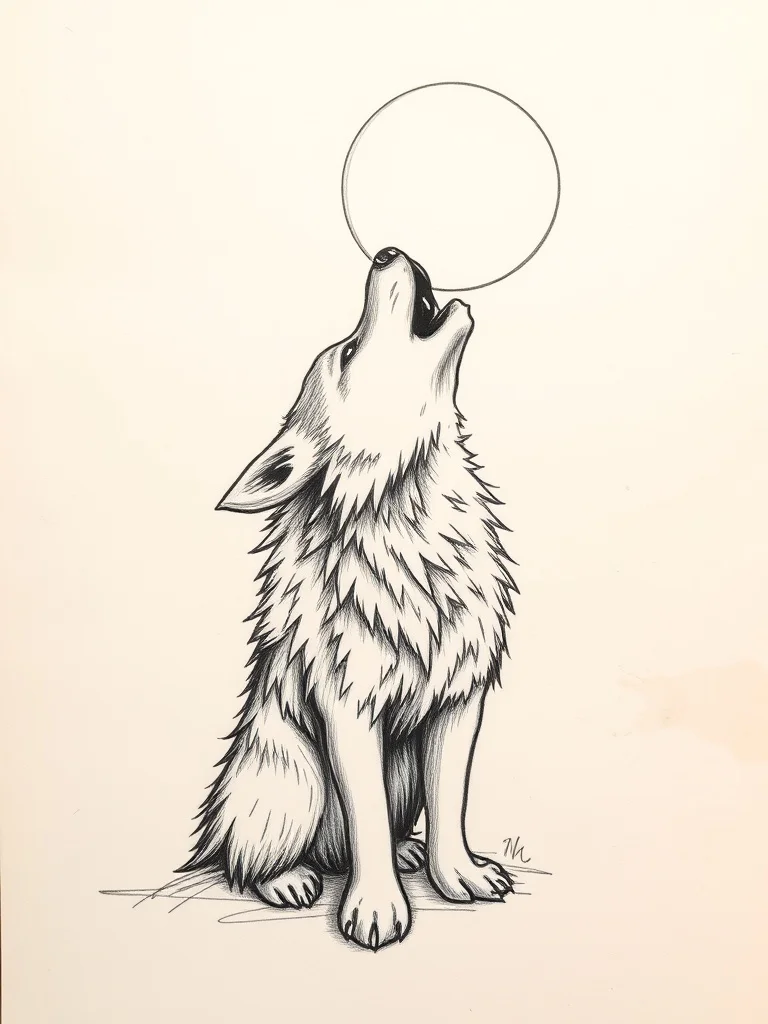
A pencil sketch keeps the energy of the drawing hand, with confident graphite lines, hatched shading, and smudges left in on purpose.
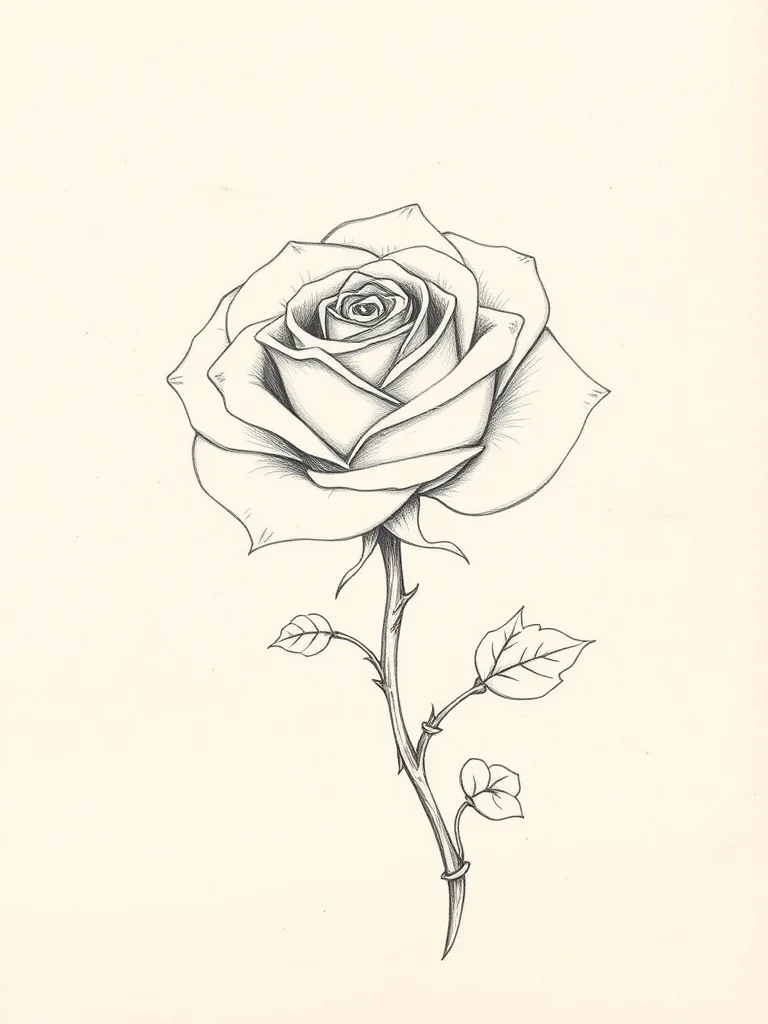
Graphite grays on warm cream paper. The look traces back to traditional life drawing and studio sketchbooks, and on a tattoo it gives you a result that feels deliberate rather than generic.
Pro tip · Keep it loose by asking for a "rough sketch" rather than a "finished drawing," which preserves the energy of the line.
- Graphite hatching and cross-hatching
- Loose confident linework
- Smudged shading
- Cream paper texture
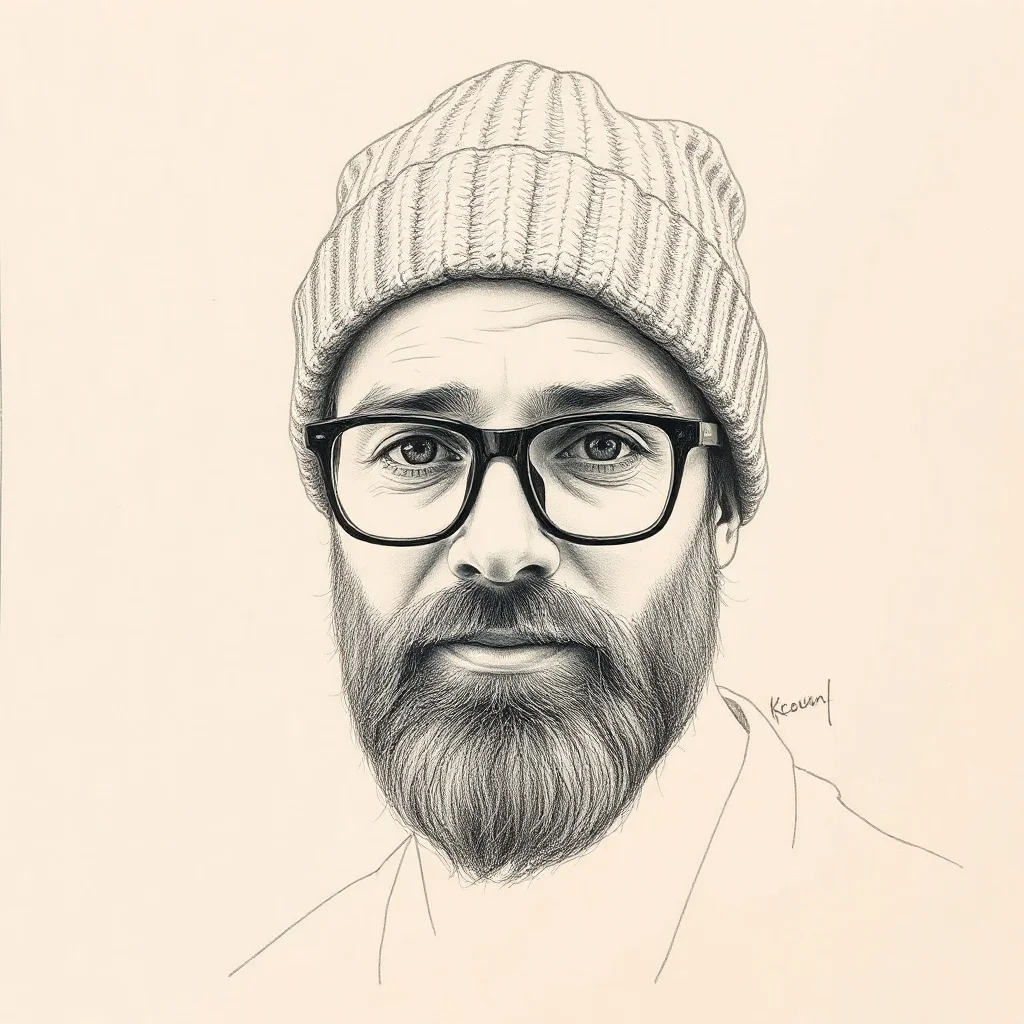
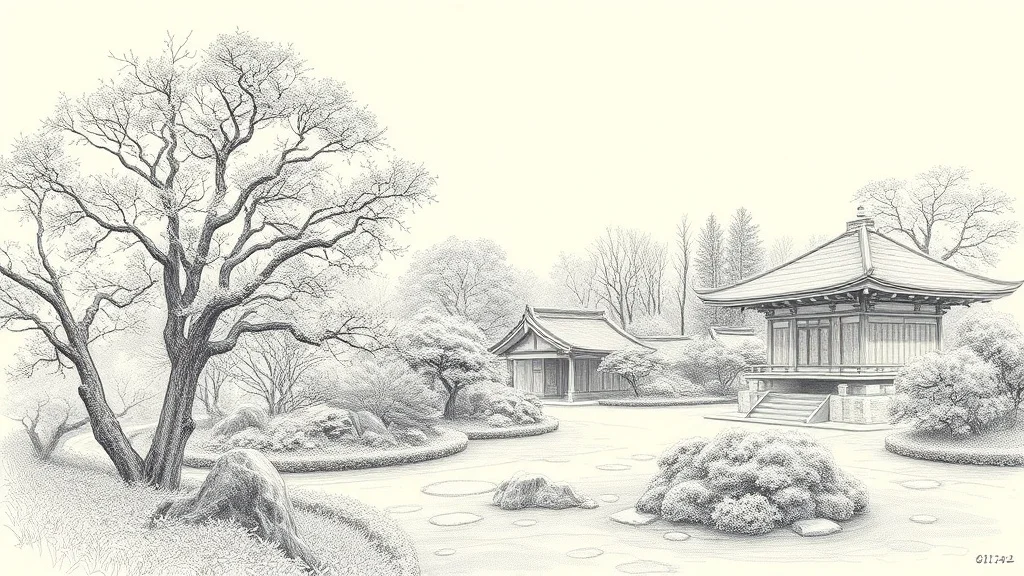
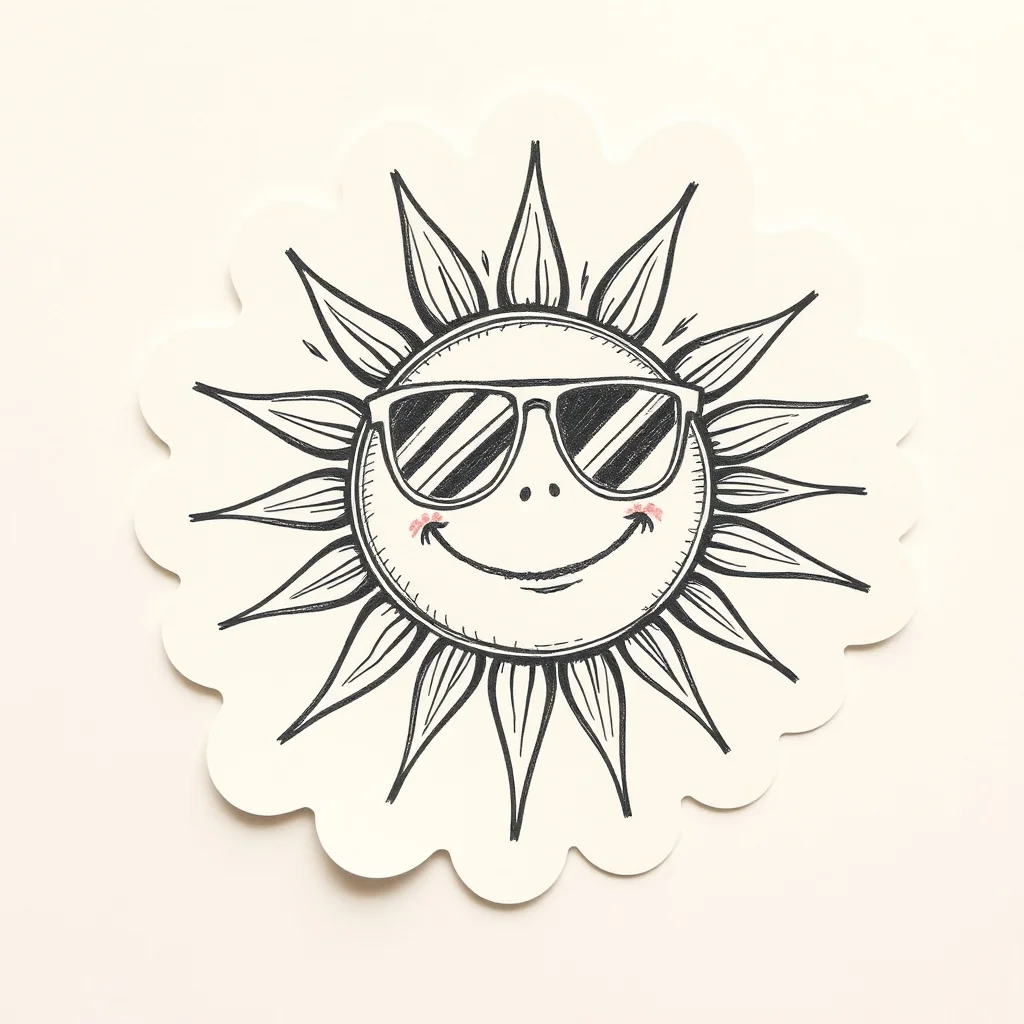
Sketch tattoo examples
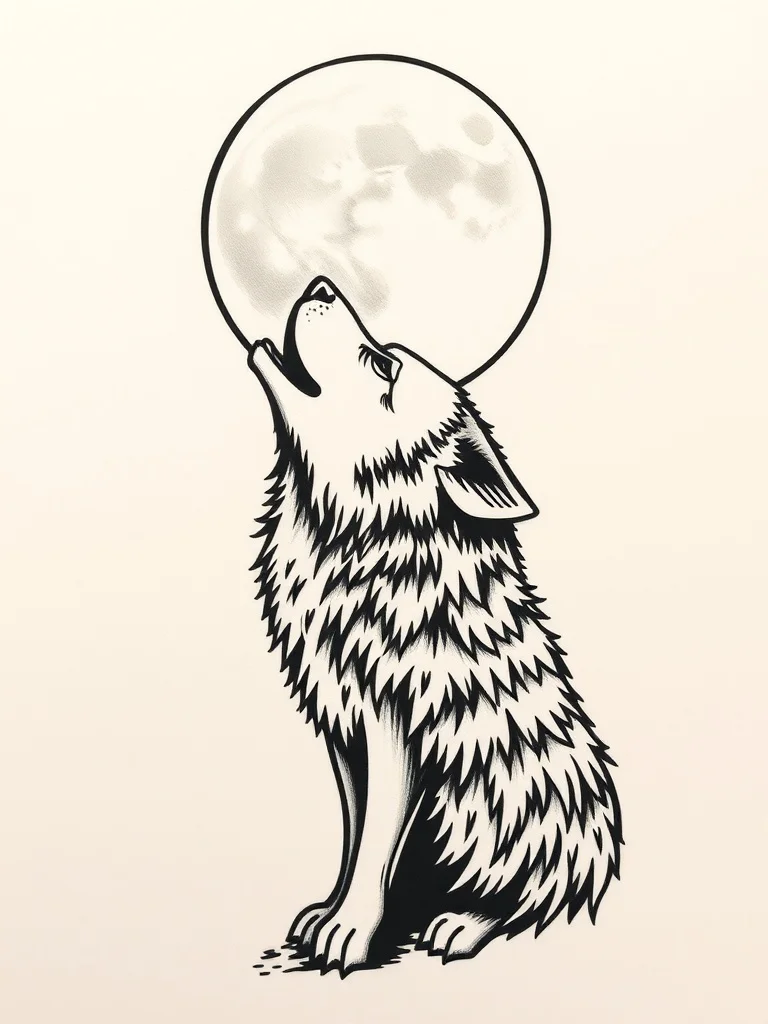
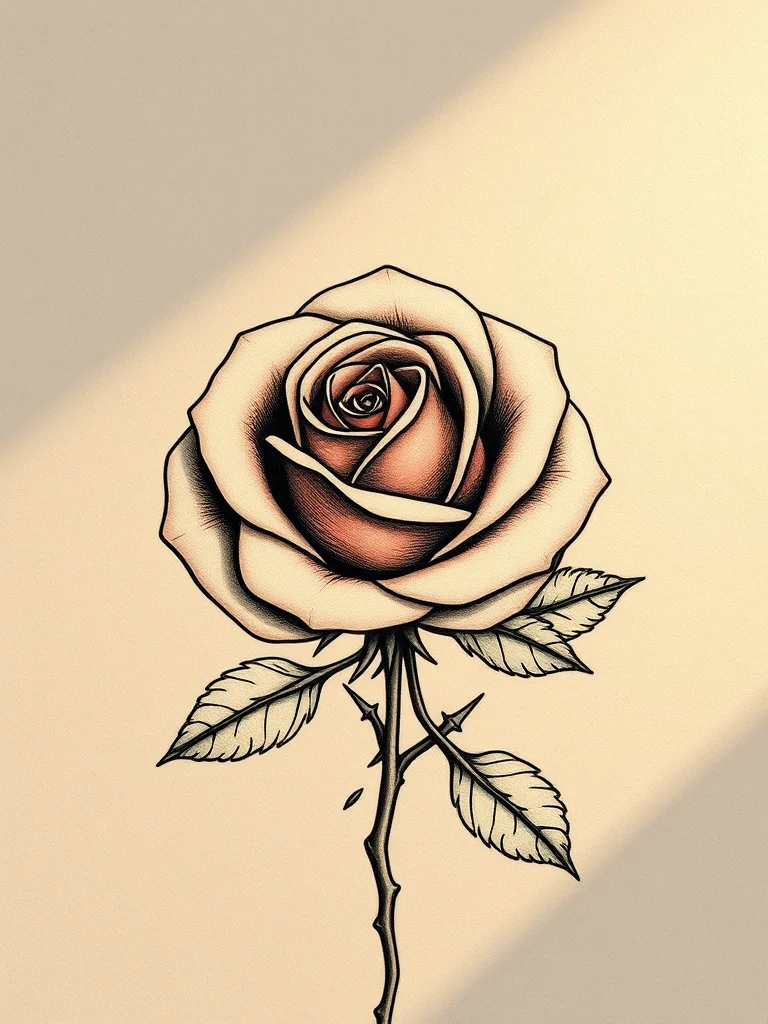
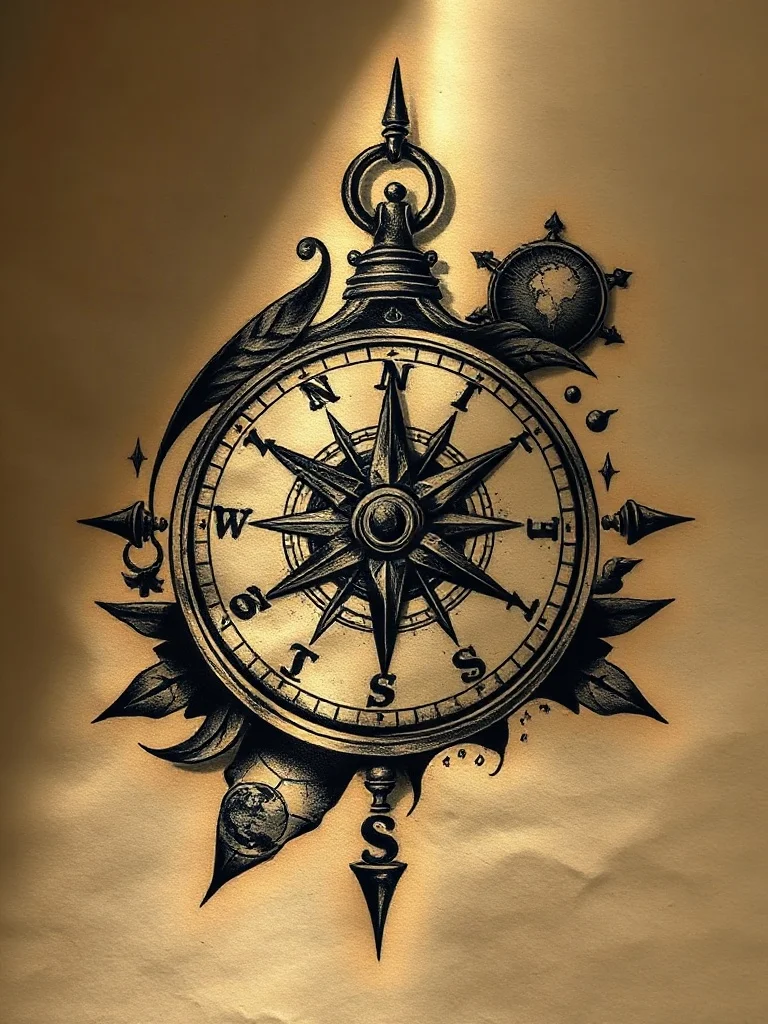
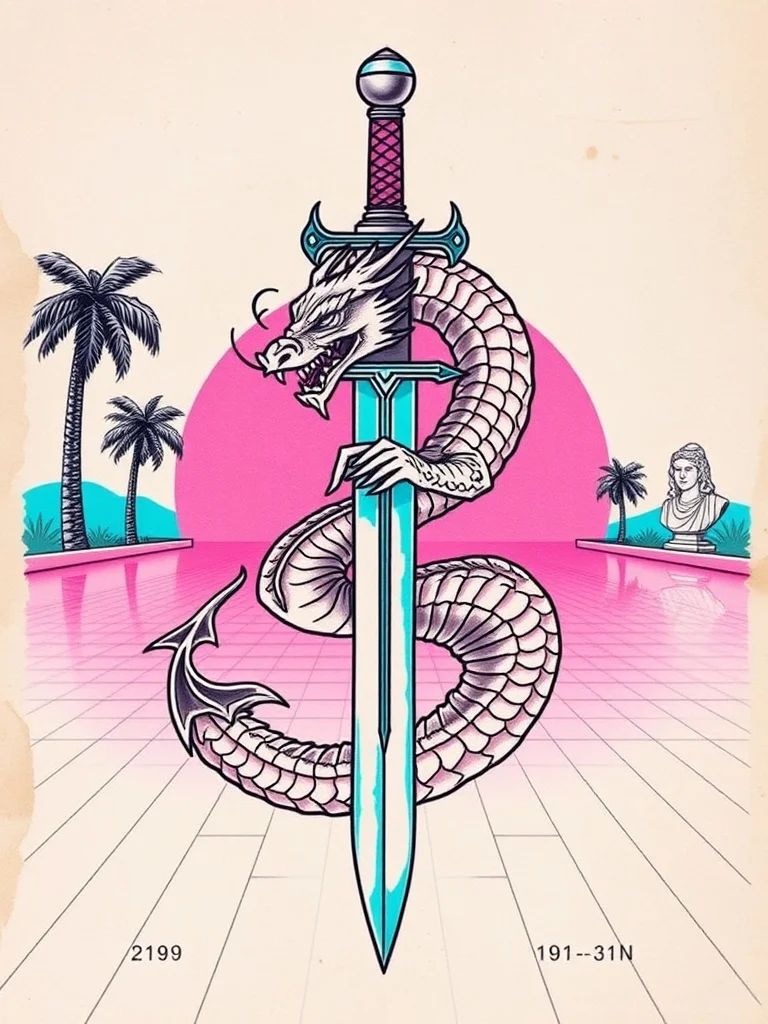
Generated with the same model and style. Click any to open the generator with that prompt loaded.
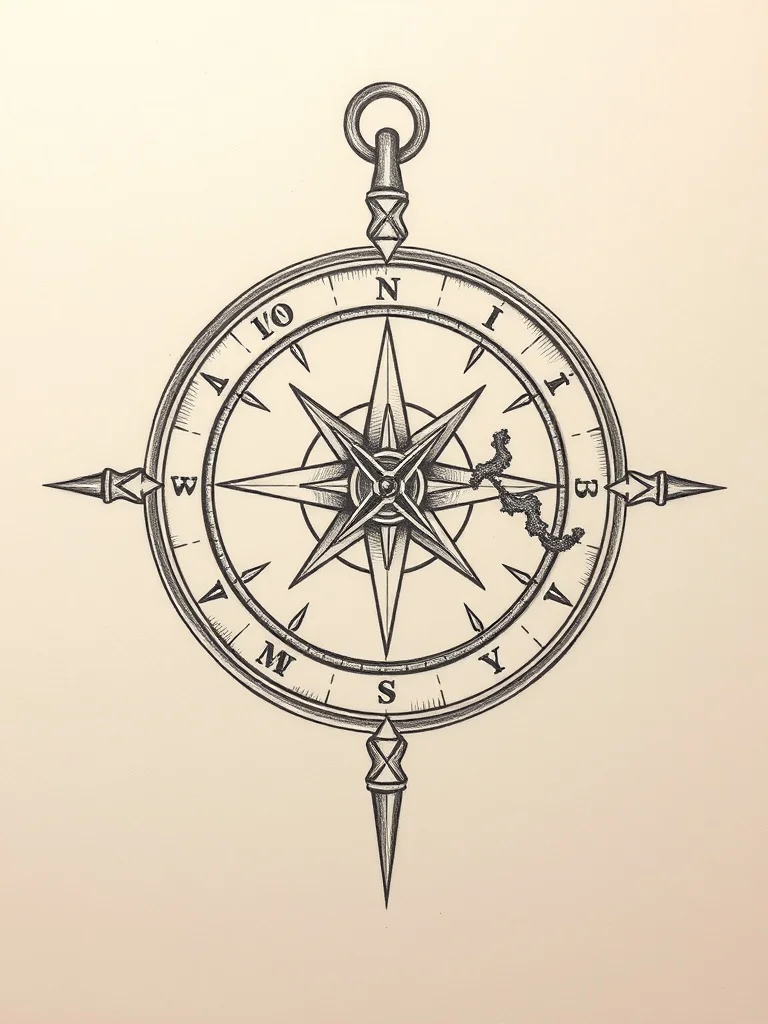
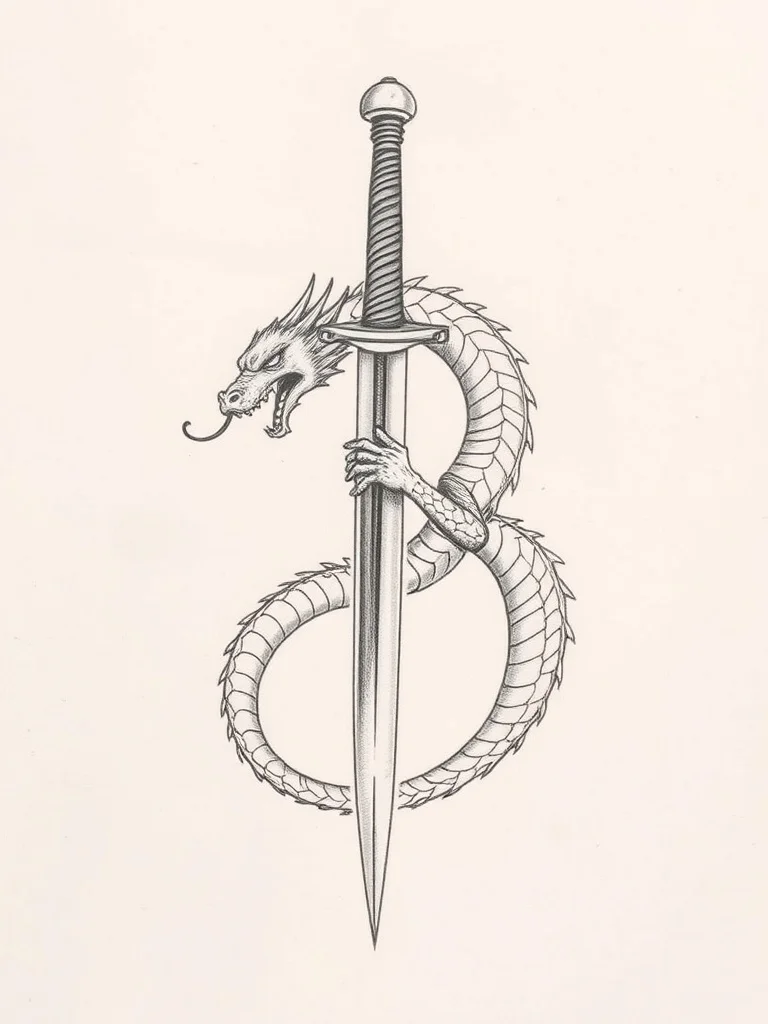
How to generate a sketch tattoo
- 1 Write your prompt
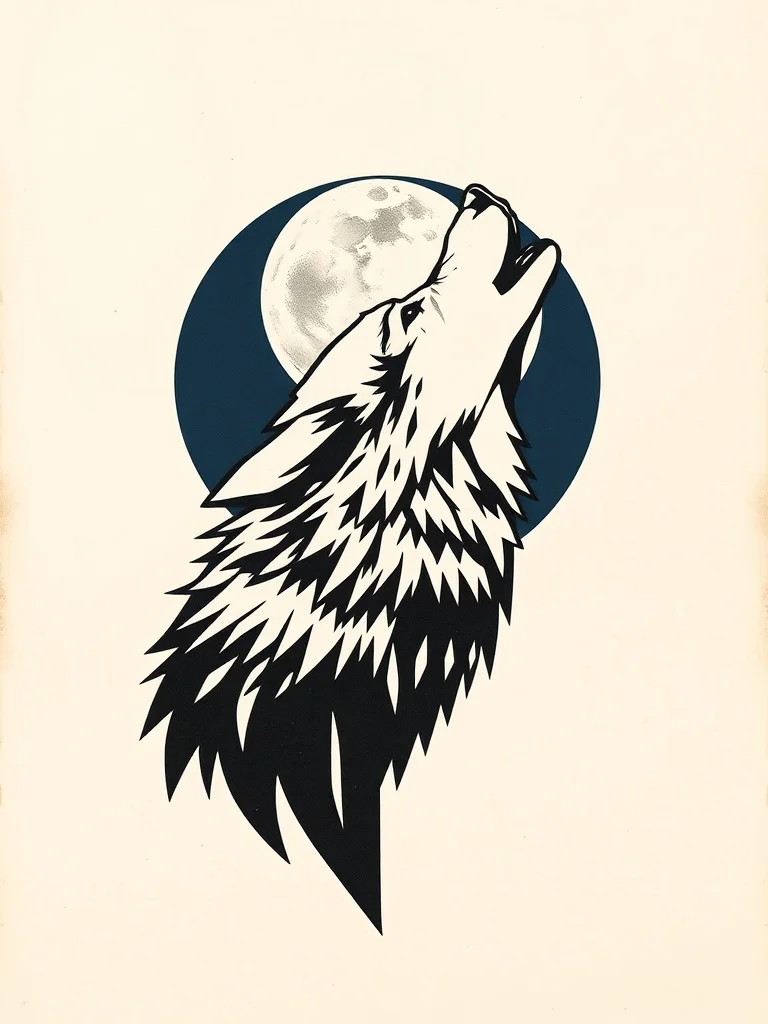
Describe what you want. Be specific. Example: "a wolf howling at the moon". The more concrete the description, the better the result.
- 2 Confirm the sketch style
The style is already applied. You don't need to mention "sketch" in your prompt unless you want to emphasize a specific aspect of it.
- 3 Generate
Click Generate. You'll get a tattoo back in a few seconds. Each click costs 1 credit on the default model.
- 4 Iterate
Not quite right? Tweak the prompt and run it again. Even small changes (one new adjective, one different noun) can shift the output significantly.
Tips for better prompts
- · Describe the subject first, then the context. "A blue mug on oak wood" works better than "blue mug".
- · Keep it loose by asking for a "rough sketch" rather than a "finished drawing," which preserves the energy of the line.
- · The sketch style is already mixed into your prompt. You don't need to repeat "sketch" in your text.
- · Think in nouns. For tattoo, naming a specific material, mood, or setting moves the result more than piling on adjectives.
- · Stuck? Open one of the example prompts from the gallery and tweak a single detail.
Frequently asked questions
What makes a good Sketch tattoo?
A tattoo design lives or dies on clean linework and contrast that still reads years later, once the ink settles and spreads. In the sketch style specifically, that means leaning into graphite hatching and cross-hatching, loose confident linework, and smudged shading rather than fighting them. renza already tunes the prompt in that direction, so your job is mostly to describe a strong subject and let the style do the rest.
Which model works best for a sketch tattoo?
For sketch work, Flux Dev keeps linework hand-drawn instead of mechanical. You can switch models from the dropdown before you generate: Flux Dev is the fast all-rounder, Hyper Realistic is built for photoreal detail, Ideogram handles text inside the image, and Nano Banana 2 is the premium pick for the most demanding results. If you are just exploring, start on Flux Dev and only switch up if the sketch look needs it.
Can I use my sketch tattoo commercially?
Yes. Every image you generate on renza is yours, including for commercial use such as client work, merchandise, print-on-demand, and resale. We don't watermark or claim ownership. The only limits: don't generate real, identifiable people without permission, and respect trademarks. Beyond that, the tattoo is yours.
How long does each tattoo take to generate?
Around 6 to 12 seconds on the default model (Flux Dev). Heavier models like Nano Banana 2 take 10 to 25 seconds. There's no queue, so you see the image as soon as it's rendered and can iterate quickly, which matters because most tattoos land after a few tries rather than the first one.
What if sketch isn't the right style for my tattoo?
You have 23 other styles to try, each tuned for a different look. Jump to the Tattoo generator hub to browse them all, or check the "More generators in Sketch style" section below if you like sketch but want a different category. You can also nudge the result with your own modifiers, like "sketch but warmer" or "sketch with more contrast".
Any tips before I generate my tattoo?
Treat these as a reference to bring to a tattoo artist, who can adapt the linework to your body and to how ink ages on skin. And one sketch-specific note: keep it loose by asking for a "rough sketch" rather than a "finished drawing," which preserves the energy of the line.