ChatGPT Image 2 Image Editor
OpenAI state-of-the-art editing. Strong prompt adherence.
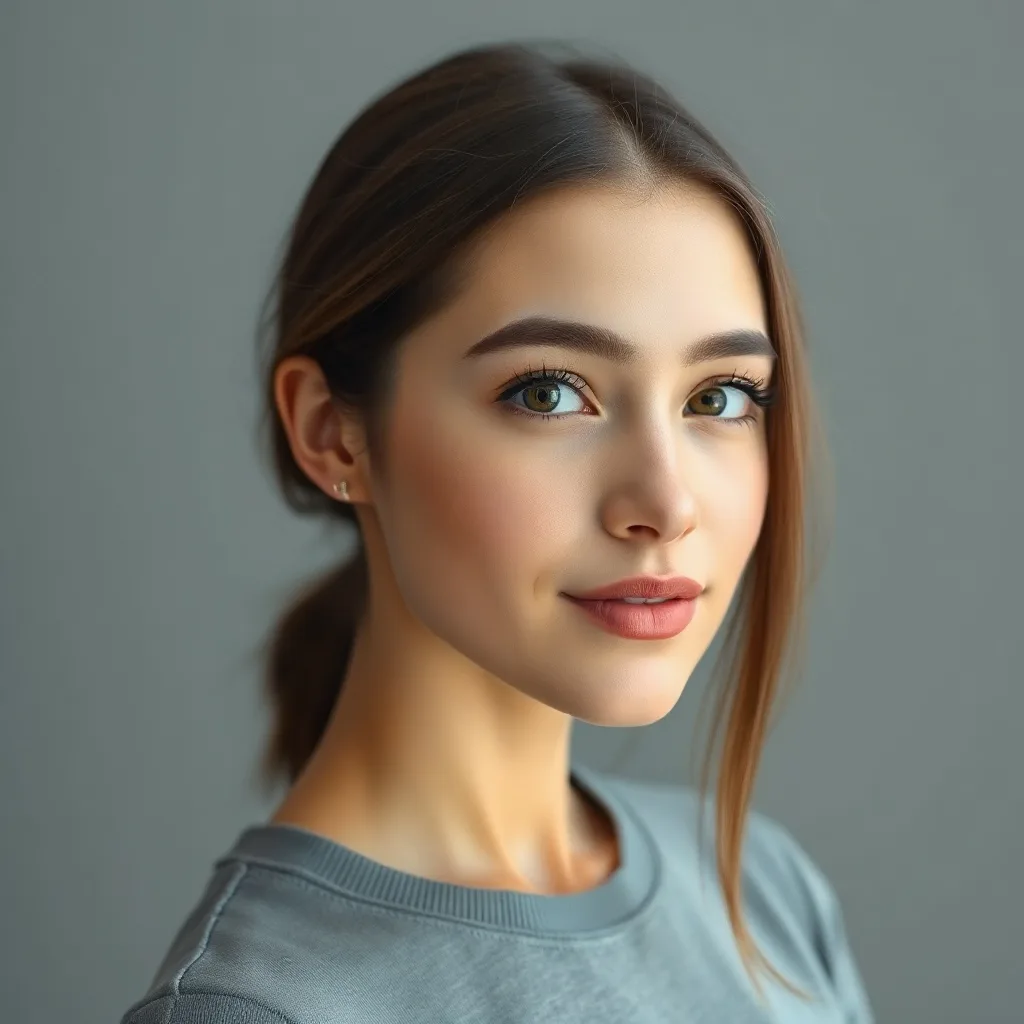
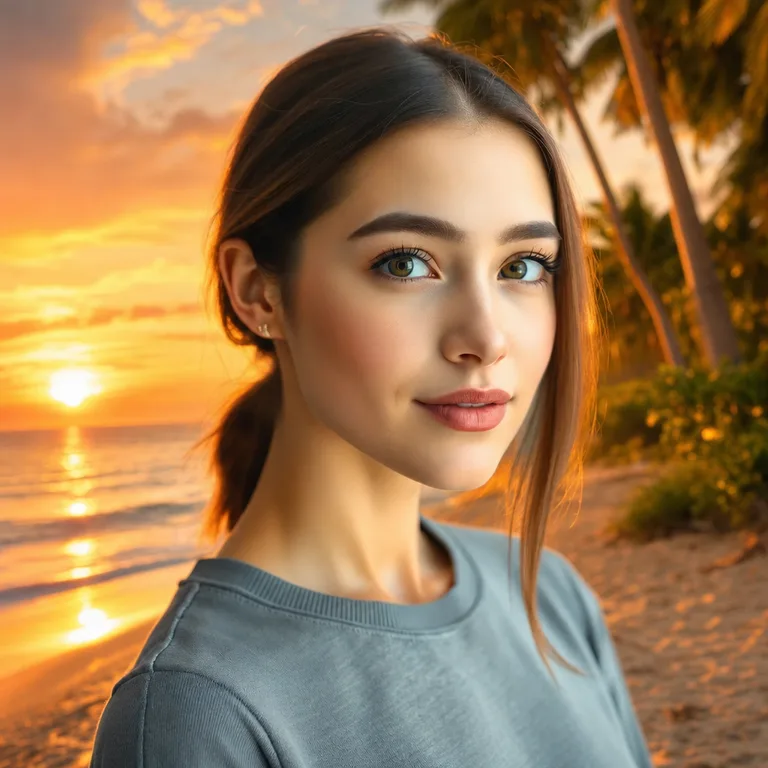
Edit: "replace the background with a vibrant sunset beach with palm trees and golden hour lighting"
About ChatGPT Image 2
GPT Image 2 is OpenAI's flagship, their answer to Flux 2 Max and Nano Banana Pro. It supports up to 4K outputs, has significantly improved fine-detail rendering, and is the strongest GPT Image variant for compound multi-step edits. Pricing scales with output resolution and quality settings, at high fidelity it's one of the more expensive options on FAL, but for hero shots and final assets the quality justifies it.
Heads up
Reference images are billed at high-fidelity rate regardless of quality settings, your real cost on multi-edit workflows can be 2-3x the quoted per-image price.
Best use cases for ChatGPT Image 2
Where this model produces meaningfully better output than alternatives.
High-resolution final outputs (up to 4K)
When you need print-ready or banner-ready dimensions, not just web thumbnails.
Hero shots and key visuals
The "one image that has to be perfect", campaign keystones, magazine covers.
Demanding compound edits
Five or more simultaneous constraints, all critical. GPT 2 follows them with high fidelity.
Reference-heavy production
Multiple input references where each contributes a different element.
Editorial typography
Best-in-OpenAI text rendering. Still behind Qwen for pure text, but very serviceable.
Tips for great results with ChatGPT Image 2
Practical tricks based on how this specific model was trained.
1. Use quality tier strategically
Why: GPT Image 2 has tunable quality settings. The cost difference between tiers is huge, don't default to high.
2. Push it on detail-critical edits
Why: GPT 2's fine-detail rendering is genuinely best-in-class. Don't hold back on detail requests.
3. Batch with care
Why: At high quality settings, each edit costs significantly more than mid-tier models. Use selectively.
Interior editing example
Same model, different task: adding a new element to an existing scene.
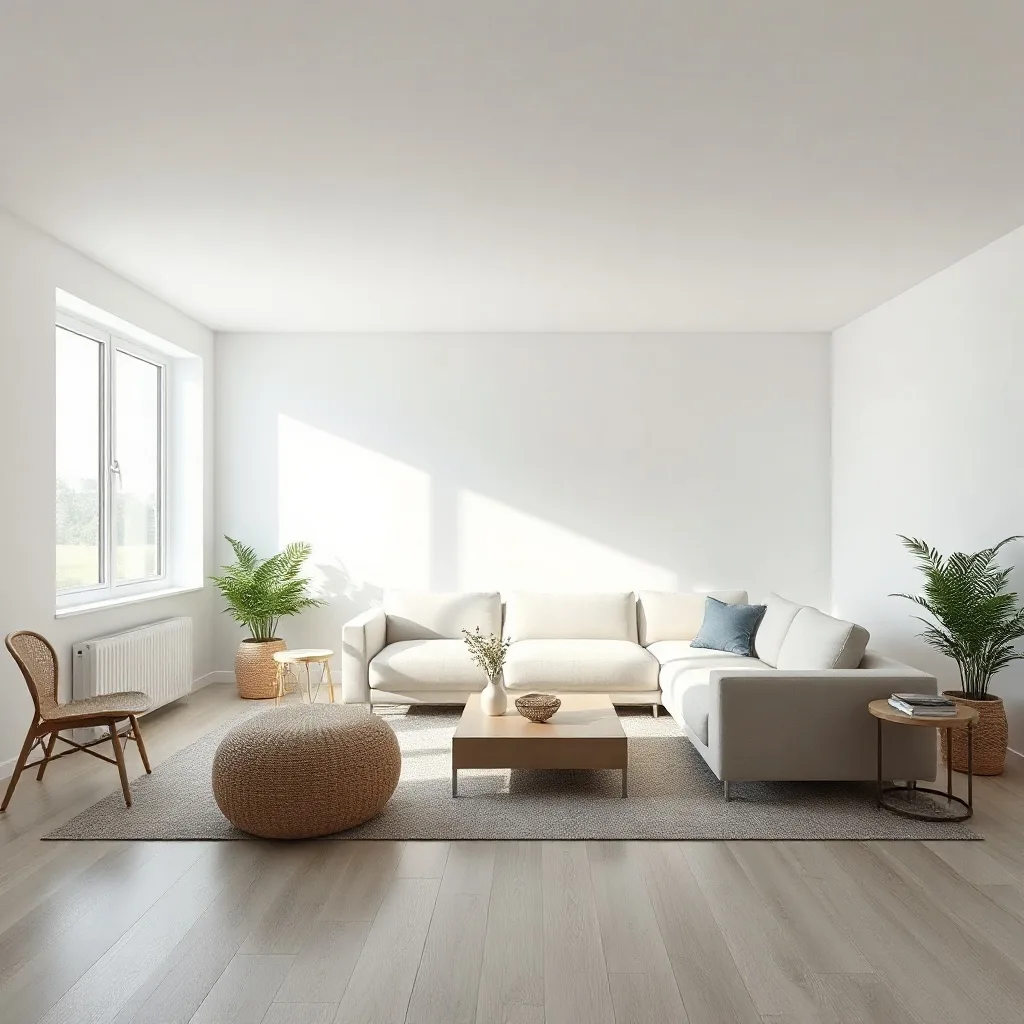
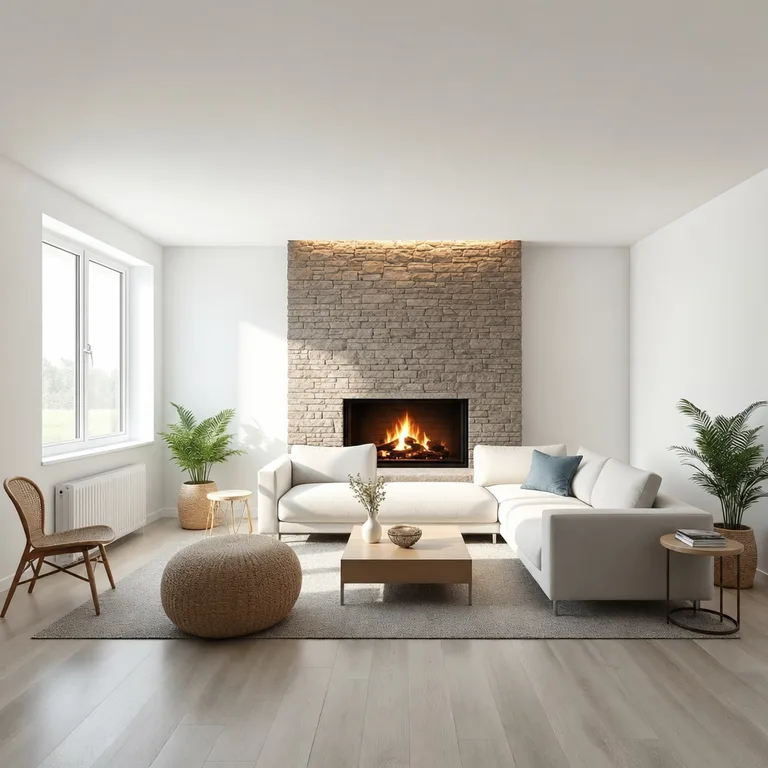
Edit: "add a tall floor-to-ceiling stone fireplace with a roaring warm fire to the wall behind the sofa"
How ChatGPT Image 2 compares
Quick comparison against the closest alternatives.
| Model | Maker | Tier | Best for |
|---|---|---|---|
| ChatGPT Image 2 | OpenAI | Premium | High-resolution final outputs (up to 4K) |
| Nano Banana Pro | Premium | Multi-person scenes | |
| Flux 2 Max | Black Forest Labs | Recommended | Editorial and magazine spreads |
Try ChatGPT Image 2 on your own image
Upload any photo, describe what to change, and ChatGPT Image 2 handles the rest.
Open editor →FAQ
What is ChatGPT Image 2 and who made it?
ChatGPT Image 2 was built by OpenAI, released in 2026. GPT Image 2 is OpenAI's flagship, their answer to Flux 2 Max and Nano Banana Pro. It supports up to 4K outputs, has significantly improved fine-detail rendering, and is the strongest GPT Image variant for compound multi-step edits. Pricing scales with output resolution and quality settings, at high fidelity it's one of the more expensive options on FAL, but for hero shots and final assets the quality justifies it.
How does pricing work on renza?
Pay-as-you-go credits, no subscription, no monthly minimums. Credits never expire. New accounts get free credits to try things out. Each model has its own credit cost based on what it costs us to run; check the editor for current pricing on this model.
What kind of edits does ChatGPT Image 2 handle well?
When you need print-ready or banner-ready dimensions, not just web thumbnails. The "one image that has to be perfect", campaign keystones, magazine covers. Five or more simultaneous constraints, all critical. GPT 2 follows them with high fidelity. Limitation: Reference images are billed at high-fidelity rate regardless of quality settings, your real cost on multi-edit workflows can be 2-3x the quoted per-image price.
How does ChatGPT Image 2 compare to other editors?
ChatGPT Image 2 is most often compared to Nano Banana Pro, Flux 2 Max. The right pick depends on your specific use case, so see "Best use cases" above for guidance, or open the editor and try them side by side on your own image.
Can I use the output commercially?
Yes. Generations made on renza are yours to use commercially. Standard FAL terms apply to the underlying models, and none of the editors in this list restrict commercial use.
Is there a free trial?
Yes, new accounts get free credits at signup, enough to try a few different models. No credit card required.